

- Name Spider (Free)
- Category Card & board
- Developer GASP Mobile Games Inc
- Available on PC, Mobile, Surface Hub, HoloLens
- OS Windows 10 version 10240.0 or higher
- languages English (United States)
Introducing Spider (Free) for Windows
Spider (Free) for Windows is a digital adaptation of the classic solitaire game, offering players a clean and engaging way to challenge their card skills on their PC. Whether you're a casual player or a card enthusiast, this app aims to bring the timeless game to your fingertips with a modern touch.
About the Developer and Core Highlights
Developed and published by GASP Mobile Games Inc., Spider (Free) embodies their focus on delivering straightforward yet enjoyable card gaming experiences. The app's primary features include multiple difficulty levels to cater to various skill sets, a smooth and intuitive user interface, and customizable game options to tailor your experience. Its aim is to appeal to all age groups, from young learners exploring card games to seasoned players seeking a quick mental refresh.
Engaging Gameplay and User Experience
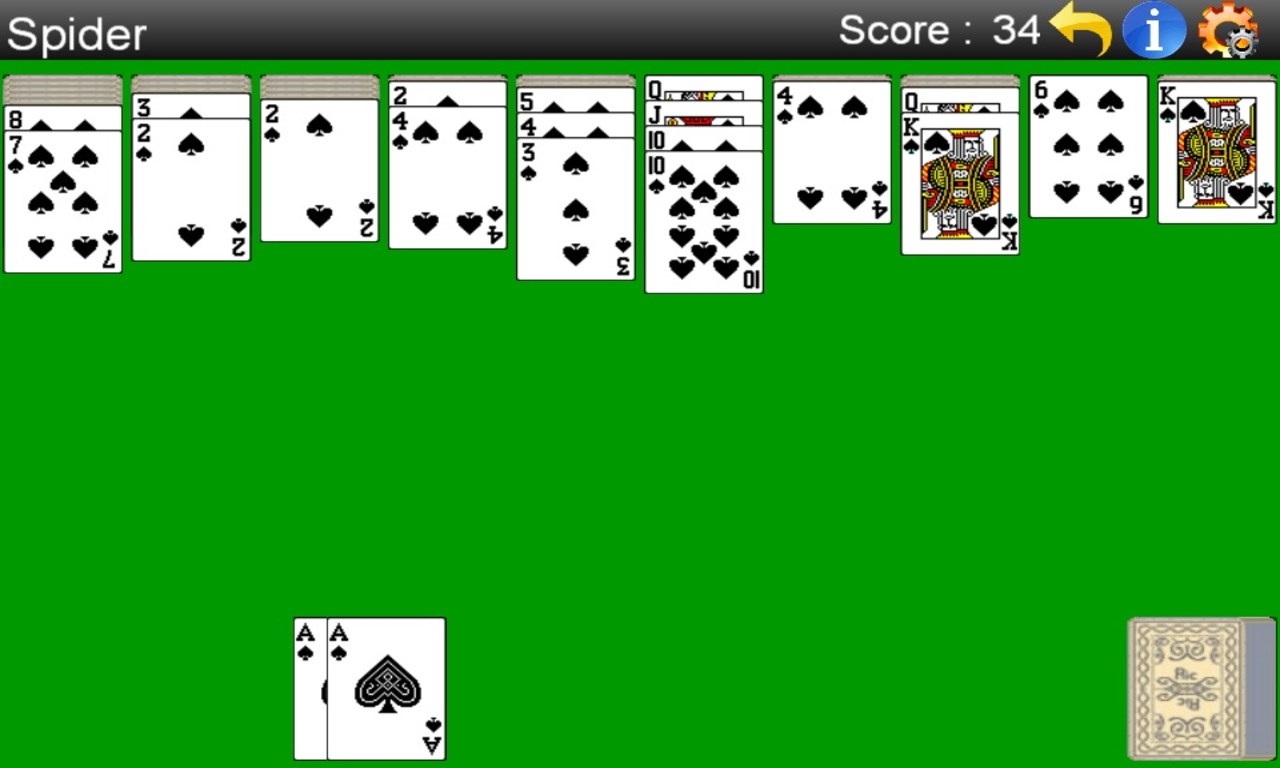
Stepping into Spider (Free), you're greeted with a sleek interface that reduces clutter and emphasizes the cards and gameplay itself—imagine entering a refined card room, where everything is designed to keep you immersed without distractions. The game's visual design adopts a minimalist aesthetic, ensuring that your focus remains on the game rather than on flashy graphics. Interaction is smooth, with drag-and-drop mechanics feeling natural, and animations are swift, making gameplay fluid and satisfying. The learning curve is gentle; newcomers can pick up the game within minutes, while seasoned players will appreciate the depth of strategic options available.
Core Functionalities That Stand Out
1. Multiple Difficulty Levels and Variants
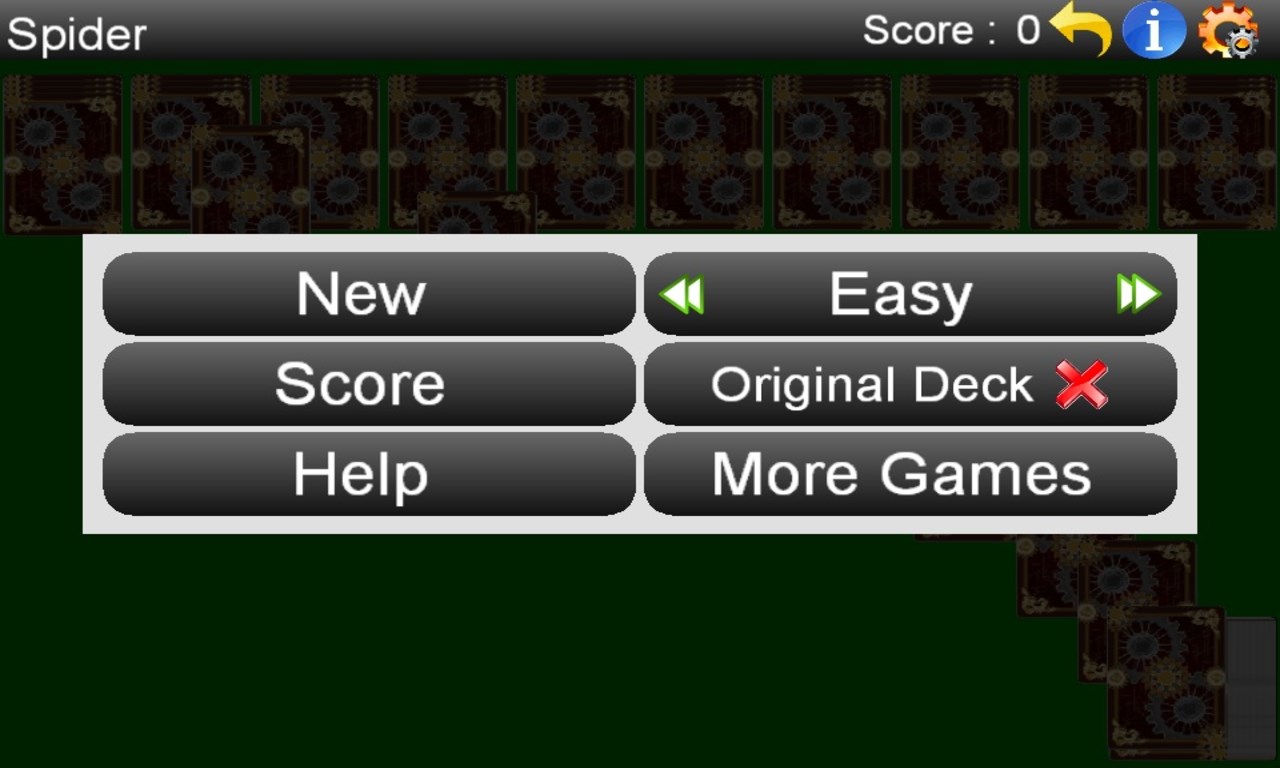
Spider (Free) offers a variety of difficulty settings—ranging from a simplified version with fewer suits to the full traditional experience with all eight suits. This tiered approach makes the game accessible for beginners while still challenging for experts aiming to perfect their strategy. The flexibility lets you select a mode that best suits your skill and mood — whether you want a quick, casual game or a deep, strategic session.
2. Customizable Game Options
Players can tweak settings such as card backgrounds, deck styles, and even the number of suits in play. This level of personalization allows for a more tailored experience, accommodating aesthetic preferences and difficulty adjustments. Think of it as decorating your own virtual card room — the app lets you set the stage just the way you like it.
3. Continuous Play and Score Tracking
The app supports autosave functionality, ensuring no progress is lost and allowing you to pause and return seamlessly. Additionally, it tracks your win/loss records and scores over time, so you can monitor your improvement and strive for mastery. This feature turns casual gameplay into a personal challenge, fueling motivation to beat your best scores.
Unique Advantages and Final Recommendations
What truly sets Spider (Free) apart from other card apps is its combination of simplicity and depth. Unlike some applications with overly complicated interfaces or limited game modes, this app manages to be user-friendly while offering enough complexity for strategic enthusiasts. Its clean design and smooth performance make it a reliable choice for quick entertainment or focused play sessions.
Considering its features, I would recommend Spider (Free) to anyone seeking an accessible yet challenging solitaire experience on Windows. It's especially well-suited for those who prefer a minimalist aesthetic and an intuitive playing environment. While not offering more modern features like online multiplayer or social integration, its core gameplay remains solid and satisfying.
In summary, Spider (Free) for Windows is a thoughtfully crafted digital rendition of a classic game, with particular strengths in customizable difficulty and an elegant user interface. If you're a fan of solitaire and want a dependable app that balances ease of use with strategic depth, it's certainly worth giving a try.
Pros
- Intuitive User Interface
- Fast Loading Speeds
- Engaging Gameplay
- Free to Download and Play
- Regular Updates
Cons
- Limited Game Depth
- In-App Advertisements
- Requires Internet Connection for Certain Features
- Limited Customization Options
- Battery Consumption











