
- Name Speech Central: Voice Reader
- Category Books & reference
- Developer Labsii Ltd.
- Available on Xbox console, PC, Mobile, Surface Hub, HoloLens
- OS Windows 10 version 18362.0 or higher
- languages Arabic, Chinese (Simplified), Dutch, English (United States), French, German, Italian, Japanese, Korean, Portuguese, Portuguese (Brazil), Spanish, Spanish (Spain)
Speech Central: Voice Reader for Windows – A Robust Text-to-Speech Solution
Speech Central is a versatile text-to-speech application designed to turn written content into natural-sounding speech, making it an invaluable tool for users seeking auditory engagement with digital texts on Windows devices.
Developed by Labsii Ltd.: Who's Behind the Voice?
Created by Labsii Ltd., a dedicated software development team specializing in accessibility and productivity tools, Speech Central embodies their commitment to enhancing user interaction with digital content through innovative speech technologies.
Key Features that Make Speech Central Stand Out
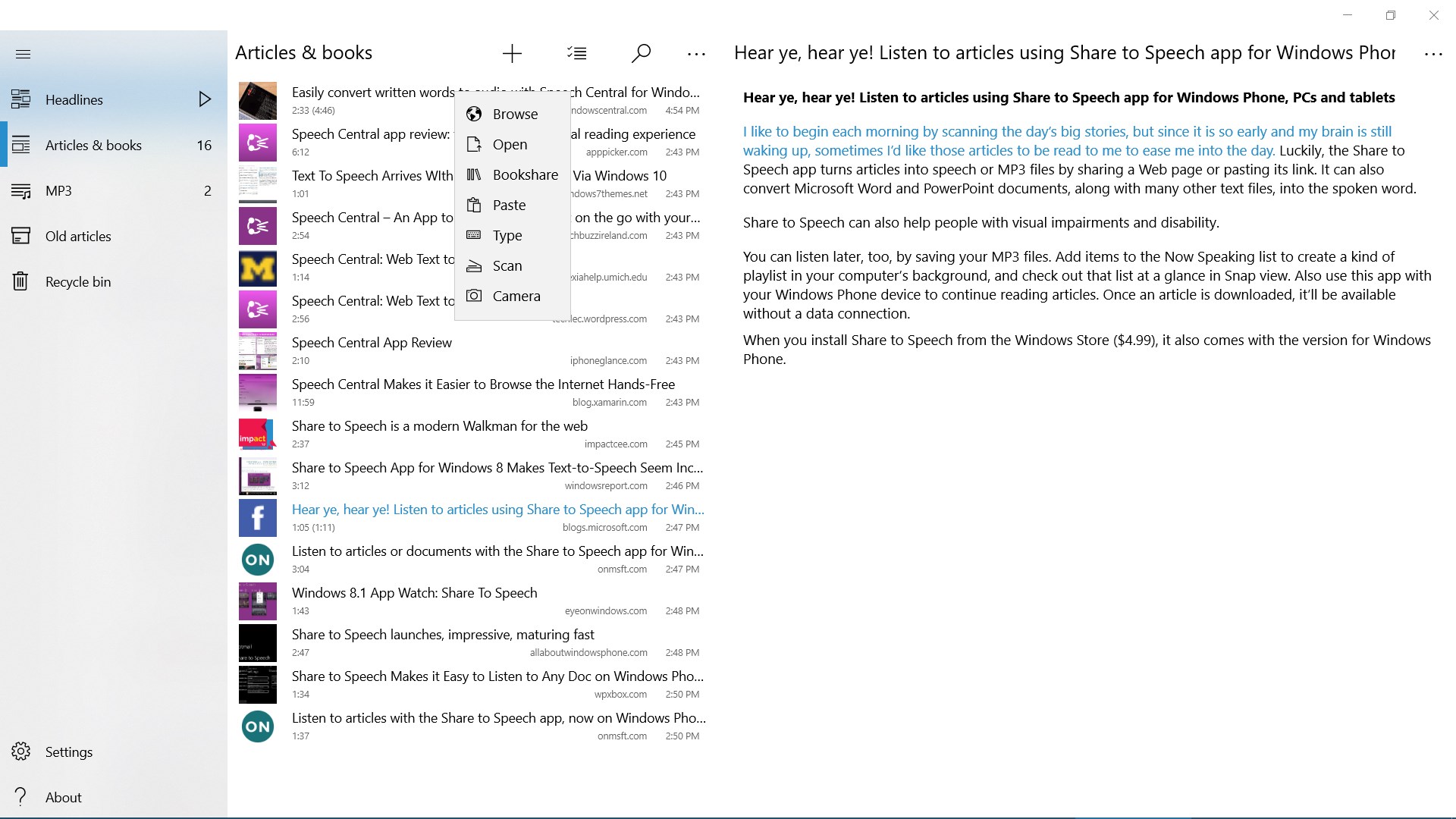
- Wide-format Compatibility: Supports a broad range of document types including EPUB, PDF, Word, and web pages, enabling seamless conversion of diverse content.
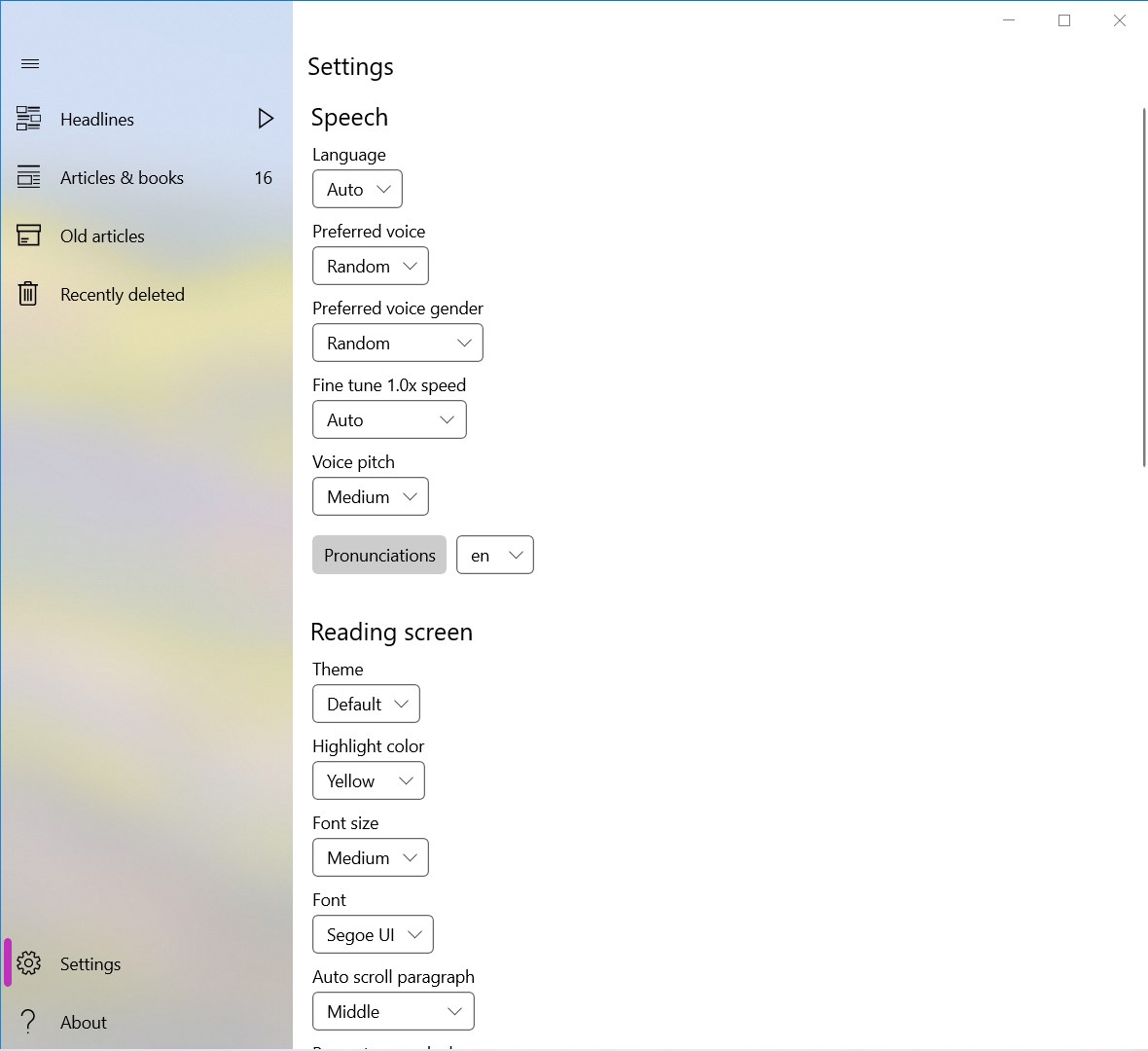
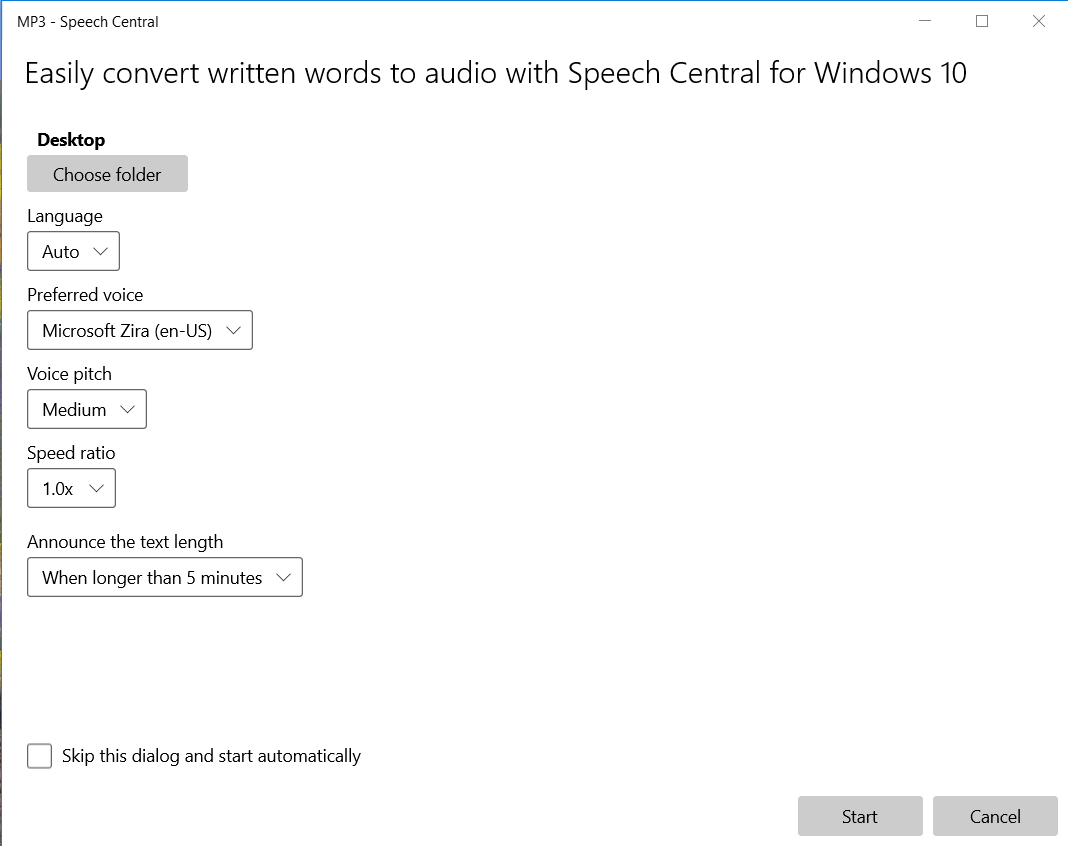
- Customizable Voice Settings: Offers an array of voice options, speeds, and pitch adjustments, allowing users to tailor the listening experience to their preferences.
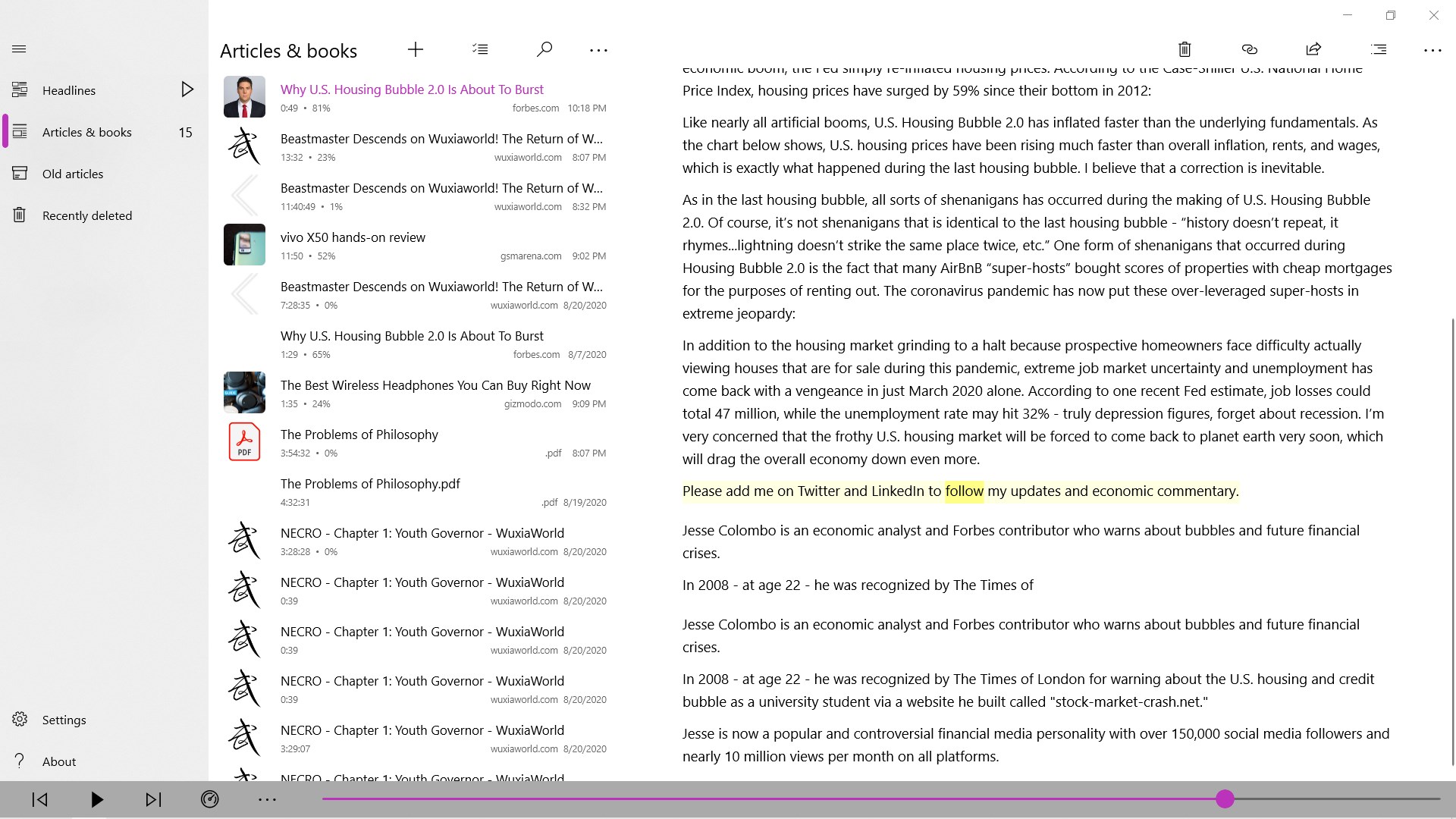
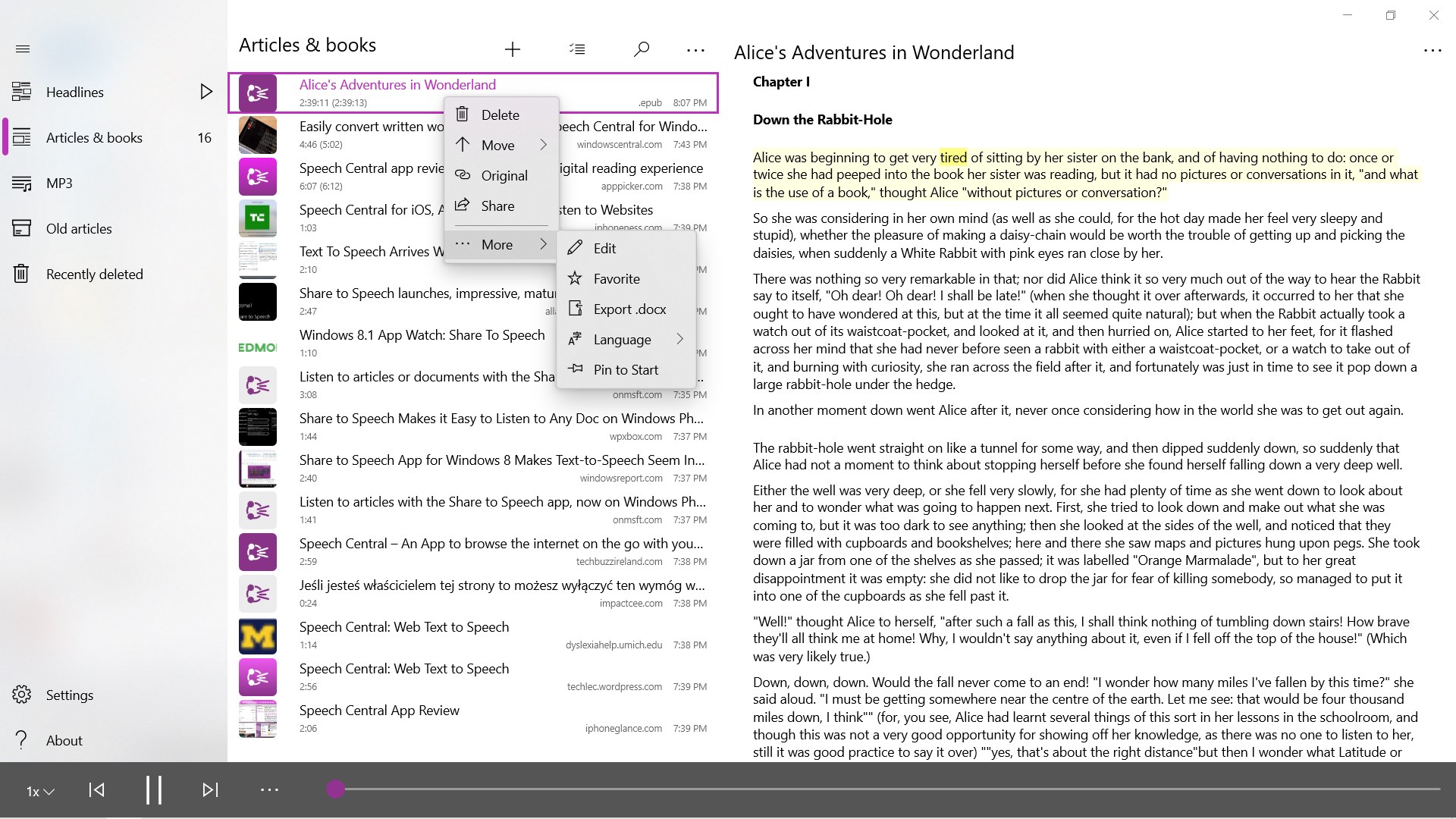
- Bookmarking and Text Management: Allows users to bookmark sections, highlight important passages, and manage reading lists for efficient content consumption.
- Multilingual Support: Provides voices and pronunciation support for multiple languages, making it suitable for global users.
An Inviting Gateway to Audible Content
Imagine sitting back after a long day, relaxing as your favorite articles or e-books are narrated effortlessly—Speech Central transforms your Windows device into a personal audiobook station. Its intuitive design and selection of high-quality voices make the experience both engaging and natural, like listening to a friendly narrator guiding you through complex topics or leisurely stories.
Deep Dive into Core Functionalities
Versatile Document Support & Content Accessibility
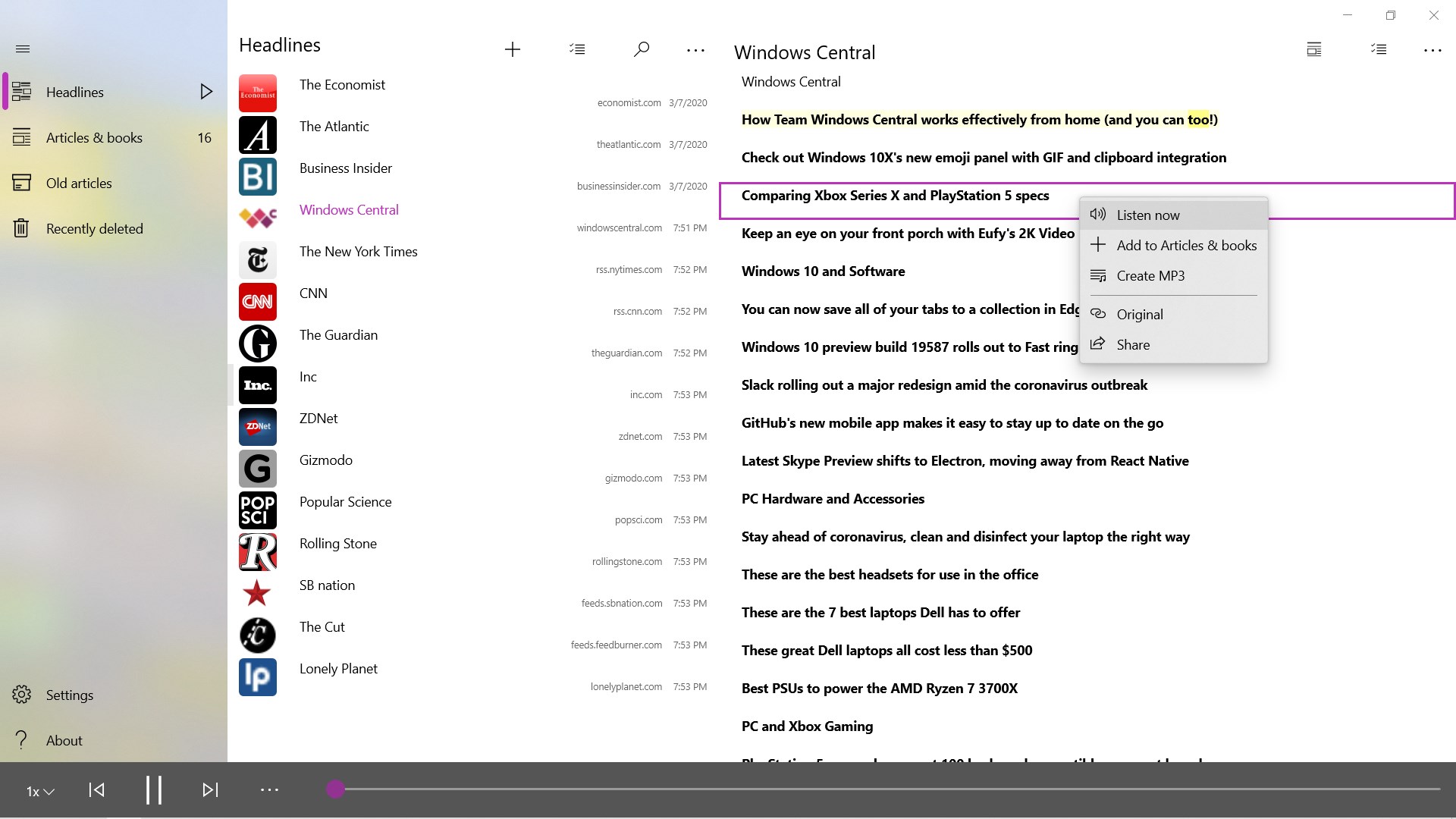
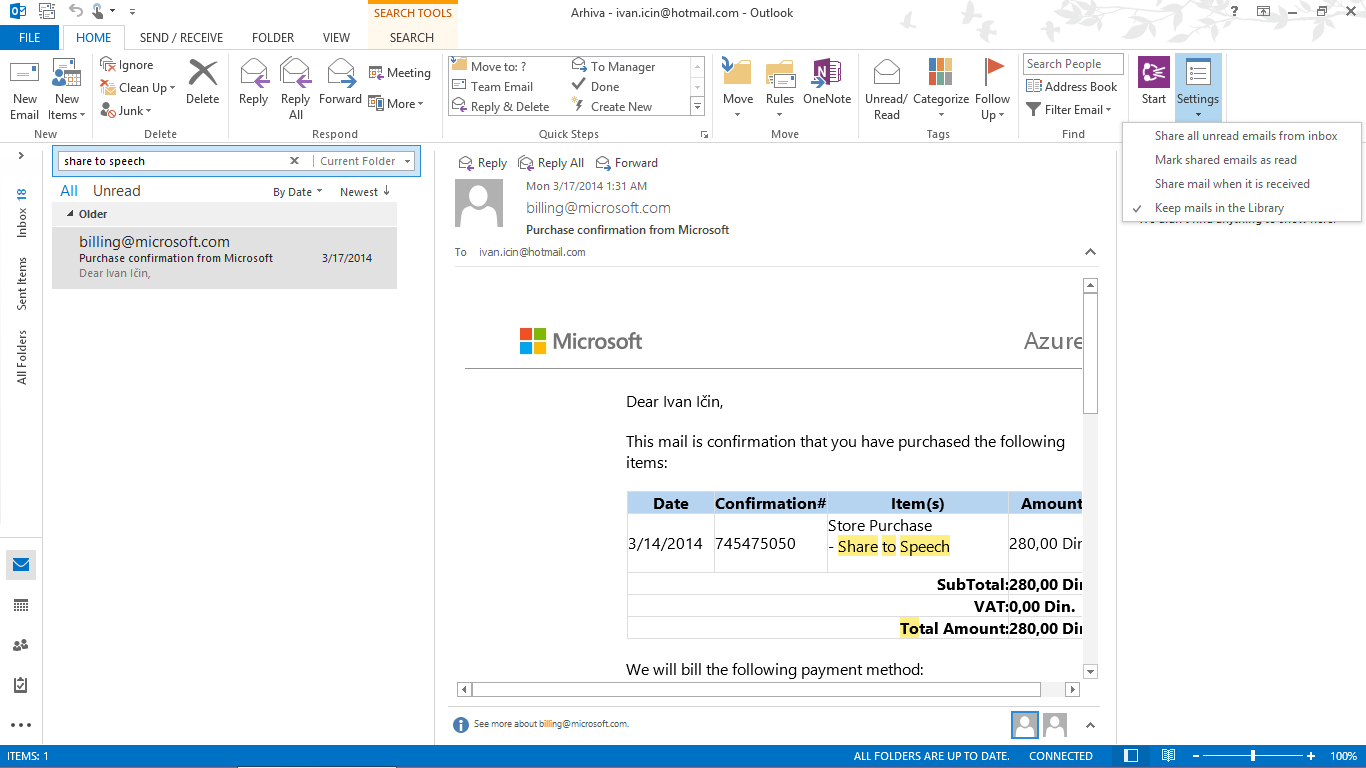
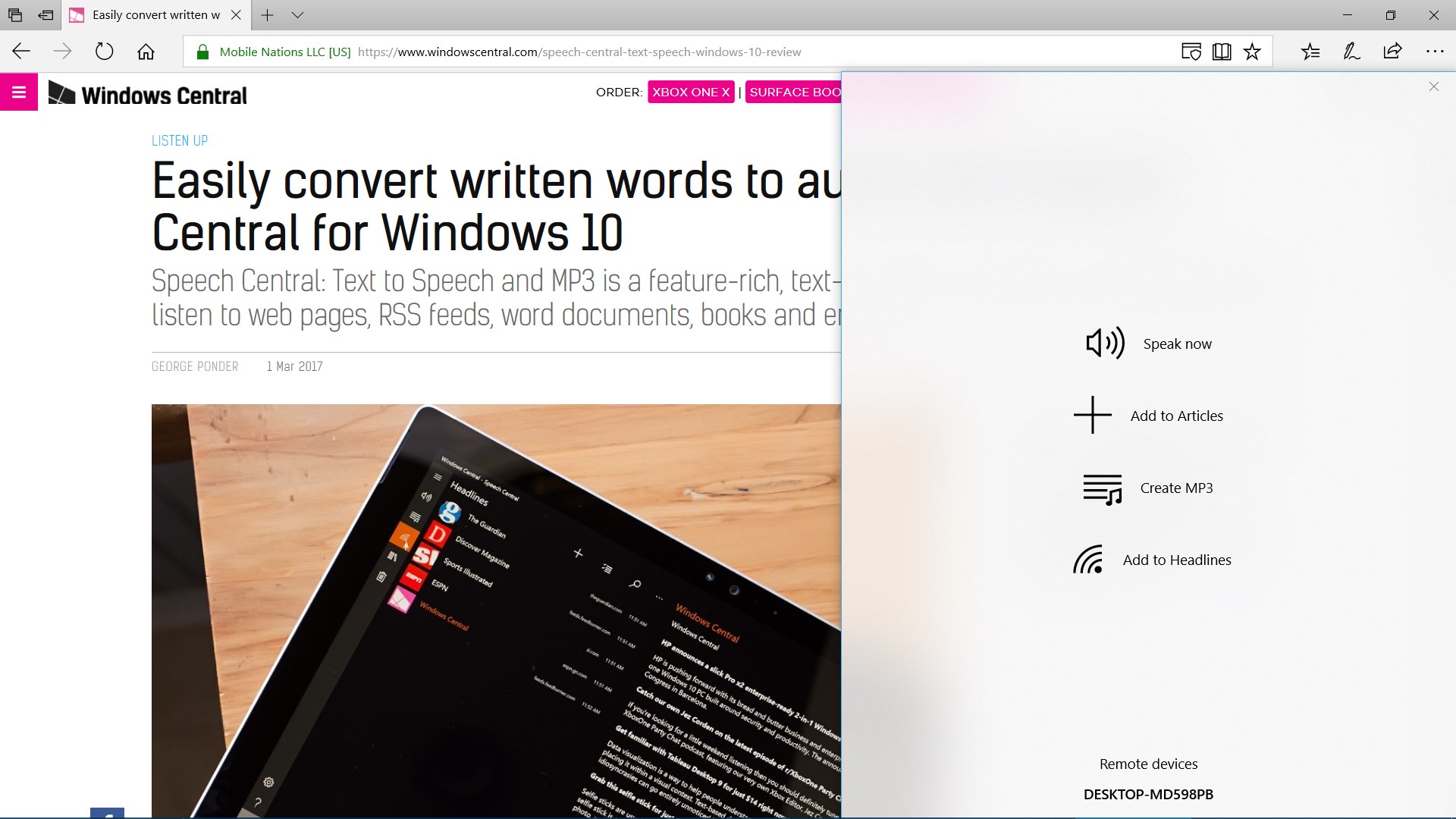
One of Speech Central's most remarkable strengths lies in its ability to handle various document formats smoothly. Whether you're reading a PDF journal, an EPUB novel, or a Word report, the app's intelligent parsing ensures that content is rendered accurately for speech. This feature is particularly advantageous for students and professionals who regularly review documents on their PC without the need to convert files manually. The app also offers browser extensions and web page support, making all online content accessible in spoken form—think of it as having a personal reader for your favorite websites.
Personalized Voice Customization & Playback Controls
The application provides multiple voices across different languages, plus flexible options to modify speech rate and pitch. This makes it adaptable to various listening preferences, whether you favor a calm narration for long reading sessions or a more energetic tone for quick summaries. The controls are straightforward; a simple interface allows you to pause, resume, skip ahead, or rewind with ease. Such responsiveness ensures a smooth, interruption-free listening experience, akin to having a swift, attentive assistant reading aloud for you.
User Experience: Design, Usability, and Learning Curve
Speech Central's interface is clean and streamlined, resembling a well-organized library—everything is easy to locate and access. Navigation feels natural, with clearly labeled buttons and minimal clutter, enabling first-time users to get started quickly without confusion. The app runs smoothly, with instant responses to user commands, demonstrating robust performance akin to a well-oiled machine. For users unfamiliar with speech synthesis tools, the learning curve is gentle; most features can be mastered within a short time, making it accessible for all skill levels.
What Sets Speech Central Apart from Its Peers?
While several text-to-speech apps exist, Speech Central's standout feature is its comprehensive document support combined with advanced text management capabilities. Its ability to handle lengthy documents without lag, coupled with bookmarking and highlighting tools, offers a quasi-book experience—perfect for both casual audiobooks and professional reading. Additionally, its focus on multilingual and accurate pronunciation support ensures that content in various languages is delivered authentically, giving it an edge over simpler TTS solutions that often struggle with localization. This makes Speech Central not just a reader but a personalized auditory portal tailored to diverse needs.
Final Thoughts and Recommendations
Overall, Speech Central emerges as a noteworthy app for Windows users looking to convert text into speech reliably and with a high degree of customization. Its strengths in document support and user-centric design make it suitable for students, professionals, and avid readers alike. If your goal is to transform your digital reading into a hands-free experience without sacrificing quality or control, this application deserves serious consideration. For anyone seeking a dependable, feature-rich voice reader with thoughtful features, Speech Central is a candidate worth trying out—think of it as your personal narrator, always ready to read at your command.
Pros
- High-Quality Voice Synthesis
- Multiple Language Support
- Customizable Playback Settings
- Text Import Flexibility
- Cloud Synchronization
Cons
- Limited Free Features
- Occasional Pronunciation Errors
- UI Complexity for Beginners
- Limited Offline Functionality in Free Version
- Rendering Formatting May Occasionally Be Inaccurate