- Name Kortext
- Category Books & reference
- Available on PC, Surface Hub
- OS Windows 10 version 18362.0 or higher
- languages English (United States), German
Elevate Your Study Routine with Kortext for Windows
Imagine having a vast library of academic resources right at your fingertips, seamlessly integrated into your Windows experience—that's what Kortext for Windows promises. Designed for students and professionals alike, this app aims to transform the way you access, annotate, and organize your digital textbooks and reference materials.
About the App and Its Creators
Developed by the innovative team at Kortext, a company renowned for its commitment to enhancing digital learning, this application combines user-friendly design with robust features tailored for academic engagement. Its primary goal is to provide effortless access to comprehensive e-books and reference materials, allowing users to study smarter, not harder.
Core features include an intuitive annotation system, seamless cross-device synchronization, and an extensive library of academic titles. Tailored mainly for students, educators, and lifelong learners, Kortext for Windows positions itself as a versatile tool for anyone serious about their studies.
A Fresh Take on Digital Reading: First Impressions
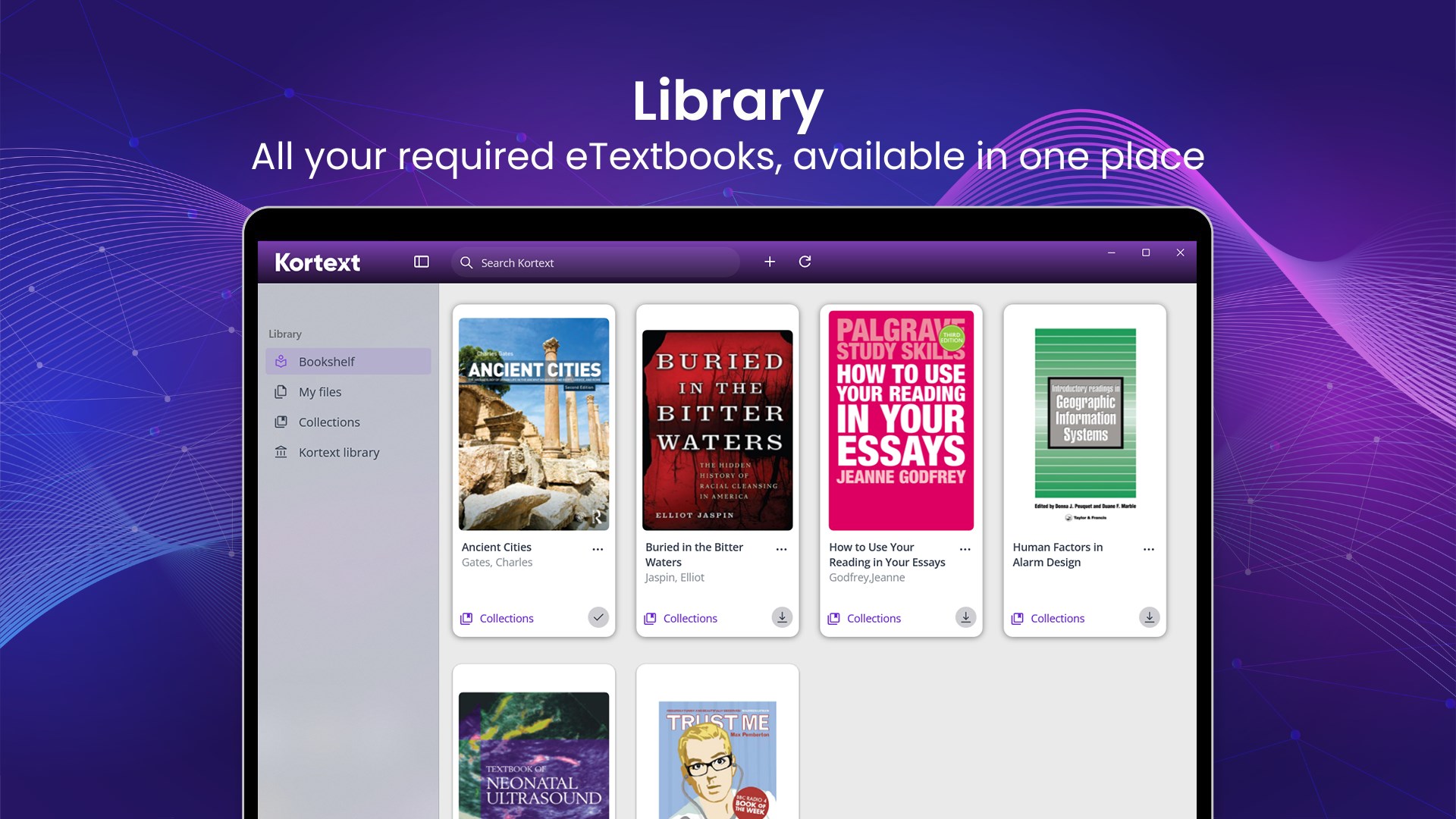
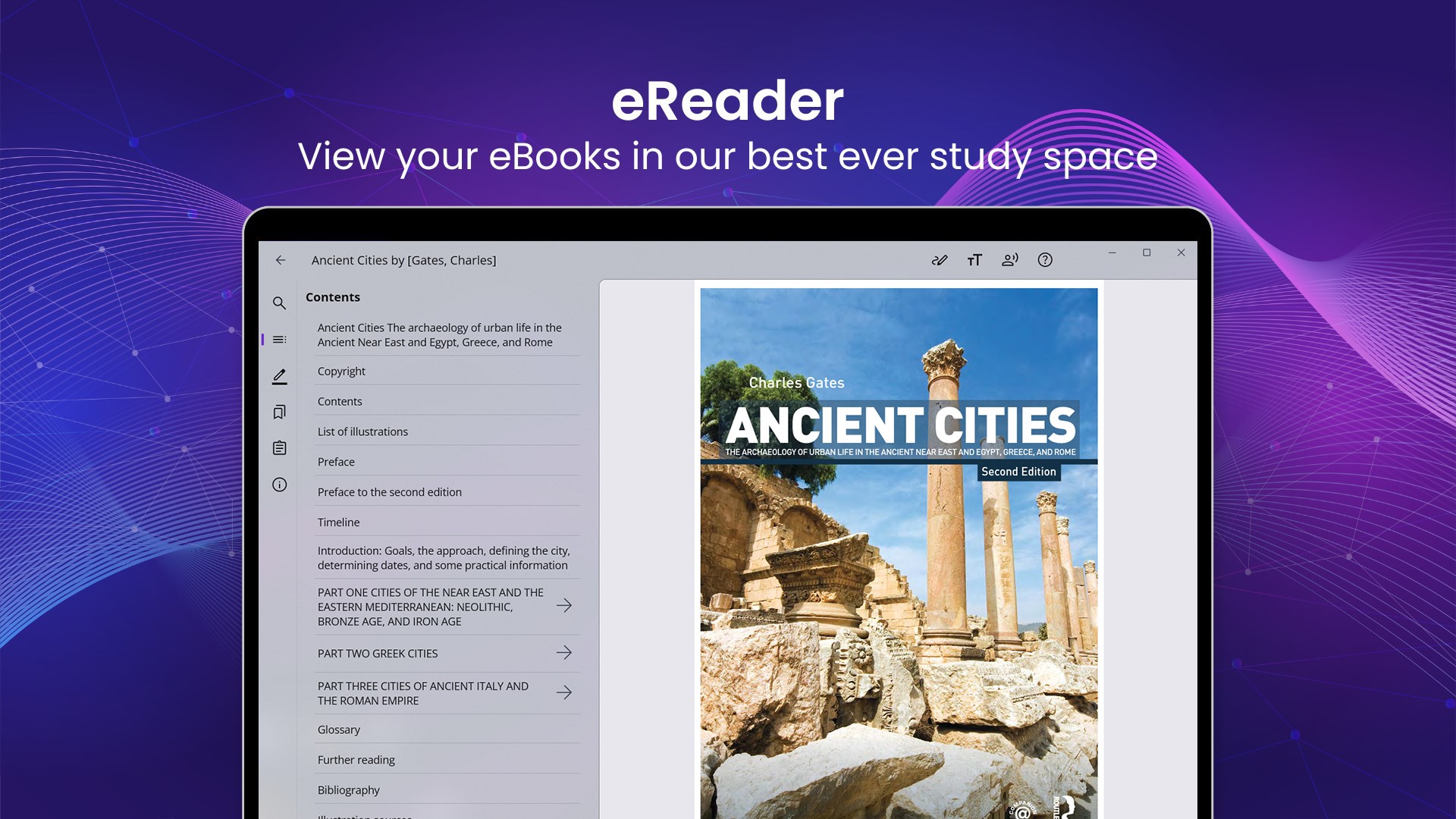
Stepping into the world of Kortext for Windows feels like entering a well-organized, digital bookshelf tailored for your academic pursuits. The interface exudes professionalism yet remains inviting—think of it as a cozy study corner equipped with a smart assistant. The app's design encourages exploration without overwhelming, making the learning journey enjoyable rather than a chore. Navigating through your digital library becomes as smooth as flipping through physical pages, thanks to its responsive and streamlined operation.
Core Features that Make a Difference
1. Powerful Annotation Tools and Note-Taking
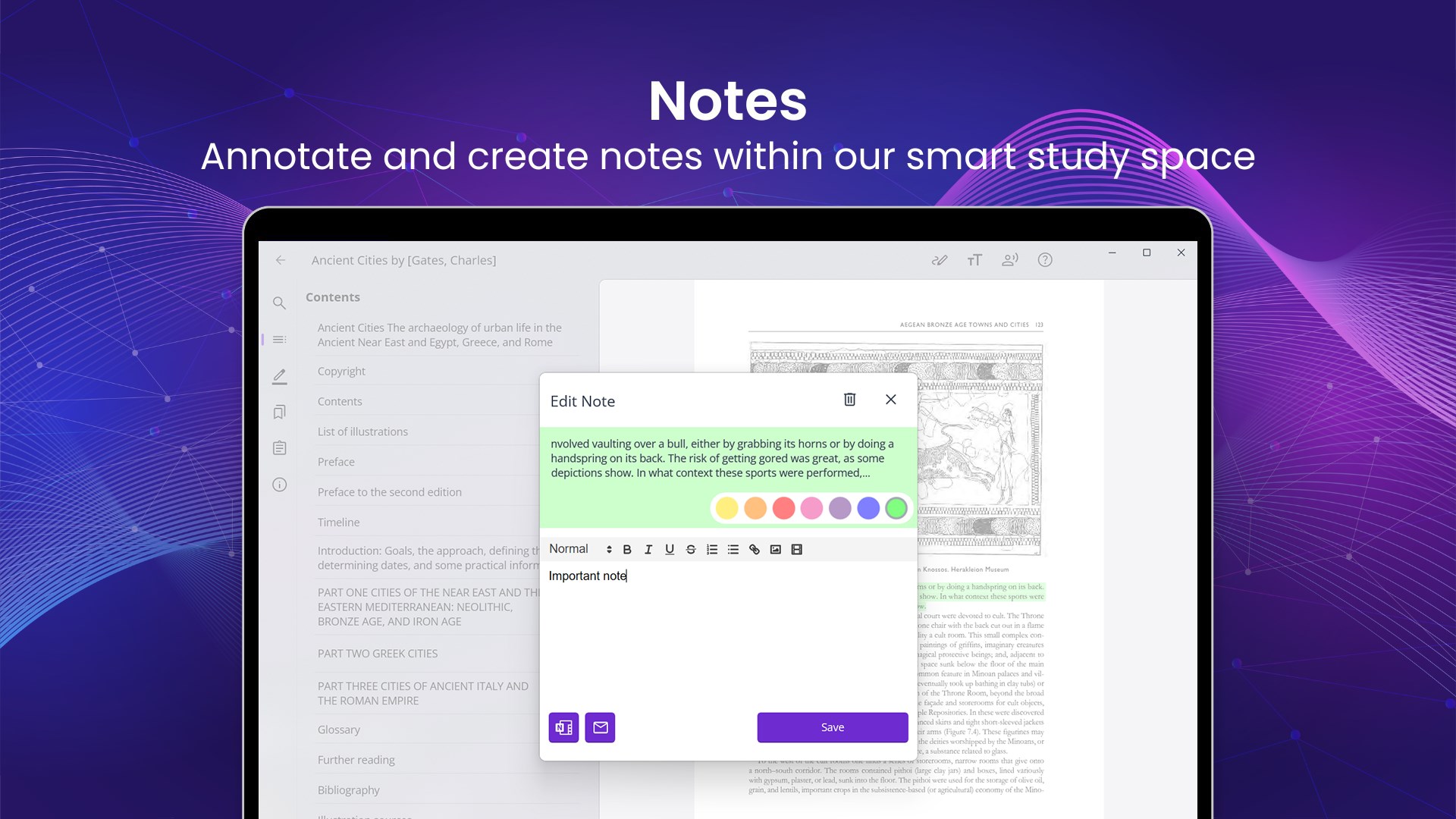
This feature is akin to having a digital highlighter and sticky notes at your disposal, but with much more flexibility. Whether you're marking important passages, adding detailed comments, or highlighting key concepts, the annotation system is intuitive and unobtrusive. What sets it apart is the ability to organize annotations across multiple documents, making review sessions more efficient. It's like turning your textbooks into personalized study guides with just a few clicks.
2. Seamless Cross-Device Synchronization
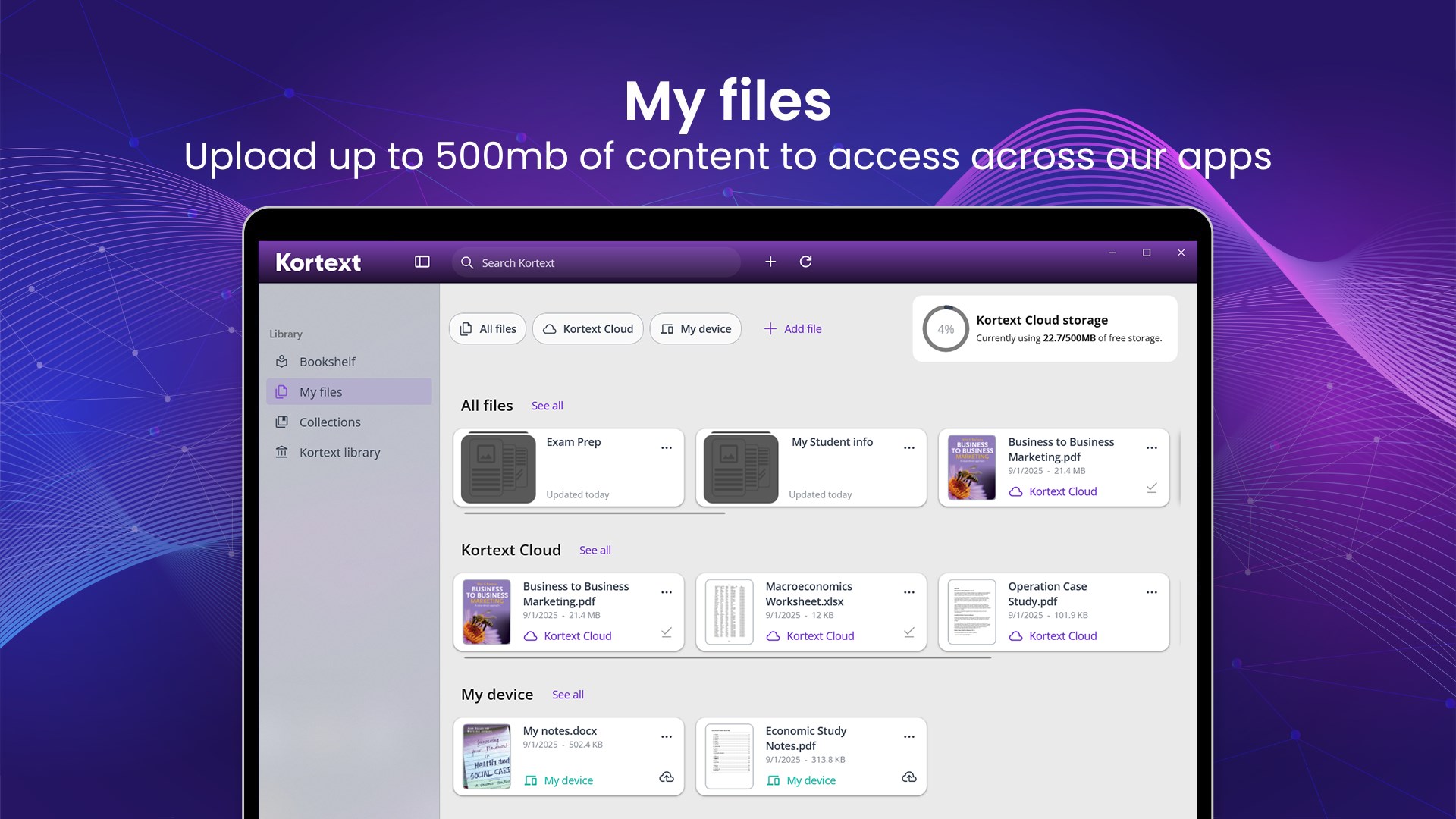
One of Kortext's standout features is its synchronization capability. Study on your Windows laptop during the day, then pick up from where you left off on your tablet or smartphone—instantaneously. The app ensures your notes, highlights, and bookmarks are kept up-to-date across devices. This continuous flow mimics the convenience of a library patron who carries a notebook everywhere, but in a smarter, more organized fashion.
3. Extensive and Up-to-Date Library Access
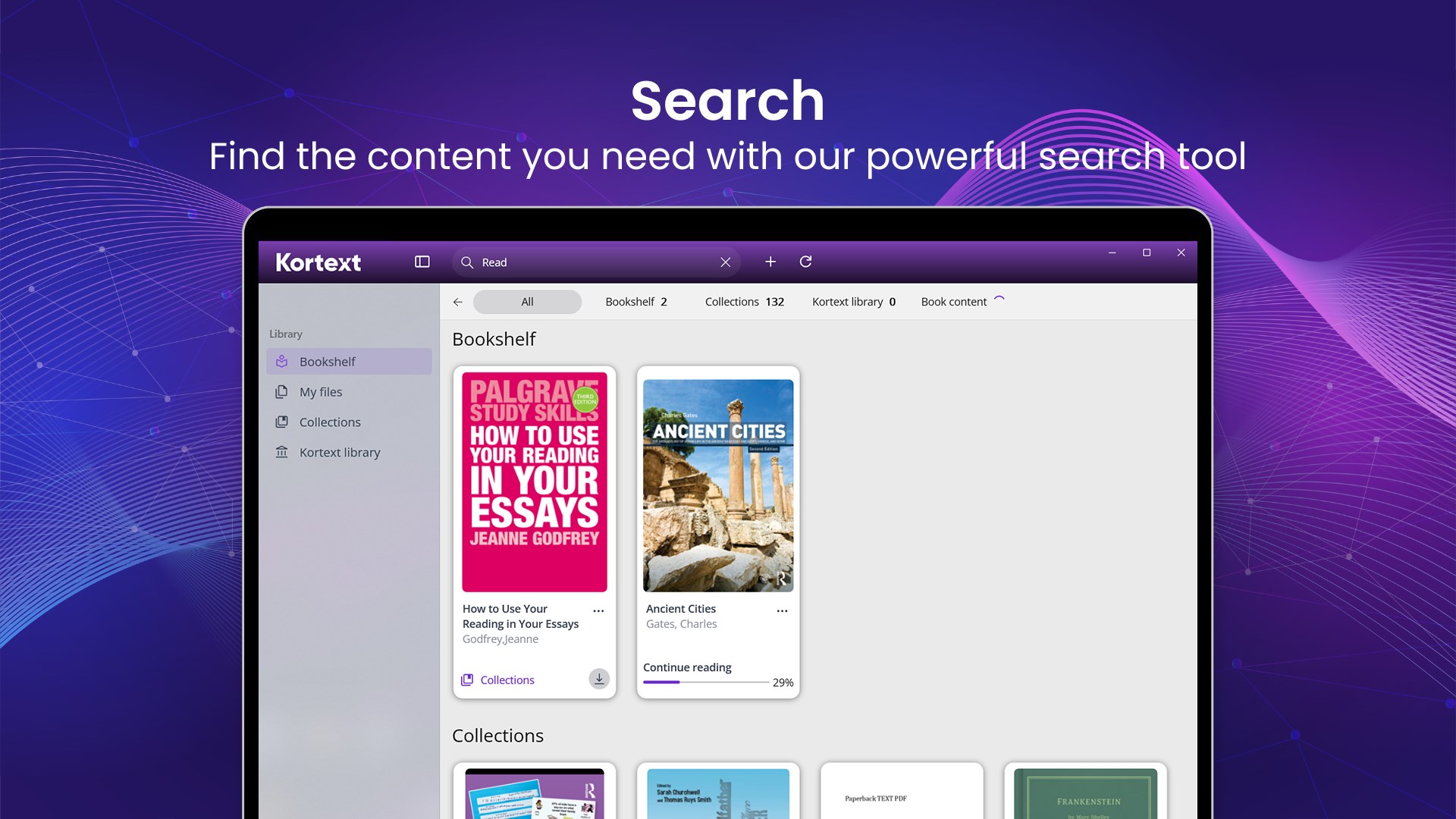
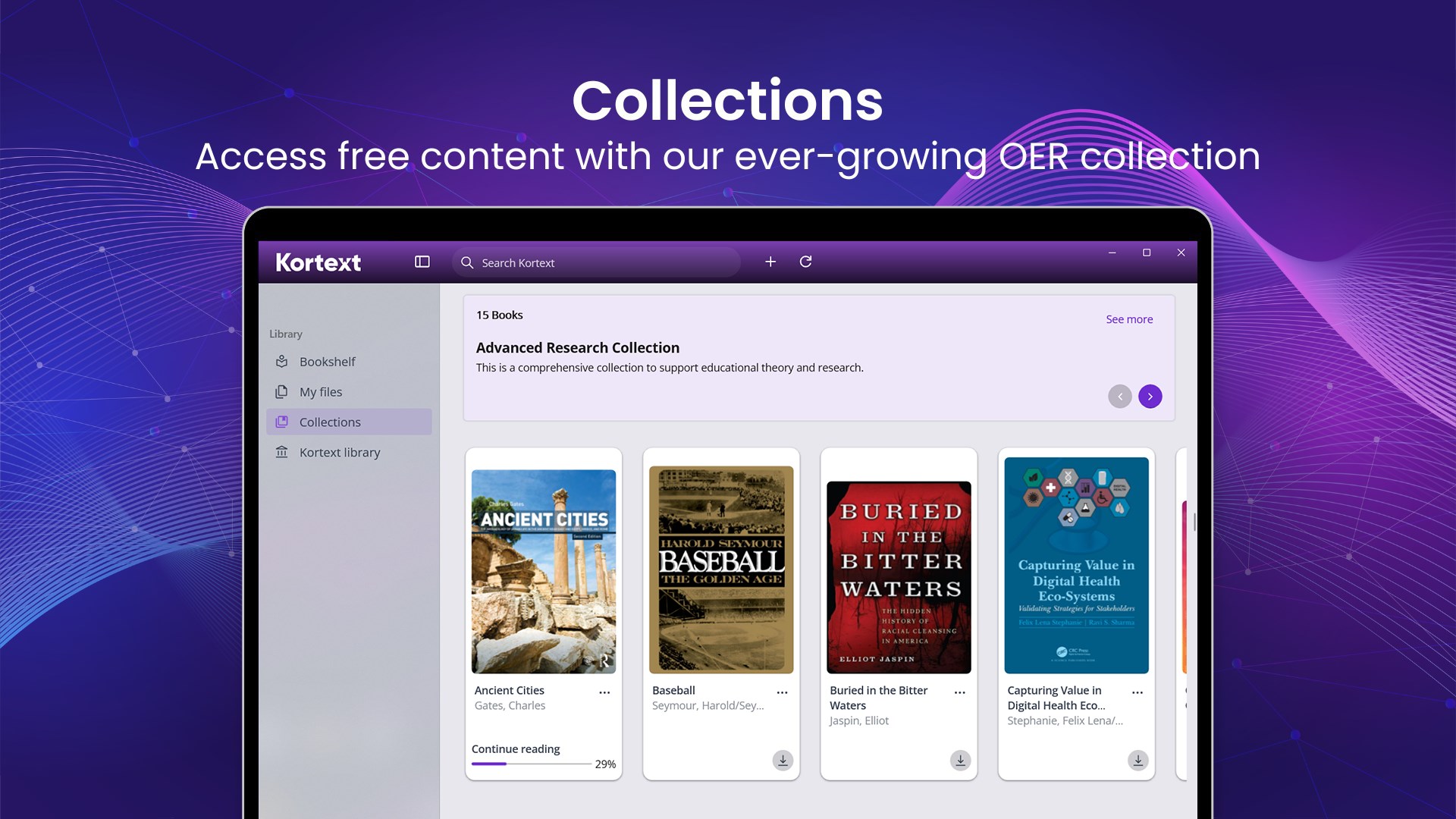
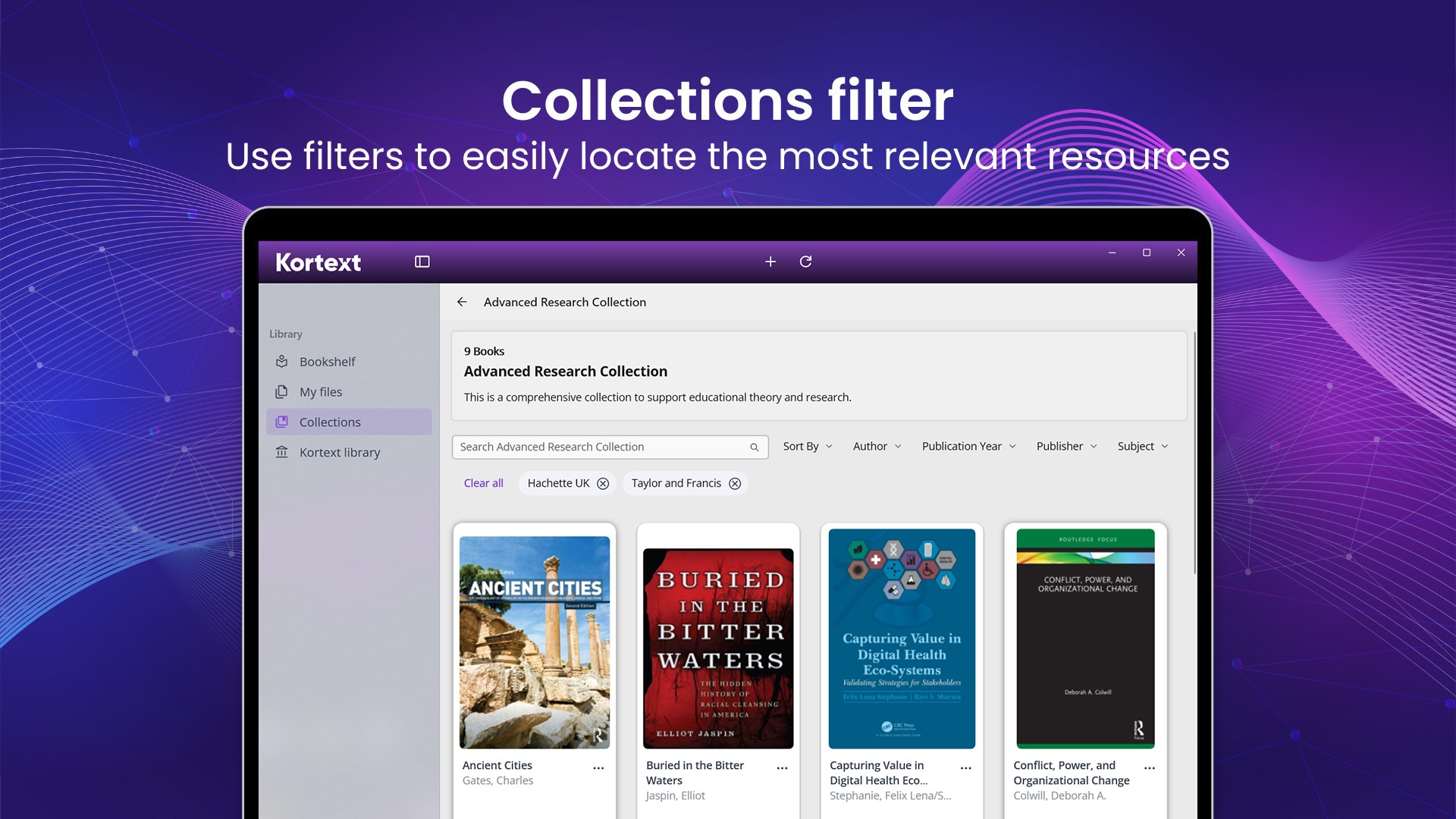
Kortext provides access to a rich repository of academic texts, making it easier for users to find the most relevant and recent materials. Its search functionality is powered by smart algorithms that help locate topics quickly, just like a seasoned librarian guiding you straight to the source. This breadth of content is especially useful for students preparing for exams or professionals conducting research.
User Experience and Unique Advantages
The interface design strikes a perfect balance: professional enough for scholarly work, yet inviting enough for casual learning. The app runs fluidly, with minimal lag, even when handling large PDFs or multiple annotations. Its learning curve is gentle—new users will find it easy to adapt, while advanced features ensure that power users aren't left wanting.
Compared to other “Books & Reference” apps, Kortext's key differentiator is its focus on academic resource management and the quality of its annotation tools. Unlike generic e-reader apps, Kortext is tailored specifically for educational needs—offering features like grouped notes, highlighters with different colors, and interactive references, which turn passive reading into active learning. This focus on academic productivity tools makes it stand out in a crowded marketplace.
Recommendation and Usage Tips
Overall, I'd rate Kortext for Windows as a valuable asset for anyone engaged in serious studying or research. Its user-friendly approach, combined with powerful organizational features, makes it suitable for both students and educators. I recommend it for those who want an integrated solution for managing digital textbooks and reference materials without switching between multiple apps.
Best used with a dedicated study schedule, leveraging its note-taking and synchronization features. For students involved in extensive coursework, this app can help structure your learning process and keep your materials organized and accessible. If you frequently read academic content across devices, Kortext's synchronization could become your study's best partner.
In conclusion, Kortext for Windows is more than just an e-book reader—it's a comprehensive academic companion that, with thoughtful design and targeted features, can genuinely improve your digital learning experience. For teachers, students, or researchers looking for efficiency and depth in one package, this app deserves serious consideration.
Pros
- Extensive digital textbook library
- User-friendly interface
- Offline reading capability
- Highlighting and note-taking features
- Cross-platform synchronization
Cons
- Limited content for certain disciplines
- Occasional app stability issues
- Offline download feature sometimes unreliable
- Limited annotation export options
- Search function could be more precise