- Name Audible book Player & Downloader
- Category Books & reference
- Available on PC, Mobile, Surface Hub, HoloLens
- OS Windows 10 version 17763.0 or higher
- languages English (United States)
An In-Depth Look at Audible Book Player & Downloader for Windows
Navigating the world of audiobooks can sometimes feel overwhelming with numerous apps claiming to be the best. Enter Audible Book Player & Downloader for Windows — a dedicated tool crafted to elevate your listening experience with a focus on simplicity and functionality. Designed by Summer Apps 10, this application promises to transform how you consume your favorite audiobooks right on your Windows device, making it more intuitive and accessible than ever before.
Basic Information: What Makes This App Stand Out?
At its core, Audible Book Player & Downloader for Windows positions itself as a straightforward yet powerful audiobook management tool. Developed by Summer Apps 10, the app emphasizes ease of use combined with essential features tailored for avid audiobook listeners. Key highlights include seamless audiobook playback, straightforward downloading capabilities, and an organized library interface that keeps your audiobooks in check. Its primary audience ranges from casual listeners who enjoy their commuting time to audiobook enthusiasts managing large collections on their desktops or laptops.
Engaging and Intuitive User Experience
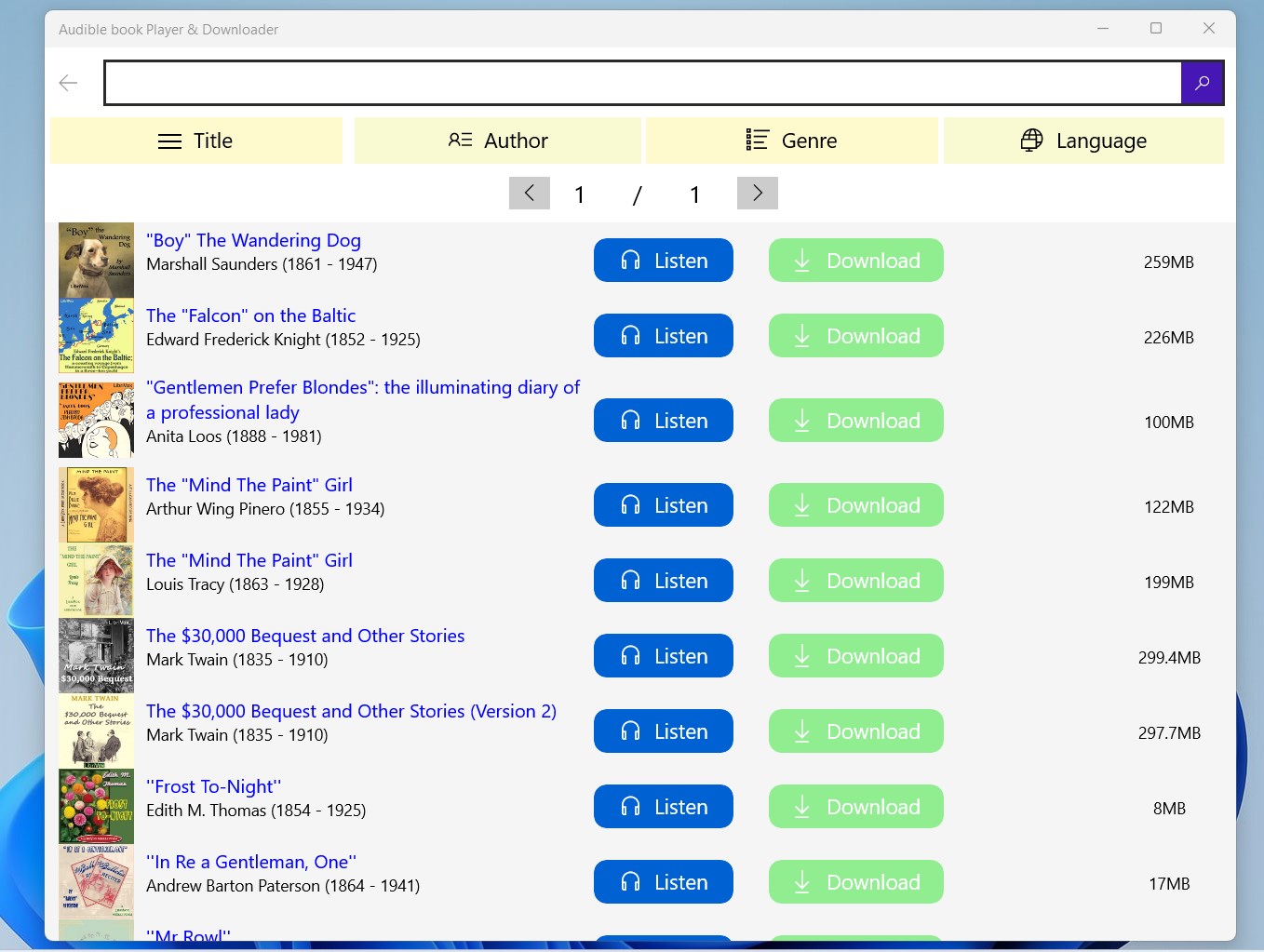
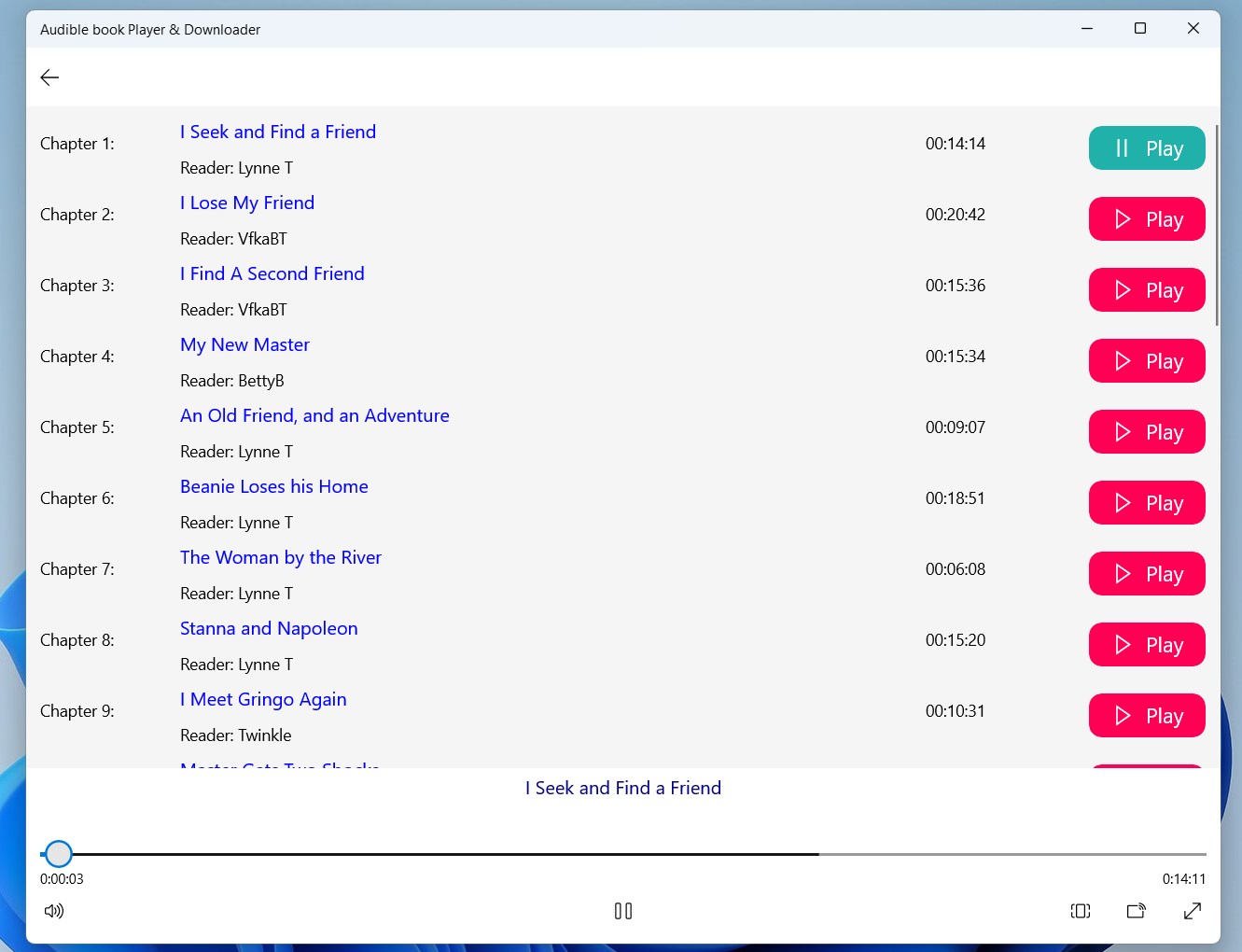
Imagine sitting comfortably in your favorite chair with a compelling story ready to unfold — that's the kind of experience Audible Book Player & Downloader aims to create. Its interface embraces a clean, minimalistic design that minimizes clutter, allowing your focus to be solely on the story. Navigating through menus feels like flipping through well-organized shelves, and controls are thoughtfully placed, making playback adjustments feel natural, almost like tuning a musical instrument. The app's responsiveness ensures smooth operation, whether you're jumping chapters, adjusting playback speed, or managing your downloads.
Highlighting the App's Core Features
1. Seamless Download and Playback
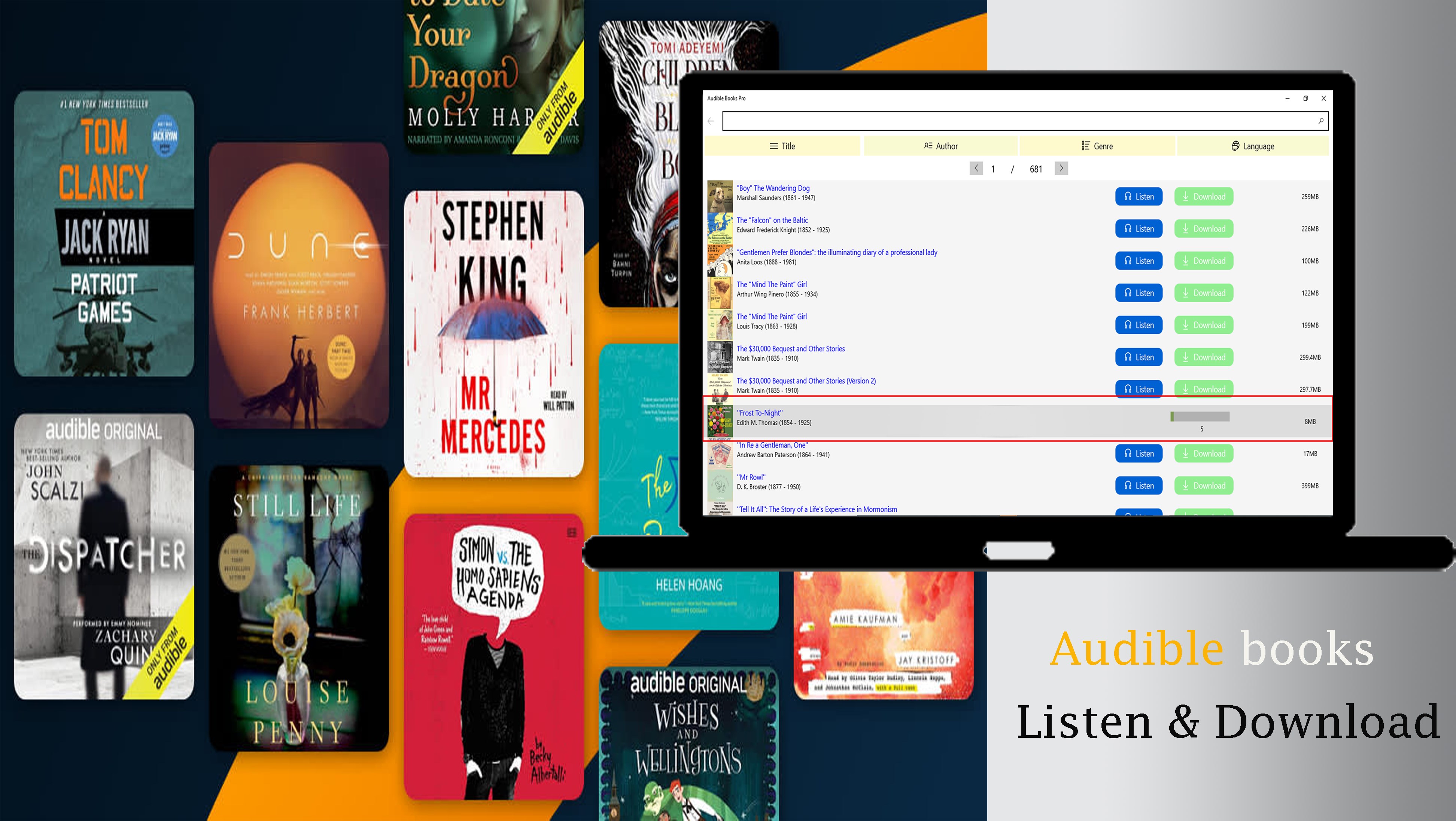
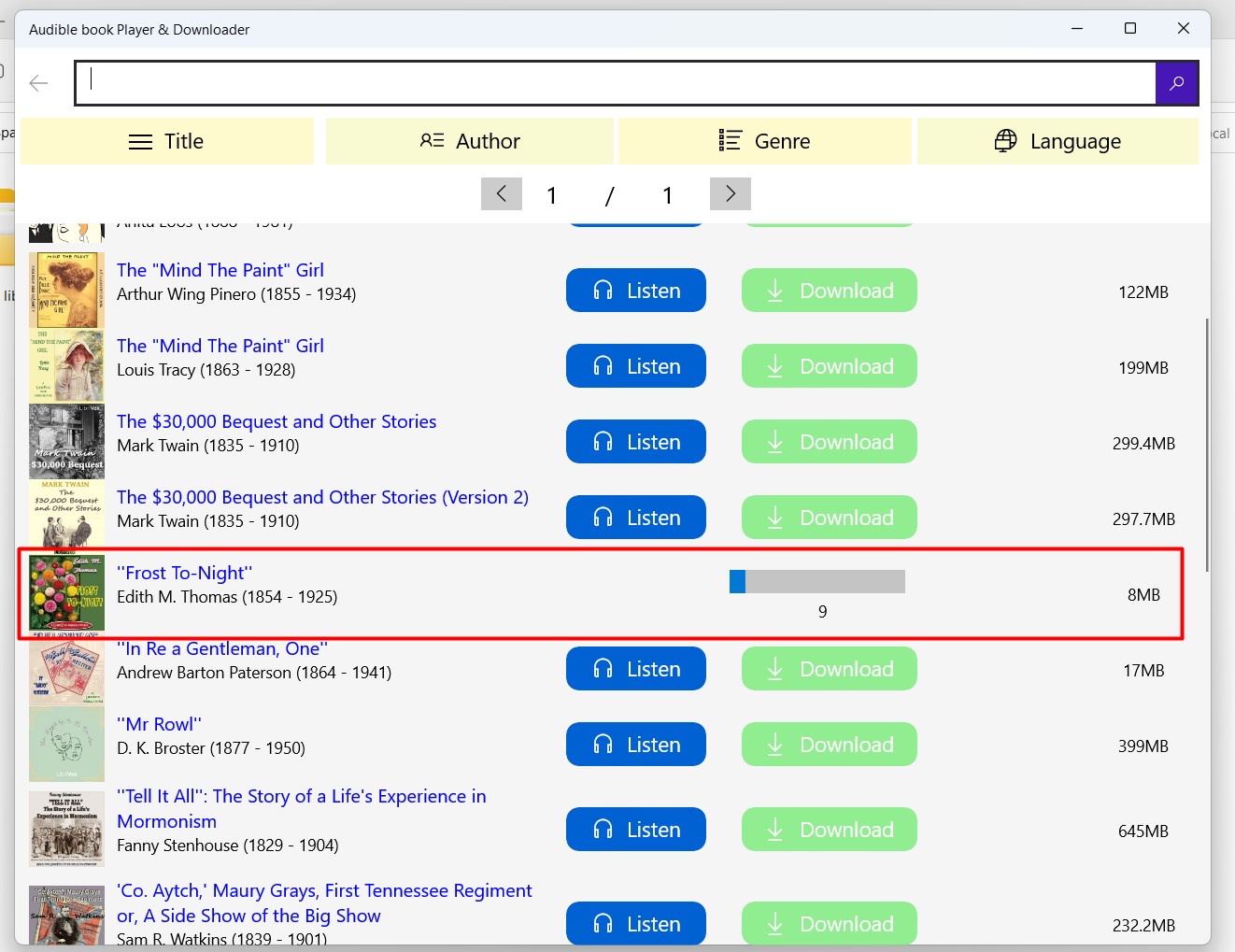
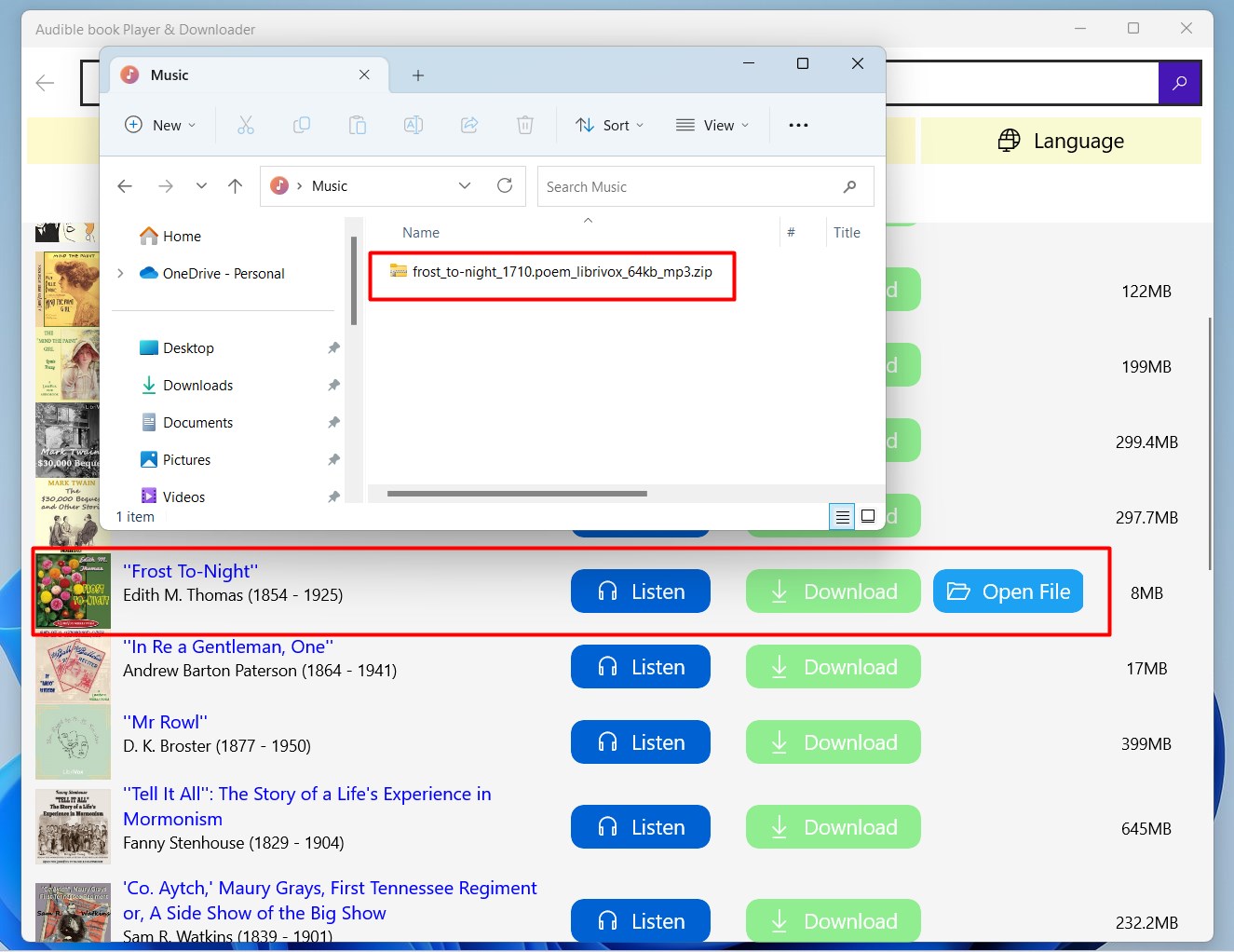
The standout feature of this app is its ability to effortlessly download audiobooks directly from Audible or other compatible sources, creating a centralized library on your Windows device. Once downloaded, playback is smooth, with intuitive controls for pausing, skipping, or adjusting volume. The synchronization between downloaded content and playback controls ensures a hassle-free listening journey, akin to having a personal librarian at your fingertips.
2. Organizational Efficiency and Customization
Managing a growing collection of audiobooks can become chaotic, but this app sorts your library neatly with options for categorization, favorites, and playlists. You can mark your preferred titles for quick access or create custom playlists to match your mood or schedule. This level of organization elevates the experience, making listening sessions more personalized and less cluttered.
3. Unique Functionality and Differentiators
Unlike many generic media players, Audible Book Player & Downloader is tuned specifically for audiobook enthusiasts. Its most remarkable feature is the ability to retain playback positions across different devices, ensuring continuity. Additionally, the app allows importing external mp3 files, making it versatile for non-Audible audiobooks. Its focus on minimal resource usage combined with reliable performance ensures your experience remains hassle-free, even on modest hardware.
Final Thoughts: Should You Give It a Try?
This application is particularly recommended for users who seek a dedicated, lightweight audiobook player that emphasizes ease of management and seamless listening. If you're tired of cluttered media players that treat audiobooks as just another media type, Audible Book Player & Downloader for Windows offers a tailored experience without unnecessary bells and whistles. While it excels in organization and playback, it does require some initial setup for downloads, which might be a slight learning curve for absolute beginners. However, once familiar, users will appreciate its straightforward approach and its ability to keep your audiobooks accessible and well-organized.
All in all, for audiobooks aficionados eager for a dedicated Windows app that's functional, organized, and easy to use, this tool is worth exploring. Its unique focus on audiobook convenience makes it a solid addition to your digital library toolkit.
Pros
- User-Friendly Interface
- Seamless Syncing
- Extensive Library Access
- Offline Listening
- Customizable Playback
Cons
- Limited Format Support
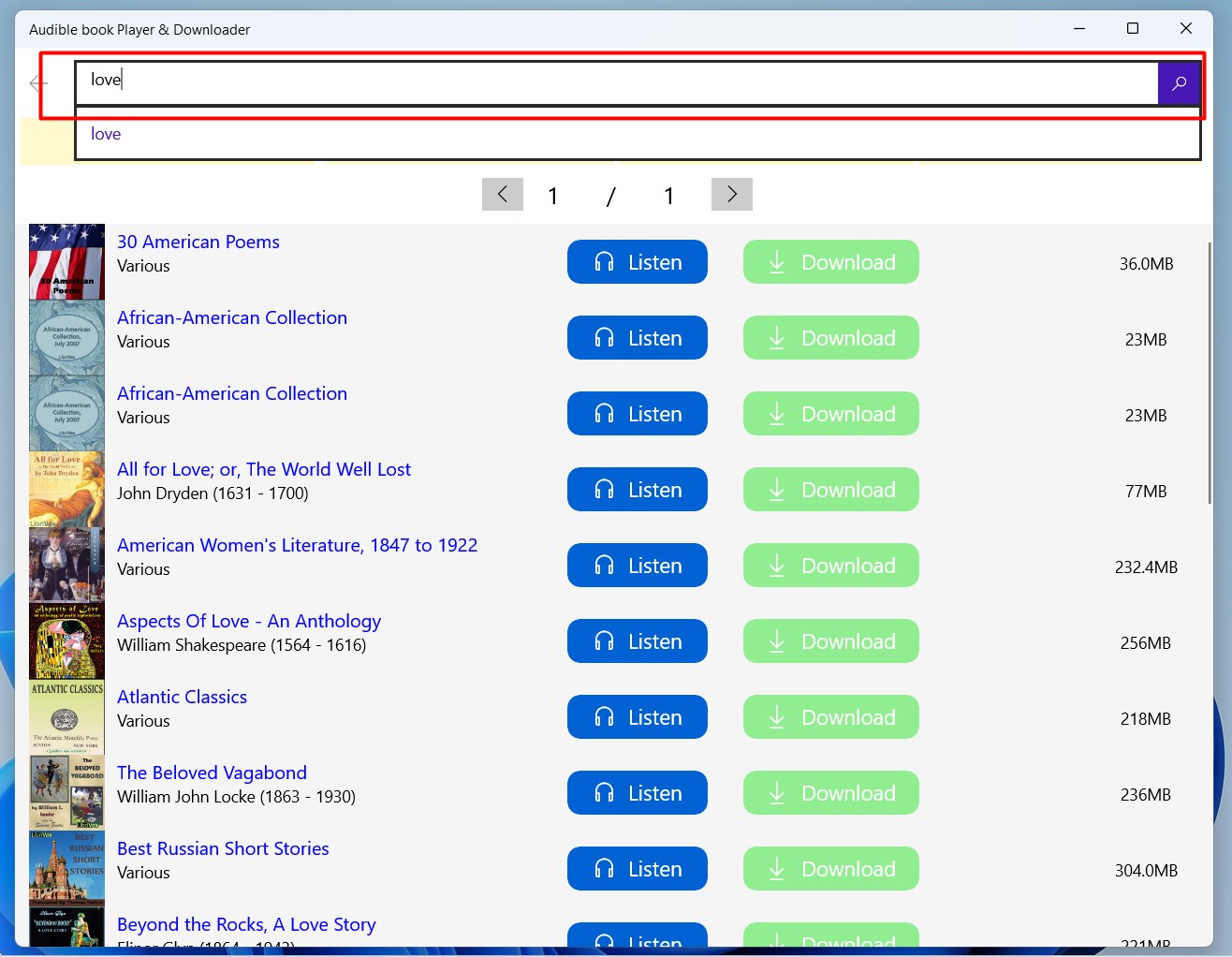
- Basic Search Functionality
- Occasional App Freezes
- Limited Customization Settings
- Performance on Older Devices