- Name KDL Reader
- Category Books & reference
- Developer KDLApps
- Available on PC, Mobile, Surface Hub, HoloLens
- OS Windows 10 version 17763.0 or higher
- languages English (United States)
Introducing KDL Reader for Windows: A Sleek Digital Book Companion
KDL Reader for Windows is a thoughtfully designed e-book application that aims to streamline your reading experience by providing a clean, efficient platform for browsing and reading digital books. Perfect for those who crave a clutter-free environment, this app offers an intuitive way to access and enjoy your favorite texts seamlessly.
About the Developer and Core Features
Developed by KDLApps, a team committed to creating user-focused digital reading tools, KDL Reader combines simplicity with functionality. Its main features include: a straightforward interface that minimizes distractions, highly customizable reading settings, and quick access to a broad range of digital books. Designed primarily for avid readers, students, and researchers, the app caters to anyone seeking an efficient digital reading environment without unnecessary bells and whistles.
Embark on a Pleasant Digital Reading Journey
Imagine settling into your favorite cozy nook with a digital library at your fingertips — that's the vibe KDL Reader aims to cultivate. From the moment you open the app, you'll notice its straightforward layout and minimalistic aesthetic, making it easy to dive straight into your books without any fuss. Whether you're flipping through fiction or studying dense academic material, this app feels like your personal digital bookshelf optimized for comfort and accessibility.
Effortless Browsing and Library Management
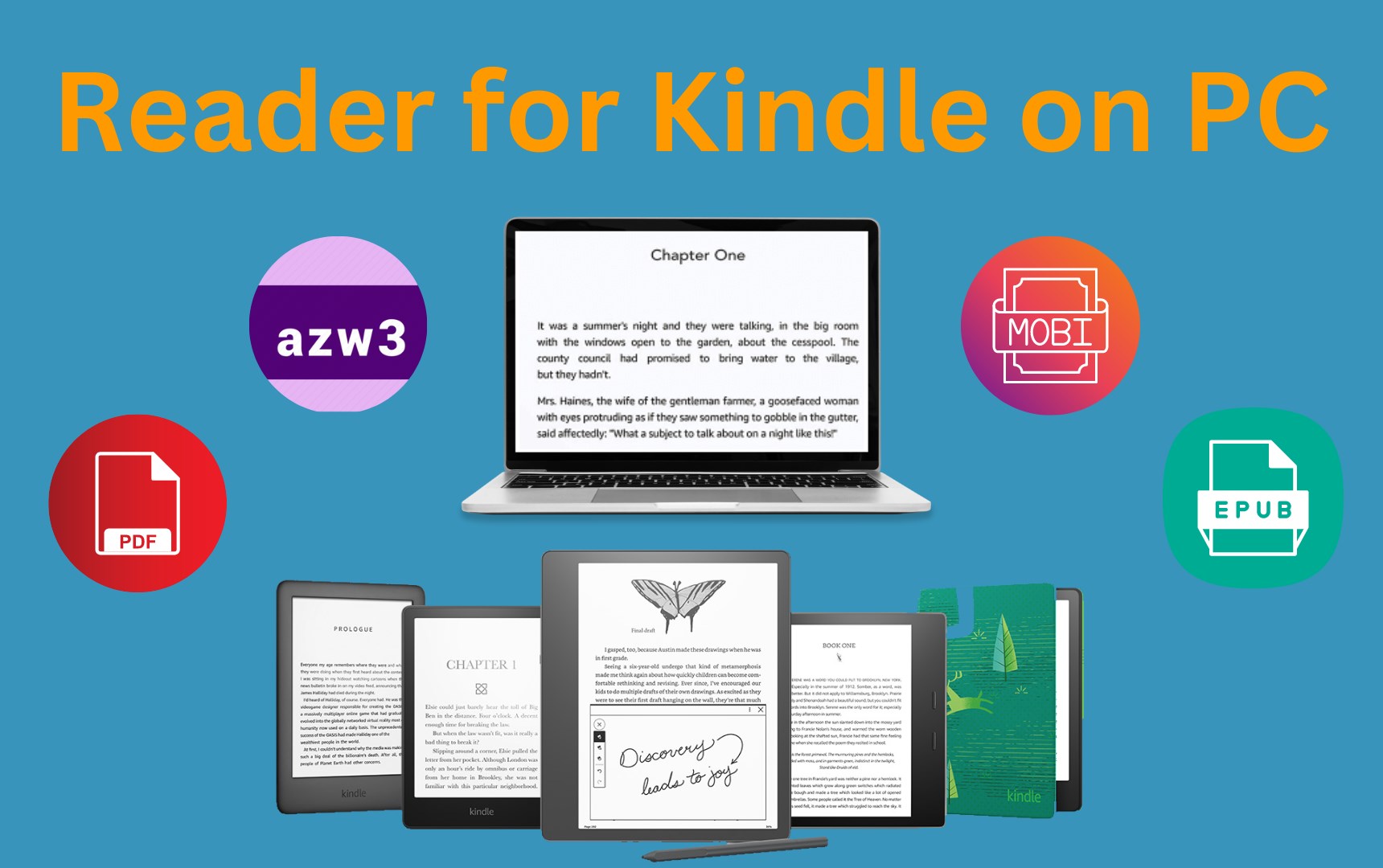
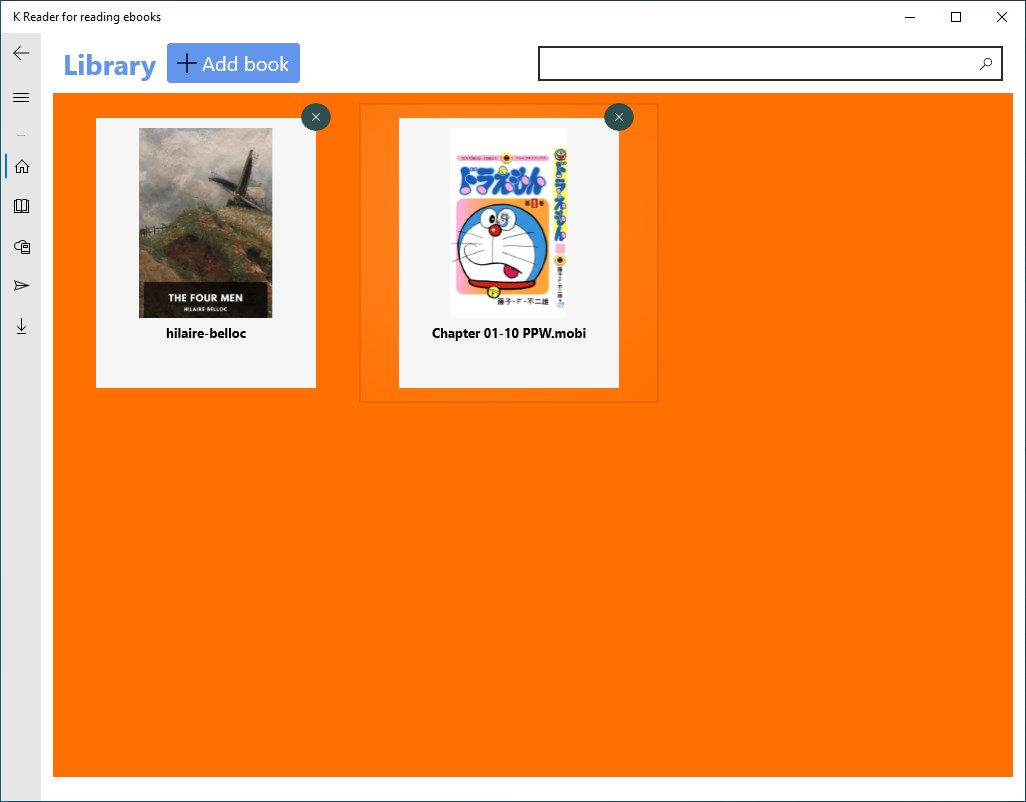
One of KDL Reader's standout features is its streamlined library management system. It supports multiple formats, allowing users to add e-books easily, organize them into collections, and access your library with just a few clicks. The app's search functionality is quick and responsive, mimicking the ease of flipping through a physical bookshelf, but with the undeniable speed of digital access. The app's minimal clutter and clear categorization ensure you spend less time hunting for your next read and more time immersed in it.
Customizable Reading Experience
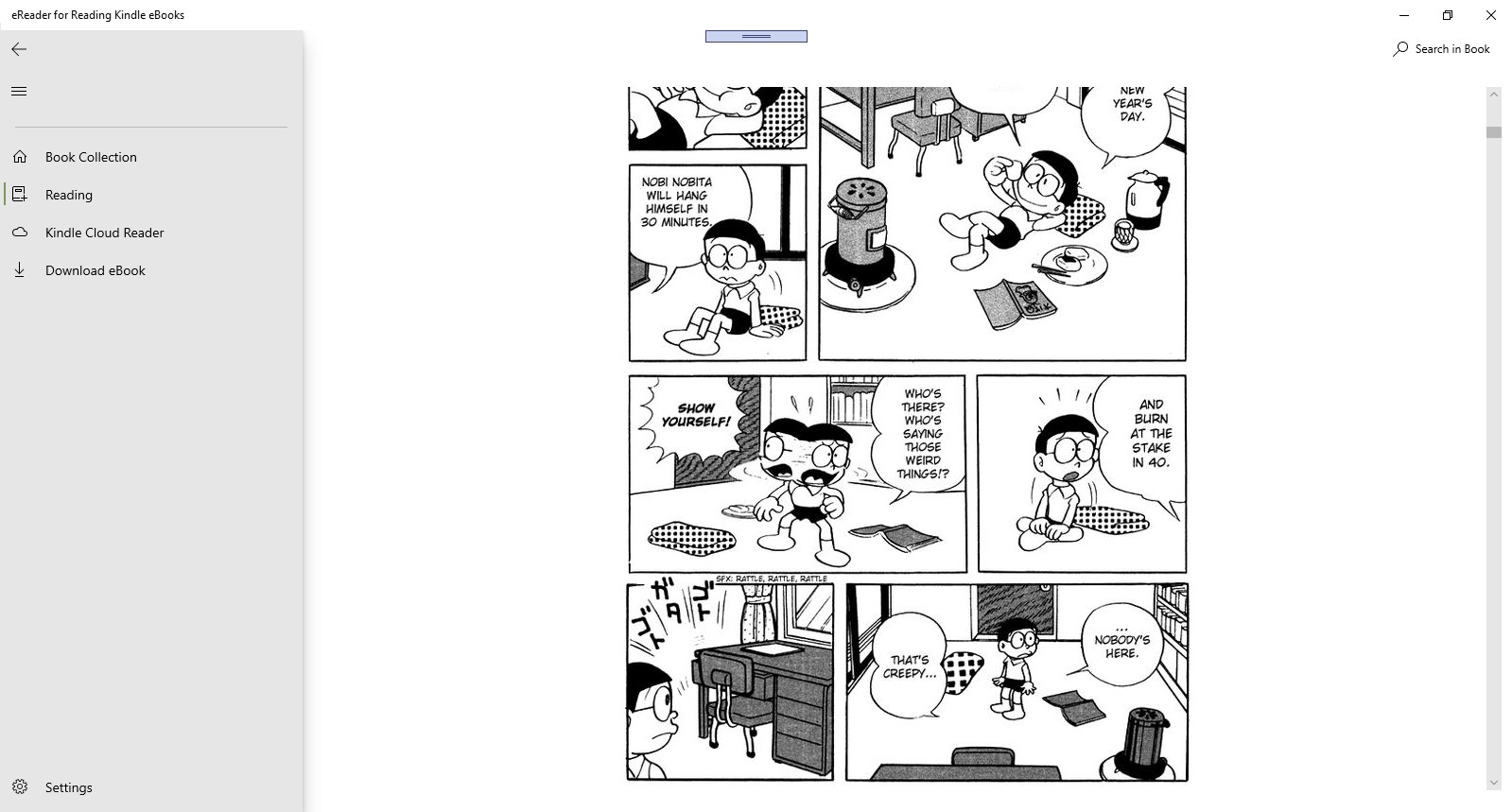
The core strength of KDL Reader lies in its focus on user personalization. Users can tailor their reading environment through adjustable font sizes, styles, background colors, and spacing — transforming your digital reading nook into a cozy corner suited to your eye comfort and aesthetic preferences. The app also supports bookmarks, highlights, and annotations, making it a helpful tool not just for leisure reading but also for study and research. Its smooth scrolling and fast page transitions exemplify a thoughtful attention to operational fluidity, ensuring your reading flow stays uninterrupted.
Intuitive Interface and User-Friendliness
KDL Reader's interface is a testament to simplicity that doesn't sacrifice design. Its clean layout resembles a well-organized desktop, with intuitive icons and minimalistic controls that any user, beginner or expert, can navigate effortlessly. The learning curve is remarkably gentle: even first-time users will find themselves adapting in minutes, thanks to straightforward menus and helpful tooltips. The app performs smoothly on various Windows devices, providing a lag-free experience that feels as natural as turning the pages of a physical book.
What Sets KDL Reader Apart from the Crowd?
Compared to many other books and reference apps, KDL Reader's most unique advantage is its dedicated focus on clean reading with high customizability. While some apps emphasize curated libraries or multimedia integration, KDL Reader prioritizes simplicity and user control, making it ideal for purists or those who want a distraction-free environment. Its support for multiple formats and flexible organizational tools make it a versatile choice that can adapt to varying reading styles and needs, whether for casual reading, studying, or professional research.
Recommendation and Use Suggestions
All in all, KDL Reader for Windows is a dependable, user-friendly app tailored for those who appreciate an unobtrusive reading environment. I recommend it to students, scholars, or avid readers who need a reliable digital bookshelf without unnecessary complexity. While it might lack some bells and whistles found in more feature-rich apps, its focus on core reading comfort and efficiency makes it a noteworthy option. For anyone seeking a streamlined experience to organize and enjoy their digital library smoothly, KDL Reader is definitely worth trying.
Pros
- User-Friendly Interface
- Extensive Document Compatibility
- Fast Loading Speed
- Customizable Reading Options
- Offline Access
Cons
- Limited Annotation Features
- Inconsistent PDF Rendering
- Lack of Cloud Integration
- Occasional Stability Issues
- Limited Customization for Reading Modes