
- Name Dictionary Pro by Farlex
- Category Books & reference
- Developer Farlex, Inc.
- Available on PC, Mobile, Surface Hub, HoloLens
- OS Windows 10 version 16299.0 or higher
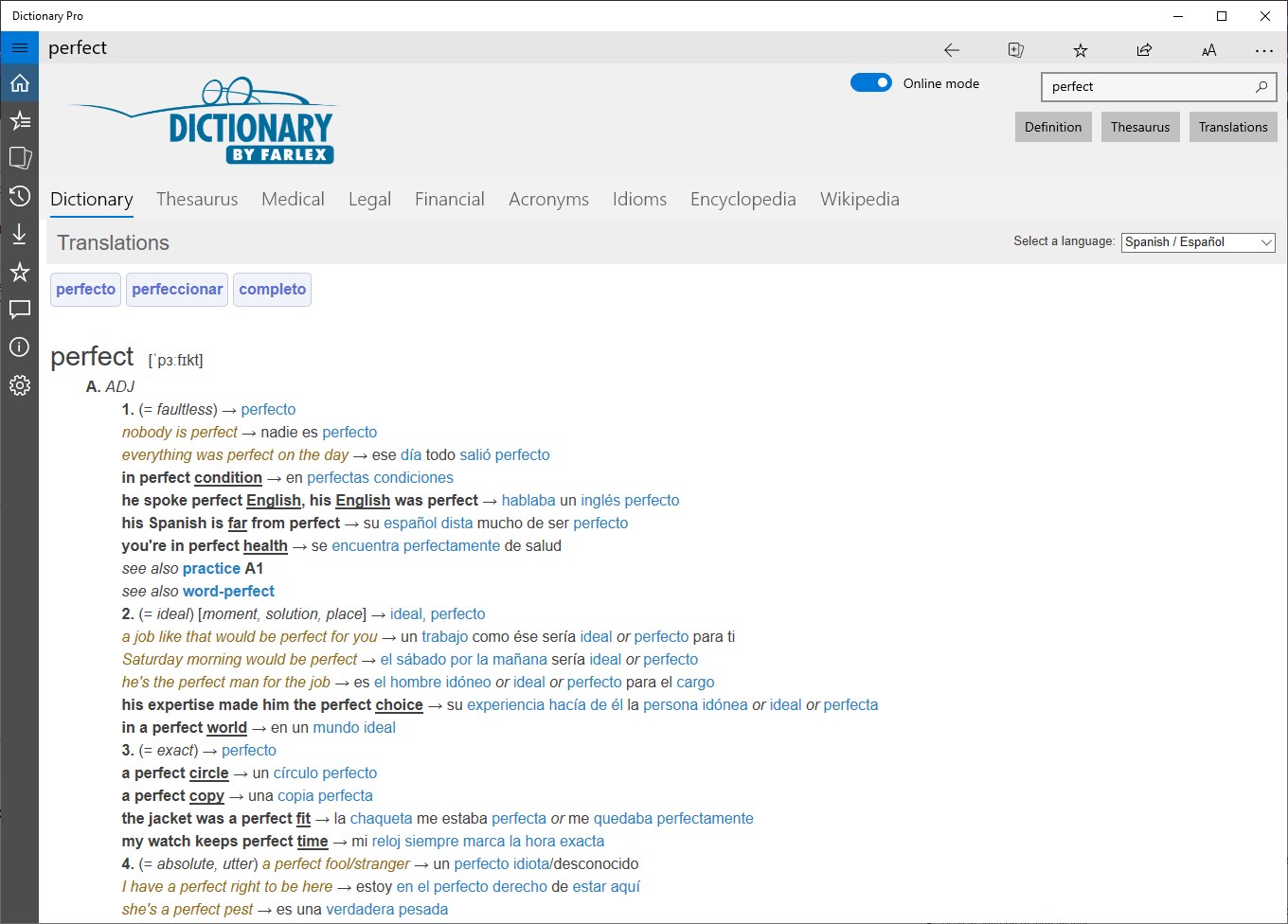
- languages Arabic, Chinese (Simplified), Dutch, English, French, German, Greek, Italian, Norwegian, Polish, Portuguese, Russian, Spanish, Turkish
An In-Depth Look at Dictionary Pro by Farlex for Windows
If you're someone who often finds themselves lost in language labyrinths—be it for academic research, professional writing, or simply satisfying curiosity—Dictionary Pro by Farlex is designed to be your trusty digital compass. Offering a comprehensive and user-friendly approach to reference, this app aims to blend the richness of traditional dictionaries with the convenience of modern technology, all wrapped up in a sleek Windows interface.
Meet the Minds Behind the App
Developed by Farlex, Inc., a seasoned player in the digital reference space, Dictionary Pro benefits from a legacy of creating robust and reliable language tools. Farlex's team leverages extensive linguistic resources and cutting-edge app development to deliver a polished, reliable product that aligns with the needs of digital-era learners and professionals alike.
Key Features That Make a Difference
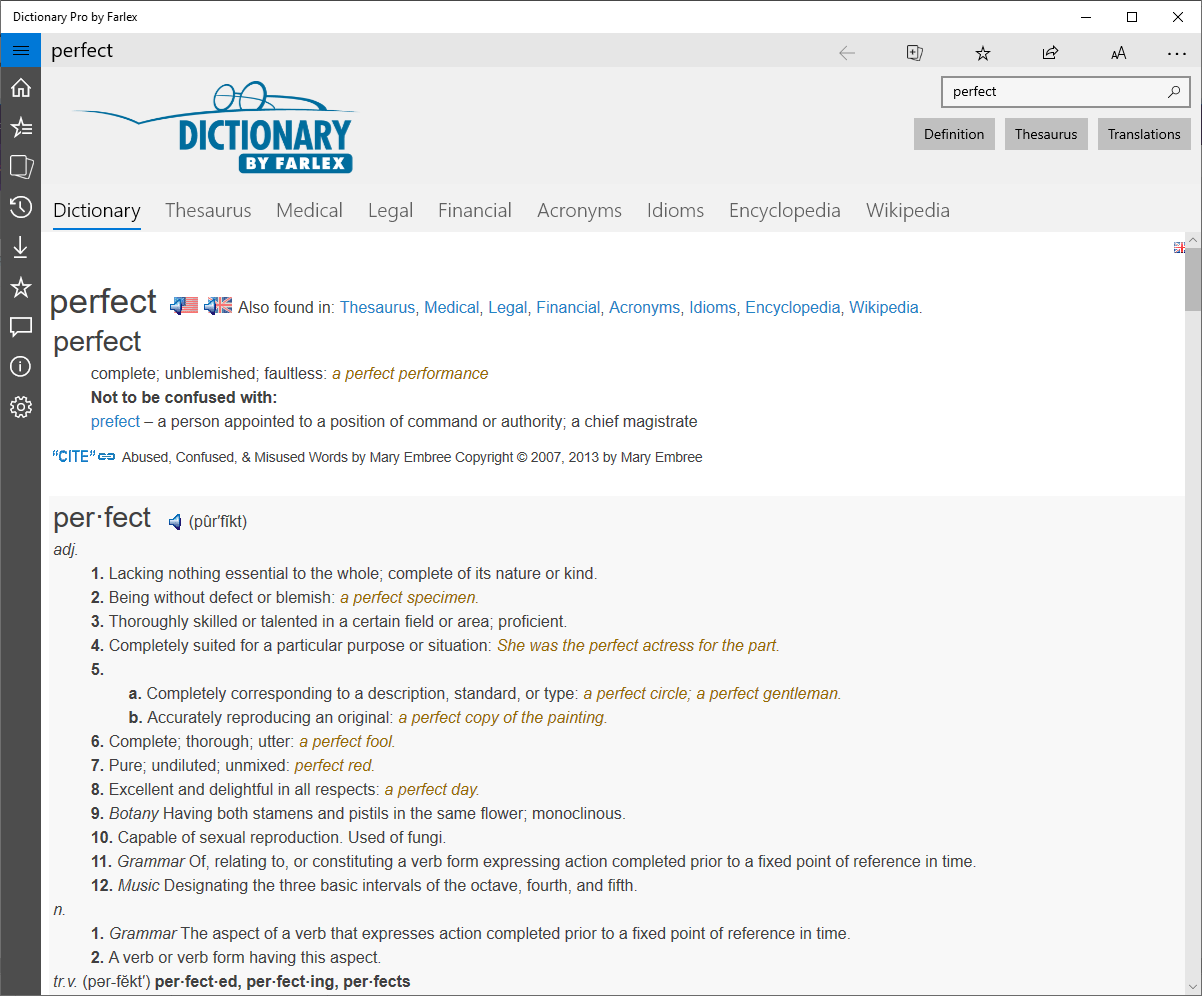
- Extensive Multidictionary Database: Access over 100 dictionaries, thesauri, and encyclopedias, consolidating multiple references into one app—imagine having a library in your pocket.
- Advanced Search and Voice Recognition: Find definitions swiftly with a robust search engine, or simply speak your query—ideal for busy mornings or when hands are occupied.
- Offline Accessibility: Download your preferred dictionaries for uninterrupted reference without an internet connection, making it perfect for travel or remote work.
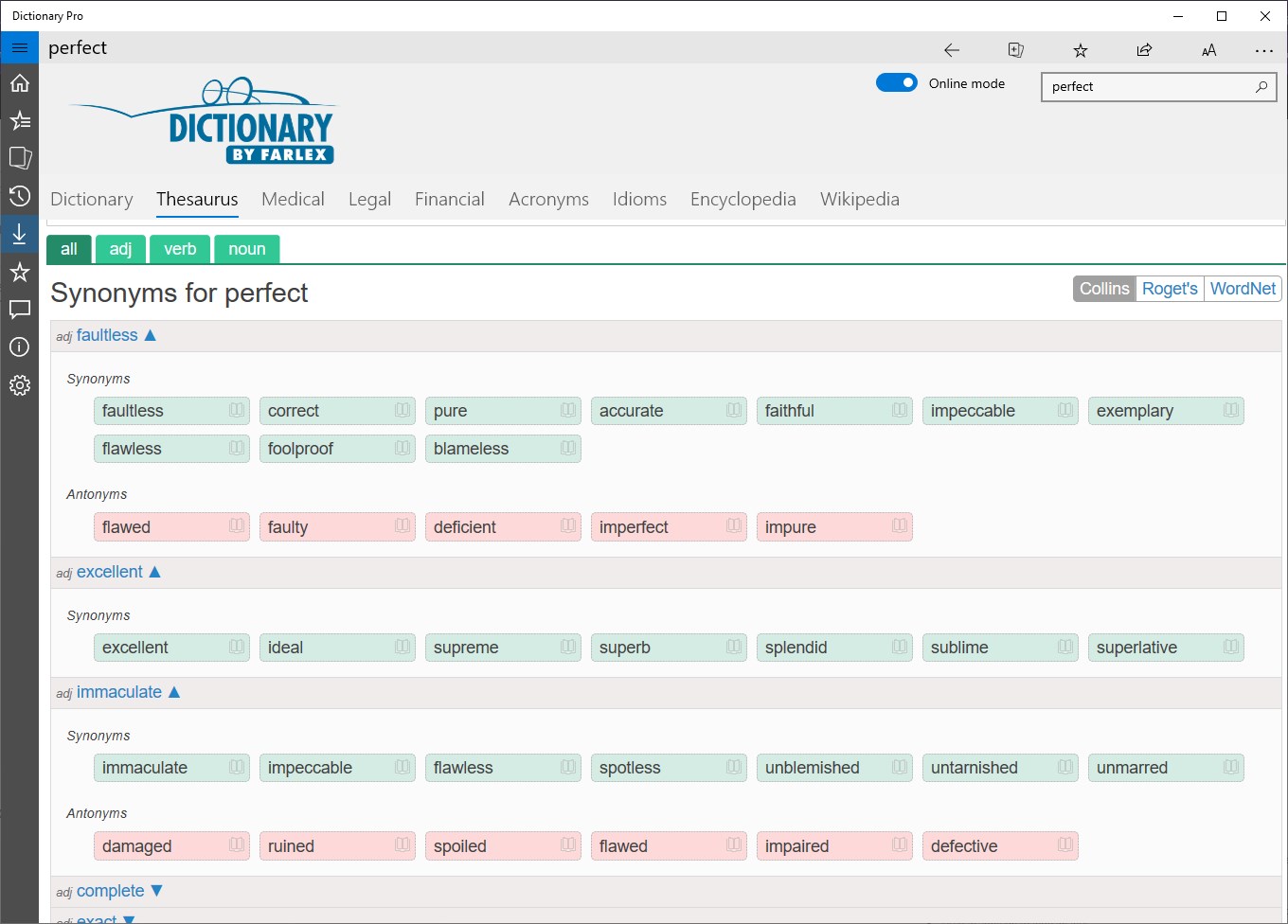
- Contextual Thesaurus and Synonyms: Elevate your writing with rich synonym suggestions and contextual meanings, helping you choose just the right word every time.
Now, let's dive deeper into the app's experience and what sets it apart from other reference tools.
Engaging and Intuitive User Experience
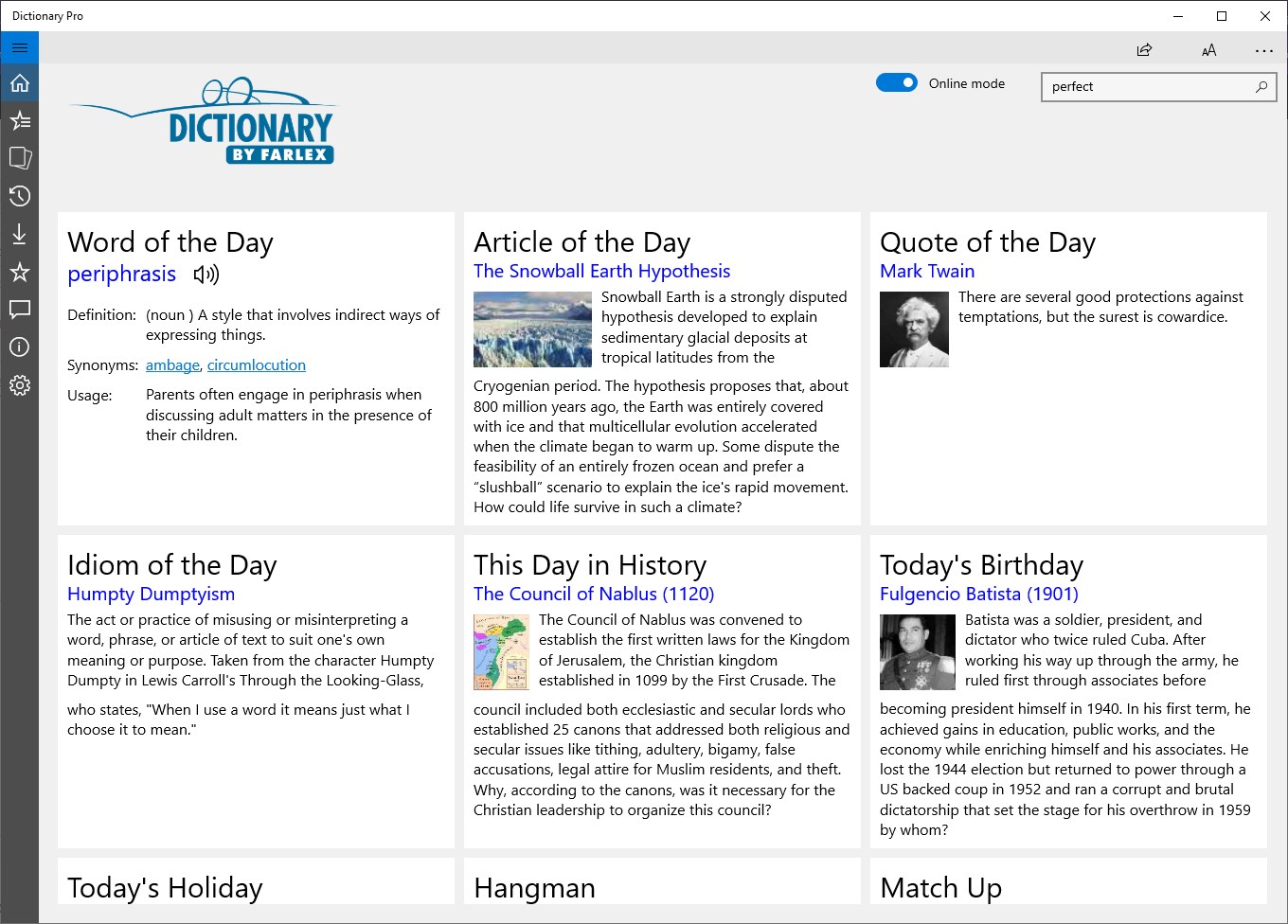
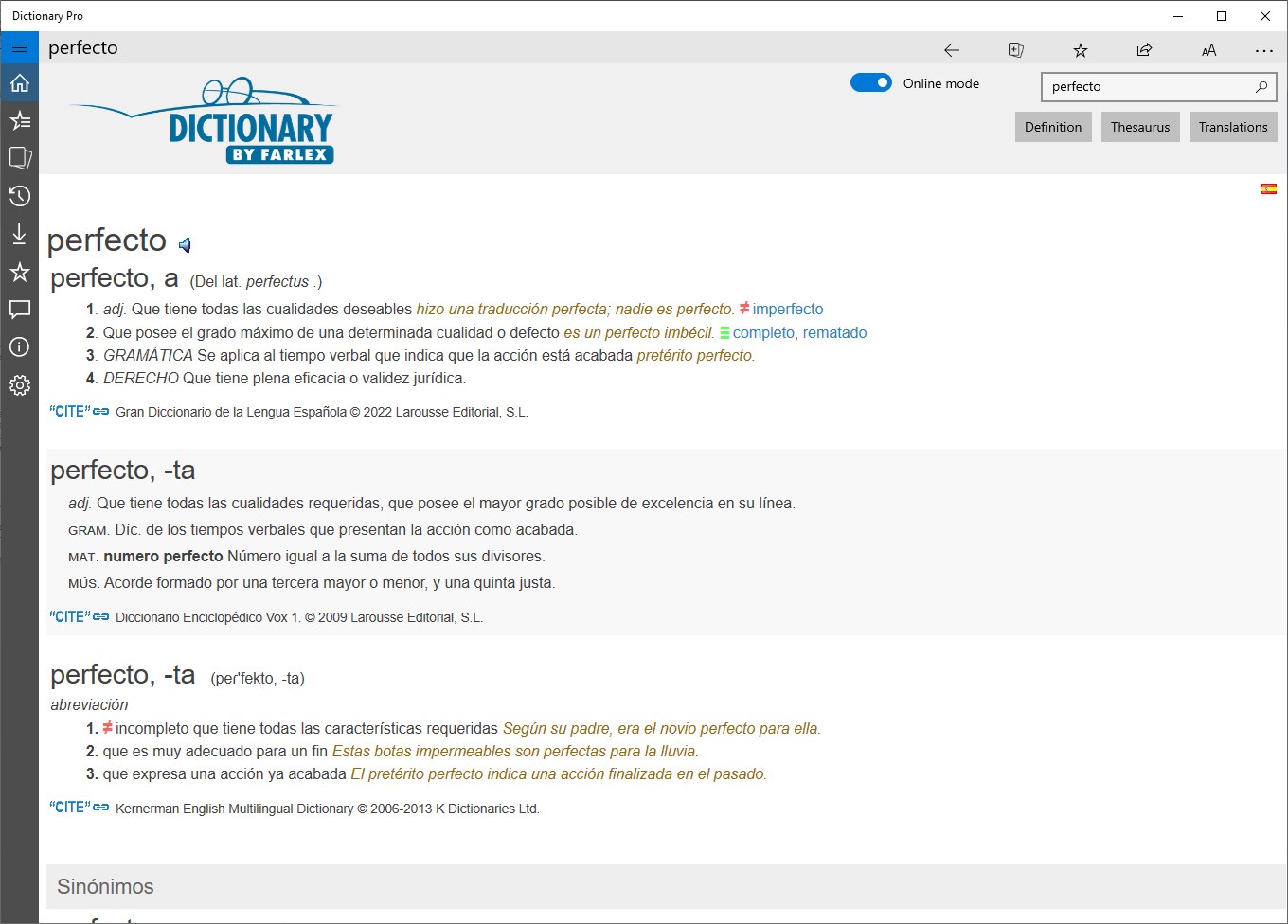
Stepping into Dictionary Pro feels like opening a well-organized digital bookshelf. Its interface strikes a balance between simplicity and sophistication—clean, uncluttered, yet packed with powerful tools. Searching for a word is as effortless as typing on a familiar keyboard, thanks to its responsive search bar and predictive suggestions. The app's layout makes switching between dictionaries seamless, whether you need a quick definition or a detailed etymology. Furthermore, the design adapts well to different screen sizes, ensuring ease of use whether on a desktop or a tablet.
Using the app is remarkably smooth; transitions are swift, and loading times are minimal. For users new to digital dictionaries, the learning curve is shallow—most features are intuitive, with helpful prompts guiding you through more advanced options. This thoughtful design is especially beneficial for students, writers, or language enthusiasts who crave quick access without fiddling through complex menus.
Unique Selling Points: The Dictionary Pro Difference
While many reference apps offer similar basic functions, Dictionary Pro by Farlex stands out in two key areas:
- Holistic Dictionary Integration: Unlike standalone dictionaries that isolate their data, Dictionary Pro harmonizes a vast array of sources into a singular, cohesive experience. This allows users to cross-reference and verify information with a few taps—think of it as flipping through multiple pages of the same book simultaneously to get the full picture.
- Rich Contextual Content and Multimedia: Beyond mere definitions, the app provides contextual examples, pronunciation audio clips, and occasionally, relevant imagery. This multimedia approach enriches understanding and caters to varied learning styles, making it especially appealing for language learners and educators.
These features work together to create a more comprehensive and engaging learning environment—an aspect that elevates Dictionary Pro above many generic reference apps.
Final Verdict: A Recommended Companion for Language Enthusiasts
Considering its extensive database, user-friendly design, and unique integration of multiple reference sources, Dictionary Pro by Farlex is a highly competent tool worth exploring. Whether you're a student, a professional, or someone who loves words, this app offers a reliable, efficient, and enriched dictionary experience. It strikes a good balance between depth and accessibility without overwhelming the user.
Our recommendation? Definitely give it a try if you need a versatile and comprehensive dictionary app for Windows. It's not just about quick lookups—it's about transforming the way you explore language.
Pros
- Extensive vocabulary database
- User-friendly interface
- Offline access
- Audio pronunciations
- Personalized bookmarks and history
Cons
- Limited multilingual support
- In-app advertisements in free version
- Search speed can be sluggish with large queries
- Limited customization options
- Some advanced features require a premium upgrade