
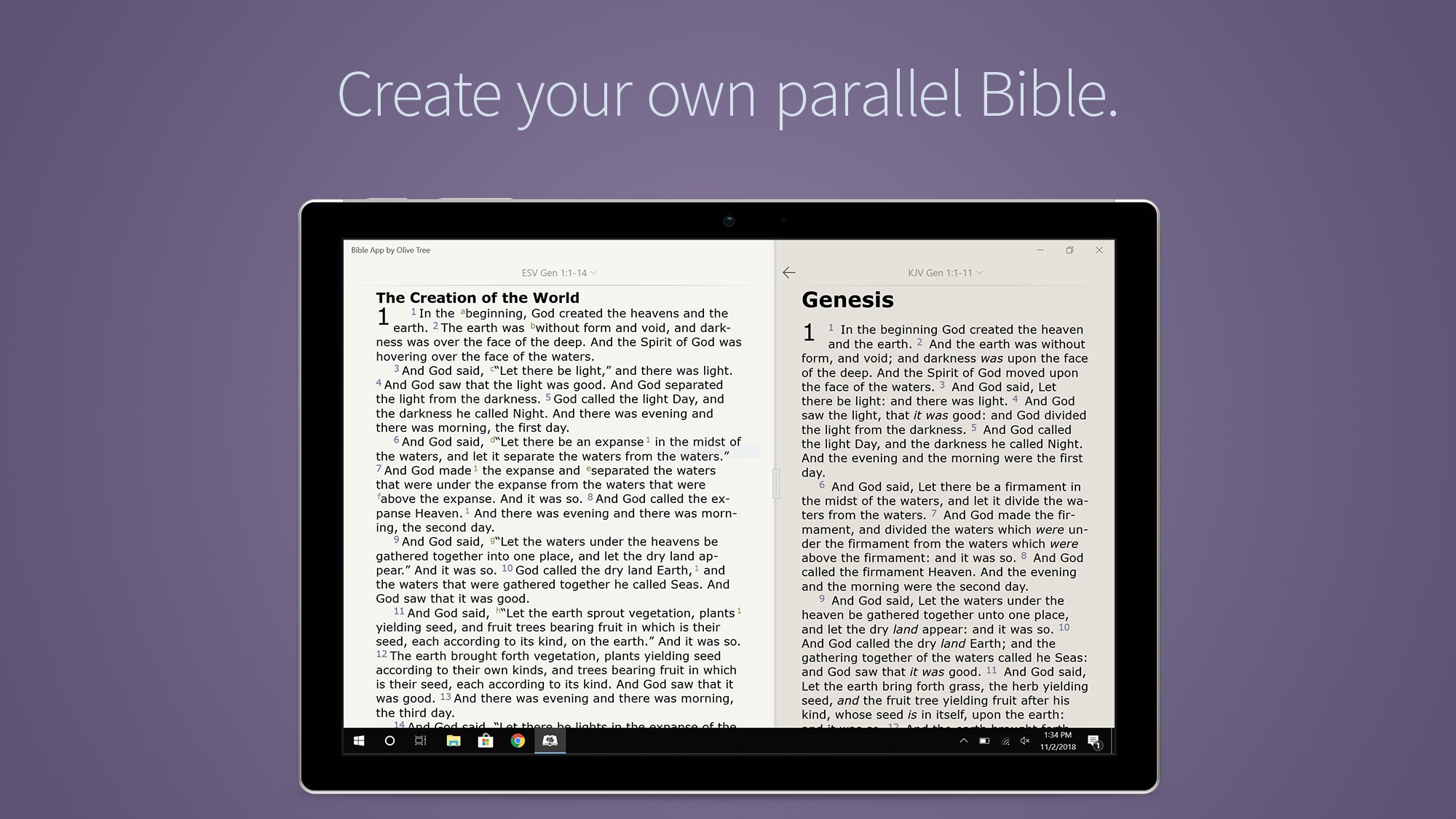
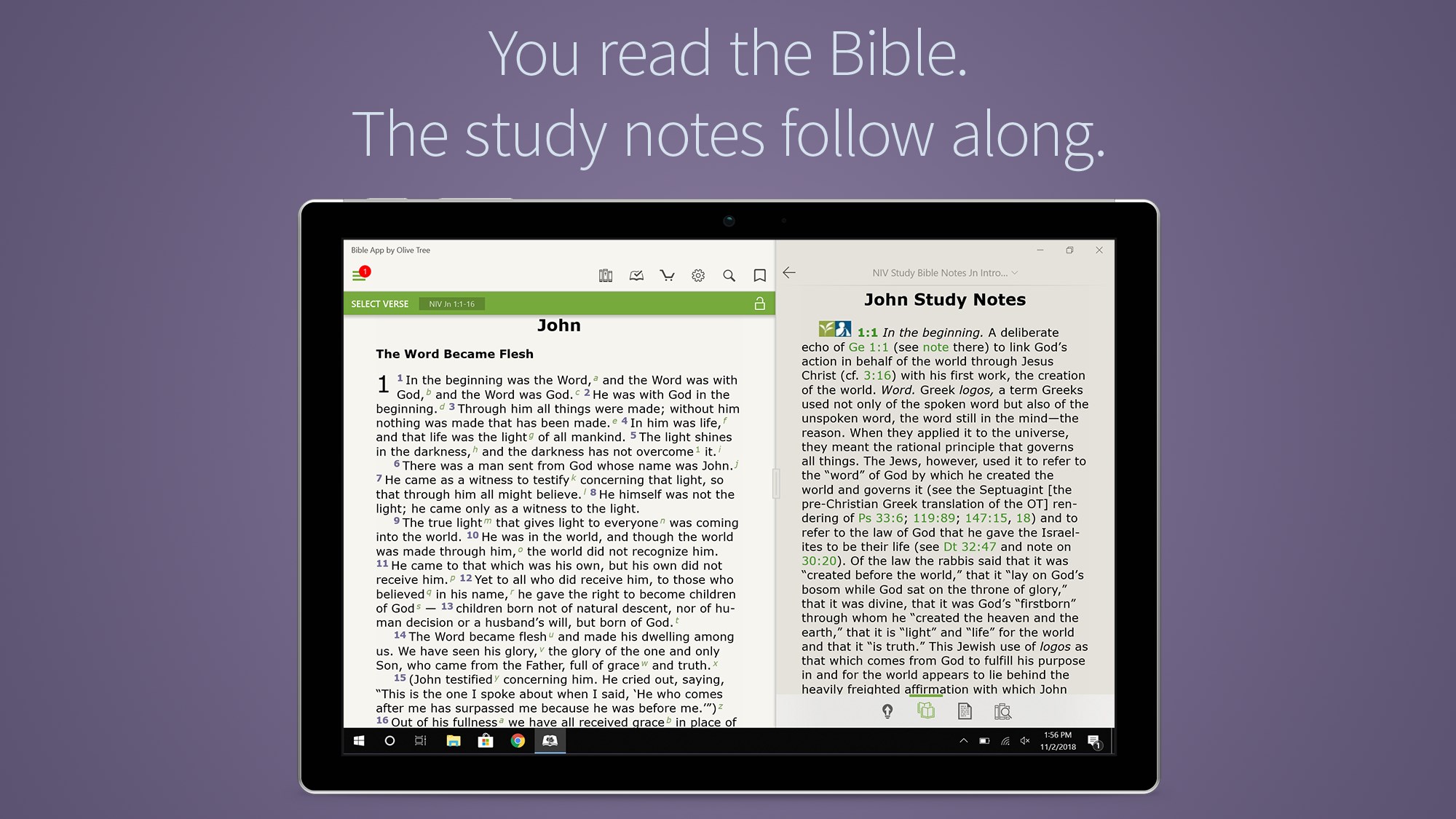
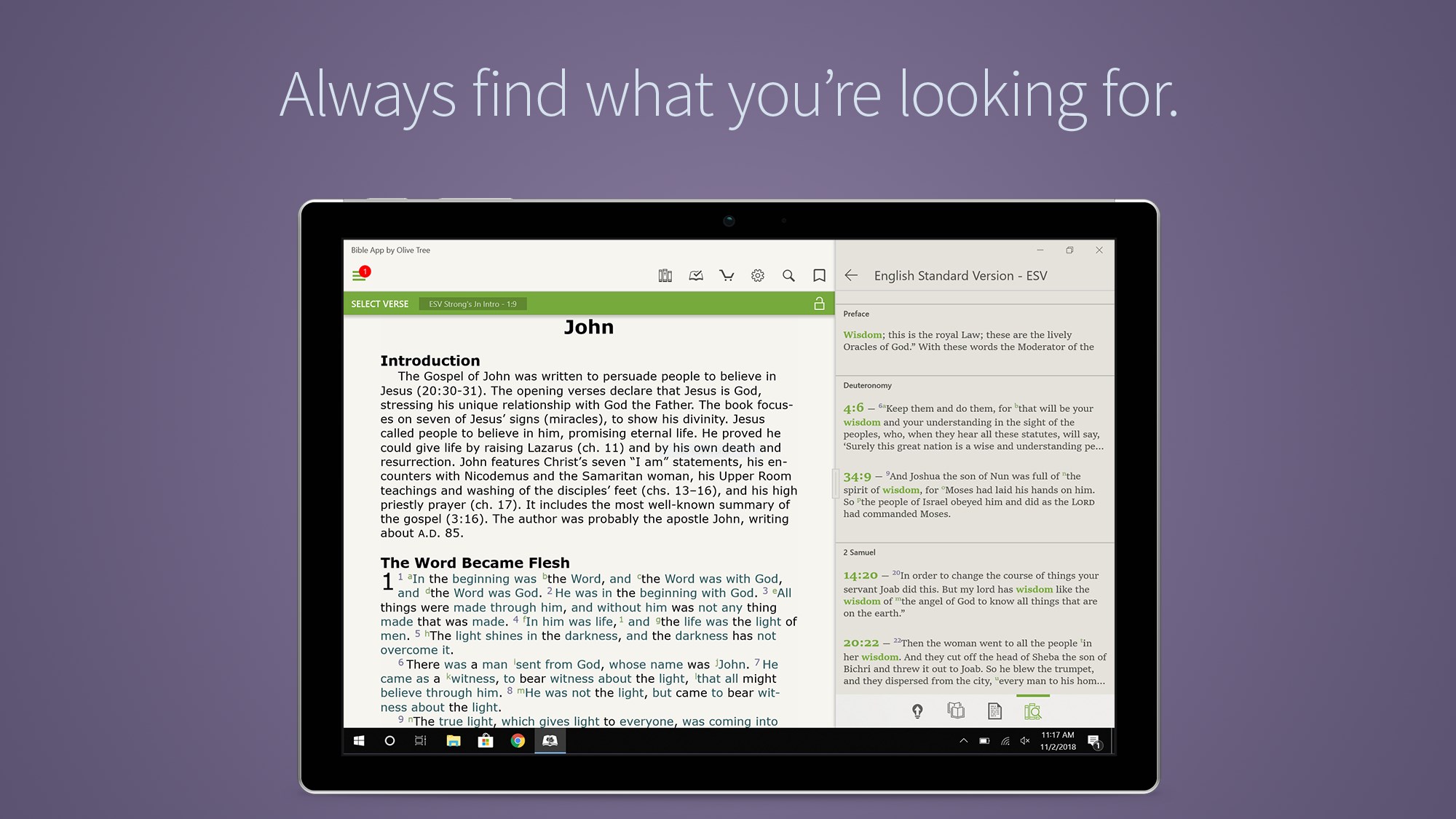
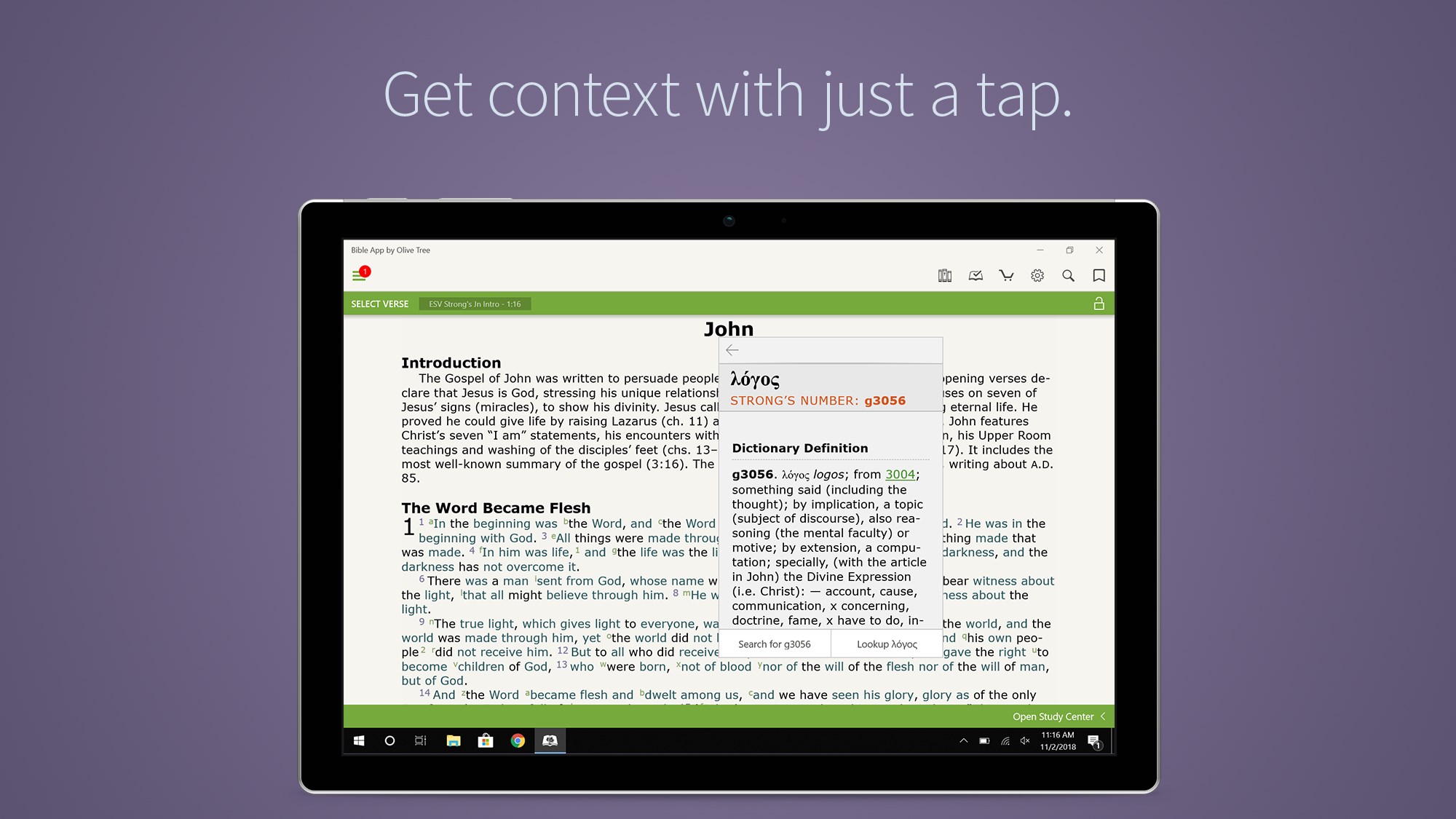
- Name Bible by Olive Tree
- Category Books & reference
- Available on PC, Mobile, Surface Hub
- OS Windows 10 version 16299.0 or higher
- languages English (United States), German, Portuguese, Portuguese (Brazil), Russian, Spanish, Spanish (Spain)
Introducing Bible by Olive Tree for Windows
Bible by Olive Tree for Windows is a comprehensive digital Bible app designed to bring scripture and related resources directly to your fingertips with ease and flexibility. It combines an intuitive interface with powerful study tools, making it ideal for both casual readers and serious students of the Bible.
Developer and Core Features
Developed by Gospel Technologies LLC, this app aims to provide a seamless Bible study experience for Windows users. Its main features include customizable reading options, extensive library integration, and advanced search capabilities. These functionalities allow users to personalize their study environment, access a wide range of biblical texts and commentaries, and locate specific passages quickly and efficiently.
Engaging Opening: Discover the Bible Like Never Before
Imagine having a virtual Bible study partner that's always available, organized, and ready to assist — whether you're at home, in church, or on the go. Bible by Olive Tree transforms your Windows PC into a dedicated sanctuary of scripture, where discovery and reflection become a natural part of your day. Its thoughtful design invites you to explore the depths of the Bible with clarity and comfort, like having your personal library at your fingertips.
Intuitive and Flexible Interface
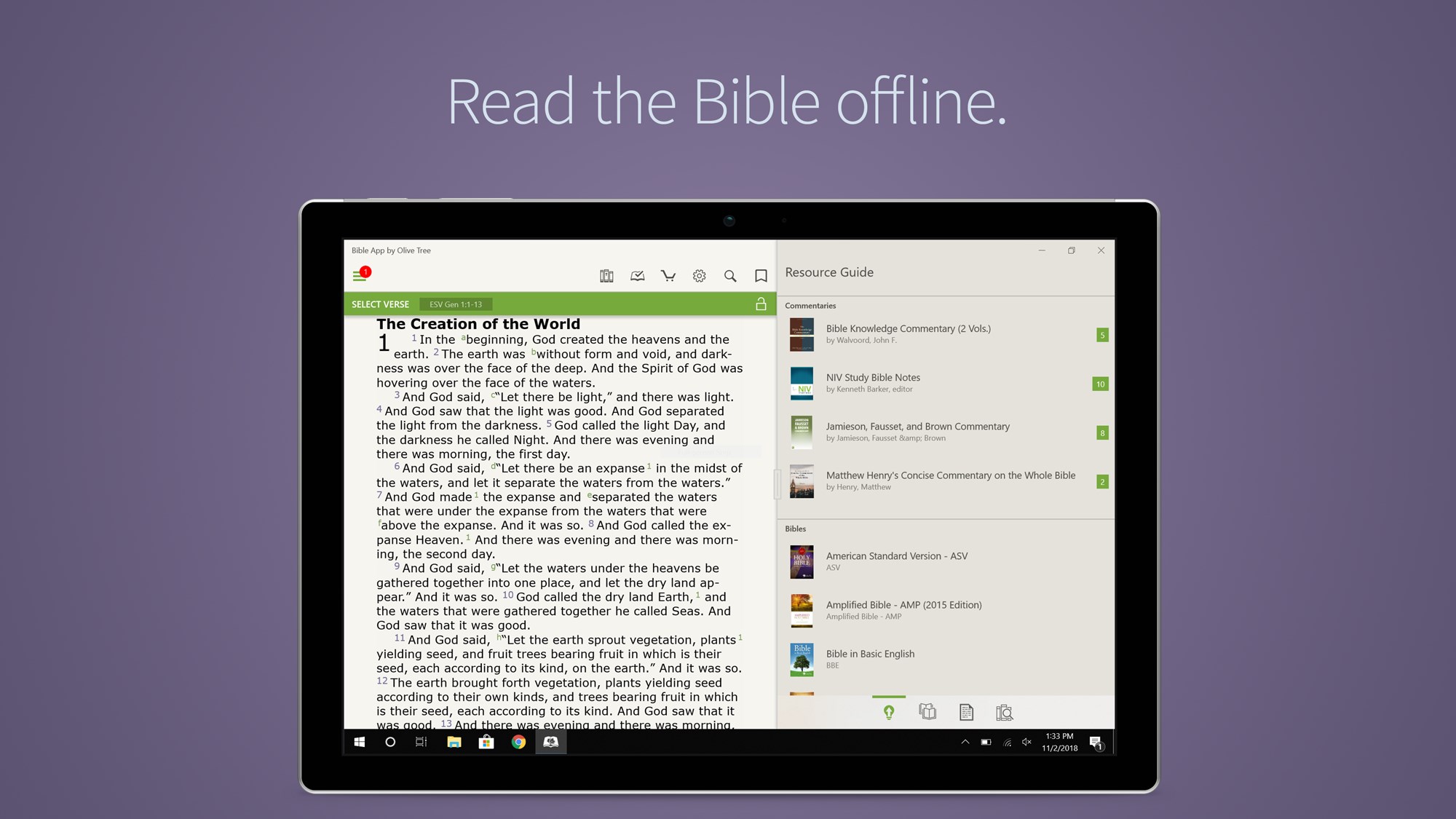
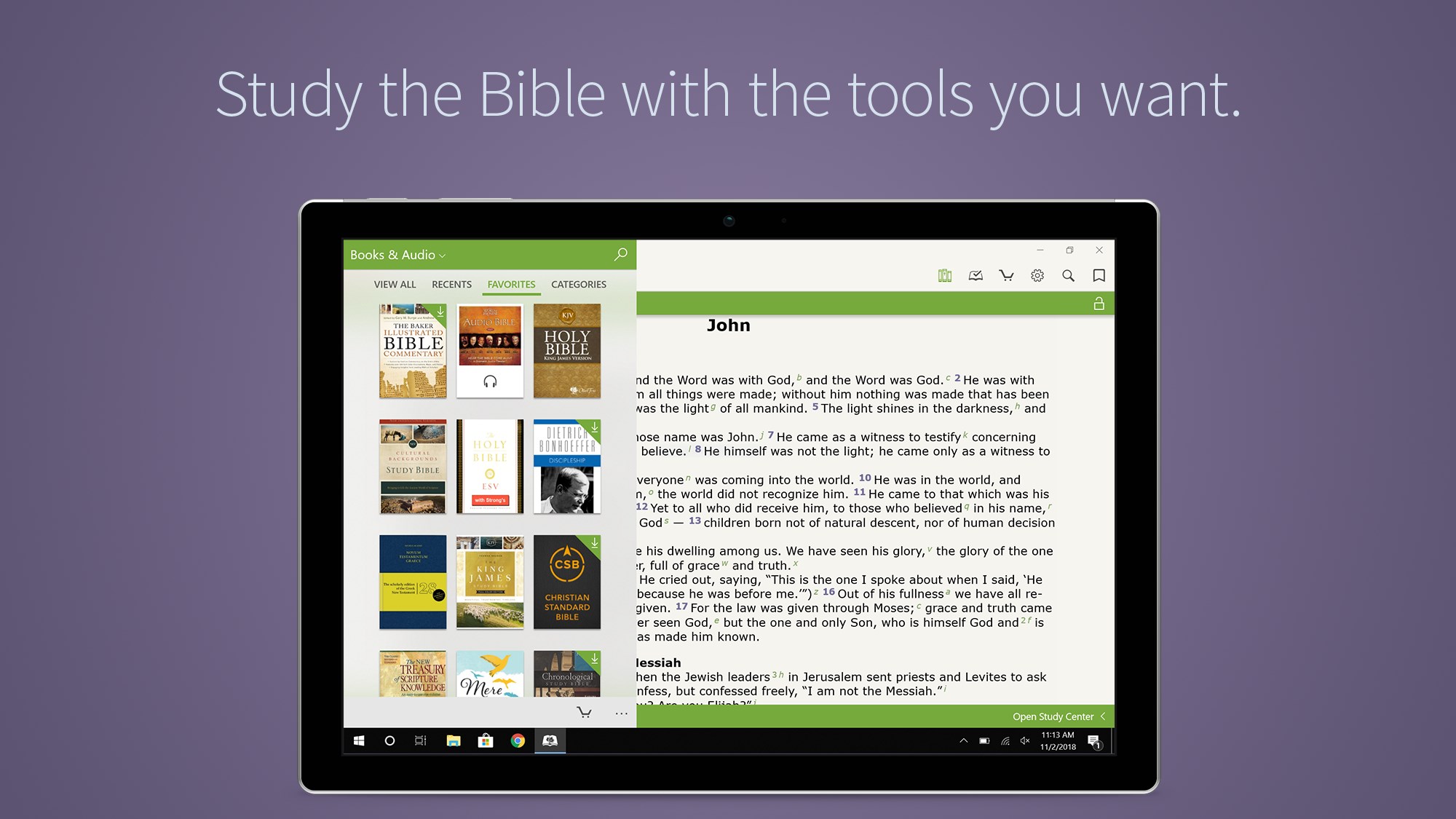
The first thing that strikes you upon launching the app is its clean, user-friendly interface. Designed with simplicity in mind, the layout resembles a familiar digital bookshelf, making navigation feel intuitive. Whether you're flipping through the Bible text, jumping between commentaries, or adjusting display settings, everything flows smoothly. Resizable text, night mode, and customizable themes further enhance readability and user comfort. The learning curve is gentle, even for newcomers — with all core features accessible within just a few taps or clicks.
Powerful Study Tools and Resources
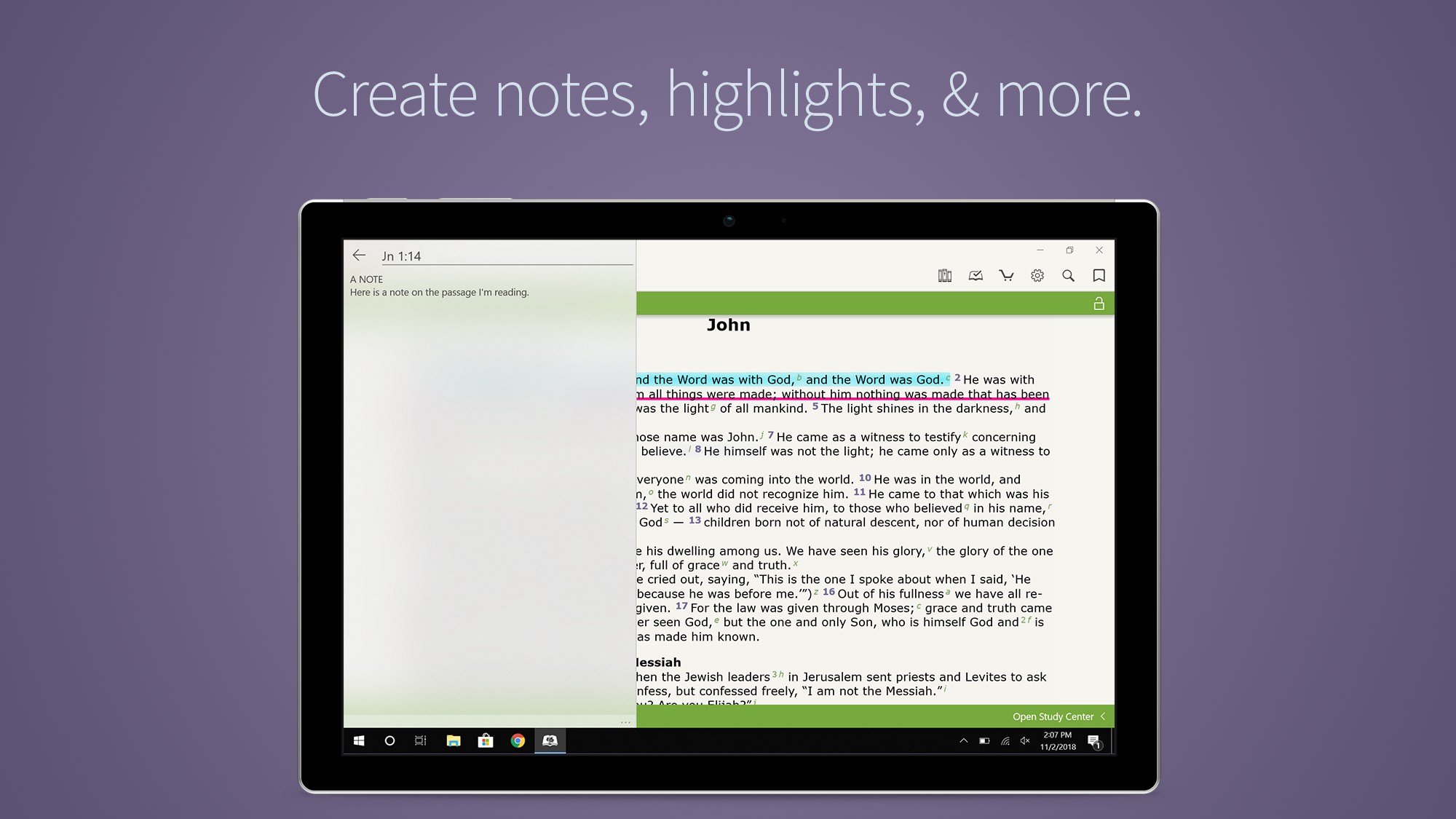
The hallmark of this app is its impressive library integration, which allows users to download or access numerous Bible translations, devotions, commentaries, and maps. These resources are neatly organized, making cross-referencing straightforward. The app's advanced search function is another standout feature: it supports keyword searches, phrase matching, and filtering by books or topics, allowing for targeted study sessions. Additionally, the ability to highlight, annotate, and bookmark verses makes it easy to personalize your studies and revisit key passages effortlessly.
Differentiating Features and Unique Advantages
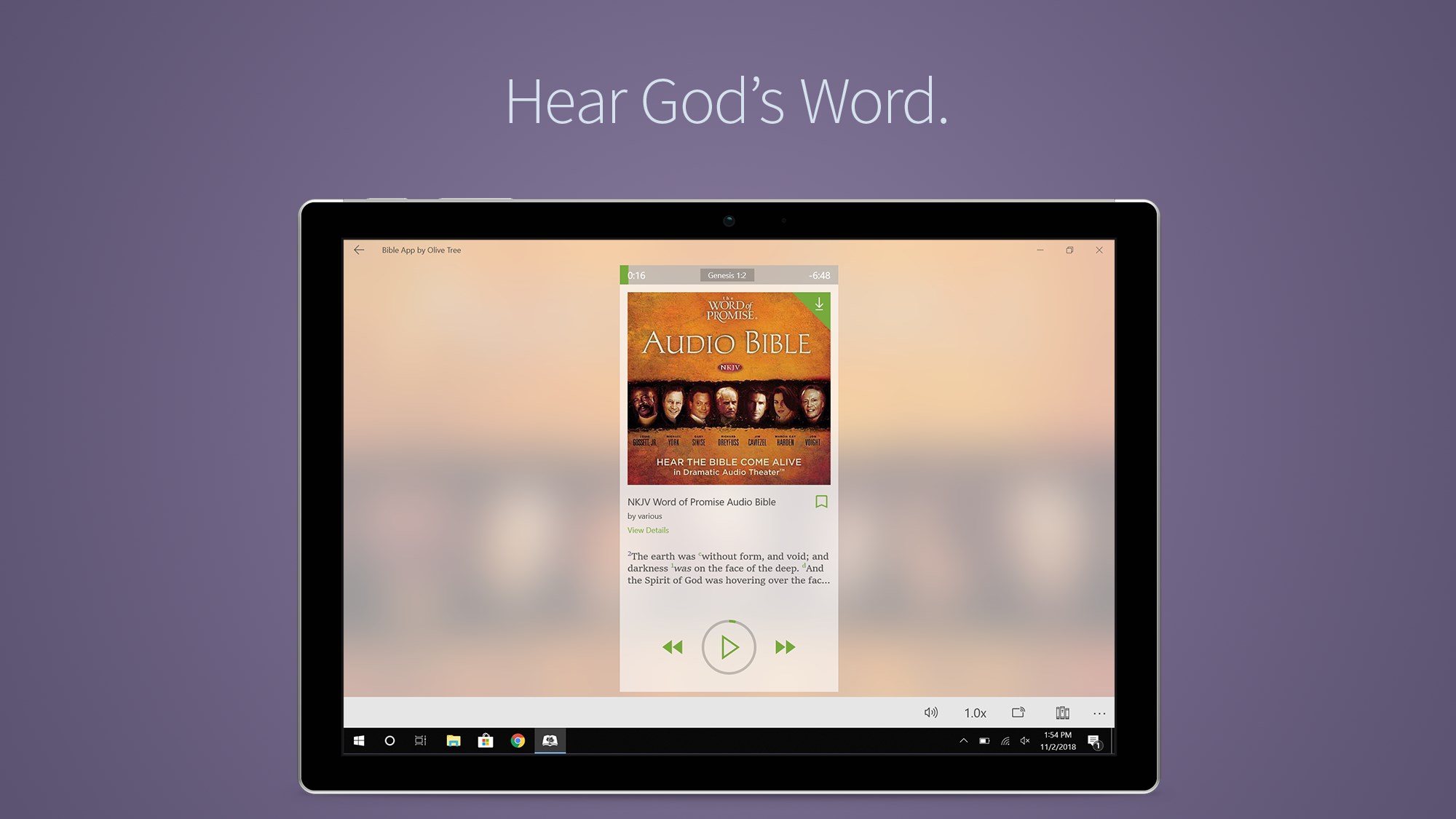
While many Bible apps offer similar core functionalities, Bible by Olive Tree stands out through its robust library management and offline accessibility. Unlike simpler reference apps, it lets users build a personalized digital library, syncing progress across devices, and working without an internet connection. Its emphasis on a clutter-free, customizable reading environment sets it apart from apps that rely heavily on in-app purchases or limited free content. Moreover, the app's emphasis on stability and performance ensures that your study experience remains smooth, even with large resource collections loaded.
Final Recommendations and Usage Suggestions
This app is highly recommended for anyone seeking a versatile and reliable Bible study companion on Windows. Whether you prefer a quick verse check or an in-depth thematic exploration, it adapts to your needs. Beginners will appreciate its approachable interface, while advanced users will benefit from its extensive library features and note-taking capabilities. For church leaders, students, or devotional readers, Bible by Olive Tree offers a balanced mix of accessibility and depth.
In summary, if you're looking for a personal digital library that feels natural and empowers your understanding of scripture, this app is worth trying out. Its most compelling strength lies in its comprehensive resource management combined with a user-centric design — making your biblical journey both enriching and enjoyable.
Pros
- Extensive Bible library
- User-friendly interface
- Offline access
- Customizable reading experience
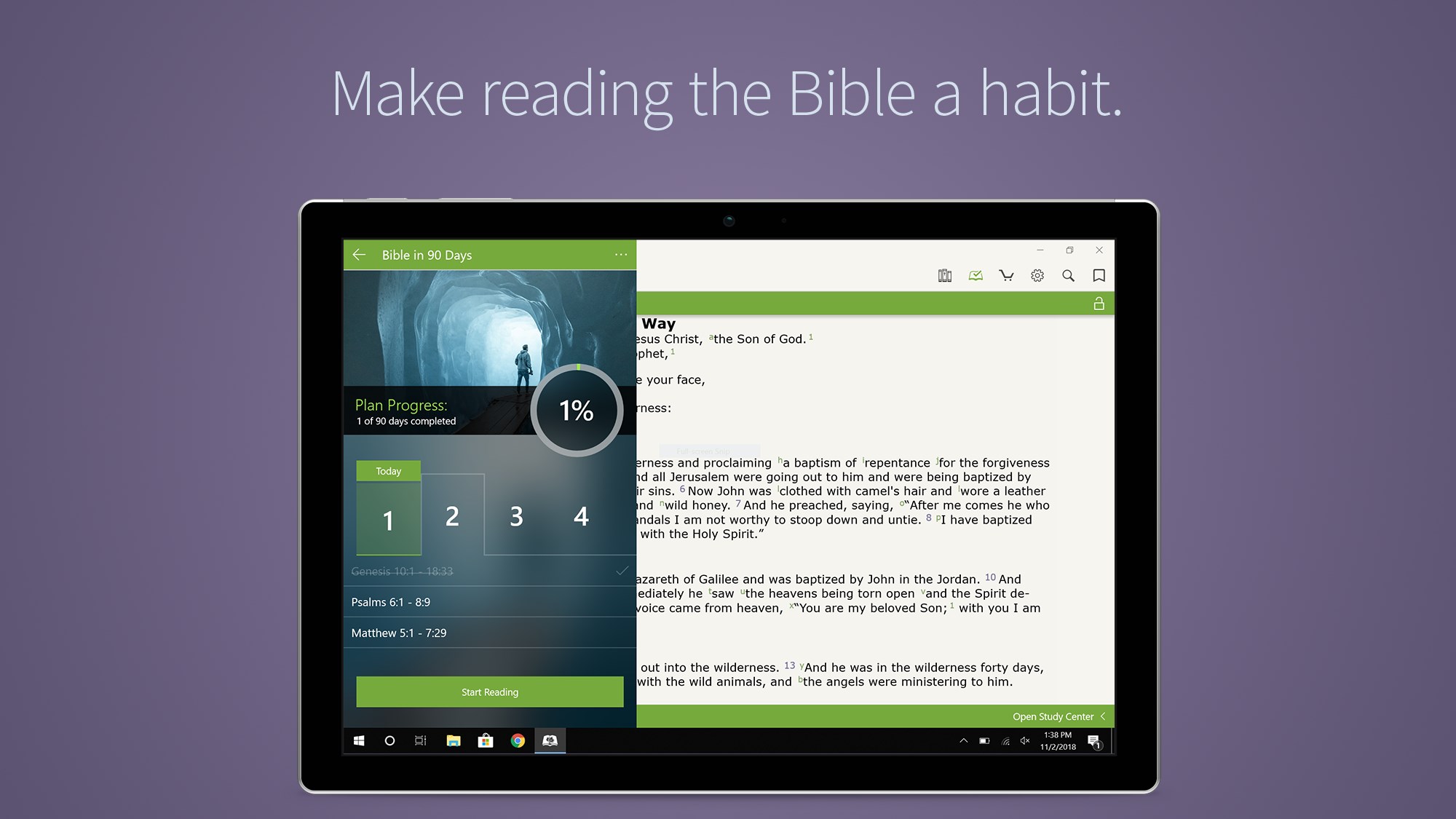
- Daily devotionals and study plans
Cons
- Limited free content
- Complex navigation for new users
- Occasional synchronization delays
- Limited multilingual support
- Occasional app stability issues