- Name Aquile Reader - Epub Pdf - Modern ebook reader
- Category Books & reference
- Developer Optimilia Studios
- Available on PC, Mobile, Xbox console, Surface Hub, HoloLens
- OS Windows 10 version 17763.0 or higher
- Keyboard Not specified
- Mouse Not specified
- languages Chinese (Simplified), English (United States), Hindi, Hungarian, Portuguese (Brazil), Ukrainian
Discovering the Modern E-Book Experience with Aquile Reader
If you're a digital reader seeking a sleek, versatile, and user-friendly way to enjoy your ebooks on Windows, Aquile Reader promises to be a compelling option. From its smooth navigation to focused reading features, this app might just become your new reading companion, especially for EPUB and PDF formats.
Simplified Reading with User-Centric Design
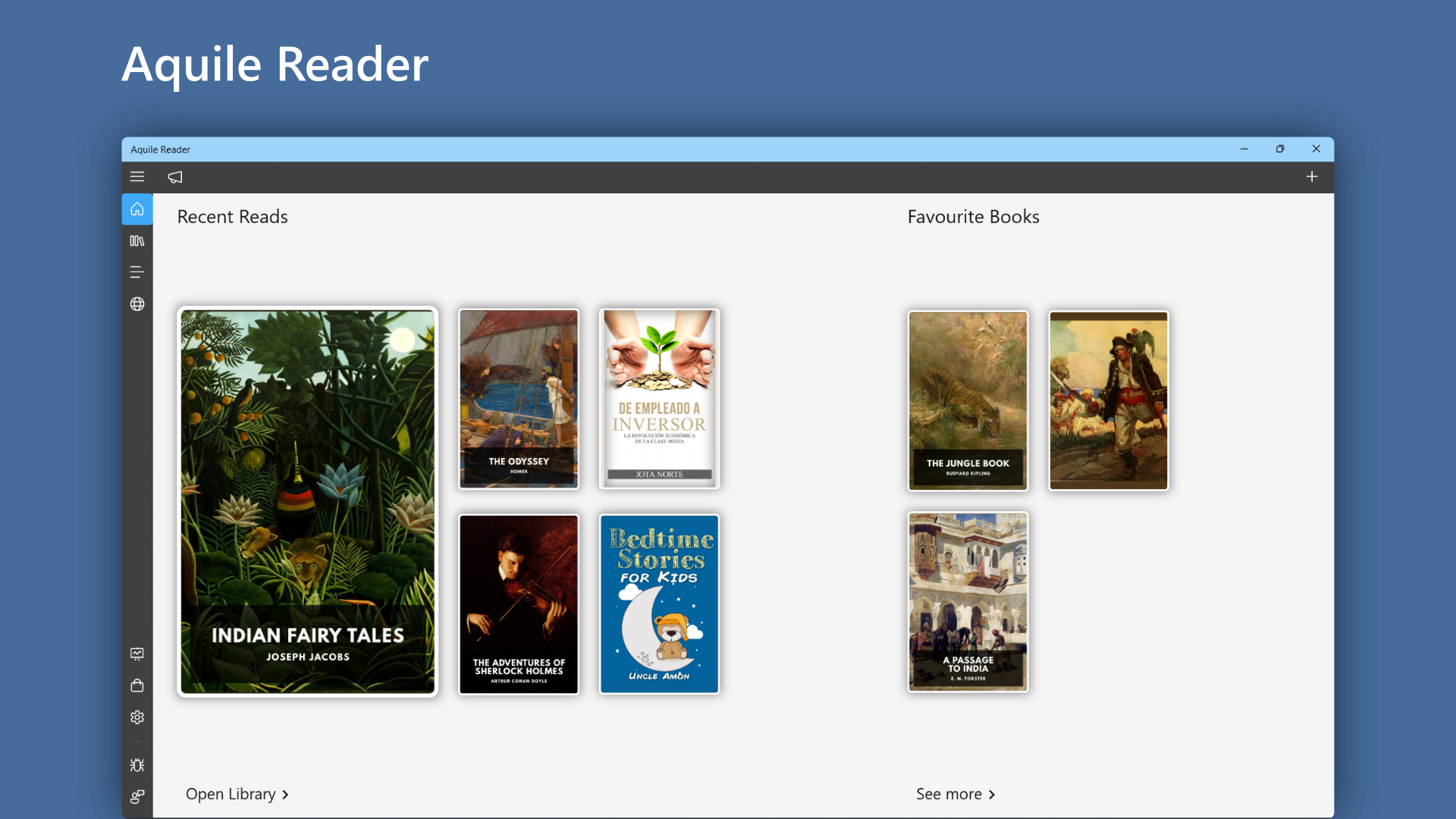
One of Aquile Reader's standout features is its clean, modern interface that makes navigating your digital library feel like flipping through a well-organized bookshelf. The app adopts a minimalist aesthetic, reducing visual clutter and offering easy access to your books. Whether you're browsing your collection or diving into a specific title, the design ensures your focus remains on the content. Its intuitive layout means that even newcomers will find it straightforward to start reading without a steep learning curve.
Seamless User Experience and Navigation
Beyond just a beautiful look, Aquile Reader shines when it comes to fluidity. Opening multiple ebooks, switching between formats, or jumping to different chapters happens smoothly without lag — akin to turning pages in a physical book with the flick of your finger. The app's responsive design adapts well to various screen sizes, enhancing comfort during long reading sessions. The learning curve is gentle; most users can master essential functions within minutes, making it accessible for everyone from casual readers to dedicated bookworms.
Core Functionalities That Elevate Your Reading
Now, let's explore what sets Aquile Reader apart — the features that enhance your ebook experience.
Highlighting and Annotation Tools
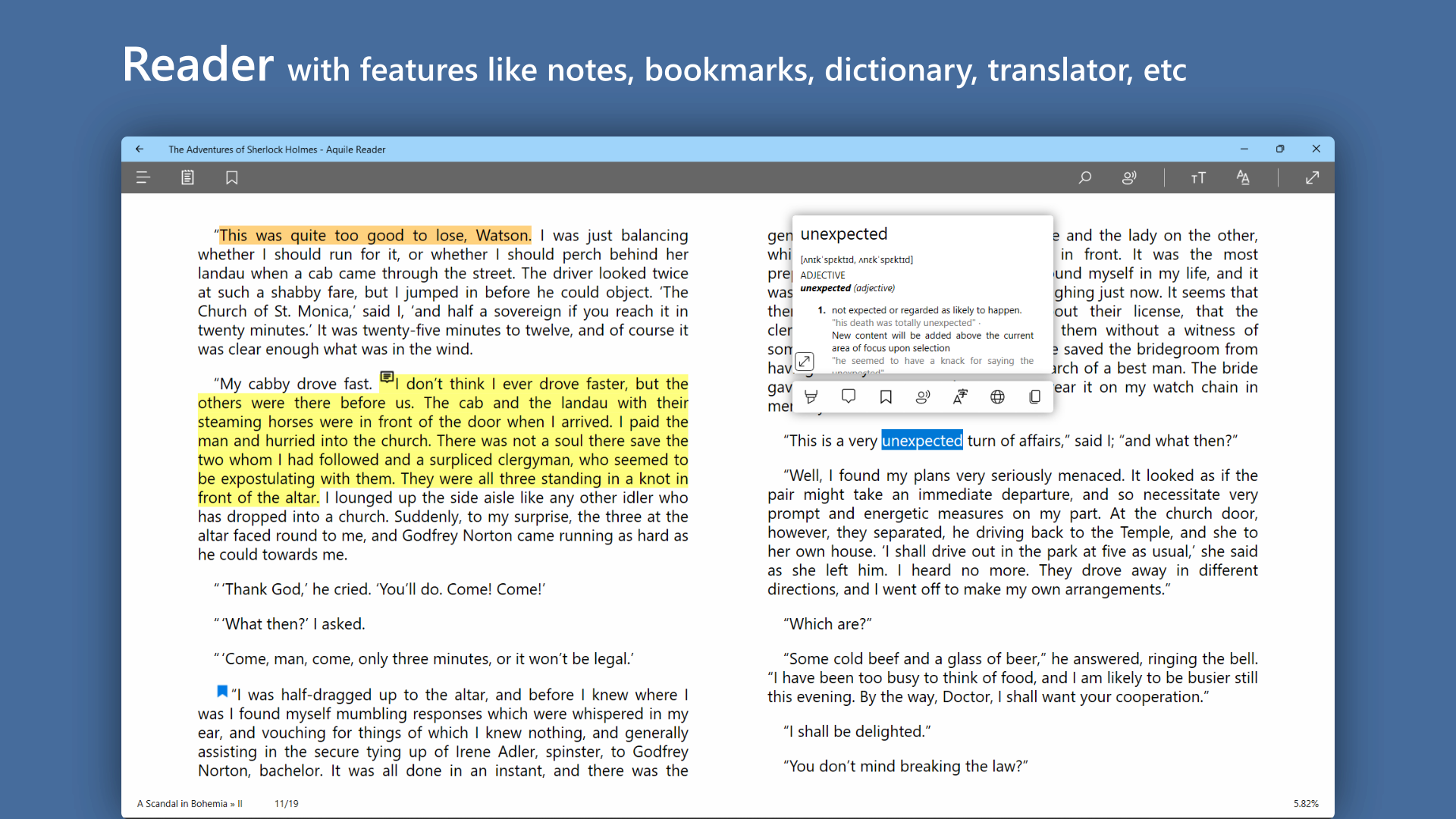
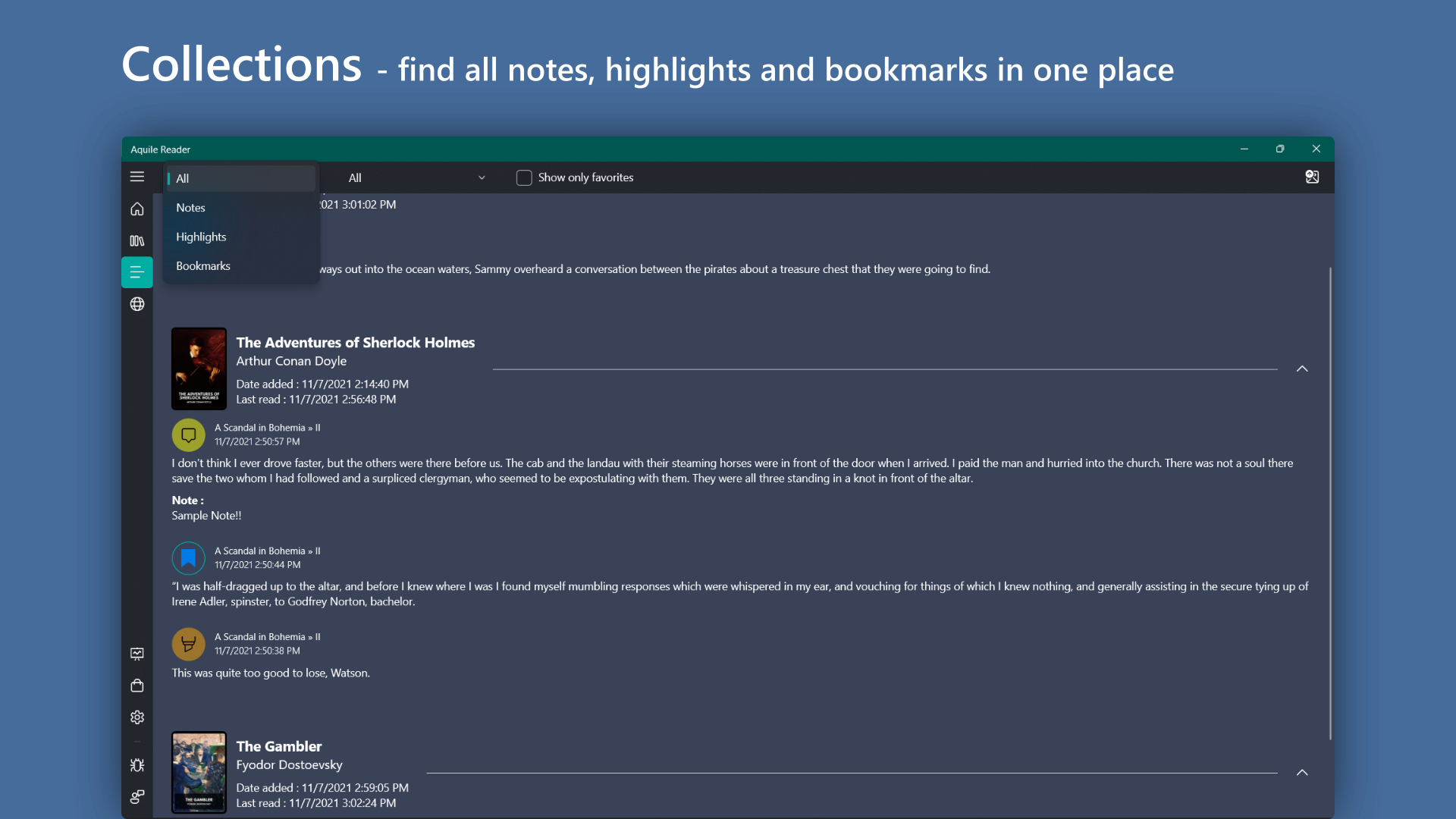
The app offers robust highlighting and note-taking capabilities. Users can easily mark passages with different colors or add annotations effortlessly, making it a great tool for students or researchers. Unlike some readers where these features are hidden or limited, Aquile Reader provides a straightforward, distraction-free environment for engaging with content actively. Think of it as having a highlighter and sticky notes built right into your digital copy.
Flexible Reading Modes and Customizations
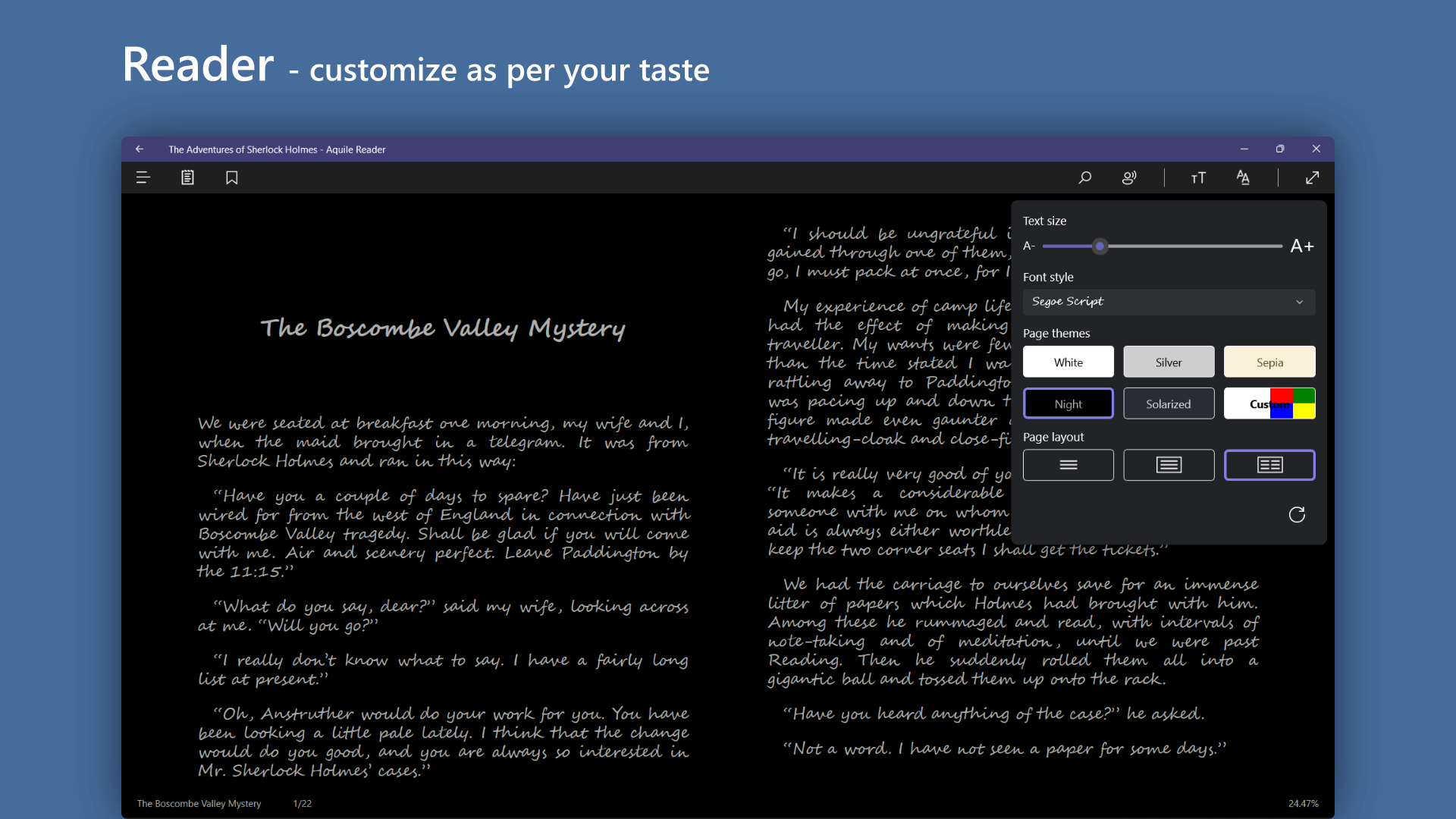
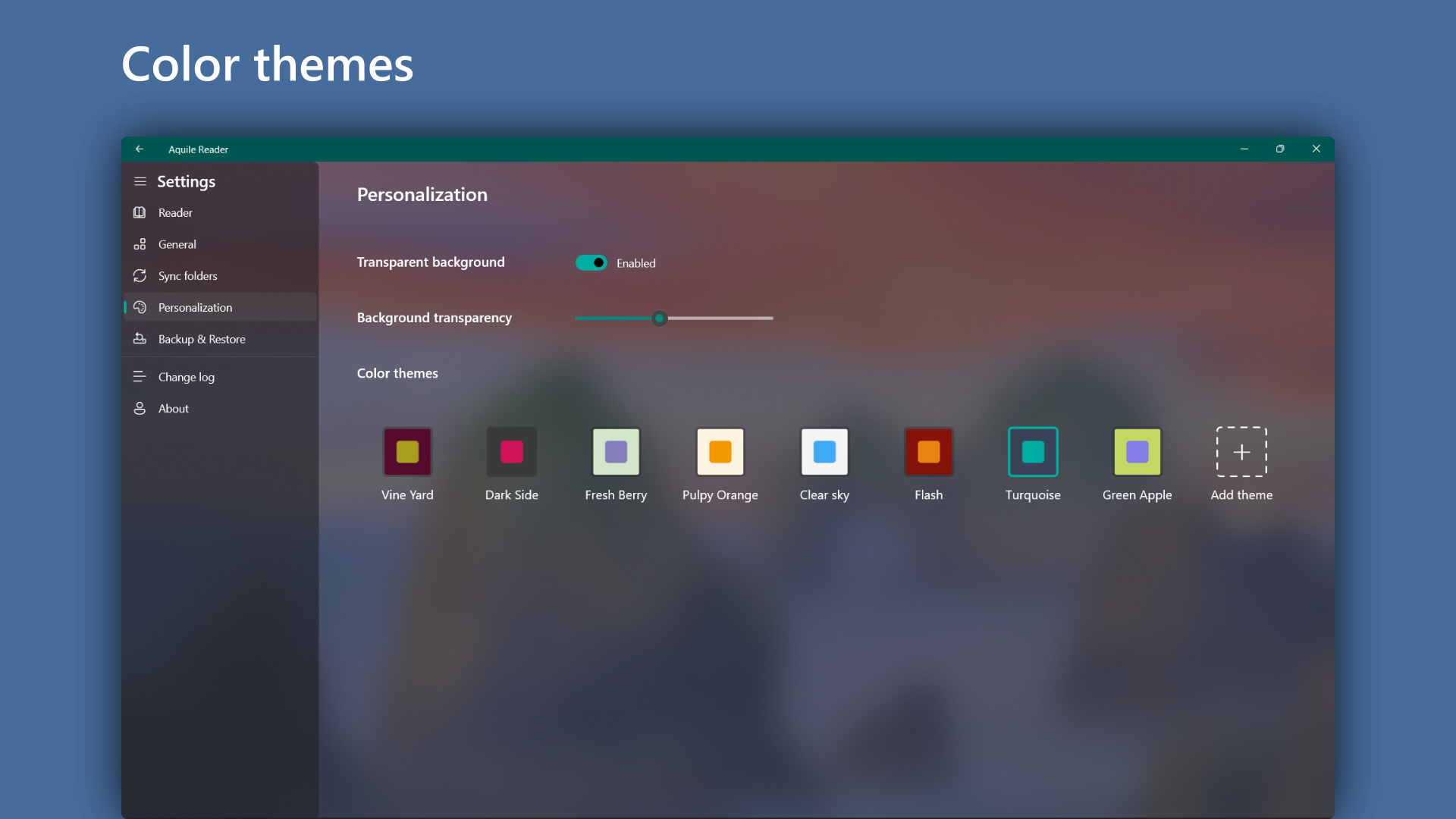
Aquile Reader caters to diverse reading preferences with multiple display modes — including night mode, sepia, and standard white backgrounds. Adjusting font size, style, line spacing, and margins allows users to tailor the reading environment to their comfort, much like adjusting the lighting and seating for a cozy reading nook. This flexibility ensures prolonged reading sessions remain comfortable and strain-free.
Advanced Book Format Support & Management
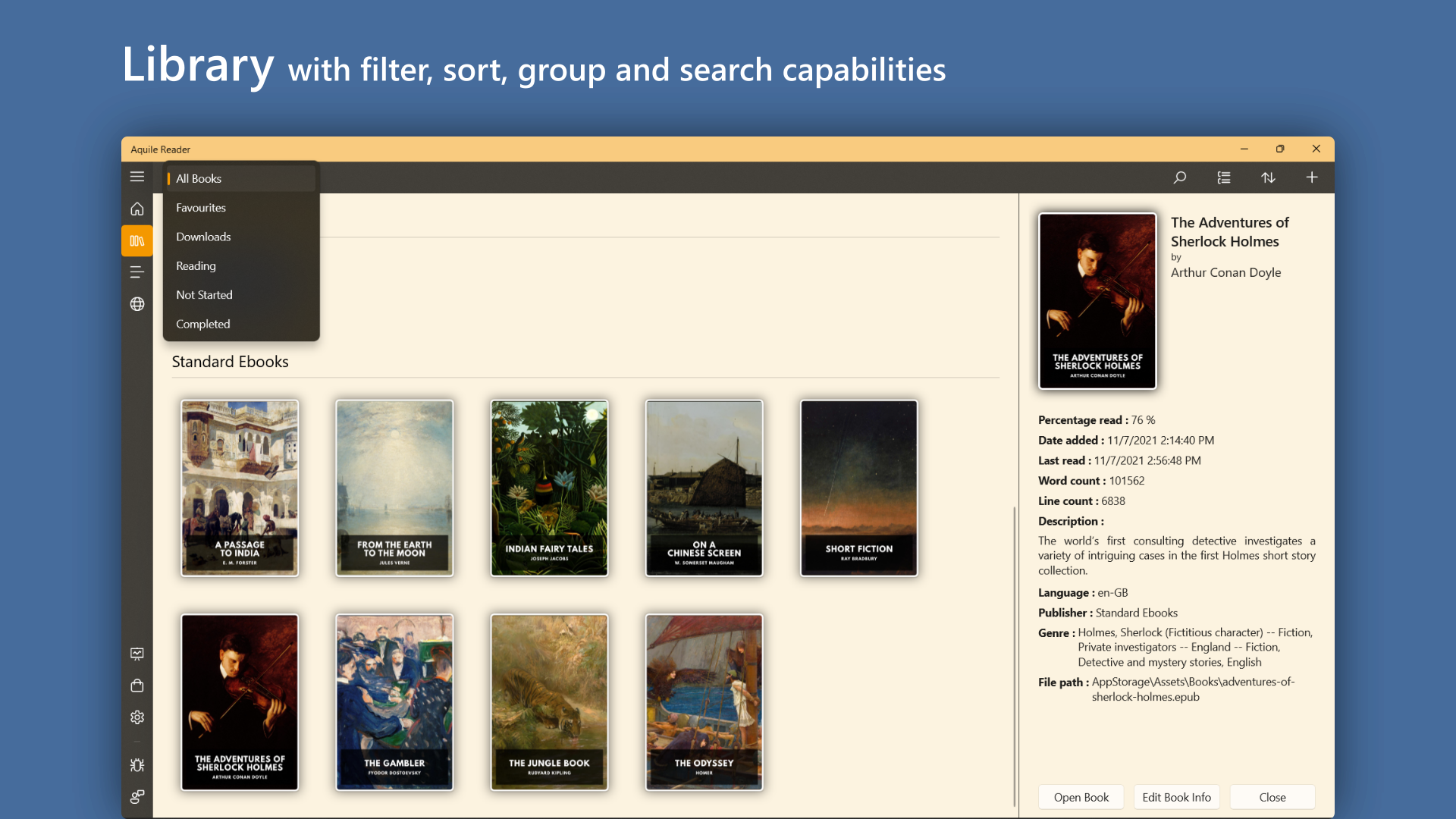
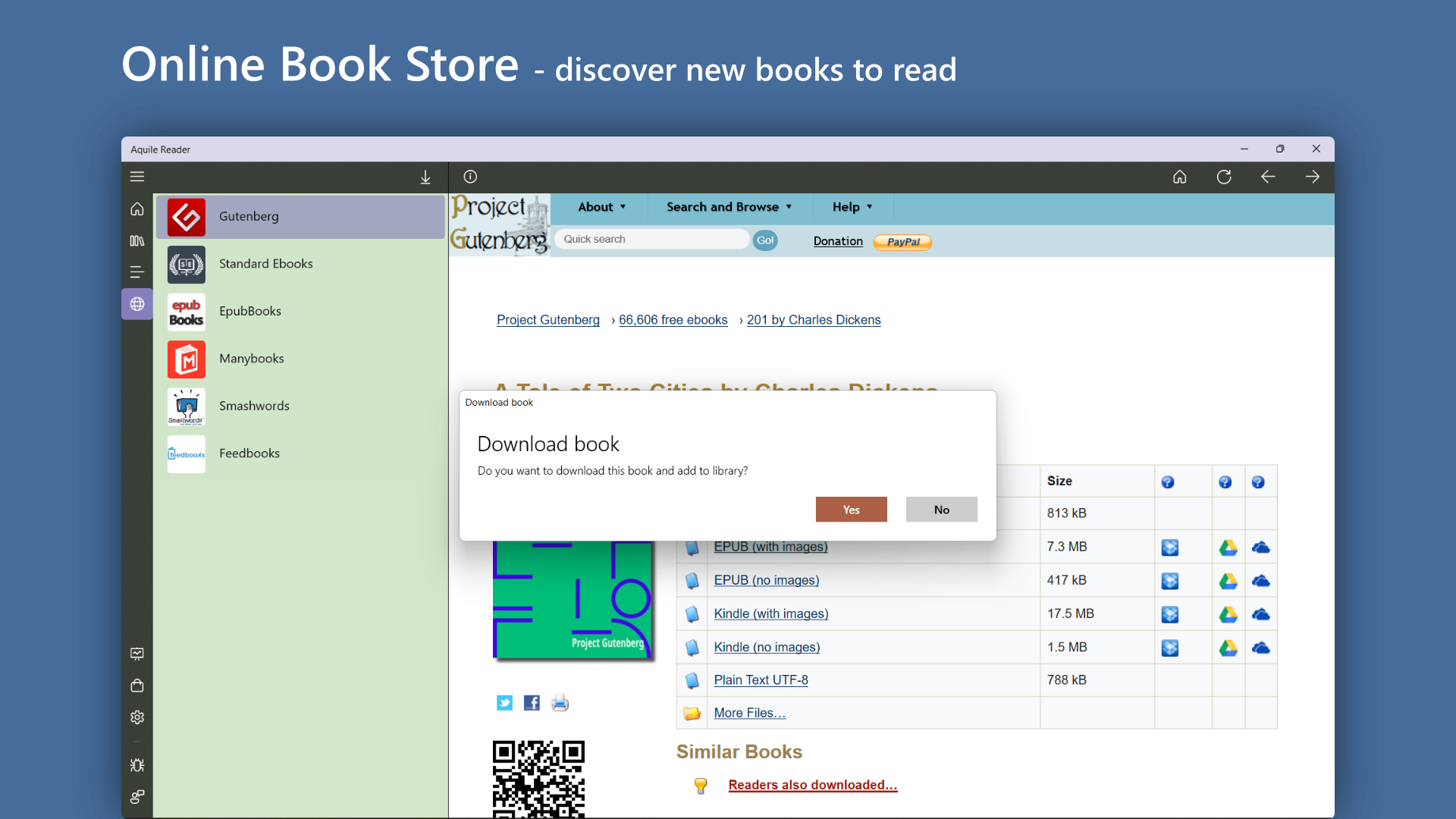
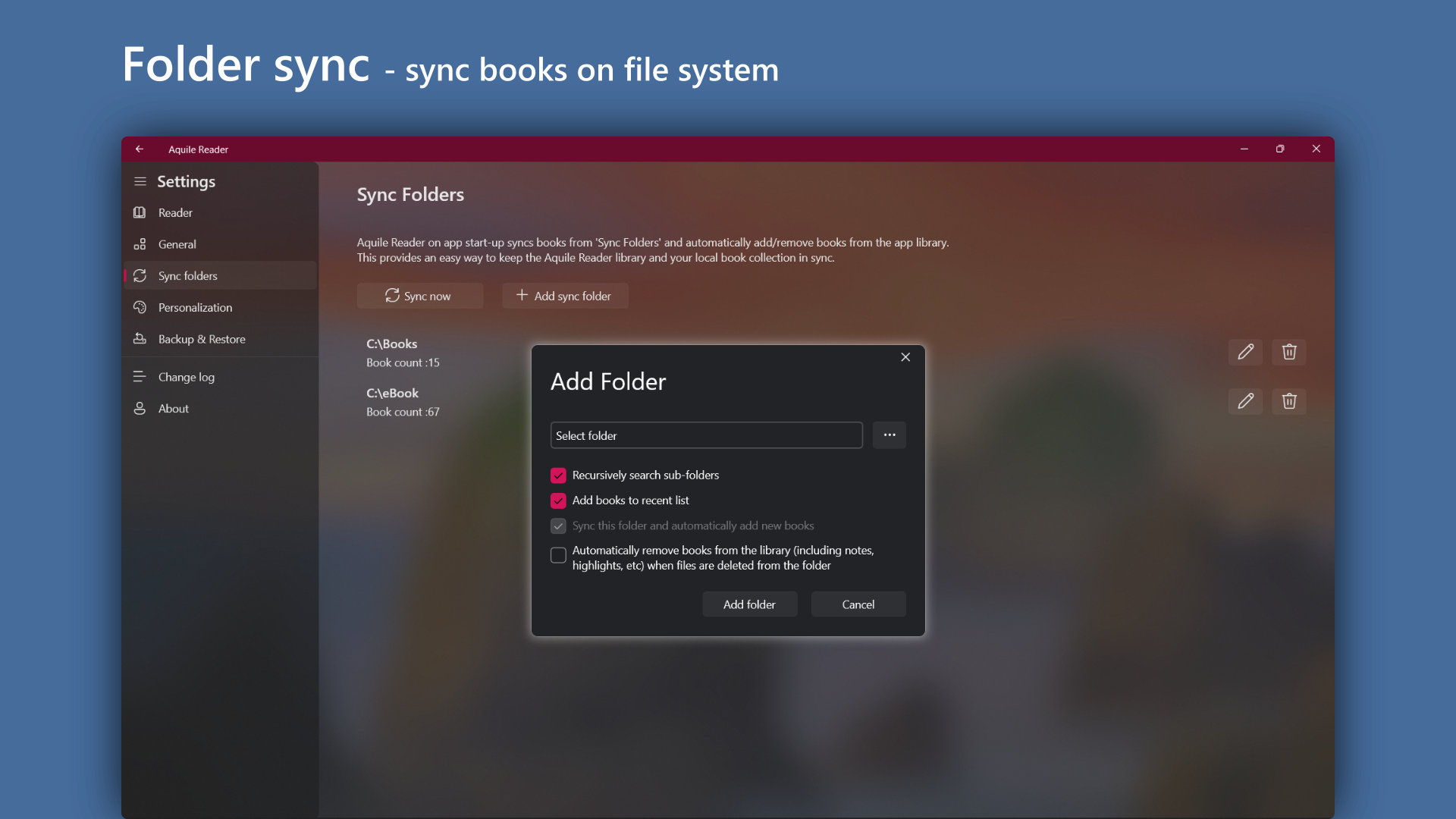
Supporting EPUB and PDF formats with ease, Aquile Reader handles complex layouts and graphics, which is sometimes a challenge for simpler readers. Its internal library management system keeps your books organized and accessible. Unlike some apps that struggle with PDF fidelity or EPUB formatting quirks, Aquile Reader maintains formatting integrity, delivering a pleasant reading experience across formats. This makes it an excellent choice for users who juggle various document types.
Experience and Differentiators: Why Choose Aquile Reader?
Compared to other ebook readers like Kindle PC or Adobe Digital Editions, Aquile Reader's edge lies in its simplicity and format flexibility. It doesn't bombard you with unnecessary features but instead zeroes in on essential reading tools combined with a clean, distraction-free interface. Its focus on EPUB and PDF makes it more versatile if your library includes diverse formats. The app's lightweight build ensures it runs smoothly even on modest hardware, and the customizable viewing options cater to all preferences. Think of it as the crisp, no-nonsense book in a world cluttered with overly complicated digital shelves.
Final Thoughts: Is It Worth Trying?
If you're searching for an ebook reader that is accessible, efficient, and capable of handling both EPUB and PDF formats without fuss, Aquile Reader deserves your attention. Its key strengths — especially the annotation features and format versatility — make it stand out from basic readers. For casual reading, academic work, or professional reference, this app provides a balanced, user-friendly environment.
While it may not boast the extensive ecosystem of some larger platforms, Aquile Reader's straightforward approach makes it an excellent tool for those who prioritize simplicity and functionality over bells and whistles. I recommend giving it a test run if you value a modern, clean interface paired with reliable performance. Think of it as discovering a well-crafted, pocket-sized library that's always ready at your fingertips.
Pros
- Intuitive user interface
- Supports multiple formats including EPUB and PDF
- Advanced reading customization
- Built-in library management tools
- Fast and smooth performance
Cons
- Limited annotation features
- Occasional lag with large PDF files
- Lack of cloud sync for annotations
- Difficulty exporting annotated files
- Limited customization of the reading interface for advanced users