


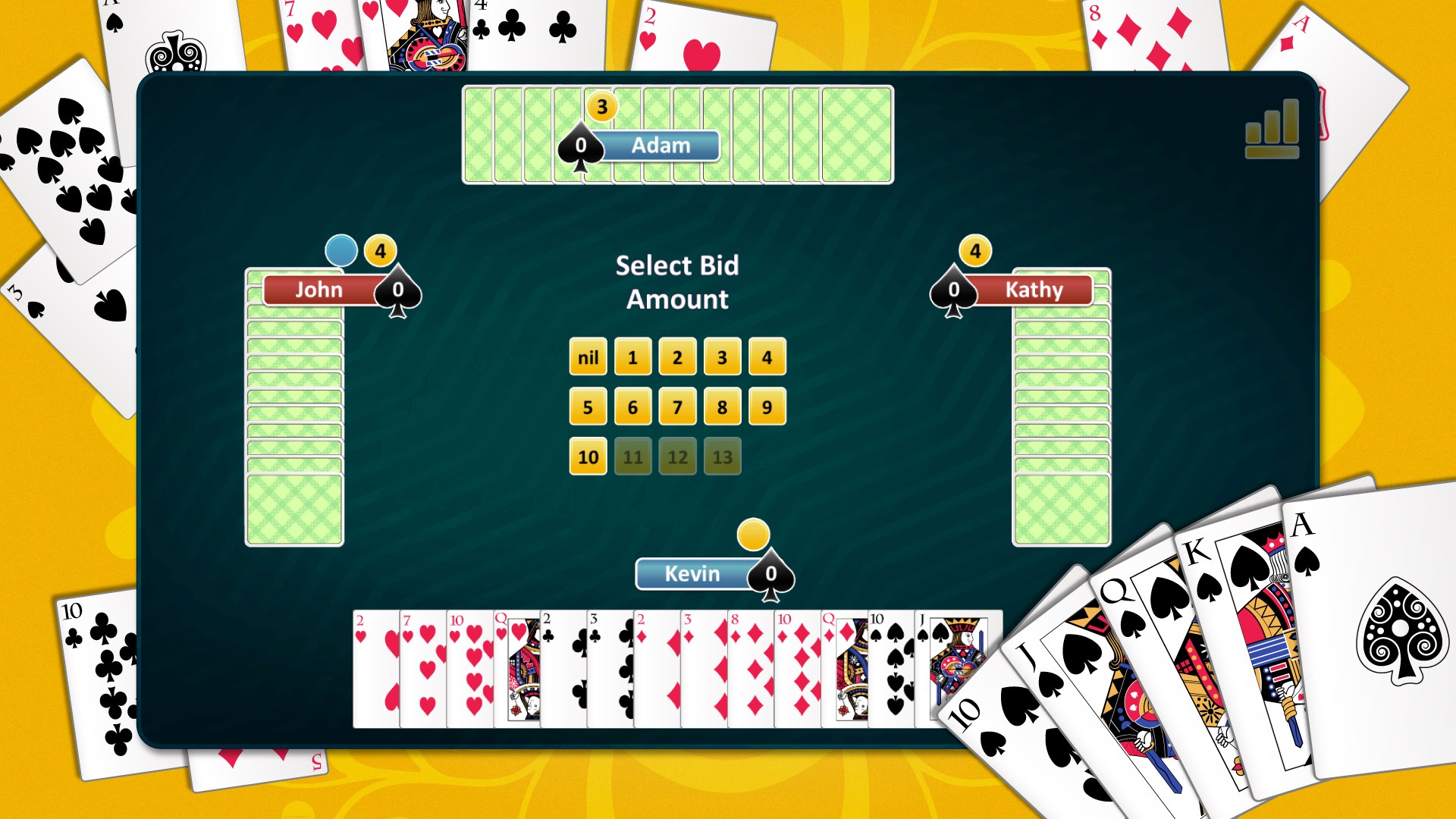
- Name Spades
- Category Card & board
- OS Windows 10 version 18362.0 or higher
- languages Chinese (Simplified), Dutch, English (United States), French, German, Italian, Japanese, Polish, Portuguese, Portuguese (Brazil), Romanian, Russian, Spanish, Turkish
A Digital Card Game Experience: Spades for Windows
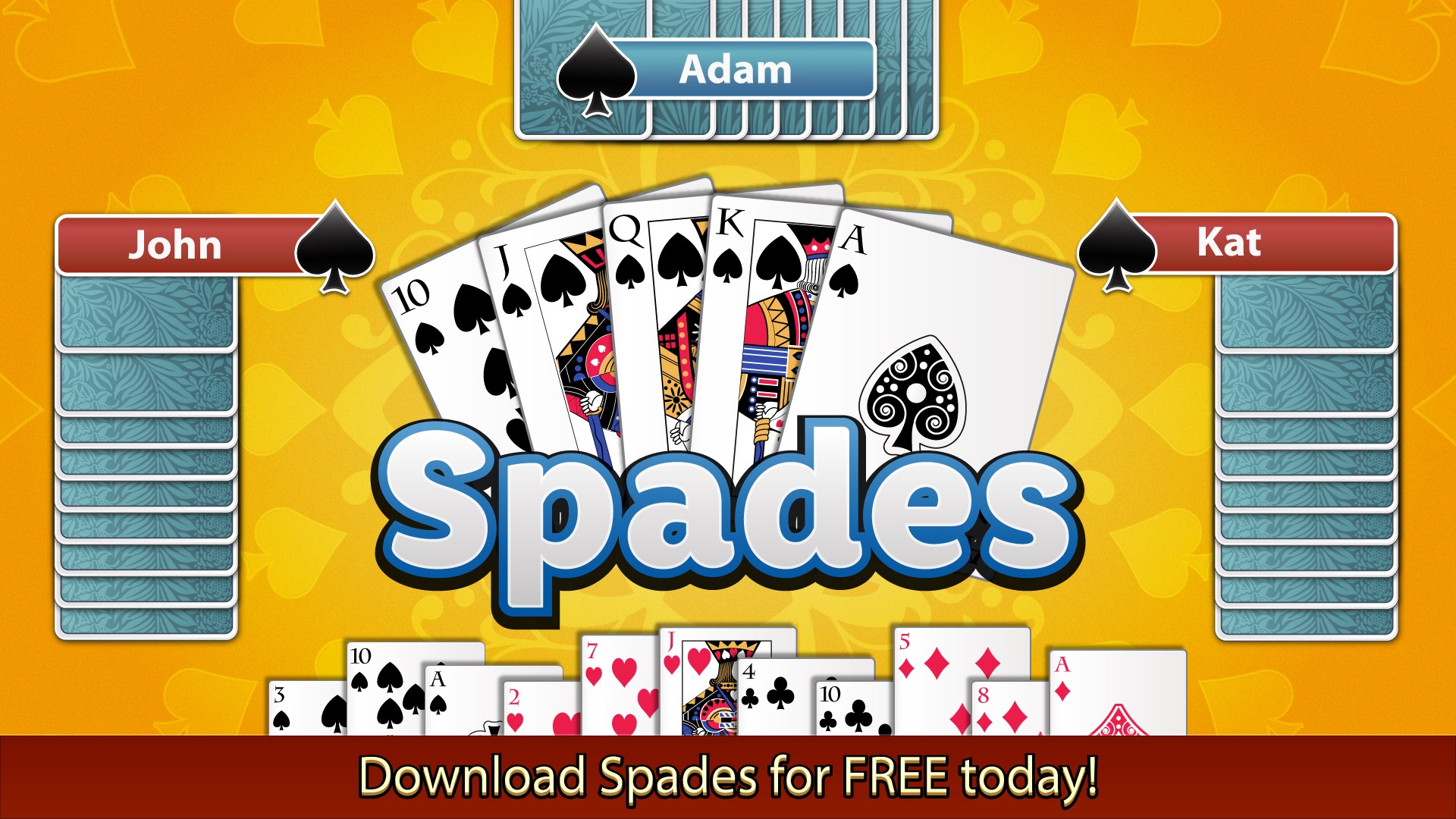
Spades for Windows, developed by Random Salad Games LLC, offers a fresh yet familiar take on the classic card game, blending traditional gameplay with modern digital enhancements for casual enthusiasts and seasoned players alike.
Basic Information and Core Highlights
Positioning in the App World
This application is a digital rendition of the timeless Spades card game, designed to deliver an engaging and easy-to-access gaming experience on Windows devices.
Developer and Team
Created by Random Salad Games LLC, a developer known for crafting intuitive and social card game apps with a focus on user-friendly interfaces and community engagement.
Main Features Bright Spots
- Versatile Multiplayer Modes: Play solo, against AI, or challenge friends in real-time online matches.
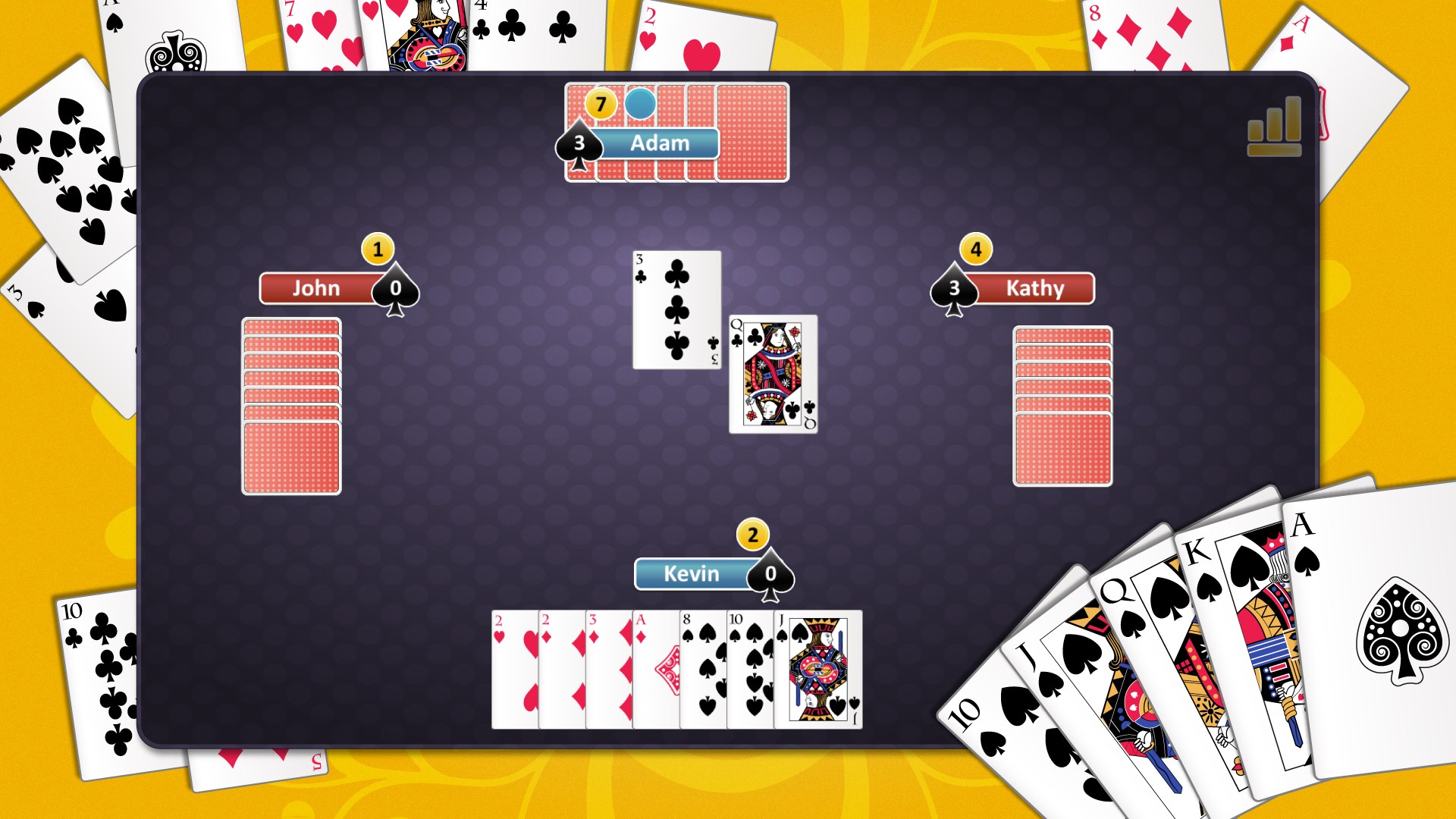
- Intuitive Interface: Clean and visually appealing design that mimics physical card tables to ease new players into the game.
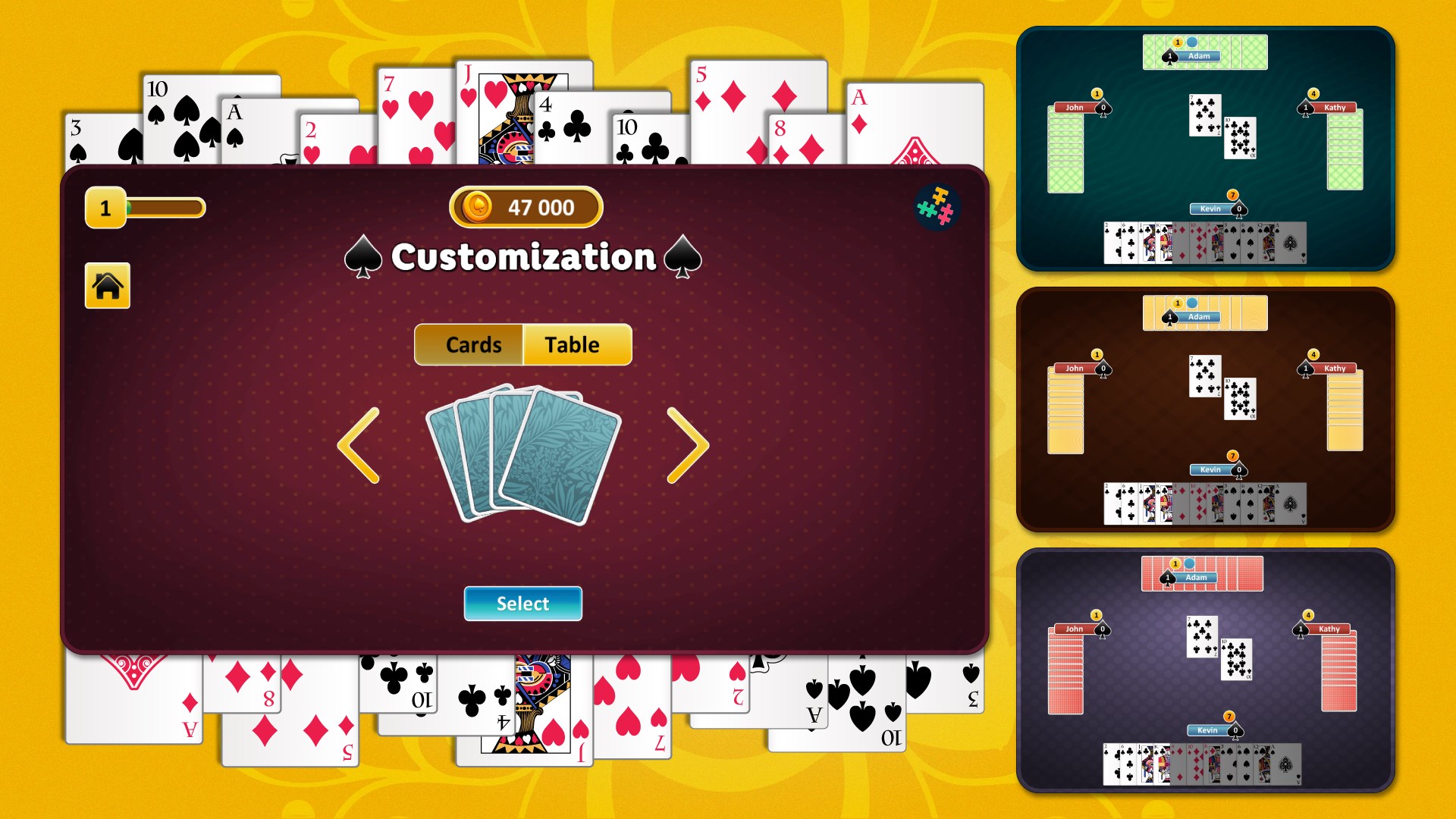
- Customization Options: Personalize your avatar, card designs, and table themes to enhance your gaming ambiance.
- Skill and Strategy Insights: In-game hints and stats to help players improve their tactics over time.
Dynamic Gameplay and User Experience
Engaging Introduction and Atmosphere
Imagine sitting around a virtual table on a rainy afternoon, laughter and friendly banter filling the air—Spades for Windows captures this cozy, competitive atmosphere perfectly. The game invites you to test your wit and strategy, whether you're a casual player looking to unwind or a seasoned pro sharpening your skills. Its smooth animations and responsive controls make each deal feel seamless, almost as if you're shuffling cards in real life, minus the mess.
Core Features Unpacked
Multiplayer and AI Challenges
The game excels in offering multiple modes: solo against sophisticated AI rivals that adapt to your skill level, or multiplayer battles with friends via online connect. The AI opponents are surprisingly challenging, mimicking human unpredictability. This variation keeps the gameplay fresh and engaging, ensuring you always have a reason to come back.
Design and Navigation Ease
The interface is straightforward yet polished, featuring a virtual card table and minimal clutter. Navigating through game modes, settings, and statistics is as intuitive as flipping over a card—no steep learning curve here. Transitions are smooth, and animations add a touch of realism that enhances immersion.
Strategic Depth and Learning Curve
Whether you're a newbie or a veteran, the game provides helpful hints and statistical data about your play patterns, fostering continuous improvement. The option to toggle hints is especially useful for beginners, while advanced players can disable assistance to challenge themselves fully.
What Sets It Apart from Similar Apps?
Many digital card games replicate physical card play but fall short in customization and community engagement. Spades for Windows distinguishes itself with its impressive personalization options, allowing players to customize tables and avatars to create a uniquely personal gaming environment. Additionally, its combination of adaptive AI and seamless multiplayer capabilities makes it stand out, providing a balanced mix of solo challenges and social competition.
Furthermore, the app's design strikes a fine balance between simplicity and sophistication—appealing to both casual players seeking straightforward fun and serious strategists seeking depth. Its game stats and hints are thoughtfully integrated, aiding skill development without overshadowing the core gameplay.
Final Verdict and Recommendations
Overall, Spades for Windows earns a solid recommendation for anyone interested in digital card games. Its accessible interface, flexible multiplayer options, and subtle strategic elements make it a compelling choice. Whether you're looking to unwind with a quick game or aim to perfect your spade tactics, this app covers the essentials without the clutter of overly complicated features.
If you enjoy classic card games with a modern twist and appreciate personalization and smooth gameplay, this app is a reliable partner. For those new to Spades, the learning aids provide a gentle onboarding, while seasoned players will find enough challenge and community to keep engaged. It's like having a versatile, friendly gaming buddy right on your Windows device—recommended for a casual yet strategic gaming experience.
Pros
- Engaging gameplay with intuitive controls
- Beautiful, high-quality graphics and animations
- Offline mode available for uninterrupted gaming
- Regular updates with new features and bug fixes
- Multiple difficulty levels for a tailored experience
Cons
- Limited multiplayer options
- App sometimes experiences occasional lag during gameplay
- Lack of customization options for card themes
- Minimal tutorial for new players
- Ads occasionally interrupt gameplay











