


- Name SOUND FORGE Audio Studio 17 Microsoft Store Edition
- Category Music
- Developer MAGIX Software GmbH
- Available on PC
- OS Windows 10 version 0.0 or higher
- Keyboard Integrated Keyboard
- Mouse Integrated Mouse
- Memory 2 GB
- languages German, English
Sound Forge Audio Studio 17 Microsoft Store Edition: An Accessible Powerhouse for Audio Editing
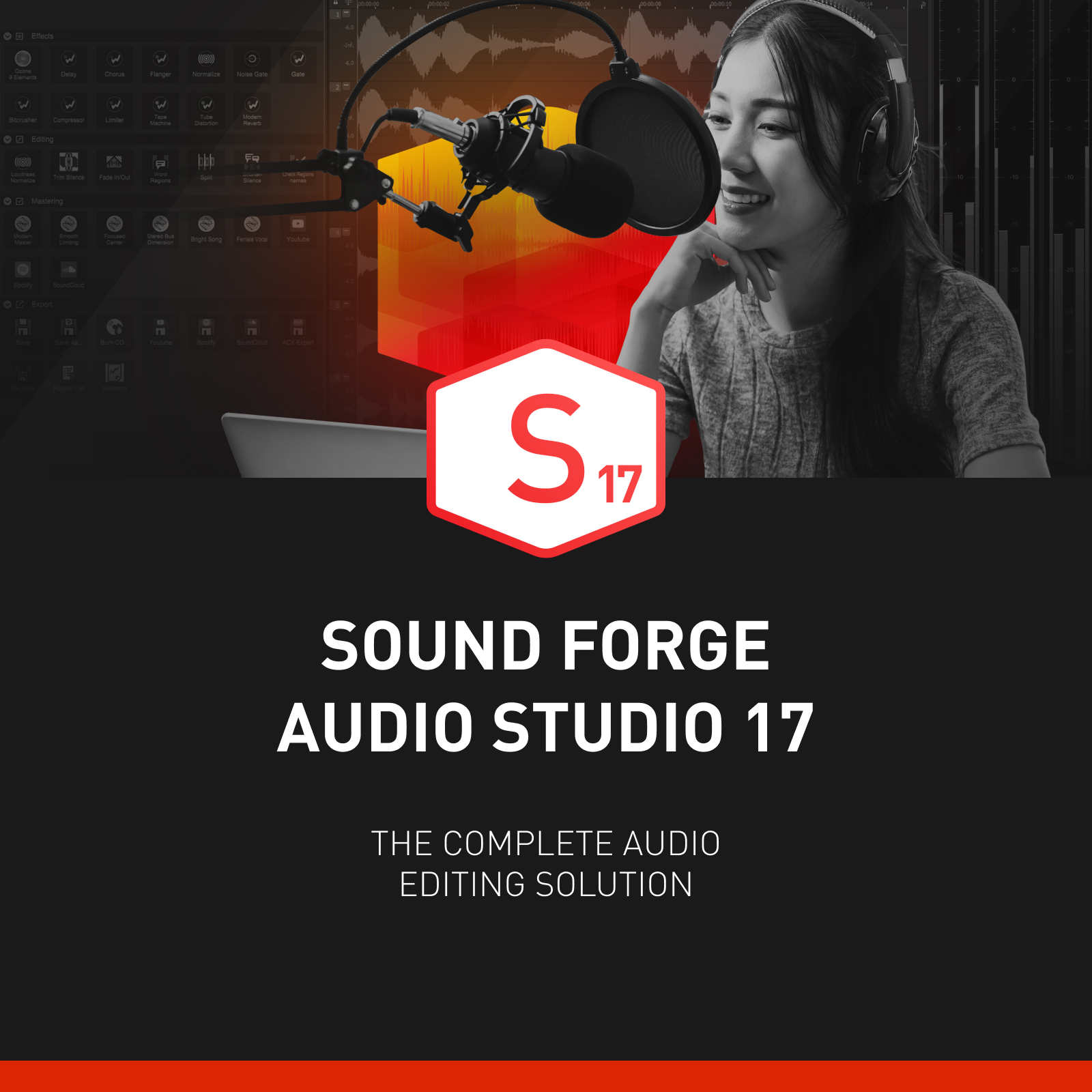
Sound Forge Audio Studio 17 Microsoft Store Edition offers a comprehensive yet user-friendly environment for audio editing enthusiasts and semi-professionals alike. Developed by MAGIX Software GmbH, this app aims to streamline the creative process while maintaining professional-grade features, making it a versatile tool for various audio projects on Windows.
Meet the Developers: MAGIX's Legacy of Sound Innovation
Crafted by MAGIX Software GmbH, a reputable name in digital media software, Sound Forge Audio Studio has long been praised for its reliability and depth. Their team combines years of experience in audio creation with a focus on delivering accessible, high-quality tools to everyday users and hobbyists.
Key Features That Make It Stand Out
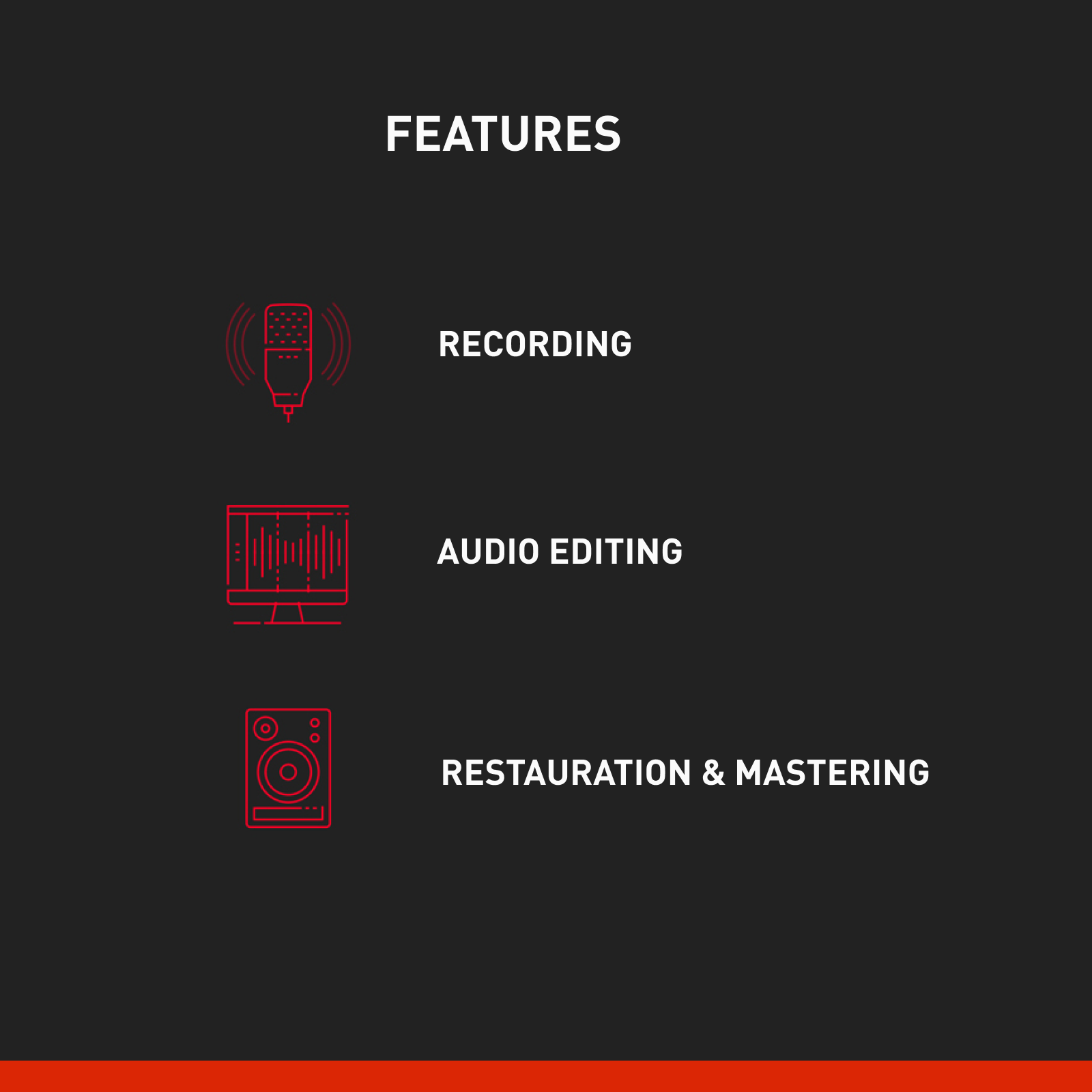
- Advanced Audio Editing Tools: Offers precise waveform editing, noise reduction, and signal processing to refine your recordings with professional finesse.
- Multi-Track Recording and Mixing: Supports multiple tracks, enabling layered editing and mixing, perfect for podcast creation, music production, or sound design.
- Intuitive Interface with Customizable Layouts: Designed for ease of use, the interface adapts to your workflow, minimizing the learning curve.
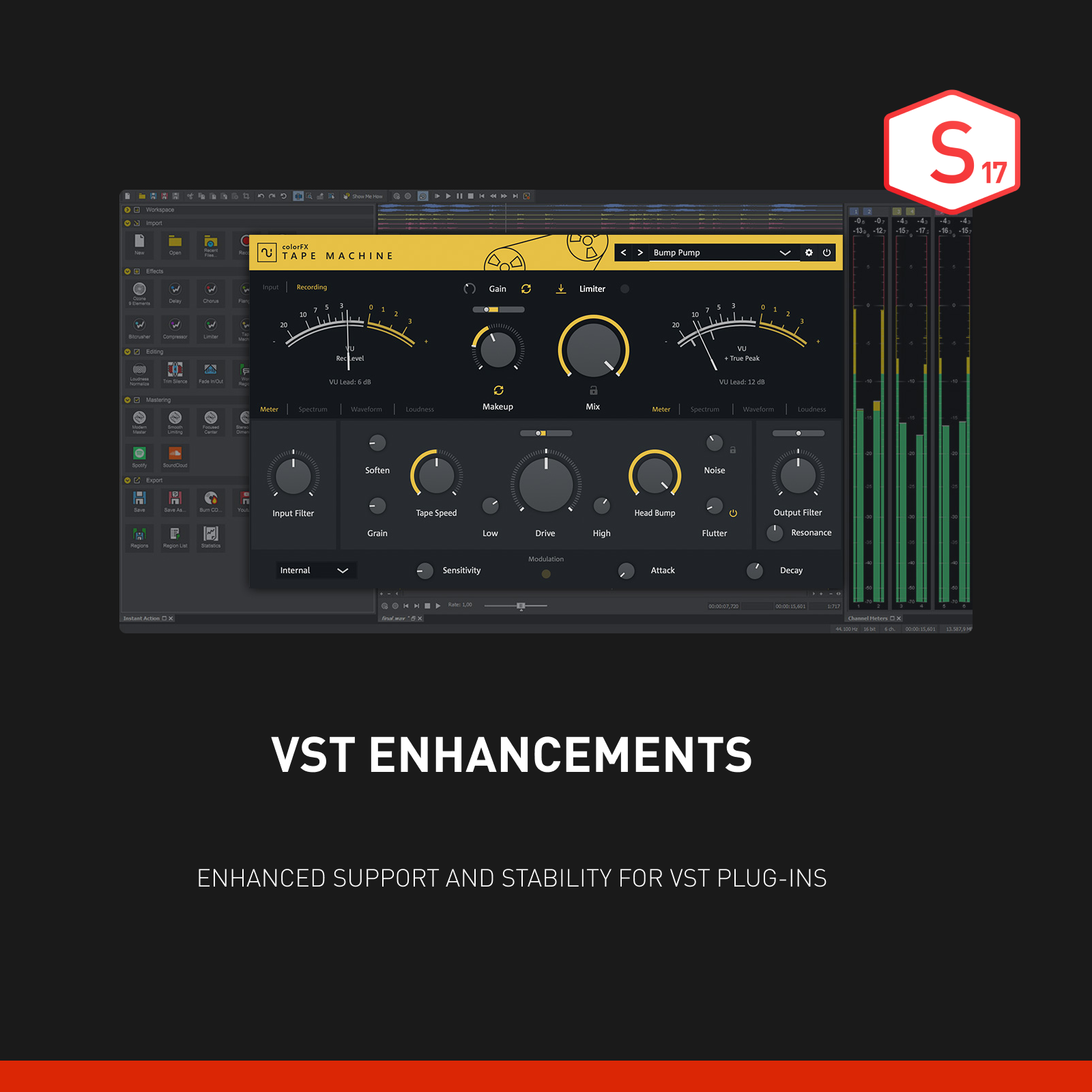
- High-Quality Effects and Plugins: Comes with a suite of built-in effects, and supports third-party plugins for expanded creative options.
A Bright and Inviting Opening Scene
Imagine sitting at your desk as a sunset casts a warm glow over your workspace, your fingers hovering over the keyboard, ready to craft your next audio masterpiece. Sound Forge Audio Studio 17 gracefully transforms this visual into an accessible journey—whether you're editing a quick podcast segment or polishing a recorded melody. Its clean layout invites you in, promising that even complex editing tasks can be approached with confidence and curiosity.
Core Functionality Insights: Precision, Power, and Flexibility
1. Waveform Editing & Noise Reduction
The heart of any audio editor, waveform editing in Sound Forge Audio Studio 17, is both precise and responsive. It allows you to zoom in for meticulous cut-and-splice actions much like a sculptor chiseling away unwanted material from a marble block. The noise reduction feature is particularly impressive; it intelligently analyzes problematic audio segments and offers clean, refined outputs, akin to a digital spa treatment for your recordings. This makes restoration and cleanup tasks significantly less daunting, especially for users who may not have extensive editing backgrounds.
2. Multi-Track Recording & Mixing
Picture a mini recording studio at your fingertips. With support for multi-track editing, you can layer vocals, instruments, and effects seamlessly—all within a flexible timeline environment. Dragging and dropping sounds feels natural, while the mixer interface provides clear control over levels and panning. This feature transforms simple recordings into complex compositions, making it suitable for podcasters, musicians, or sound designers eager to experiment without getting lost in complicated menus.
3. Effects and Plugins for Creative Flair
What truly elevates Sound Forge Audio Studio 17 is its rich arsenal of effects—from reverb and compression to equalization. Its compatibility with third-party plugins ensures you're not limited in your creative pursuits. Plus, the real-time preview feature allows you to audition changes instantly, much like tuning a musical instrument until it sounds just right. It's this combination of built-in options and expandability that makes different from typical audio editors, giving users a playground for innovation.
UX and Differentiation: More Than Just Sound Editing
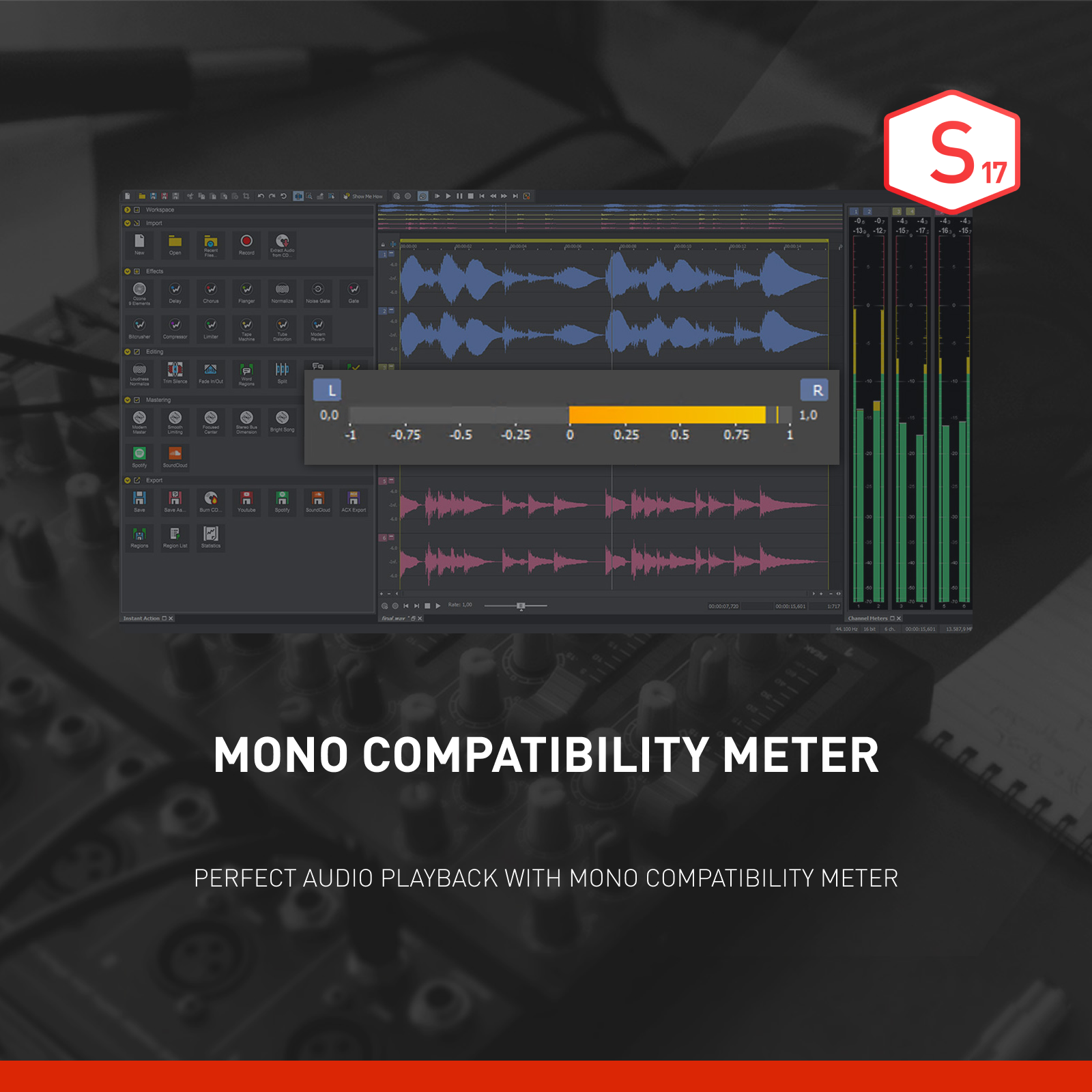
The application's design philosophy emphasizes usability. The interface boasts a modern, clutter-free layout that balances simplicity with functionality—akin to a well-organized toolbox that keeps your tools within reach. Operation feels smooth and responsive, even when editing lengthy or multiple tracks, thanks to optimized performance under the hood. For beginners, the learning curve is gentle; interactive tutorials and a clear menu structure help you get started without overwhelm. For more seasoned users, advanced features and adjustable workflows ensure continued engagement.
Unlike many competing applications, Sound Forge Audio Studio 17 excels in its ability to assess rhythm pattern variety and maintain low latency during editing. Its optimized processing even allows for minimal latency tolerance, which is crucial for live monitoring or real-time performances. This makes it a distinctive choice for musicians and podcasters who require precision timing and minimal delays—something rare among entry-level editing tools.
Final Thoughts: A Sound Investment for Creators
All considered, I would recommend Sound Forge Audio Studio 17 Microsoft Store Edition as a reliable, user-friendly, and feature-rich audio editing tool suitable for hobbyists, content creators, and semi-professionals. Its blend of core editing features, coupled with unique capabilities like rhythm assessment and latency management, sets it apart from many standard offerings. Whether you're polishing a podcast, mixing a song, or restoring archival recordings, this app provides the right tools wrapped in an approachable package. For those seeking a versatile yet accessible audio workstation, this is a compelling choice worth exploring.
Pros
- Intuitive user interface
- Comprehensive audio editing tools
- High-quality audio processing
- Fast performance and stability
- Free updates and reliable support
Cons
- Limited file format support
- Video export options are basic
- Learning curve for advanced features
- Resource usage can be high on older PCs
- Occasional minor bugs











