

- Name SongbookPro
- Category Music
- Developer Songbook Systems Limited
- Available on PC, Mobile, Surface Hub
- OS Windows 10 version 17763.0 or higher
- languages Danish, English, English (Australia), English (United Kingdom), English (United States), French, German, Hungarian, Italian, Portuguese (Brazil), Spanish
Overview: A Practical Companion for Digital Songkeeping
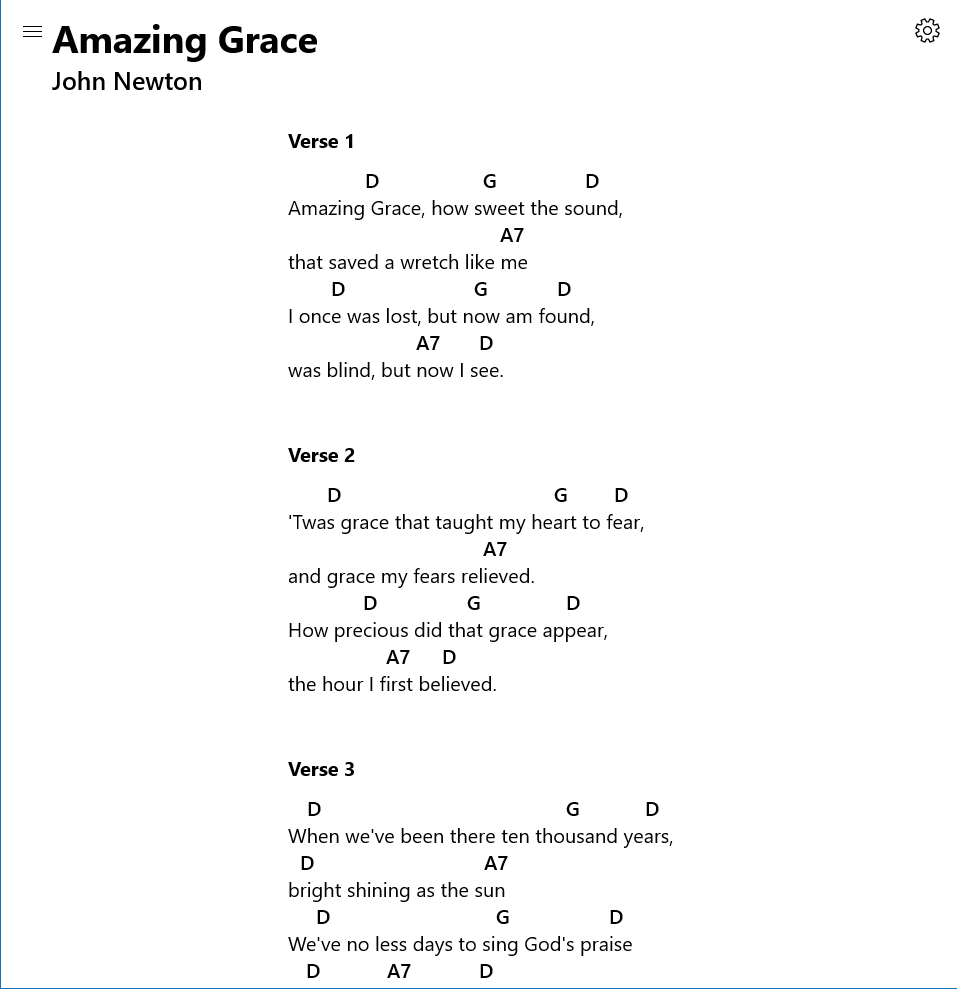
SongbookPro for Windows by Songbook Systems Limited is a specialized application designed to assist musicians, educators, and music enthusiasts in managing, practicing, and performing sheet music digitally. Its focus is on providing an intuitive yet powerful platform for storing and interacting with song collections on a Windows environment.
Key Features That Make a Difference
The software packs several notable features, including a robust song organization system, responsive annotation tools, and seamless playback controls. It's tailored to streamline the music practice and performance process, making it easier for users to access and modify their scores on the fly.
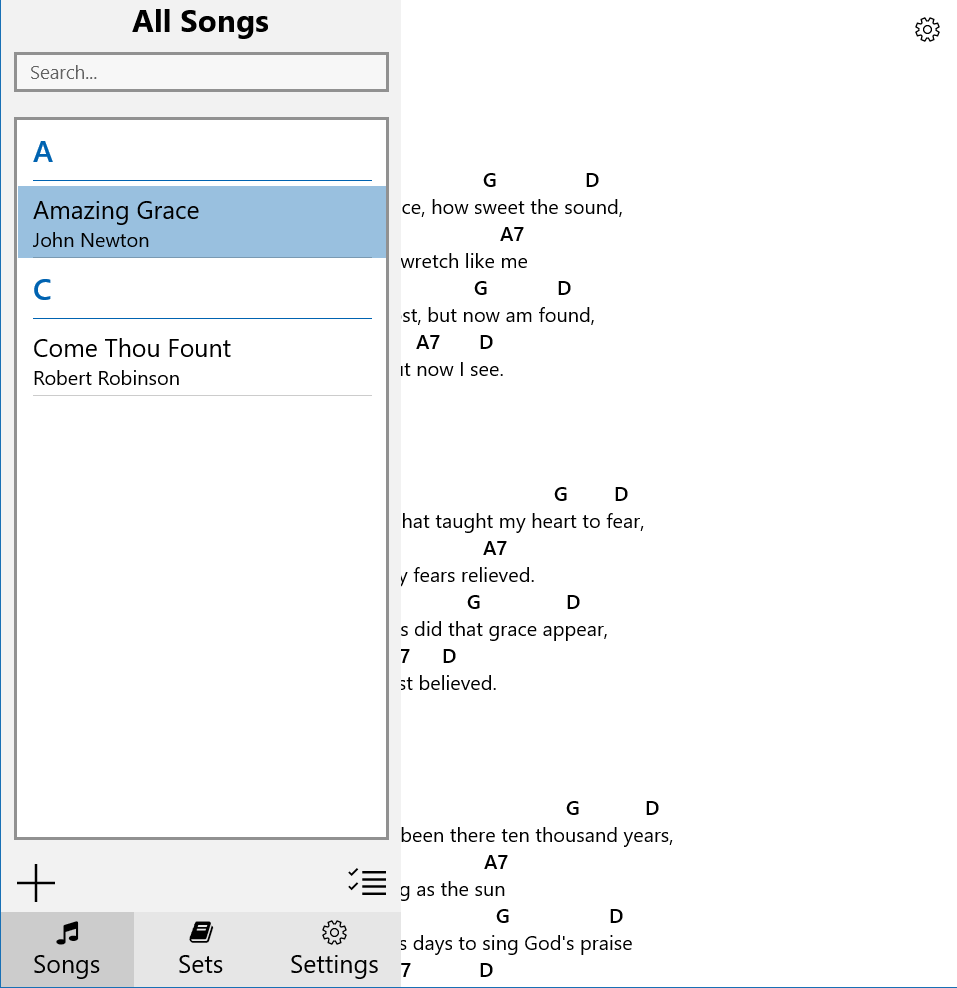
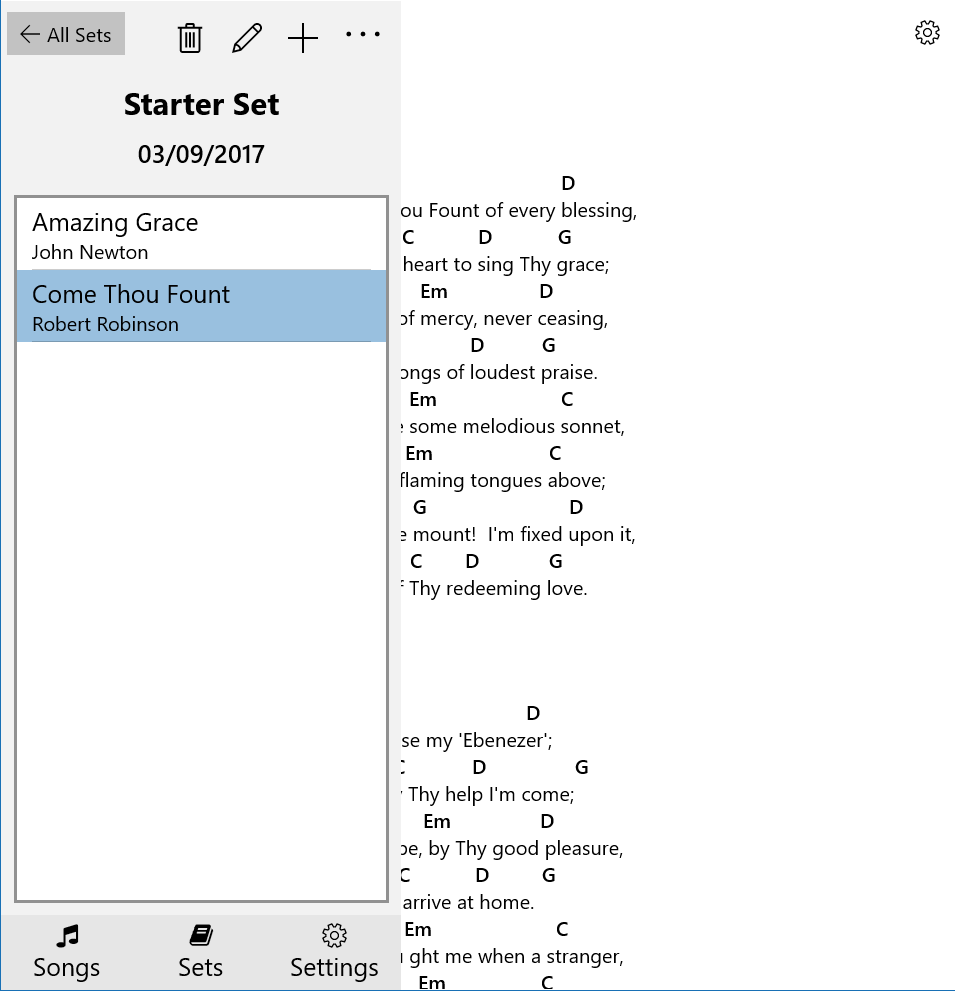
- Advanced Song Management: Organize vast libraries with custom tags, folders, and search functions for quick access.
- Interactive Sheet Music: Annotate directly on scores with various tools, including highlighting, freehand notes, and rhythm markings.
- Playback & Practice Modes: Control tempo, looping sections, and assess rhythm patterns to enhance practice sessions.
- Rhythm Pattern Variability & Latency Tolerance: Unique capabilities to assess rhythm variability and adaptive playback for different latency environments, providing critical advantages for both practice and performance settings.
Engaging and Intuitive User Experience
Opening SongbookPro feels like walking into a well-organized music studio—you're greeted with a clean interface where everything is within easy reach. The design strikes a balance between simplicity and functionality, allowing users to dive into their scores without a steep learning curve. The performance is smooth; pages turn seamlessly, and annotations appear instantly, giving a real-time feel that keeps the flow natural and engaging.
Learning the application is straightforward. The toolbar is intuitively laid out, with contextual menus that guide users through editing, playback, and organization. Even those unacquainted with digital sheet music management will find it accessible after a brief exploration, making it suitable for both seasoned musicians and beginners alike.
Distinctive Strengths: What Sets It Apart?
Among its peers, SongbookPro's standout features are its assessment of rhythm pattern variety and its adaptive latency tolerance during playback. Unlike many music apps that simply display scores and standard sound playback, SongbookPro actively analyzes rhythmic intricacies, giving feedback on pattern diversity, which is invaluable for practicing complex compositions. Additionally, its ability to adjust for different latency conditions ensures consistent performance whether used in quiet home environments or live stage settings, providing a level of reliability that's often missing in similar tools.
Final Verdict and Recommendations
In essence, SongbookPro for Windows offers a practical and user-friendly platform for digital sheet music management, enriched by its unique focus on rhythm analysis and latency handling. It's particularly recommended for musicians who desire an organized workspace with advanced playback features that support detailed practice routines. While not necessarily catering to heavy editing or composition, it excels as a dedicated tool for performance preparation and ongoing music learning.
For those seeking a reliable, accessible, and thoughtfully designed digital songbook, this application warrants a strong consideration. Whether you're a teacher preparing lesson plans, a performer polishing your setlist, or an enthusiast curating a personal collection, SongbookPro stands out as a worthy digital companion.
Pros
- Intuitive Music Notation Interface
- Wide Song Library Access
- Real-Time Collaboration Features
- Customizable Song Display Options
- Offline Mode Support
Cons
- Limited Export Formats
- Occasional App Crashes on Startup
- Syncing Issues Across Devices
- Basic Editing Tools Are Limited
- Learning Curve for New Users











