
- Name Solitaire !
- Category Card & board
- Developer 1bsyl
- Available on PC, Mobile, Surface Hub
- OS Windows 10 version 10240.0 or higher
- languages Afrikaans, Albanian, Amharic, Arabic, Armenian, Bangla, Basque, Belarusian, Bulgarian, Catalan, Croatian, Czech, Danish, Dutch, English, Estonian, Finnish, French, Galician, Georgian, German, Greek, Hebrew, Hindi, Hungarian, Icelandic, Indonesian, isiZulu, Italian, Japanese, Kannada, Khmer, Kiswahili, Korean, Latvian, Lithuanian, lo, Macedonian, Malay, Malayalam, Marathi, Nepali, Norwegian, Persian/Farsi, Polish, Portuguese, Romanian, Russian, Sinhala, Slovak, Slovenian, Spanish, Swedish, Tamil, Telugu, Thai, Turkish, Ukrainian, Vietnamese
Solitaire ! for Windows — Classic Card Games Reinvented
Solitaire ! for Windows offers a fresh yet familiar digital take on the timeless card game, delivering a user-friendly experience packed with thoughtful features designed to entertain both casual players and seasoned solitaire enthusiasts.
Who's Behind the Deck? Developer and Target Audience
Developed and published by 1bsyl, a team known for crafting straightforward and accessible gaming experiences, Solitaire ! for Windows aims to bring the classic card game into the modern digital age. Its primary audience includes Windows users who cherish traditional solitaire gameplay, from newcomers seeking a simple distraction to veterans looking for a polished, reliable app to pass the time.
A Bright and Playful Interface: First Impressions Count
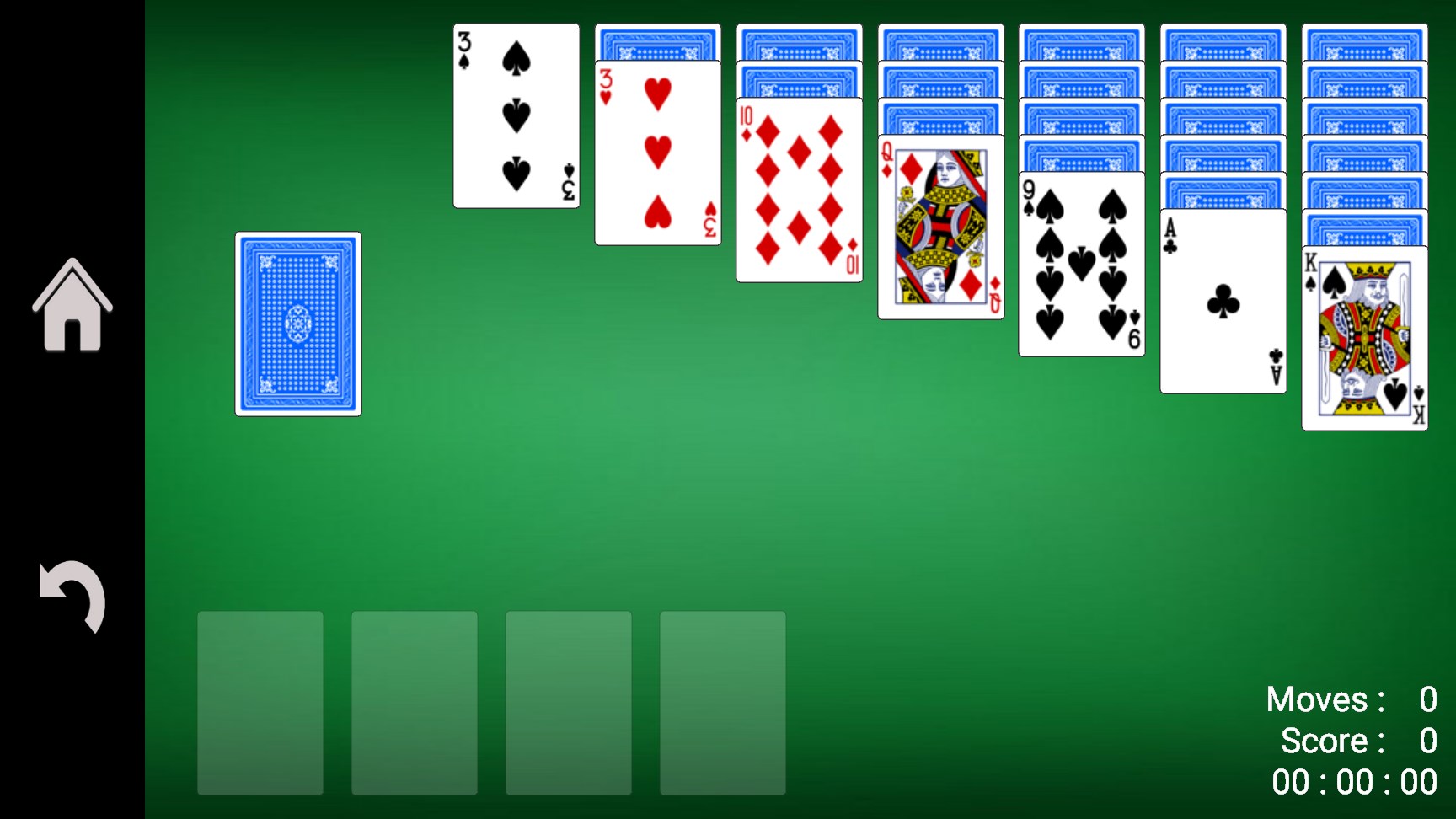
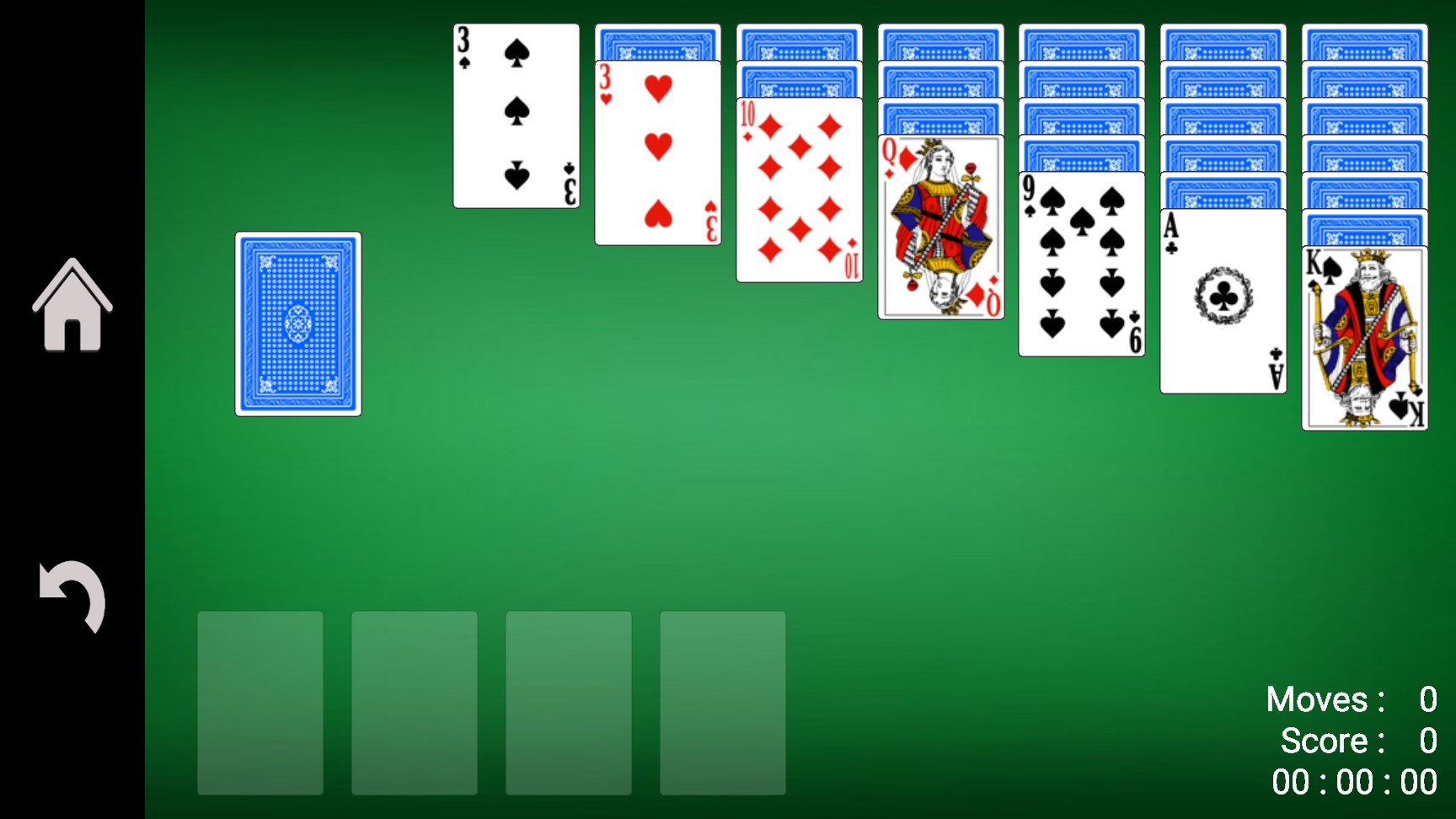
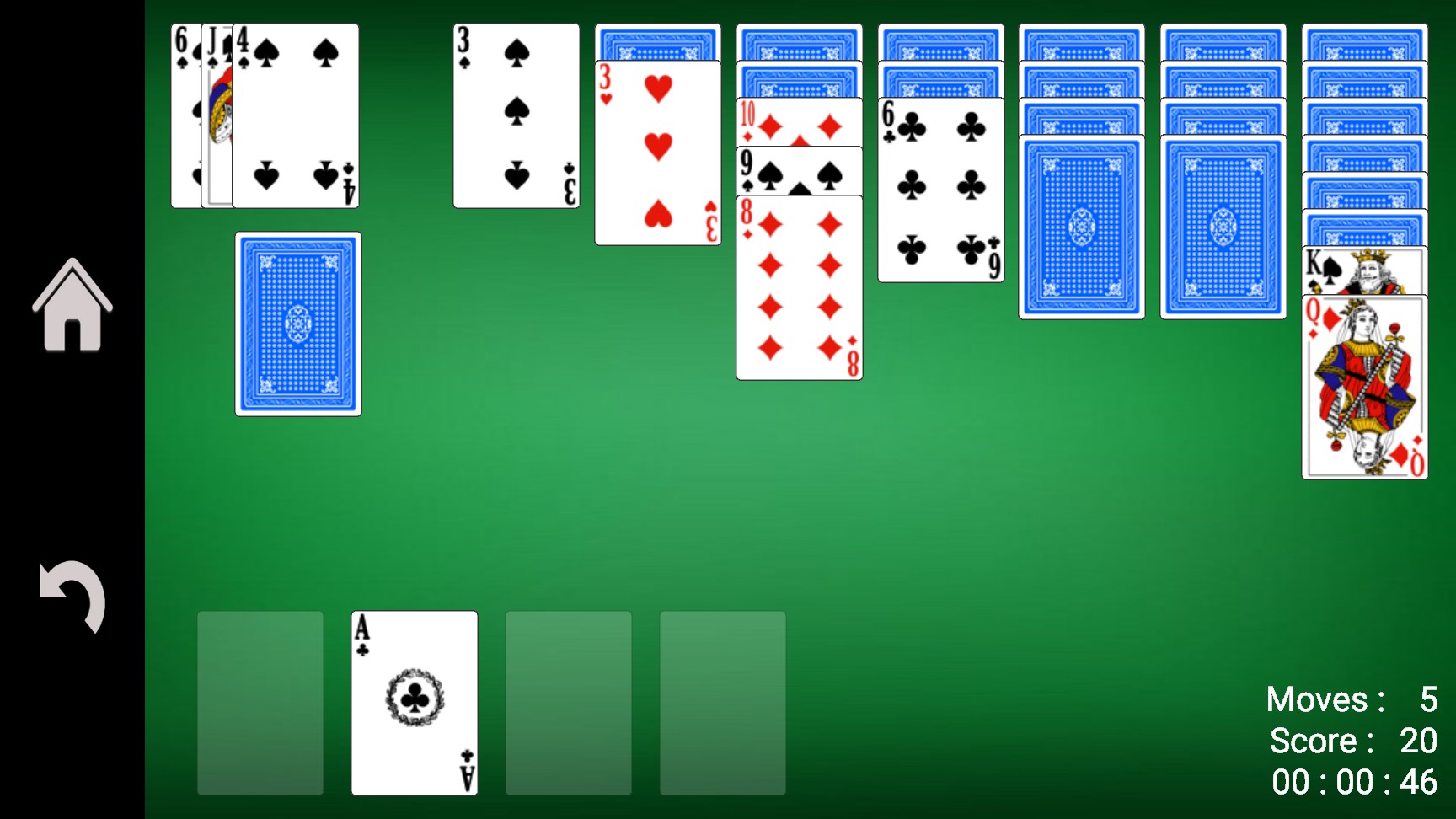
Upon launching Solitaire ! for Windows, you're greeted with a clean, vibrant interface that immediately invites engagement. The design strikes a perfect balance between minimalism and visual appeal, reminiscent of a well-organized tabletop sitting under natural light—clear, inviting, and easy on the eyes. Navigating through screens feels smooth, with intuitive controls that don't demand a steep learning curve. The aesthetic choices make prolonged play comfortable, encouraging users to relax and enjoy their game without distraction.
Core Features with a Twist: What Makes It Stand Out
Seamless Gameplay and Customizable Rules
The app offers multiple versions of solitaire, including the classic Klondike, FreeCell, and Pyramid, catering to varied tastes. One standout feature is the ability to customize rules—such as the number of dealt cards or turning off animations—allowing players to tailor their experience closely to their preferred mode. This flexibility makes Solitaire ! more than just a standard game; it adapts to your playing style, whether you want a quick challenge or a relaxed session.
Smart Hint and Undo Features
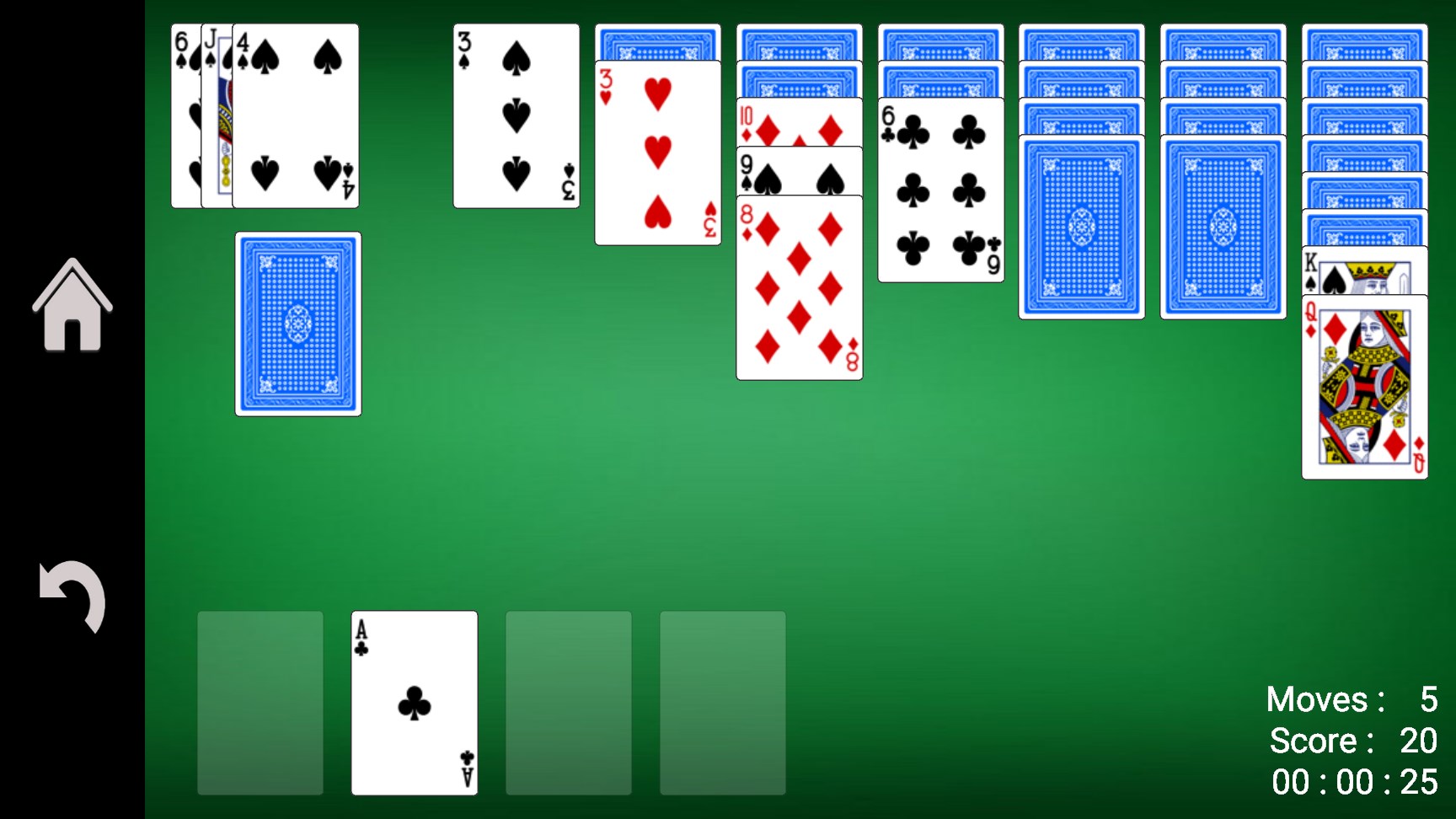
Unlike many minimalist solitaire apps, Solitaire ! integrates intelligent hints and an undo button that log your moves without fuss. The hints are context-aware, guiding you without spoiling the game, which is perfect for players eager to learn strategies or those who just want a little nudge. Undo options add a safety net, encouraging experimentation and reducing frustration, making the gaming experience feel less like a test and more like a friendly puzzle.
Achievements and Progress Tracking
An extra layer of motivation comes from built-in achievements and progress tracking. It's like having a stopwatch and scoreboard in the corner of your digital table—tracking your wins, best scores, and milestones. This feature appeals particularly to competitive spirit players, or those who simply enjoy seeing their improvement over time, helping keep engagement high through gentle encouragement.
Performance and User Experience: Smooth Sailing
The playing experience is notably fluid; animations are crisp without lag, and dragging cards feels natural—almost like shuffling real cards at a friendly game night. The app's responsiveness is noticeable, with quick loading times and seamless transitions. The minimal learning curve is complemented by accessible controls, so even complete beginners can pick up and start playing within moments, making Solitaire ! a delight for all skill levels.
What Sets It Apart? The Unique Advantages
While many solitaire apps compete on visuals or minimalist design, Solitaire ! distinguishes itself through its high level of customization and intelligent hints. These features introduce a strategic depth often missing in straightforward implementations. Moreover, the ability to adapt rules ensures that the game remains fresh and challenging over multiple sessions, offering a personalized experience that stands out from other similar apps which often stick rigidly to classic rules.
Final Recommendations and Usage Tips
I would recommend Solitaire ! for Windows to anyone seeking a reliable, customizable, and engaging digital version of the classic card game. Its user-friendly interface combined with thoughtful features makes it suitable for casual play during a short break or extended sessions. If you appreciate games that offer flexibility without overwhelming complexity, this app is a solid choice. For maximum enjoyment, try exploring its different rule settings and leverage the hints responsibly—they can be great learning tools or helpful lifelines during tricky hands.
Overall, Solitaire ! for Windows is a well-crafted app that honors tradition while incorporating smart features to enrich your solitaire experience—definitely worth a try for any card game lover.
Pros
- Intuitive user interface
- Offline functionality
- Multiple game variations
- Customizable themes
- Achievements and leaderboards
Cons
- Limited tutorials for new players
- Occasional ads during gameplay
- Lack of cloud sync for progress across devices
- Limited customization options for the interface
- Basic sound effects and music











