

- Name Solitaire Pack (Free)
- Category Card & board
- Developer GASP Mobile Games Inc
- Available on PC, Mobile, Surface Hub, HoloLens
- OS Windows 10 version 10240.0 or higher
- languages English (United States)
Solitaire Pack (Free) for Windows: A Clear Winner in Digital Card Games
If you're on the lookout for a no-fuss, enjoyable solitaire experience that works seamlessly on Windows, Solitaire Pack (Free) packs quite a punch. With its straightforward design and variety of classic card games, it aims to delight casual players and traditionalists alike. Developed and published by GASP Mobile Games Inc., this app promises to bring countless relaxing moments right to your desktop—no ads, no complicated tutorials, just pure card-playing fun.
About the App: An Overview
Solitaire Pack (Free) is a collection of beloved solitaire variants tailored for Windows users seeking simple entertainment. GASP Mobile Games Inc., a team specialized in mobile and casual gaming, crafts this app to evoke the nostalgic charm of real-world card tables while leveraging modern software capabilities.
- Main Features:
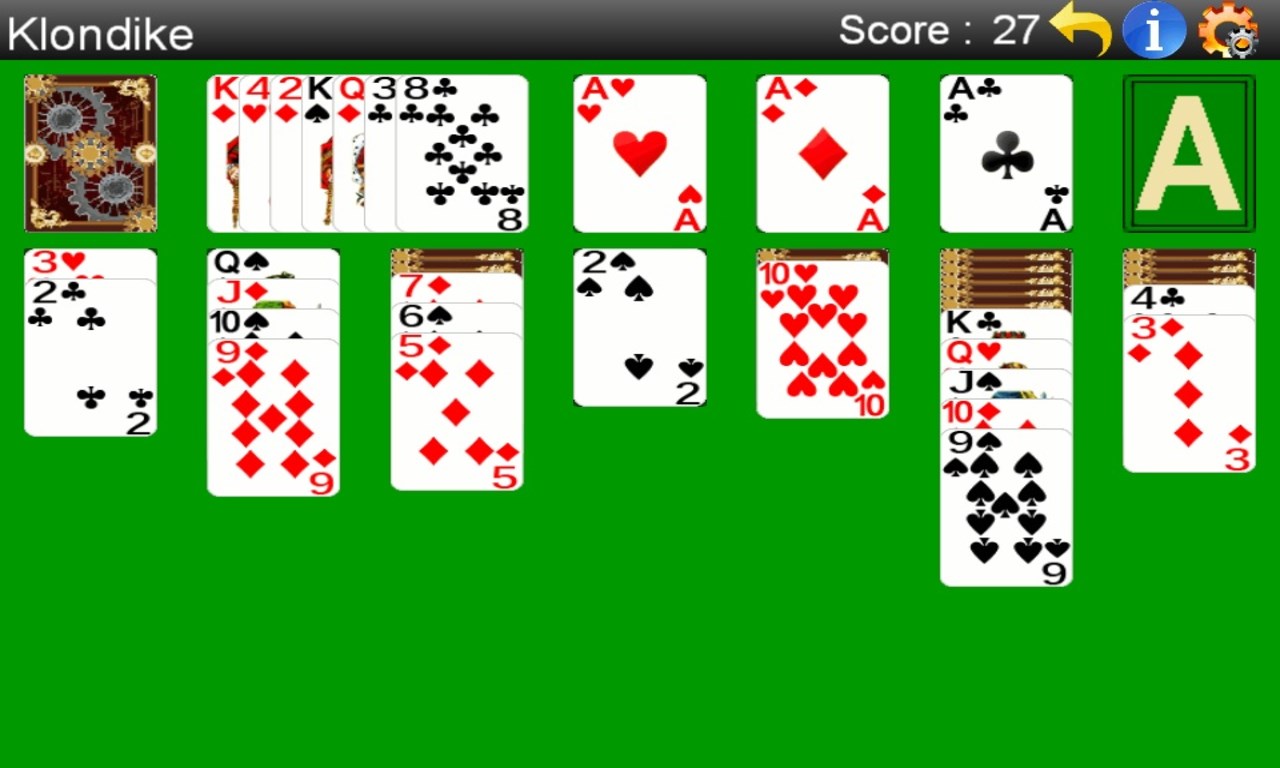
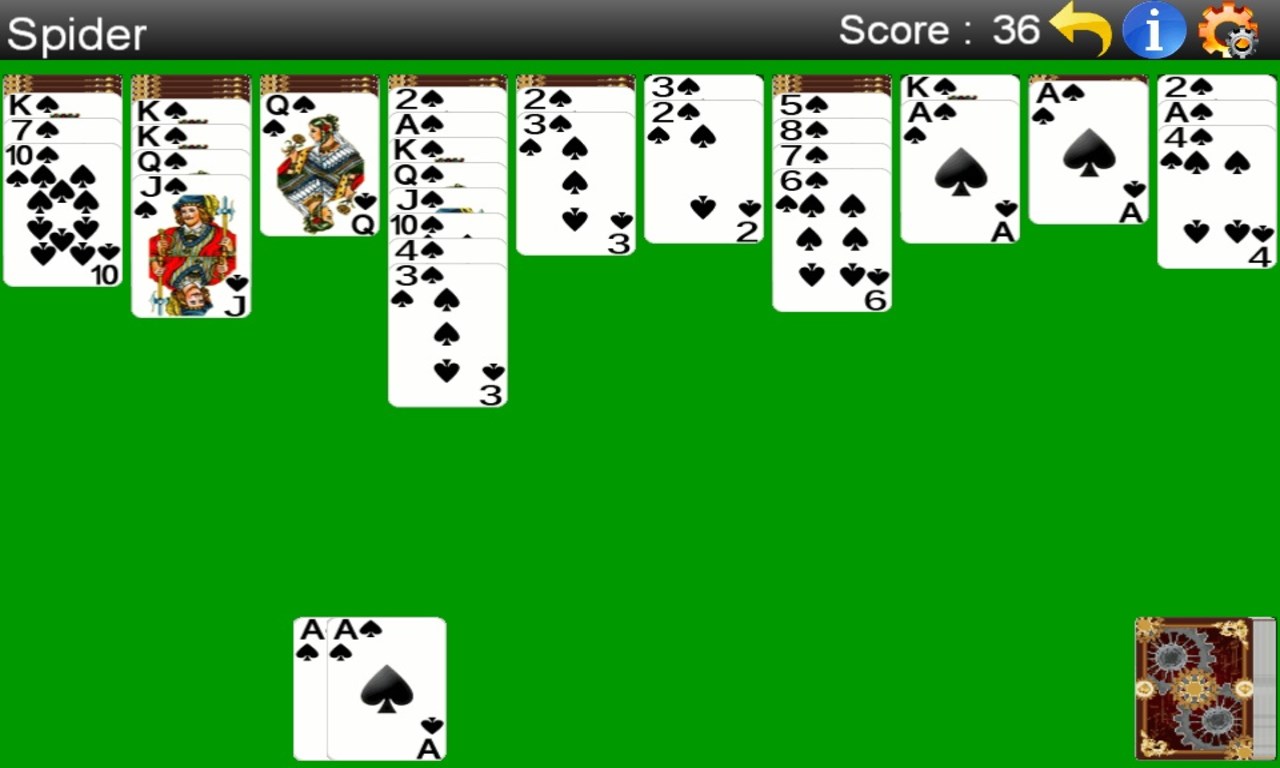
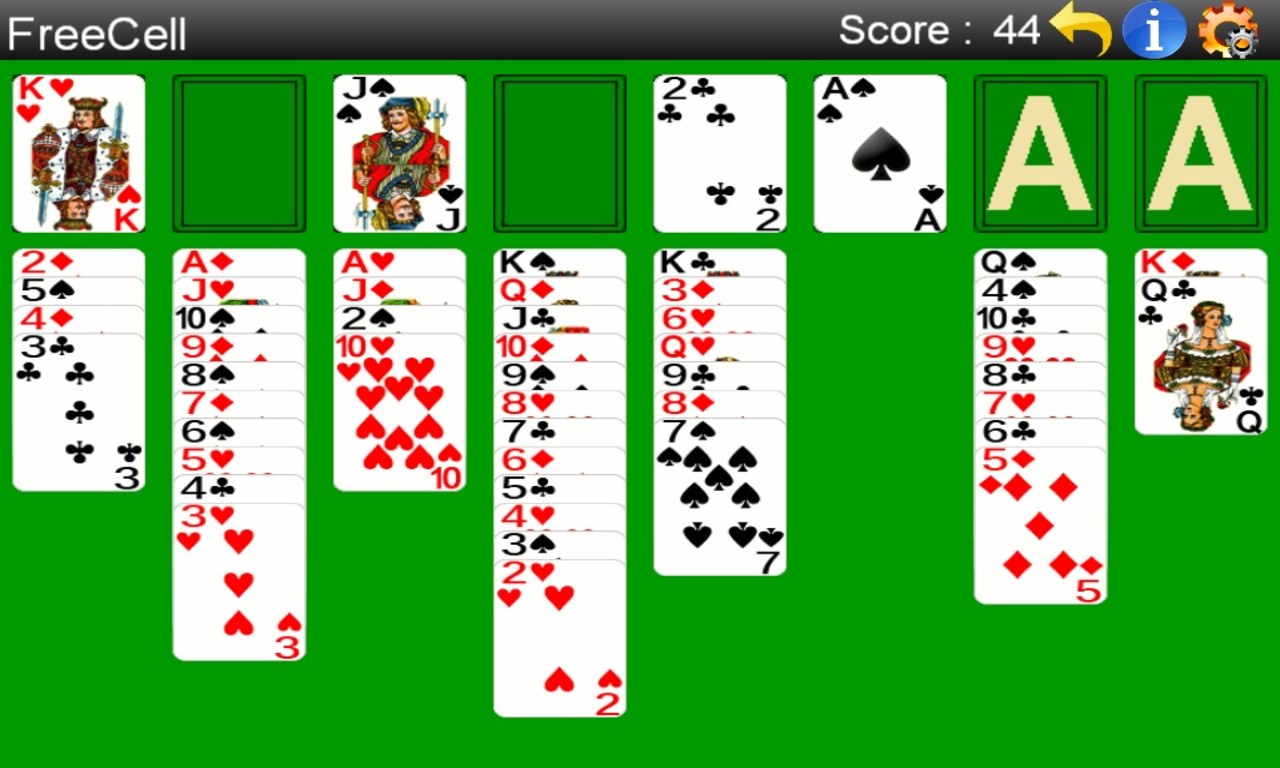
- Multiple classic solitaire variants including Klondike, Freecell, and Spider.
- Clean, intuitive interface designed for ease of play.
- Seamless gameplay with smooth transitions and responsive controls.
- Offline availability with no intrusive advertisements.
- Target Audience: This app is perfectly suited for casual gamers, solitaire veterans, or anyone looking to unwind with straightforward card puzzles on their Windows PCs.
Engaging and Relaxing: A Welcome Card Game Experience
Imagine sinking into your cozy armchair with a cup of coffee, your eyes fixed on a deck of cards that promises a mini mental getaway. Solitaire Pack (Free) captures that zen-like feeling through its carefully crafted user interface and fluid gameplay. It's as if the game was designed to be the digital equivalent of shuffling and dealing in your favorite local café — inviting, familiar, and stress-free. Whether you're killing time during a commute on your desktop or relaxing at home, this app makes spawning a game straightforward and endlessly enjoyable.
Core Functionality Spotlight: A Variety of Classic Variants
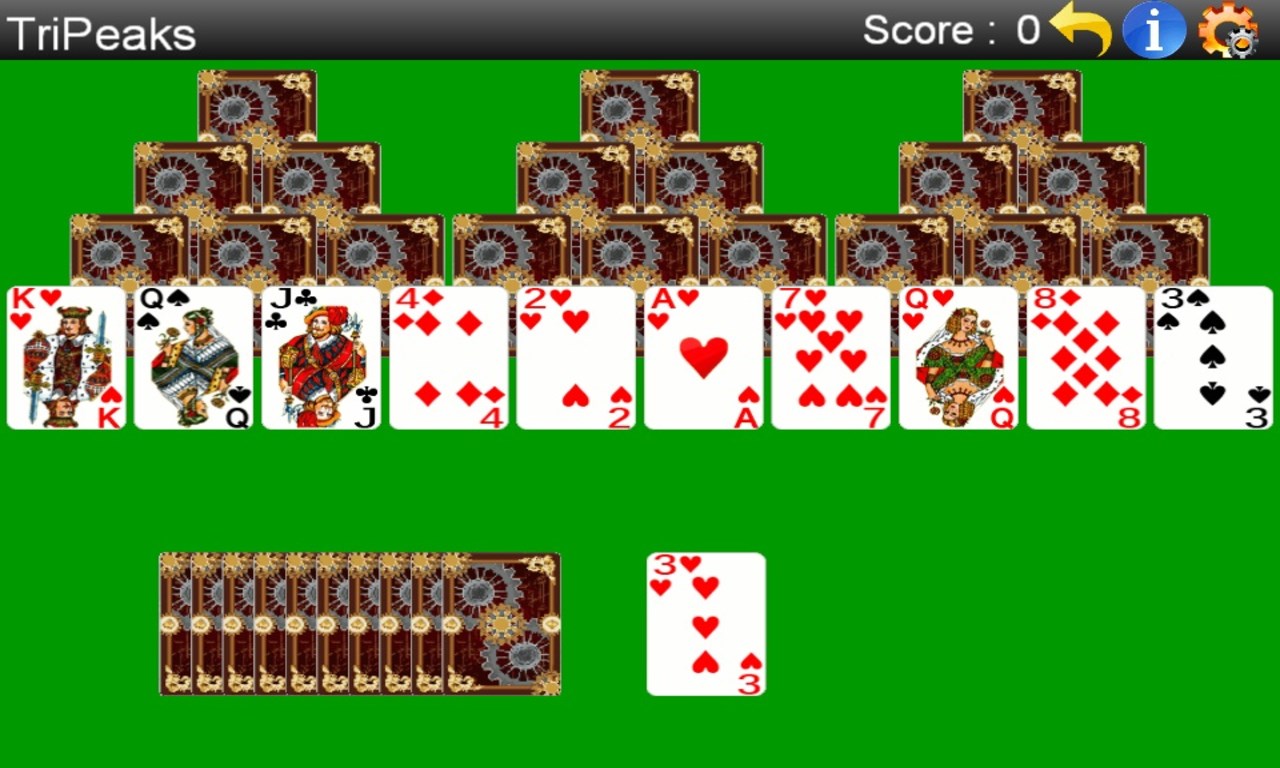
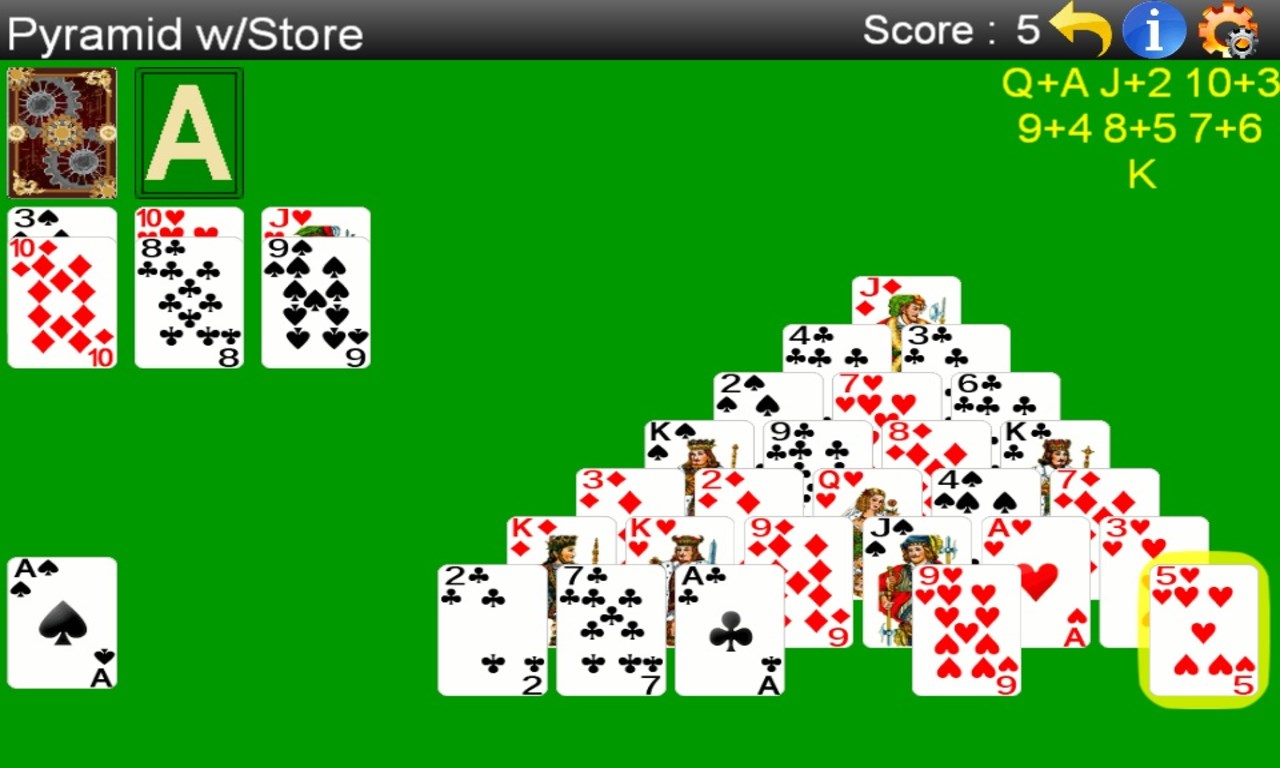
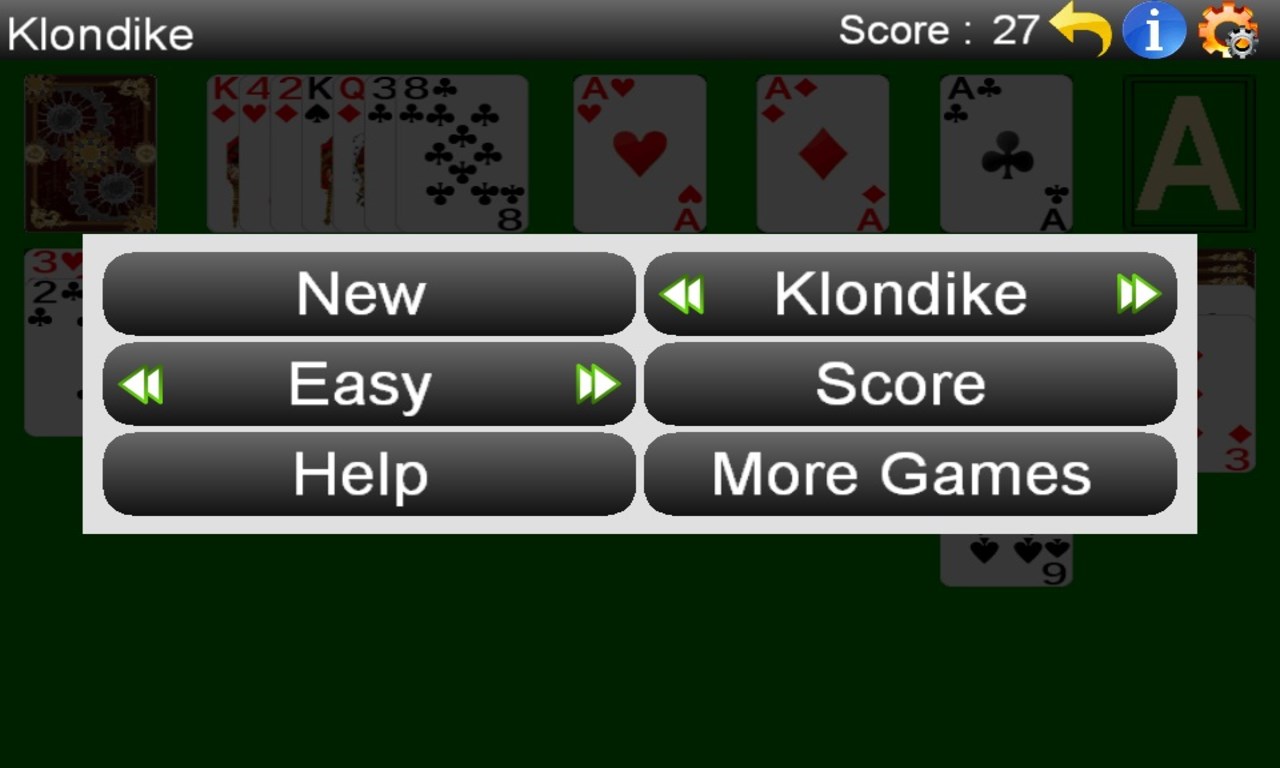
What sets Solitaire Pack apart is its rich selection of popular variants. Unlike some solitaire apps that focus solely on the traditional Klondike, this pack offers Freecell, Spider, and more, catering to different skill levels and mood swings. Each game adheres to its classic rules but includes subtle modern touches, such as an undo button and easy-to-understand hints, which are perfect for beginners yet unobtrusive for veterans. This diversity turns the app into a multi-variant playground — you can switch from the challenging Spider to the more relaxing Klondike in seconds, keeping boredom at bay and mental agility sharp.
User Interface and Experience: Simplicity Meets Elegance
The design philosophy here is minimalism meets functionality. The interface resembles a well-organized desktop card table—no clutter, just neatly arranged cards and clearly labeled menus. The controls are highly responsive; clicking and dragging feel natural, mimicking the tactile sensation of moving physical cards. Transition animations are smooth, adding to the overall polished feel. Learning curve is gentle: even first-time players can pick up the controls swiftly, thanks to helpful hints and straightforward menus. The absence of intrusive ads or pop-ups further enhances this relaxed experience, making it ideal for quick breaks or prolonged sessions.
What Makes It Special: A Focus on Classic Charm and Ease of Use
Compared to other card and board apps, Solitaire Pack's standout feature is its commitment to delivering authentic solitaire variants with minimal fuss. Most apps tend to introduce game modifications or add flashy features that can distract from the core gameplay. Here, the focus remains on preserving the classic experience, complemented by a sleek design that feels both modern and timeless. Additionally, the app's offline functionality ensures that your enjoyable card sessions aren't dependent on internet access—a rare and valuable trait in today's always-connected world.
Final Thoughts: A Solid Card Companion
All in all, Solitaire Pack (Free) is a commendable choice for anyone seeking a straightforward, well-designed solitaire collection. Its core strength lies in offering multiple widely-loved variants in a seamless package, combined with an intuitive interface that welcomes players of all experience levels. I would confidently recommend this app to casual players who cherish their classic card games, especially those who appreciate a clean and distraction-free environment. Whether for a quick mental break or a relaxing afternoon, Solitaire Pack stands ready to deliver refined, fuss-free fun.
Pros
- Wide variety of Solitaire games
- User-friendly interface
- Offline accessibility
- Regular updates and improvements
- Customization options
Cons
- Limited free features
- Lack of multiplayer mode
- Occasional ads pop-up
- Limited tutorial features
- Performance issues on older devices











