

- Name Solitaire - Klondike
- Category Card & board
- Developer GASP Mobile Games Inc
- Available on PC, Mobile, Surface Hub, HoloLens
- OS Windows 10 version 10240.0 or higher
- languages English (United States)
Solitaire - Klondike for Windows: A Classic Card Game Reinvented for the Modern Player
Solidarity with timeless solitaire players, Solitaire - Klondike for Windows offers a sleek, user-friendly experience that brings the classic card game to your desktop with a fresh touch. Designed by GASP Mobile Games Inc., this app aims to balance nostalgic charm with contemporary functionality, making it an ideal choice for both casual players and seasoned card enthusiasts.
Meet the Developers: GASP Mobile Games Inc.
GASP Mobile Games Inc., a dedicated team specializing in casual and card games, has crafted this version of Klondike to provide a seamless and engaging experience. With a focus on user experience and visual clarity, their goal is to deliver quality gaming apps that are accessible and enjoyable across all skill levels.
Key Features That Make Klondike Shine
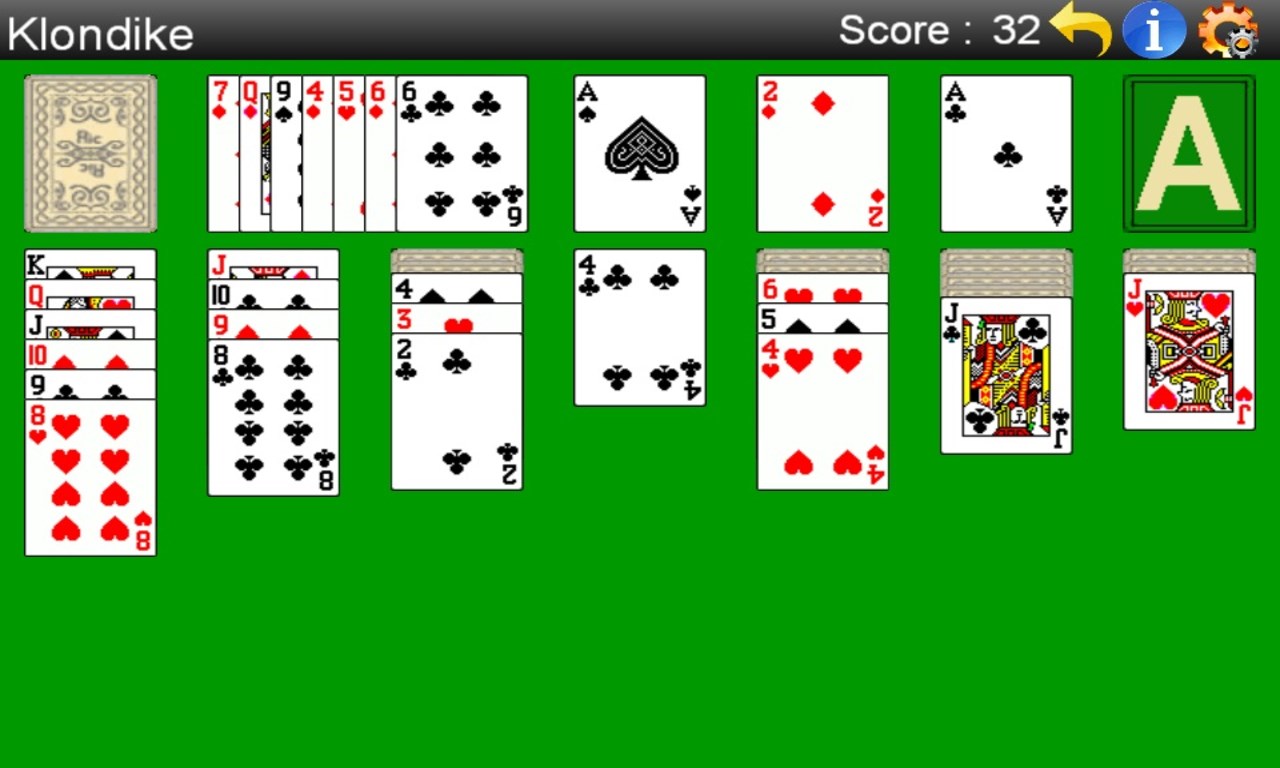
- Smooth, Intuitive Gameplay: Experience fluid card movements and responsive controls that mimic a real-world solitaire table, making gameplay feel natural and fulfilling.
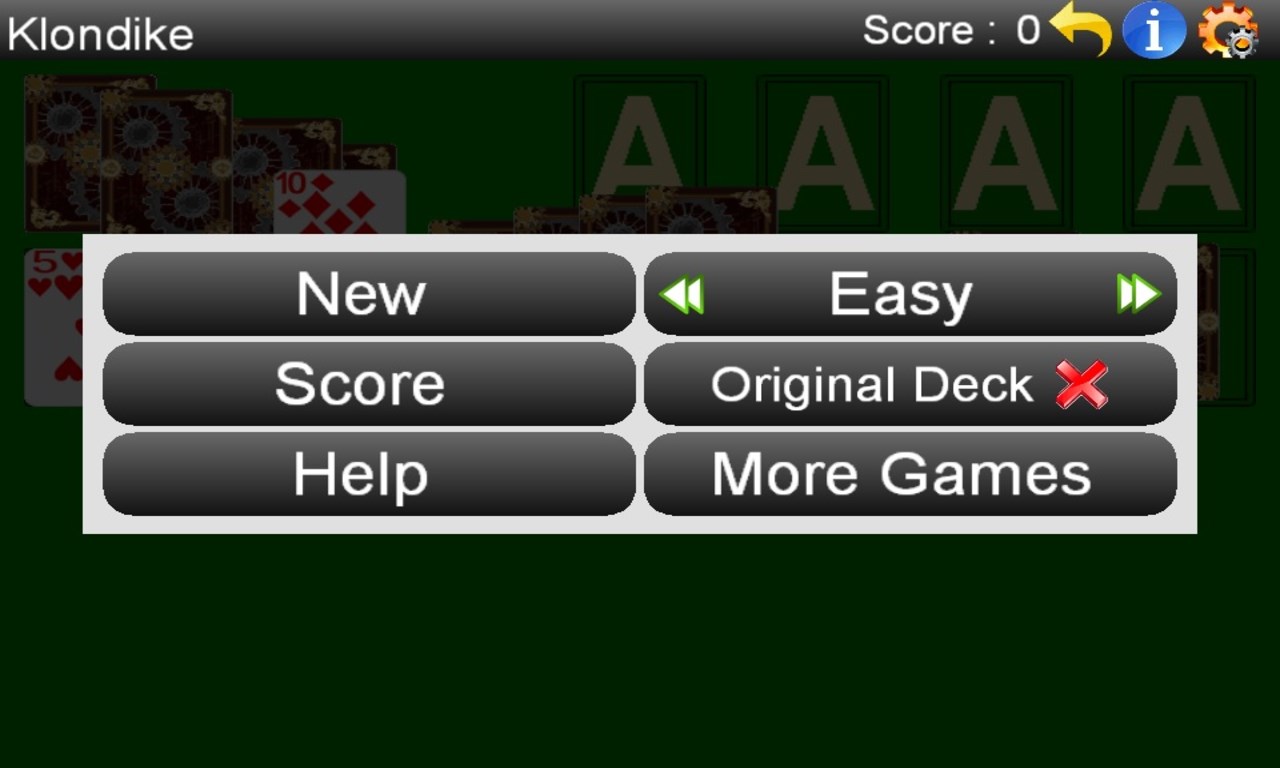
- Customizable Themes and Card Styles: Personalize your gaming environment with various themes, backgrounds, and card designs to match your mood or aesthetic preferences.
- Flexible Game Modes and Difficulty Settings: Whether you prefer standard or challenging variant rules, the app caters to different skill levels and playing styles, encouraging long-term engagement.
- Progress Tracking and Rewards: Keep track of your wins, streaks, and high scores, with optional achievements that motivate continuous play and mastery.
Immersive User Experience and Interface Design
The interface of Solitaire - Klondike for Windows is akin to walking into a well-lit, organized card parlor—clean lines, clear icons, and a soothing color palette contribute to an inviting environment. Navigation feels effortless, with intuitive touch or mouse interactions that make selecting, dragging, or undoing moves a breeze. The game adapts well to different screen sizes and resolutions, which is essential for Windows devices from laptops to desktop monitors.
Regarding usability, the learning curve is surprisingly gentle. New players can grasp the rules within moments, thanks to helpful hints and onboarding tips. Even seasoned players will appreciate the customizable difficulty modes that allow for a tailored challenge. The application's responsiveness ensures that no delays or lag interrupt your game, creating a smooth, satisfying experience from start to finish.
What Sets It Apart from Other Card & Board Apps?
While many solitaire apps exist, Solitaire - Klondike for Windows distinguishes itself through its emphasis on aesthetic flexibility and precise control. The availability of numerous themes and card styles enables users to craft a personalized solitaire universe—imagine tweaking the environment to resemble your favorite classic card room or a zen-themed setting for a relaxing session.
Another standout feature is the app's emphasis on accessibility. Its straightforward interface and setup are designed to be easily approachable, making it less intimidating for beginners while still offering enough depth for veterans. Its focus on smooth and natural animations makes card movements visually satisfying, akin to handling real cards on a polished table—adding a tactile dimension to digital solitaire.
Final Verdict and Recommendations
Overall, Solitaire - Klondike for Windows is a well-crafted digital rendition of the classic solitaire game that offers a balanced mix of familiarity and thoughtful enhancements. Its core strengths—customizability, smooth gameplay, and user-friendly design—make it a recommended download for anyone seeking a relaxing yet engaging card game experience. Whether you're waiting in line, taking a break from work, or settling down for an evening of casual entertainment, this app is a reliable companion.
If you appreciate a clean, customizable, and frictionless solitaire experience, give it a try. For those looking for something that not only replicates the classic feel but also adds a modern aesthetic and personal flair, Solitaire - Klondike stands out as a solid choice. It's not just a card game; it's a little pocket of tranquility—perfect for unwinding or sharpening your strategic skills.
Pros
- Smooth and intuitive user interface
- Supports personalized themes and backgrounds
- Adaptive difficulty levels
- Seamless game-saving feature
- Minimal ads and interruptions
Cons
- Limited game customization options
- Occasional minor UI glitches on some devices
- No multiplayer or social features
- Limited tutorial for new players
- Some users wish for more advanced game analytics











