
- Name Solitaire · Klondike, Spider and Freecell
- Category Card & board
- Developer Online Solitaire
- Available on PC
- OS Windows 10 version 14316.0 or higher
- Keyboard Integrated Keyboard
- Mouse Integrated Mouse
- languages English (United States)
A Seamless Digital Card Game Experience on Windows
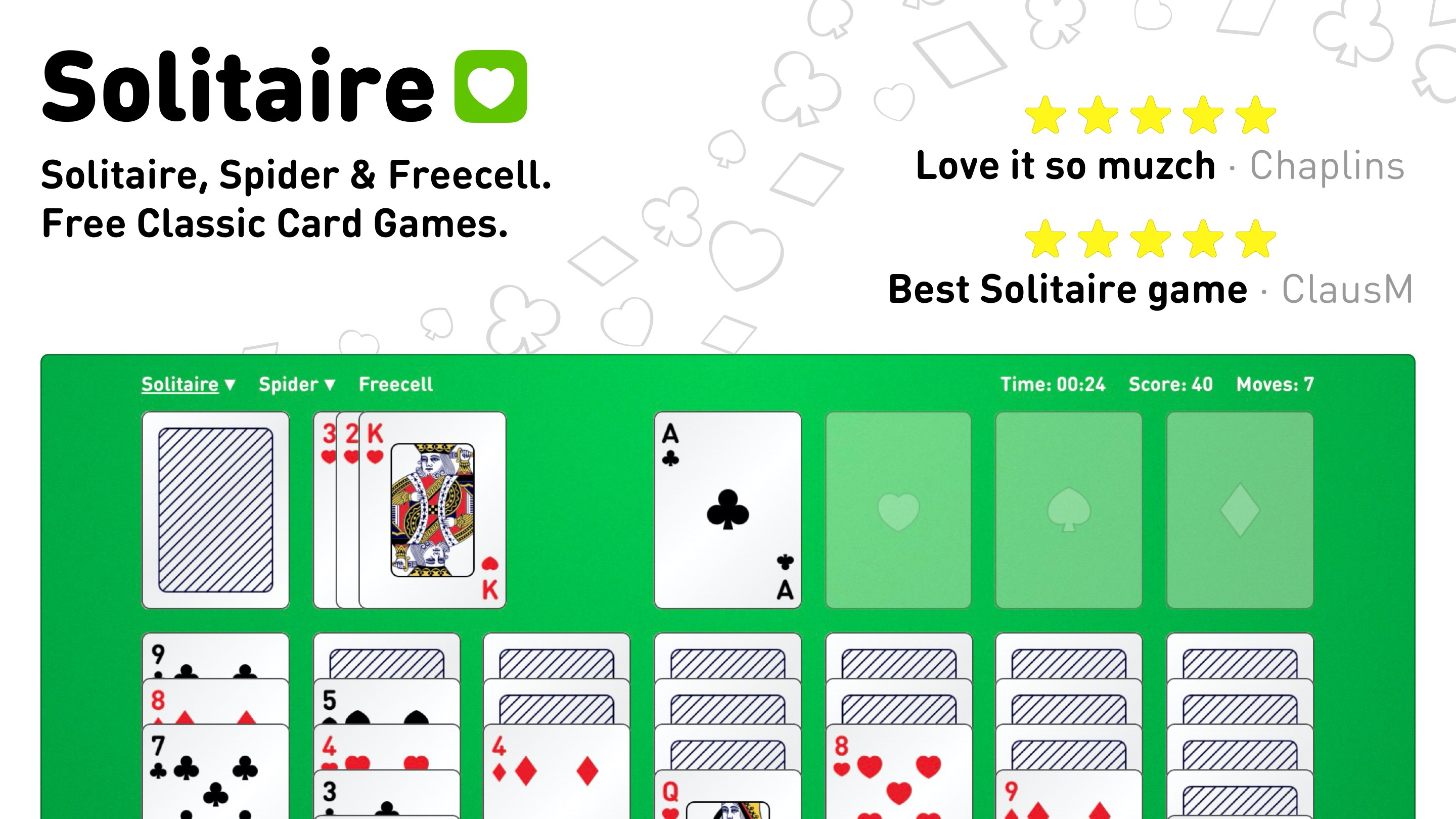
Solitaire · Klondike, Spider, and Freecell for Windows, developed and published by Online Solitaire, offers classic card games that aim to deliver a familiar yet engaging experience for card game enthusiasts on the PC. With its straightforward design and smooth gameplay, this app is geared toward casual players, solitaire aficionados, and those seeking a relaxing digital pastime.
Vivid Introduction: Diving into the World of Digital Cards
Imagine sitting comfortably in your living room, a warm cup of coffee in hand, ready to embark on a journey through century-old card games that have withstood the test of time. Now, picture doing so on your Windows device, with a digital deck that shuffles effortlessly and offers crystal-clear visuals. That's exactly what Solitaire · Klondike, Spider, and Freecell bring to your fingertips — a nostalgic voyage seamlessly integrated into modern technology, ensuring every flip and move feels natural and satisfying.
Three Gems of the App: Core Features that Make it Shine
1. Versatile Game Modes and Customization
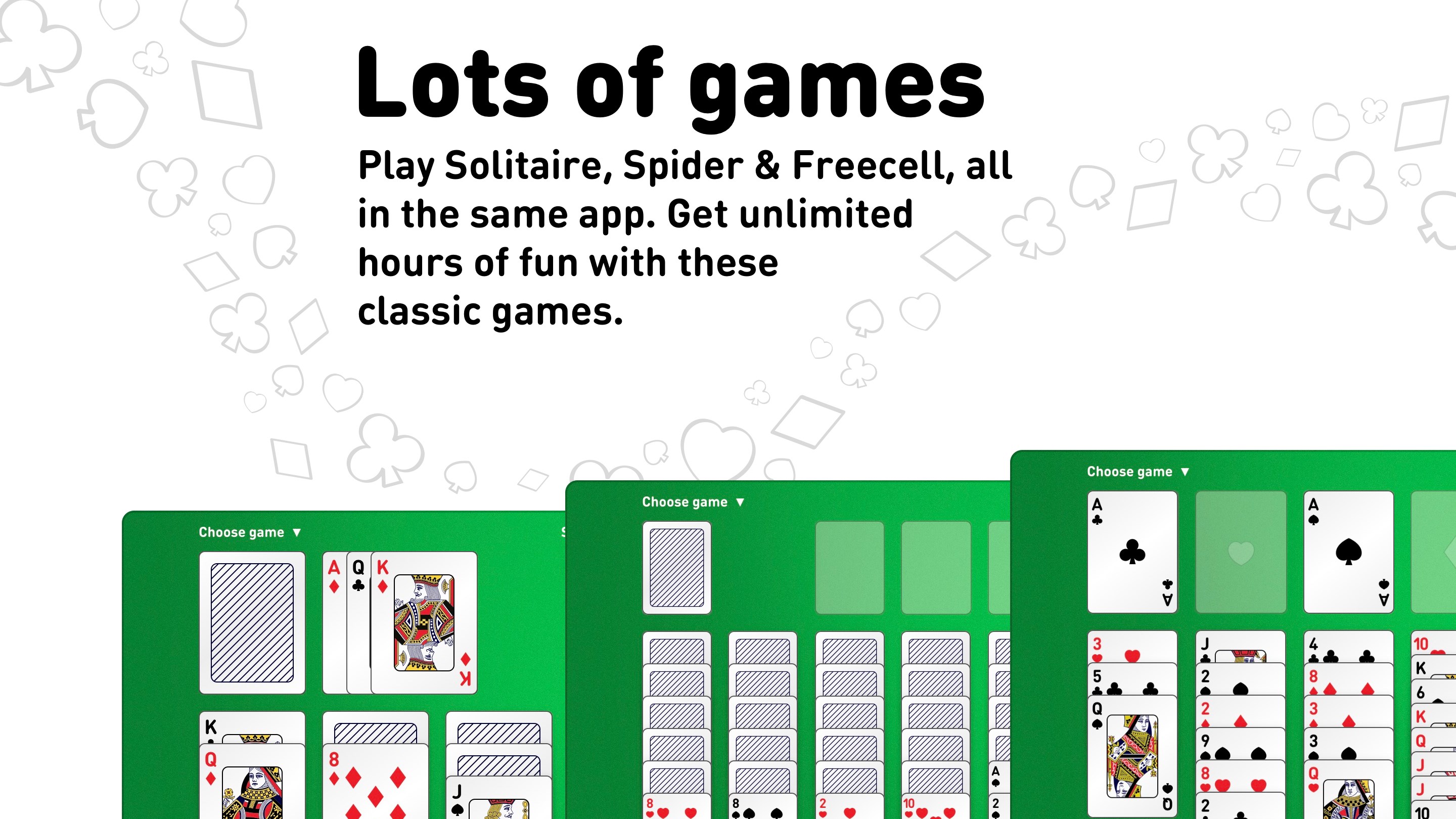
Whether you're a purist who wants to stick to classic Klondike or an adventurous soul eager to explore Spider's multi-suit challenges, this app has you covered. The variety of game modes caters to different skill levels and preferences. Plus, customizable themes and backgrounds add a personal touch, transforming your gaming environment to match your mood — from serene blues to vibrant reds, creating a visually pleasing sphere for every session.
2. Intuitive User Interface and Smooth Interaction
The interface embodies minimalism with a touch of elegance—think of it as a sleek, well-organized desk where everything is just a tap away. The controls are refined for ease of use, even on smaller screens, with drag-and-drop gestures that mimic the tactile feel of handling real cards. Transitioning between games or undoing moves feels instantaneous, thanks to optimized performance, reducing any frustration and allowing you to focus solely on conquering the decks.
3. Helpful Features for Players of All Levels
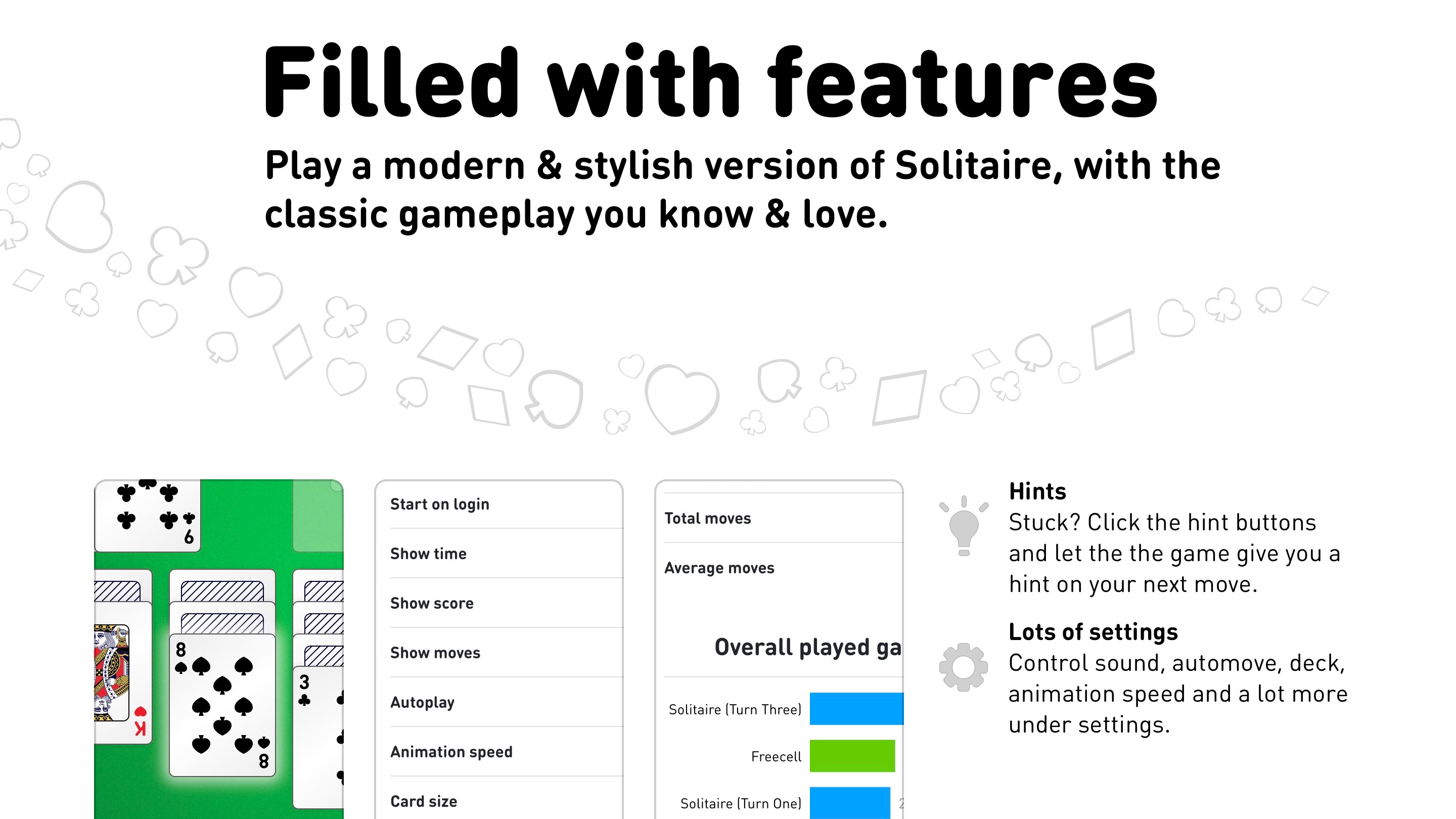
New to solitaire or looking to sharpen your skills? The app provides useful hints and undo options, so you can learn from your actions without penalty. Additionally, the game saves your progress automatically, enabling you to pause and resume at your convenience. These thoughtful touches ensure a stress-free experience that doesn't intimidate beginners but still offers depth for veteran players.
Distinctive Strengths and Unique Selling Points
While many solitaire applications exist, this game distinguishes itself with its emphasis on accessibility and customization. Its clean, distraction-free interface allows you to focus on the gameplay without unnecessary clutter. What really sets it apart, however, are the optional visual themes and the multi-layout adaptations for various screen sizes — making the app equally comfortable on a desktop monitor or a tablet. Furthermore, its performance optimization ensures fluid gameplay, making each card flip a satisfying tactile sensation, almost like shuffling physical cards on a well-loved table.
Final Verdict: A Solid Choice for Loveable Classic Card Games
Overall, Solitaire · Klondike, Spider, and Freecell for Windows is a well-rounded app that respects the timeless nature of these games while leveraging modern design for an enjoyable experience. If you're seeking a dependable, attractive, and user-friendly card game suite, this app warrants a recommendation, especially for casual players and those fond of traditional card puzzles. While it may not feature elaborate multiplayer modes or advanced AI opponents, its simplicity and attention to detail make it a reliable companion for your daily dose of patience and strategy on Windows.
Pros
- Intuitive and user-friendly interface
- Variety of solitaire games including Klondike, Spider, and Freecell
- Smooth gameplay with minimal lag
- Customizable themes and backgrounds
- Offline mode available
Cons
- Limited game difficulty settings
- No tutorial or onboarding for new players
- Ads interstitials occasionally interrupt gameplay
- Limited statistical tracking and scoring features
- Some visual themes might appear outdated











