


- Name Solitaire JD
- Category Card & board
- Developer JD Software LLC
- Available on PC, Mobile
- OS Windows 10 version 10240.0 or higher
- Mouse Not specified
- languages Chinese (Simplified), English (United Kingdom), English (United States), French, German, Italian, Portuguese, Portuguese (Brazil), Portuguese (Portugal), Russian, Spanish, Spanish (Mexico), Spanish (Spain), Vietnamese
A Classic Yet Refreshing Card Game Experience
Solitaire JD for Windows offers a straightforward, elegant rendition of the beloved card game, combining familiarity with subtle modern touches. Designed by JD Software LLC, it aims to bring hours of relaxing entertainment right to your desktop, whether you're a seasoned Solitaire enthusiast or a casual game lover seeking a quick mental break.
Meet the Developer: JD Software LLC
Crafted by JD Software LLC and published by Jimmy Dickinson, Solitaire JD stems from a dedicated team that understands the timeless appeal of classic card games. Their mission is to deliver accessible and polished digital versions that honor traditional gameplay while ensuring smooth, user-friendly experiences for contemporary audiences.
Key Features That Make Solitaire JD Stand Out
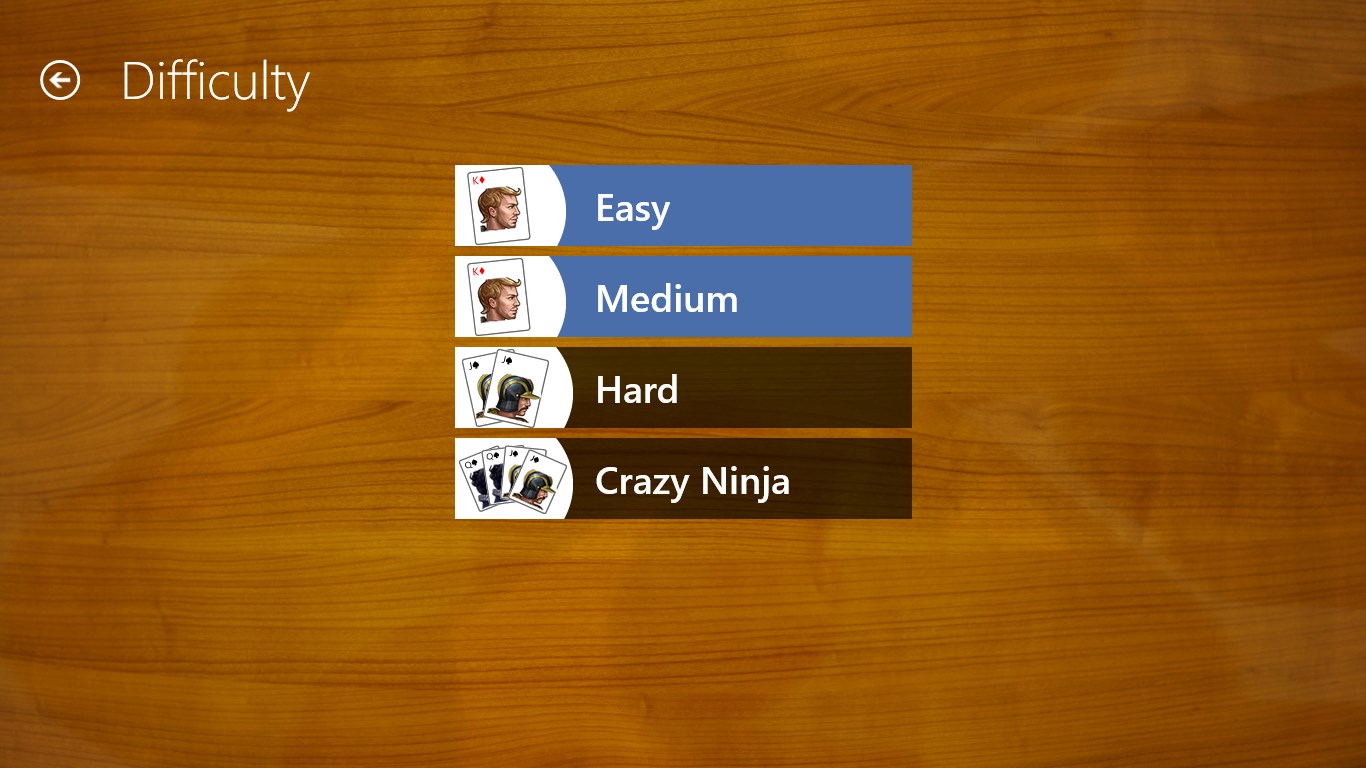
- Intuitive Gameplay with Customization Options: The app offers multiple Solitaire variants, including Klondike, and allows players to customize deck styles and backgrounds, making each game visually personalized.
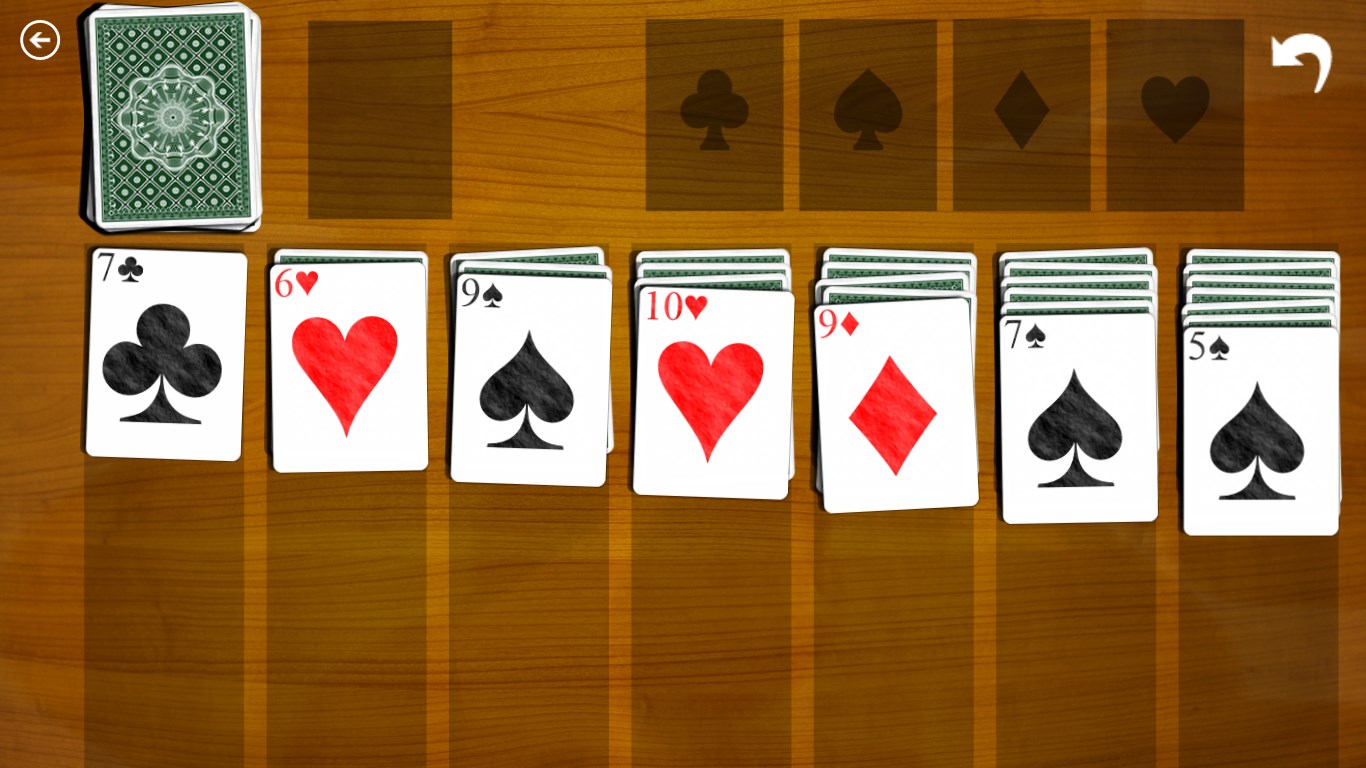
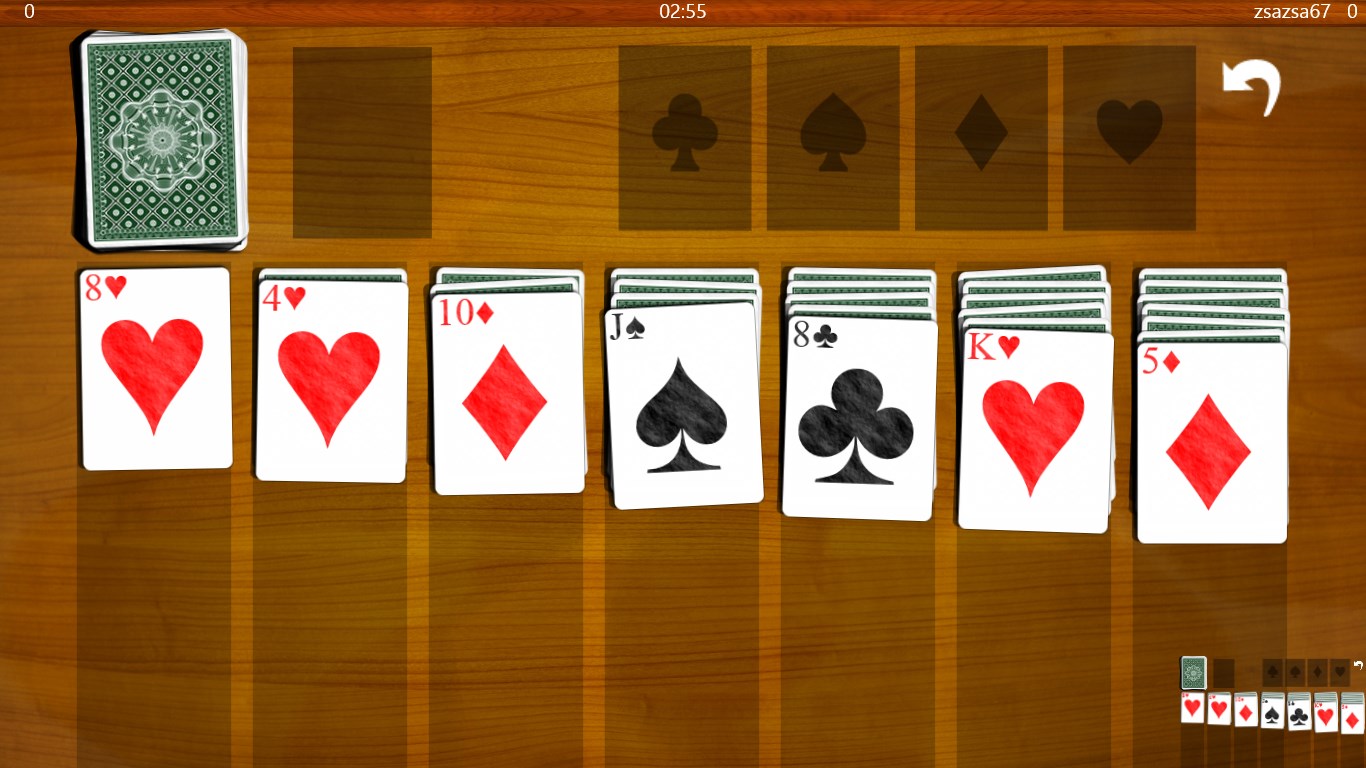
- Streamlined User Interface: Clean, clutter-free design coupled with responsive controls ensures that players can focus solely on the game, not on figuring out how to play or navigate the app.
- Performance and Stability: Runs smoothly on a variety of Windows devices with minimal load times, providing a seamless gaming experience without lag or crashes.
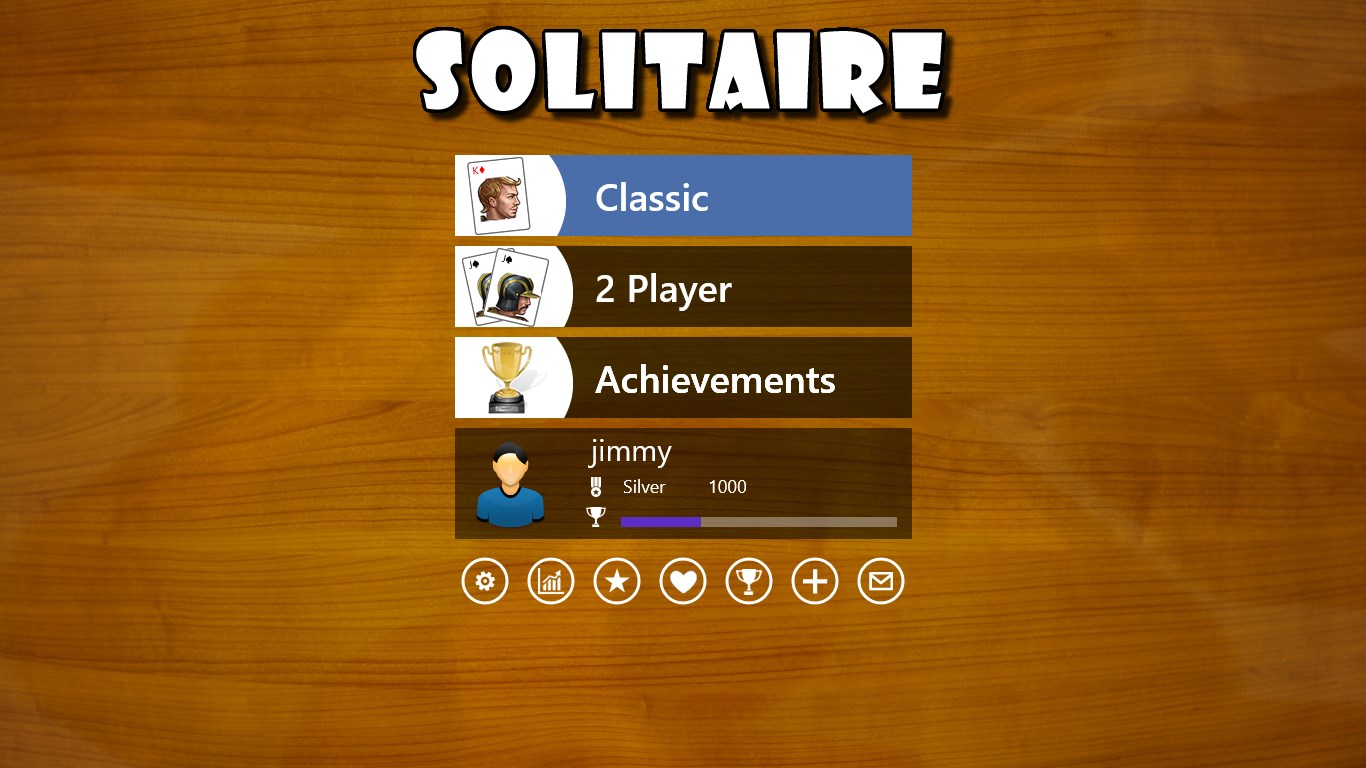
- Progress Tracking and Achievements: For those who enjoy a sense of progression, the app includes basic stat tracking and achievement systems, encouraging players to beat their own records.
A Relaxing Entry Point, Still Exciting for Veterans
Imagine sinking into your favorite armchair with a cup of coffee, the window's sunlight casting a warm glow, and a game of Solitaire JD unfolding on your screen—sounds idyllic, right? It's precisely that relaxing, accessible vibe the app aims to create. From the moment you open it, the interface welcomes you with its clarity and charm, inviting both newcomers and seasoned players alike.
Core Functionality: The Heart of Solitaire JD
Its primary allure lies in its crisp core gameplay, which stays true to classic rules, but with modern flair. The deck animations are smooth, the gestures are intuitive, and the game flows effortlessly from card shuffling to victory (or gentle defeat). The ability to switch between different Solitaire variants—primarily Klondike—is a noteworthy feature that caters to diverse preferences, ensuring there's always a new challenge waiting.
The Visual and User Experience: Minimalism Meets Comfort
The interface design strikes a perfect balance—neither too sparse nor distractingly busy. The background options and card styles give users room to personalize their experience, akin to decorating their own game table. Navigation is simple: tap or click to move cards, with clear indicators guiding gameplay. The responsiveness is notable, with no delays or lag, creating a sense of fluidity that makes each move feel satisfying. The learning curve remains gentle; even first-timers can pick up and enjoy the game within minutes, thanks to thoughtfully placed hints and straightforward controls.
How Does It Differ from Others? A Few Unique Spins
While Solitaire apps are aplenty, Solitaire JD stands out in its subtle emphasis on user comfort and customization. Unlike many counterparts that serve as mere gameplay machines, this app offers a more personalized experience—a calming aesthetic that can be tailored to match your mood. Its smooth performance across devices makes it particularly appealing for those who want reliable, hassle-free gameplay without unnecessary bells and whistles. Additionally, the achievement system adds a light layer of gamification, motivating players to keep trying for better scores without feeling pressured.
Final Thoughts and Recommendations
Overall, Solitaire JD provides a solid, enjoyable digital take on a time-honored classic. It's particularly well-suited for casual players seeking a fuss-free, visually restful environment to unwind. I'd recommend it to Windows users looking for a dependable, customizable Solitaire experience that respects traditional gameplay but adds just enough modern polish. Whether you're looking to kill time during a break or enjoy a quiet evening with cards, Solitaire JD is a worthy companion—simple, elegant, and reliably engaging.
Pros
- Intuitive User Interface
- Engaging Gameplay Modes
- Unlockable Achievements
- Offline Access
- Regular Updates
Cons
- Limited Customization Options
- In-App Ads Disrupt Gameplay
- Lack of Daily Challenges
- Performance Variability on Older Devices
- Limited Social Sharing Features











