

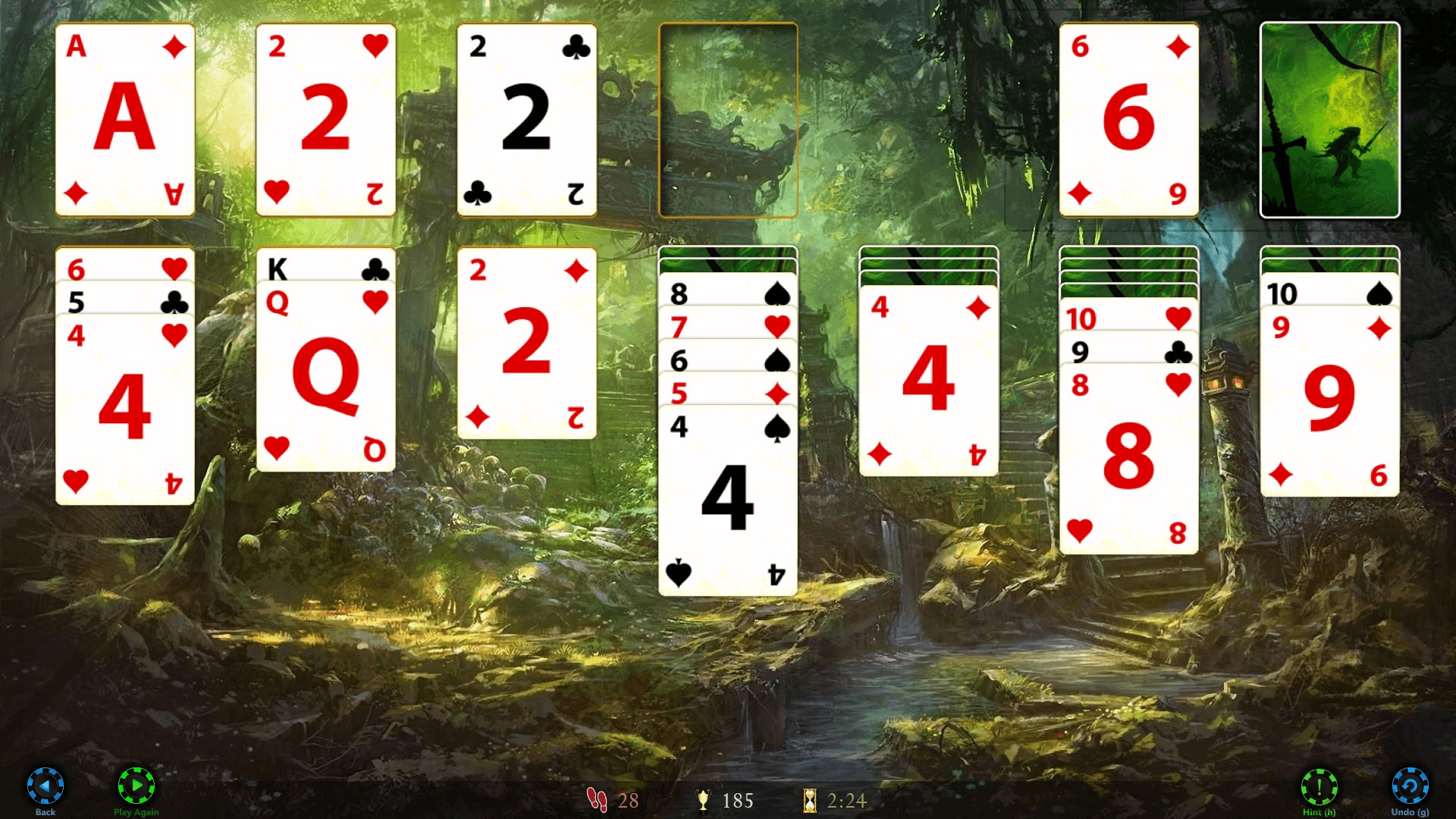
- Name Solitaire HD
- Category Card & board
- Available on Xbox console, PC, Mobile
- OS Windows 10 version 17763.0 or higher
- languages English (United States)
Introducing Solitaire HD for Windows: A Timeless Card Game with a Modern Touch
Solitaire HD for Windows offers a classic card gaming experience revitalized with crisp visuals and smooth gameplay, making it an ideal pastime for casual players and seasoned solitaire enthusiasts alike.
About the Developer: Bernardo Zamora
Developed by Bernardo Zamora, Solitaire HD for Windows is crafted by a dedicated team passionate about bringing traditional card games into the digital age with quality and user-centric design.
Main Features that Make Solitaire HD Stand Out
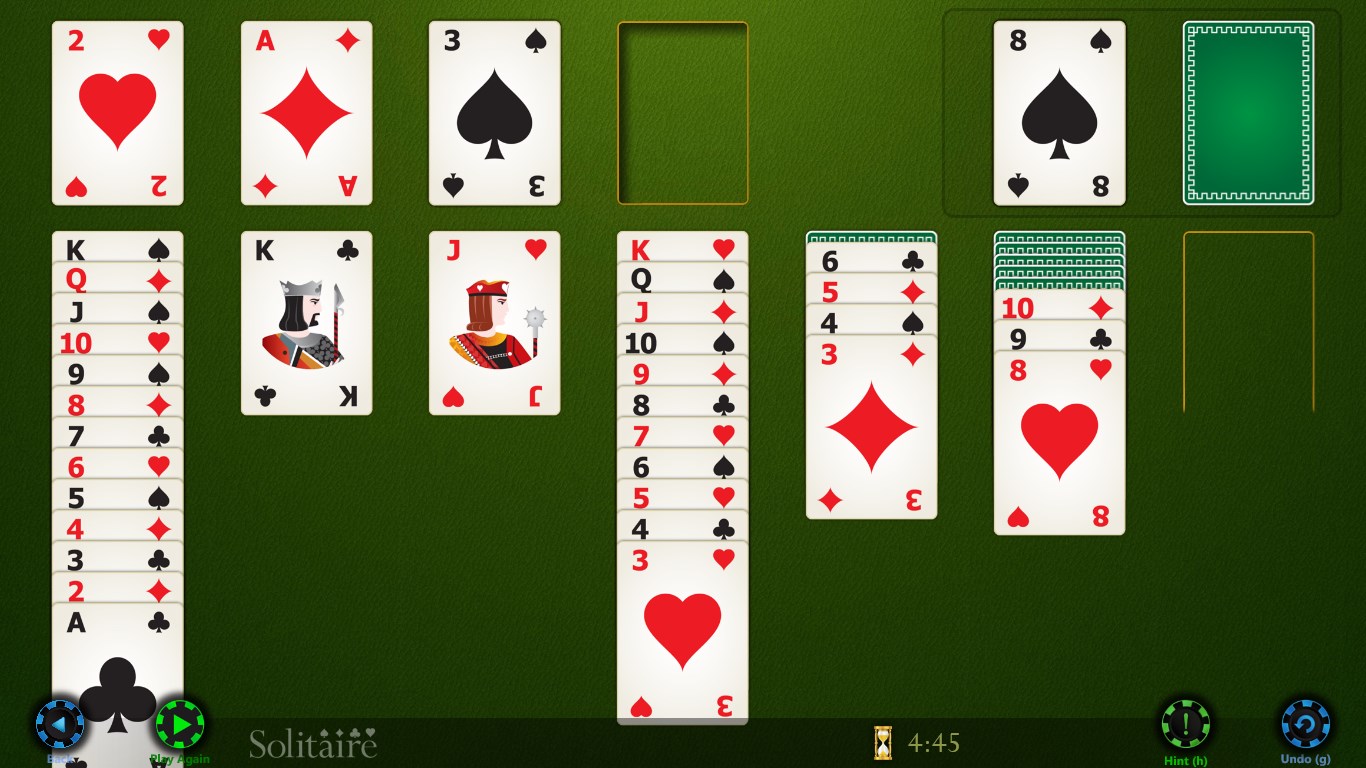
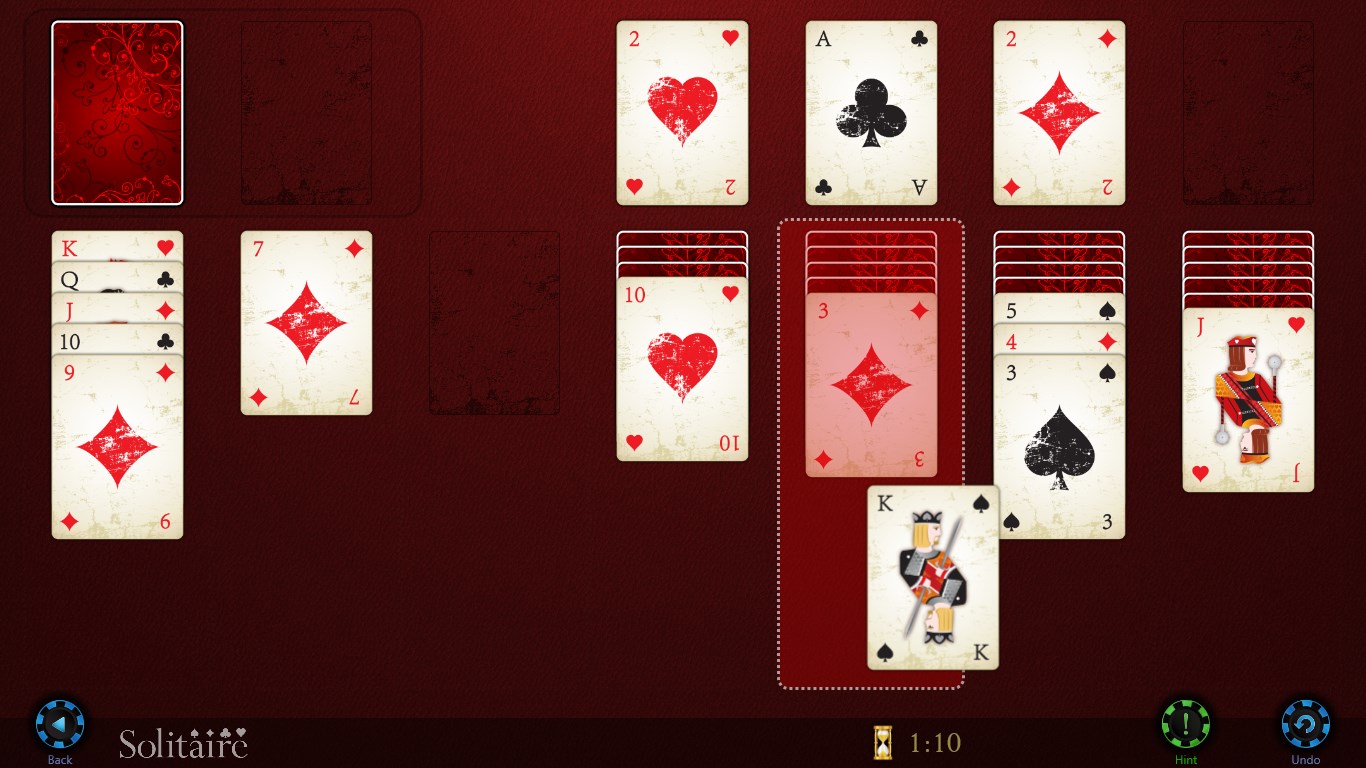
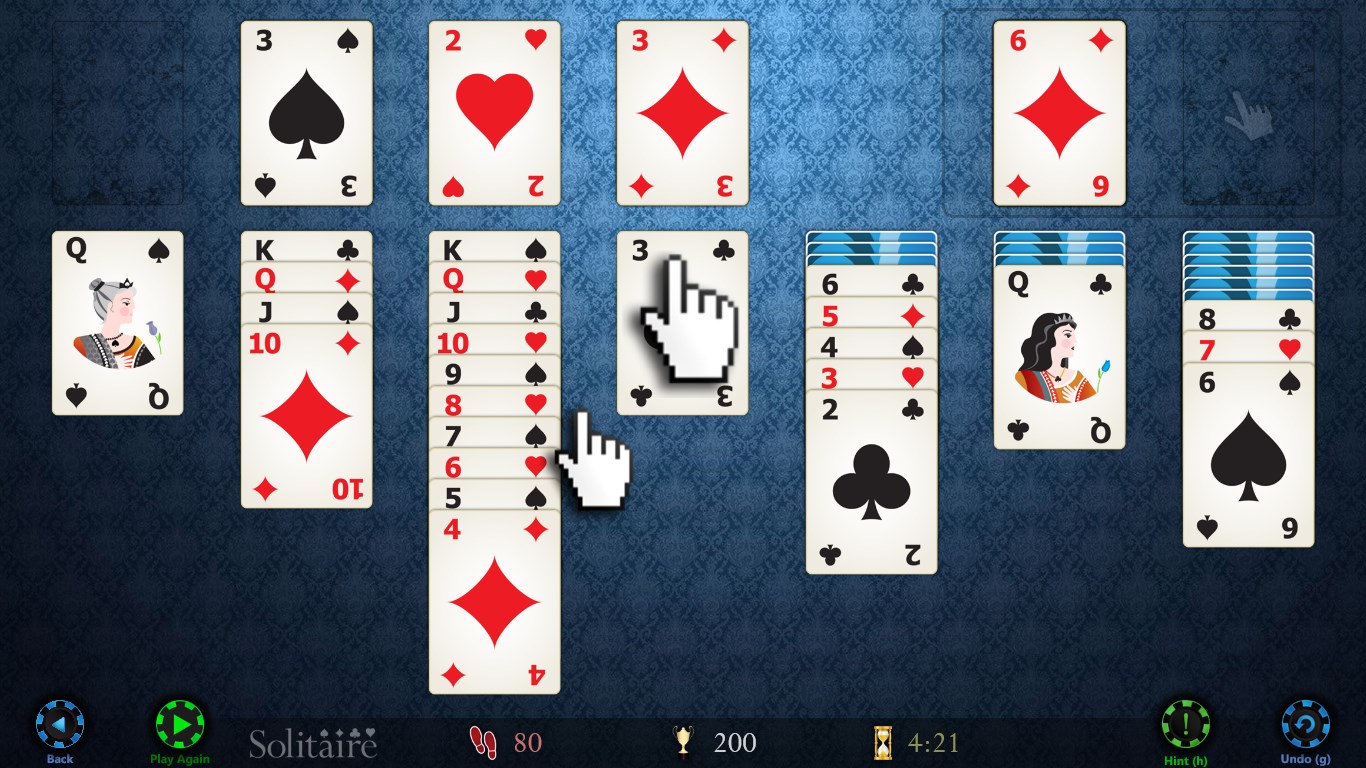
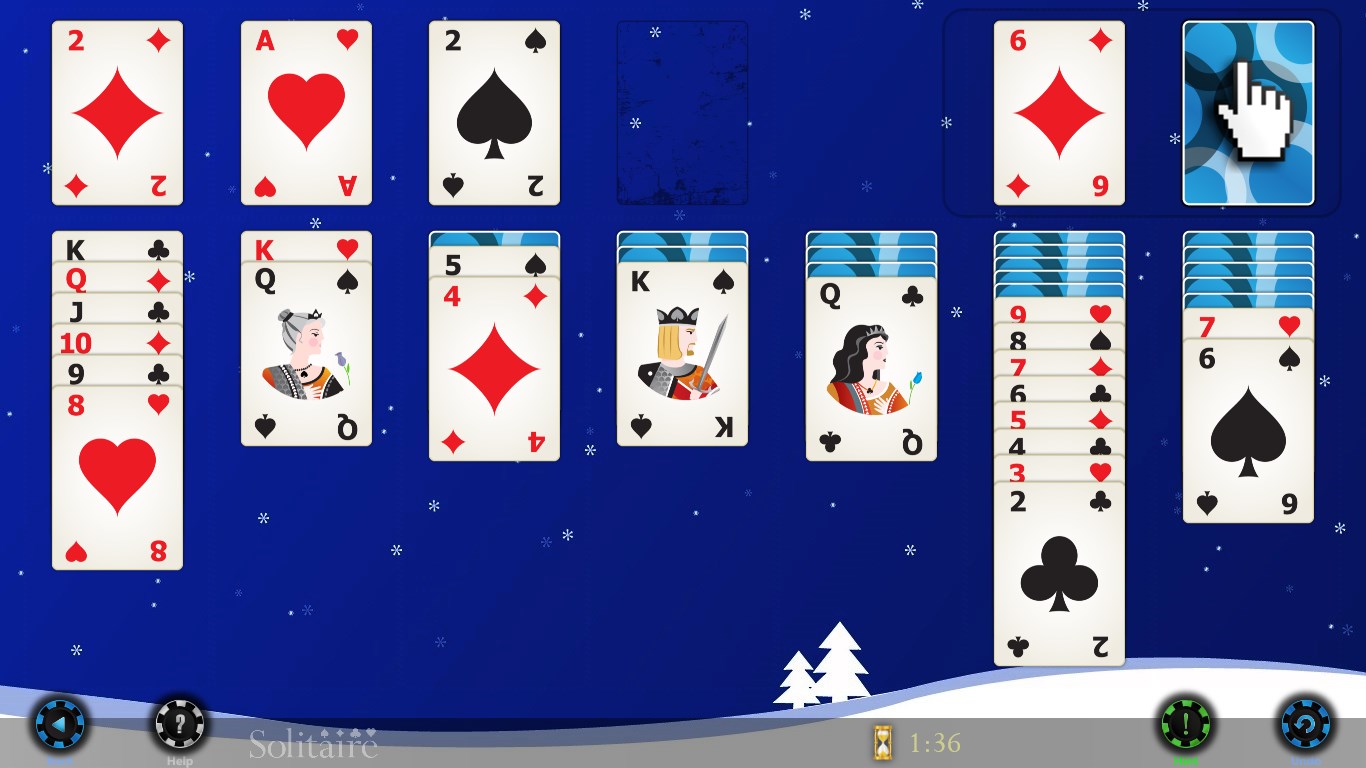
- High-Resolution Visuals: Enjoy sharp, vibrant graphics that make the cards pop and create an inviting game environment.
- Multiple Game Modes: Offers various solitaire variants, catering to different preferences and skill levels.
- Intuitive User Interface: Sleek, straightforward design ensures easy navigation and a frustration-free experience.
- Elegant Sound Design: Subtle sound effects that enhance immersion without overwhelming.
A Fresh Take on a Classic Hobby
Imagine sinking into an armchair with a cup of coffee, the lights dimmed, and a deck of digital cards waiting to be dealt—this is the charm Solitaire HD encapsulates. Its graceful interface and seamless gameplay evoke the feel of shuffling real cards, all while offering the convenience of playing anytime, anywhere. Whether you're looking to unwind or challenge yourself, Solitaire HD provides a polished, distraction-free environment that honors the timeless appeal of this classic card game.
Core Functionality 1: Diverse Game Modes & Challenges
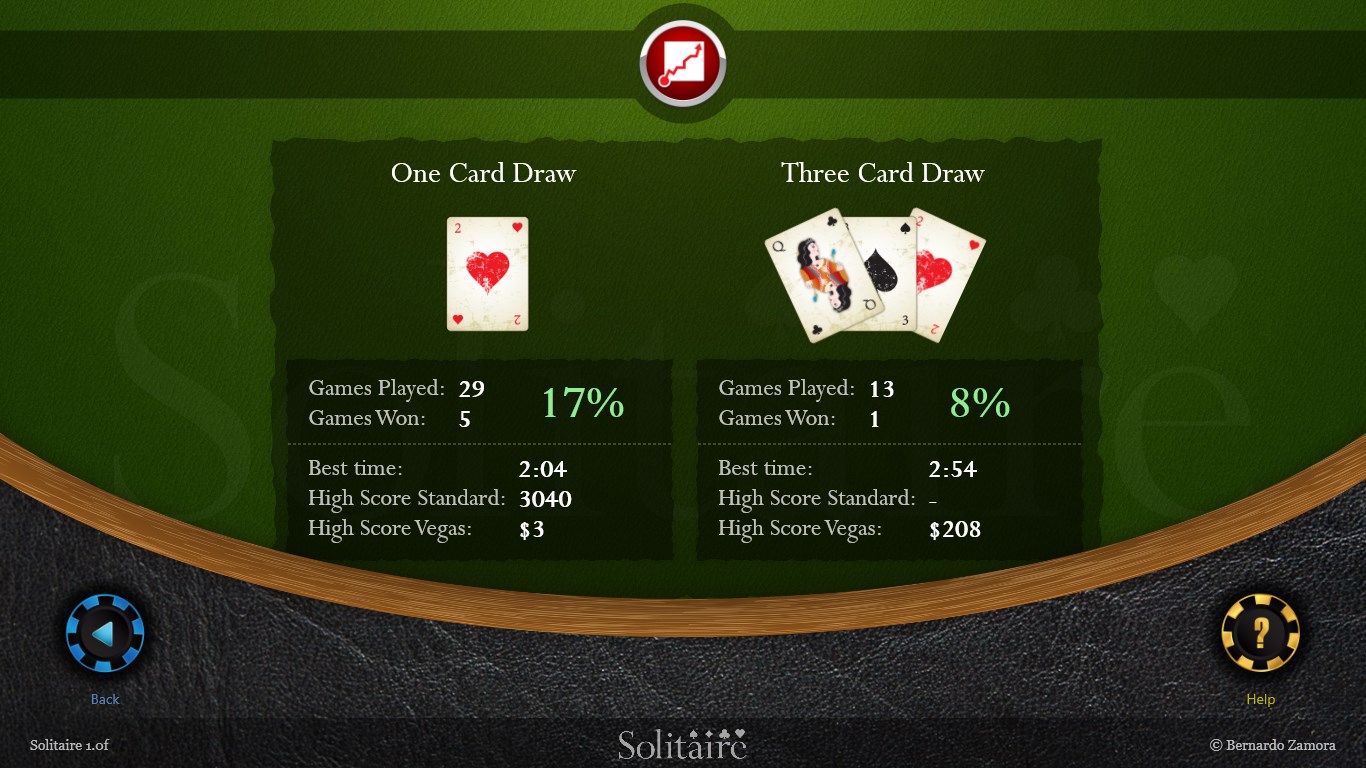
Solitaire HD shines brightest with its variety of traditional and innovative game modes. From Klondike to FreeCell and Pyramid, there's a suited game for every mood and skill level. Each mode offers unique challenges—think of it as different terrains in a landscape of card puzzles—keeping the experience fresh over countless sessions. The game tracks your stats and best scores, motivating you to beat your personal records or unlock new layouts, adding an element of friendly competition.
Core Functionality 2: User Interface and User Experience
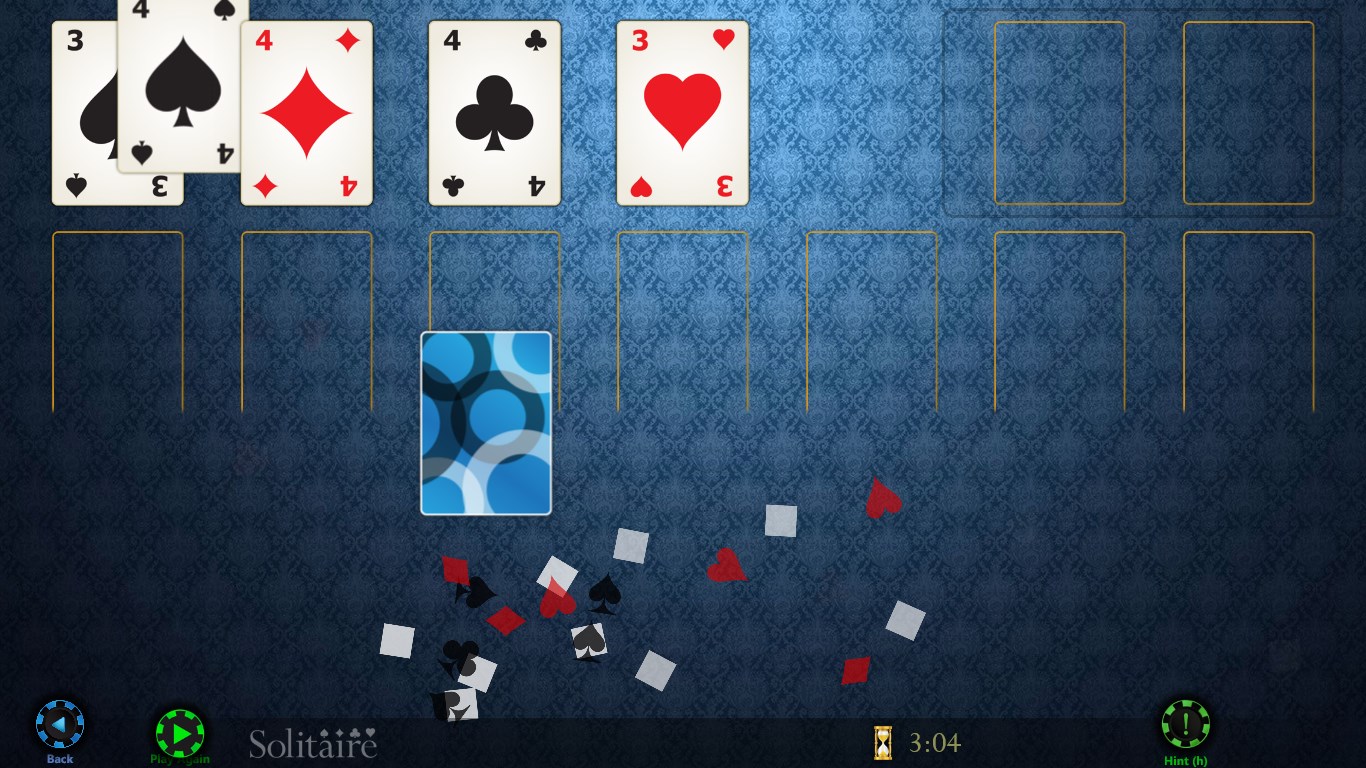
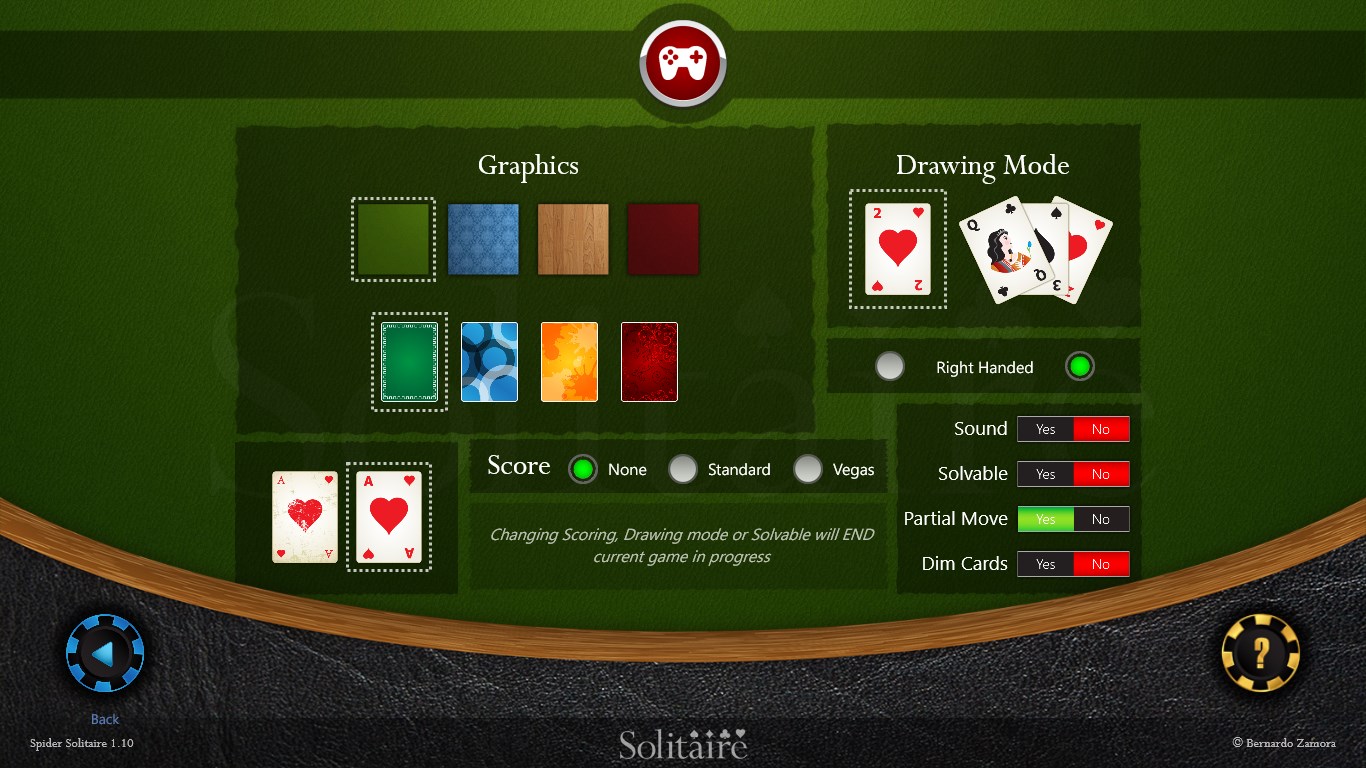
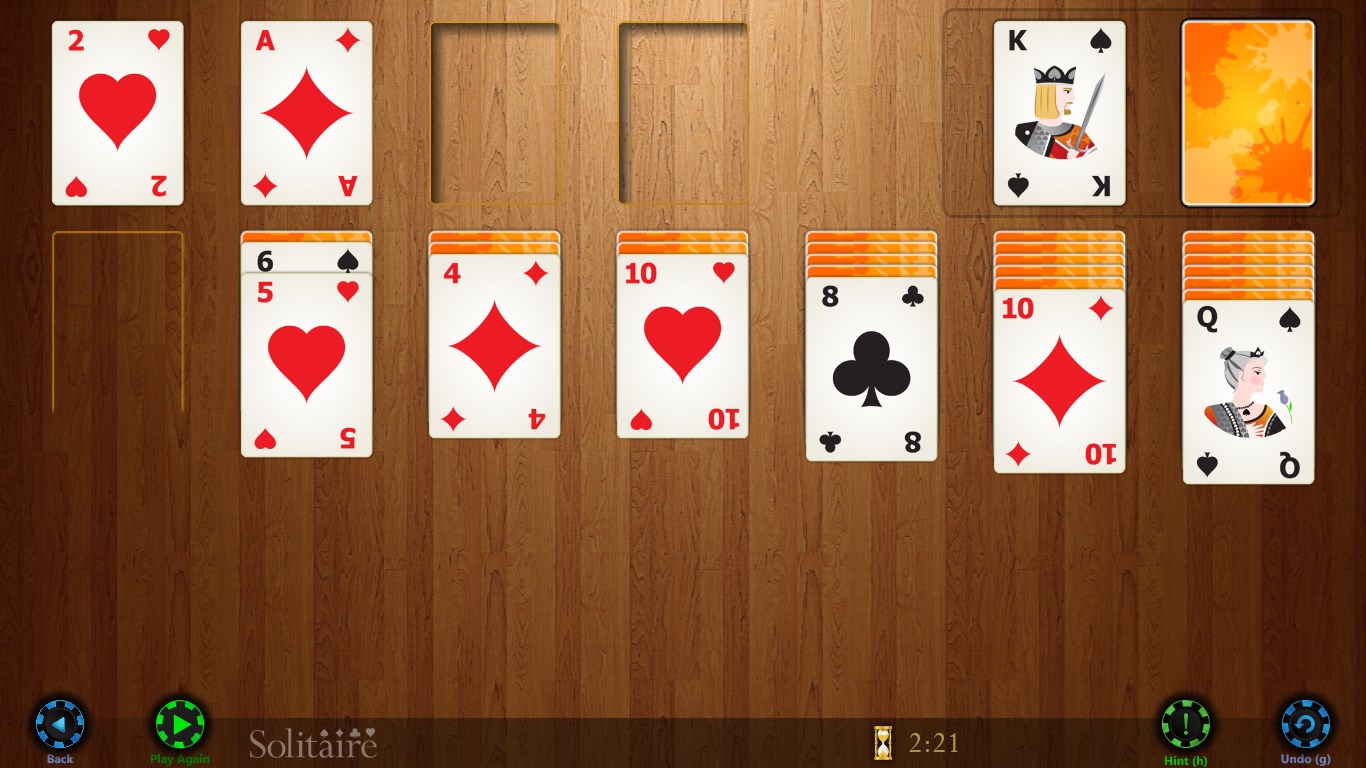
The app boasts a clean, modern design that resembles a well-organized desk, where everything from card stacks to buttons has its place. Navigation feels intuitive, with simple taps and drags replacing physical shuffling and dealing. The fluidity of animations makes interactions natural and satisfying, akin to flipping a real card. For newcomers, the straightforward layout combined with optional tutorials means the learning curve remains gentle—it's more about fun than frustration. Meanwhile, seasoned players will appreciate the customizable card backings and backgrounds that add a personalized touch to their gaming space.
What Sets Solitaire HD Apart?
Compared to other card games, Solitaire HD's standout feature is its focus on aesthetic quality and gameplay smoothness. Unlike many free versions that often bombard you with ads or cluttered interfaces, this app offers an ad-free experience with a minimalistic look that allows the game to take center stage. Additionally, its rich graphics and subtle sounds help immerse you without distraction—imagine playing in a cozy, well-lit room rather than a noisy arcade. These qualities make Solitaire HD feel more like a refined leisure activity than just a simple game.
Final Verdict: A Solid Choice for Solitaire Fans
Overall, Solitaire HD for Windows earns a strong recommendation for those seeking a polished, enjoyable digital version of their favorite card game. Its combination of high-quality visuals, smooth interactions, and variety of game modes ensures it appeals to both casual players and avid solitaire fans. If you value elegance and simplicity in your gaming experience—and prefer a clutter-free, immersive environment—you'll find this app a worthy addition to your digital game library. Whether you have five minutes or an hour to spare, Solitaire HD provides a relaxing yet stimulating way to pass the time. Give it a try—you might just find yourself reaching for the deck every day.
Pros
- User-friendly interface
- High-quality graphics
- Multiple game modes
- Offline functionality
- Customizable themes
Cons
- Limited tutorial options
- Ads occasionally interrupt gameplay
- Minor performance lag on older devices
- Limited social sharing features
- Lack of daily challenges or rewards











