

- Name Solitaire Free!
- Category Card & board
- Developer Gamos Mobile limited
- Available on PC
- OS Windows 8.1 or higher
- languages English (United States), French, German, Italian, Russian, Spanish (Spain)
Solitaire Free! for Windows: An Elegant Digital Card Game Experience
Solitaire Free! for Windows is a thoughtfully designed digital rendition of the classic card game, offering a clean, accessible interface combined with smooth gameplay mechanics tailored for casual players and solitaire enthusiasts alike.
About the Developer and Core Features
Developed and published by Gamos Mobile Limited, this app brings a straightforward, no-frills approach to the timeless game of solitaire. The key features that stand out include customizable themes that allow users to personalize their game environment, a variety of game modes catering to different skill levels, and a seamless experience optimized specifically for Windows devices.
Intuitive and Engaging User Interface
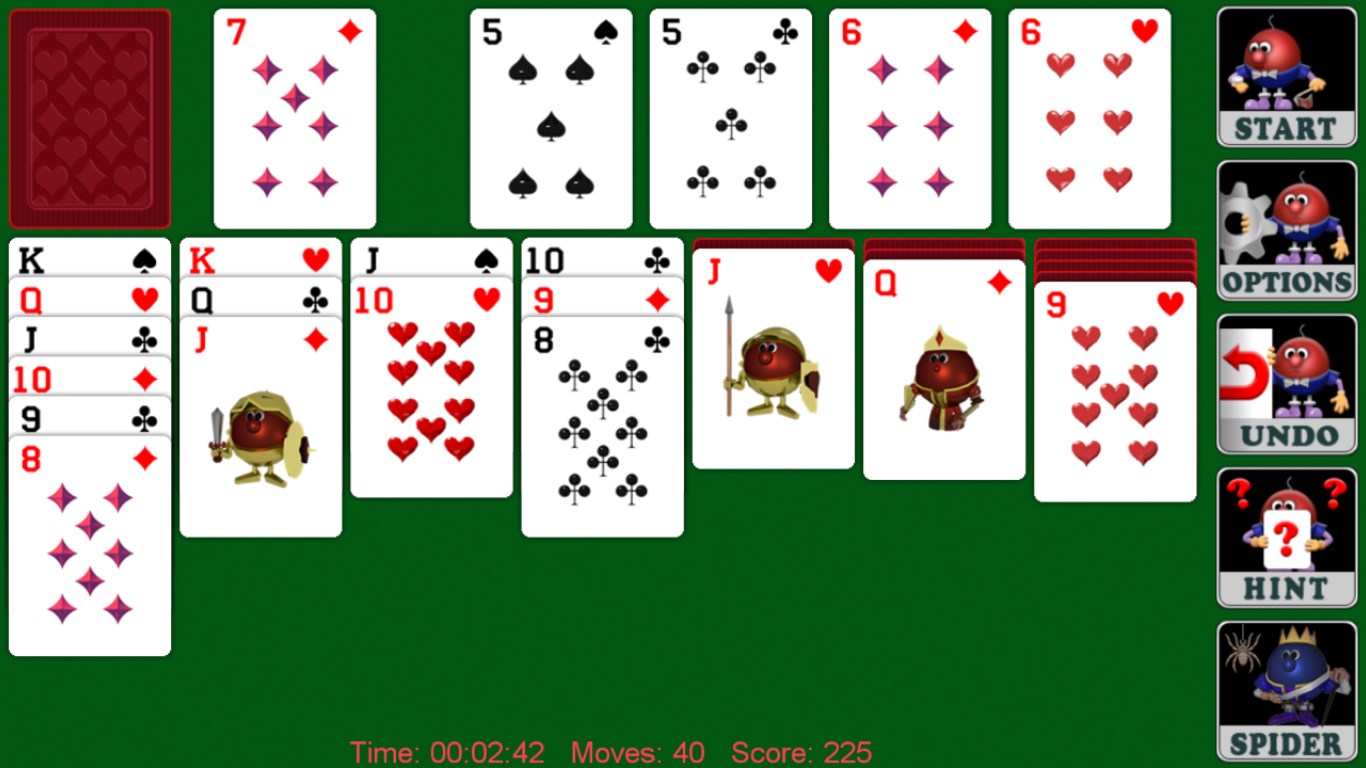
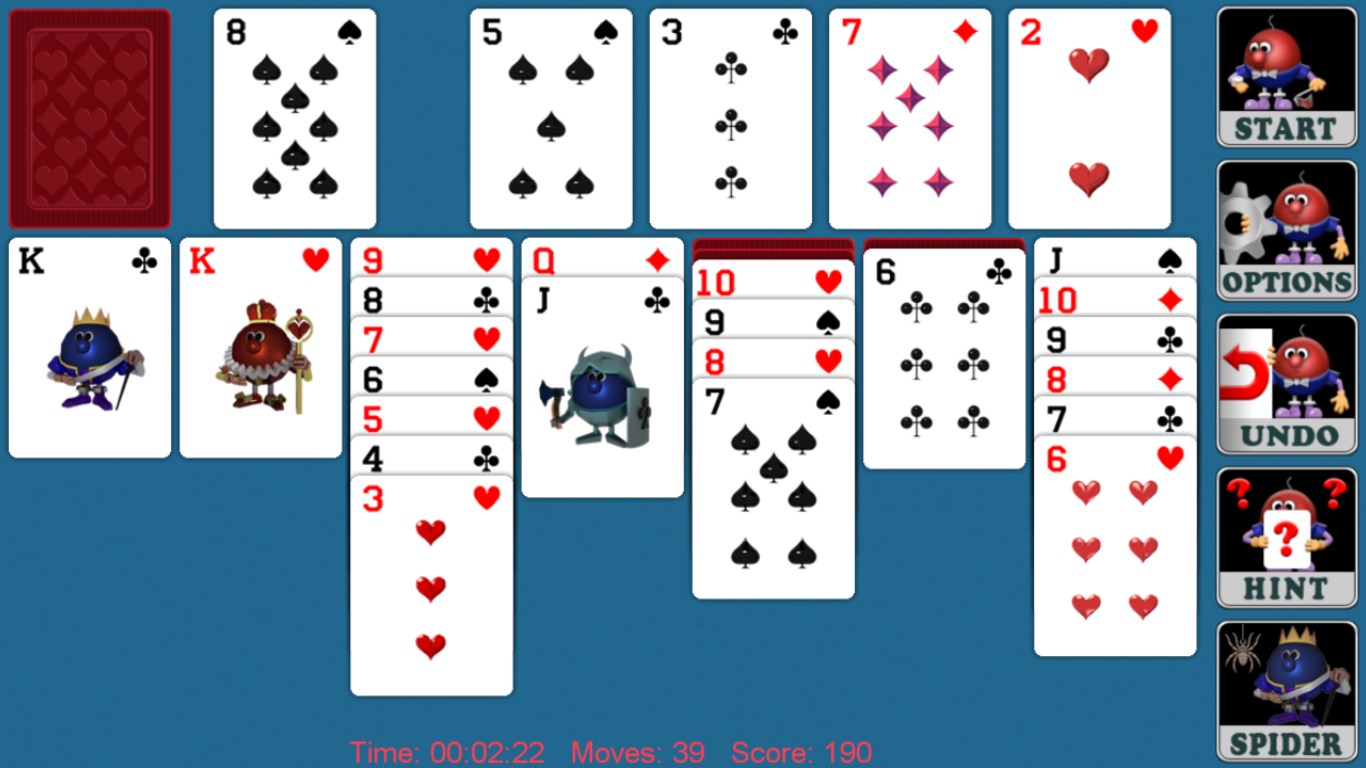
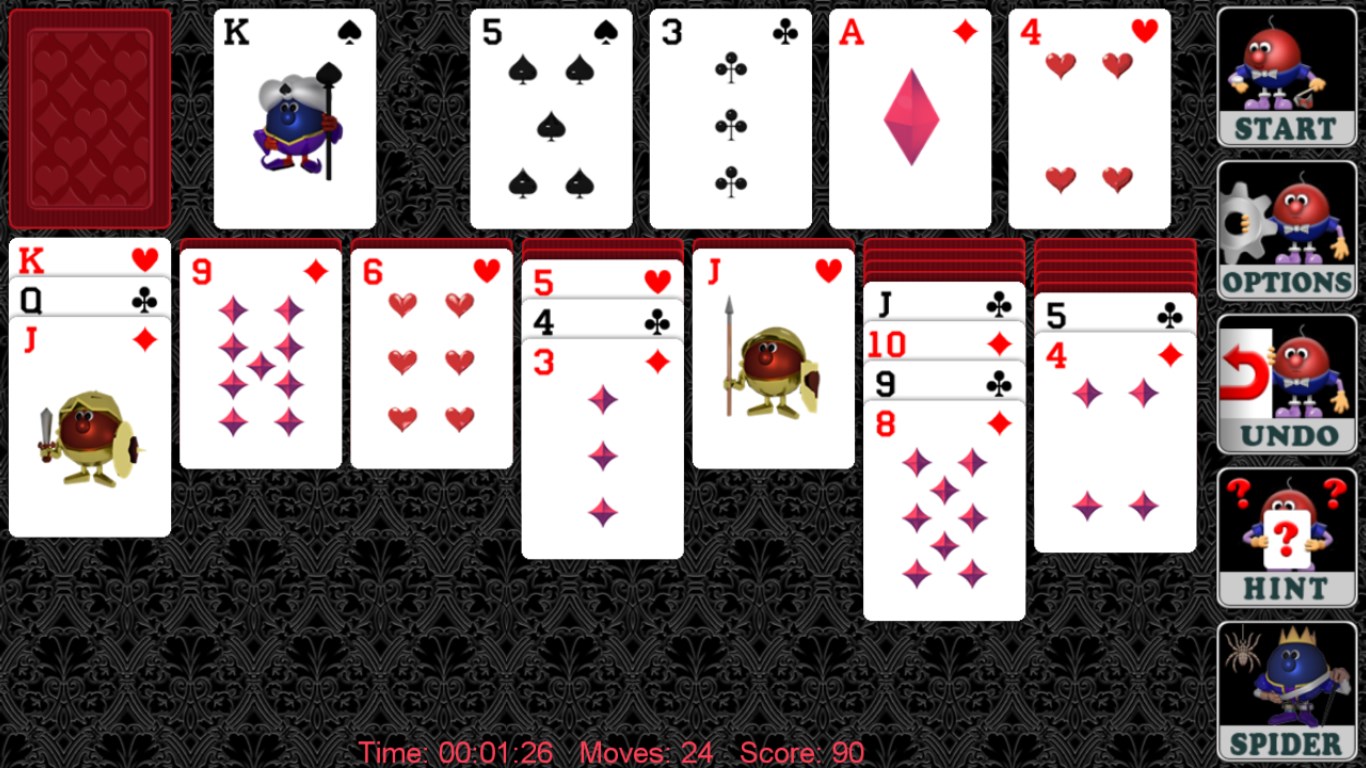
Right from the moment you launch Solitaire Free!, you're greeted with a sleek and minimalist interface that feels inviting and uncluttered—much like neatly arranged playing cards on a well-lit table. The design focuses on ease of navigation, with obvious icons and smooth transitions, making it accessible even for newcomers. The game's layout adapts fluidly to different window sizes and screen resolutions, ensuring consistent quality whether you're on a desktop or a tablet.
Variety of Game Modes and Personalization
This app caters to a wide audience by providing multiple game variants—classic Klondike, Spider, FreeCell, and more—each with its own set of rules and challenges. What truly sets Solitaire Free! apart is its extensive personalization options, including customizable card backs and background themes. These features transform the game from a simple pastime into a personalized digital space, providing players with the option to match their mood or aesthetic preferences.
Performance and User Experience
Running smoothly across Windows 10 and 11, Solitaire Free! impresses with its responsiveness. Card movements are fluid and animations are subtle yet satisfying, contributing to an engaging experience without feeling slow or laggy. The learning curve is gentle; users familiar with solitaire will find the controls intuitive, while newcomers are guided by straightforward tutorials and hints. Switching between game modes is effortless, and tracking your progress or high scores adds a motivating layer to casual gameplay.
What Sets It Apart from Competing Card Games
While many solitaire apps on the market often focus solely on aesthetics or flashy extras, Solitaire Free! distinguishes itself with its focus on simplicity and customization. Its minimalist design ensures players aren't overwhelmed anymore than necessary, and the variety of game modes with personalized themes offer just enough variety to keep the experience fresh without cluttering the core gameplay. Additionally, the app's optimized performance tailored specifically for Windows provides a smoother, more integrated experience compared to some cross-platform or more feature-heavy competitors.
Should You Give It a Try?
I would recommend Solitaire Free! for Windows to anyone seeking a clean, reliable, and customizable digital solitaire experience. Whether you're looking to unwind during a quick break or enjoy a longer session honing your card skills, this app delivers a balanced and refined solution. Its simplicity doesn't mean it's lacking in features; rather, it's designed to make the classic game accessible and enjoyable for a broad audience. So, if you appreciate a straightforward, well-crafted card game with room for personal touches, this is worth your download.
Pros
- User-Friendly Interface
- Variety of Solitaire Modes
- Offline Play Available
- Customizable Themes and Backgrounds
- Free to Download and Play
Cons
- Limited Battery Optimization
- Lack of Challenges or Rewards
- Minimal Customization Options
- Occasional Minor Glitches
- No Cloud Save Functionality











