
- Name Solitaire Collection Free
- Category Card & board
- Developer TreeCardGames
- Available on PC
- OS Windows 10 version 17763.0 or higher
- languages Chinese (Simplified), Chinese (Traditional Chinese), Czech, Danish, Dutch, English, English (United States), Finnish, French, German, Greek, Hebrew, Hindi, Hungarian, Italian, Japanese, Norwegian (Bokmål), Polish, Portuguese (Brazil), Portuguese (Portugal), Russian, Spanish, Swedish, Thai, Turkish, Ukrainian
A Playful Escape: Solitaire Collection Free for Windows
If you're a fan of classic card games looking for a fresh yet familiar experience, Solitaire Collection Free for Windows offers a delightful digital rendition that promises hours of leisurely fun. Designed by TreeCardGames, this app captures the essence of traditional solitaire while integrating modern touches that elevate gameplay into a relaxing pastime.
Meet the Developer: TreeCardGames
TreeCardGames is a dedicated team with a passion for bringing timeless card games to digital platforms, emphasizing user-friendly design and seamless gameplay. Their focus on creating accessible and enjoyable card app experiences is evident in their approach to Solitaire Collection Free for Windows.
Core Highlights: What Makes This App Stand Out?
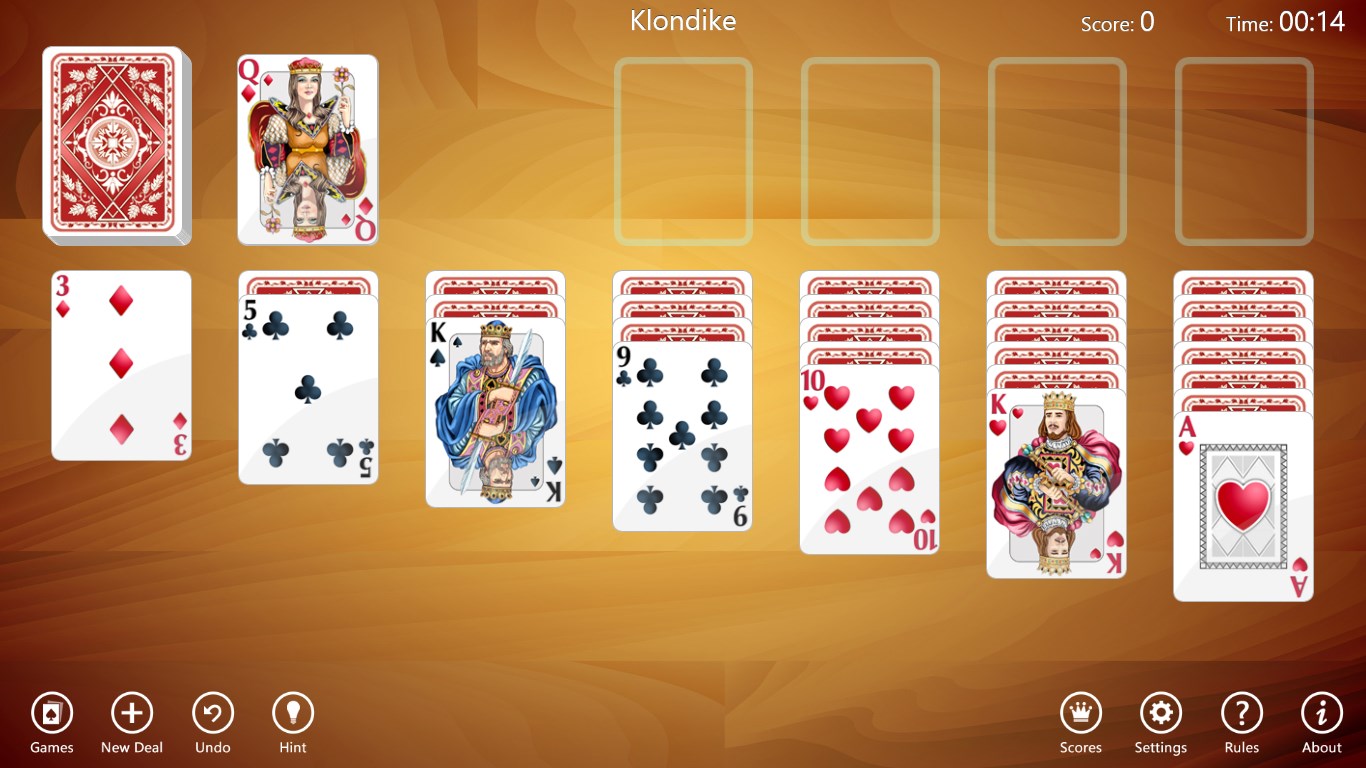
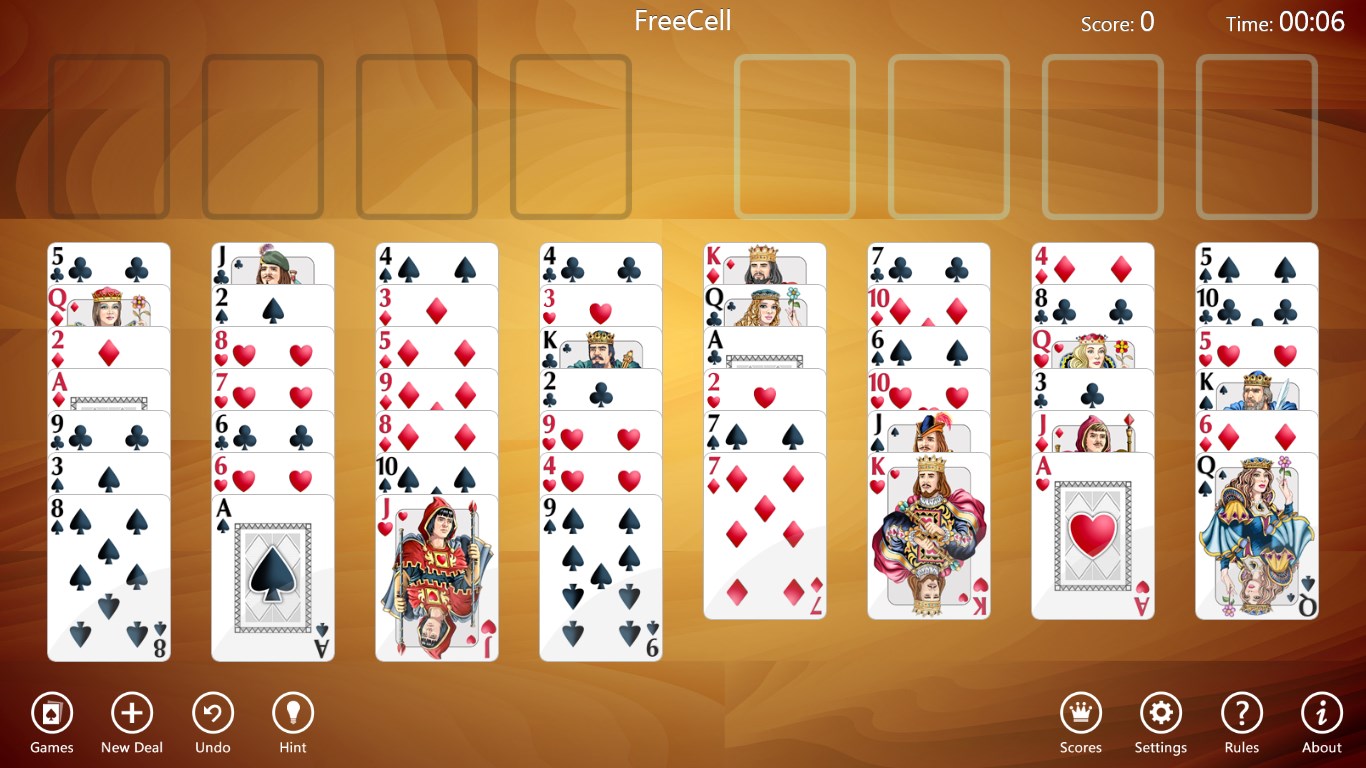
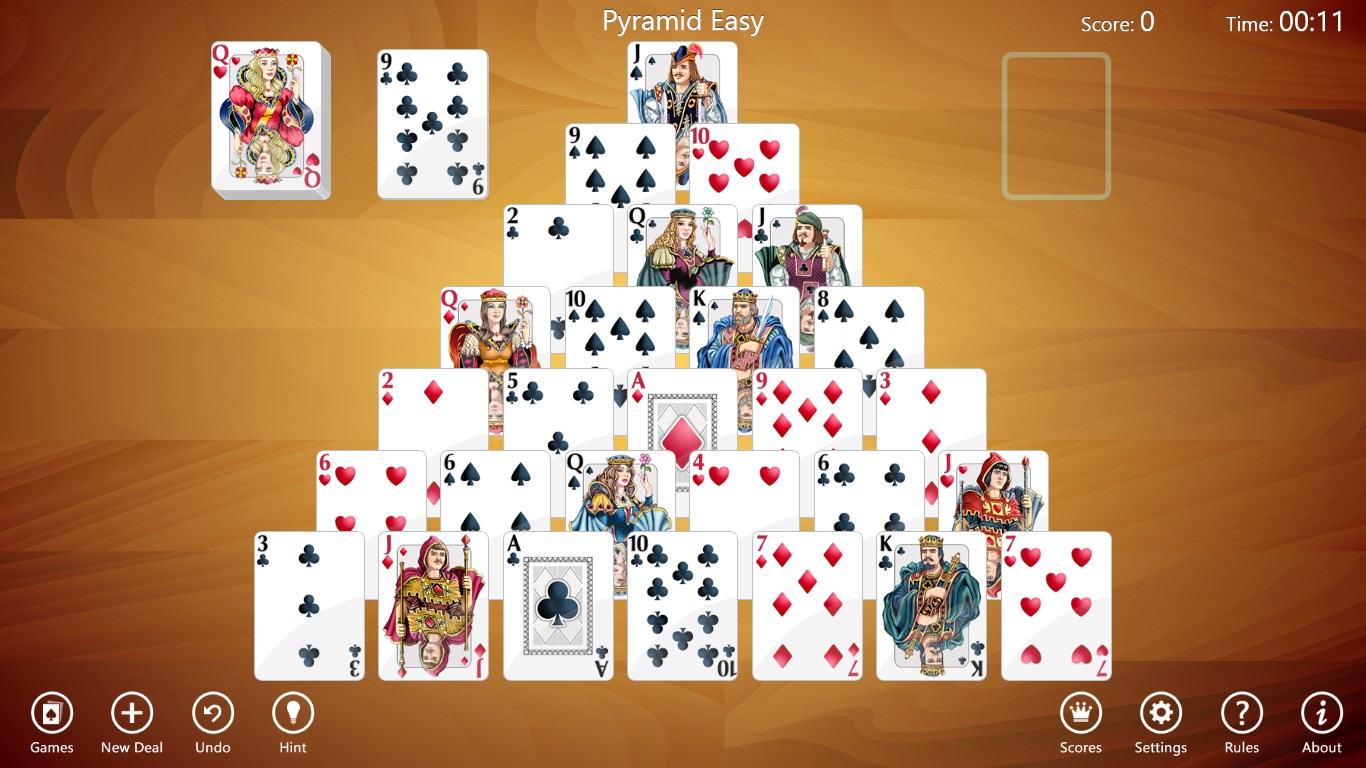
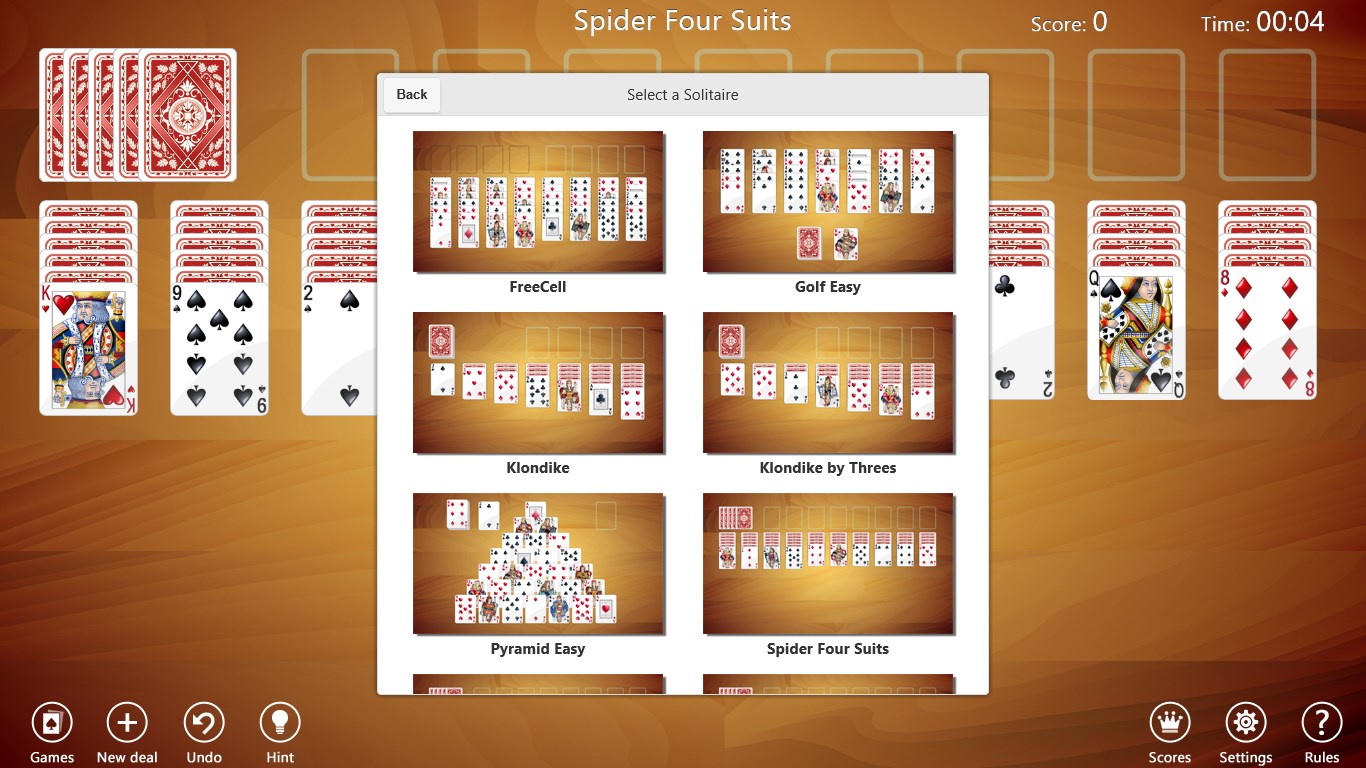
- Wide Variety of Solitaire Games: The app features multiple solitaire variations like Klondike, Freecell, and Pyramid, catering to diverse preferences and keeping the gameplay fresh.
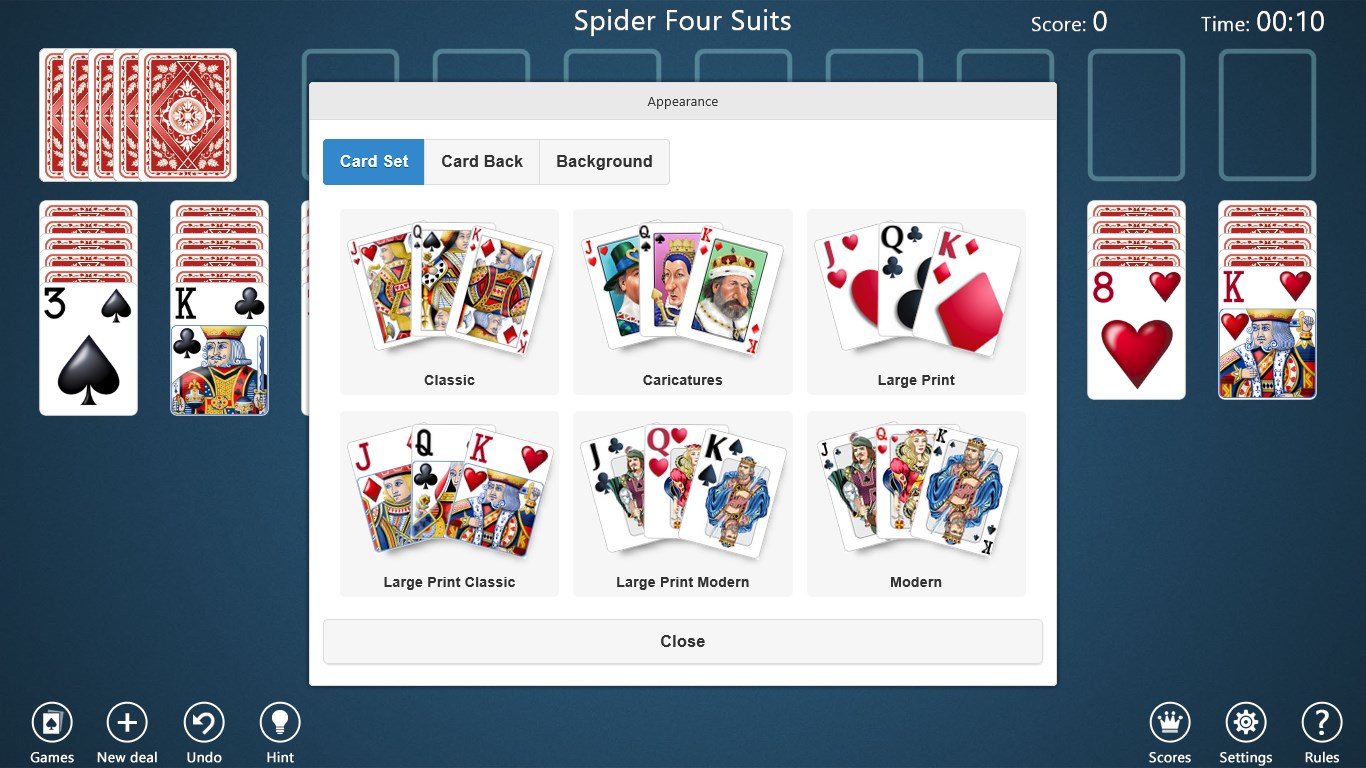
- Customizable Themes and Backgrounds: Users can personalize their gaming environment with a variety of themes, enhancing visual appeal and user engagement.
- Intuitive and Smooth User Interface: The design emphasizes simplicity and responsiveness, ensuring players can navigate effortlessly and enjoy uninterrupted gameplay.
- Offline Playability: No internet connection required, allowing players to indulge in a game whenever and wherever they like.
In-depth App Review: A Closer Look
A Entertaining and Inviting Introduction
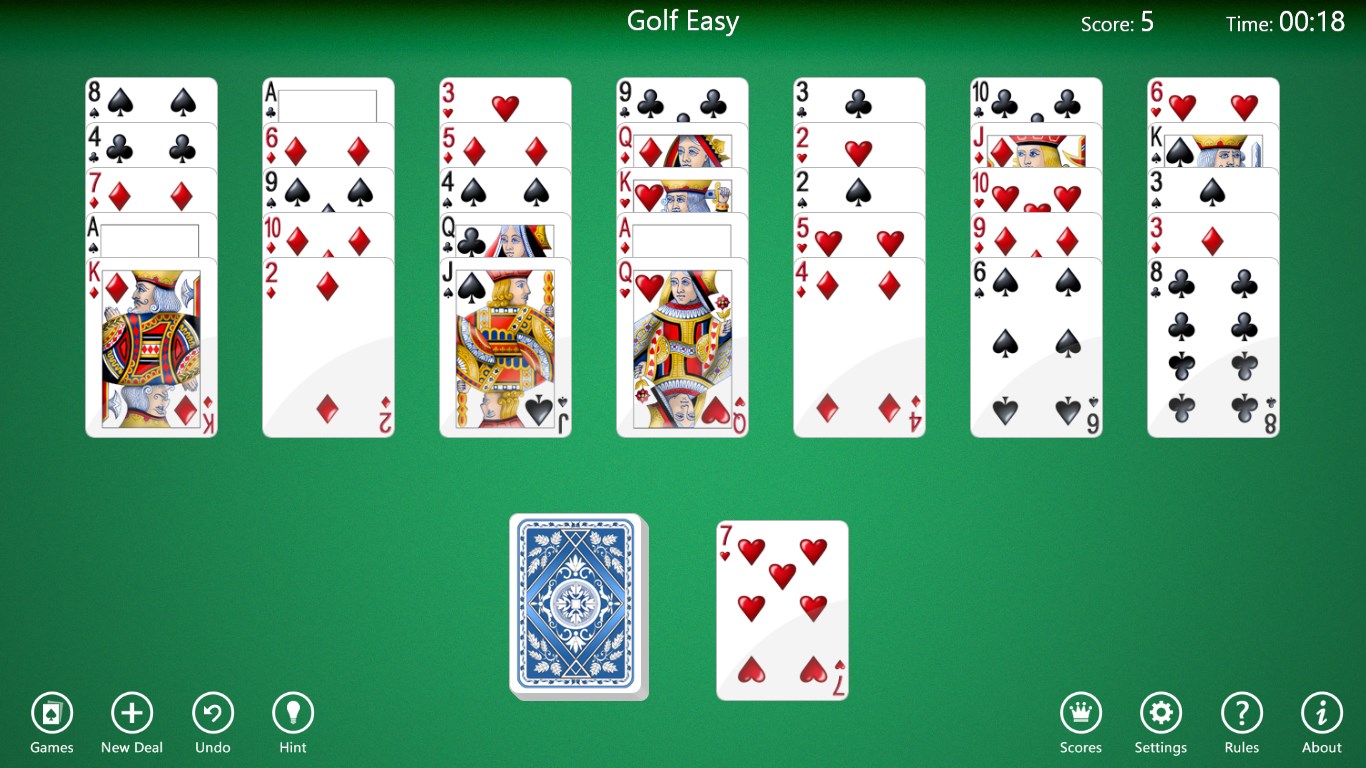
Imagine sinking into your favorite armchair with a deck of cards at hand—that's what playing Solitaire Collection Free for Windows feels like, but with a modern digital twist. Whether you're seeking a quick mental break or a longer gaming session, this app offers a virtual card table that's easy to access and hard to leave. Its cheerful interface and straightforward layout make it feel like a trusted friend guiding you through each move, transforming the classic card game into a cozy digital experience.
Variety of Games and Customization Options
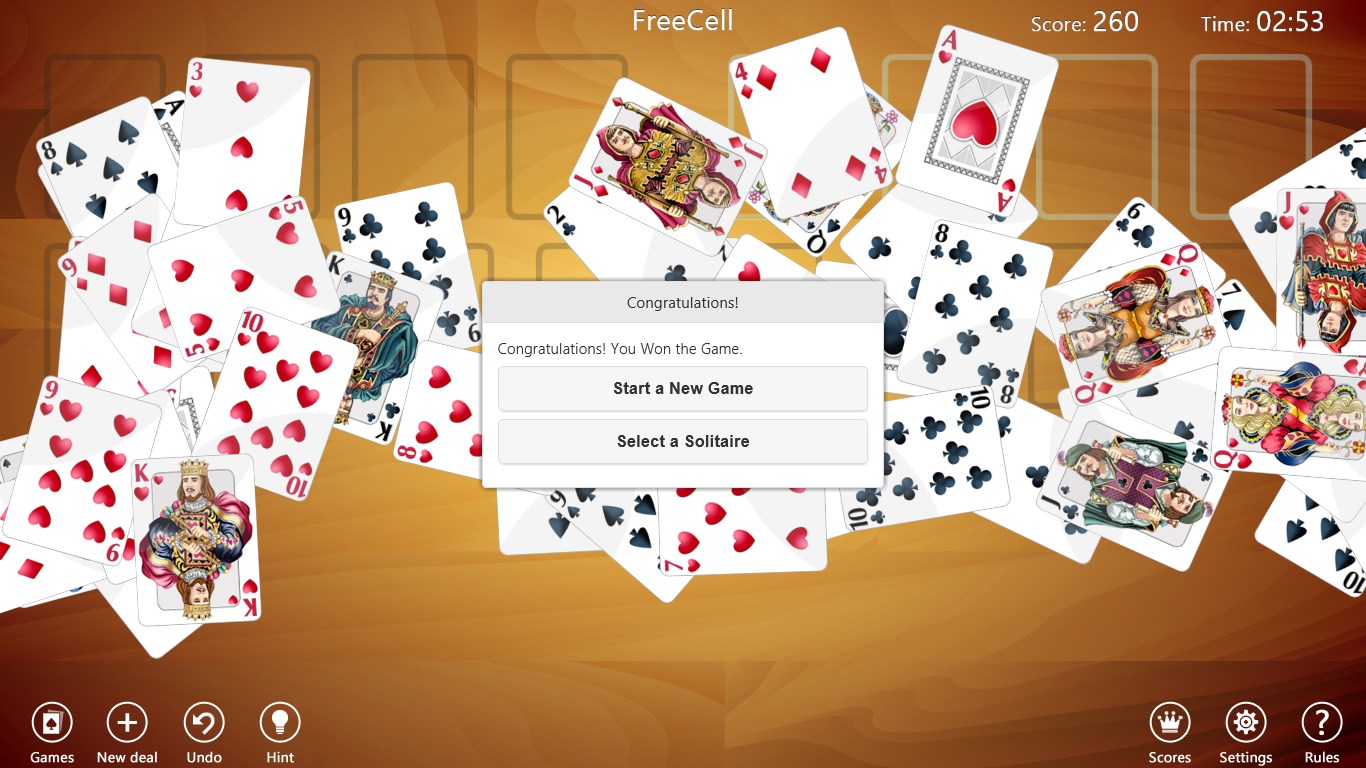
What sets this app apart from many other solitaire collections is its impressive range of game modes. From the gold-standard Klondike to the strategic Freecell and the puzzling Pyramid, there's something here for every card enthusiast. Each variation comes with adjustable difficulty levels and optional hints, catering to both novices and seasoned players. The interface allows for easy theme changes—think of it as swapping the deck's upholstery—offering backgrounds that resemble classic wood, sleek modern styles, or serene landscapes. Such customization not only makes the game visually appealing but also helps reduce eye strain, making extended play sessions more comfortable.
Design, Performance, and User Experience
The app's design strikes a nice balance between simplicity and elegance. The interface's clean lines and intuitive controls mirror the neatness of a well-arranged card table—nothing feels cluttered or confusing. Navigating game modes or adjusting settings is effortless; a few taps here and there, and you're ready to shuffle. Performance-wise, the app runs smoothly on diverse Windows devices, with minimal lag or crashes, ensuring a pleasant gaming experience. The learning curve is gentle; even first-time players can quickly understand the rules and enjoy their first wins, thanks to helpful hints and straightforward layouts.
What Makes It Unique? A Differentiated Card Gaming Experience
While many solitaire apps offer a basic experience, Solitaire Collection Free's key advantage lies in its extensive variety and customization. Unlike simpler versions that might feel repetitive, this collection provides enough game types and personalization options to keep the gameplay engaging over the long term. Its user-friendly design minimizes barriers for newcomers, yet its depth and options satisfy dedicated players. Moreover, the offline capability means you're not tied down to Wi-Fi, turning any moment—be it a commute or a quiet evening—into a mini retreat.
Should You Download? Our Verdict
Considering its broad game variety, sleek interface, and user-focused features, Solitaire Collection Free for Windows earns a warm recommendation for casual players and solitaire aficionados alike. Its clear strengths—especially the extensive game modes and customization—make it a compelling companion for daily relaxation. For those seeking a straightforward, reliable, and charming card game app, this is a solid choice. However, if you're looking for competitive online features or social gaming integrations, you might want to explore other options. For most users, though, this app strikes the perfect balance of simplicity and variety.
Pros
- User-friendly interface
- Variety of Solitaire games
- Offline access
- Customizable themes
- Regular updates
Cons
- Limited customization options in free version
- Ads can be intrusive
- Limited tutorial guidance
- No cloud save functionality
- Performance issues on older devices











