

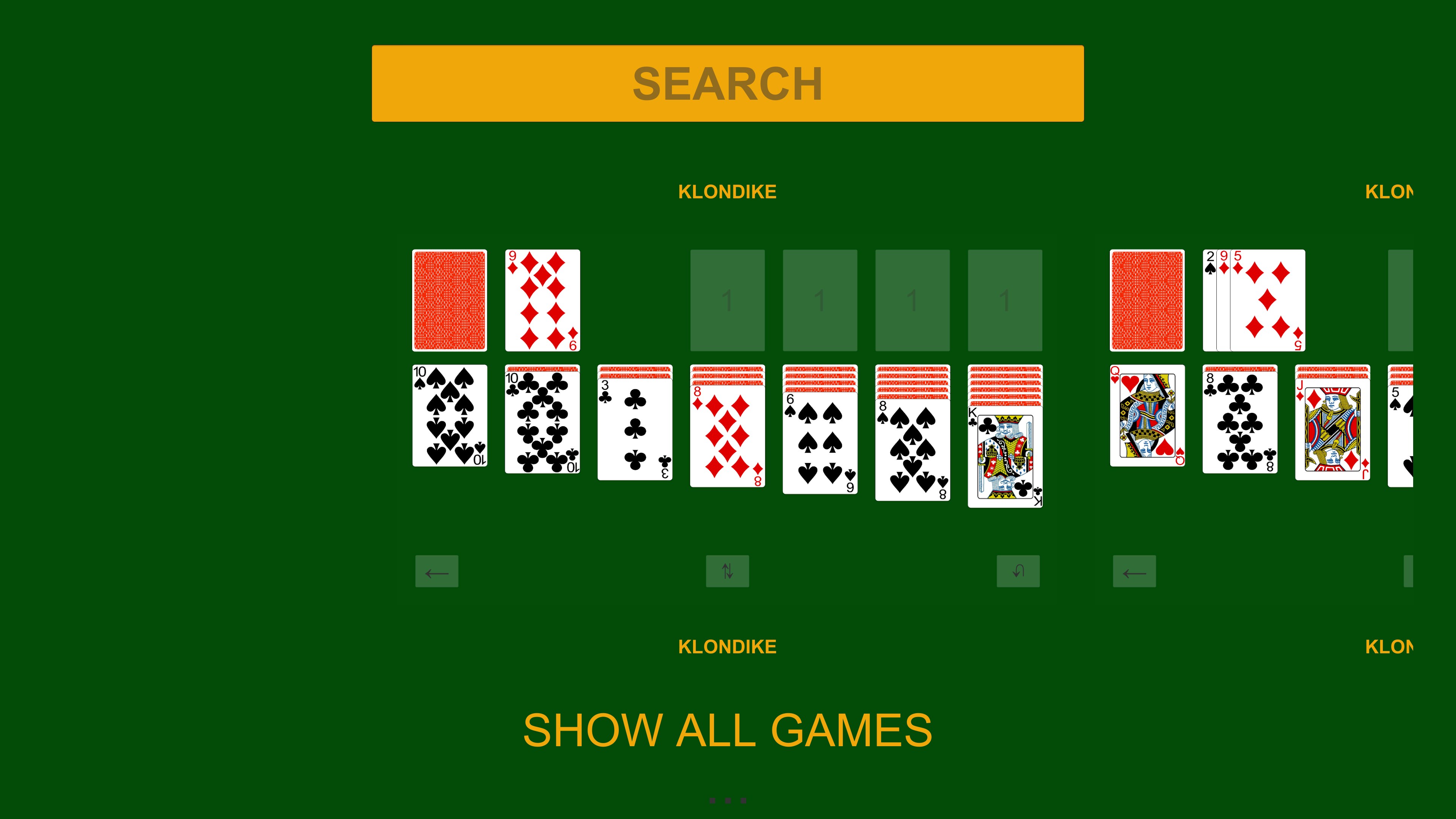
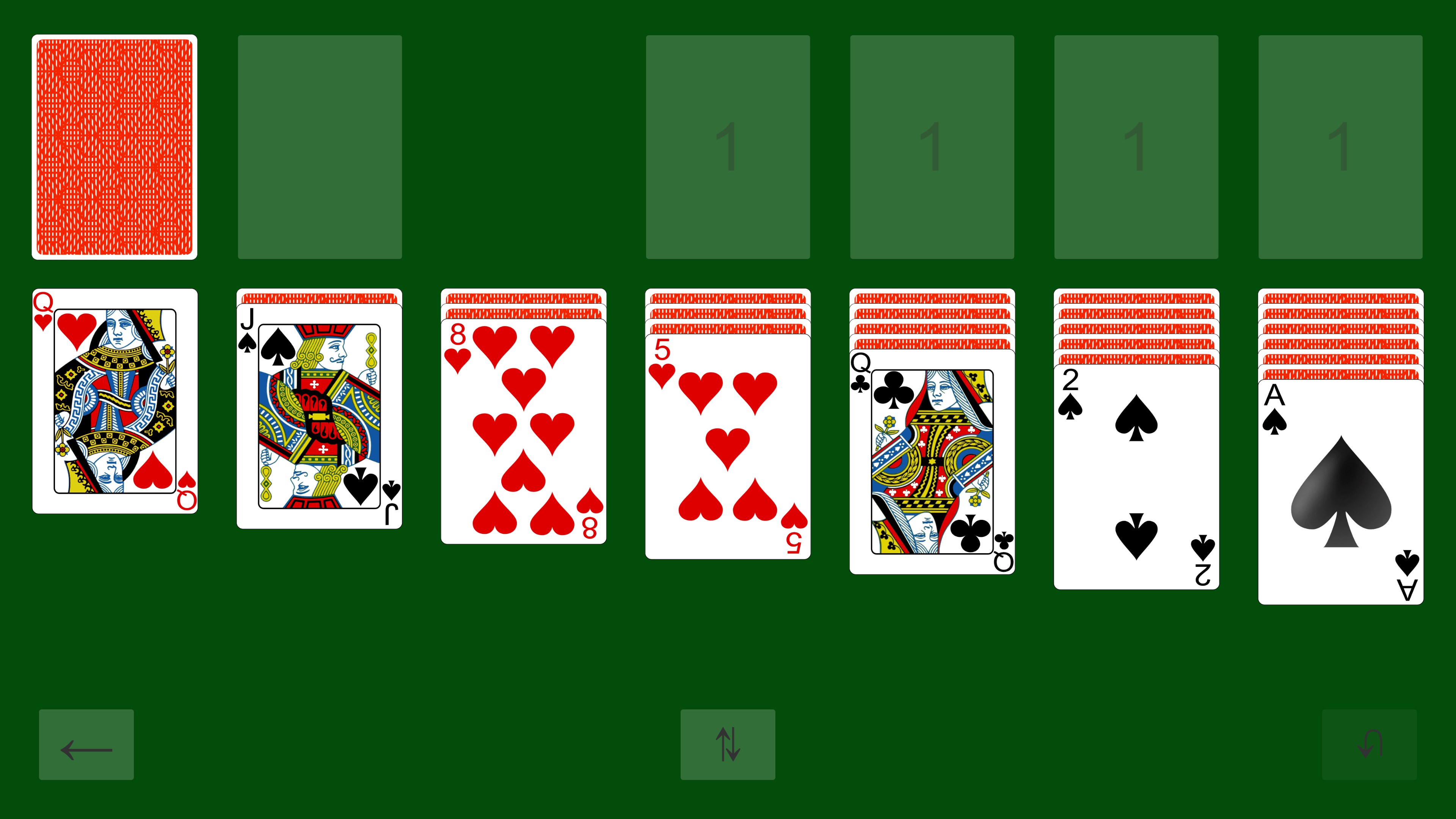
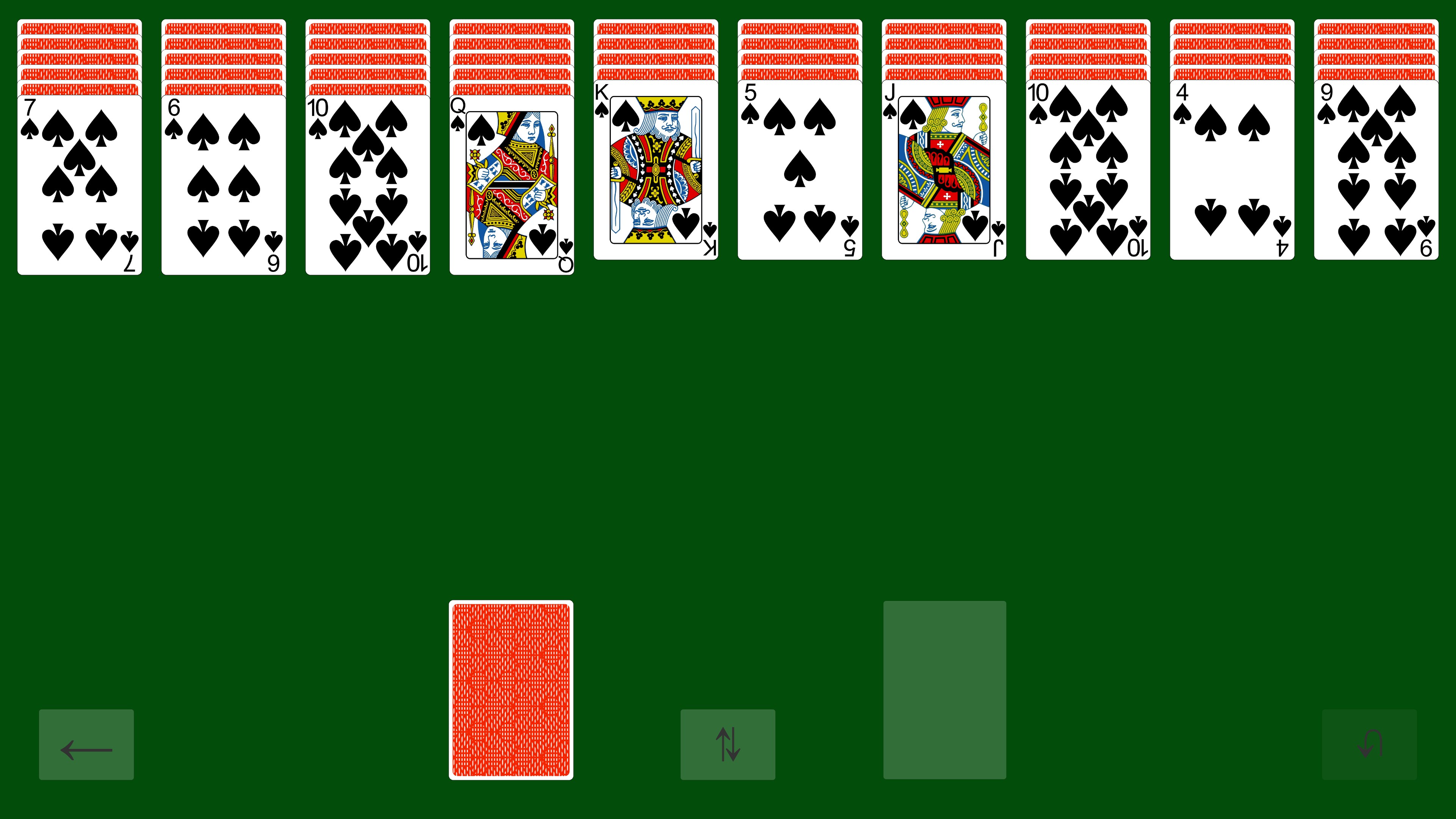
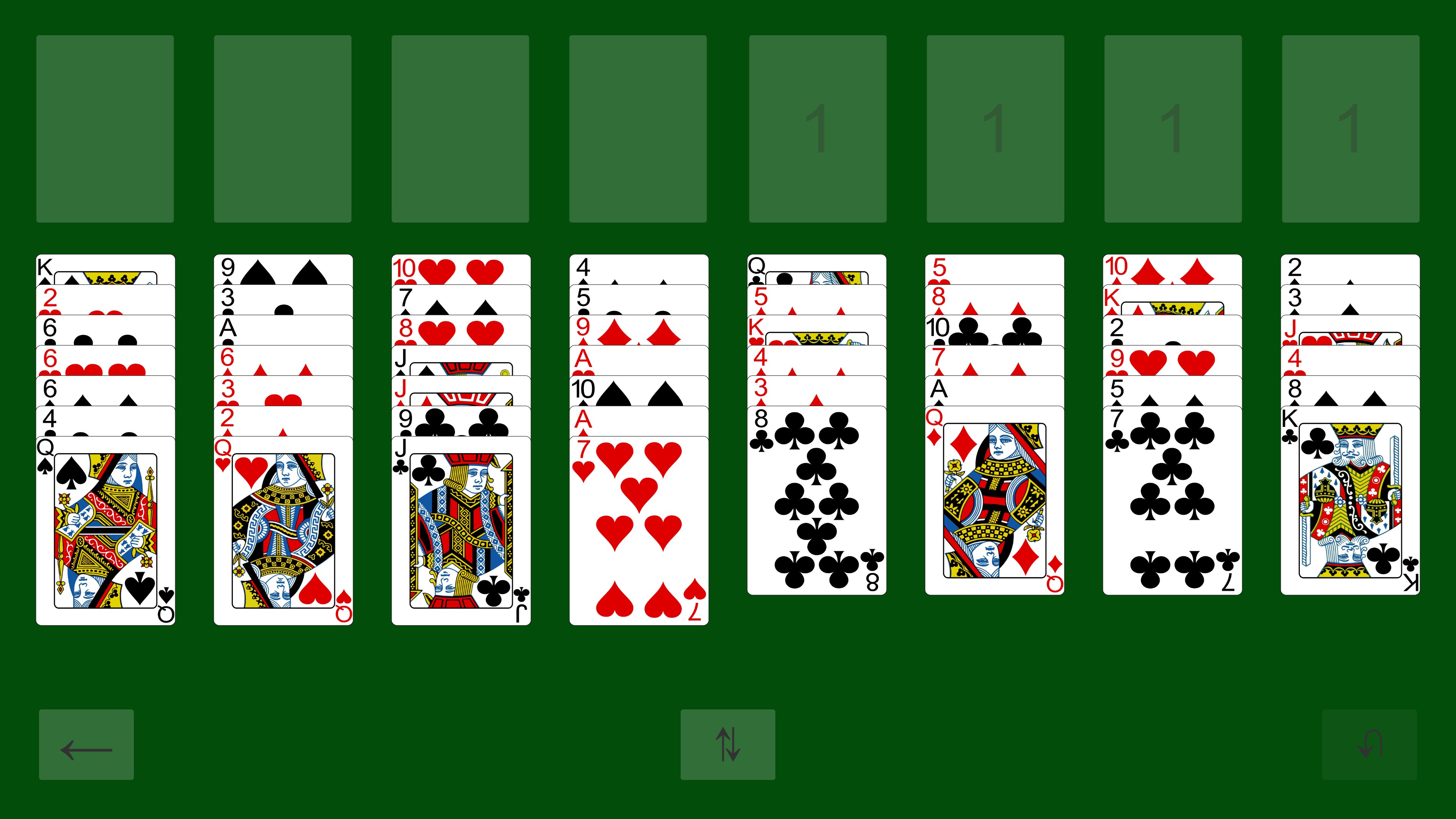
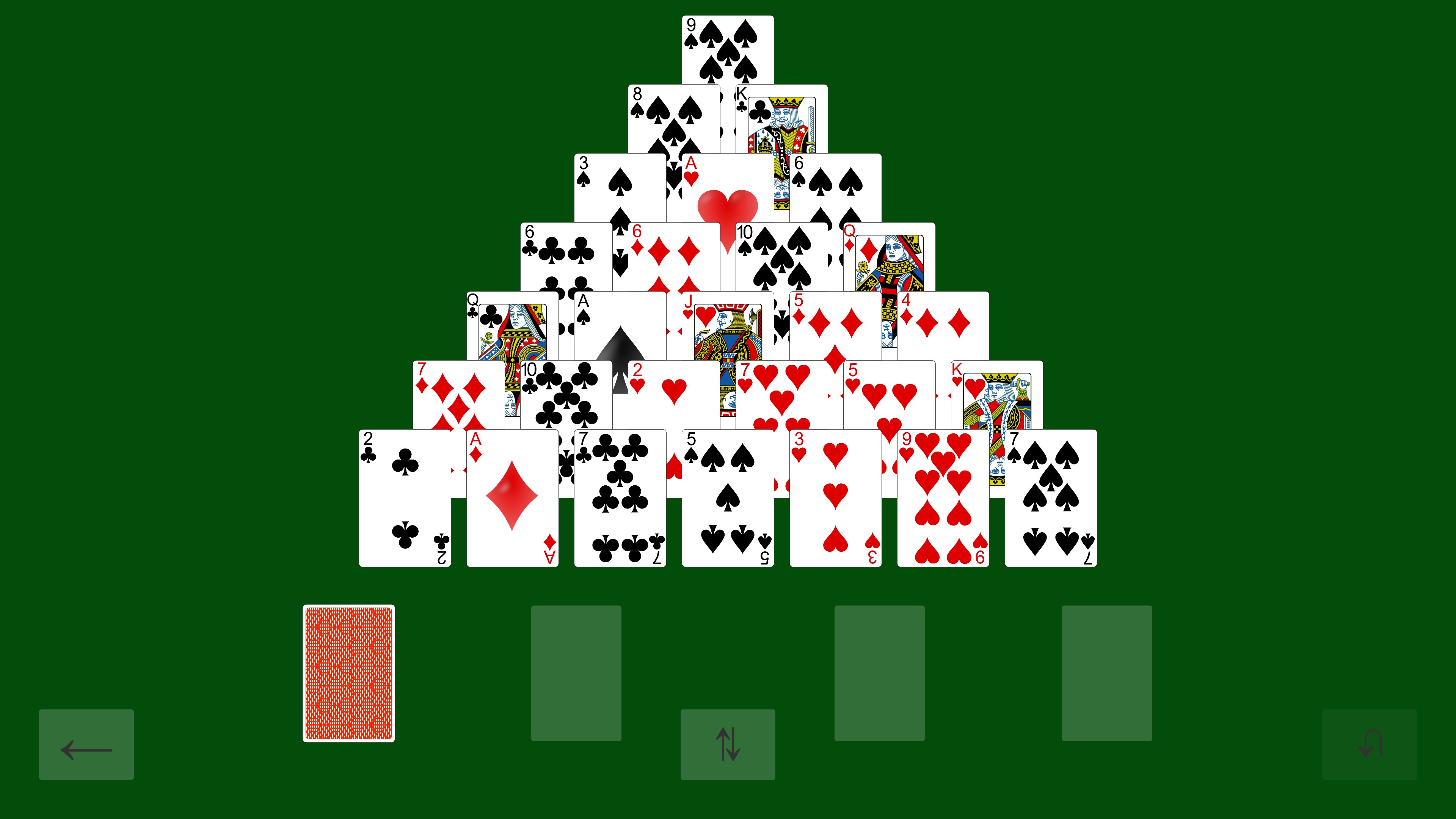
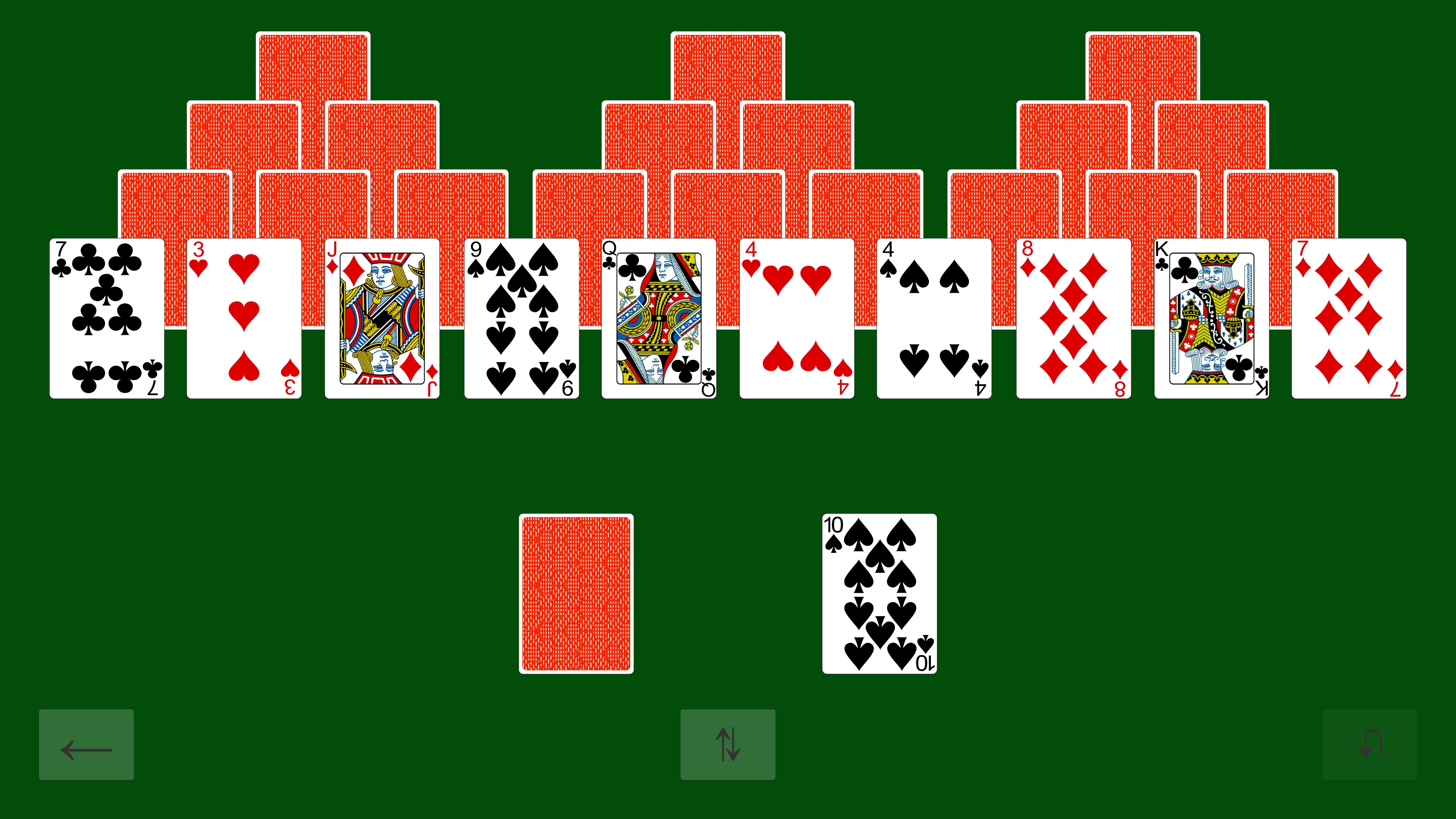
- Name Solitaire - Casual Collection
- Category Card & board
- Available on PC, Mobile, Surface Hub, HoloLens
- OS Windows 10 version 10240.0 or higher
- DirectX Version 10
- languages English (United States)
Solitaire - Casual Collection: A Refreshing Take on Classic Card Games
Are you a fan of relaxing, leisurely card games that offer a cozy escape from everyday stress? Solitaire - Casual Collection delivers a charming and straightforward collection of timeless solitaire variants tailored for Windows users seeking simplicity mixed with a dash of fun.
Who's Behind the Curtain?
Developed by Mike Battista, Solitaire - Casual Collection is crafted by a dedicated independent developer with a passion for classic card games. Battista's focus appears to be on delivering an uncluttered, approachable solitaire experience that can appeal to both casual players and beginners alike.
What Makes It Shine?
- Variety of Solitaire Games: Features multiple popular solitaire variants, including classic Klondike, FreeCell, and Spider, catering to different preferences and moods.
- User-Friendly Interface: Clean, minimalistic design with intuitive controls that make starting a new game effortless.
- Relaxing Visuals and Sounds: Gentle animations and ambient background music create an inviting atmosphere perfect for unwinding.
- Progress Tracking: Keeps track of your wins and statistics, motivating players to improve while enjoying downtime.
Spreading Joy: A Closer Look at the Core Features
1. A Mosaic of Card Games—Endless Variety at Your Fingertips
Solitaire - Casual Collection boasts an assortment of classic card games, each with its own rules and strategies. Whether you're into the solitary challenge of Klondike or the strategic depths of FreeCell, this collection assembles the best of the bunch under one roof. The seamless switching between variants makes it feel like visiting a friendly arcade of card games - always a new puzzle to tackle, with no need to download separate apps or learn complex new interfaces.
2. Elegant Design Paired with Smooth Gameplay
The interface embodies a clean, inviting aesthetic—soft pastel backgrounds and neatly organized controls ensure players are not overwhelmed. Moving through cards is fluid—dragging, tapping, and stacking feels natural, almost like shuffling a real deck. The game is responsive even on less powerful machines, making the experience smooth without lag or stuttering. The learning curve is gentle; even newcomers can pick up the game quickly, thanks to straightforward tutorials and clear visual cues.
3. Distinctive Features: Standing Out in the Crowd
What sets Solitaire - Casual Collection apart from other card apps is its focus on simplicity combined with a carefully curated selection of solitaire variants, all wrapped in a calm, unobtrusive interface. Unlike more graphic-heavy or gamified versions, this collection emphasizes a minimal distraction environment—perfect for casual players seeking relaxation. Additionally, the inclusion of progress tracking and statistical insights provides subtle motivation without turning the experience into a competitive frenzy, making it ideal for those who want a quick, satisfying moment of calm.
Final Thoughts: A Reassuring Choice for Solitaire Aficionados
If you're seeking a well-rounded, no-fuss solitaire collection that respects the classic spirit while offering just enough modern polish, Solitaire - Casual Collection by Mike Battista is worth trying. Its core strength lies in delivering multiple solitaire experiences within a simple, elegant framework, making it accessible for all ages and skill levels. While it may not boast the bells and whistles of more gamified apps, its focus on player comfort and variety makes it a trustworthy companion for leisurely moments. I recommend this app especially if you value a clutter-free, relaxing card game session—think of it as your warm cup of tea in the world of digital gaming.
Pros
- Intuitive user interface
- Multiple solitaire variations
- Offline access
- Daily challenges and achievements
- Customizable themes and card styles
Cons
- Limited difficulty settings
- Frequent ads in free version
- Limited tutorial for beginners
- Performance issues on older devices
- No multiplayer or social features











