

- Name Solitaire '95
- Category Card & board
- Available on PC, Mobile, Surface Hub
- OS Windows 10 version 19041.0 or higher
- languages English (United States)
Introducing Solitaire '95 for Windows: A Nostalgic Card Game Reimagined
Solitaire '95 for Windows, developed by Aliens Bring Change, offers a fresh yet familiar take on a timeless classic, bringing the nostalgic Windows solitaire experience into the modern age with enhanced visuals and smooth gameplay.
Core Features That Spark Joy
Authentic Vintage Feel with Modern Enhancements
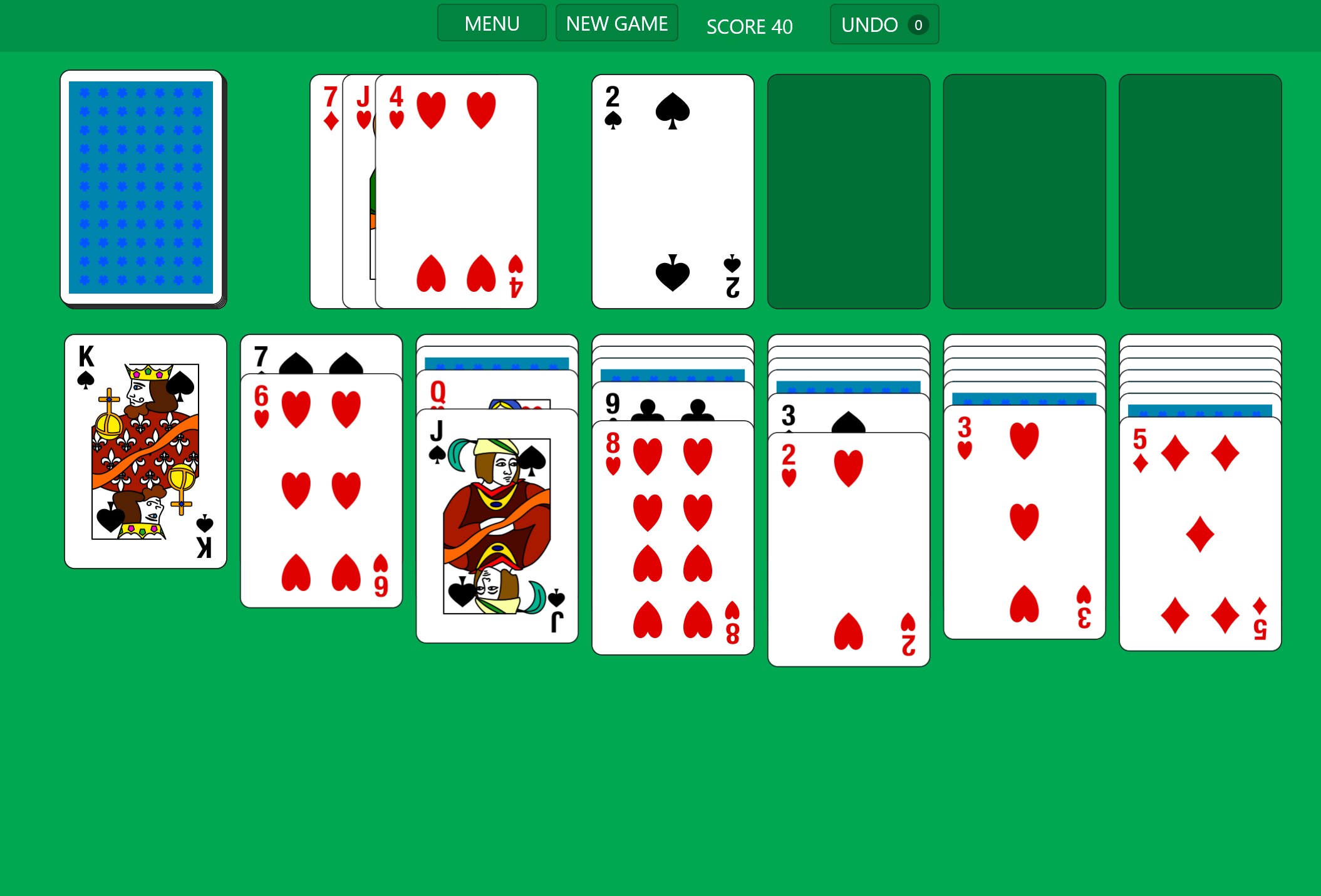
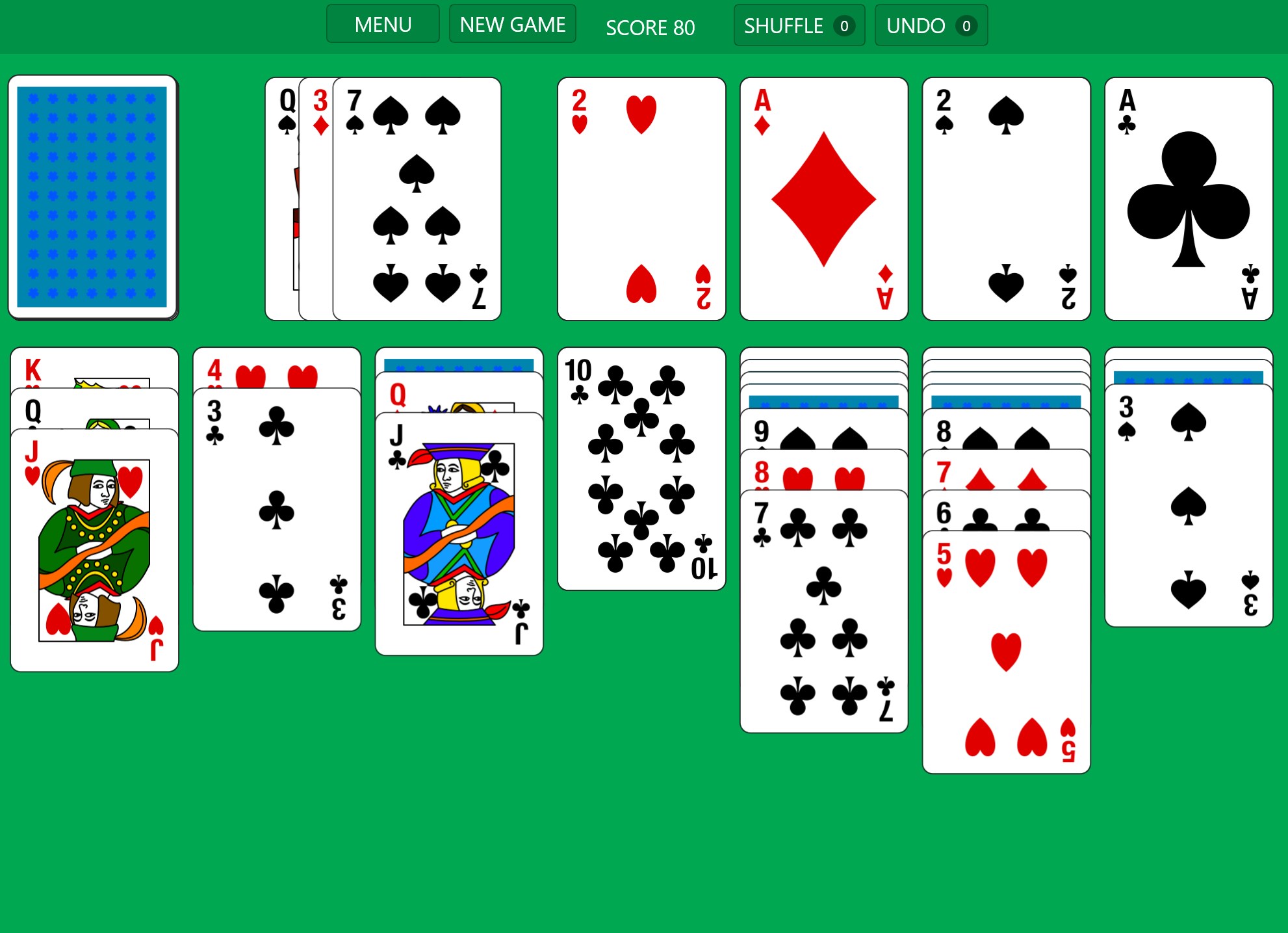
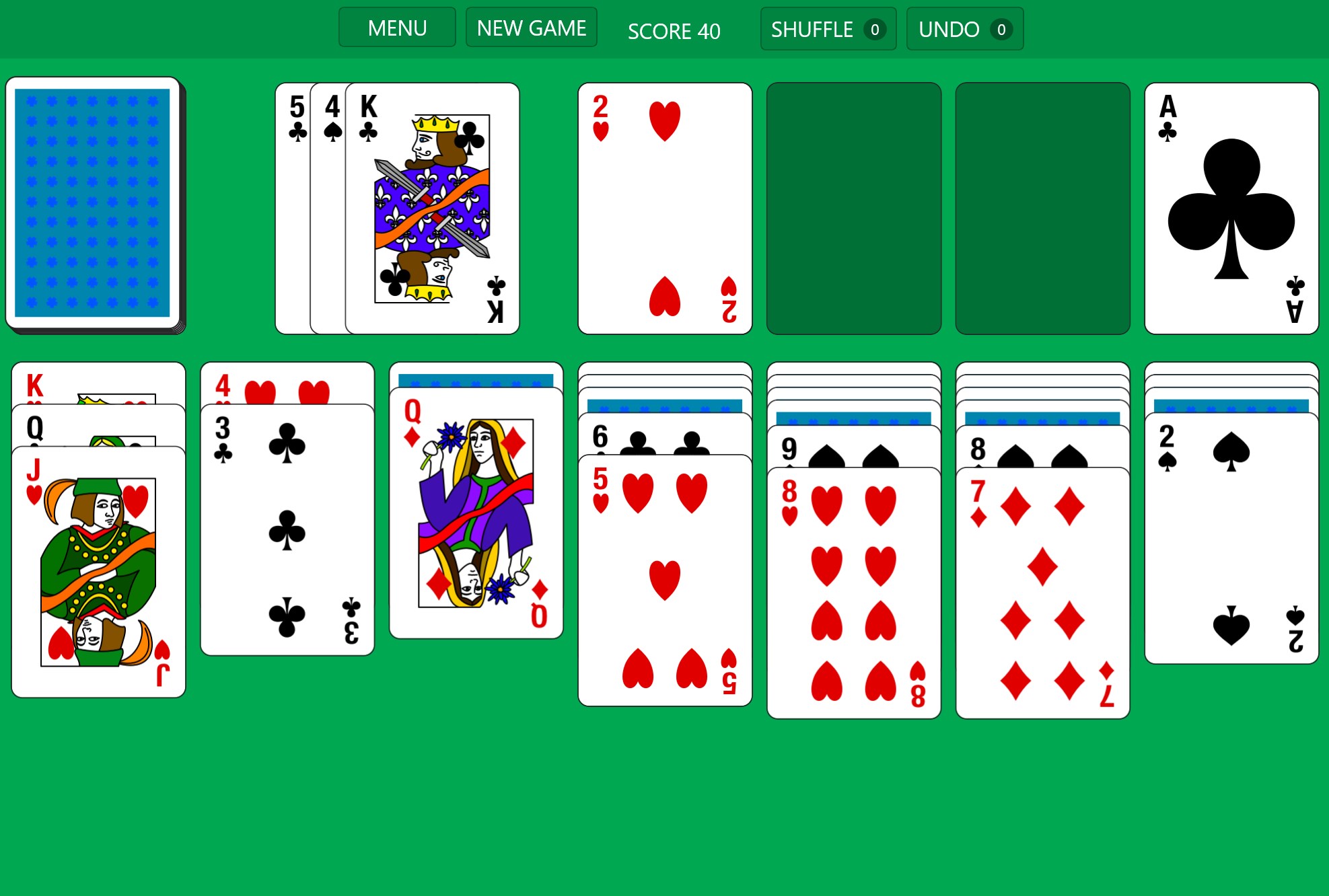
This app captures the nostalgic aesthetic of Windows 95's solitaire, with pixel-perfect graphics and a retro interface that transports players back to the 90s. Yet, it doesn't sacrifice performance; under the hood, it boasts sleek animations and responsive touch controls, making it pleasant for both veteran players and newcomers.
Intuitive and User-Friendly Interface
The interface design emphasizes clarity and simplicity. The game's layout is clean, with easy-to-understand icons and straightforward navigation, ensuring players can dive into gameplay immediately without a steep learning curve. The smooth transitions and well-organized menus contribute to an overall seamless user experience.
Enhanced Gameplay Mechanics and Customization
While preserving the classic solitaire rules, the app introduces optional hints, customizable card decks, and adjustable background themes. These features allow players to tailor the experience to their preferences, whether they enjoy traditional aesthetics or a more personalized environment. Additionally, the game includes various levels of difficulty, catering to casual players and seasoned enthusiasts alike.
Experience and Usability: Truly Player-Centric
Using Solitaire '95 feels like flipping through an old photo album—each card turn evokes a sense of nostalgia, but with the confidence of modern responsiveness. The game operates smoothly, with minimal loading times, making every move feel natural and satisfying. The learning curve is gentle: even first-time players can grasp the rules within minutes, thanks to the on-screen hints and simple controls. For those familiar with classic solitaire, the transition is seamless, and the refinements add a layer of polish without overwhelming the core gameplay.
The Unique Edge: A Perfect Blend of Nostalgia and Flexibility
What sets Solitaire '95 apart from other card games and digital solitaire apps is its meticulous attention to recreating the Windows 95 experience while integrating modern usability enhancements. Unlike many minimalist or hyper-modern versions, it offers a tangible sense of history—like playing a well-loved board game in a vintage arcade—yet remains highly customizable and engaging. Its ability to evoke fond memories while remaining effortlessly accessible gives it a distinctive charm.
Should You Give It a Go?
Based on its elegant recreation of a classic game coupled with thoughtful modern features, I recommend Solitaire '95 for Windows to anyone seeking a relaxing way to pass time, whether you're a nostalgic veteran or a curious newcomer. Its user-friendly design, combined with the option for personalization, makes it suitable for all skill levels. For those who appreciate the intersection of retro aesthetics and current technology, this app is a subtle but delightful choice.
In summary, Solitaire '95 for Windows shines through as a well-crafted homage to a beloved classic, offering an engaging, smooth, and customizable card game experience that's worth trying out. Just like rediscovering an old favorite album, it's a reminder of simpler joys—crafted anew for today's digital landscape.
Pros
- Intuitive gameplay with classic solitaire rules
- Responsive touch controls
- Visually appealing interface with nostalgic graphics
- Minimalist design reduces distractions
- Well-optimized performance with quick load times
Cons
- Limited game modes and features
- Lack of customizable themes and backgrounds
- No achievements or leaderboards implemented yet
- Minimal tutorial or guidance for new players
- Limited accessibility options for users with disabilities











