

- Name Solitaire 2019 : Free Card Game
- Category Card & board
- Available on PC, Mobile, Surface Hub, HoloLens
- OS Windows 10 version 10240.0 or higher
- languages English (United States)
An Engaging Classic Reimagined: Solitaire 2019 for Windows
If you're craving a relaxing yet challenging card game that fits seamlessly into your Windows environment, Solitaire 2019 by Beauty Girl Games offers a polished take on the timeless classic. Whether you're a casual player or a dedicated solitaire enthusiast, this app aims to bring a smooth, enjoyable experience with a few unique touches.
Basic Information: A Clear Portrait of Solitaire 2019
Solitaire 2019 is a free card game designed for Windows, emphasizing classic gameplay with modern enhancements. Developed by the indie team at Beauty Girl Games, it focuses on delivering a straightforward yet engaging solitaire experience.
- Developer: Beauty Girl Games
- Main Features: Sleek interface, customizable themes, difficulty settings, and an intuitive drag-and-drop mechanic.
- Target Audience: Casual gamers seeking a relaxing game, solitaire purists, and users looking for a distraction-free card puzzle.
Starting the Game: An Inviting Entry Point
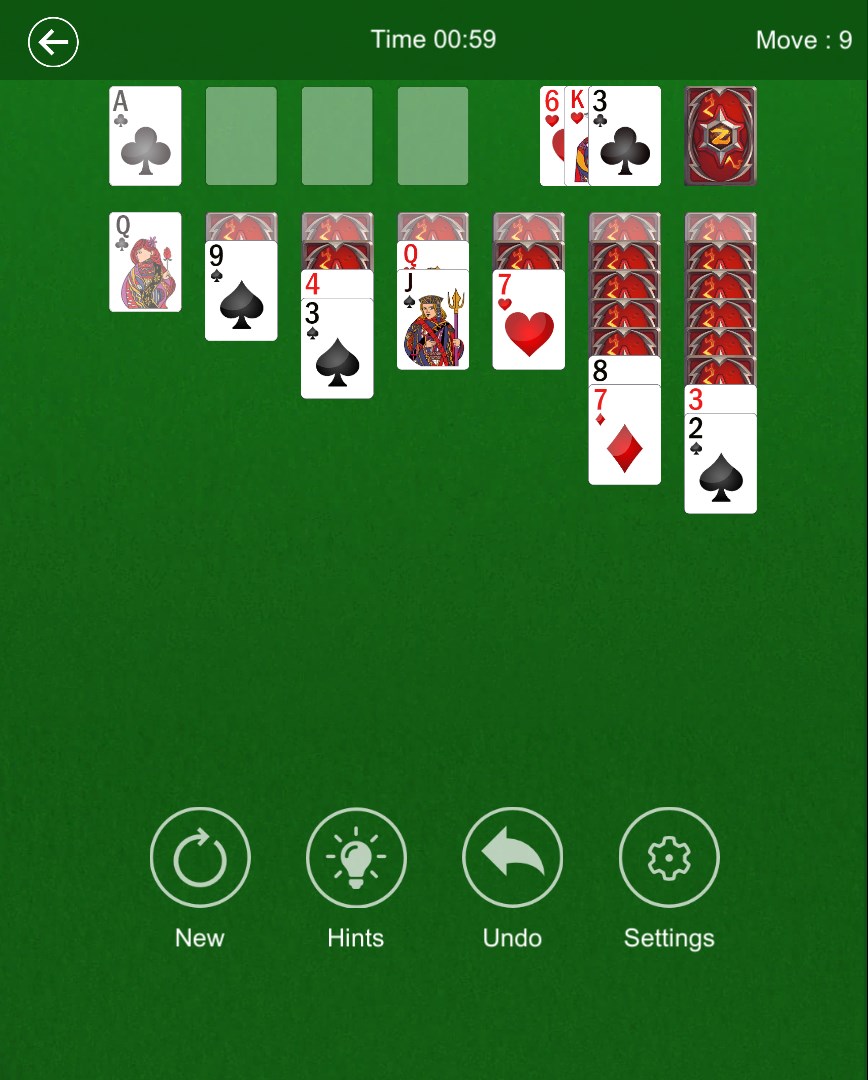
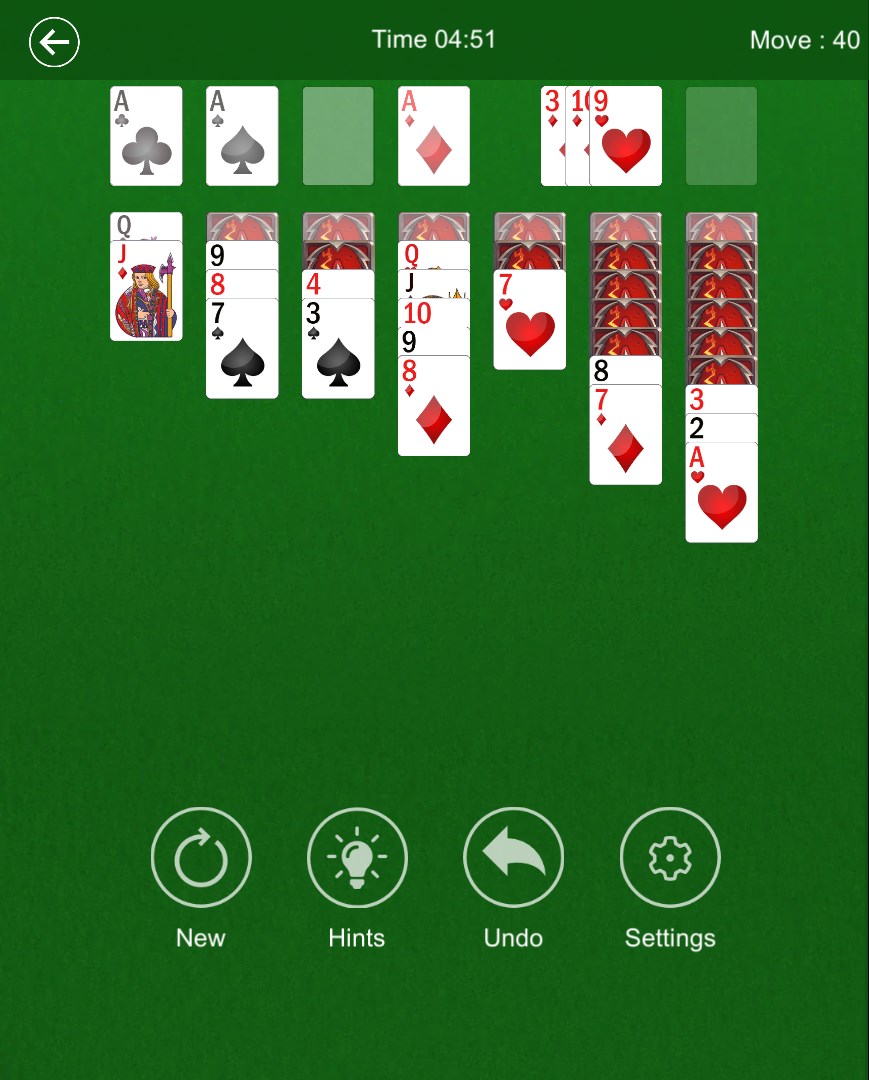
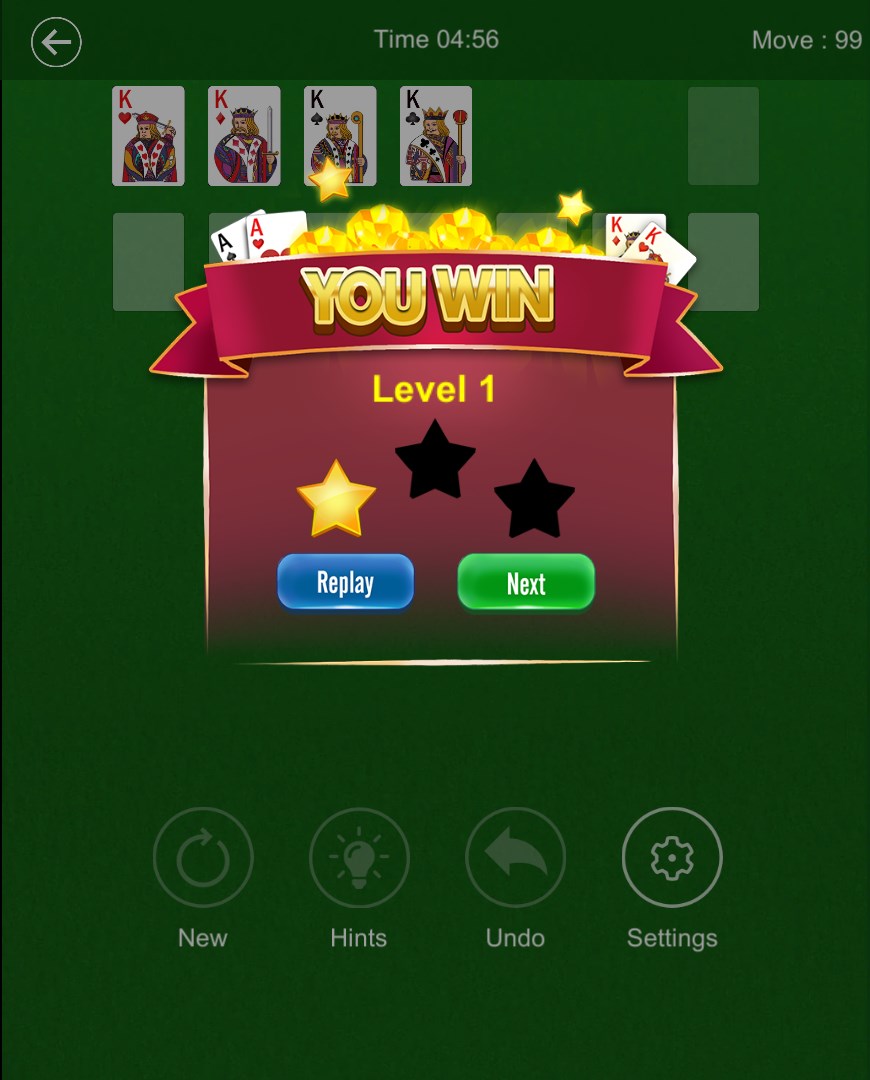
Imagine settling into your favorite cozy nook with a warm cup of tea—this is exactly the vibe Solitaire 2019 strives to create. The game welcomes you with a clean, minimalistic interface, where the vivid card graphics and subtle background animations evoke a feeling of calm focus. As you dive in, the smooth animations and responsive controls make the experience feel natural—there's no lag, just you and those neat, perfectly aligned cards. It's an inviting portal into hours of relaxing mental aerobics, where simplicity meets elegance.
Core Feature 1: Customizable Themes & Visuals
One of Solitaire 2019's standout features is its ability to let players personalize their game environment through a variety of themes. Whether you prefer traditional card backs, modern minimalism, or vibrant colors, this app offers options that resonate with your aesthetic sensibilities. The customization isn't just superficial; it subtly enhances user engagement by allowing a tailored experience, making each session enjoyable and visually soothing. Unlike more generic solitaire apps, the attention to aesthetic flexibility makes Solitaire 2019 feel more like your personal digital card table.
Core Feature 2: Game Modes & Adjustable Difficulty
The app caters to different skill levels and preferences by offering multiple game modes and adjustable difficulty settings. Whether you like your game to be a quick, casual shuffle or a challenging strategic puzzle, Solitaire 2019 adapts accordingly. It includes classic Solitaire, along with variations like Spider or Freecell modes—though the core charm lies in its faithful replication of traditional Klondike. The ability to tweak difficulty levels, combined with hints and undo options, ensures players aren't frustrated but encouraged to refine their strategies over time. It's a thoughtfully designed balance between accessibility and challenge.
Core Feature 3: User Experience & Interface Design
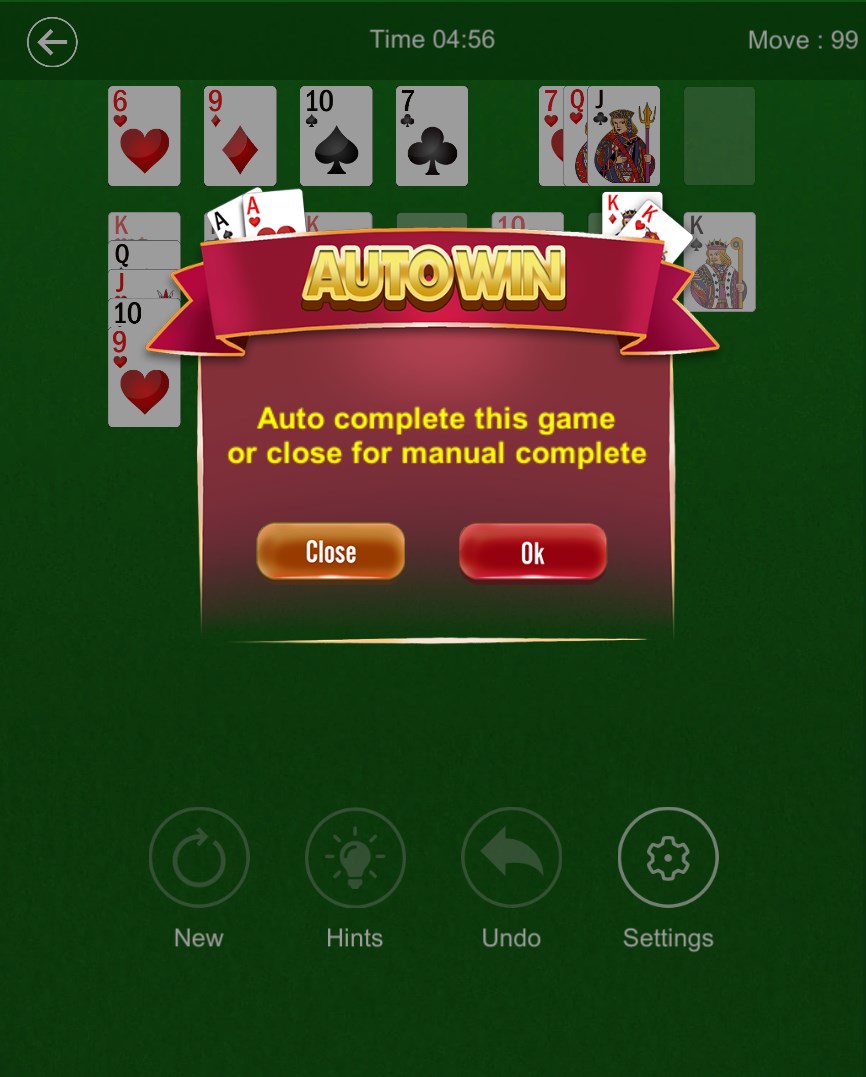
The game's interface is uncluttered and user-friendly, making navigation a breeze even for beginners. Card animations are fluid, and the dragging motions are satisfying and precise, akin to shuffling a real deck on a smooth wooden table. The learning curve is gentle—players can quickly pick up controls, but advanced users can enjoy the subtle layers of complexity that come with strategic gameplay. Settings like auto-complete and hints are easily toggled, enabling a customized flow that respects both novice and experienced players. Overall, the experience feels seamless and natural, emphasizing comfort and ease of use.
What Sets It Apart: Unique Strengths in a Crowded Genre
While solitaire is a staple across countless applications, Solitaire 2019 makes a subtle yet impactful impression through its emphasis on visual customization and smooth gameplay mechanics. Its flexible theme options transform the game from a static pastime into a personalized digital haven. Furthermore, its responsive controls and fluid animations give it a level of polish often reserved for paid apps, despite being free. These qualities set Solitaire 2019 apart from many similar titles that might feel dated or overly simplistic. It's less about flashy features and more about delivering a refined experience where attention to detail truly matters.
Final Recommendation: An Honest Pick for Relaxed Card Play
In the vast universe of card games, Solitaire 2019 manages to carve out a cozy niche with its elegant simplicity and user-centric design. It's ideal for players who appreciate a distraction-free, customizable environment without the clutter or intrusive ads that often mar similar apps. If you enjoy classic solitaire but seek a more personalized and smooth experience, this app is well worth trying out.
My suggestion is to download it for casual play or as a quick mental refresh during busy days. Its straightforward gameplay ensures it won't overwhelm newcomers, while its refined aesthetics and options keep long-time fans engaged. Overall, Solitaire 2019 is a commendable addition to any Windows collection for those who cherish a good, relaxing card game with a touch of modern elegance.
Pros
- User-Friendly Interface
- Classic Solitaire Experience
- Free to Play
- Regular Updates and Bug Fixes
- Ad-Free Option Available
Cons
- Limited Customization Options
- Occasional Ads**
- Lacks Multiplayer Feature
- Graphics Could Be More Vivid
- No Achievement System











