

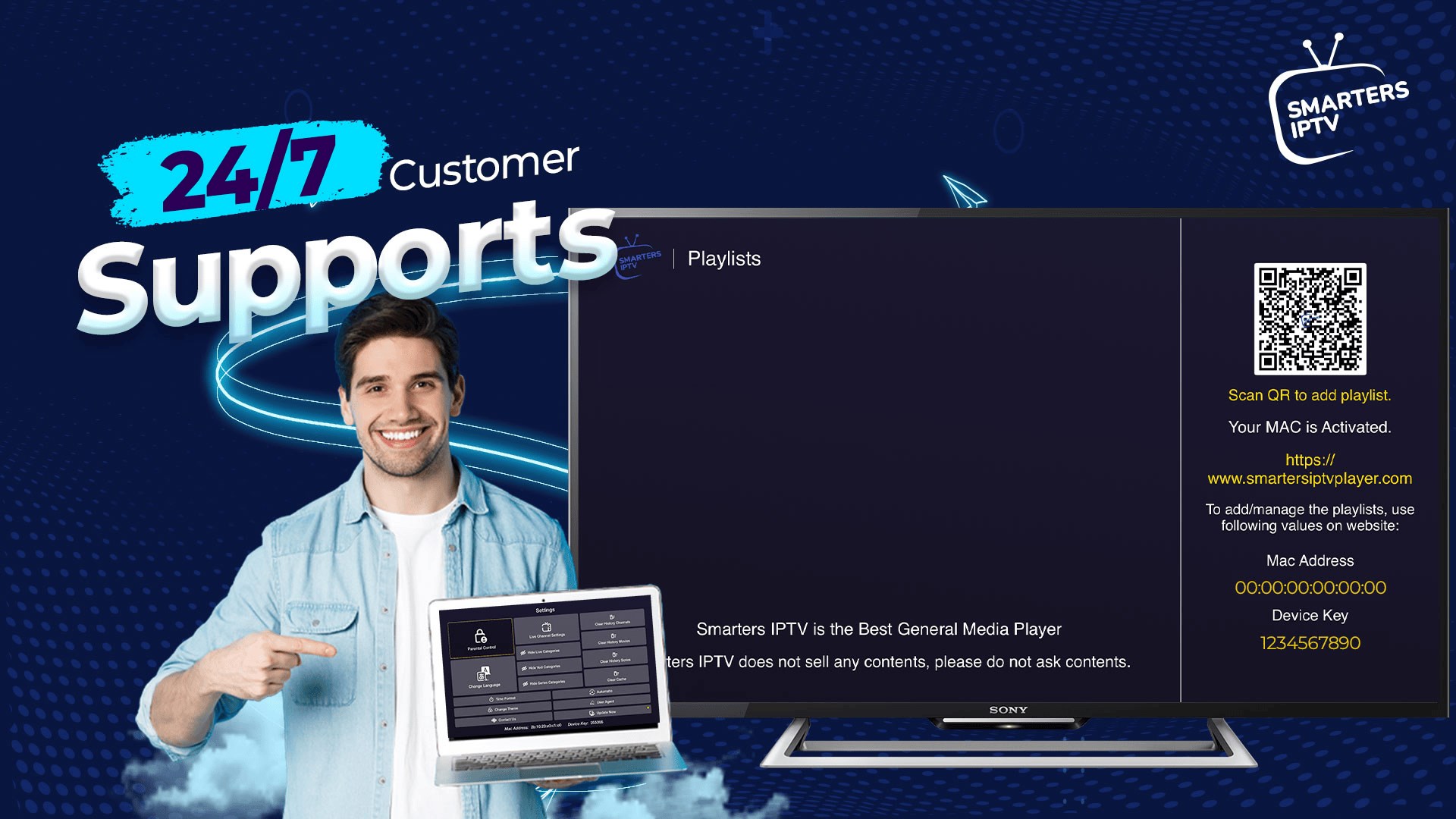

- Name Smarters IPTV
- Category Entertainment
- Developer SmartersPlayer LLC
- Available on PC
- OS Windows 10 version 17763.0 or higher
- Keyboard Integrated Keyboard
- Mouse Integrated Mouse
- DirectX Version 9
- Memory 2 GB
- languages English (United States)
Introducing Smarters IPTV for Windows: Your Gateway to a World of Streaming
Imagine having a vast universe of live TV channels, on-demand content, and personalized viewing experiences all comfortably accessible from your Windows device—Smarters IPTV is exactly that, bringing an all-in-one IPTV solution right to your fingertips.
About the Developer and Core Features
Developed and published by SmartersPlayer LLC, a company specialized in media streaming solutions, Smarters IPTV for Windows aims to deliver a seamless and customizable IPTV experience. Its key highlights include support for multiple playlist formats such as M3U and EPG, advanced content discovery algorithms, and a user-friendly interface that caters to both casual viewers and dedicated streamers. The app is generally targeted at IPTV subscribers looking for an efficient way to organize and enjoy their content — from sports fans to movie enthusiasts.
A Fresh Take on IPTV: An Engaging Overview
Picture this: You're cozy in your living room, eager to catch the game or your favorite series, but navigating through messy menus and inconsistent interfaces makes you wish for a better way. Smarters IPTV transforms this experience into something akin to having a personal TV curator—organized, intuitive, and personalized. It's like having a high-tech TV concierge, ensuring that your entertainment journey is smooth and enjoyable, not a chore.
Personalized Content Discovery and Recommendations
One of Smarters IPTV's standout features is its sophisticated content discovery algorithm. Unlike many traditional IPTV apps that just serve a static list of channels or on-demand videos, Smarters employs smarter content categorization and recommendations based on your viewing habits. Think of it as a friendly guide who knows your preferences and curates content just for you—whether you're into global news, Asian dramas, or the latest Hollywood releases. This tailored approach helps you find your next favorite show with minimal effort, cutting through the digital noise.
Streamlined Interface and User Experience
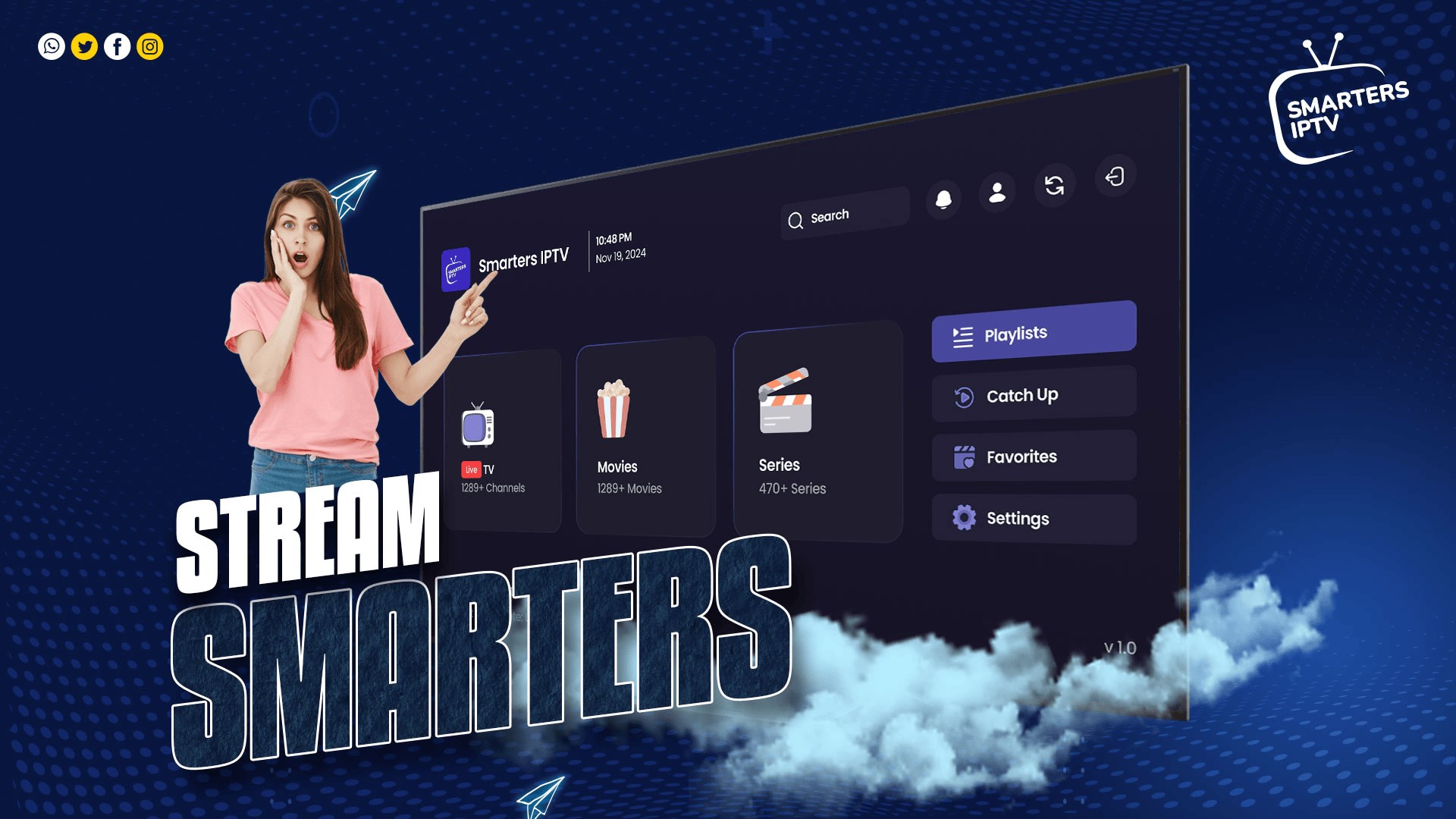
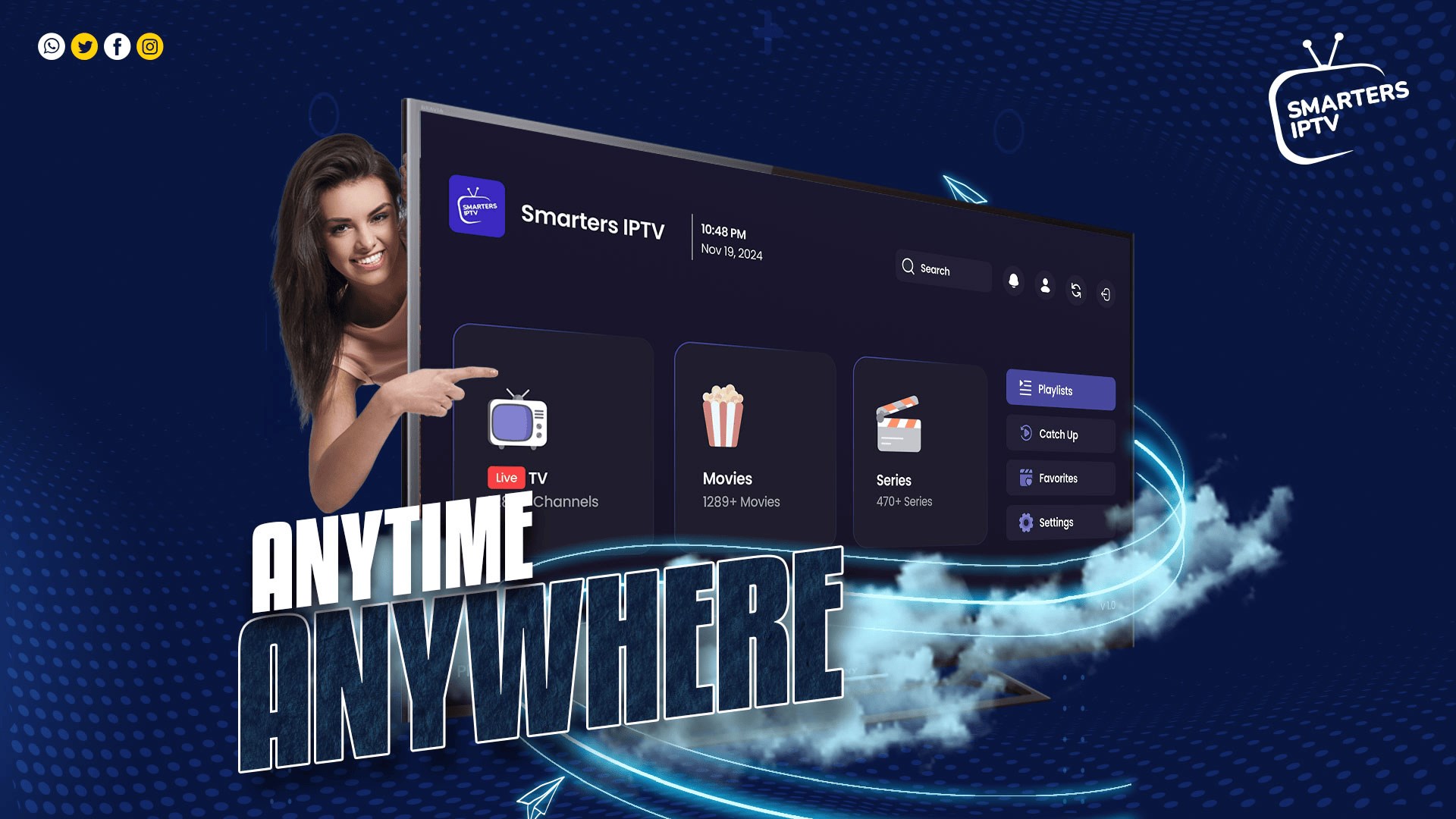
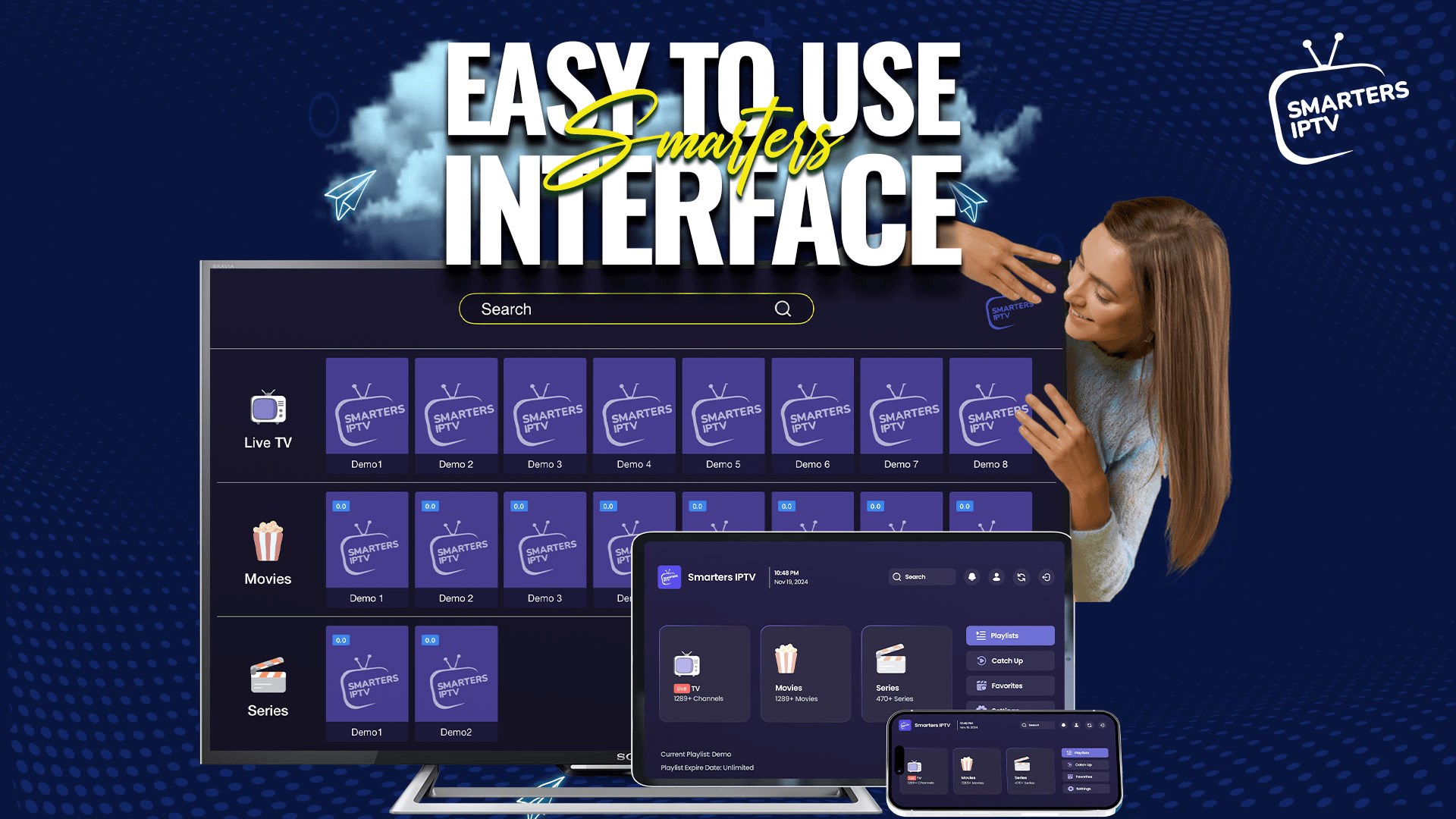
The app boasts a sleek, modern interface that resembles a well-organized media library. The design is both visually appealing and highly functional, with intuitive navigation menus that let you browse channels, search content, or switch playlists with ease. The smooth scrolling and rapid loading times make exploring content feel like flipping through a magazine—convincing you that even tech novices can master it quickly. Its learning curve is gentle; new users can get comfortable within minutes, and seasoned streamers will appreciate the detailed customization options that keep everything running seamlessly.
Powerful Features for a Tailored Viewing Experience
Besides its core functionalities, Smarters IPTV includes features like multi-screen support, EPG (Electronic Program Guide) integration, and multiple playlist management, which make it stand out. The app adapts to your unique setup, whether you're watching on a big monitor or a laptop, and supports playlists from various providers. Its content discovery algorithm differentiates itself by constantly analyzing your viewing patterns to refine recommendations, essentially learning what you love over time. This personalized touch ensures you're always served content aligned with your tastes, helping you avoid aimlessly scrolling and instead jump right into your preferred programs.
Final Thoughts and Usage Recommendations
Overall, Smarters IPTV for Windows is a robust and user-centric app that elevates the IPTV experience beyond simple channel streaming. Its most compelling feature—the intelligent, personalized content discovery—serves as a real game-changer in a crowded field. For users who value customizability, ease of use, and smarter recommendations, it's definitely worth trying. Recommended for both casual viewers looking for effortless access and tech-savvy users keen on detailed playlist management.
While it excels in delivering personalized content recommendations, do consider the subscription source of your content, as the app itself is a platform enhancer rather than a content creator. Overall, if seamless content discovery and a refined user interface matter to you, Smarters IPTV is a solid choice for elevating your entertainment setup on Windows.
Pros
- Extensive Content Library
- User-Friendly Interface
- High-Quality Streaming
- Multiple Device Compatibility
- Customizable Channel Lists
Cons
- Limited Free Content
- Periodic Buffering Issues
- Restrictive Regional Content
- Inconsistent Update Frequency
- Customer Support Response Time











