

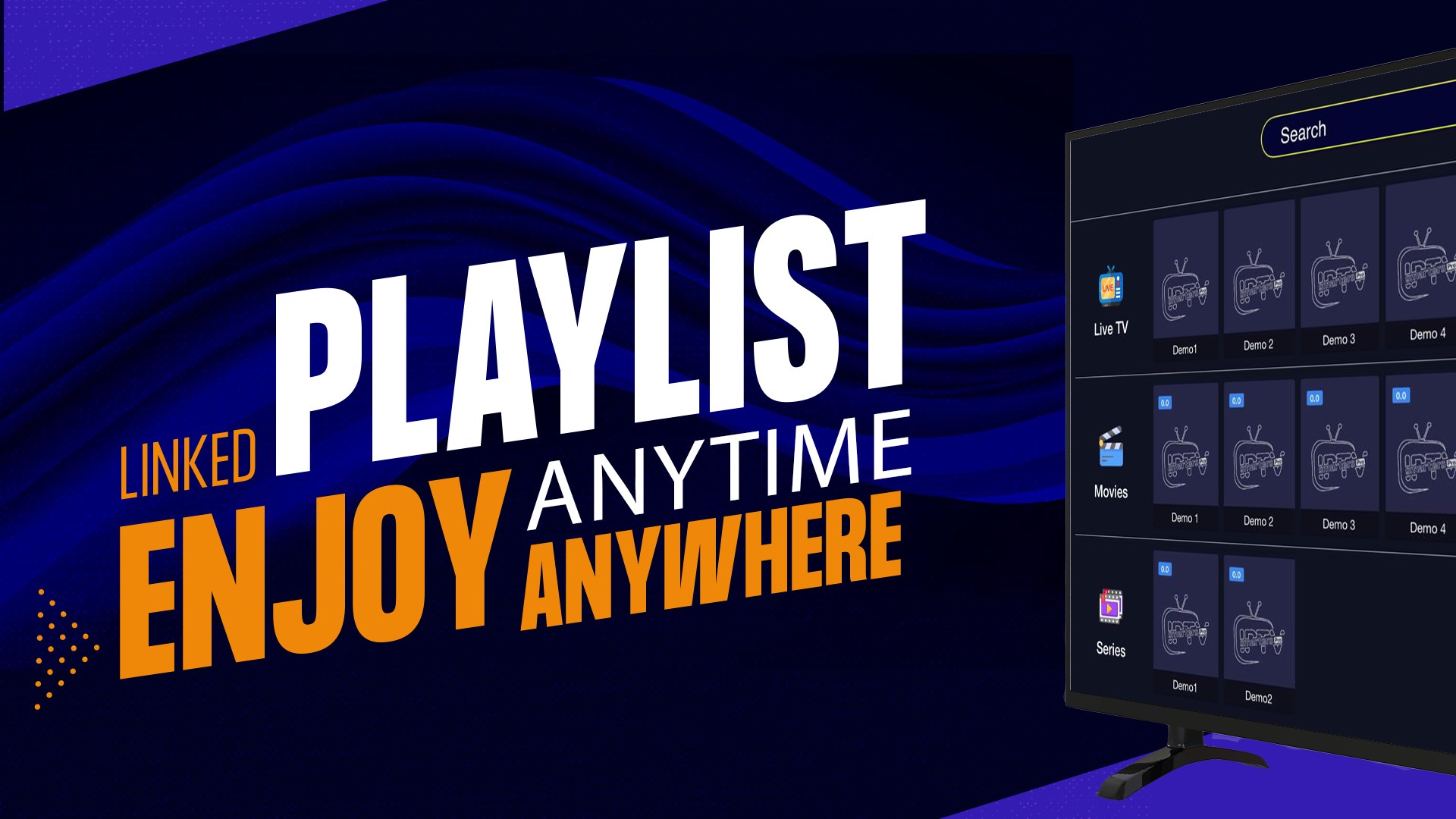

- Name Smarters IPTV Pro
- Category Entertainment
- Developer SmartersPlayer LLC
- Available on PC
- OS Windows 10 version 17763.0 or higher
- Keyboard Integrated Keyboard
- Mouse Integrated Mouse
- DirectX Version 9
- Memory 2 GB
- languages English (United States)
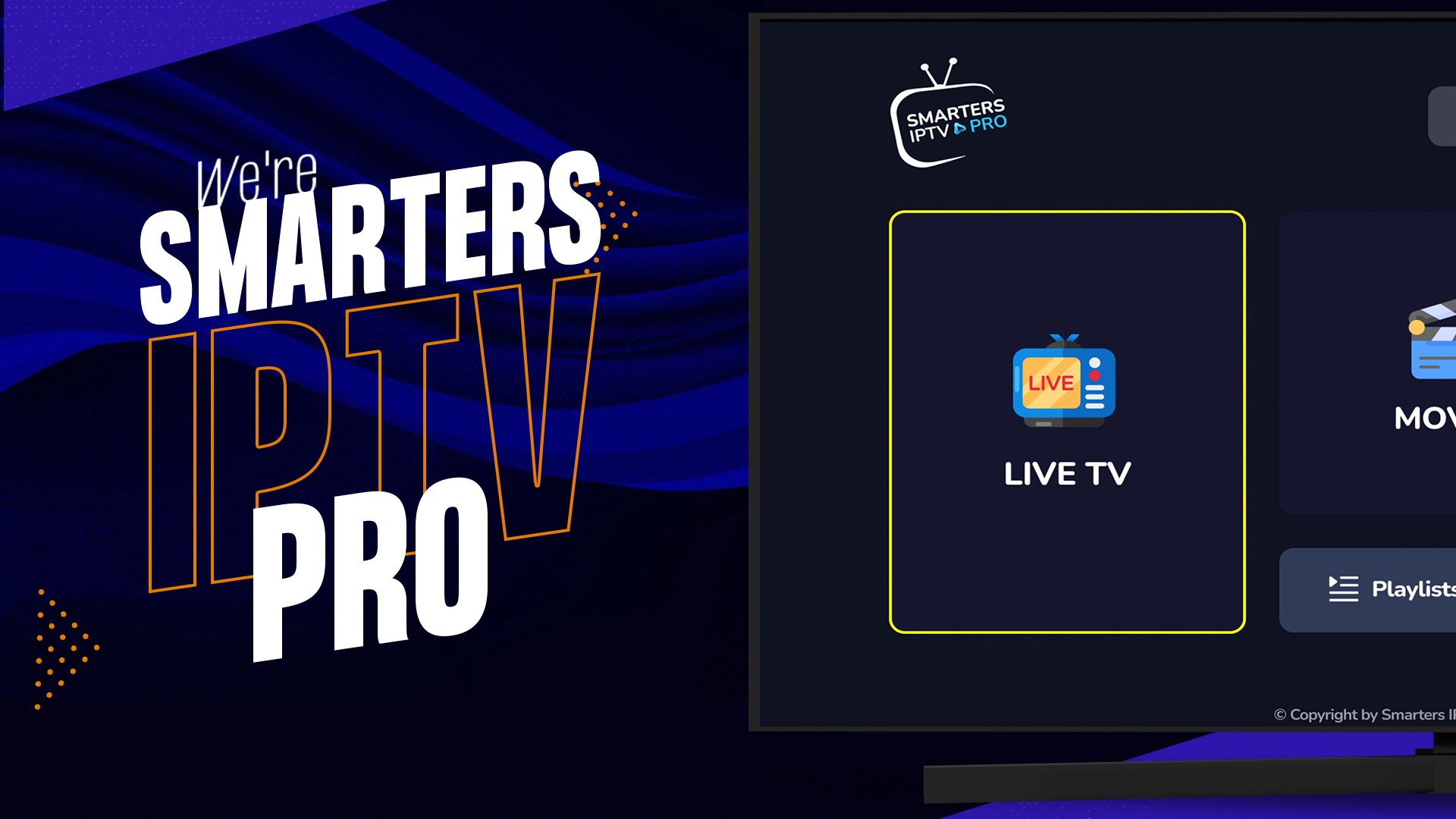
Introducing Smarters IPTV Pro for Windows: A Sleek Solution for IPTV Streaming
Smarters IPTV Pro for Windows is a robust application designed to deliver a seamless IPTV viewing experience, blending user-friendly interface with powerful content management features. Developed by SmartersPlayer LLC, this app aims to cater to avid television streamers who desire an organized, customizable, and high-quality live TV experience on their Windows devices.
Developer and Core Highlights
Created by SmartersPlayer LLC, a team renowned for its focus on entertainment solutions, Smarters IPTV Pro leverages their expertise to provide an intuitive streaming platform. The app's primary features include versatile playlist management, advanced content discovery algorithms, and personalized content recommendations—all within a clean and navigable interface. Its design aims to attract users seeking a reliable, versatile IPTV app that integrates smoothly with their daily entertainment routines.
Core Functionality Unveiled
1. Dynamic Playlist Management and Multi-Source Support
One of this app's standout features is its ability to manage multiple IPTV playlists effortlessly. Users can add M3U playlists or Xtream Codes API credentials to compile a diverse library of live channels, movies, and series. The interface simplifies playlist organization, allowing users to switch between sources seamlessly. This flexibility ensures that users aren't locked into a single provider but can customize their entertainment ecosystem like a curated cable package.
2. Intelligent Content Discovery & Personalized Recommendations
What truly sets Smarters IPTV Pro apart is its intelligent content discovery system. Utilizing advanced algorithms, the app analyzes viewing patterns to suggest relevant channels and programs—like a knowledgeable friend recommending your next favorite show. Unlike many competitors that rely solely on static libraries, this feature ensures users continuously find fresh and appealing content tailored to their preferences, reducing time spent searching and enhancing enjoyment.
3. User-Friendly Interface and Smooth Performance
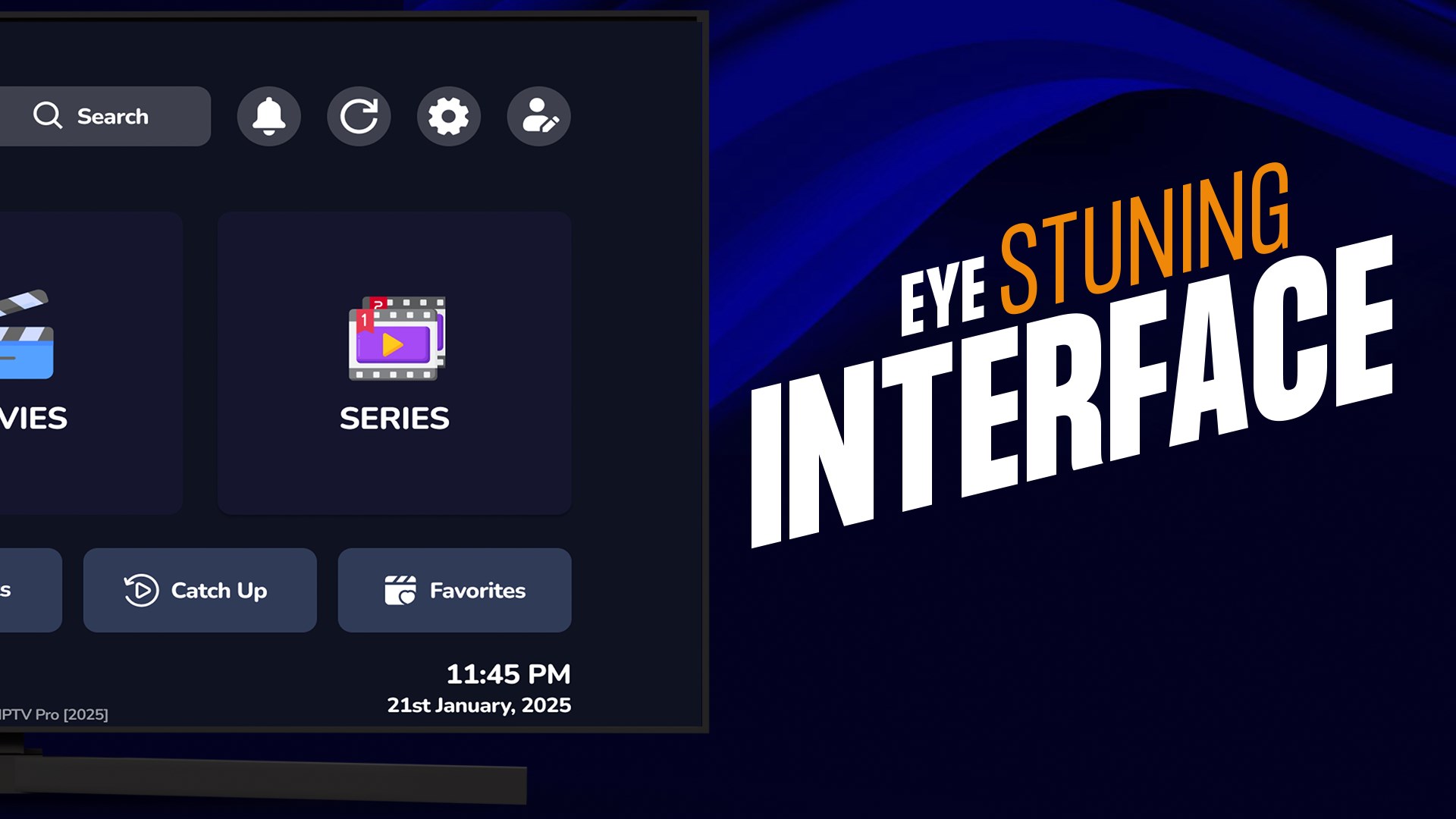
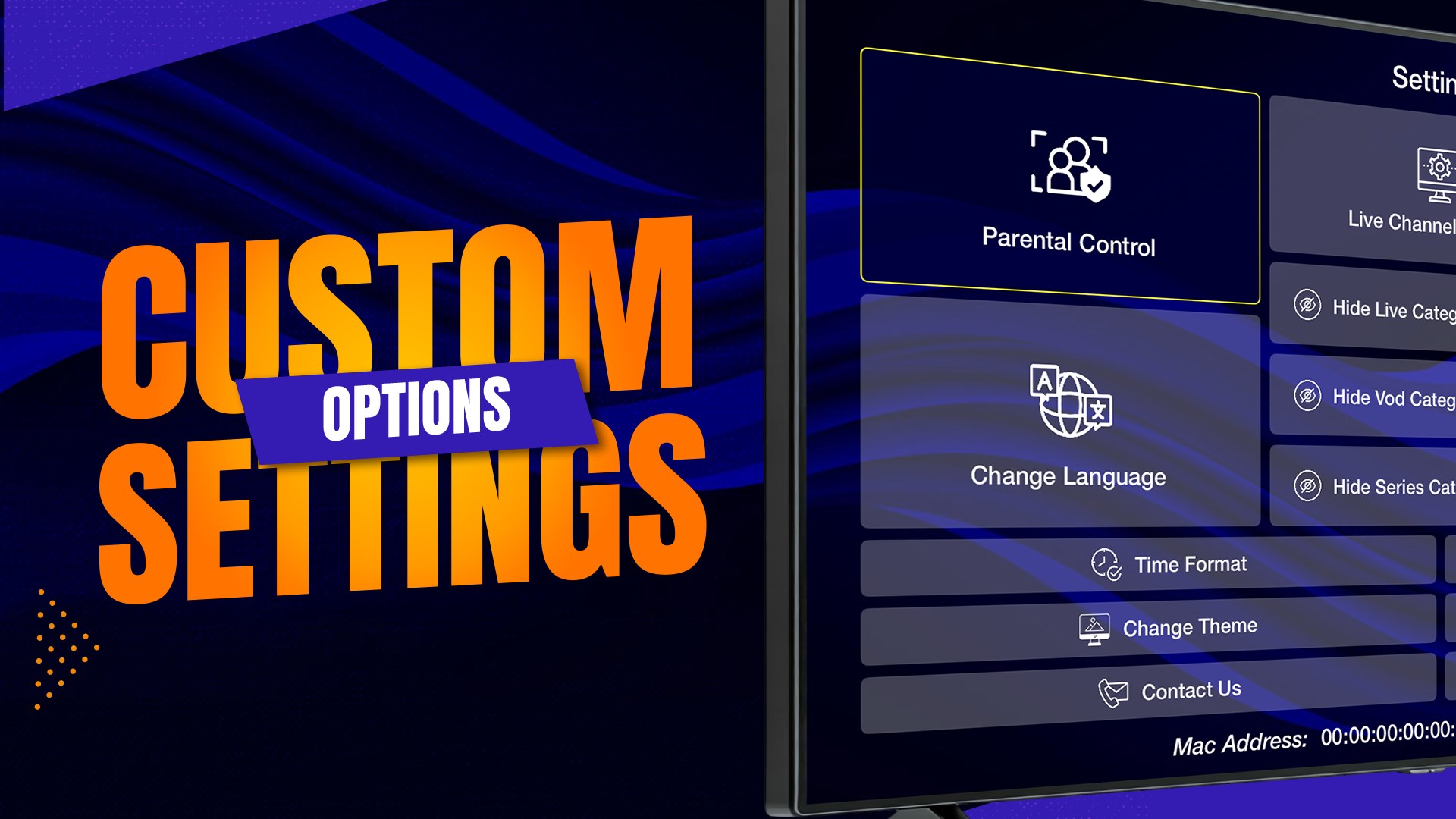
Smarters IPTV Pro boasts a polished, modern interface that feels like flipping through a well-organized digital TV guide. Navigation is intuitive; menus are logically arranged, with quick access to favorites, recent plays, and settings. The app's optimized performance ensures smooth streaming without noticeable lag, even on resource-constrained Windows devices. The learning curve is gentle, making it accessible to both tech-savvy users and IPTV novices alike.
Distinctive Advantages and User Experience
Compared to other entertainment apps, Smarters IPTV Pro excels in its personalization capabilities—its algorithms go beyond typical content listings to actively refine recommendations based on user behavior. This makes content discovery feel intelligent and organic, like having a streaming assistant who understands your taste. Additionally, the app's support for multiple sources and comprehensive playlist management makes it highly adaptable to different providers and preferences, setting it apart from more rigid IPTV solutions.
Final Verdict and Usage Recommendations
For those seeking a dependable IPTV app on Windows with a focus on personalized content discovery and versatile playlist management, Smarters IPTV Pro is a solid choice. It's particularly recommended for users who value tailored viewing experiences and straightforward navigation over flashy gimmicks. While it might lack some of the more elaborate social sharing features or multimedia integrations found in broader entertainment apps, its core strengths lie in intelligent content delivery and ease of use.
In summary, if you're looking for a professional, yet approachable IPTV solution that continually adapts to your viewing habits while maintaining a smooth, clutter-free interface, Smarters IPTV Pro deserves a place in your entertainment toolkit. Just like a finely tuned radio finds the perfect station, this app tunes into your preferences for a personalized viewing journey.
Pros
- Extensive channel lineup
- User-friendly interface
- High-quality streaming
- Custom playlist support
- Multi-device compatibility
Cons
- Limited free content
- Potential buffering issues
- Ads in free version
- Incomplete channel updates
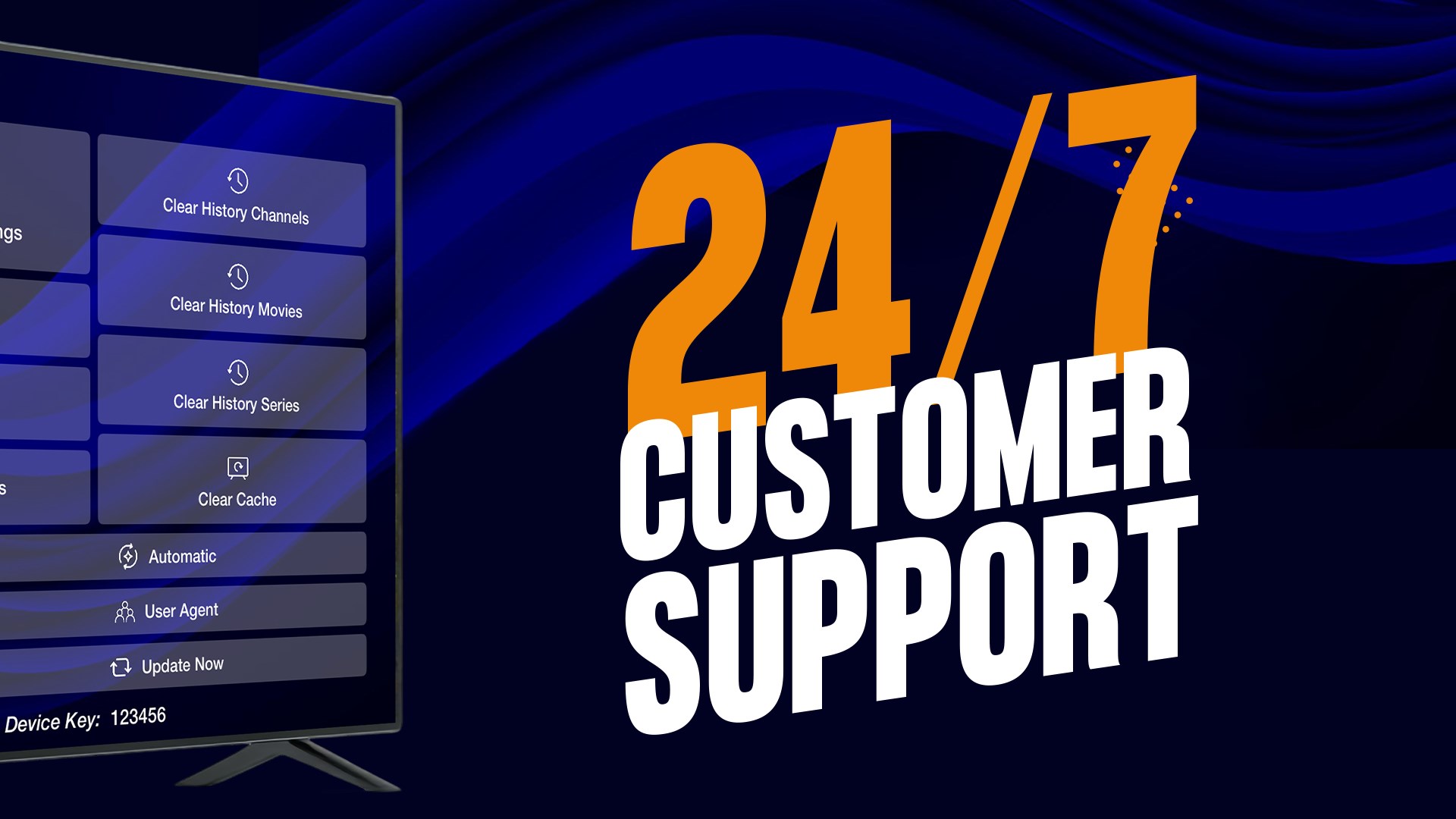
- Limited customer support











