
- Name Simple Spider Solitaire
- Category Card & board
- Available on PC, Mobile, Surface Hub
- OS Windows 10 version 10240.0 or higher
- languages Dutch, English (United States), French, German, Italian, Polish, Polish , Portuguese, Portuguese (Brazil), Portuguese (Portugal), Russian, Spanish, Spanish (Spain), Swedish
Simple Spider Solitaire for Windows: A Clean and Classic Card Game Experience
Simple Spider Solitaire is a straightforward, well-crafted digital adaptation of the timeless card game, designed to bring the classic gameplay straight to your Windows desktop with minimal fuss and maximum fun. With a focus on user-friendly interface and smooth gameplay, it appeals to both seasoned solitaire enthusiasts and newcomers eager to enjoy a traditional card challenge.
Developed by Random Salad Games LLC, a trusted name in casual gaming
This game is brought to you by Random Salad Games LLC, a company known for its polished, accessible mobile and PC card games. Their portfolio emphasizes simple yet engaging gameplay, making this title a solid choice for casual players seeking a relaxing yet mentally stimulating experience.
Key Features That Make Simple Spider Solitaire Stand Out
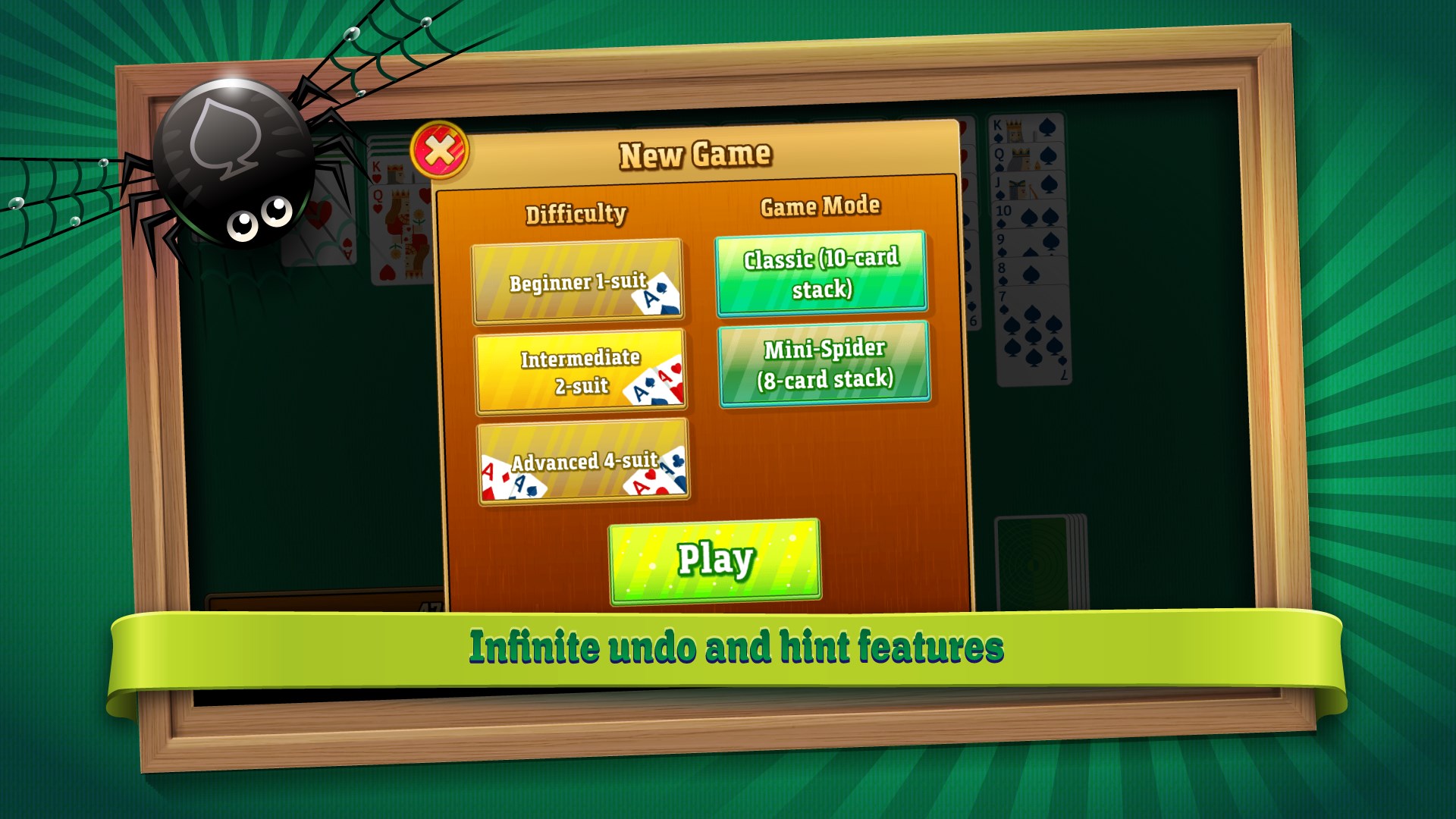
- Multiple Difficulty Levels: Offers easy, medium, and hard modes, allowing players to choose their preferred challenge and gradually improve their skills.
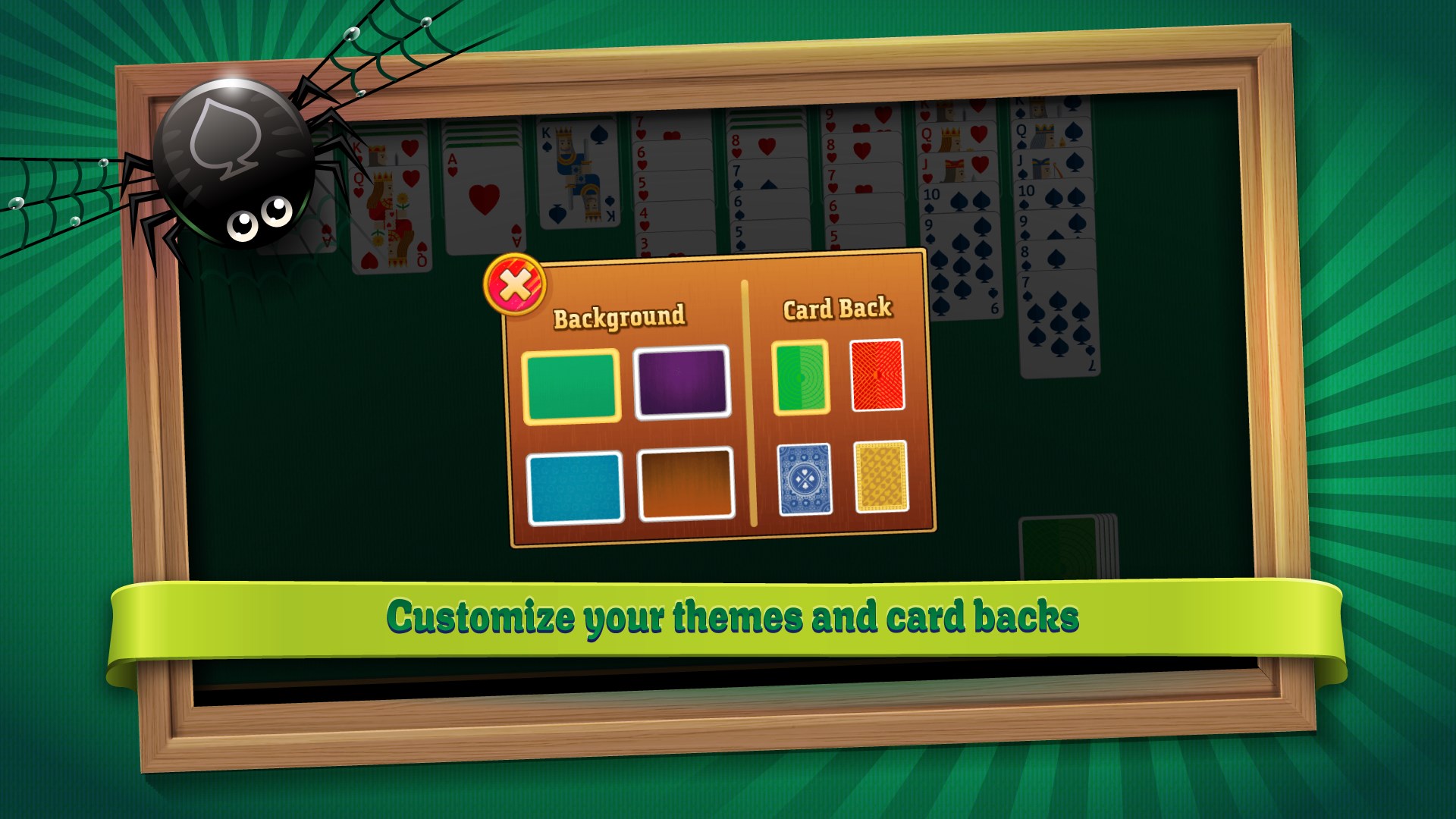
- Customizable Decks and Layouts: Users can personalize the card backs, backgrounds, and the number of suits, providing a tailored visual experience.
- Intuitive Drag-and-Drop Mechanics: Ensures smooth, responsive card movement, closely mimicking the tactile feel of handling real cards. <}}li>Hints and Undo Options: Helpful features for beginners or those who want a relaxed gameplay without frustration.
Vibrant and User-Friendly Interface with Seamless Gameplay
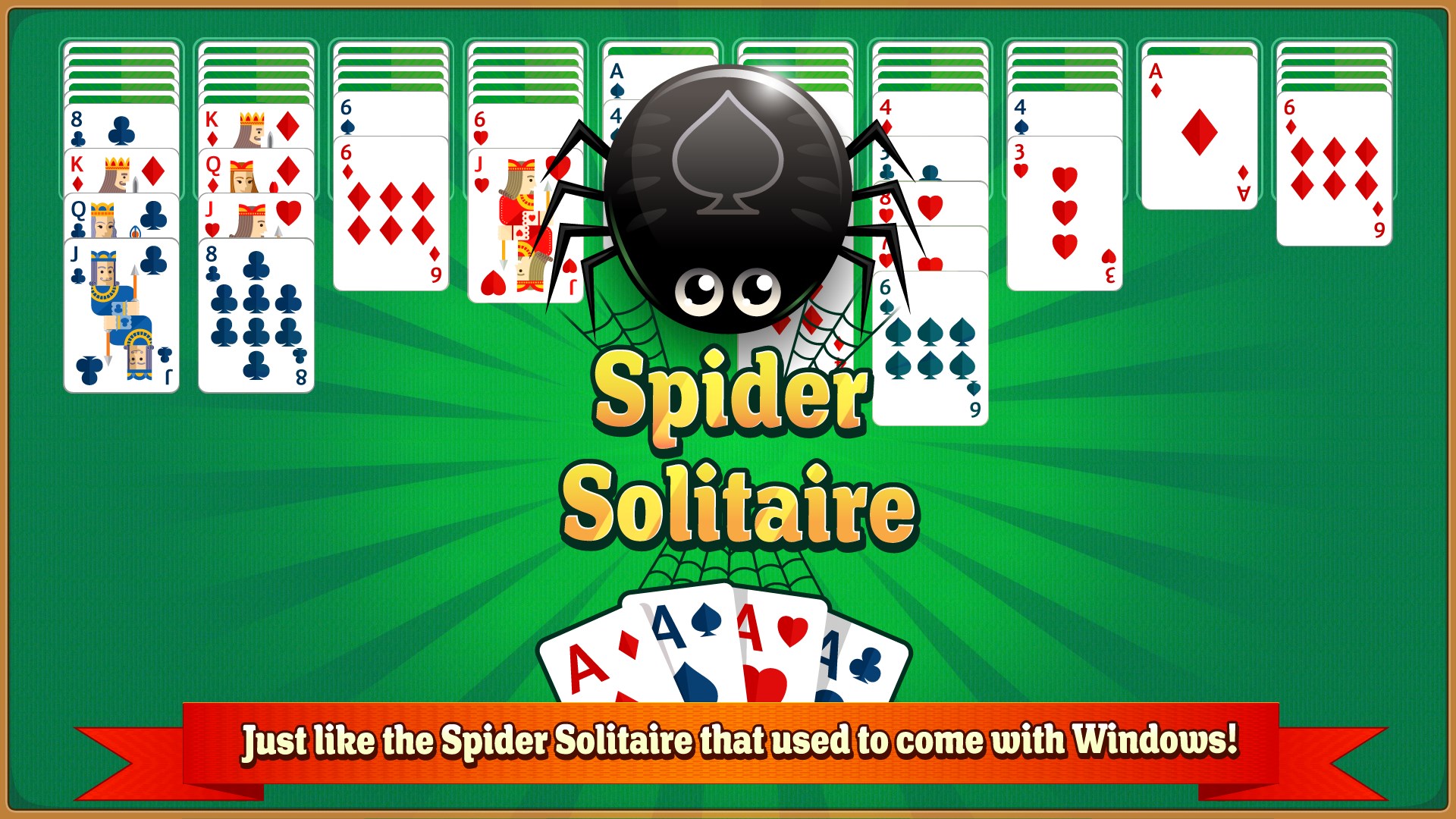
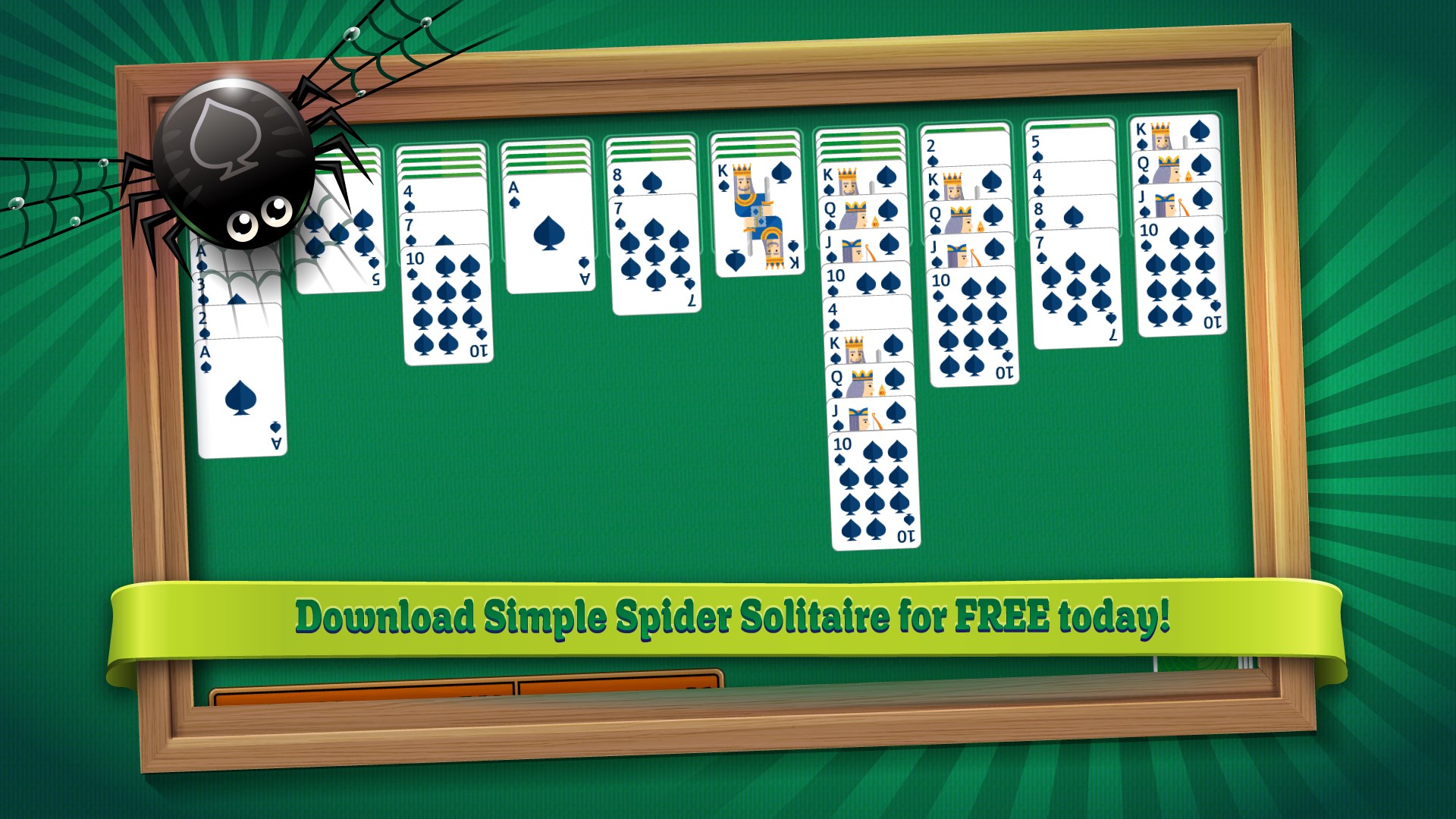
The first thing you'll notice when launching Simple Spider Solitaire is its clean, uncluttered design. The interface resembles a well-organized desktop of a classic card table—bland yet charming. The game's layout adapts effortlessly, with neatly stacked cards and easy-to-access controls, making navigation a breeze. The drag-and-drop mechanics are impressively responsive, allowing for fluid movements that feel natural, whether you're flipping a deck or reorganizing suits.
Learning curve? Minimal. Even newcomers can pick it up within minutes thanks to straightforward instructions and intuitive controls. Experienced players will appreciate the quick responsiveness and the ability to customize difficulty, ensuring long-term engagement.
What Sets It Apart from Similar Card & Board Apps?
Compared to other digital solitaire versions, Simple Spider Solitaire excels with its emphasis on simplicity and authenticity. Its core strength lies in offering a genuine spider solitaire experience: a clean interface, minimal distractions, and the ability to focus solely on strategic gameplay. Unlike many apps that bombard players with flashy animations or intrusive ads, this game maintains a calming atmosphere—like sitting down at a cozy, quiet table to play cards in your favorite cafe.
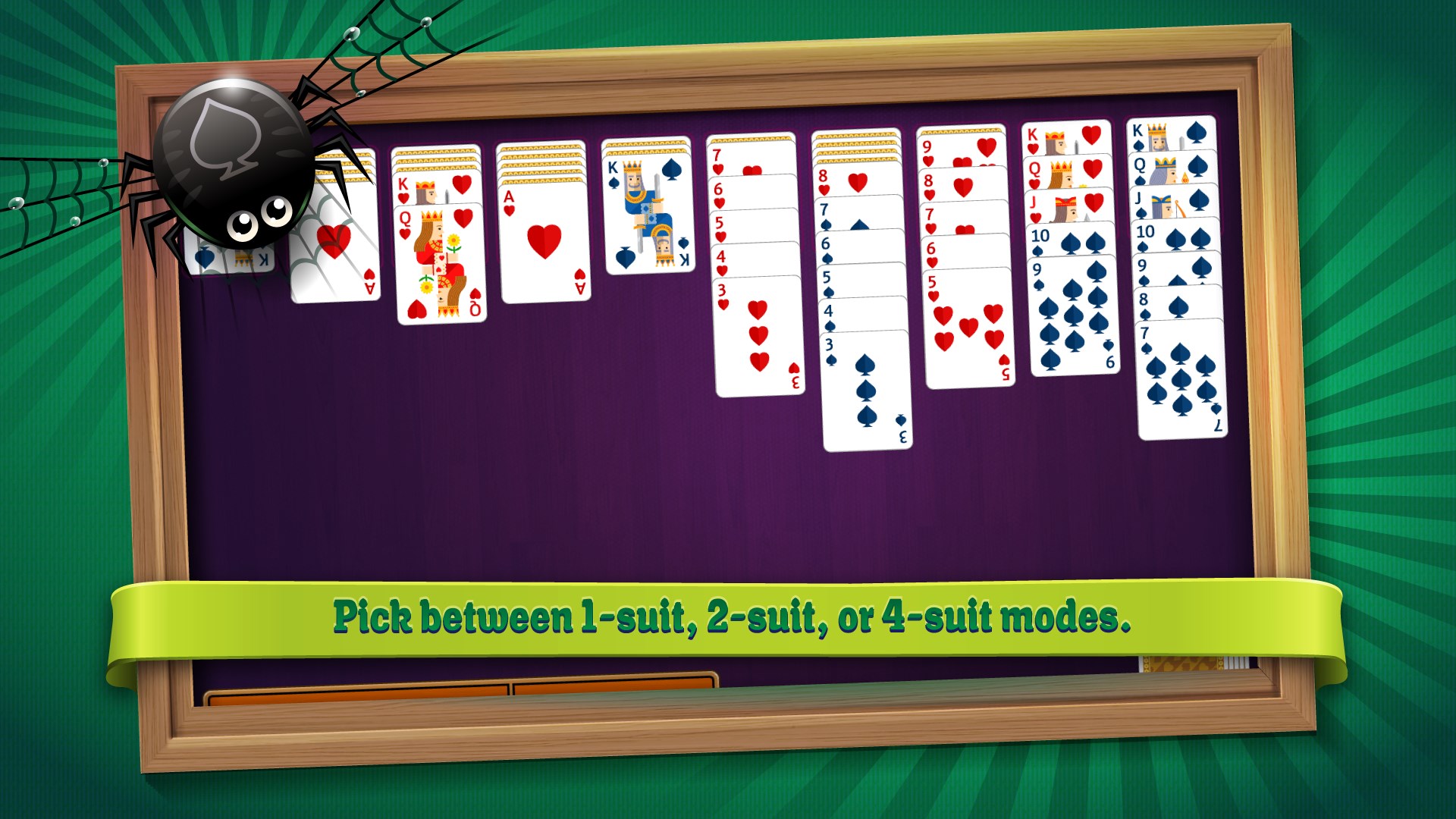
Additionally, the game's customization options—such as toggling between one, two, or four suits—allow players to tailor the experience to their skill level and mood, making it adaptable for both casual and more serious solitaire fans. These nuanced features make it more than just a basic card game; it becomes a personalized puzzle-solving experience.
Final Verdict: An Accessible and Elegant Take on Classic Solitaire
I'd recommend Simple Spider Solitaire for Windows especially if you're seeking a no-nonsense, refined, and thoughtfully designed digital card game. Its intuitive controls, customizable difficulty, and authentic feel make it a strong contender among the plethora of solitaire apps available. Whether you have a few spare minutes or want to settle into a relaxing challenge, this game offers a balanced mixture of simplicity and depth.
For seasoned puzzle solvers or casual players alike, this app provides a trustworthy companion—like a classic deck of cards in digital form—that's easy to pick up but hard to put down. Give it a try and experience a refreshing, clutter-free take on a beloved card game.
Pros
- User-Friendly Interface
- Smooth Gameplay Experience
- Free to Download and Play
- Engaging Level Progression
- Lightweight Size
Cons
- Limited Customization Options
- Absence of Daily Challenges or Rewards
- No Offline Mode
- Basic Graphics and Sounds
- Ads Display During Gameplay











