
- Name Simple Solitaire
- Category Card & board
- Available on PC, Surface Hub, HoloLens
- OS Windows 10 version 18362.0 or higher
- languages Chinese (Simplified), Dutch, English (United States), French, German, Italian, Japanese, Polish, Polish , Portuguese, Portuguese (Brazil), Portuguese (Portugal), Romanian, Russian, Spanish, Spanish (Spain), Turkish
Simple Solitaire for Windows: A Fresh Take on a Classic Card Game
Looking for a straightforward yet engaging digital rendition of the beloved solo card game? Simple Solitaire for Windows offers a clean, user-friendly experience that keeps the core of classic Solitaire intact while providing subtle enhancements for modern players.
About the App and Its Creator
Simple Solitaire for Windows is a minimalist, accessible Solitaire application designed to bring ease and enjoyment to players of all skill levels. Developed by Random Salad Games LLC, a team well-known for their diverse portfolio of casual and puzzle games, this app emphasizes simplicity, smooth gameplay, and an inviting interface.
Key Features:
- Elegant minimal design that reduces clutter and distraction
- Fast, responsive gameplay optimized for Windows devices
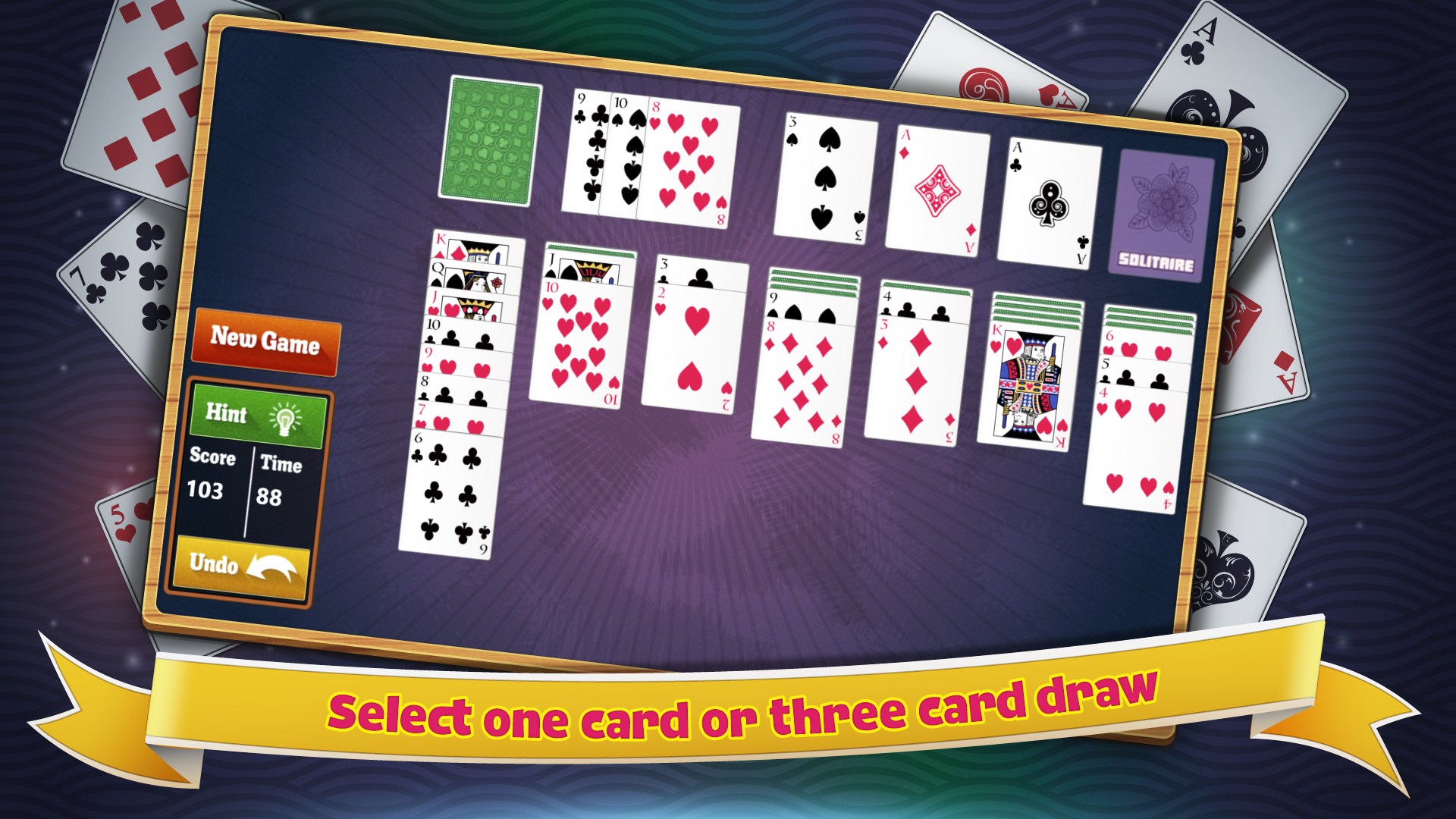
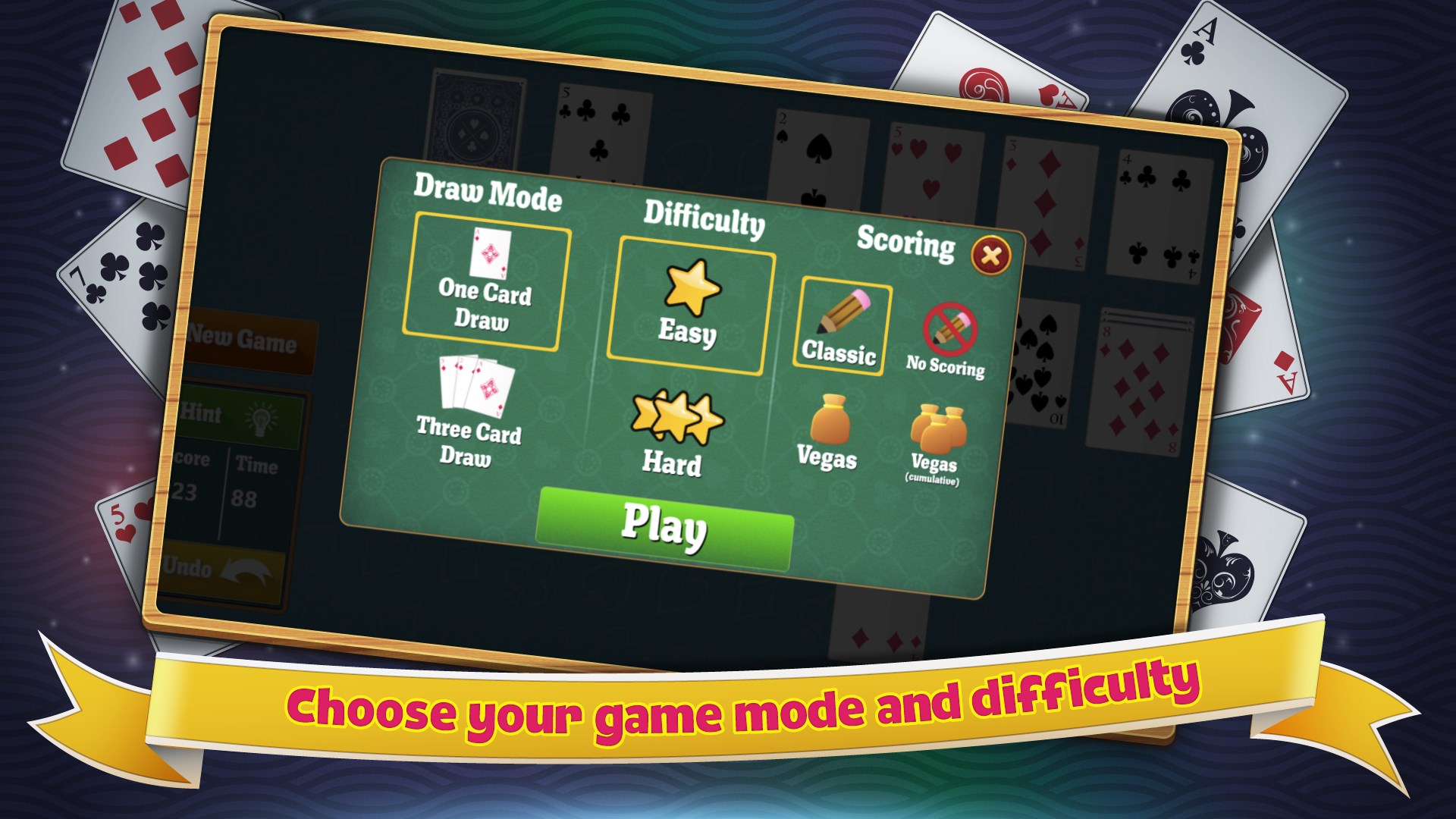
- Game modes that cater to both beginners and seasoned players
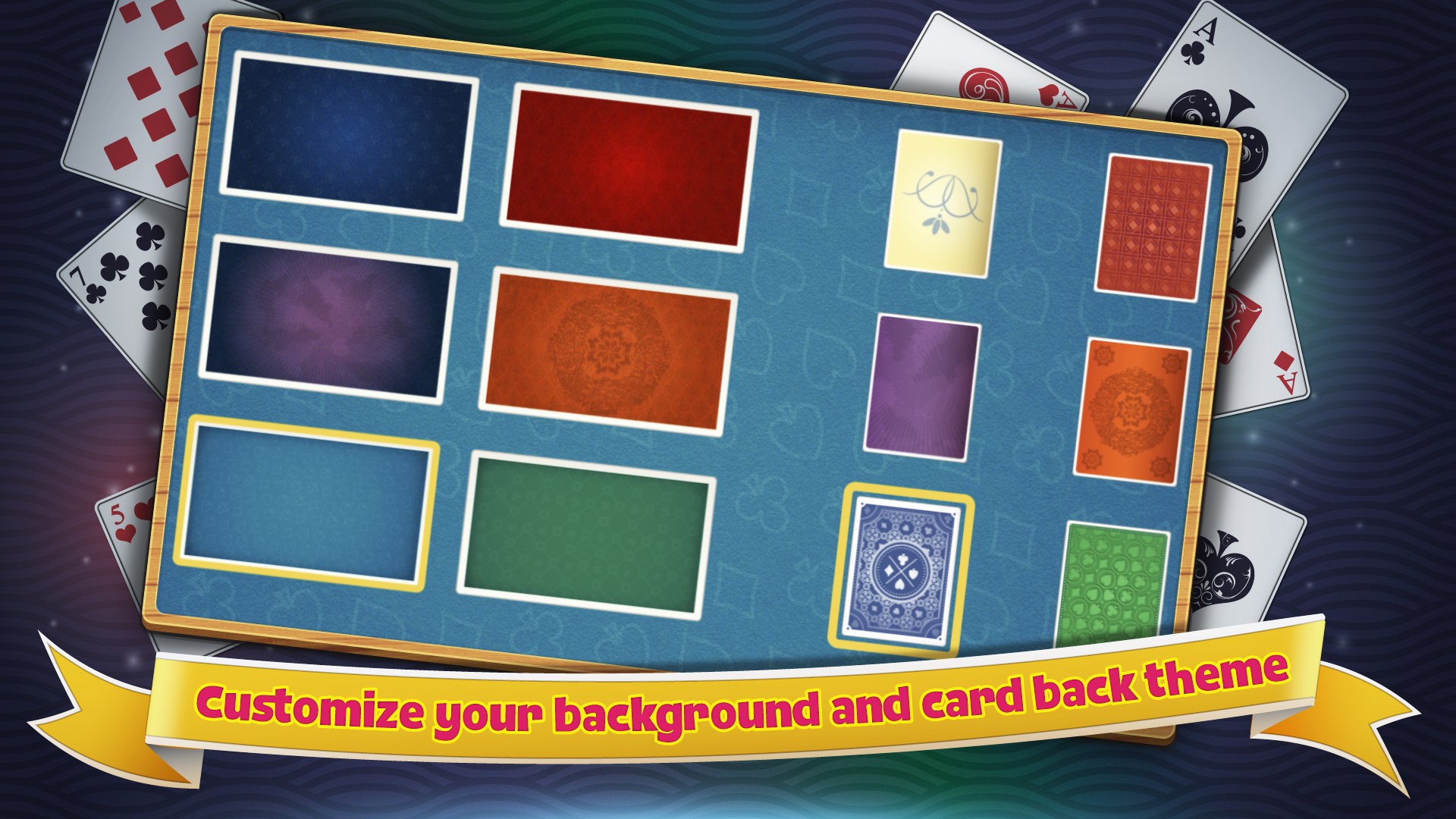
- Customizable themes and card backs for personalization
Targeted at casual gamers, students, and anyone seeking a quick mental refresh, Simple Solitaire aims to provide a stress-free gaming experience that can be enjoyed during brief breaks or extended leisure sessions.
Engaging Playground for Card Enthusiasts
Imagine a cozy nook at your favorite coffee shop: the warm aroma mingles with the gentle shuffle of cards. That's the persona Simple Solitaire tries to invoke—familiar, relaxing, and easy to access. As soon as you launch the app, you're greeted with a tidy, clutter-free interface that invites you to jump right into the game. It's like slipping into a well-worn pair of slippers—comfortable and intuitive.
User Interface and Visual Design
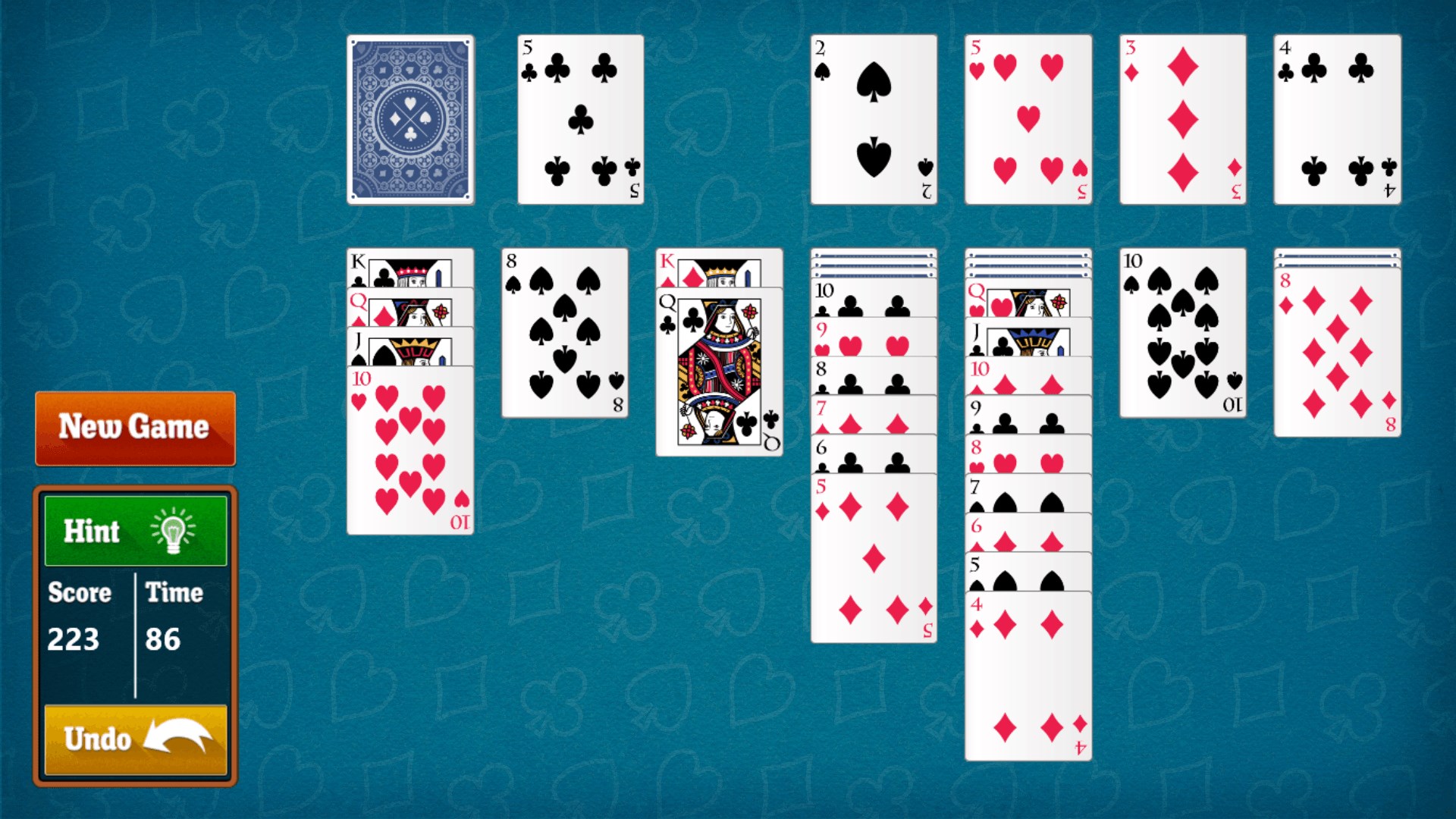
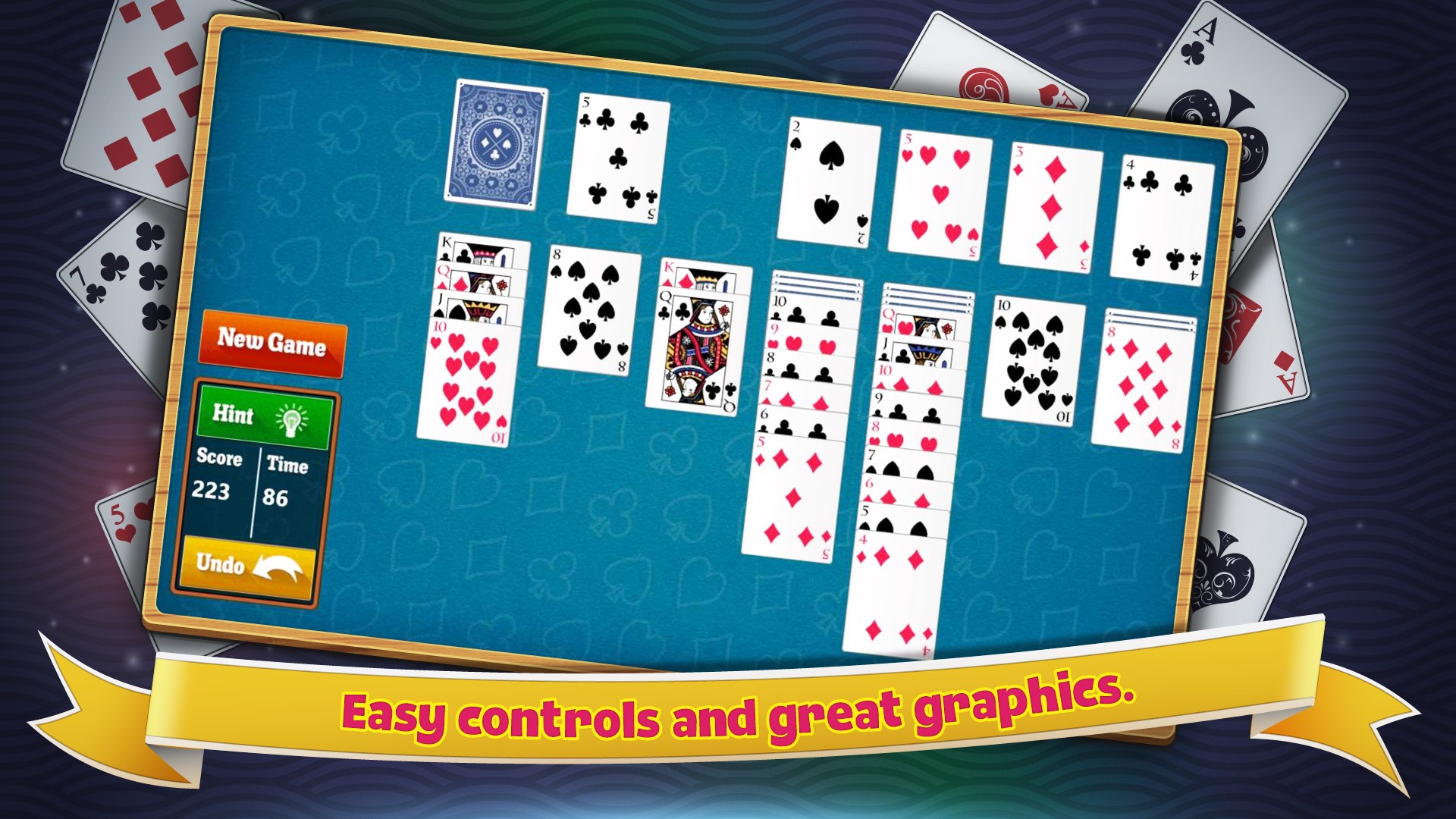
The interface design is refreshingly minimalistic: clean lines, muted color schemes, and clear, large icons make navigation a breeze. The game's artwork avoids unnecessary flourishes, focusing instead on high-contrast cards and an unobtrusive background. This design choice ensures that players' attention remains centered on the game—perfect for quick plays or long, relaxing sessions.
Gameplay and Performance
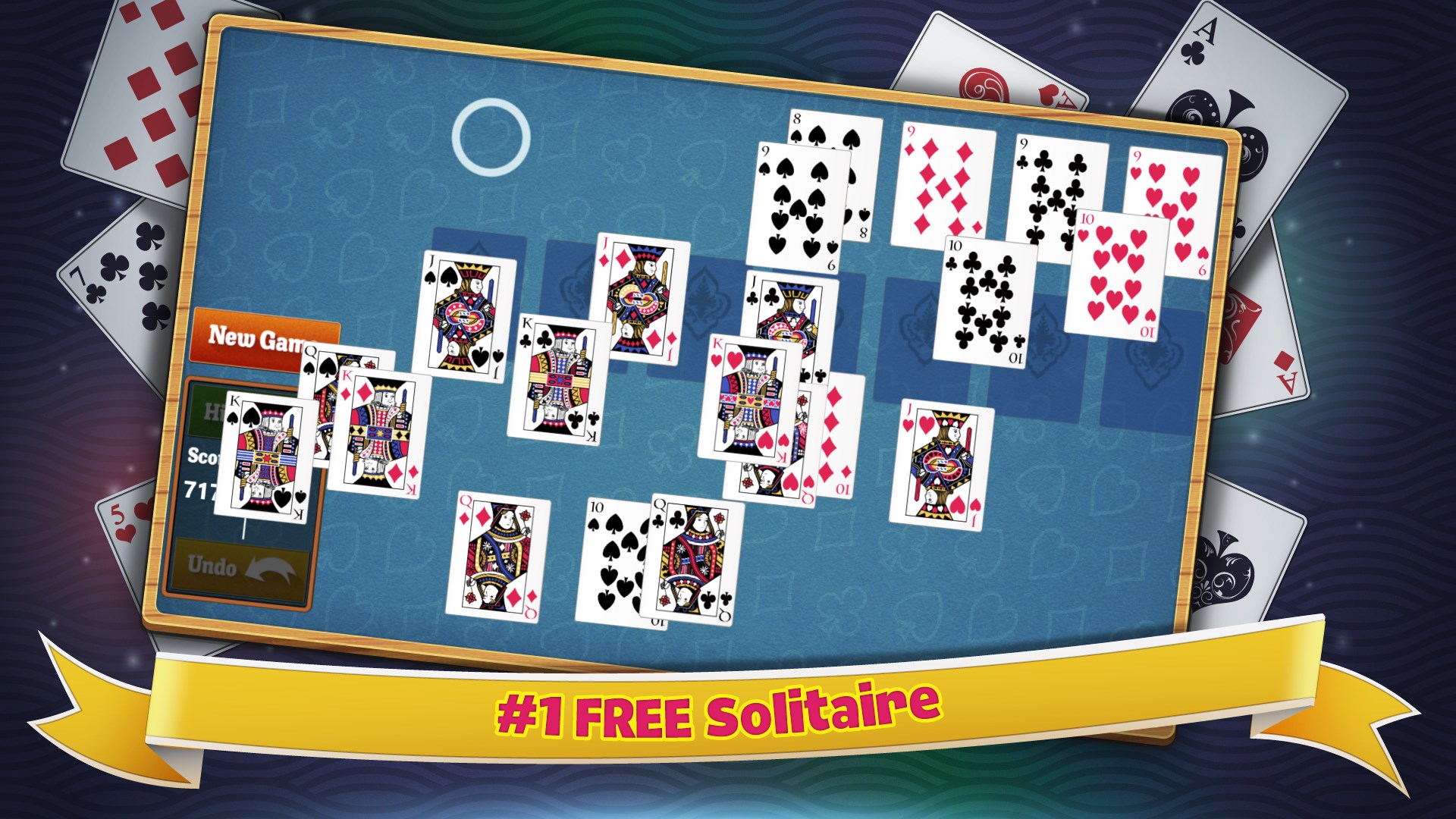
The gameplay itself is smooth, with fluid card movements that respond instantly to mouse or touch inputs. Loading times are minimal, and the game runs flawlessly across various Windows devices, from desktops to Surface tablets. The interface feels natural, and the drag-and-drop mechanics are precise, making it easy to plan your moves without frustration. The learning curve is gentle; even newcomers can pick up the game within minutes, thanks to clear indicators and optional hints.
What Sets Simple Solitaire Apart?
While many digital Solitaire apps tend to emulate a plethora of variations or add extensive bells and whistles, Simple Solitaire's greatest strength lies in its focus on simplicity and usability. Notably, the app stands out due to its thoughtful customization options and unobtrusive design, which keeps the gameplay experience clean and distraction-free.
Furthermore, its responsiveness and compatibility with all Windows systems make it accessible for a broad audience. The game's minimalistic approach is akin to enjoying a classic melody—familiar yet refreshed—setting it apart from feature-heavy, cluttered counterparts.
Final Thoughts: To Play or Not to Play?
All in all, Simple Solitaire for Windows is a well-crafted, unobtrusive version of a timeless game. Its strengths are most apparent in its elegant simplicity, smooth performance, and thoughtful design choices. For anyone seeking a dependable, easy-to-navigate Solitaire app that seamlessly blends classic charm with modern convenience, this app deserves your attention.
We recommend it especially to casual players who appreciate a straightforward gaming experience without unnecessary complexity. Whether you're looking to fill a brief break or unwind after a long day, Simple Solitaire offers a solid and relaxing choice—the kind of game you can trust to deliver calm and entertainment without fuss.
Pros
- Intuitive User Interface
- Smooth Gameplay
- Small App Size
- Offline Accessibility
- Multiple Difficulty Levels
Cons
- Limited Customization Options
- Basic Visuals
- No Daily Challenges
- Minimal Sound Effects
- Lack of Player Stats or Progress Tracking











