

- Name Simple FreeCell
- Category Card & board
- Available on PC, Mobile, Surface Hub, HoloLens
- OS Windows 10 version 17763.0 or higher
- languages Chinese (Simplified), Dutch, English (United States), French, French (Canada), German, Italian, Japanese, Polish, Polish , Portuguese, Portuguese (Brazil), Portuguese (Portugal), Russian, Spanish, Spanish (Mexico), Spanish (Spain)
Simple FreeCell for Windows: A Sleek Take on Classic Solitaire
If you're craving a pure, hassle-free FreeCell experience that emphasizes simplicity and efficiency, Simple FreeCell for Windows offers just that—delivering a clean, distraction-free environment to enjoy one of Windows' most beloved card games. Developed by Random Salad Games LLC, this application aims to appeal to both casual players and seasoned card enthusiasts seeking a straightforward yet engaging solitaire experience.
Meet the Makers: Trusted Developers Behind the Game
Random Salad Games LLC is a well-regarded developer known for creating accessible, user-friendly mobile and desktop games. Their portfolio includes several classic card and puzzle games that emphasize clean design and simple mechanics, making them perfect for quick, relaxing gameplay sessions. Their focus on delivering quality content that's easy to pick up and enjoy has earned them a loyal user base.
What Makes Simple FreeCell Stand Out?
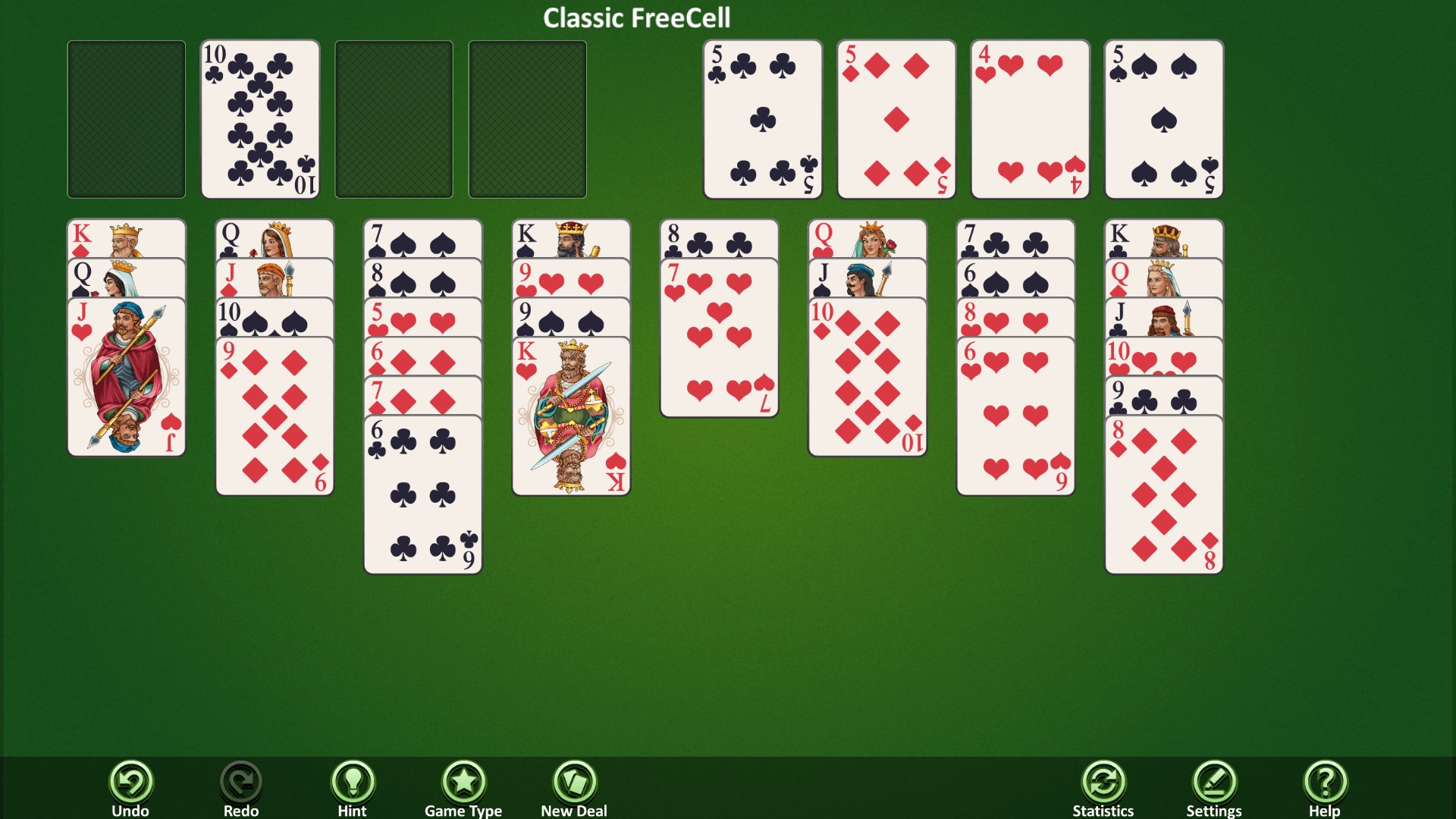
- Pure Classic Gameplay: Staying true to the traditional FreeCell rules, the app strips away unnecessary bells and whistles, allowing players to focus solely on solving the puzzles.
- Intuitive Interface: A streamlined, minimalistic design makes navigation a breeze, even for those new to solitaire, reducing clutter and emphasizing gameplay clarity.
- Efficiency & Smoothness: Optimized for Windows, the game runs seamlessly with quick load times and smooth animations that keep the experience flowing effortlessly.
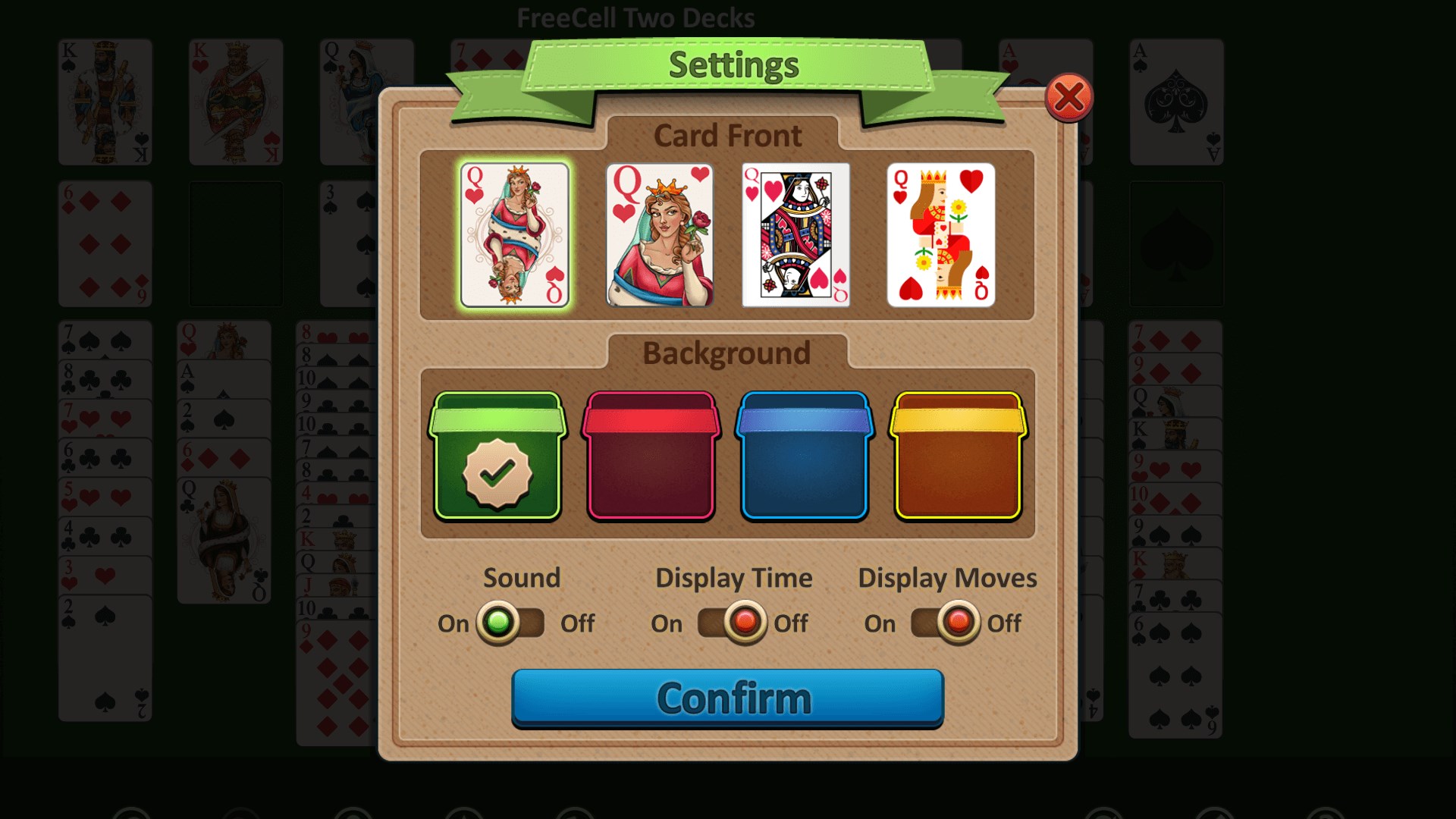
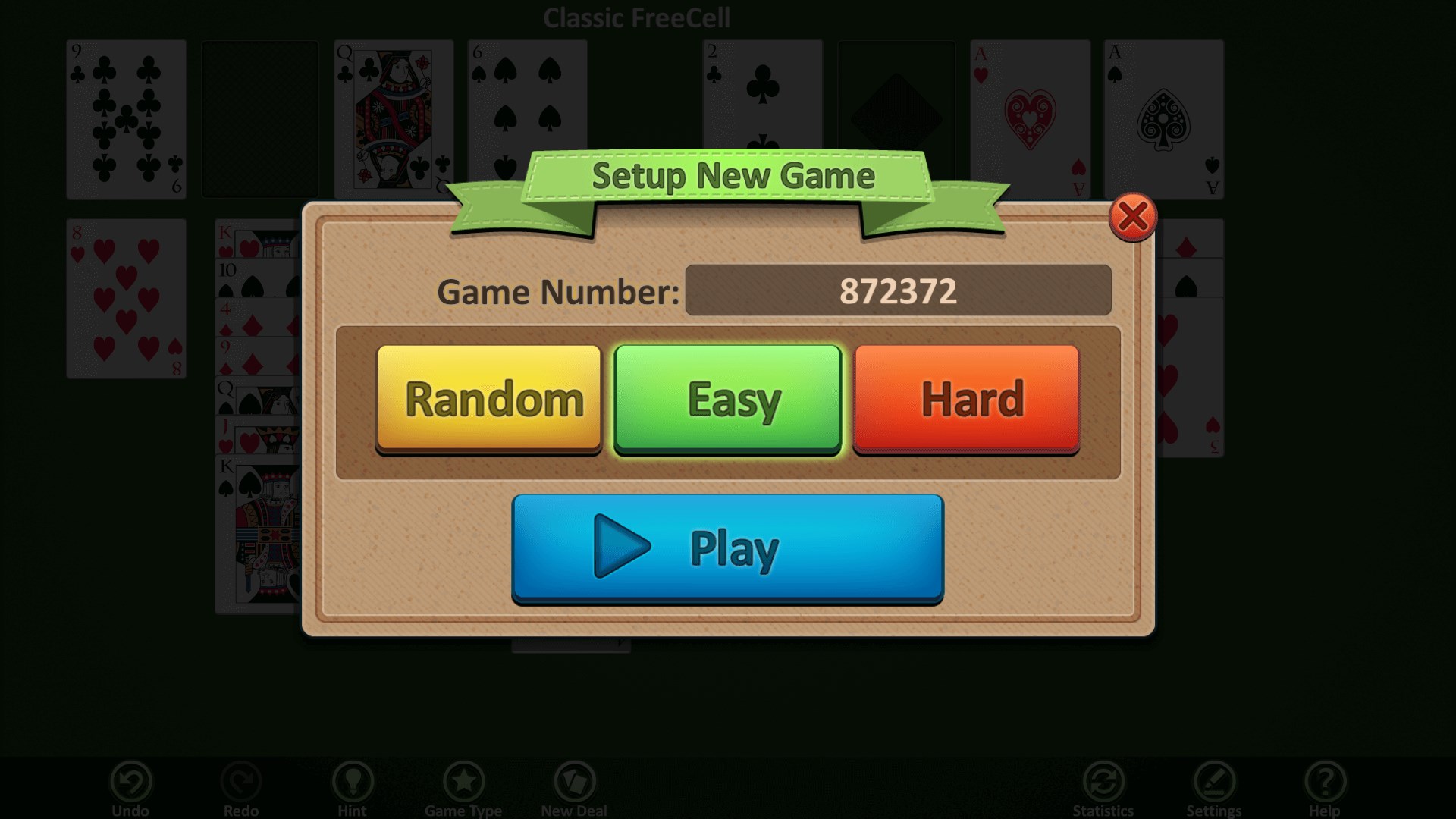
- Customizable Experience: Players can tweak some settings—such as card back designs and game difficulty—offering a personalized touch without overwhelming options.
A Closer Look at the User Experience
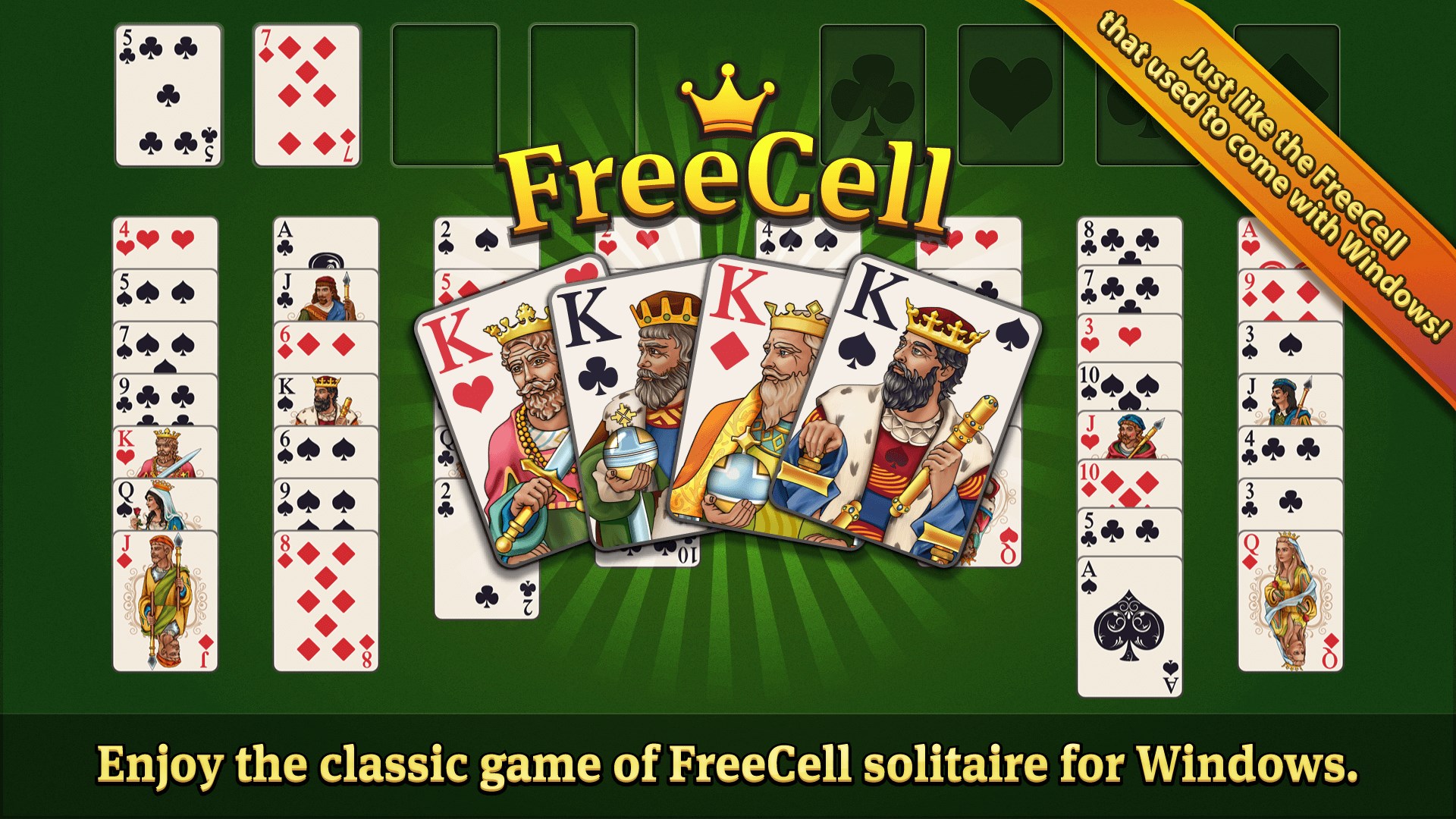
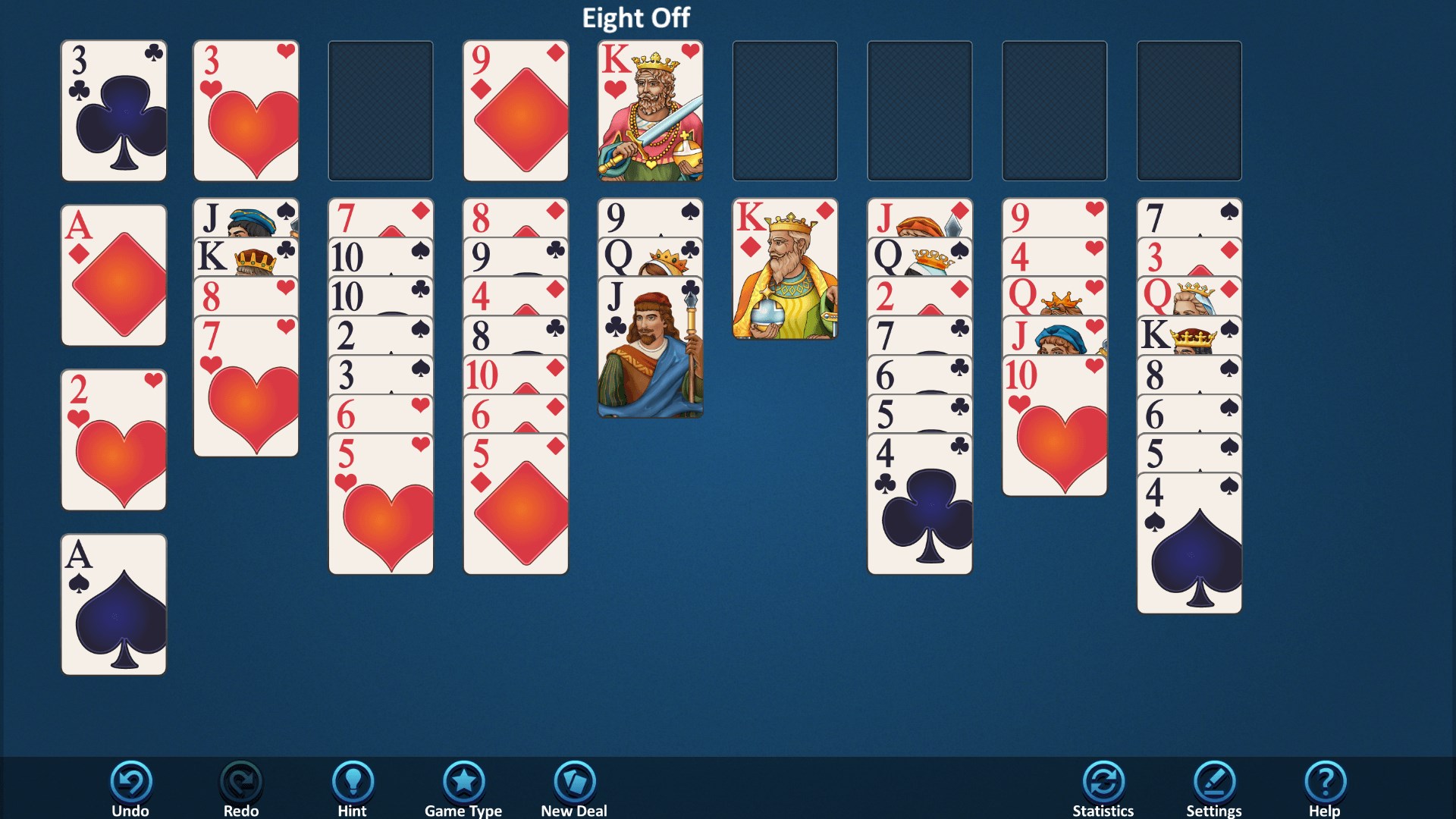
Jumping into Simple FreeCell is like stepping into a well-organized card table—everything feels familiar yet refreshed. The interface sports a clean layout, with large, easily clickable cards that make dragging and stacking tactile and satisfying. The absence of unnecessary visual clutter allows your concentration to stay on the game, and the subtle animations provide a polished feel without slowing down your decision-making. Navigating menus is straightforward, with intuitive icons guiding you through options, settings, and game modes.
Learning curve? Nearly non-existent. Anyone acquainted with basic Solitaire rules can start playing immediately. For newcomers, the game provides gentle visual cues, while experienced players will appreciate the quick responsiveness and the ability to jump into a game smoothly. The overall operation feels natural, akin to shuffling a deck at your kitchen table—familiar, comforting, and effortless.
What Sets Simple FreeCell Apart?
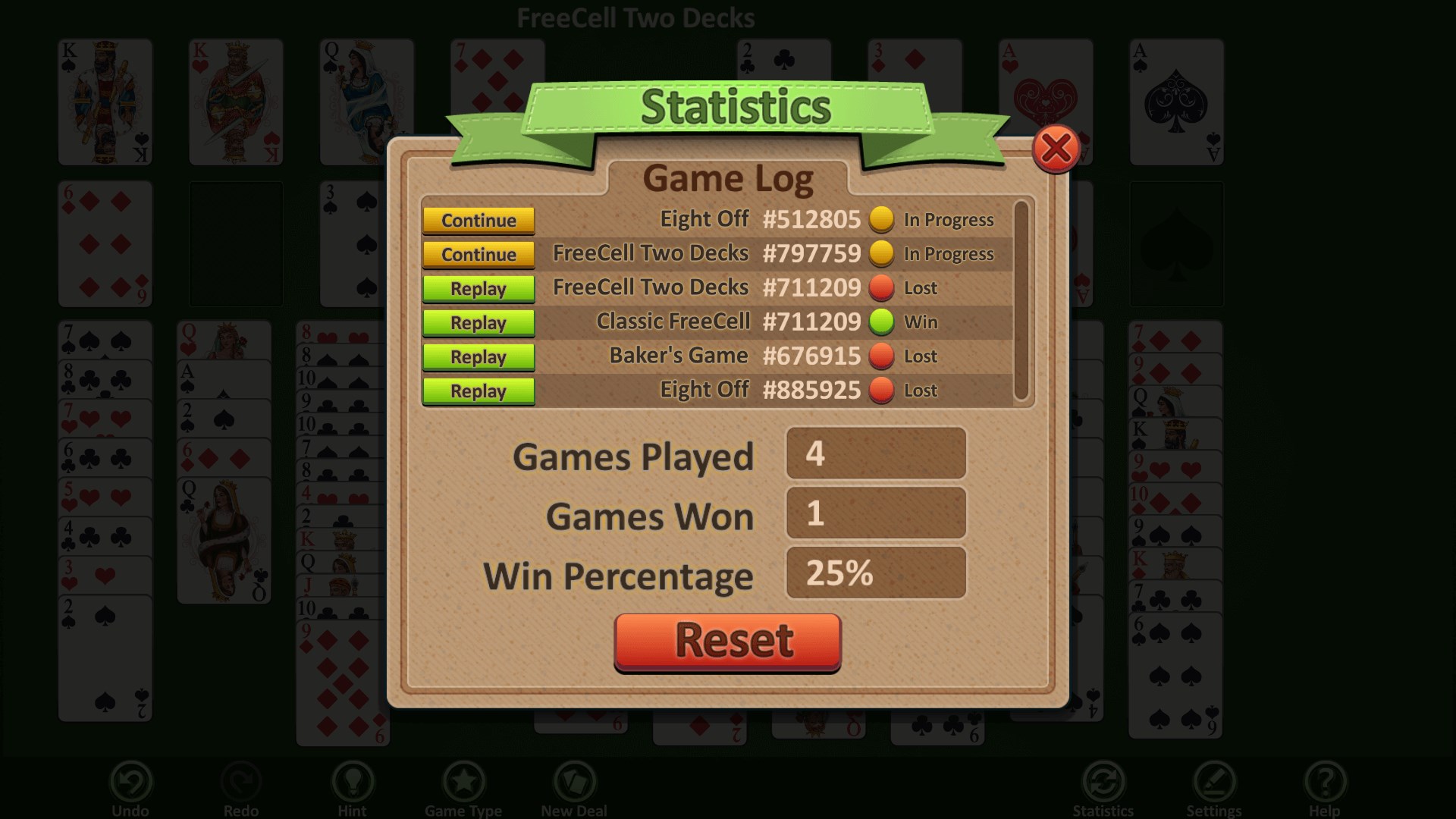
While many solitaire apps offer feature-rich experiences or flashy graphics, Simple FreeCell stands out with its commitment to simplicity and authenticity. Unlike some competitors that include intimidating stats, in-depth tutorials, or colorful animations, this app preserves the classic FreeCell charm with minimal distraction. It's like a well-worn deck that feels just right—trustworthy, efficient, and ready whenever you are.
Another unique advantage is the game's focus on performance optimization. Its smooth animations and quick load times mean you can start a new game instantly—no lag, no fuss—which is particularly appreciated during short breaks or quick play sessions. Plus, the clean design ensures compatibility across multiple devices and resolutions, making it versatile for various Windows setups.
Final Thoughts: To Play or Not to Play?
If you're a fan of classic card games or looking for a straightforward FreeCell app that respects tradition without unnecessary complexity, Simple FreeCell for Windows comes highly recommended. Its emphasis on simplicity, combined with a smooth user experience, makes it suitable for anyone—whether you're a casual solver or a puzzle connoisseur. The game's unique focus on a pure, unadulterated FreeCell experience, along with its polished interface, positions it as a dependable choice in the crowded field of digital solitaire apps.
Overall, I'd suggest giving it a try if you value a no-nonsense, high-performance FreeCell game that respects the roots of the game while providing a modern, user-friendly interface. It's perfect for a quick daily challenge or simply unwinding with a classic card game that never goes out of style.
Pros
- Intuitive interface
- Smooth gameplay
- Free to play
- Auto-save feature
- Multiple difficulty levels
Cons
- Limited customization options
- Basic graphics
- Lack of hints or undo options
- No online leaderboards
- Limited tutorial guidance











