

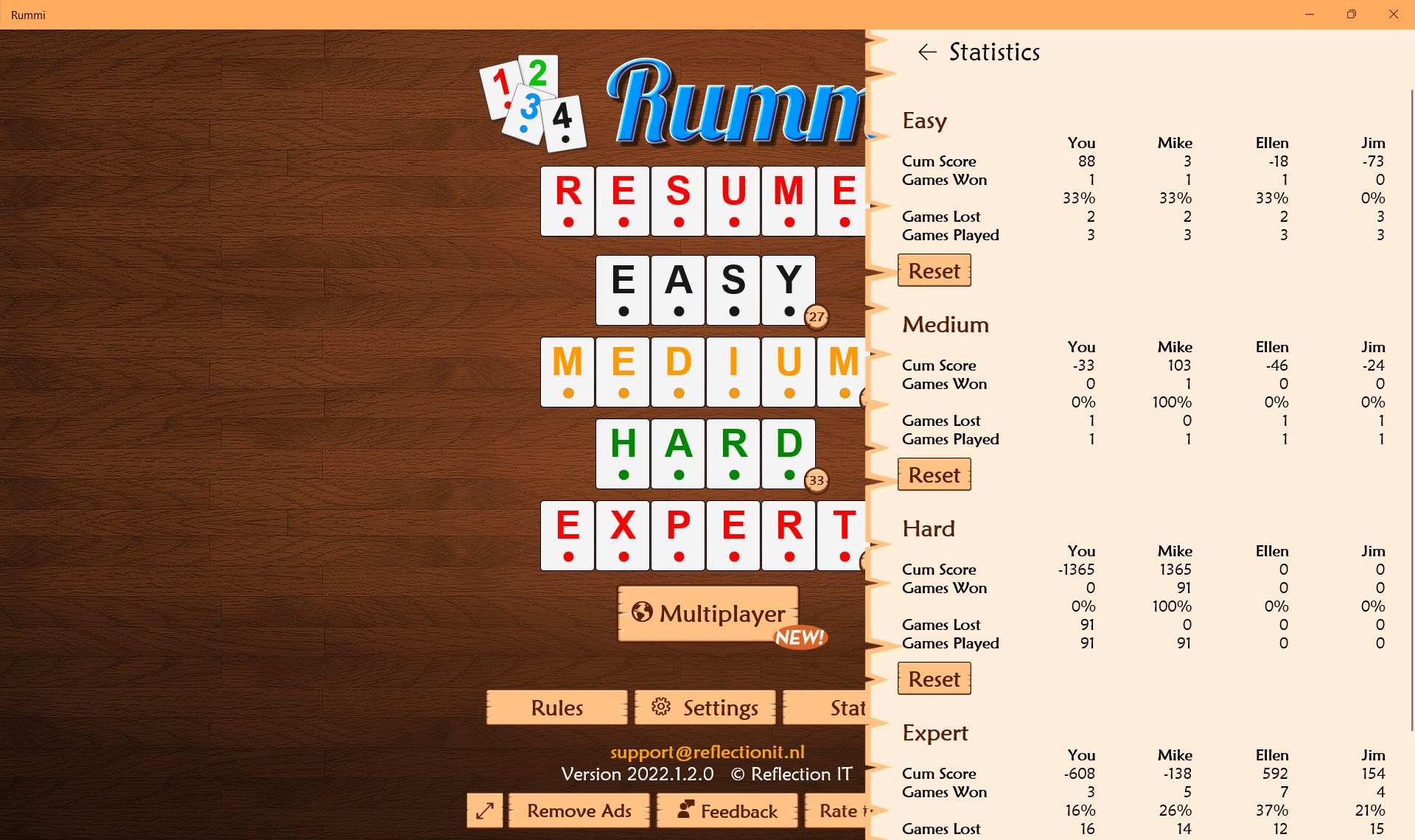
- Name Rummi
- Category Card & board
- Developer Fons Sonnemans
- Available on PC
- OS Windows 10 version 17763.0 or higher
- languages Dutch, English (United States)
Introducing Rummi for Windows: A Fresh Take on Digital Rummikub
Rummi for Windows is a thoughtfully designed digital adaptation of the classic Rummikub game, bringing strategic tile-matching fun right to your desktop with modern touches and intuitive gameplay.
About the Developer and Core Features
Developed by Fons Sonnemans and published by Reflection IT, this app aims to offer an engaging and accessible experience for fans of tile-based strategy games. The key highlights include:
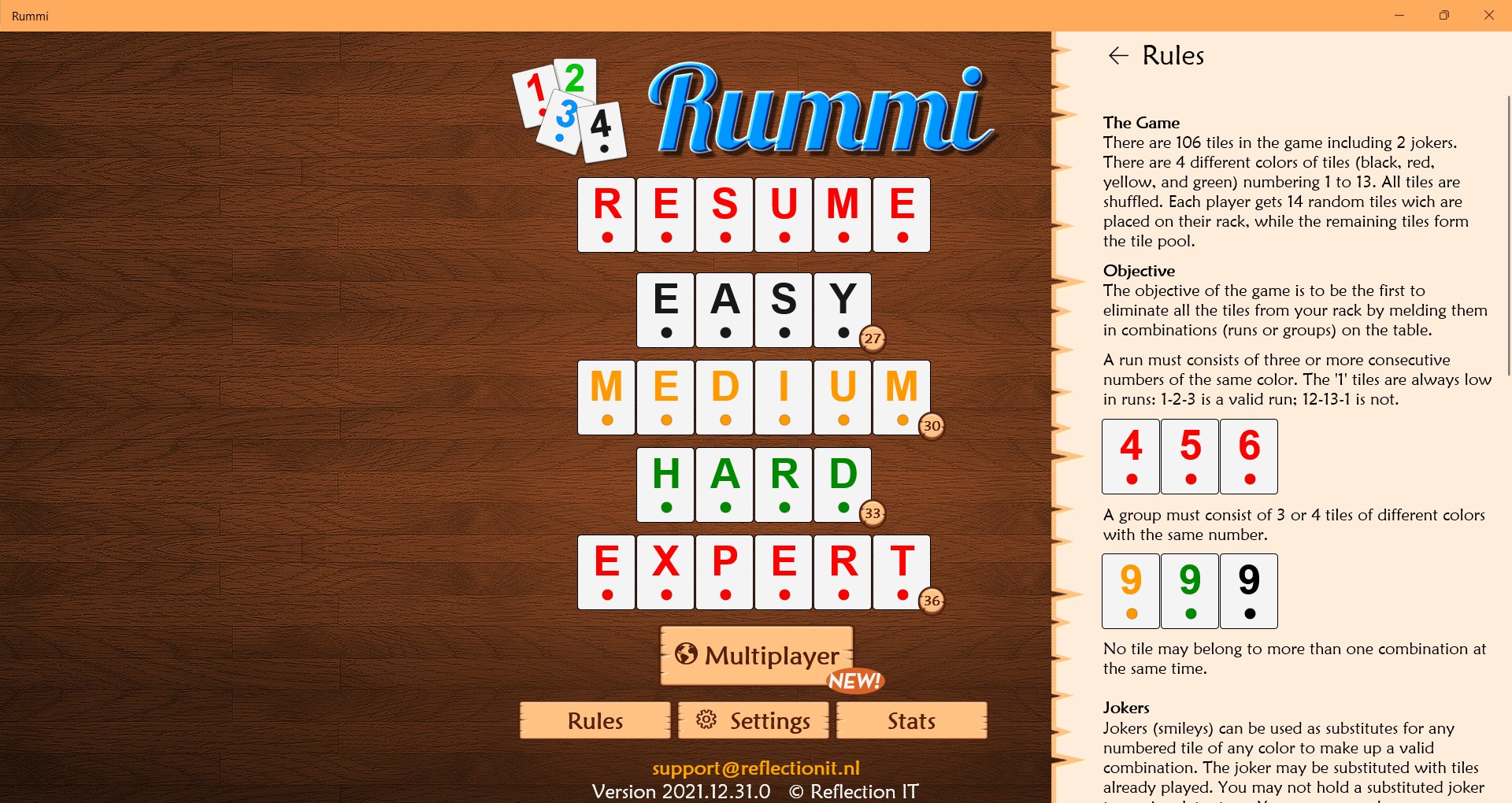
- Intuitive AI Opponents: Multiple difficulty levels cater to novices and seasoned players alike, providing a challenging yet approachable experience.
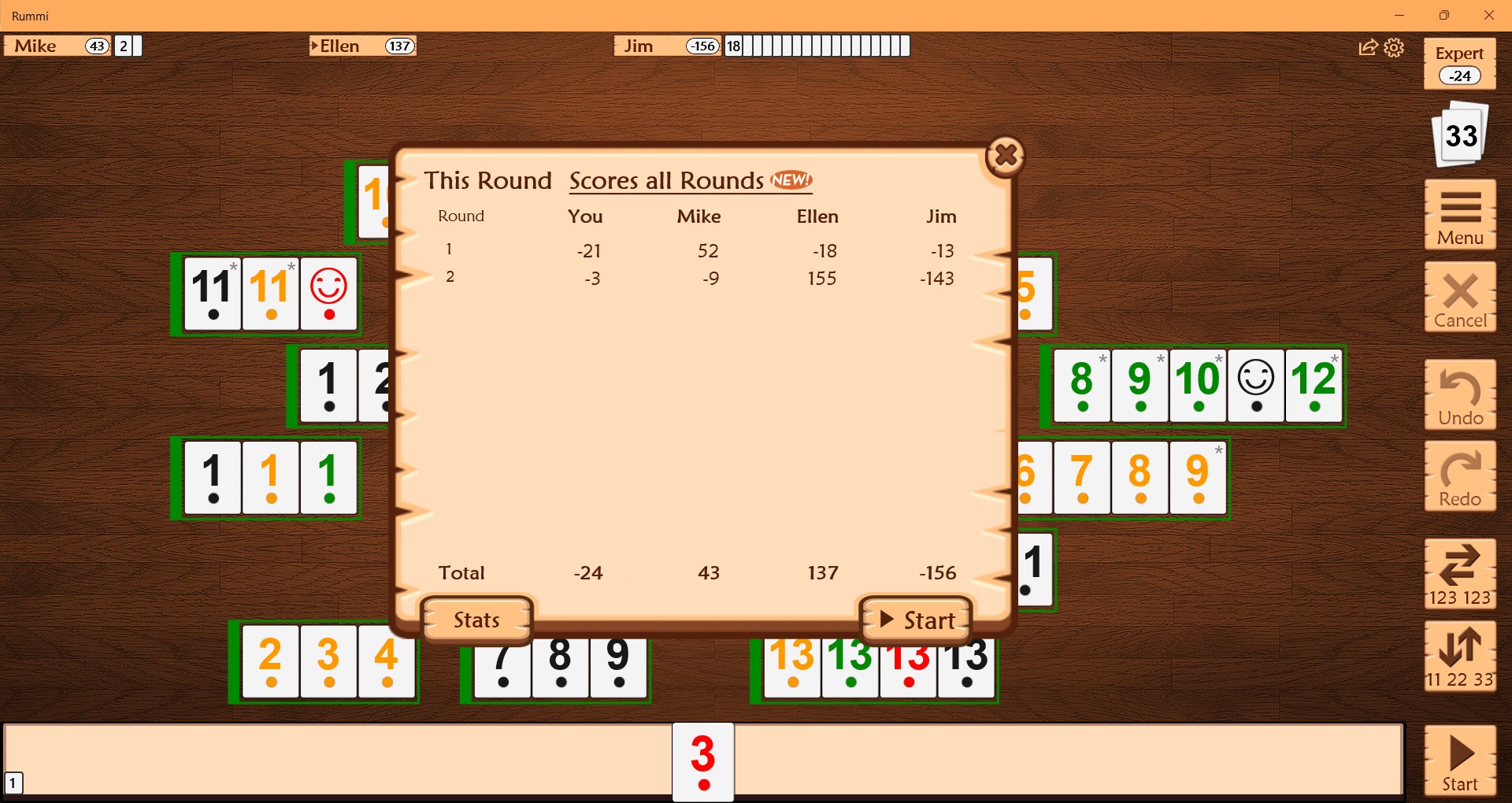
- Smooth Gameplay and User Interface: An elegant design coupled with fluid animations ensures an enjoyable, distraction-free gaming session.
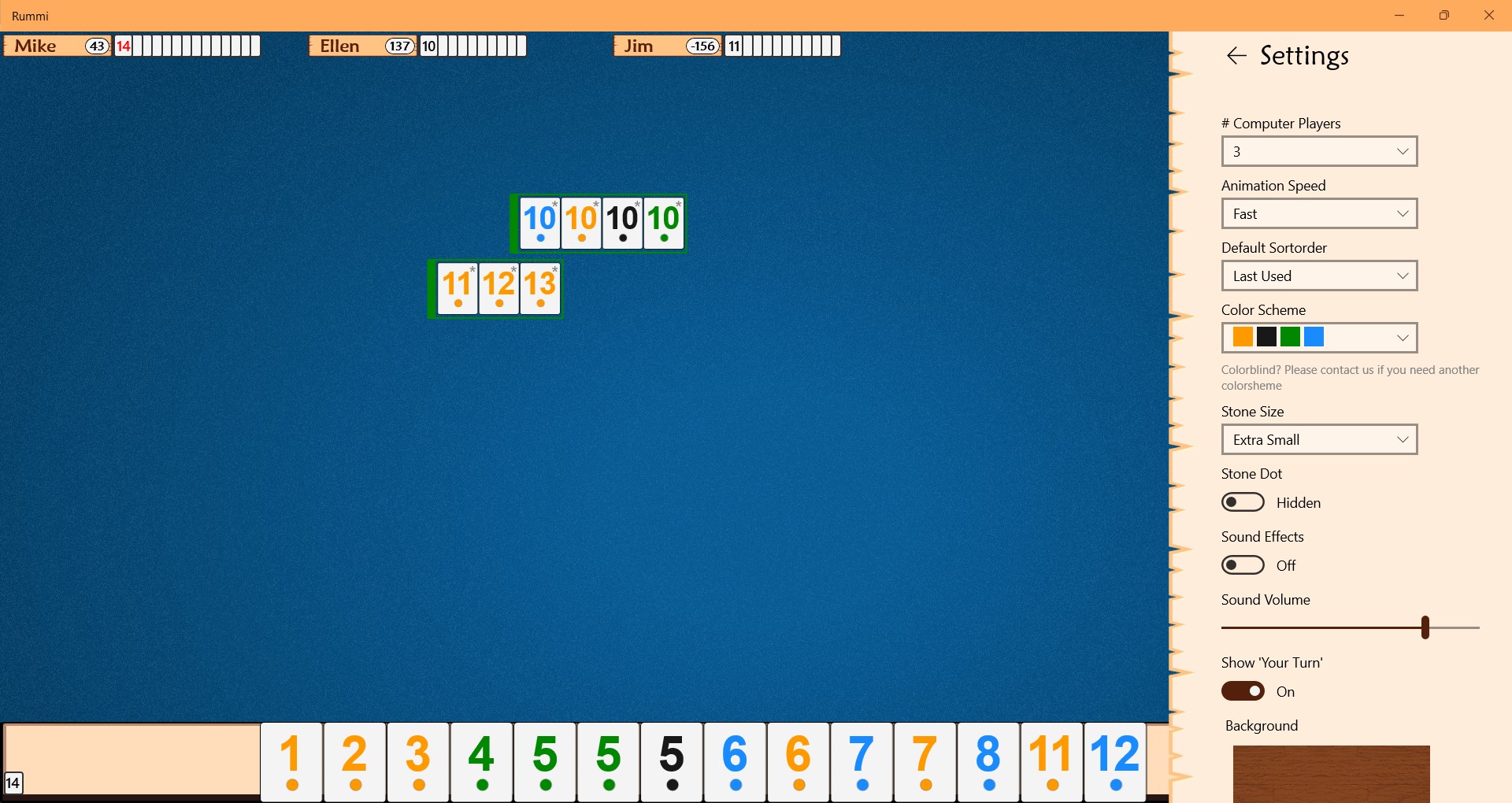
- Game Variants & Customization: Offers different game modes and customizable options to keep gameplay fresh and tailored to personal preferences.
- Reliable Save and Continue: Seamlessly resume games across sessions, supporting asynchronous gameplay experiences.
Targeted at puzzle and strategy game lovers, casual players wanting quick fun, and those seeking a digital twist on a beloved classic, Rummi for Windows positions itself as a versatile addition to any game library.
A Playful Introdution: Dive into the World of Digital Tile Strategy
Imagine sitting comfortably on a rainy evening, a steaming cup of coffee by your side, ready to challenge your mind with a game that's as familiar as it is fresh. Rummi for Windows offers that cozy digital space where your strategic thinking can flourish. Its bright, inviting interface is like a friendly game host inviting you in, promising hours of engaging play without the clutter of complicated menus or confusing controls. Whether you're a seasoned Rummikub veteran or a curious newcomer, this app makes the transition into digital gameplay feel like catching up with an old friend.
Core Functionality: Strategic Gameplay & Customization
One of the standout features of Rummi for Windows is its rich gameplay dynamics. It faithfully captures the core of traditional Rummikub, where players meld tiles into sets and runs, but enhances it with smart AI and flexible rules. The AI opponents are surprisingly clever—they mimic human-like tactics, forcing you to think carefully about each move, especially at higher difficulty levels. The game also offers varied modes, allowing you to play standard rummy, or to tweak rules for a more relaxed or competitive experience, adding a layer of personalization that keeps the game interesting over time.
User Experience: Design, Ease of Use, and Learning Curve
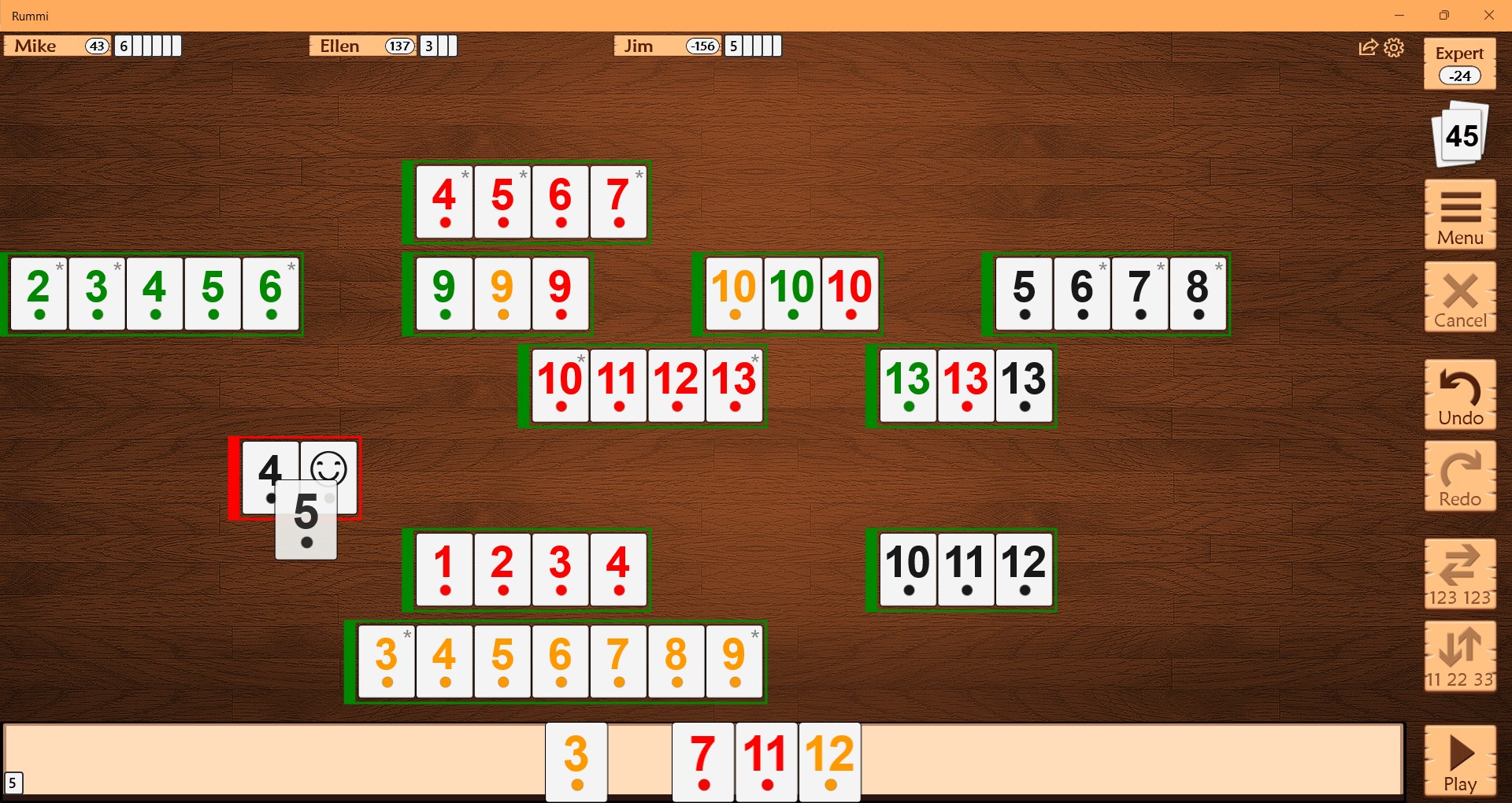
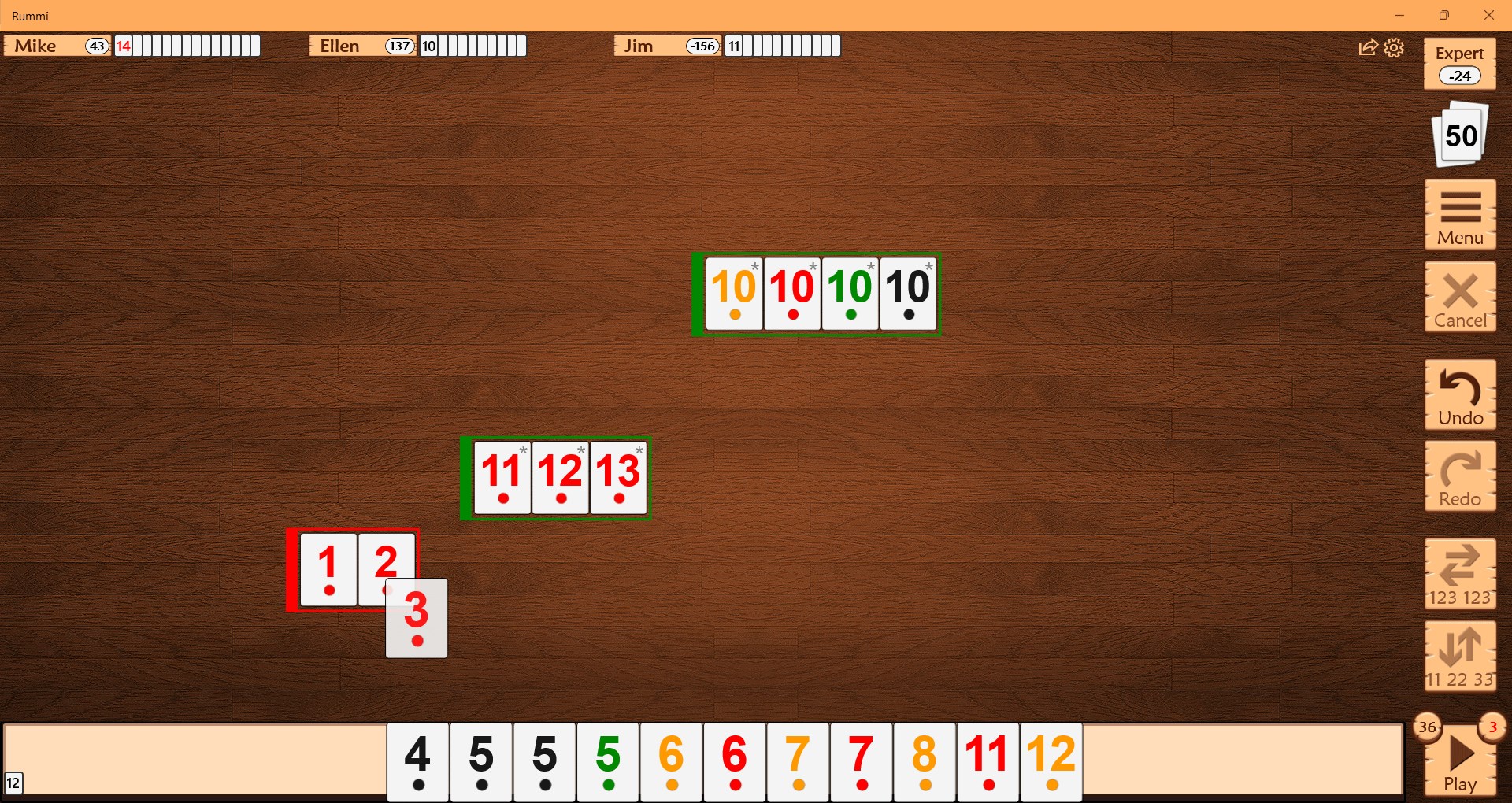
The app's visual design is both attractive and functional. Bright, clear tiles and a clean layout make it easy to identify and manipulate pieces on your screen. Navigating menus and options feels natural, thanks to well-organized controls and helpful hints embedded within the interface. The gameplay runs smoothly—animations are fluid, and transitions between turns are seamlessly executed—offering a polished experience that minimizes frustration. For newcomers, the learning curve is gentle; tutorial hints and intuitive controls ease the way into mastering the game. For seasoned players, the AI difficulty options and customization settings provide enough depth to keep things challenging and engaging.
What Sets Rummi Apart from Other Digital Rummikub Apps?
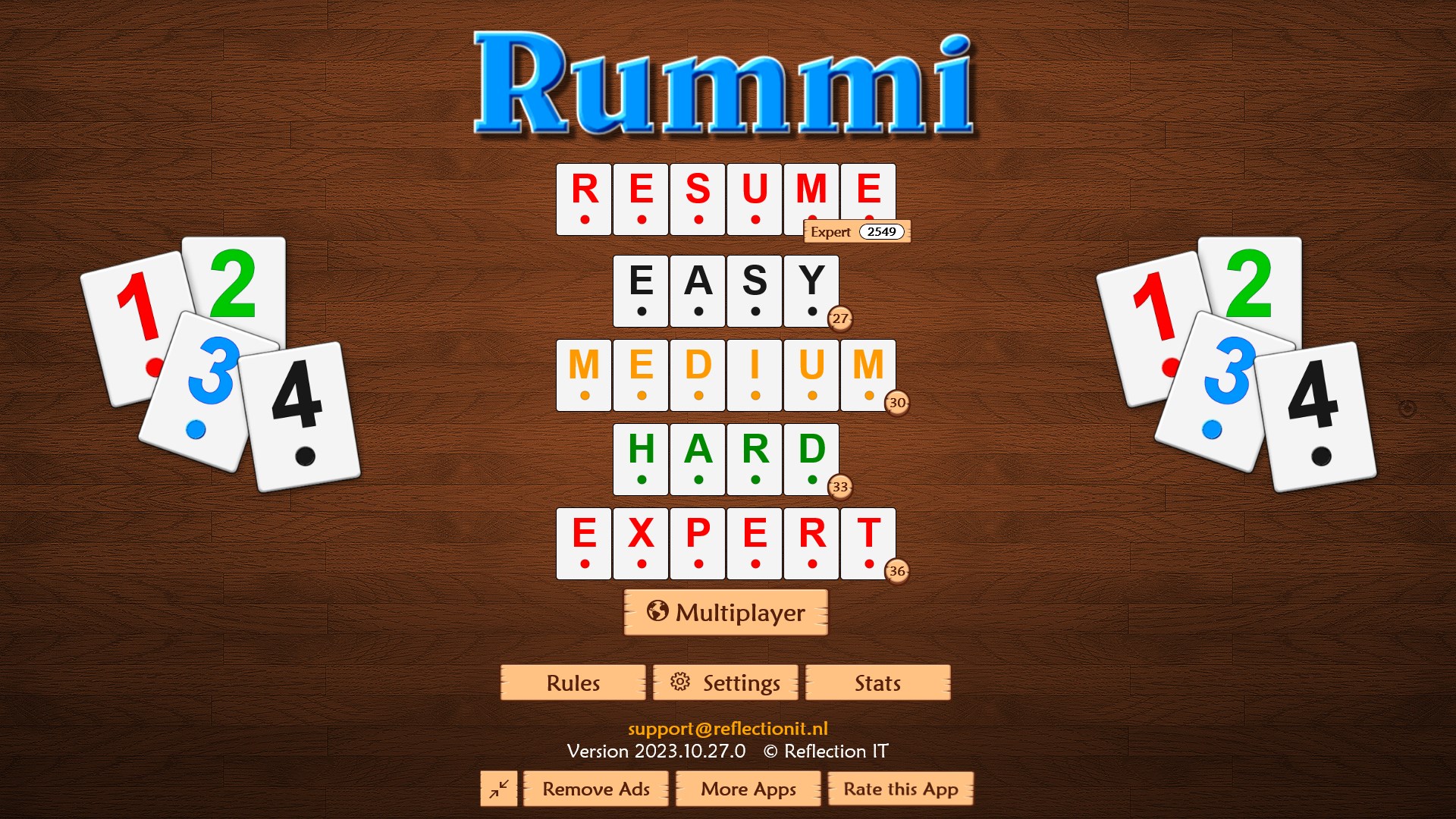
Unlike many other card and board game applications, Rummi for Windows emphasizes authenticity and user engagement through its intelligent AI and customizable rules. Its unique advantage lies in how it balances traditional gameplay with modern digital enhancements, such as adaptive difficulty and smooth animations. This not only makes the game more immersive but also accessible for players of all skill levels. Another notable feature is its cross-session save capability, allowing you to pause and resume games effortlessly—something that many similar apps overlook, making Rummi a much more user-friendly experience for busy schedules. Furthermore, its thoughtful design minimizes clutter and distractions, focusing your attention solely on the strategic challenge at hand.
Final Thoughts and Recommendations
Rummi for Windows proves to be a well-executed digital version of a timeless game. Its intuitive interface, clever AI opponents, and customization options make it suitable for casual players looking for quick entertainment or more serious strategists seeking a challenge. While it may not revolutionize game mechanics, its polished execution and user-friendly design elevate it above many standard implementations. I would recommend this app to anyone who loves tile-based puzzle games or is seeking a satisfying digital adaptation of a classic. It's particularly well-suited for those who appreciate intelligent AI and seek a distraction-free environment for their strategic battles.
Pros
- Intuitive and user-friendly interface
- Wide variety of game modes
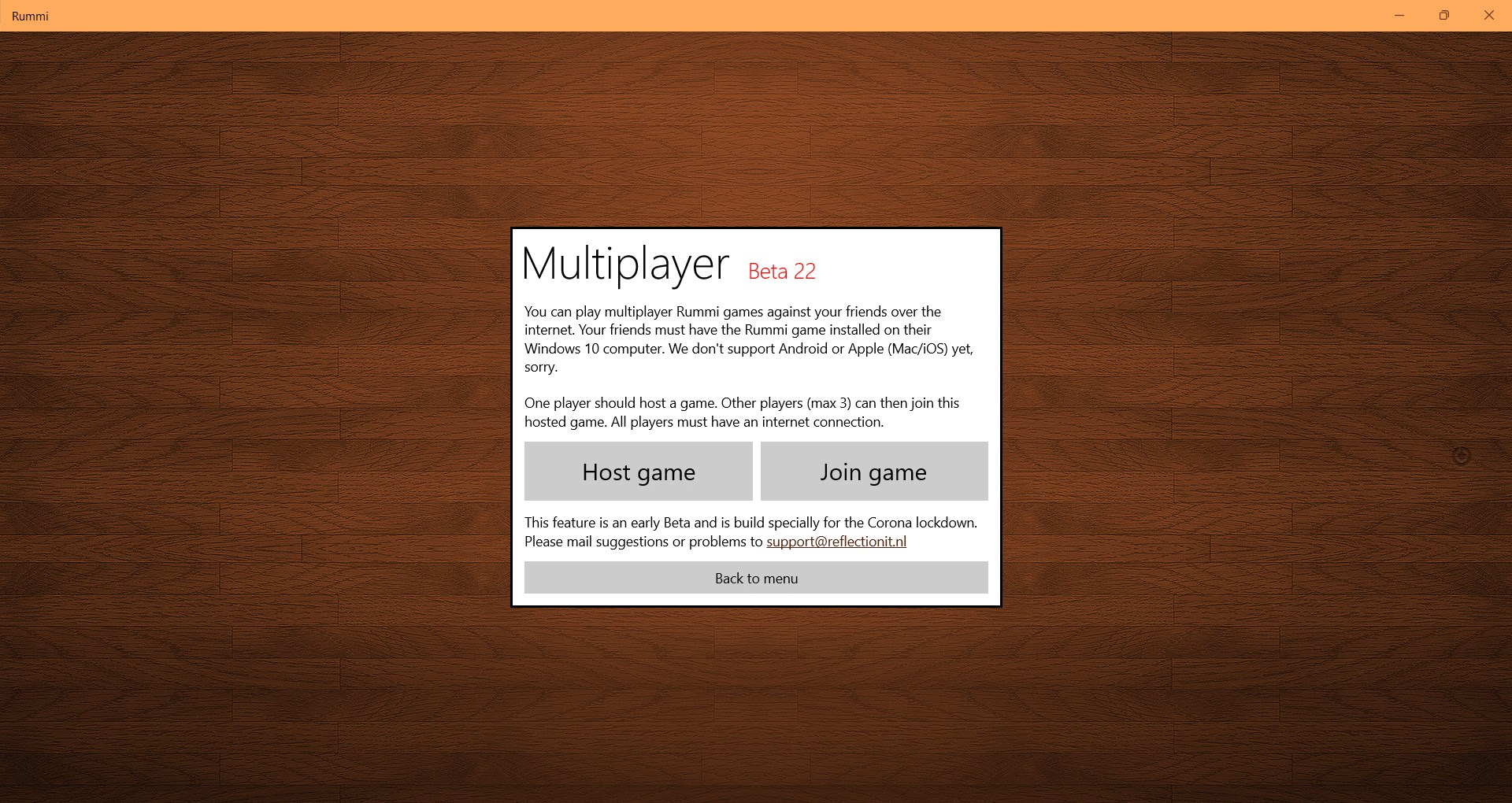
- Smooth multiplayer experience
- Regular updates and bug fixes
- High-quality graphics and sound effects
Cons
- Limited tutorial for new players
- Occasional connectivity issues during online play
- In-app advertisements interrupt gameplay
- Limited customization options for game themes
- Difficulty in finding opponents at peak hours











