
- Name Remote Controller for Smart TV
- Category Entertainment
- Developer Roadkill
- Available on PC, Mobile, Surface Hub, HoloLens
- OS Windows 10 version 14393.0 or higher
- languages English (United States)
Remote Controller for Smart TV for Windows: An Efficient Companion for Your Entertainment Setup
This application offers a streamlined way to turn your Windows PC into a versatile remote control for your smart TV, making the streaming experience more seamless and intuitive.
Basic Information at a Glance
Developed and published by Roadkill, this app positions itself as a handy remote control solution tailored for Windows users who want to effortlessly manage their smart TVs. Its main features include simplified device discovery, intuitive gesture controls, and personalized content navigation, all designed to enhance user convenience. The target audience primarily consists of tech-savvy homeowners and media enthusiasts seeking a smarter, more connected entertainment experience instead of juggling multiple remote controls or invasive app environments.
Engaging and Practical: Bringing Your TV Control to Your PC
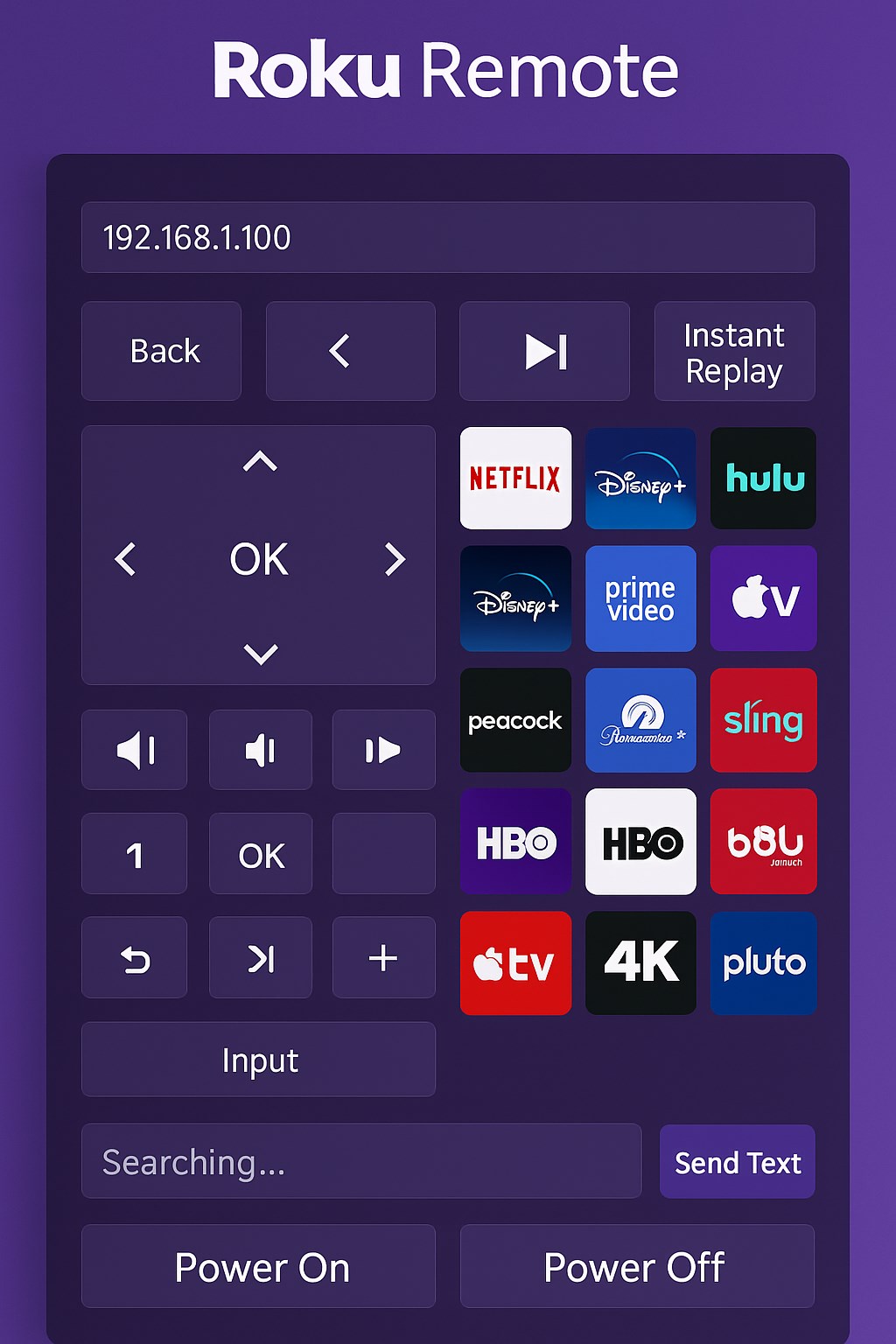
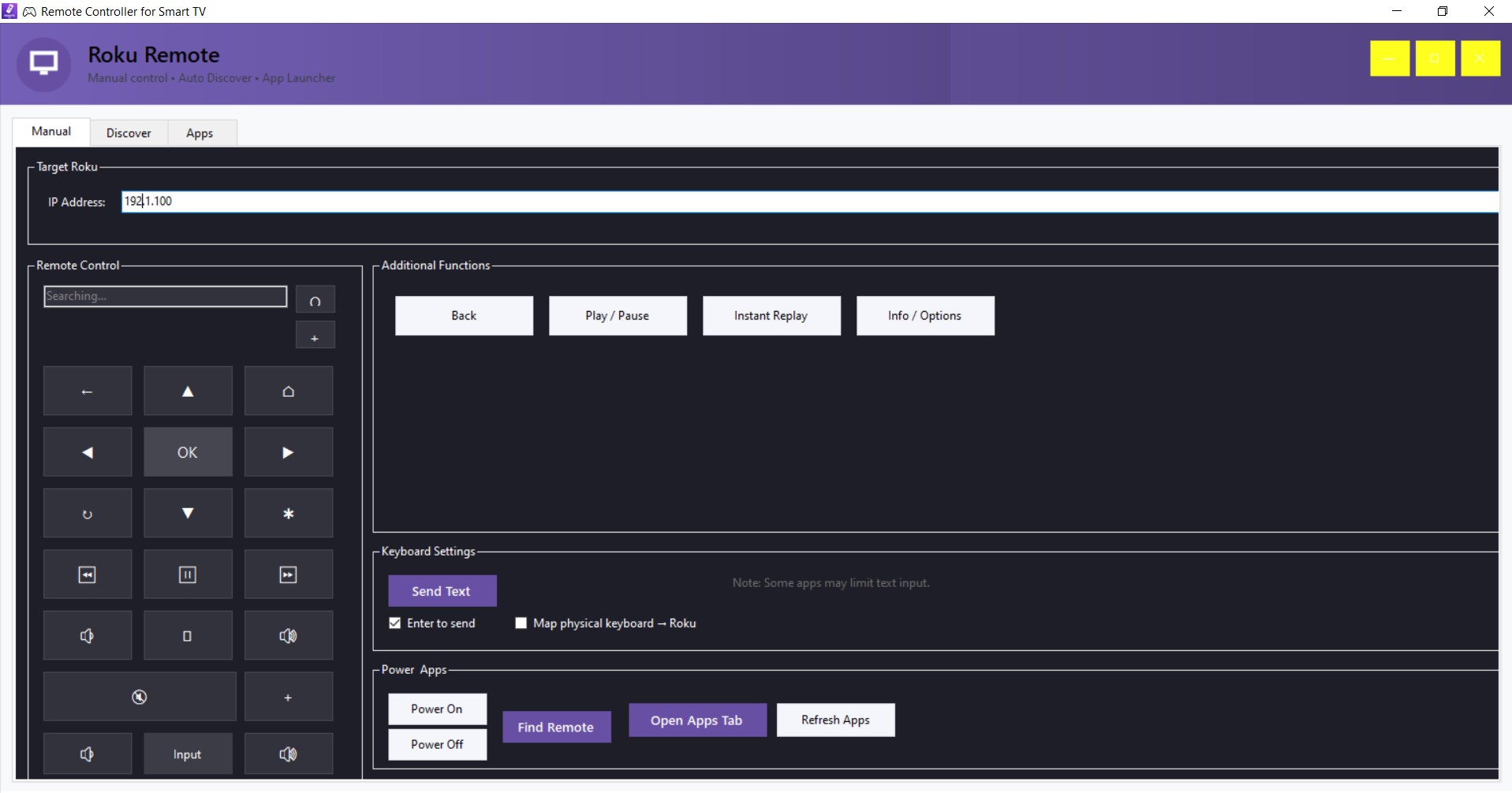
Imagine transforming your Windows PC into a sleek, all-in-one universal remote—no more hunting for different remotes hidden under couch cushions. As I explored this app, I found it's designed to blend the familiarity of traditional remote controls with the versatility of your computer. Its setup process is straightforward, and the app's interface mimics a familiar remote layout, making it instantly approachable for users of all experience levels. The app's responsiveness ensures commands are executed without lag, echoing the smooth responsiveness of a high-end remote. This makes it a reliable companion for binge-watching weekends or quick channel switches during weekday evenings.
Device Discovery and Connection – Seamless and Smart
One of the app's standout features is its ability to automatically detect compatible smart TVs within your local network. Think of it as having an attentive butler who immediately recognizes your TV when you walk into the room. The connection process is almost magical—click a button, and your PC and TV sync in seconds. This eliminates frustrating manual IP inputs or complicated pairing procedures common in competing apps. Once connected, the app's interface updates automatically to reflect your device, letting you start controlling your TV right away. This fast, intuitive discovery process minimizes setup fuss and maximizes entertainment time.
Intuitive Content Navigation and Control
Once connected, the app shines with its personalized content navigation features. It intelligently organizes your media and streaming options, offering quick access to favorite apps and channels. What truly sets it apart is its contextual control system—think of it as having a smart assistant that suggests the most relevant options based on what you're watching or streaming. This personalized recommendation relevance greatly enhances the viewing experience, unlike generic remote control apps that treat all content equally. Gestures and touchpad controls mimic smartphone swipes and taps, making browsing through menus feel natural and fluid. The interface design is clean and minimalistic, leaning towards comfort and usability, even during prolonged use.
What Stands Out in the Crowd
Compared to other entertainment apps, Remote Controller for Smart TV for Windows's emphasis on intelligent content discovery and personalized recommendations is a notable differentiator. While many remote apps rely solely on basic control functions, this app's algorithm assesses your viewing habits and suggests relevant content, reducing the hassle of searching through dozens of apps or channels. It's akin to having a concierge who knows your tastes and brings your favorite shows to the forefront without you asking.
Our Verdict: A Smart, User-Friendly Remote Experience
Overall, I'd recommend this app for anyone looking to unify their remote controls into one central device, especially for those who enjoy a more personalized viewing environment. Its quick device detection, seamless controls, and intelligent recommendations make it stand out among similar remote control apps. While it's best suited for users comfortable with network setup and Windows environments, the minimal learning curve ensures broad accessibility. If you're seeking a straightforward yet smart way to enhance your smart TV experience, this app deserves a spot in your digital toolkit.
Pros
- Easy Bluetooth pairing
- Intuitive interface
- Customizable buttons
- Supports multiple device models
- Additional media controls
Cons
- Occasional connectivity delays
- Limited gesture controls
- Battery usage could be high during continuous use
- Some device compatibility issues reported
- Limited customization options for advanced users











