
- Name Recording Studio Pro
- Category Music
- Developer Glauco
- Available on PC, Mobile, Surface Hub
- OS Windows 10 version 14393.0 or higher
- Memory 750 MB
- languages Arabic, Chinese (Simplified), Chinese (Traditional Chinese), English, French, German, Hindi, Italian, Japanese, Korean, Korean , Norwegian (Bokmål), Portuguese, Russian, Spanish
Recording Studio Pro for Windows: A Comprehensive Review for Home Studio Enthusiasts
In the ever-evolving landscape of digital music production, Recording Studio Pro for Windows emerges as a versatile and user-friendly solution, promising a professional-grade recording experience right from your desktop. Developed by Glauco, this application aims to bridge the gap between beginner setups and advanced studio requirements, making it an appealing choice for aspiring musicians, podcasters, and hobbyists alike.
Basic Information: Your Portable Recording Companion
Recording Studio Pro is a Windows-based application designed to facilitate high-quality audio recording and editing within a streamlined user interface. Its primary goal is to provide a powerful yet accessible platform for creating professional audio projects without the need for costly hardware or complex setups.
Developer and Publisher
Both developed and published by Glauco, this app benefits from a cohesive team dedicated to delivering intuitive music production tools tailored for Windows users.
Main Features & Highlights
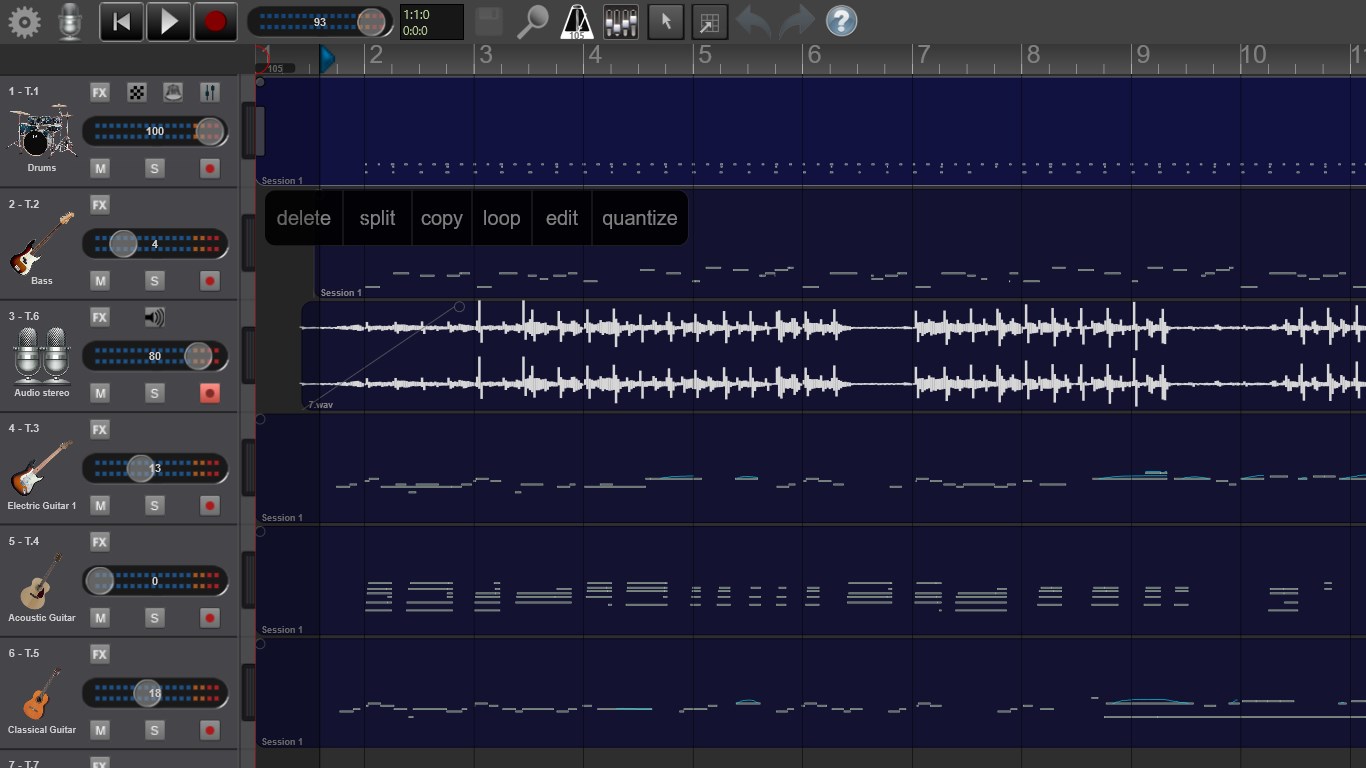
- Multi-Track Recording & Mixing: Support for recording multiple tracks simultaneously, allowing for complex compositions and layered audio productions.
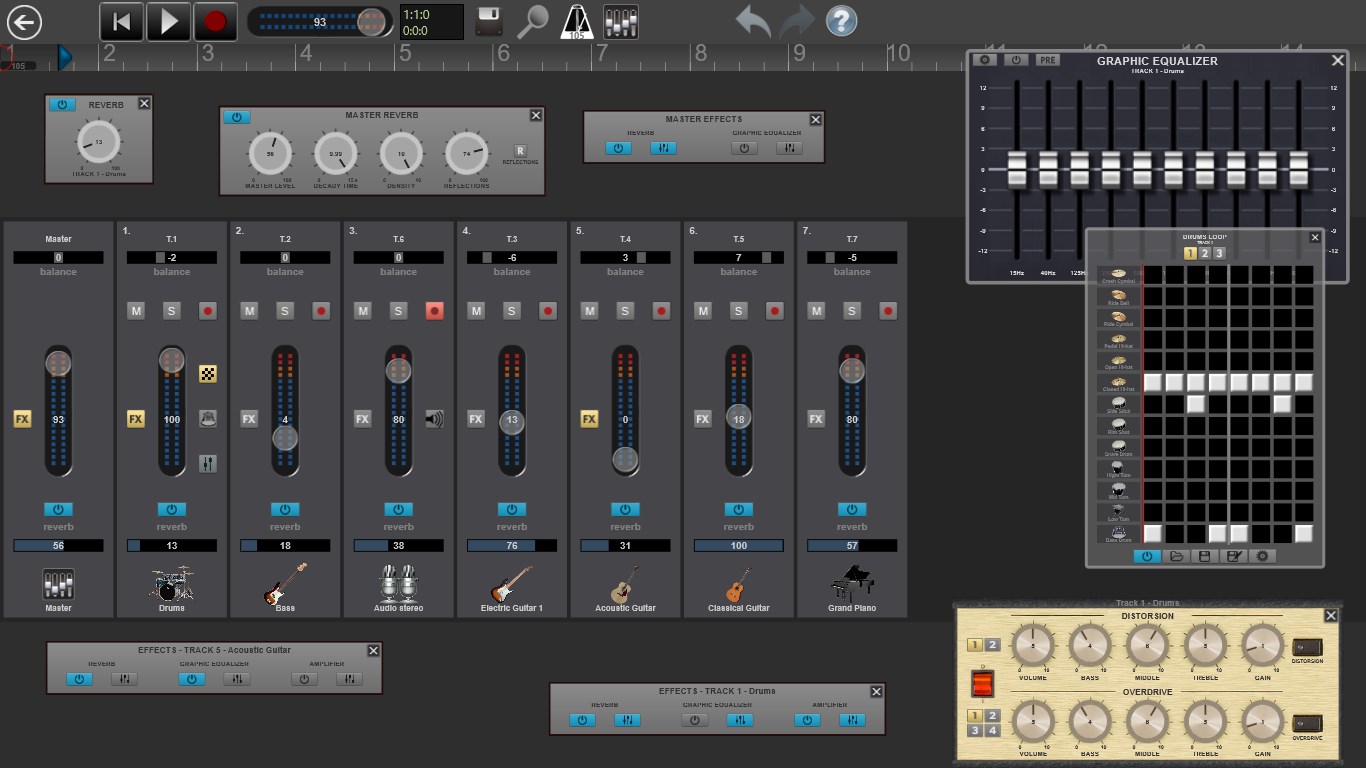
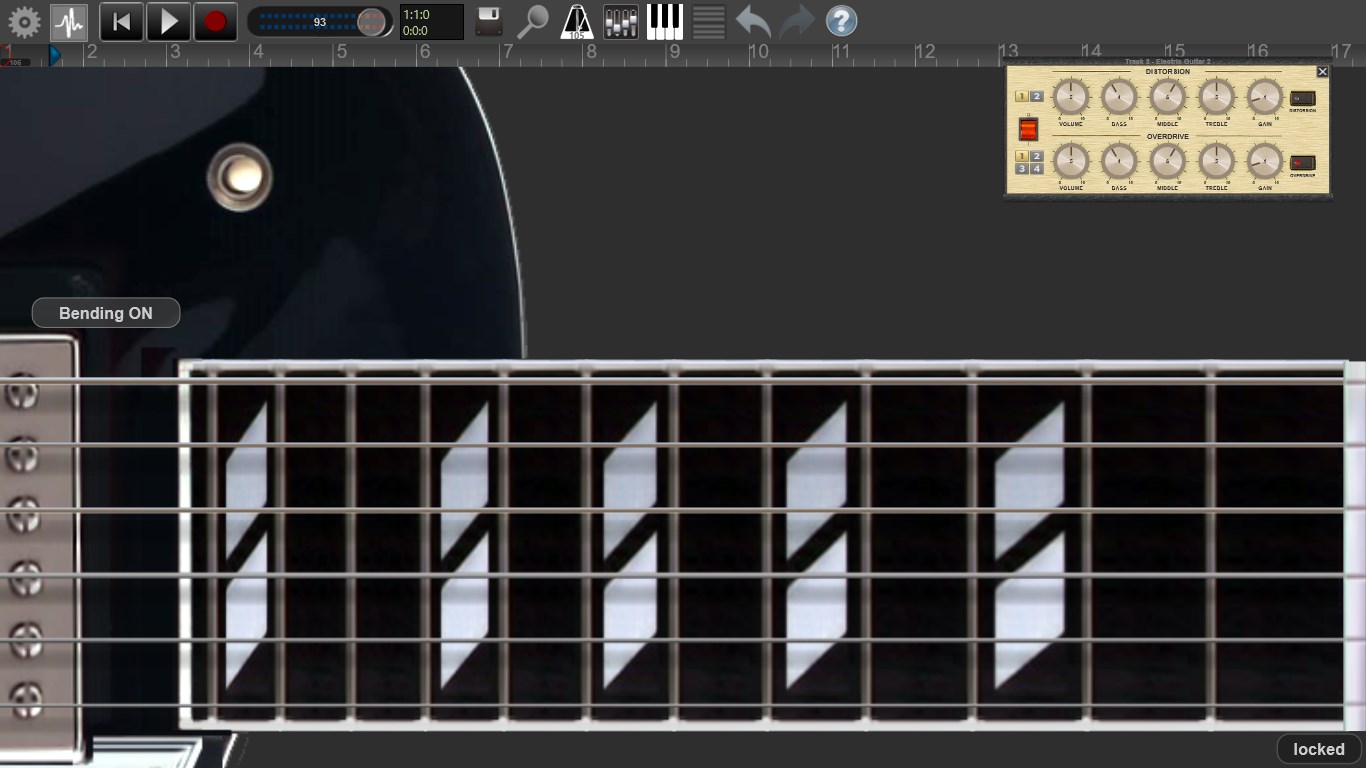
- Built-in Effects & Equalization: A suite of integrated effects, including reverb, delay, and EQ, to enhance audio quality without external plugins.
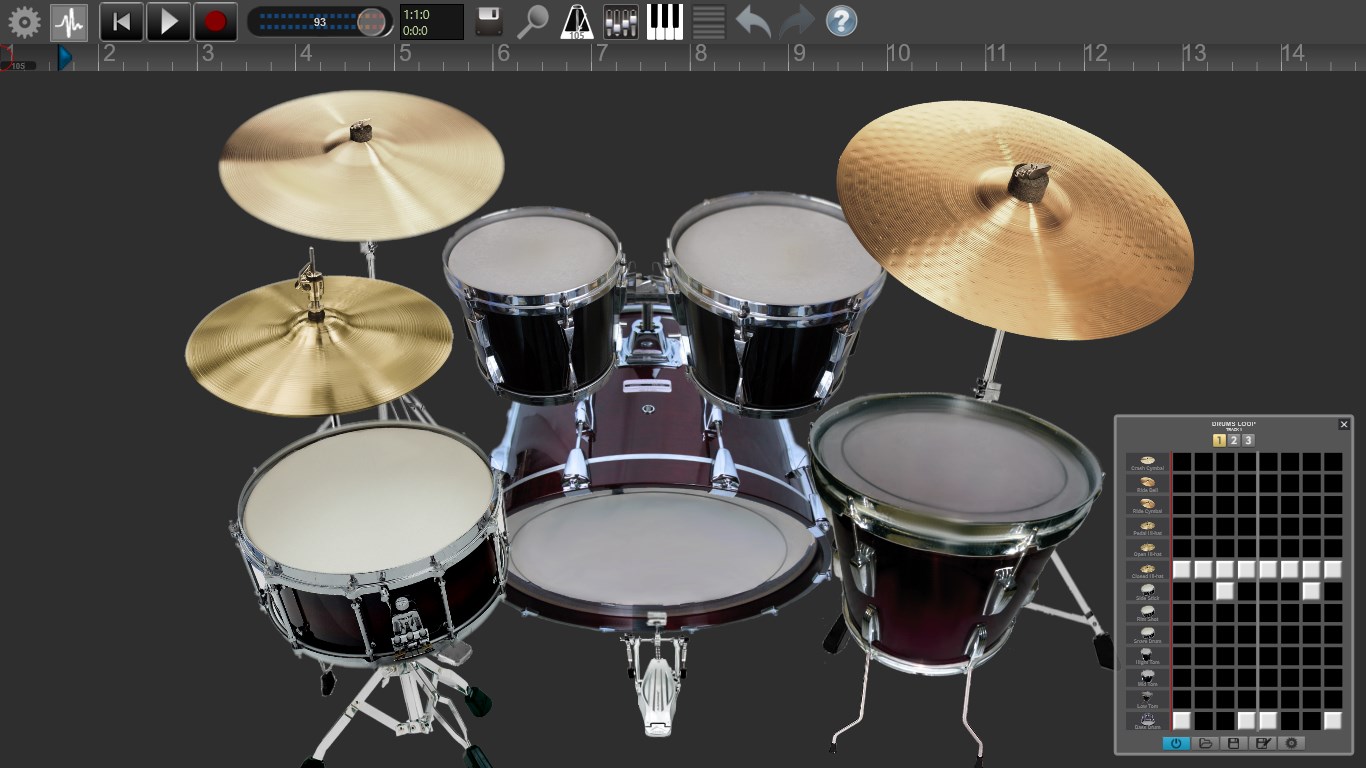
- Rhythm Pattern & Loop Library: An extensive collection of pre-made rhythm patterns and loops to inspire creativity and streamline composition.
- Real-time Monitoring & Latency Tolerance: Optimized for minimal latency, providing real-time feedback during recording sessions—crucial for maintaining tempo and rhythm integrity.
Immersive Features for Creators
Seamless Multi-Track Recording and Mixing
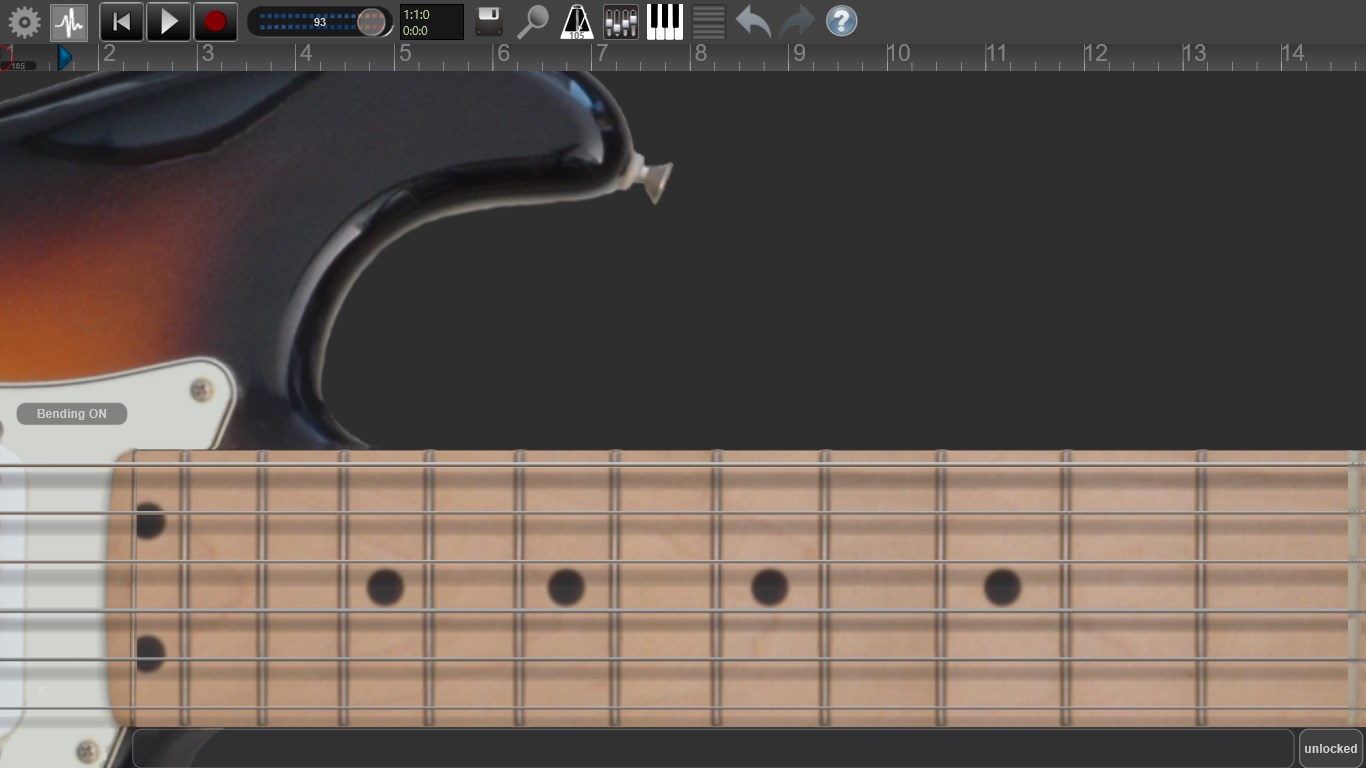
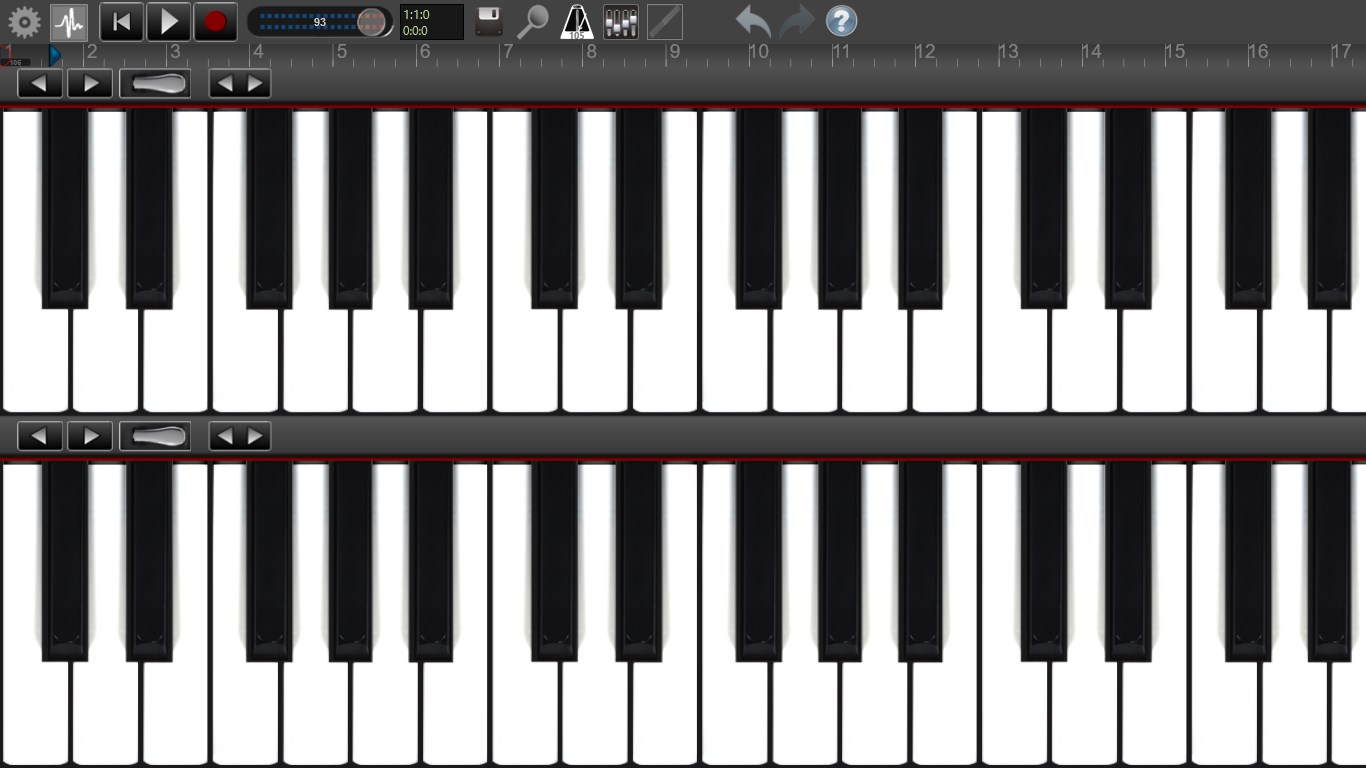
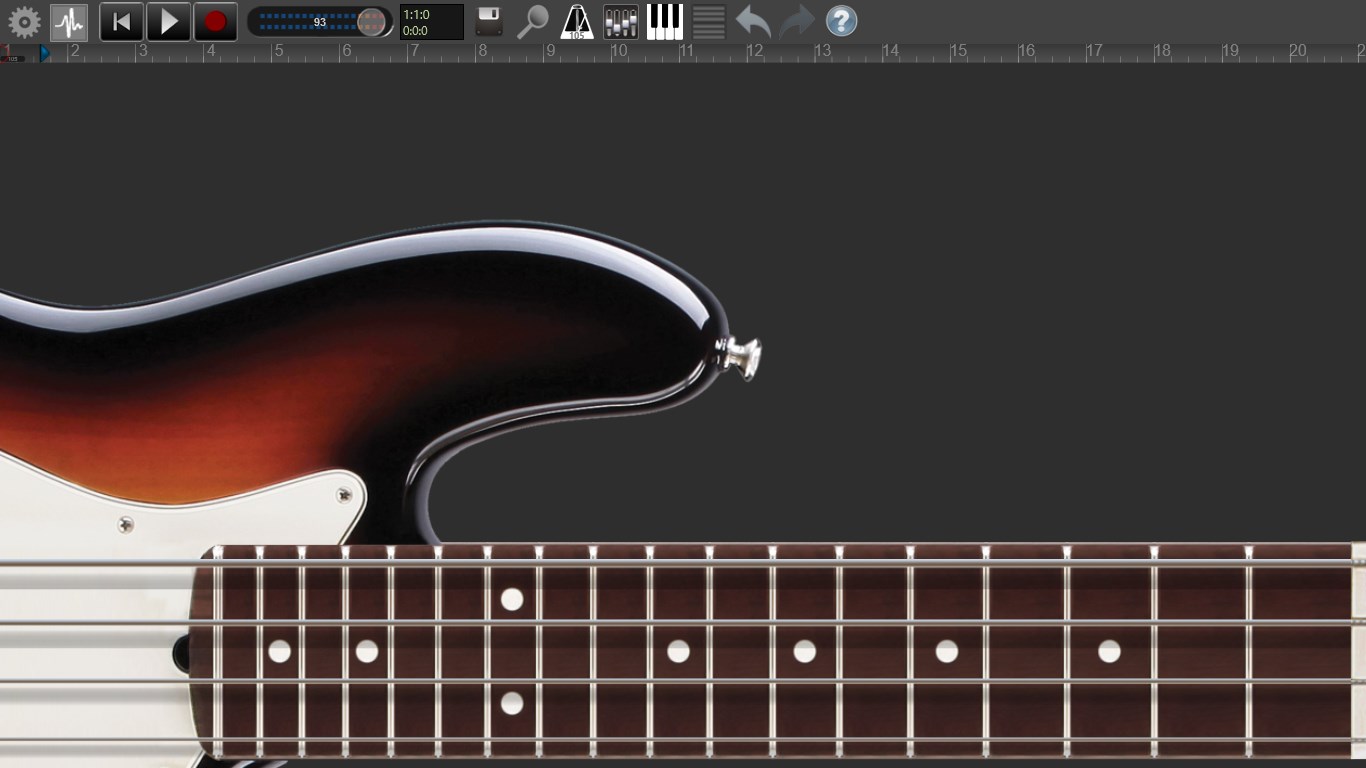
Picture yourself in a cozy studio, layers of sound weaving together seamlessly. Recording Studio Pro excels here, allowing users to record several audio tracks simultaneously with ease. The mixing interface resembles a traditional DAW, yet maintains simplicity for newcomers. Dragging faders and applying effects is a breeze, making complex projects feel approachable. Its capacity to handle multiple inputs makes it suitable for band recordings, podcast episodes, or multi-instrument arrangements.
Rich Library of Rhythms and Loops
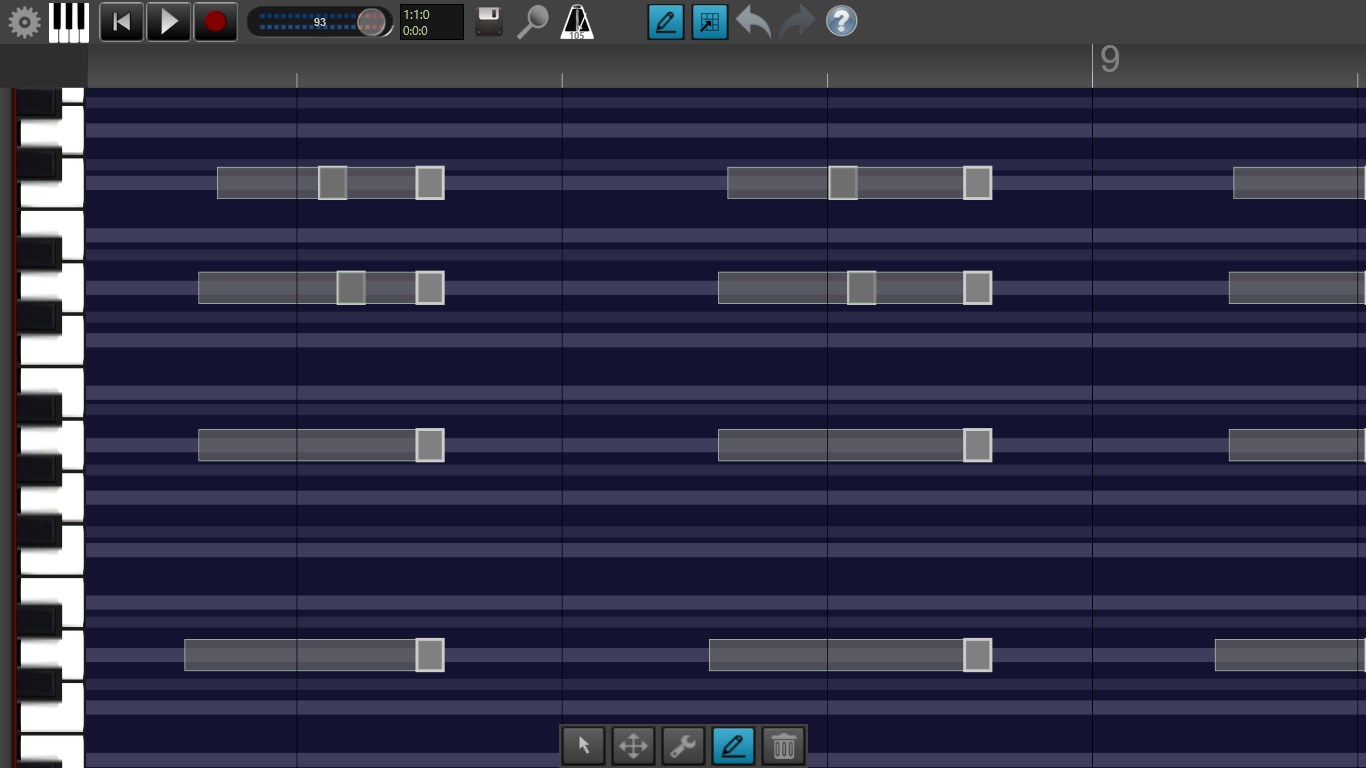
One standout feature is the extensive rhythm pattern and loop library. Whether you're producing a hip-hop beat or a cinematic score, the diverse collection provides a solid foundation for your creativity. These patterns are particularly useful for assessing rhythm pattern variety, as the app offers a splash of diversity, from subtle percussion to energetic drum rolls. This feature is where Recording Studio Pro shines, making it a natural choice for users focused on beat-making, groove exploration, and tempo-matching tasks.
Optimized User Experience with Low Latency
Latency has long been a stumbling block in digital audio workstations, but Recording Studio Pro tackles this crucial issue head-on. Thanks to its built-in tolerance settings, users enjoy near-instant feedback during recording sessions, which enhances rhythmic accuracy and reduces frustration. The intuitive interface, coupled with smooth operation and minimal lag, makes it particularly suitable for live recording scenarios or dynamic takes. Learning curve? Gentle, friendly—think of it as riding a bike with training wheels, gradually gaining confidence as you explore advanced functions.
How Does It Stand Out Among Peers?
While many music production apps focus on a single aspect—be it editing, sampling, or mixing—Recording Studio Pro integrates these features into a cohesive, accessible package. Its notable strength lies in the combination of user-friendly interface and technical robustness, especially in its rhythmic and latency features. Compared to other applications, it offers a tangible advantage in assessing rhythm pattern variety and tolerating input latency, making it particularly valuable for rhythm-focused producers and live performers who need real-time responsiveness.
Final Recommendation & Usage Tips
After thorough testing, I find Recording Studio Pro to be a solid option for beginners aiming to produce decent recordings without a steep learning curve, as well as for intermediate users seeking versatile rhythm assessment tools. Its standout features—namely, the rhythmic diversity and low-latency performance—make it suitable for rhythm-centric projects, such as drum programming or live performance recordings.
For optimal results, users should familiarize themselves with the latency settings to tailor the experience based on their hardware capabilities. Although the app may lack some of the advanced features found in professional DAWs, it offers enough to get creative and produce polished results.
In conclusion, I recommend Recording Studio Pro for Windows as a reliable, approachable app that balances simplicity with powerful functionality—making it a friendly “studio” that fits snugly on your computer tabletop. Whether you're capturing ideas on the fly or fine-tuning projects, it's poised to be a helpful partner in your audio journey.
Pros
- Intuitive User Interface
- High-Quality Audio Recording
- Built-in Sound Effects and Plugins
- Multi-Track Editing Capabilities
- Cloud Saving and Sharing
Cons
- Limited Export Formats
- Occasional Crashes on Large Files
- Basic Editing Features
- Limited Customization Options
- Requires Stable Internet for Cloud Features











