

- Name Real Chess Online
- Category Card & board
- Developer Alienforce
- Available on PC, Mobile, Surface Hub, HoloLens
- OS Windows 10 version 10240.0 or higher
- DirectX Version 10
- languages English (United States)
An Engaging Digital Chess Experience with Real Chess Online
Real Chess Online for Windows, developed and published by Alienforce, offers chess enthusiasts a modern, accessible platform to hone their skills and enjoy competitive matches in a sleek digital environment. Whether you're a casual player or a seasoned competitor, this app aims to blend classic strategic gameplay with contemporary design, making online chess more engaging and user-friendly.
Core Features That Make Real Chess Online Stand Out
Seamless Multiplayer Matches and Real-Time Play
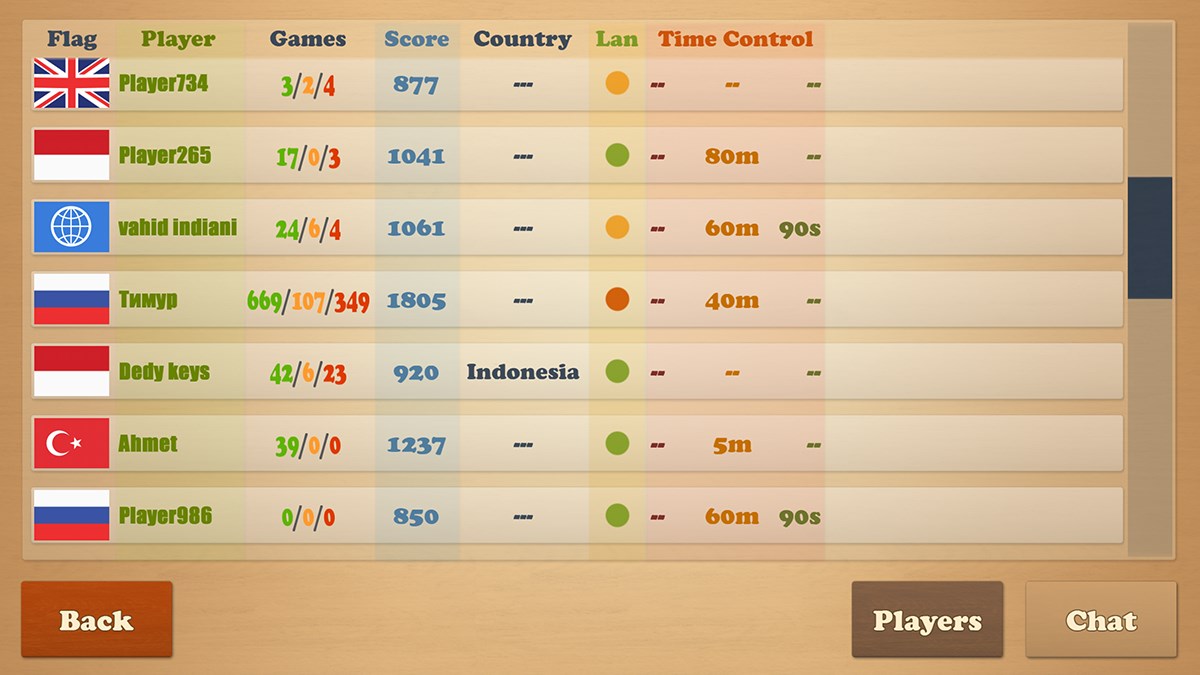
At the heart of Real Chess Online is its robust online multiplayer feature. It connects players worldwide, allowing you to challenge friends or compete against random opponents. The real-time gameplay ensures minimal lag, fostering an environment where strategic moves feel fluid and responsive—much like playing across the table with a physical set. This immediacy keeps the competitive spirit high and the experience immersive.
User-Friendly Interface and Intuitive Design
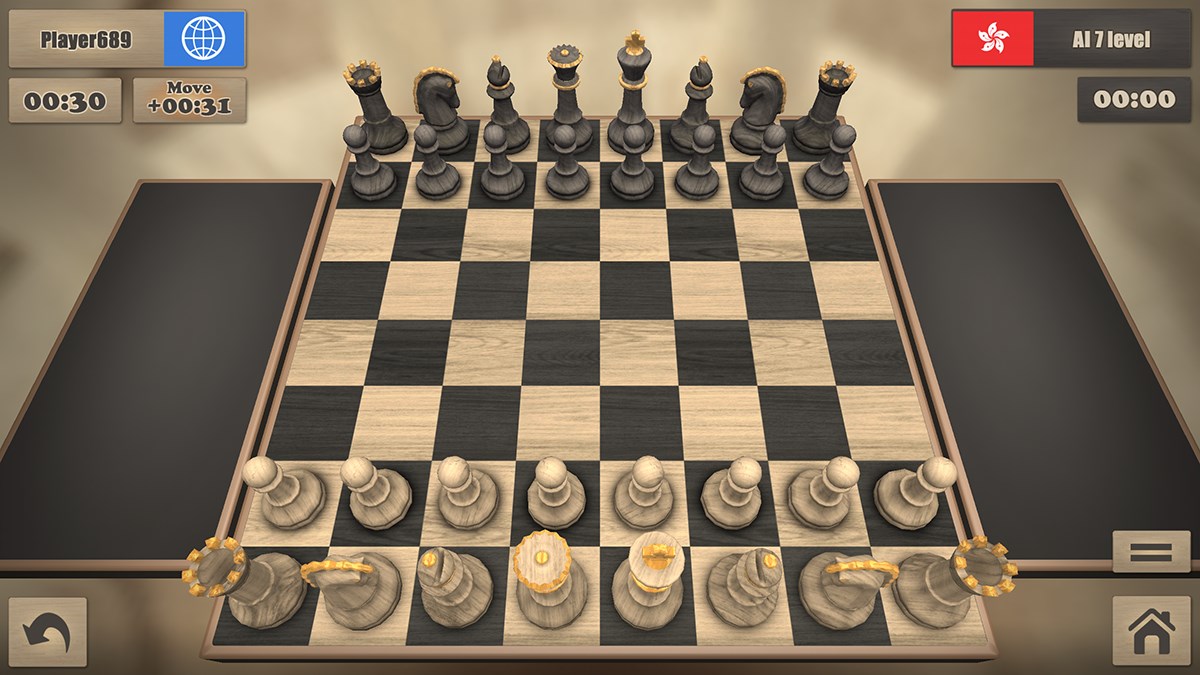
The app boasts a clean, modern interface that makes navigation effortless—think of opening a well-organized chessboard where everything is within reach. The layout simplifies game setup, profile management, and access to tutorials, making it suitable even for beginners. Transitioning from a novice learning the rules to an intermediate strategist is smooth, thanks to thoughtful design elements that reduce cognitive load and promote smooth user flows.
Enhanced Learning & Practice Modules
Beyond playing, Real Chess Online offers learning tools such as puzzles, tutorials, and replay features. These are invaluable for users eager to improve their game. Imagine having a personal coach analyzing your moves or presenting puzzles that sharpen your tactical thinking—it's like having a chess mentor by your side, available 24/7. This emphasis on skill development makes the app not just a casual game, but a comprehensive learning environment.
Evaluating User Experience: Design, Performance, and Accessibility
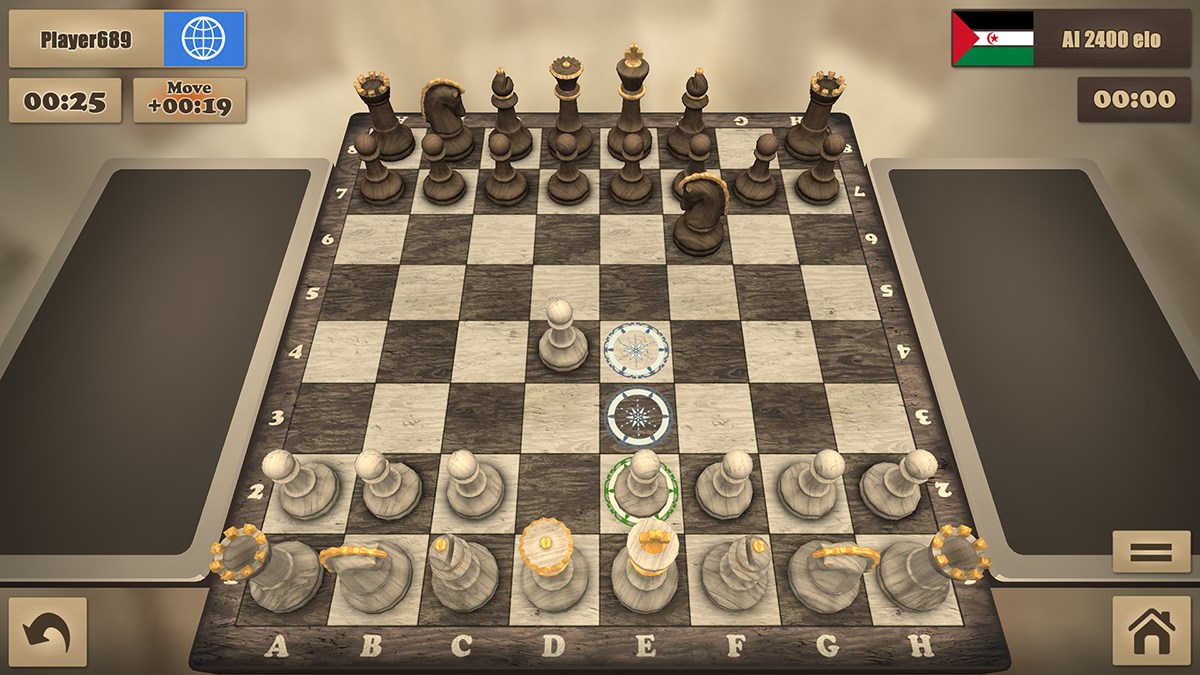
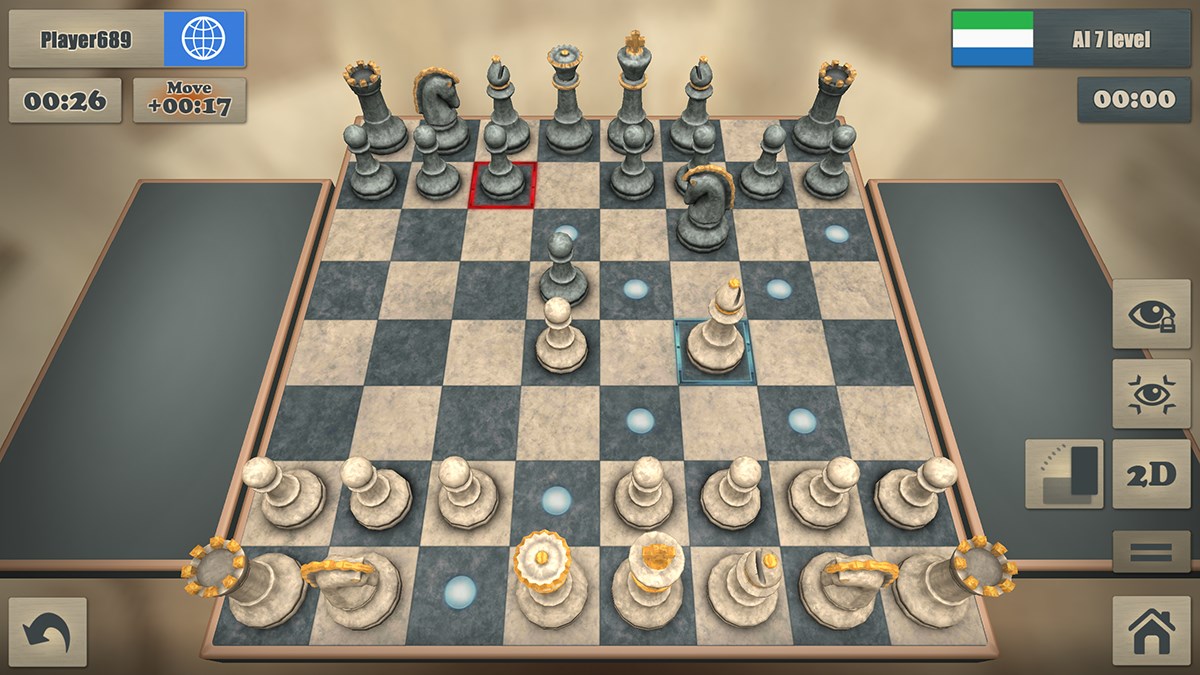
The aesthetic appeal of the interface feels akin to a well-lit, inviting chess room—simple yet elegant. The interface design avoids clutter, presenting clear game states, move highlights, and easy access to menus. Operation-wise, the app delivers smooth performance, with swift responses to user inputs, regardless of device specifications—ensuring that even less-powered PCs won't hinder your strategic plans. The learning curve is gentle; beginners can quickly grasp basic gameplay, while advanced players can take advantage of deeper features like move analysis and custom puzzles.
The Unique Value Proposition: How It Differs from Similar Apps
While many digital chess platforms emphasize social features or advanced AI opponents, Real Chess Online distinguishes itself through its emphasis on real-time multiplayer play combined with an accessible interface. Its standout feature is the balanced combination of competitive play and learning resources presented in a straightforward package. Unlike some apps where interface clutter or steep learning curves deter casual users, this app offers a streamlined experience that invites ongoing engagement. Its focus on smooth, responsive multiplayer matches paired with integrated tutorials makes it more than just a digital chessboard—it becomes a versatile tool for both fun and growth.
Final Recommendations: Who Should Try It and Why
If you're searching for a dependable, user-friendly online chess app that emphasizes real-time play without a steep learning curve, Real Chess Online is worth exploring. Casual players will enjoy its intuitive design and quick matchmaking, while more serious enthusiasts can take advantage of training modules and replay features. Given its performance and accessibility, I would rate it as a solid choice for a broad audience. Whether you're looking to pass the time with a friendly match or aiming for serious improvement, this app provides a balanced platform to suit your chess journey.
Pros
- Intuitive User Interface
- Real-Time Multiplayer Matches
- Multiple Difficulty Levels
- Regular Updates and New Features
- Availability of Tutorials and Tips
Cons
- Limited Offline Mode
- Occasional Matchmaking Delays
- Basic Visuals and Sound Effects
- Limited Customization Options
- In-App Purchases Prominent











