

- Name Pyramid Solitaire
- Category Card & board
- Developer TreeCardGames
- Available on PC
- OS Windows 10 version 17763.0 or higher
- languages English, English (United States)
Introducing Pyramid Solitaire for Windows: A Classic Twist with a Modern Feel
Pyramid Solitaire for Windows, developed and published by TreeCardGames, offers a refreshed take on the traditional card game with a sleek interface and smooth gameplay designed to keep both casual players and seasoned solitaire fans engaged.
A Closer Look at the Developers and Key Features
TreeCardGames, a dedicated team passionate about digital card games, has crafted this application to bring the timeless Pyramid Solitaire experience to the Windows platform with user-centric design and straightforward mechanics. The app's standout features include intuitive drag-and-drop controls, customizable game themes, and an innovative hint system that gently guides players without disrupting the flow. Additionally, it offers seamless progress tracking and optional undo features, making each session both relaxed and engaging. The target audience spans casual gamers seeking a relaxing pastime to classic card enthusiasts looking for a polished version of this venerable game.
Engaging and Playful: Setting the Stage for Your Pyramid Solitaire Journey
Imagine sitting back on a cozy Sunday afternoon, a warm cup of coffee in hand, as the gentle shuffle of cards transports you into a world of strategic thinking and a splash of leisure fun. Pyramid Solitaire for Windows captures that vibe perfectly. Its bright, clear interface invites you to dive in without a steep learning curve. Whether you're a seasoned player or just dipping your toes into the card game pond, the game's approachable design makes it easy to start your journey instantly, feeling both challenged and comforted by its familiar yet refined presentation.
Intuitive Interface and User Experience
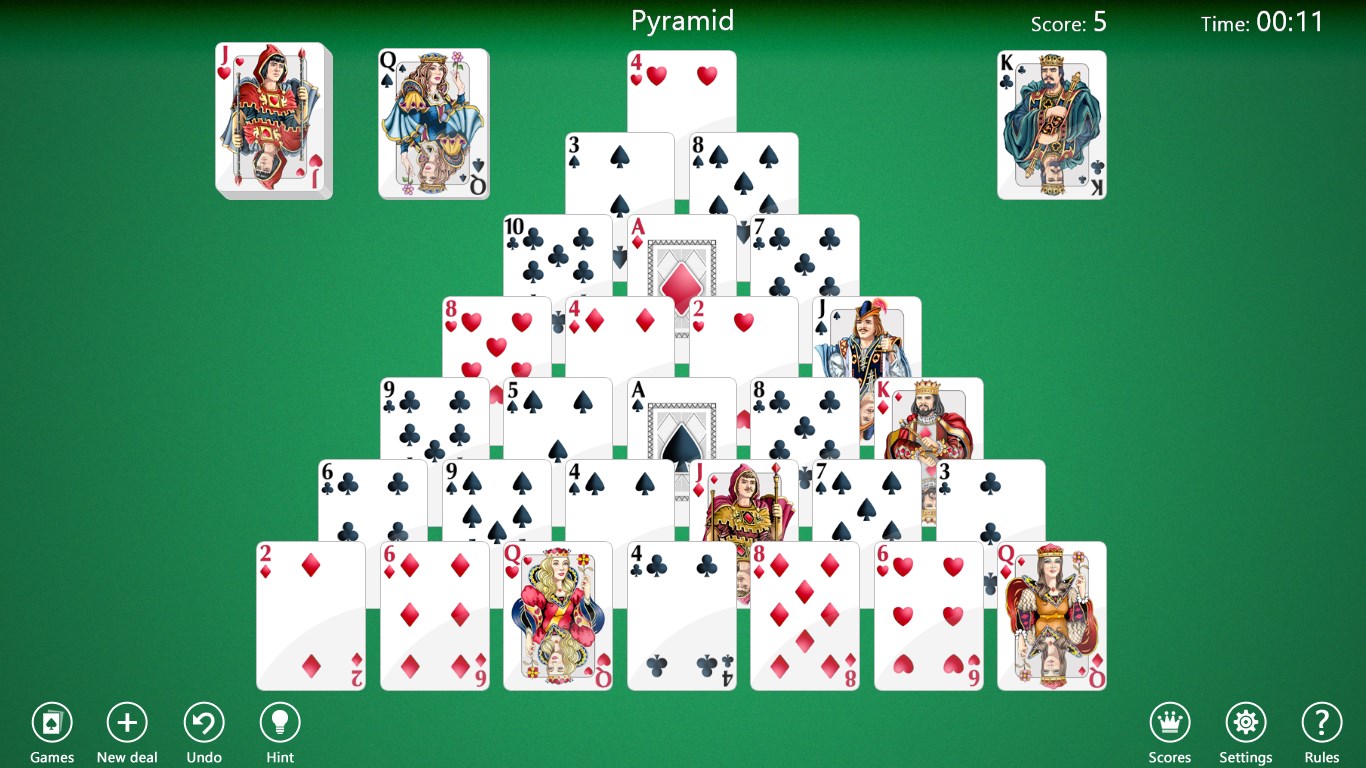
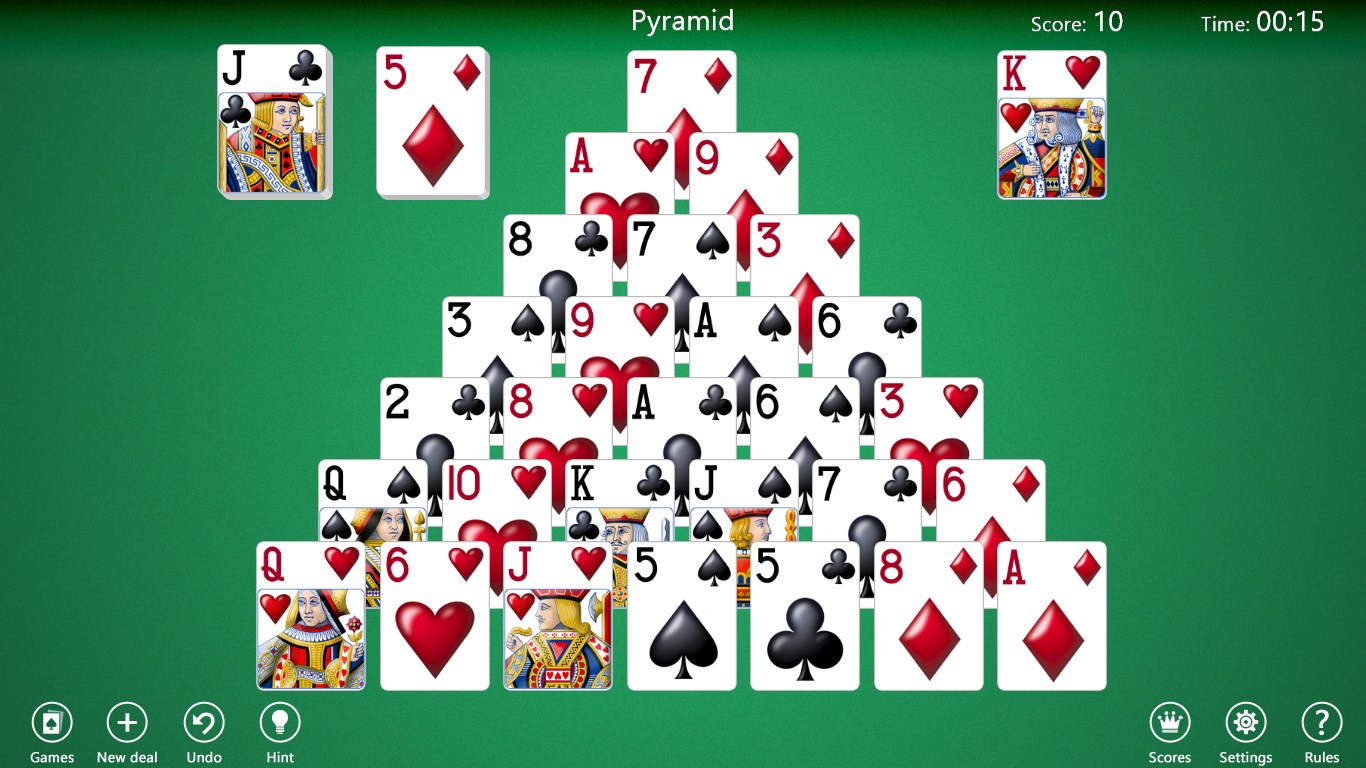
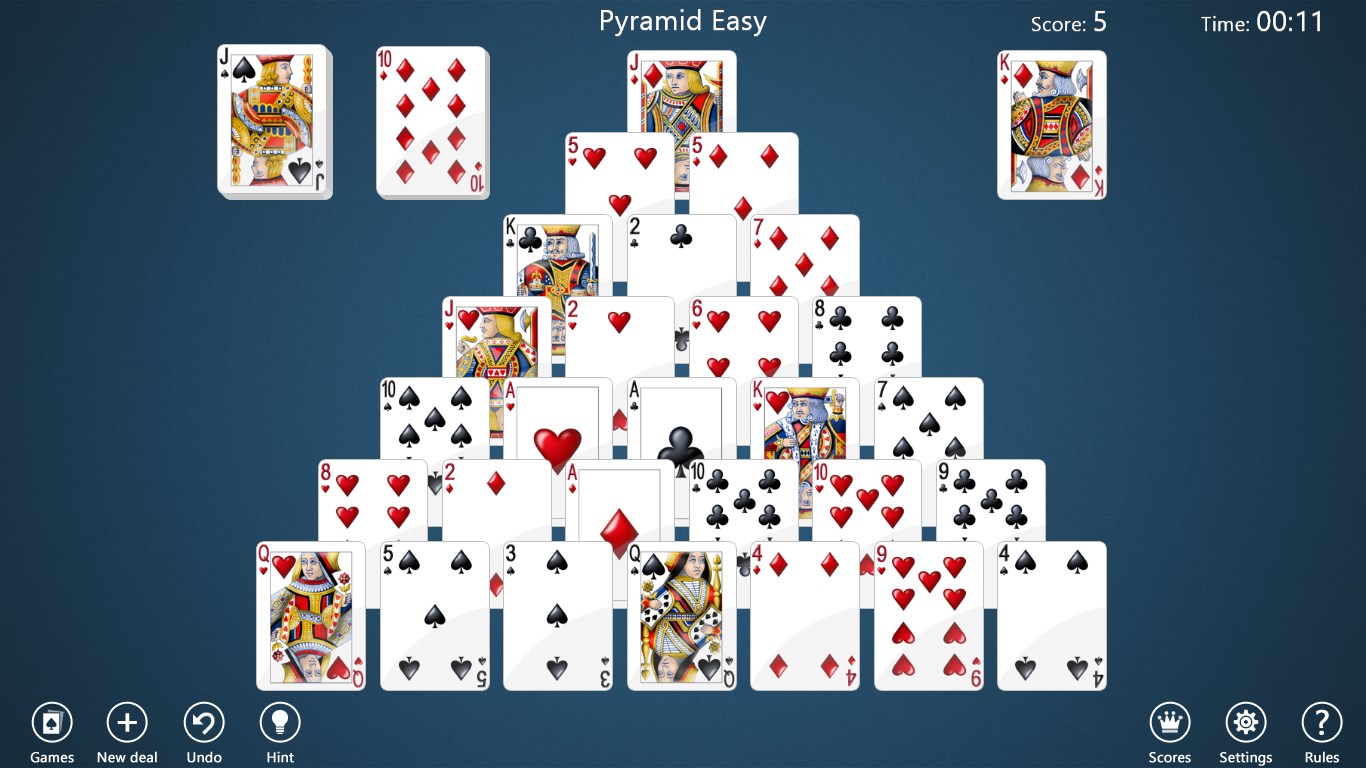
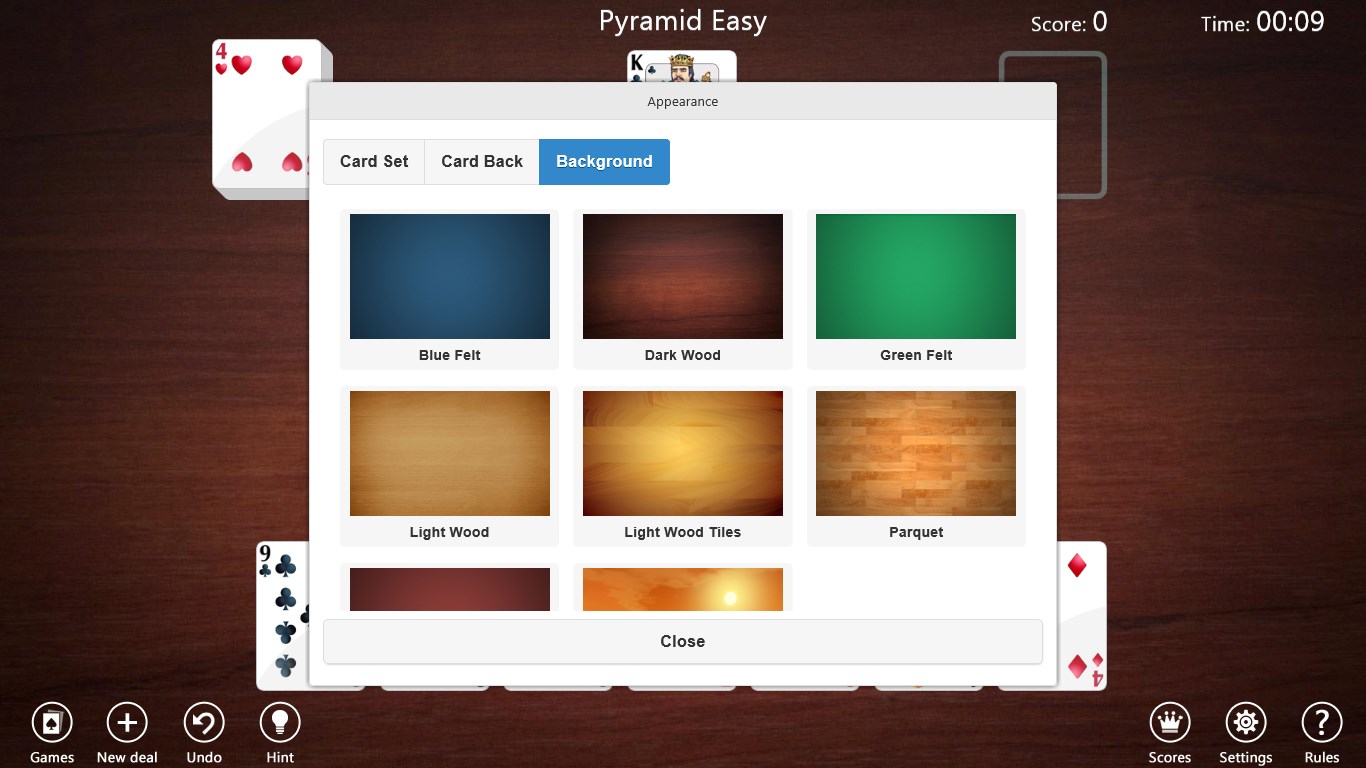
The app boasts a clean, visually appealing interface that resembles a well-organized deck spread out on a table. The large, well-placed buttons and responsive drag-and-drop functionality create a smooth, frustration-free experience — think of it as playing with real cards, but with the benefits of digital convenience. The game also incorporates adjustable settings, allowing players to customize themes and card backs, heightening visual enjoyment. The learning curve is gentle; even newcomers can quickly grasp the rules, while veterans can enjoy more challenging layouts or tweaking settings for a personalized experience.
Core Features That Shine
- Multiple Game Modes: The app offers various difficulty levels and layout options, encouraging players to try different strategies or simply relax with the classic pyramid setup. This flexibility ensures longevity and keeps boredom at bay.
- Hint & Undo Mechanics: One of the program's highlights is its intelligent hint system—delicately nudging players when they're stuck without spoiling the fun or disrupting flow. The undo feature allows you to backtrack moves calmly, which is perfect for experimenting with tactics or simply enjoying the game at your own pace.
- Progress and Achievement Tracking: The app records your wins, losses, and overall progress, adding a gentle layer of motivation. It turns casual play into a series of mini-challenges, fostering continued engagement.
Compared to Other Card & Board Apps: What Makes It Special?
Unlike many other digital card games cluttered with ads, collectibles, or overly complicated interfaces, Pyramid Solitaire for Windows keeps things refreshingly straightforward. Its minimalist aesthetic emphasizes ease of play, while its clever hint system and customizable themes set it apart from more generic versions. Think of it as the well-tailored suit in a sea of casual wear—it has an understated elegance that enhances every game session. Its smooth animations and thoughtful controls give it a polished, almost tactile feel, making each card move satisfying, much like shuffling a real deck.
Final Thoughts and Recommendations
Overall, Pyramid Solitaire for Windows is a well-crafted digital rendition of a classic game. It adeptly balances simplicity and feature richness, making it suitable for quick breaks or longer gaming sessions. I'd recommend it to anyone who appreciates a visually clean, thoughtfully designed card game that's easy to pick up but offers depth for strategic thinkers. Whether you're new to Pyramid Solitaire or looking for a reliable, no-fuss app to enjoy during your leisure time, this game is a solid choice. Just think of it as your digital deck of cards—ready whenever you are to challenge your mind and relax your spirit.
Pros
- Intuitive Gameplay
- Visually Appealing Design
- Smooth Performance
- Daily Challenges and Achievements
- Offline Access
Cons
- Limited Customization Options
- In-App Ads
- Lack of Advanced Difficulty Levels
- No Multiplayer Mode
- Basic Tutorial











