




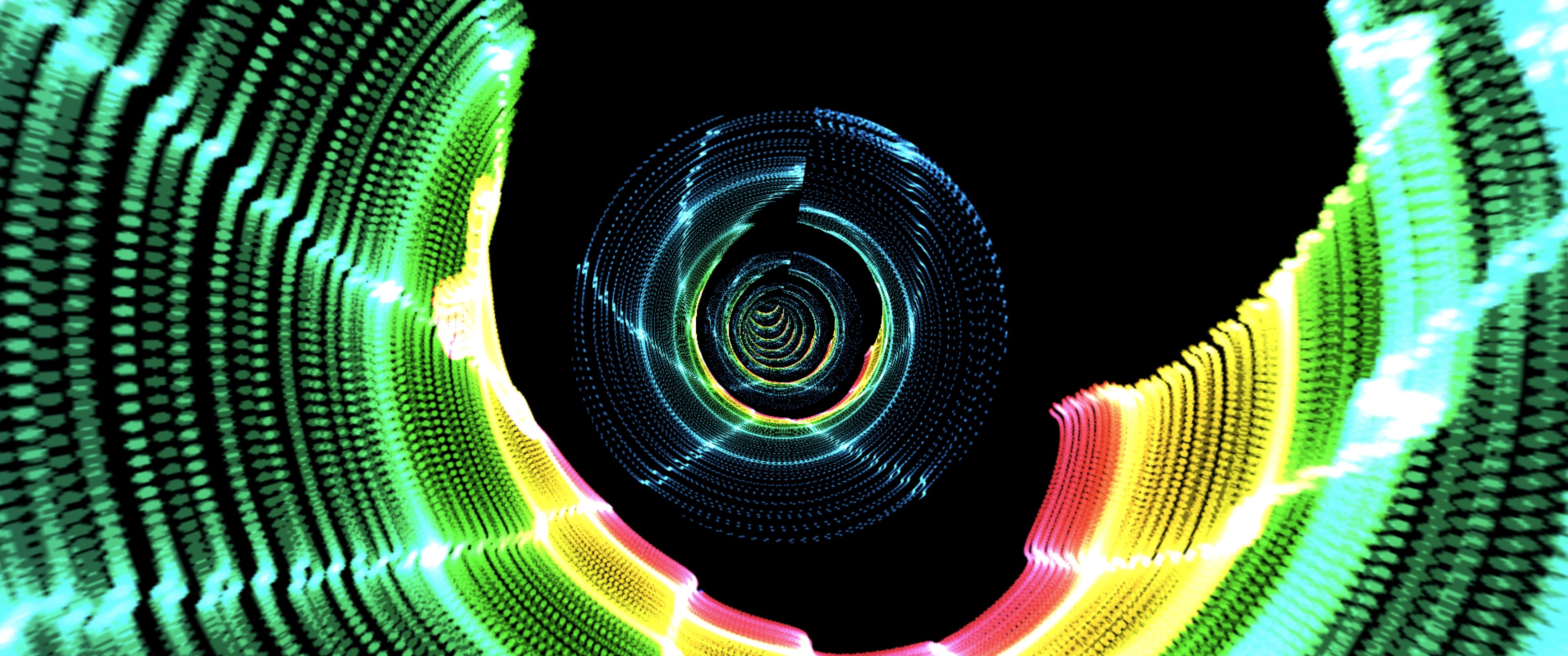






- Name PuLsE Music Visualizer
- Category Music
- Developer Patrick G. Leamy
- Available on PC
- OS Windows 10 version 17763.0 or higher
- languages English (United States)
A Sleek and Interactive Music Visualizer for Windows
PuLsE Music Visualizer for Windows, developed and published by Patrick G. Leamy, stands out as a versatile tool designed to transform your audio experience into mesmerizing visual displays. Perfect for music enthusiasts, content creators, or anyone wanting to add a dynamic visual element to their soundtracks, this app promises an engaging mix of aesthetic appeal and functional depth.
Highlights that Set PuLsE Apart
At its core, PuLsE offers an intuitive interface coupled with real-time responsiveness, but its real charm lies in its customized rhythm analysis and latency management features. The app is designed to handle complex beat patterns with minimal delay, making it ideal for live performances or intense gaming sessions. Additionally, its ability to discern and adapt to a variety of musical rhythms ensures that each visual display stays in sync with your music, creating a more immersive experience for the user.
Core Features in Detail
Rhythm Pattern Recognition and Variety
The standout feature of PuLsE is its sophisticated rhythm pattern assessment engine. Unlike typical visualizers that follow a preset beat, PuLsE actively analyzes the incoming audio to identify beats and rhythm structures in real time. Whether you're playing a slow jazz ballad or a high-energy electronic track, the visual responses adapt fluidly, matching the song's tempo and complexity. This dynamic rhythm assessment ensures the visualization is always in tune with your music, elevating the overall sensory experience.
Low-Latency Performance for Seamless Visuals
One of the app's most notable strengths is its optimized performance for low latency. This means minimal lag between audio playback and corresponding visuals, crucial for live performances or streaming sessions where timing accuracy matters. Thanks to efficient processing algorithms, PuLsE maintains smooth visuals even with high-volume or complex audio inputs, making it a reliable companion for professional or recreational setups.
Intuitive User Interface and Ease of Use
The app sports a sleek, minimalist interface that's inviting rather than overwhelming—think of it as the cockpit of a well-designed spaceship, where everything is accessible and logically arranged. The controls are straightforward, allowing users to tweak parameters or switch visual modes without a steep learning curve. The app responds swiftly to user commands, ensuring an effortless experience whether you're tuning a visual to match a particular mood or experimenting with different effects.
Comparative Edge and Unique Advantages
While numerous music visualizers exist for Windows, PuLsE distinguishes itself with its adept rhythm pattern adaptability and real-time latency management. Unlike traditional visualizers that often respond in a generic pattern or lag behind the beat, PuLsE's pattern assessment captures complex and variable rhythms with impressive accuracy. For example, it can handle intricate drum sequences or unpredictable tempo shifts seamlessly, making it particularly suitable for diverse musical genres. This focus on rhythm assessment and low latency offers a more synchronized and engaging visual experience, especially critical in performance settings or detailed audio analysis.
Final Recommendations and Usage Suggestions
If you're looking for a music visualizer that not only looks good but also understands and adapts to your music's intricacies, PuLsE is certainly worth trying. Its strengths lie in keeping visuals in perfect sync with even complex rhythms, making it ideal for live DJ sets, content creation, or just elevating your home listening. Beginners will find the intuitive interface easy to navigate, while advanced users will appreciate the depth of rhythm detection and performance stability. Overall, I recommend PuLsE as a reliable, feature-rich visualizer that delivers a professional experience without the need for extensive setup or technical fuss.
Pros
- Intuitive and visually appealing interface
- Rich variety of visual effects
- Smooth real-time visualization performance
- Easy integration with Microsoft Store
- Customizable settings for personal preferences
Cons
- Limited free features
- Occasional glitch with audio responsiveness
- Lack of extensive customization options for visual effects
- High CPU usage during extended use
- Some users report crashing on older hardware











