

- Name Prime Video for Windows
- Category Entertainment
- Available on PC
- OS Windows 10 version 19041.0 or higher
- languages English (United States)
Overview of Prime Video for Windows
Prime Video for Windows is a dedicated desktop application designed to bring Amazon's vast digital streaming library directly to your Windows PC, offering seamless access and immersive entertainment experience. Developed by Amazon Development Centre (London) Ltd, this app aims to provide users with a convenient way to enjoy their favorite movies and TV shows without relying solely on browsers or other devices.
Core Features and Highlights
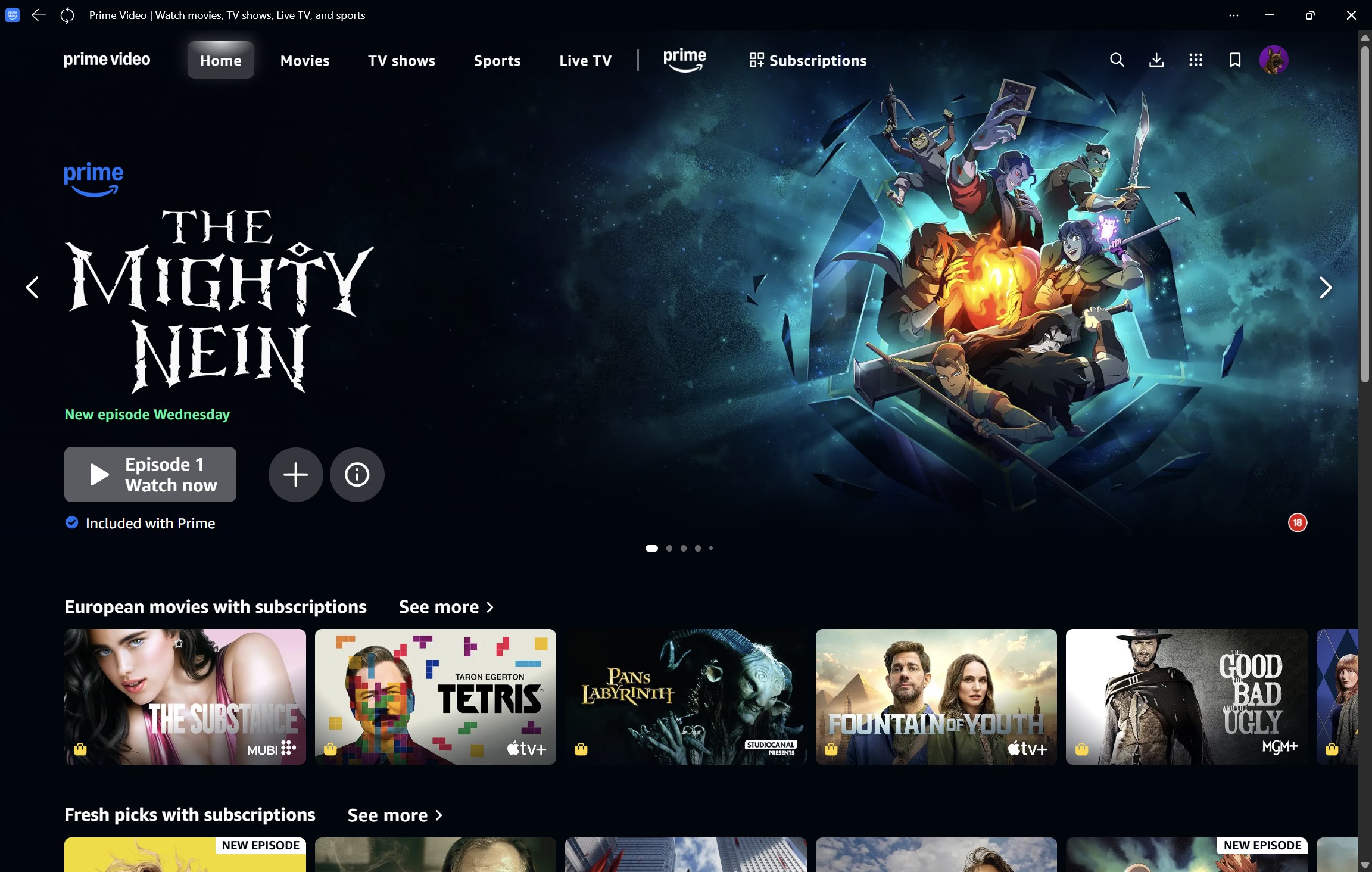
With a focus on user convenience, Prime Video for Windows offers intuitive content browsing, high-quality playback, and personalized recommendations. Its standout features include tailored content discovery algorithms, an organized interface that simplifies navigation, and smooth playback performance that rivals dedicated media players.
Engaging and Intuitive User Interface
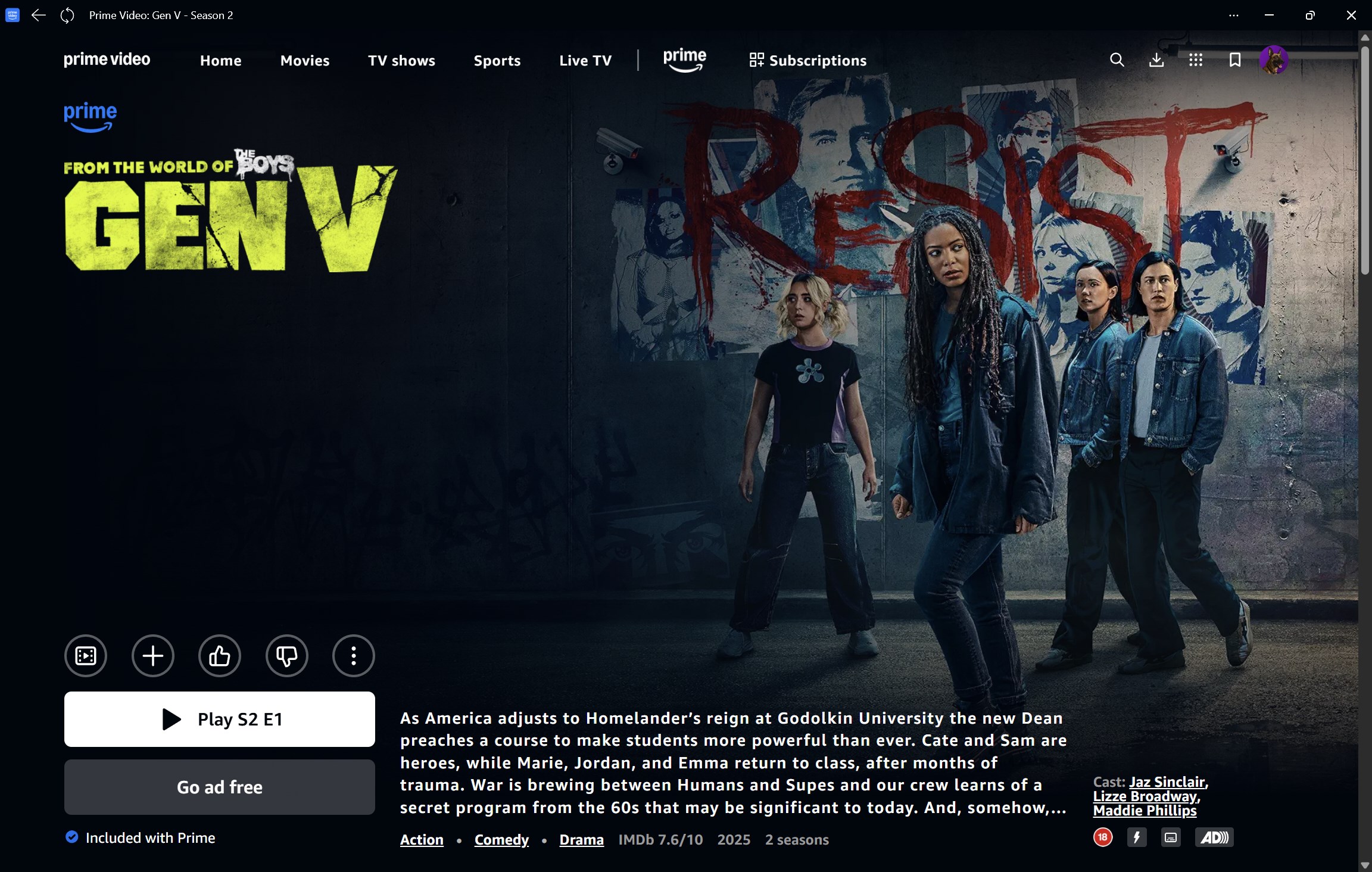
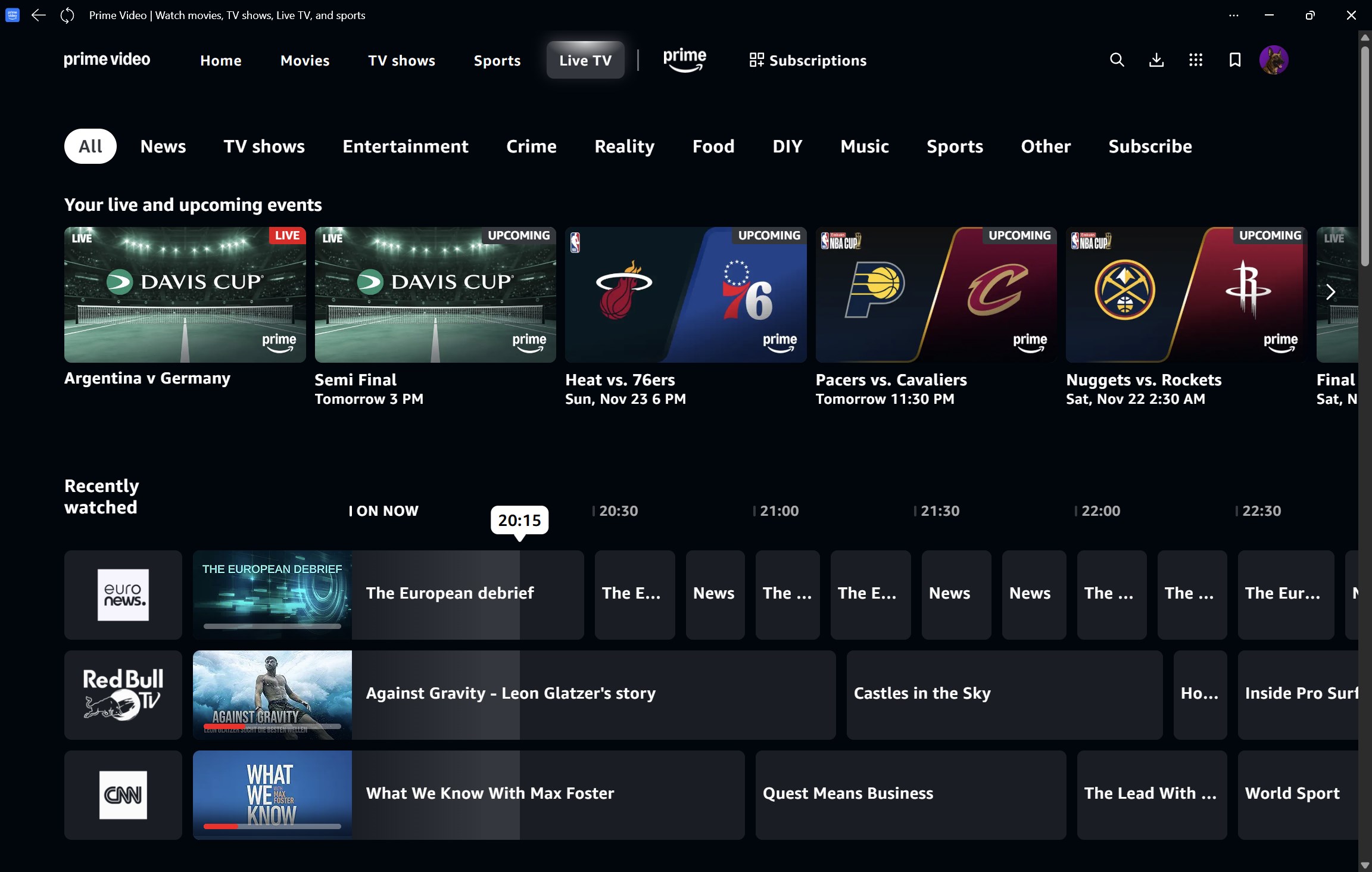
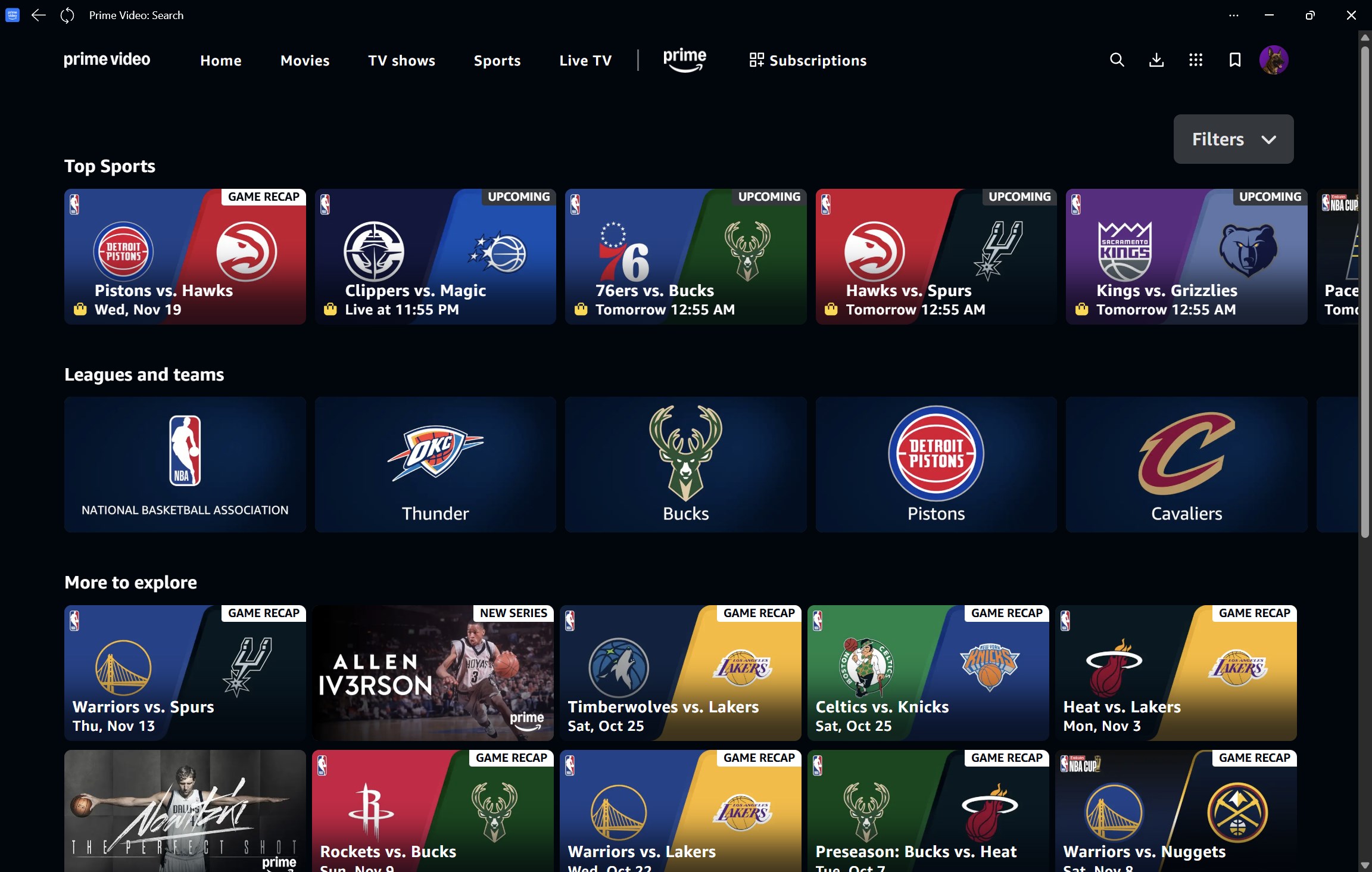
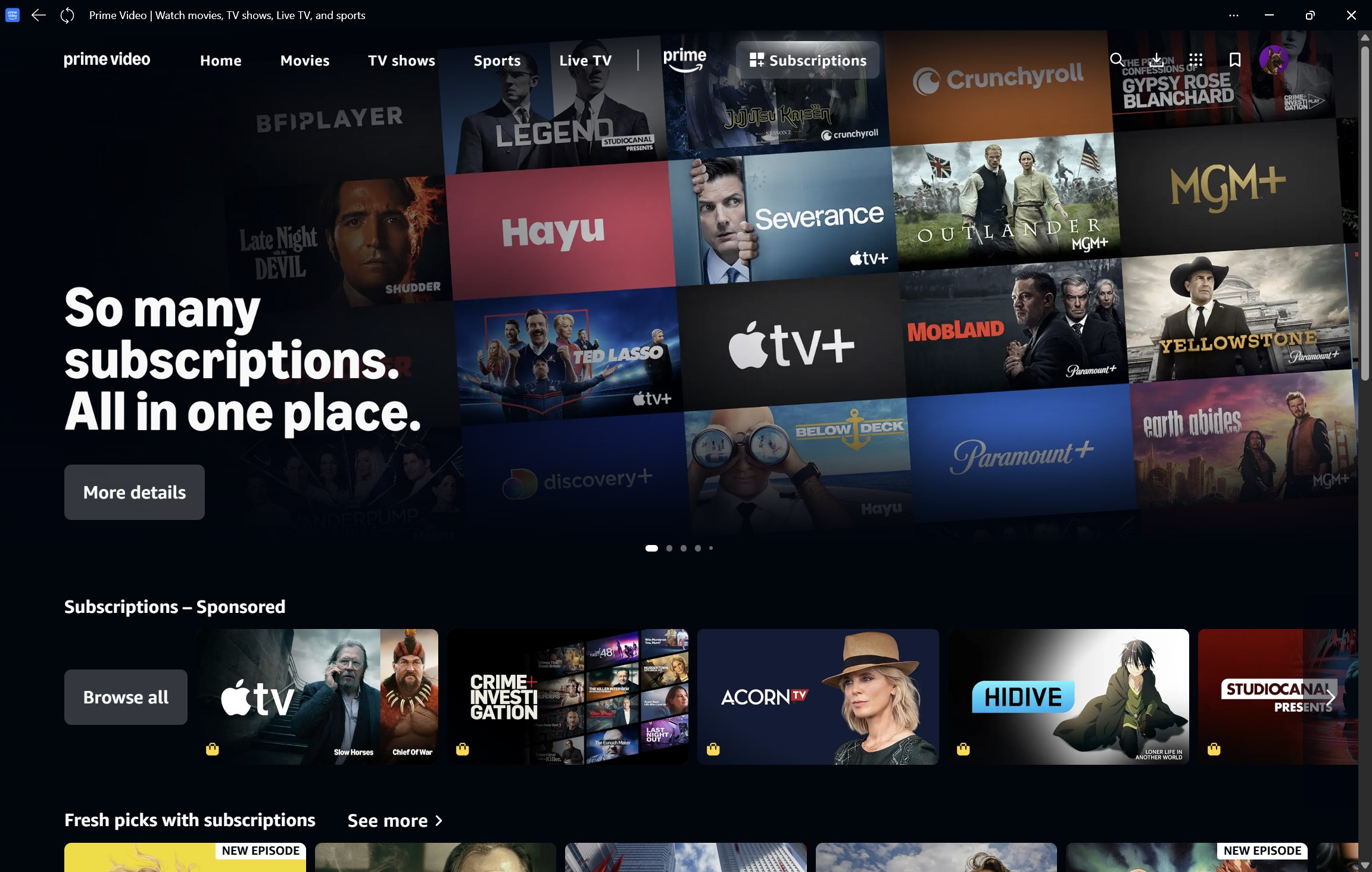
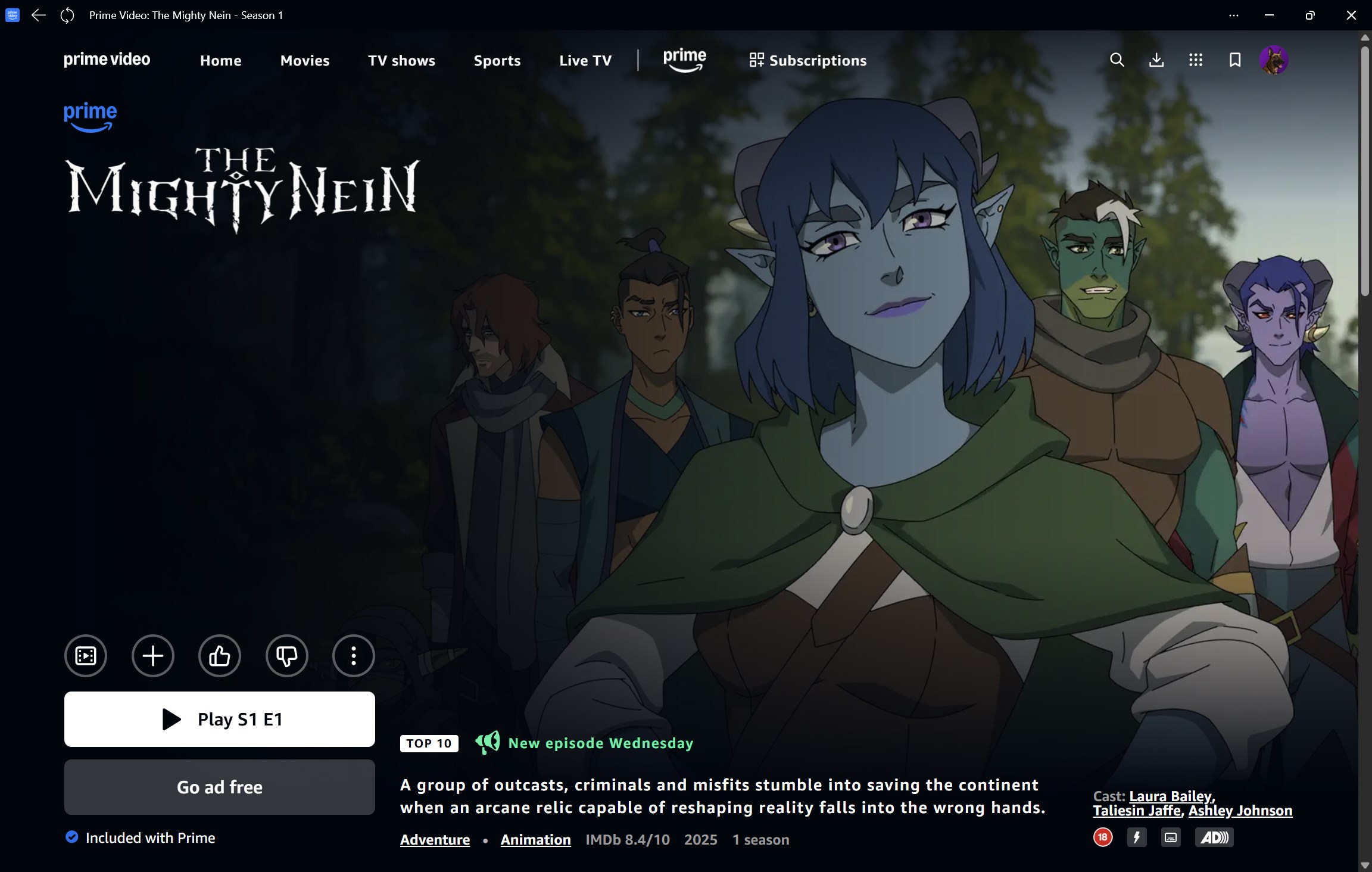
The app sports a clean, modern interface that resembles a well-organized digital library. The design emphasizes usability, with large thumbnails and straightforward menu layouts, making it easy for users to browse effortlessly. The dark theme reduces eye strain during long viewing sessions, and the layout adapts gracefully to different screen sizes. Users can quickly jump between genres or access their watchlists with minimal clicks, turning content discovery into an enjoyable, almost tactile experience.
Performance and User Experience
Running smoothly on a variety of Windows devices, Prime Video for Windows boasts rapid loading times and stable playback, even with high-definition content. The app's responsiveness minimizes lag during navigation, and its seamless integration with Windows' native features—like notifications and multi-tasking—enhances the overall user experience. Its learning curve is gentle; even first-time users can quickly get accustomed to its layout and functions, thanks to clear icons and logical flow.
Unique Content Discovery and Recommendation Algorithms
What truly sets this app apart is its intelligent content recommendation system. It employs sophisticated algorithms that analyze viewing history, preferences, and even time of day to suggest relevant content, akin to having a knowledgeable friend suggesting movies tailored to your mood. Unlike other entertainment apps that often drown users in an endless list of options, Prime Video's personalized suggestions are notably precise and context-aware, making it easier to find something you'll enjoy without endless scrolling.
Comparison with Similar Entertainment Apps
While many streaming platforms focus on content delivery, Prime Video for Windows distinguishes itself through its nuanced approach to content discovery and recommendation relevance. Its algorithms are designed not just to recommend popular titles but to understand individual viewing habits deeply, providing recommendations that feel natural and personalized. Additionally, the app's straightforward interface and performance optimize the viewing experience, especially for those who prefer a desktop environment over mobile or browser-based watching.
Final Recommendation and Usage Suggestions
Overall, Prime Video for Windows is a solid choice for those already invested in the Amazon ecosystem or seeking a reliable, user-friendly streaming app on their desktop. Its innovative personalized recommendation system is its most compelling feature, making content discovery both intuitive and enjoyable. I recommend this app for casual viewers and binge-watchers who want quick access to Amazon's expansive catalogue without fuss. For best results, ensure your device has a decent internet connection and update the app regularly to benefit from the latest performance improvements and features.
Pros
- User-friendly interface
- High video quality
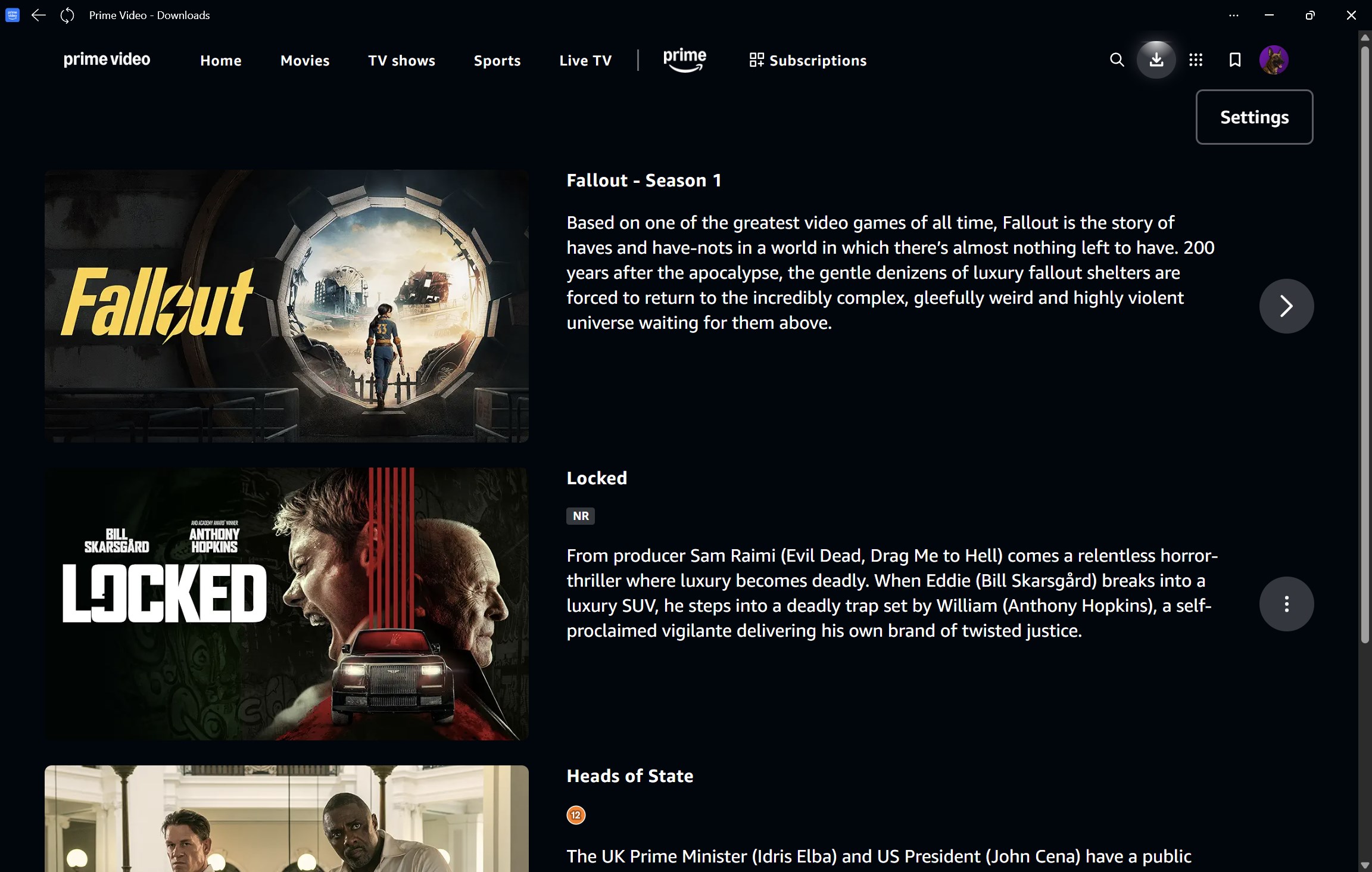
- Offline viewing options
- Seamless integration with Windows
- Multiple profile support
Cons
- Limited device compatibility outside Windows
- Occasional buffering issues
- Limited content library compared to other streaming services
- Navigation can be slow on older PCs
- Download management could be improved











