




- Name Prime Backgammon
- Category Card & board
- Developer ByteNest
- Available on PC, Xbox console
- OS Windows 10 version 19041.0 or higher
- DirectX Version 10
- languages English (United States)
Prime Backgammon for Windows: Classic Board Game with Modern Flair
Prime Backgammon offers enthusiasts a refined digital rendition of the timeless game, blending traditional gameplay with contemporary polish and user-centric features. Whether you're a seasoned player or just starting out, this app aims to bring back the charm of a classic game to your Windows device in an engaging and accessible way.
Developer and Core Features at a Glance
Developed and published by ByteNest, Prime Backgammon introduces a clean and intuitive interface designed to appeal to both casual players and serious strategists. The app's standout features include customizable game settings, adaptive difficulty levels, and multiplayer capabilities that facilitate online matches. Its main goal is to provide a smooth, enjoyable experience that captures the essence of traditional backgammon while leveraging modern technology to enhance gameplay.
The Engaging World of Backgammon at Your Fingertips
Imagine sitting comfortably at your favorite café, a warm cup of coffee in hand, quietly challenging a friend to a game of backgammon—now, translate that scene to your Windows PC or tablet with Prime Backgammon. The app offers a refreshing blend of simplicity and depth, where each move invites strategic thinking, yet the environment remains friendly and inviting. It's a perfect digital companion for moments of relaxation or competitive thrillers, bringing the classic game into the modern age seamlessly.
Well-Designed Interface and User Experience
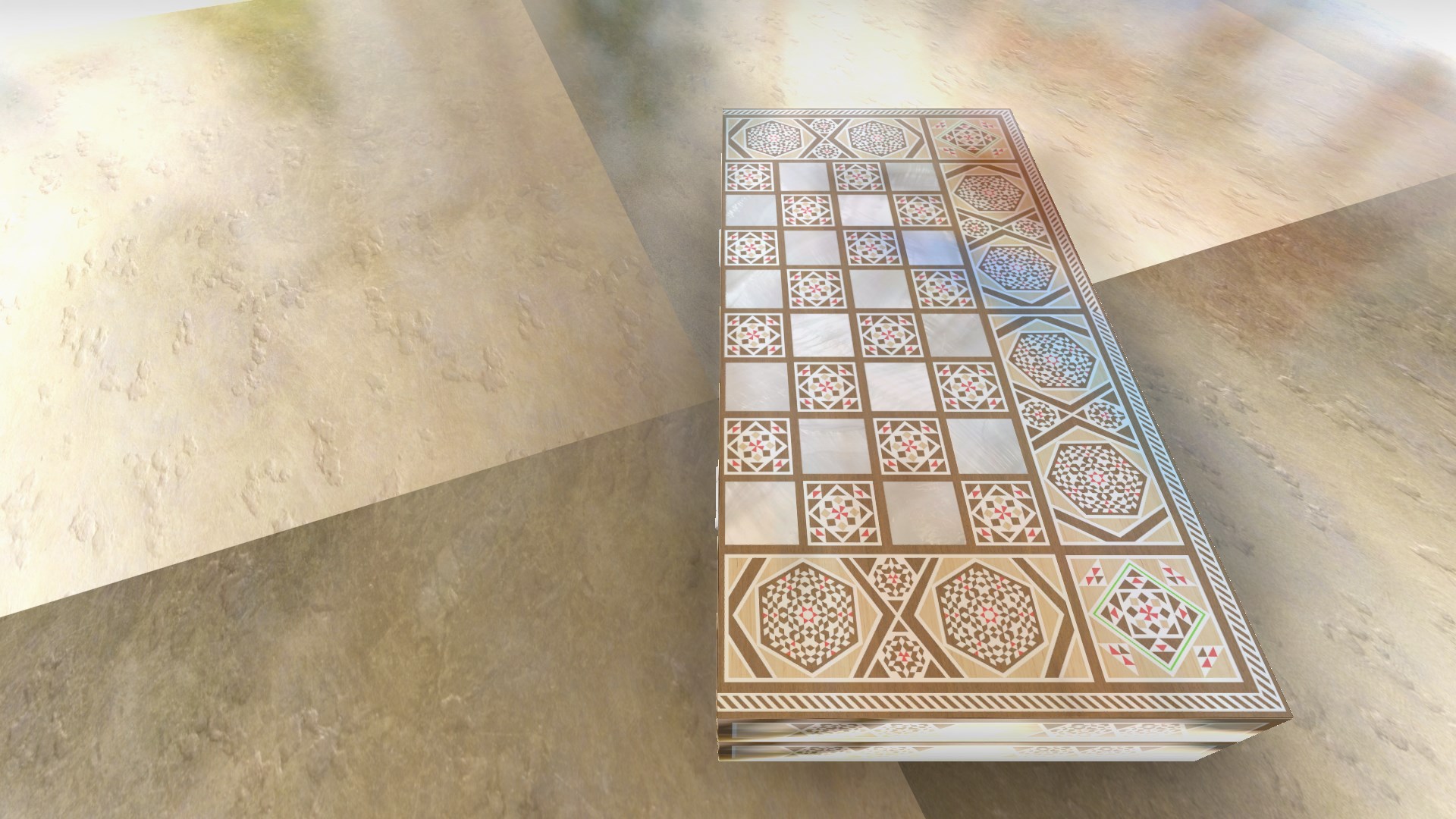
One of the first things you'll notice about Prime Backgammon is its sleek, user-friendly interface. The board design champions clarity—clear color schemes, crisp dice animations, and smooth drag-and-drop mechanics make setting up or moving pieces intuitive. Navigation is straightforward, with minimal clutter, allowing users to focus on their game rather than deciphering menus. The app performs admirably on various hardware configurations, ensuring fluid operation without lag or stuttering, even during intense matches.
Learning curve is gentle; new players can pick up the basics quickly, thanks to helpful visual cues and optional tutorials. Experienced players will appreciate the customizable rules and adjustable difficulty levels, which keep the game challenging yet accessible, fostering continuous engagement.
Unique Selling Points and Differentiators
While many digital backgammon games exist, Prime Backgammon stands out primarily through its smart multiplayer integration—allowing seamless online play against friends or matching with players worldwide. Its adaptive AI not only offers a well-calibrated challenge, but can also analyze your gameplay, providing insights and suggestions for improvement—an aspect that sets it apart from more static, purely recreational apps.
Additionally, the app's customization options—ranging from visual themes to rule variants—cater to a broad spectrum of preferences, making each gaming session tailored to your taste. Its balance between simplicity for newcomers and depth for veterans marks it as a well-rounded platform accessible to all.
Final Verdict: A Solid Choice for Backgammon Aficionados
In summary, Prime Backgammon for Windows presents a well-crafted digital take on a classic game. Its particularly noteworthy features—multi-player connectivity and gameplay analysis—offer tangible benefits that enhance both playing enjoyment and skill development. The interface and overall experience approach a friendly professionalism, making it a recommended choice whether you're looking to practice your strategies or casually pass the time.
While it may not reinvent the wheel, this app does an excellent job of balancing tradition and innovation. For anyone interested in a reliable, engaging digital backgammon experience, Prime Backgammon deserves a spot on your device. Just imagine the fun ahead—your move!
Pros
- User-friendly interface
- Smooth gameplay
- Multiple game modes
- Attractive graphics and sound effects
- Regular updates and bug fixes
Cons
- Limited offline functionality
- Limited customization options for boards and pieces
- Advertisements in free version
- Basic AI difficulty levels
- Limited social features











