


- Name PotPlayer
- Category Entertainment
- Developer Kakao Corp
- Available on PC
- OS Windows 10 version 0.0 or higher
- languages Arabic, Armenian, Azerbaijani (Arabic) (Azerbaijan), Belarusian, Bulgarian, Catalan, Chinese (Simplified), Chinese (Traditional Chinese), Chinese (Traditional) (Hong Kong), Czech, Dutch, English, French, German, Greek, Hebrew, Hungarian, Indonesian, Italian, Japanese, Korean, Kurdish, Persian/Farsi, Polish, Portuguese, Russian, Serbian, Spanish, Swedish, Tajik (Cyrillic), Thai, Ukrainian, Uzbek (Latin), Korean , Turkish
Streamlined Video Playback with PotPlayer for Windows
PotPlayer for Windows, developed by Kakao Corp., is a versatile media player designed to deliver high-quality video and audio experiences with a range of customizable features. Its focus is on providing users with a robust playback tool that combines ease of use with powerful options for media enthusiasts.
About the Developer and Core Highlights
Developed and published by Kakao Corp., a well-known tech company with a diverse portfolio, PotPlayer aims to stand out in the crowded media player market. Its key features include support for a broad array of multimedia formats, extensive codec integration, and advanced customization options—catering to both casual viewers and experienced users. The app's lightweight design ensures smooth performance even on less powerful systems, making it highly accessible for a wide audience.
Target Audience and User Focus
This application primarily targets users who seek a reliable, feature-rich media player without the bloat. From everyday media consumers to professional editors and tech-savvy enthusiasts, it appeals to those who appreciate platform stability, format versatility, and the ability to tailor their viewing experience. Its intuitive interface makes it suitable for beginners, while its deep customization options attract power users.
Engaging and Intuitive Playback Experience
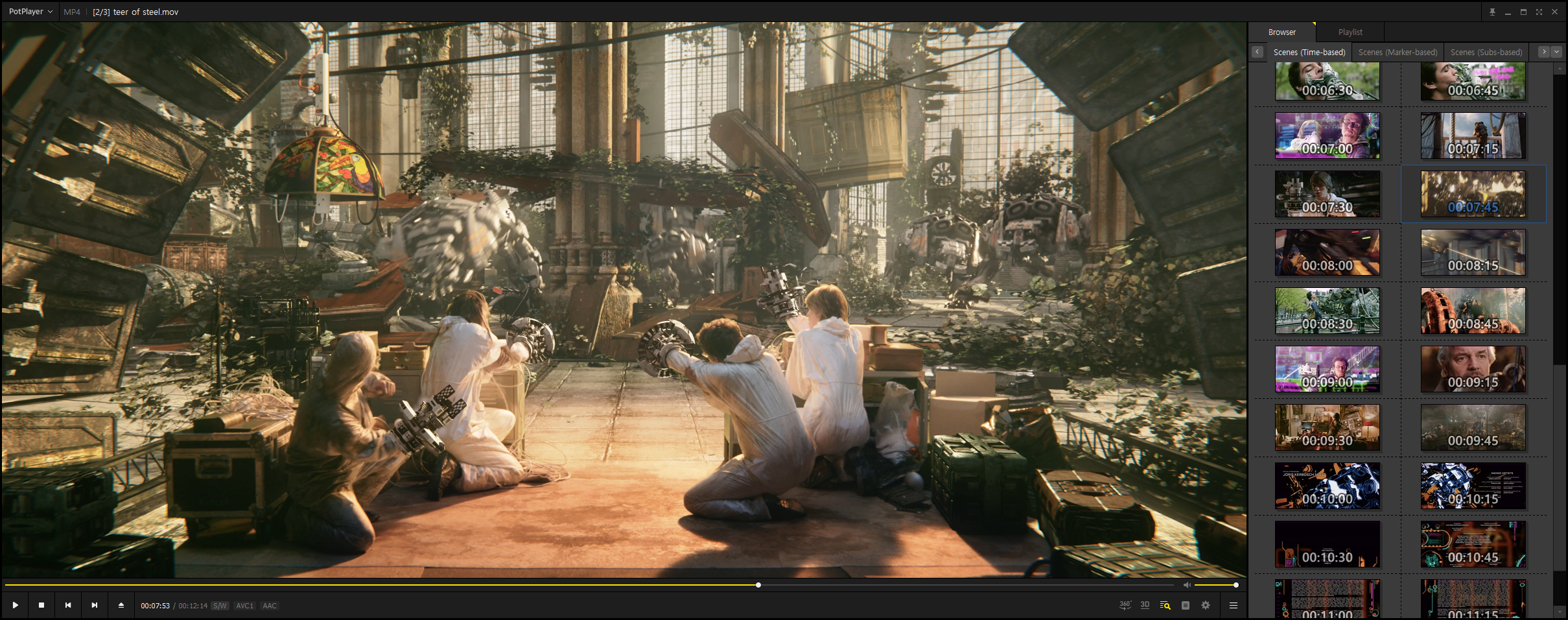
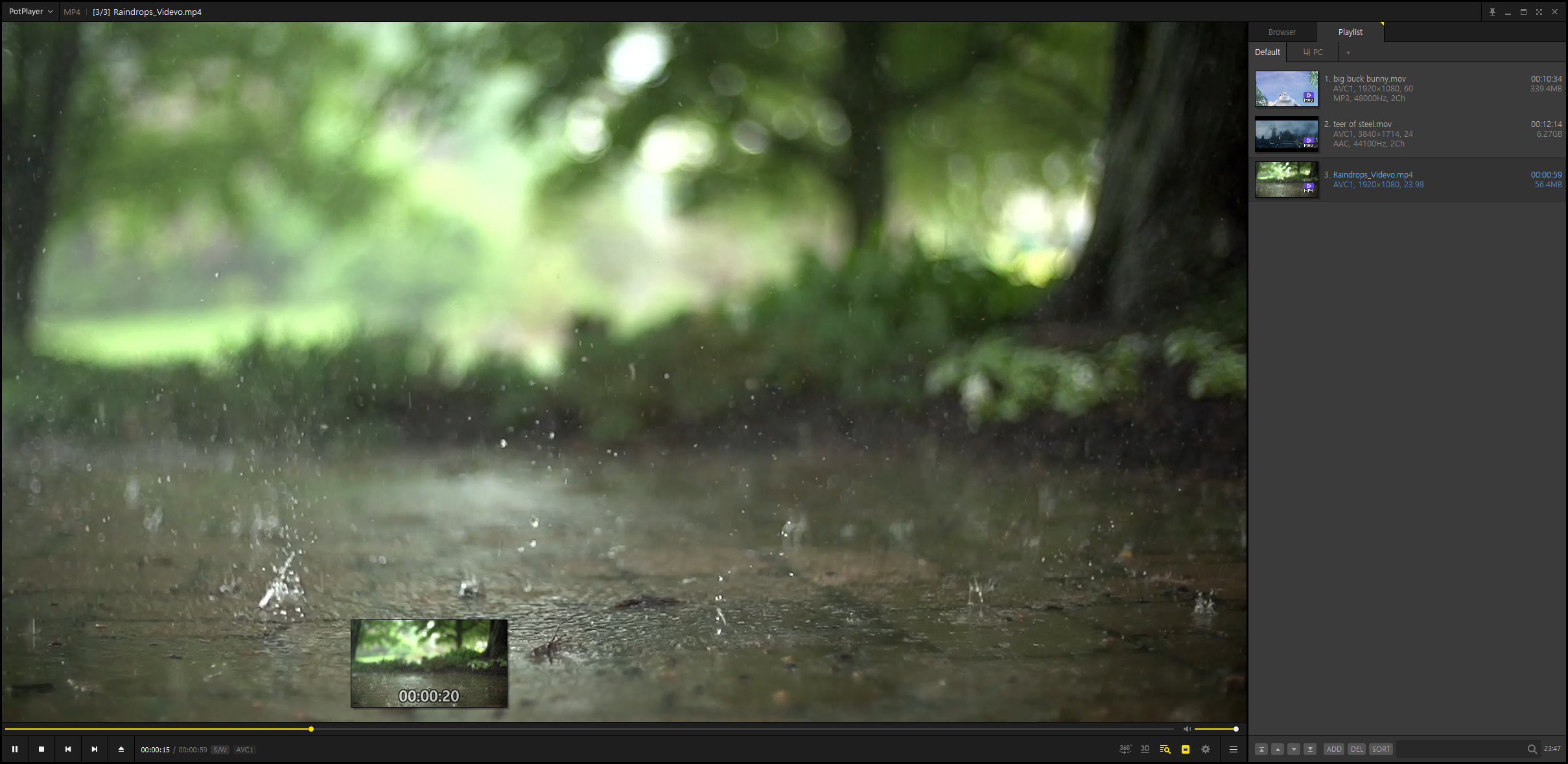
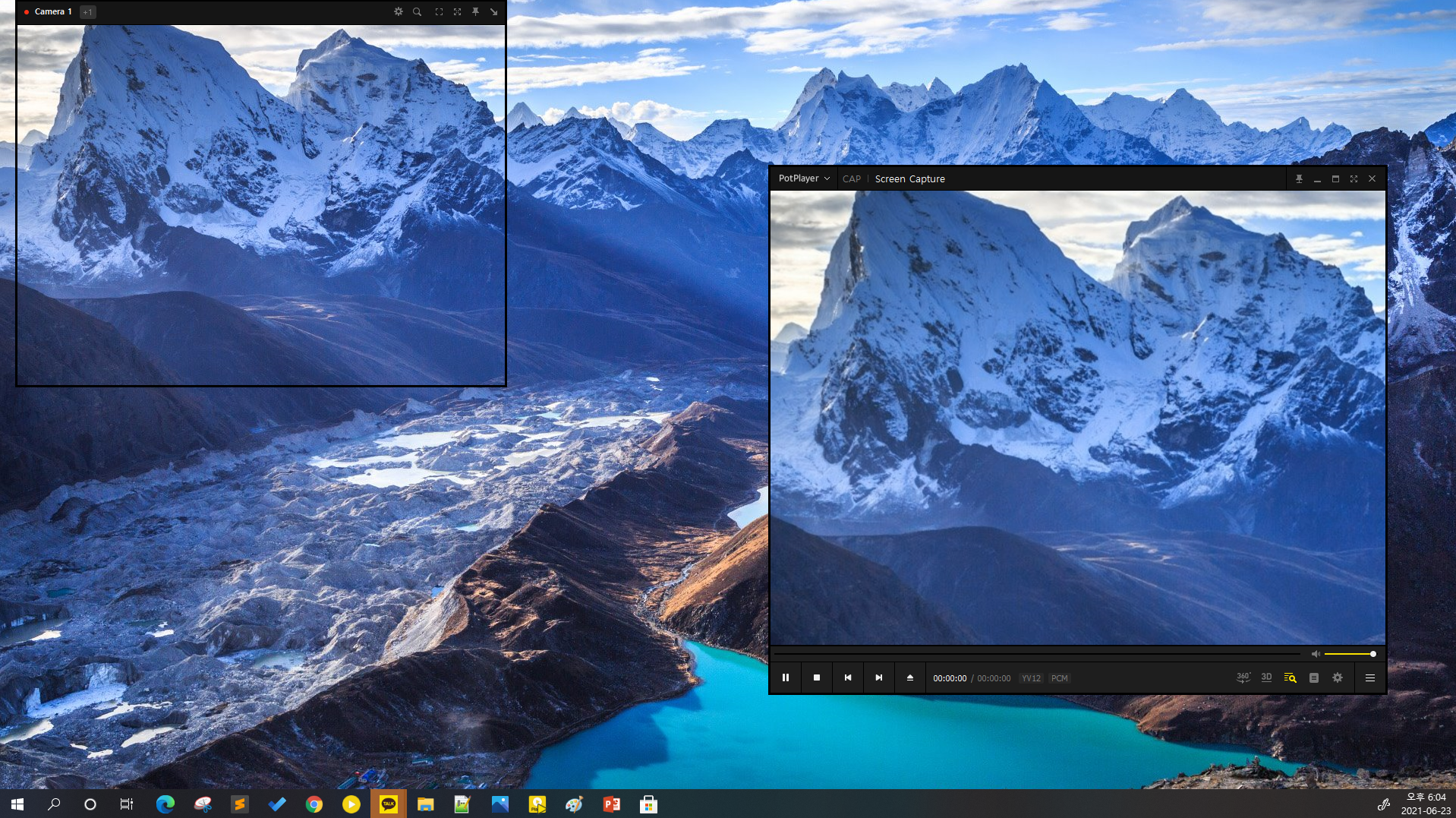
Imagine sitting down after a long day, eager to indulge in your favorite movie or TV series—PotPlayer whisks you into a seamless viewing domain. The interface is clean yet packed with features, much like a Swiss Army knife for media playback. It handles your videos smoothly, minimizing lag and buffering, thanks to its optimized performance engine. Navigating through menus feels natural, with straightforward controls that make switching between files or adjusting settings effortless. Even newcomers can get started without a steep learning curve, thanks to its logical layout and helpful defaults.
Dual Powerhouse Features—Customization & Format Support
Advanced Codec and Format Compatibility
PotPlayer's standout feature is its unparalleled support for a myriad of multimedia formats—and this is where it truly shines. Whether you're playing obscure 4K videos or streaming files in niche formats, PotPlayer handles it with ease. Its integrated codec system eliminates the need for third-party downloads, providing a flawlessly compatible playback experience. Think of it as a universal translator for media files, bridging formats that other players might stumble over.
Deep Customization and Personalization
What sets PotPlayer apart from other media players is its extensive customization options. Users can tweak every aspect—from subtitle styles and playlist behaviors to color schemes and playback controls. For those who love to fine-tune their viewing environment, the app offers settings that can replicate a home cinema or a minimalist interface, exactly how you like it. This flexibility makes the user experience genuinely personalized, much like having a custom-tailored suit for your entertainment setup.
Assessing User Experience and Differentiators
On the usability front, PotPlayer excels with a layout that balances simplicity with depth. The learning curve is gentle, but the platform doesn't shy away from offering advanced features for tech aficionados. Its performance remains fluid, even when multitasking or handling high-definition content—much like a well-balanced sports car that handles both city streets and rugged terrains with poise.
Compared to other entertainment apps, PotPlayer's unique edge is its intelligent content discovery algorithms and highly relevant personalized recommendations. While many players act as simple conduits for raw video playback, PotPlayer integrates metadata and viewing history into a smart algorithm that suggests content tailored to your preferences. This makes discovering new favorites effortless—much like having a savvy friend who always knows what you'd love to watch next.
Final Thoughts: Who Should Try PotPlayer?
If you're seeking a media player that combines robust technical support, extensive customization, and intelligent content management, PotPlayer is highly recommended. It's ideal for users who want more control over their entertainment experience without sacrificing performance or simplicity. While it may require a bit of exploration to uncover all its sophisticated features, the payoff is a seamless, engaging viewing environment. For those who value versatility and nuanced personalization, PotPlayer is a reliable tool that truly stands out in the realm of Windows media players.
Pros
- Highly customizable interface
- Supports a wide range of media formats
- Advanced playback options
- Hardware acceleration support
- Lightweight and resource-efficient
Cons
- User interface can be complex for beginners
- Lack of detailed official documentation
- Occasional stability issues with certain codecs
- Limited streaming and online content features
- Interface updates may sometimes cause compatibility issues











