


- Name Pluto TV
- Category Entertainment
- Available on Xbox console, PC
- OS Windows 10 version 19041.0 or higher
- Keyboard Integrated Keyboard
- Mouse Integrated Mouse
- languages English
Pluto TV for Windows: Your Free TV Companion with a Fresh Twist
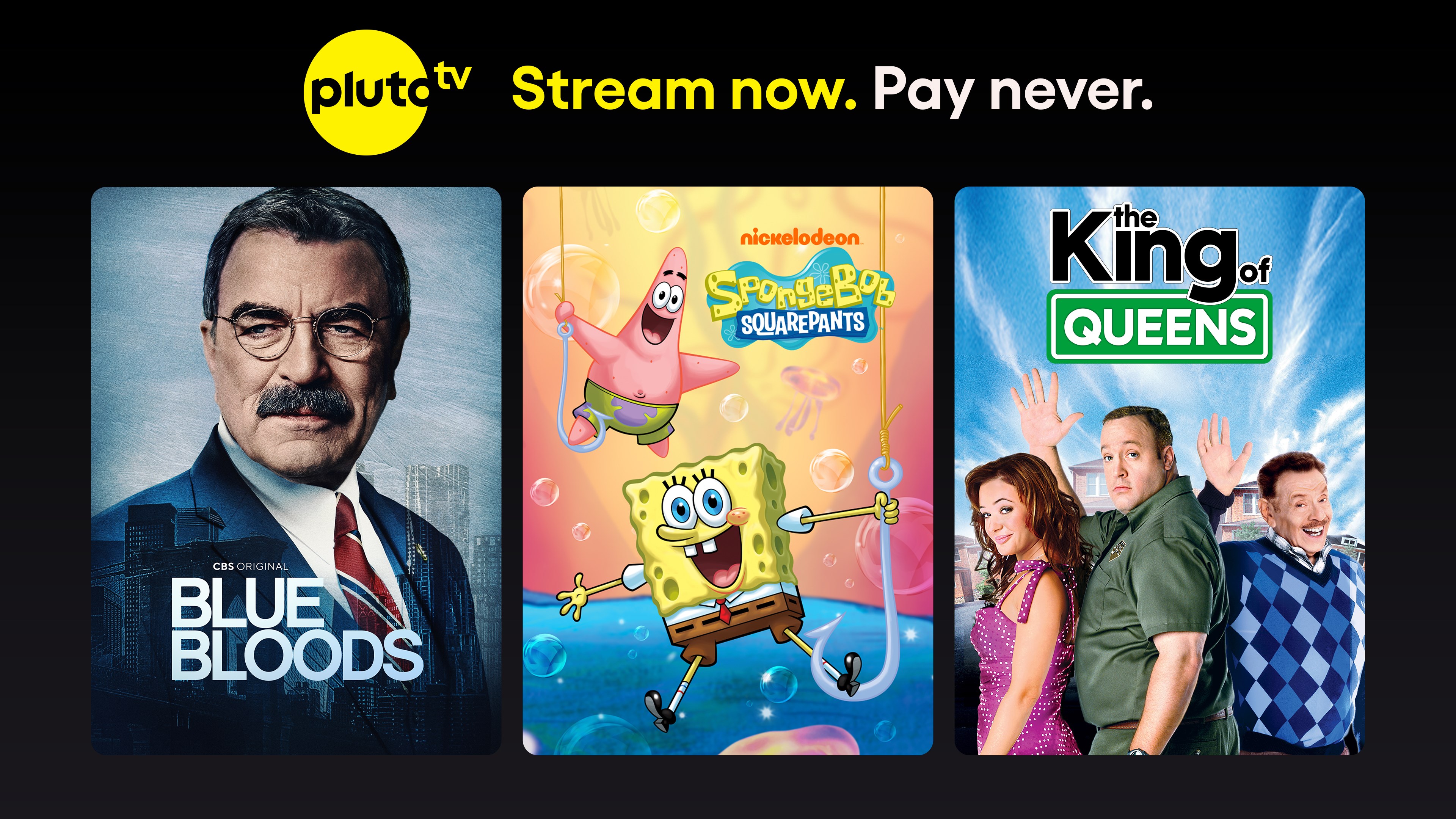
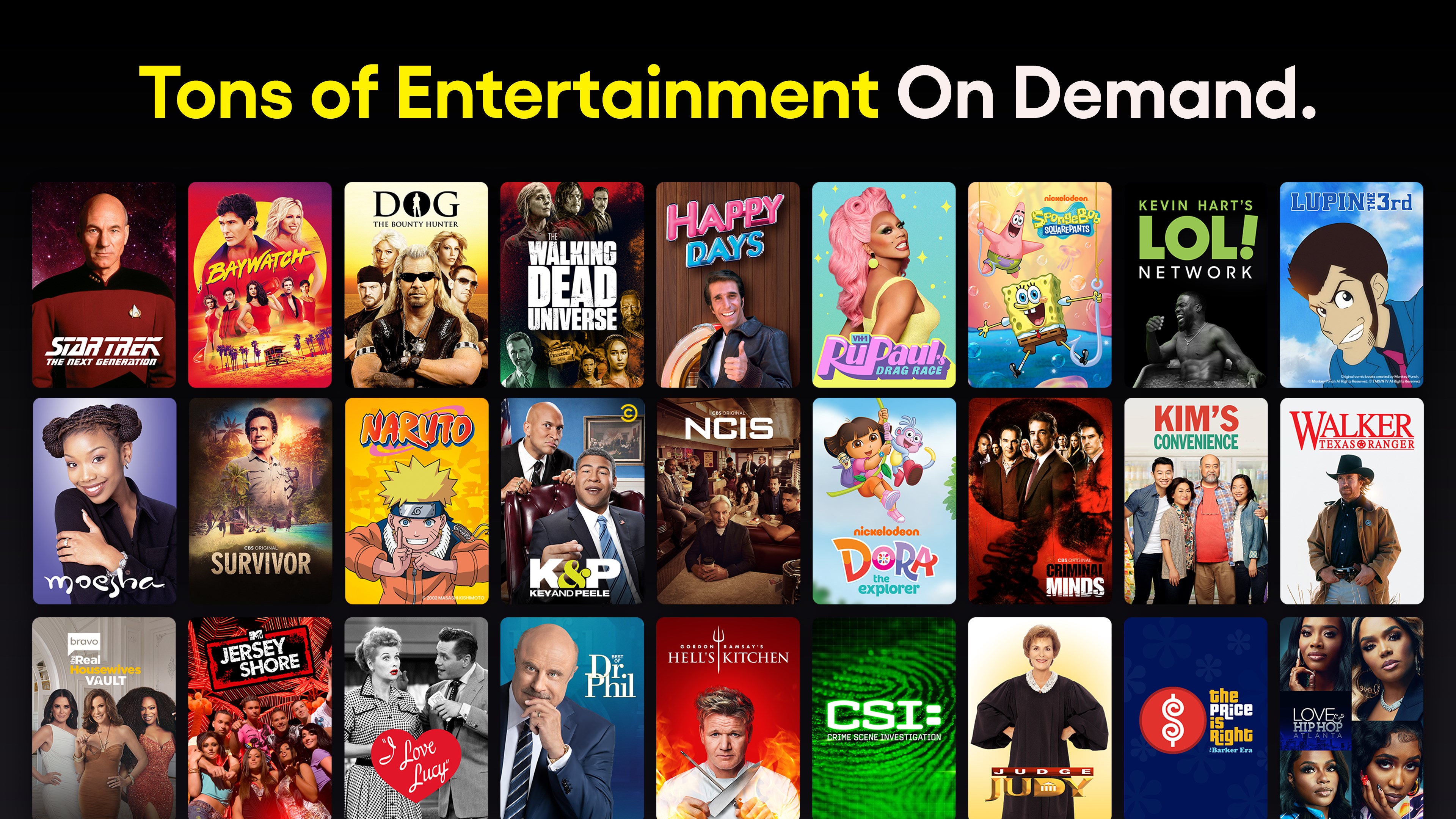
If you're tired of juggling multiple streaming services and want a one-stop shop for live TV and on-demand entertainment, Pluto TV for Windows offers an intriguing solution. With its straightforward interface and a broad lineup of channels and shows, it's designed to bring cable-style viewing directly to your PC—minus the cost and clutter.
About the Developer and Core Features
Developed by Pluto Inc., Pluto TV for Windows is part of a global trend towards free, ad-supported streaming services aiming to democratize access to entertainment. Its main strengths lie in offering a vast array of live channels across genres, a rich selection of on-demand movies and shows, and intelligent content discovery features designed to personalize your viewing experience. Targeted primarily at cord-cutters, budget viewers, or anyone seeking quick access to diverse media, this app aspires to be your go-to entertainment hub without the subscription fuss.
Vivid and User-Friendly Interface
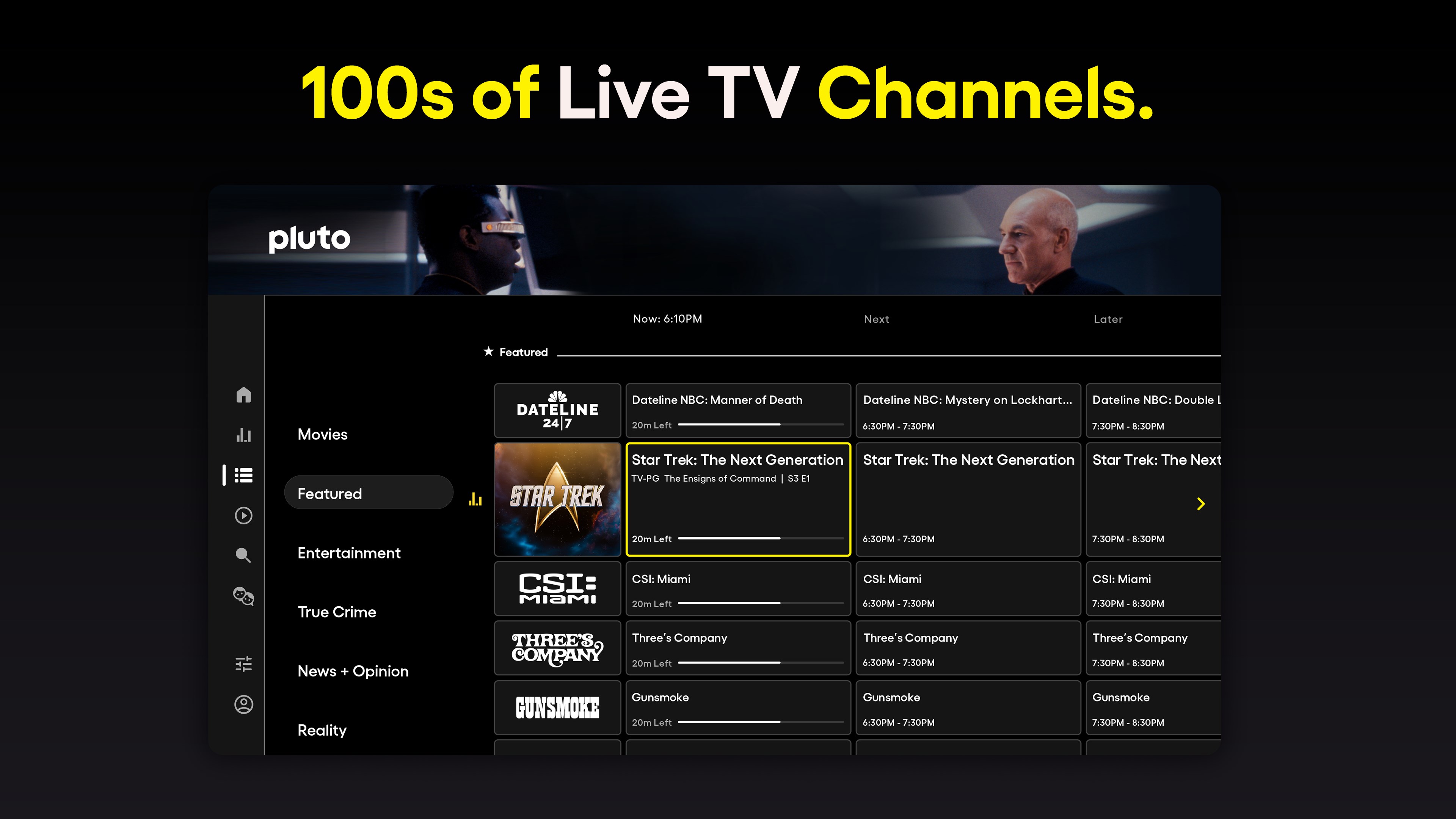
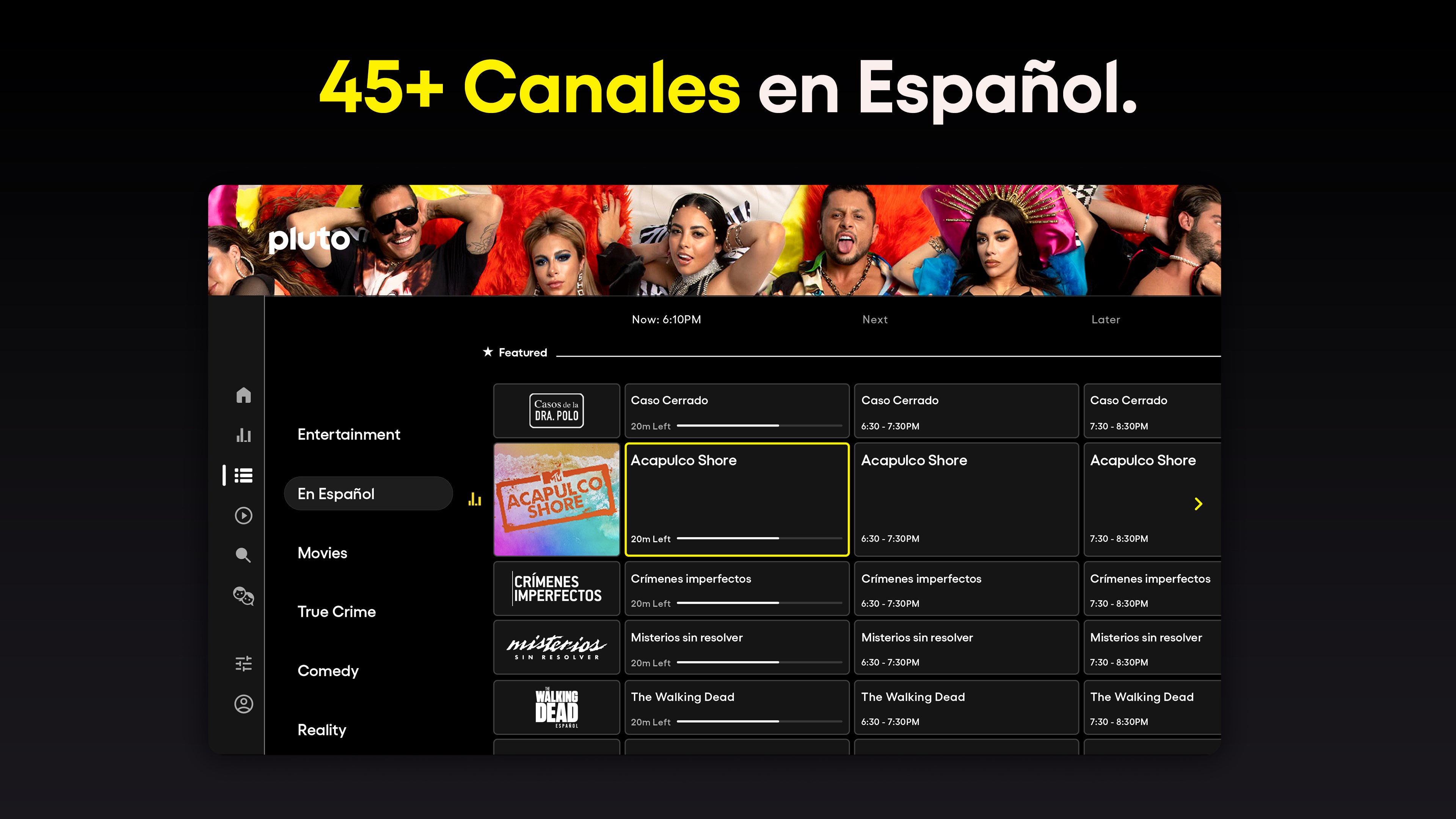
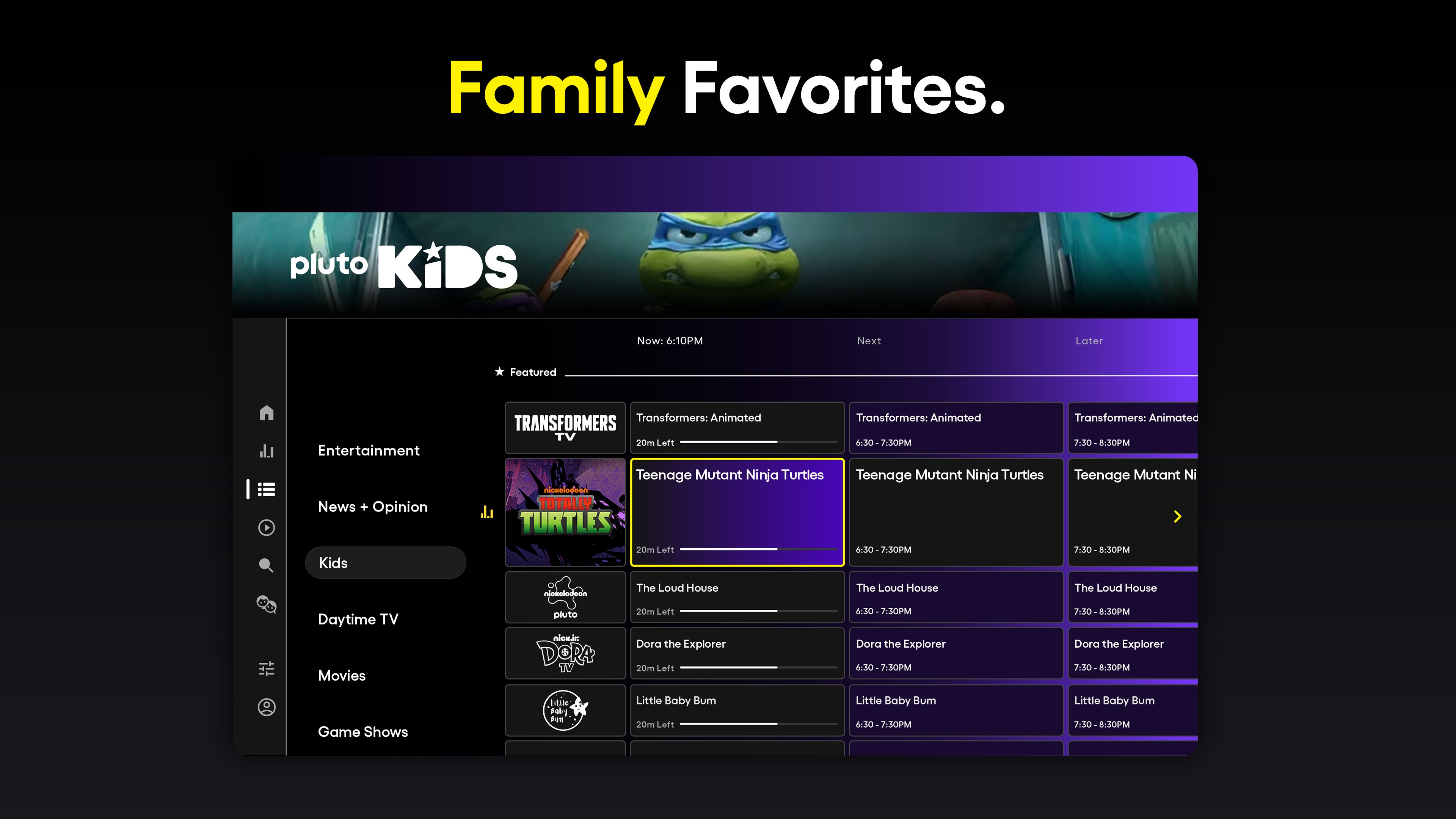
Launching Pluto TV on Windows feels like opening a lively digital TV station—bright, inviting, and easy to navigate. The interface's layout mimics traditional TV menus, with a sidebar listing channels, categories, and recommendations. Visual elements are clean and colorful, making it accessible even for less tech-savvy users. Navigating through live channels or on-demand selections feels seamless thanks to responsive clicking and smooth transitions. The app strikes a good balance between simplicity and functionalities, resulting in an experience akin to flipping through channels but with the added digital polish.
Core Functionalities: What Makes Pluto TV Stand Out
1. An Extensive Live Channel Lineup
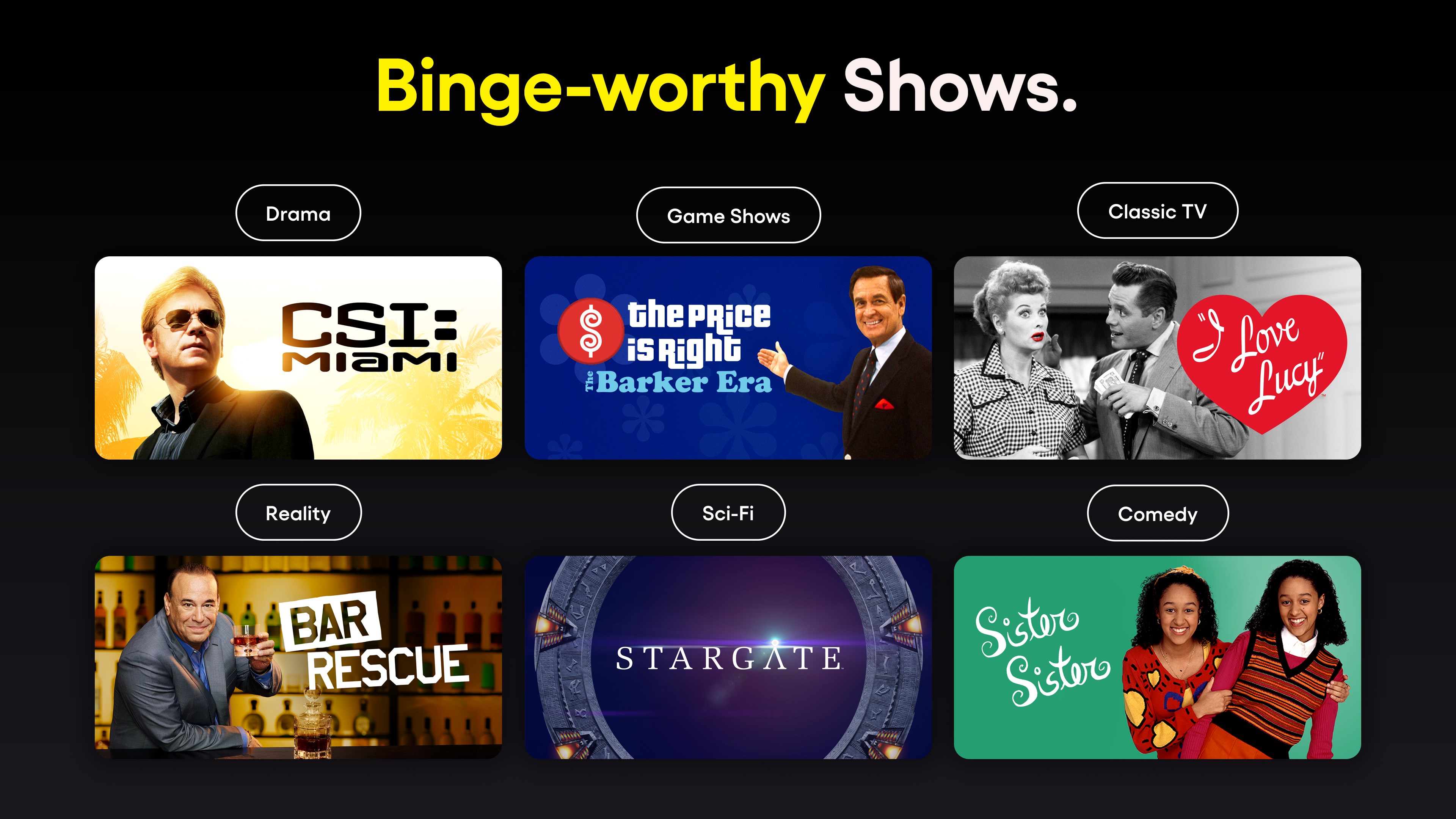
The highlight of Pluto TV is its impressive collection of live channels—over 250, spanning news, sports, entertainment, movies, and niche genres like tech or romance. Imagine having a traditional cable box at your fingertips, but with zero cost. Each channel feels like a curated window into different worlds, giving users the thrill of channel surfing with just a few clicks. The real advantage here is the diversity—if you're into classic movies, music, or even vintage cartoons, Pluto has dedicated streams ready to amuse.
2. Personalized Content Discovery and Recommendations
One of the app's most compelling features is its intelligent recommendation algorithm. Unlike many free streaming platforms that throw random content your way, Pluto TV fine-tunes its suggestions based on your viewing habits. Its content discovery system acts like a seasoned guide, subtly steering you toward shows similar to what you enjoy. This personalized touch ensures that even casual users can stumble upon hidden gems without endless scrolling. Though not as hyper-personalized as subscription-based streaming giants, Pluto's approach helps reduce decision fatigue and enhances user engagement.
3. Accessibility and Ease of Use
From installation to daily usage, Pluto TV for Windows delivers a smooth experience. The app loads quickly, with minimal lag, and its intuitive controls mean you can start watching without a steep learning curve. Plus, it allows easy switching between live streams and on-demand content, catering to spontaneous viewing choices—which is perfect when you need a quick entertainment fix. The inclusion of keyboard and mouse navigation makes it practical for desktop users, while its layout accommodates different screen sizes effortlessly.
Unique Selling Points: How Pluto Differentiates Itself
Compared to other entertainment apps, Pluto TV's standout qualities lie in its robust content discovery system and the breadth of its live TV channels. Unlike personalized recommendation engines that rely heavily on user input, Pluto's algorithm uses a mix of viewing history and curated curation to suggest content that feels tailored yet organic. This reduces the tendency to get trapped in content echo chambers and offers more serendipitous discovery. Moreover, the emphasis on free, ad-supported live TV channels makes Pluto a compelling alternative to paid streaming subscriptions, especially for those craving the familiar feel of traditional TV with a modern digital twist.
Final Thoughts and Recommendations
For anyone seeking a free, easy-to-navigate entertainment hub on Windows, Pluto TV is a noteworthy candidate. Its extensive live channels and personalized discovery features create a TV-like experience that's both familiar and refreshingly modern. While it may lack the deep customization or ad-free experience of premium services, its unique blend of broad content and user-friendly design makes it a valuable addition to your digital media toolkit. I would recommend giving it a try if you're after quick access to diverse entertainment without commitments—and it's especially suited for casual viewers who appreciate a straightforward, cable-like experience without the cable bills.
Pros
- User-Friendly Interface
- Wide Channel Selection
- Free Content
- Multi-Device Compatibility
- No Account Required
Cons
- Limited On-Demand Content
- Advertisements Interrupt Streams
- Occasional Buffering Issues
- Limited Personalization
- Device Compatibility Gaps











