


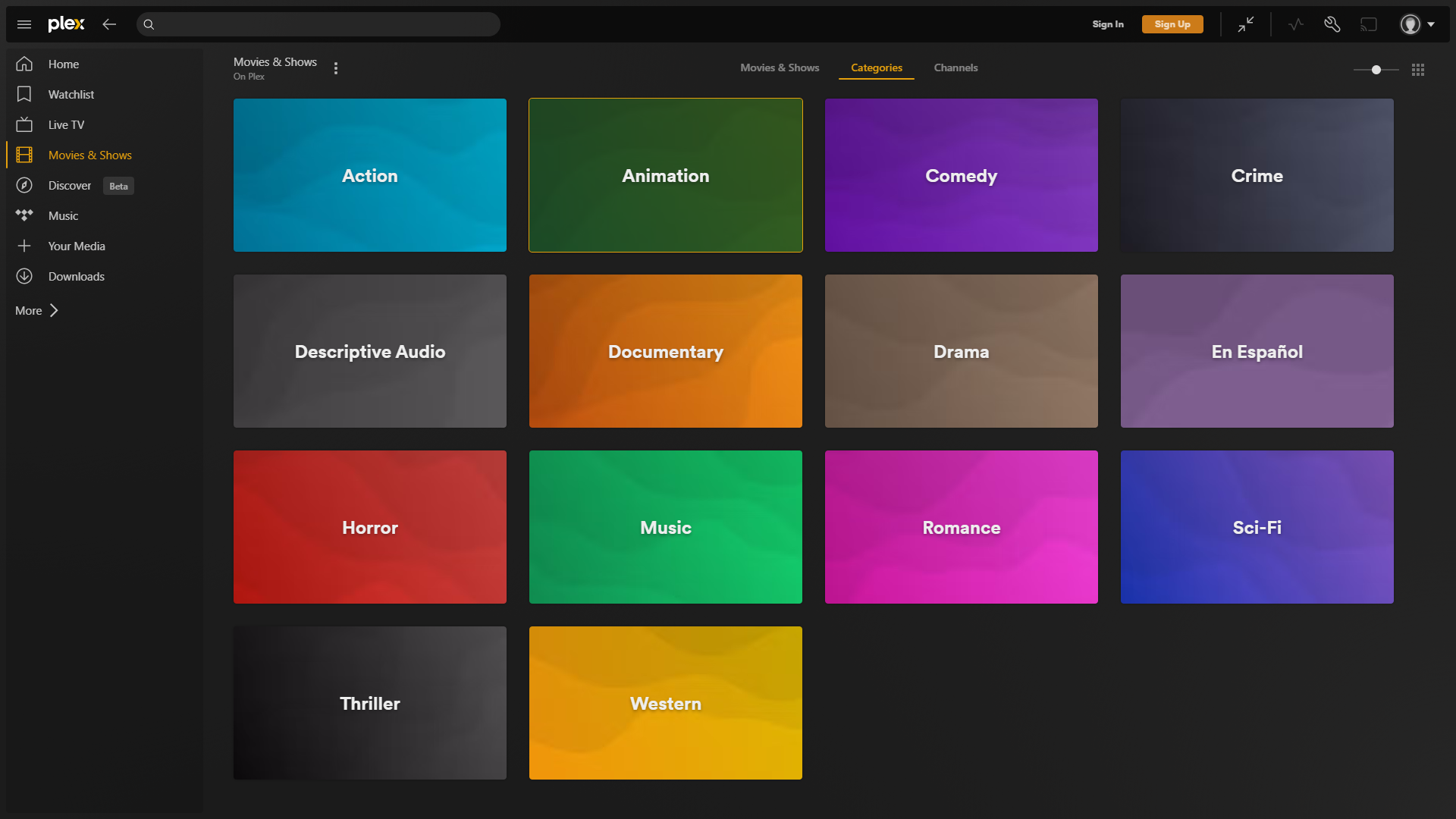
- Name Plex for Windows
- Category Entertainment
- Developer Plex Inc.
- Available on PC
- OS Windows 10 version 0.0 or higher
- Mouse Integrated Mouse
- Memory 1 GB
- languages Afrikaans, Arabic, Bulgarian, Catalan, Chinese, Chinese (Traditional), Croatian, Czech, Danish, Dutch, English, English (United Kingdom), Estonian, French, French (Canada), German, Greek, Hebrew, Hungarian, Icelandic, Italian, Japanese, Korean, Lithuanian, Norwegian, Persian/Farsi, Polish, Portuguese, Portuguese (Brazil), Romanian, Russian, Slovak, Slovenian, Spanish, Swedish, Thai, Ukrainian, Vietnamese
Streamlined Media Hub for Windows: An In-Depth Review of Plex for Windows
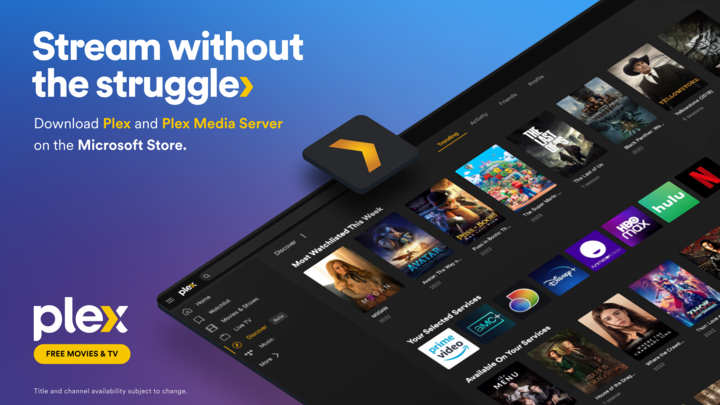
If you're someone who loves organizing and enjoying your digital media collection with ease, Plex for Windows promises to be a reliable partner in your entertainment journey. This application serves as a comprehensive media server and client, aiming to bring your movies, TV shows, music, and photos together in one cohesive platform directly on your Windows device.
Who's Behind the Curtain?
Developed by Plex Inc., a well-established leader in the media streaming landscape, this app is part of their broader ecosystem dedicated to seamless content delivery. Plex Inc. has built a reputation for creating versatile, user-friendly solutions tailored to media enthusiasts and tech-savvy users alike.
Top Features That Stand Out
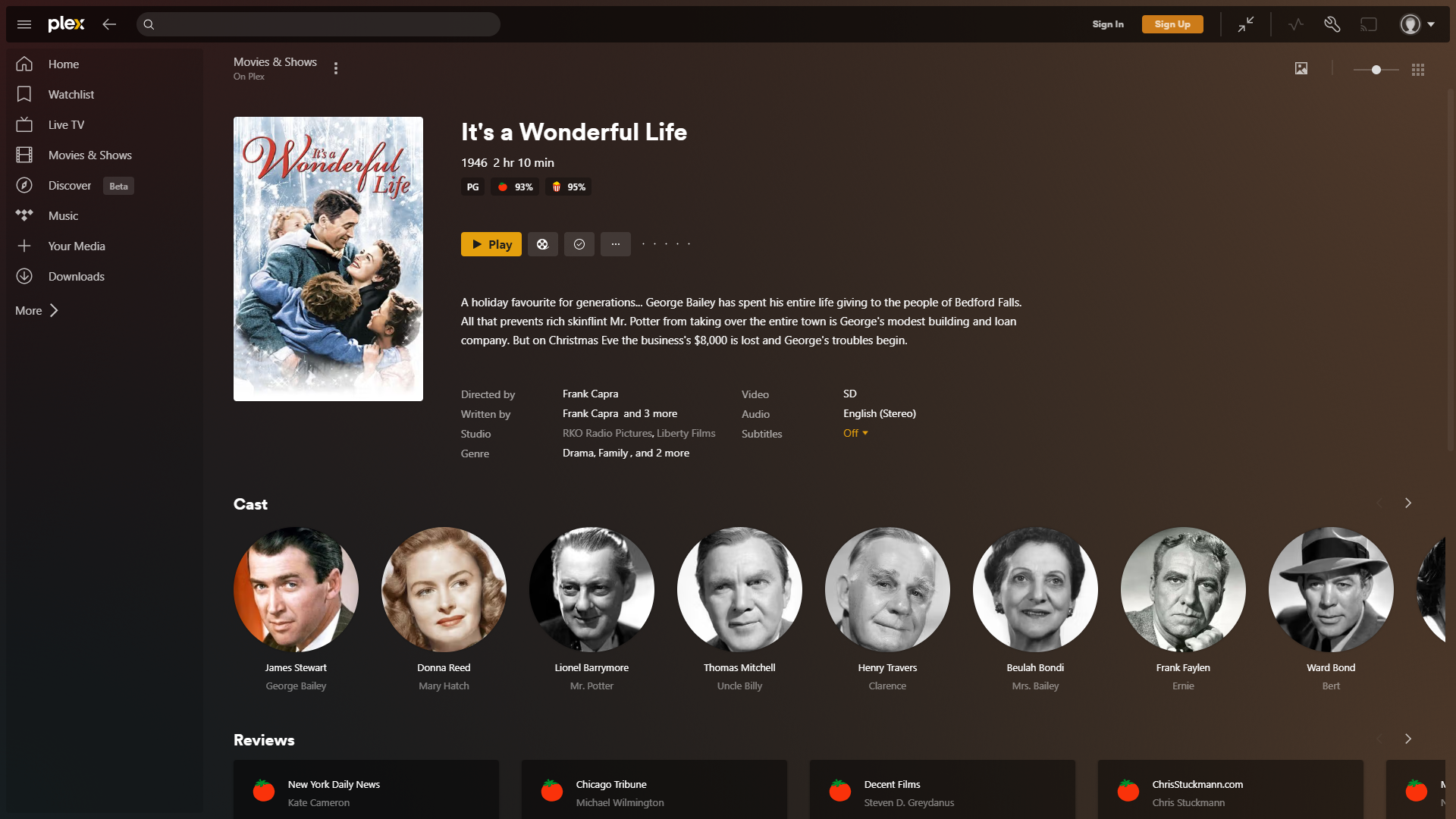
- Centralized Media Organization: Consolidate all your media files—local and cloud-based—into one accessible library, automatically fetching metadata to enrich your browsing experience.
- Intelligent Content Discovery: Harnesses sophisticated algorithms to suggest new content based on your viewing habits, making exploration effortless and personalized.
- Multi-Device Compatibility: Stream your media seamlessly across Windows, mobile devices, smart TVs, and more, providing flexible access anywhere, anytime.
- Secure Streaming and Sharing: Protect your library with encryption and easily share selected content with trusted family or friends via secure links.
Immersive and Intuitive User Experience
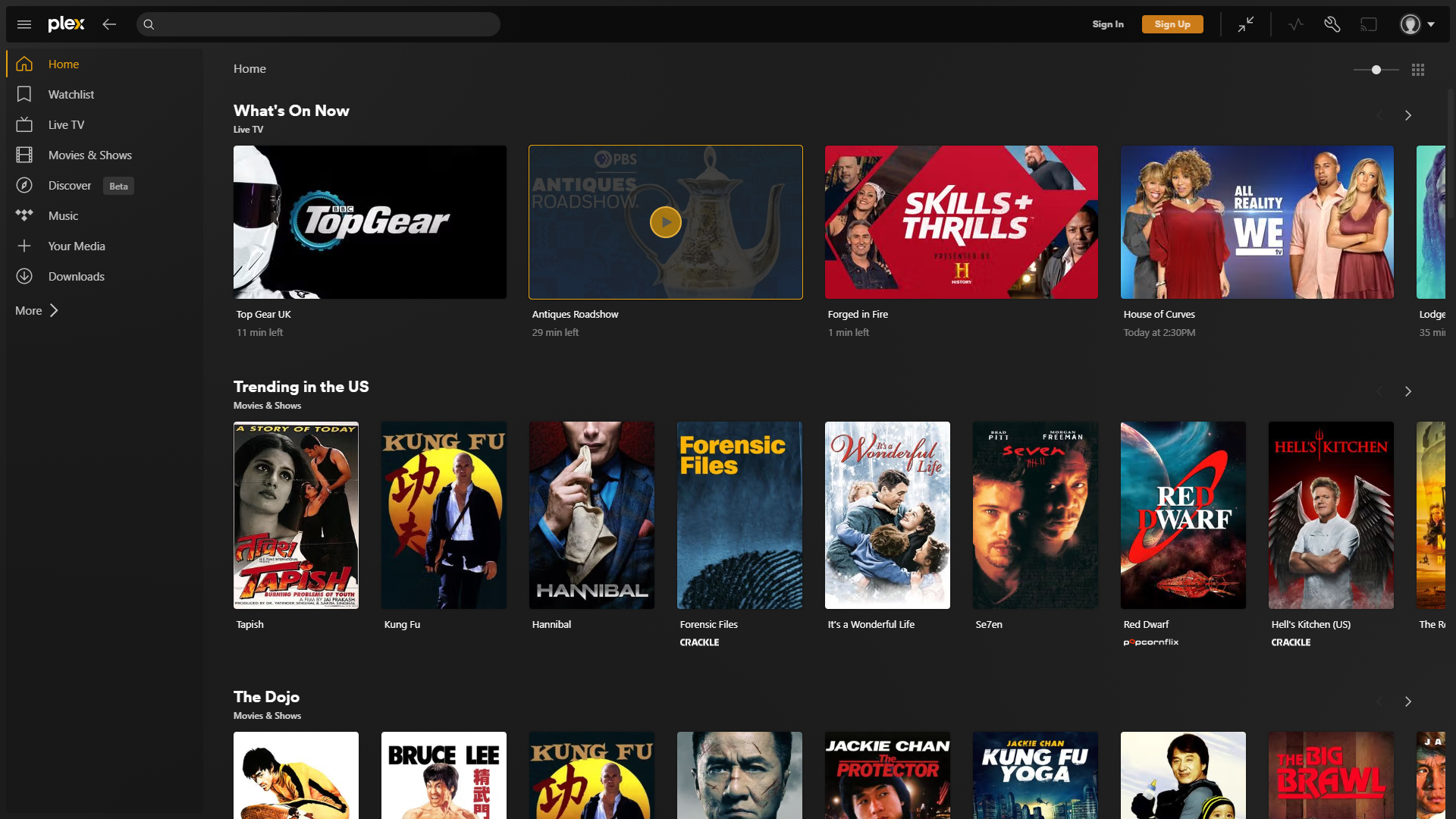
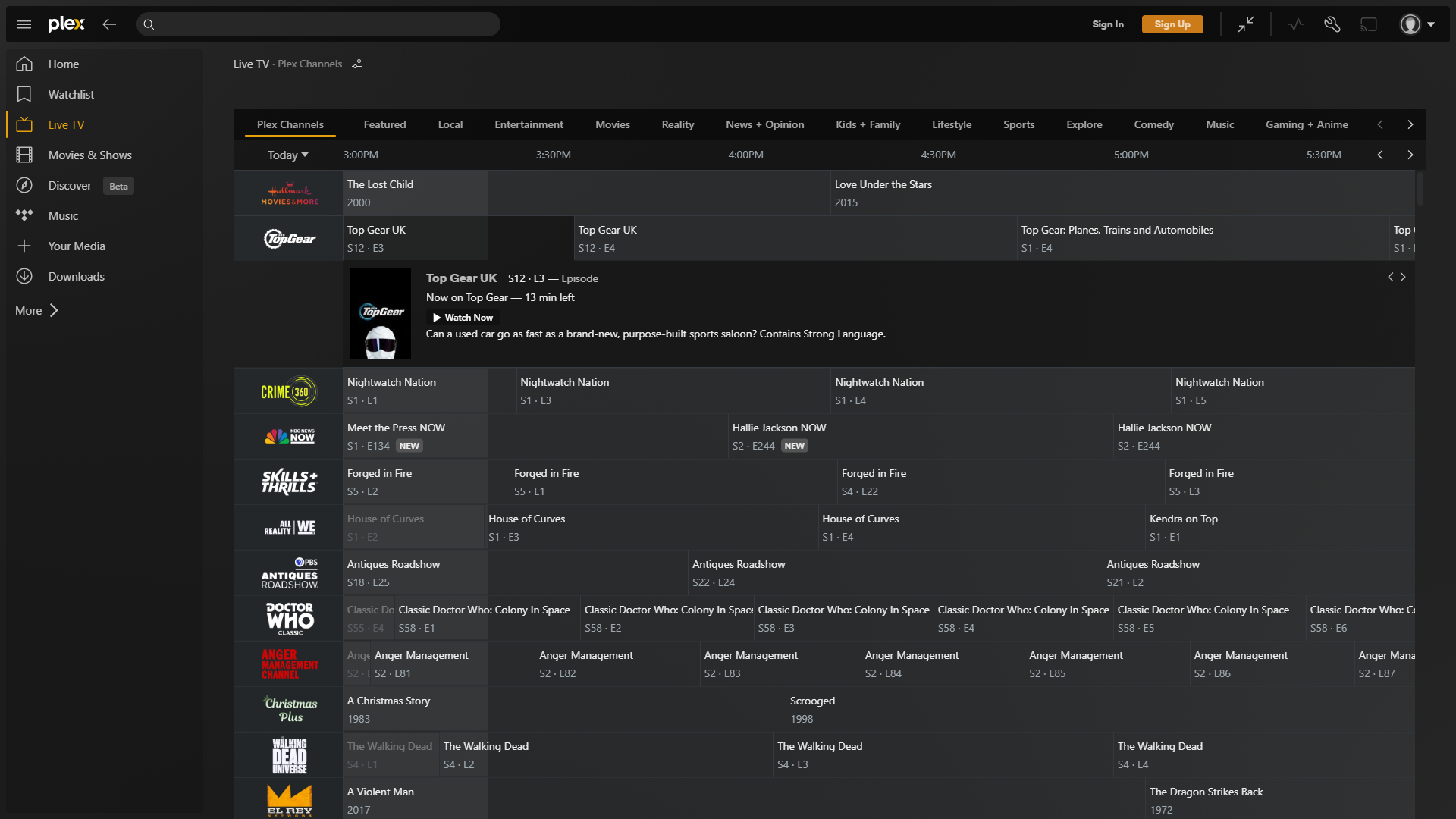
Imagine opening a media library that greets you like a familiar friend—organized, clean, and inviting. Plex for Windows delivers this experience through its sleek and modern interface, where each media category is thoughtfully arranged. Transitions are smooth, and loading times are minimal, making navigation feel seamless rather than sluggish. The learning curve is gentle; even newcomers can quickly start browsing, playing, and organizing their media without diving into complex settings.
Content Discovery and Personalization: The Heart of Plex
One of Plex's most compelling features is its adaptive content discovery engine. Unlike traditional media players that simply serve what's stored locally, Plex analyzes your viewing habits to recommend new titles you might love. This personalized touch is akin to having a knowledgeable friend suggesting movies tailored precisely to your taste, turning idle browsing into engaging discovery. Its algorithms evaluate not only your watch history but also the genres, actors, and styles you favor, making every recommendation feel relevant and thoughtful.
Design and Performance: Where Ease Meets Efficiency
The user interface is designed with clarity and simplicity in mind. Icons and menus are intuitive, making it easy to add new media, organize libraries, or access settings. Under the hood, the app performs flawlessly—navigation is swift, and streaming quality remains stable even during high-definition playback. The app's responsiveness extends across devices, ensuring your media experience is consistent whether you're on a powerful desktop or a modest laptop. For those concerned about the learning curve, Plex's straightforward setup and clear guidance mean you'll be up and running in no time.
Strengths and Differentiators in the Market
Compared to other entertainment applications, Plex's standout edge resides in its smart content algorithms and user-centric approach. While many media apps focus solely on playback, Plex actively works to understand and anticipate your preferences, making content discovery feel organic. Its ability to finely tune recommendations based on nuanced viewing data surpasses simpler, one-size-fits-all algorithms found elsewhere. Additionally, its robust library management features and multi-device compatibility make it a versatile choice for both casual users and media enthusiasts.
Final Thoughts and Recommendations
All in all, Plex for Windows is a thoughtfully crafted application that blends ease of use with intelligent features. It is particularly suitable for users seeking a unified media experience, involving not just local files but also personalized content suggestions. While it may not possess the flashy aesthetics of some newer streaming apps, its focus on content management and discovery is its true strength. For those who value a smart, customizable media hub with a friendly learning curve, Plex is highly recommended—but casual users should be prepared to spend some time exploring its settings to maximize its potential.
Pros
- Smooth streaming experience
- Extensive media library management
- Multi-platform support
- Remote access capabilities
- User-friendly interface
Cons
- Initial setup can be complex for newcomers
- Limited free features
- Occasional buffering issues during high-quality streaming
- Metadata fetching can sometimes be inaccurate
- App stability may vary with Windows OS updates











