


- Name Paramount+
- Category Entertainment
- Available on Xbox console, PC
- OS Windows 10 version 17763.0 or higher
- languages English (United States)
Paramount+ for Windows: A Comprehensive Streaming Companion
Paramount+ for Windows offers a seamless way to access a universe of movies, TV shows, and live sports directly from your desktop, making entertainment more accessible and convenient than ever.
Who's Behind the Screen?
Developed by CBS Interactive Inc., Paramount+ for Windows is part of a global media giant known for its rich content library and innovative streaming solutions. The app integrates the expansive catalog of Paramount+ with the familiar Windows environment, aiming to provide users with a smooth entertainment experience.
Main Features That Shine
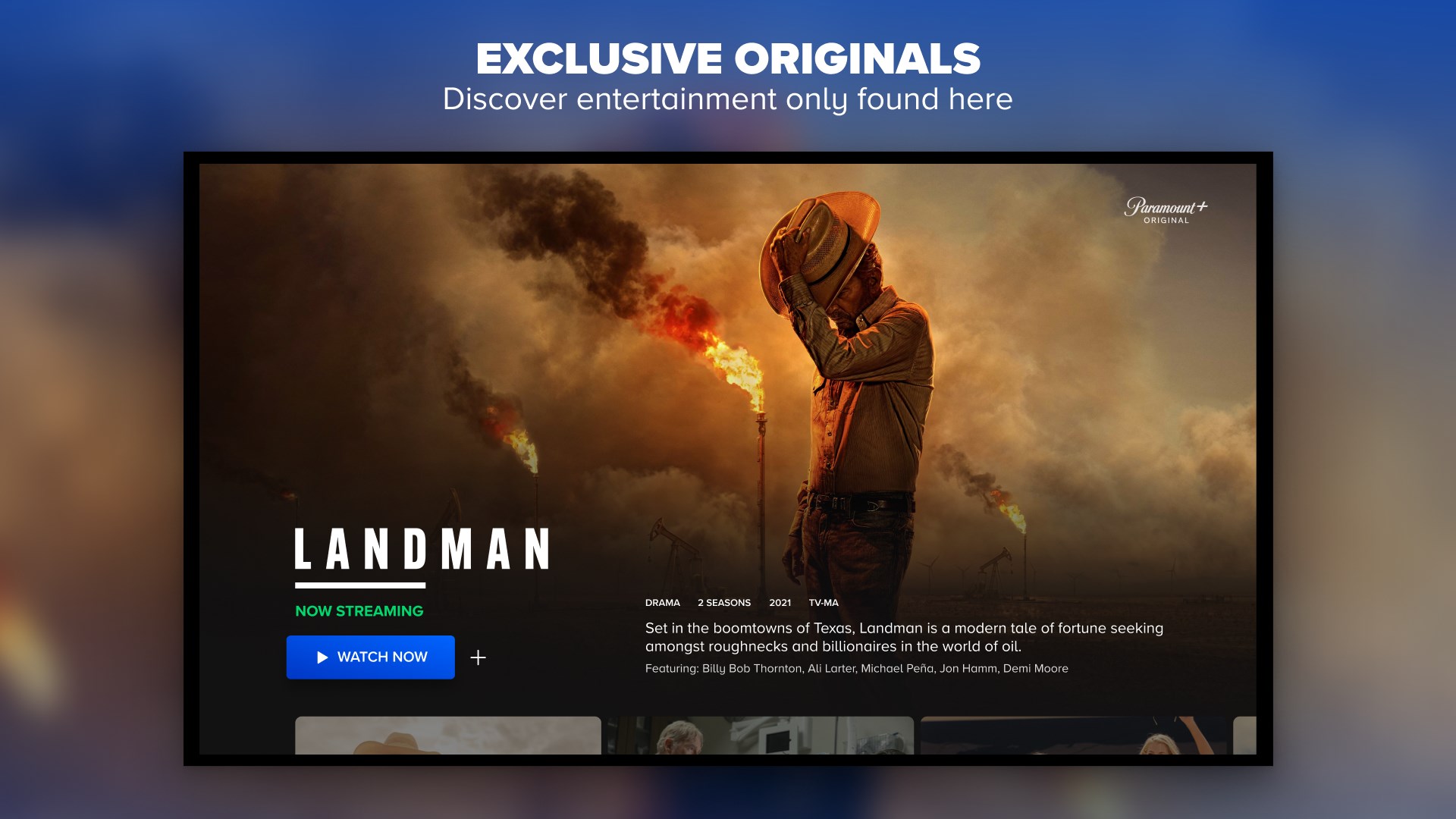
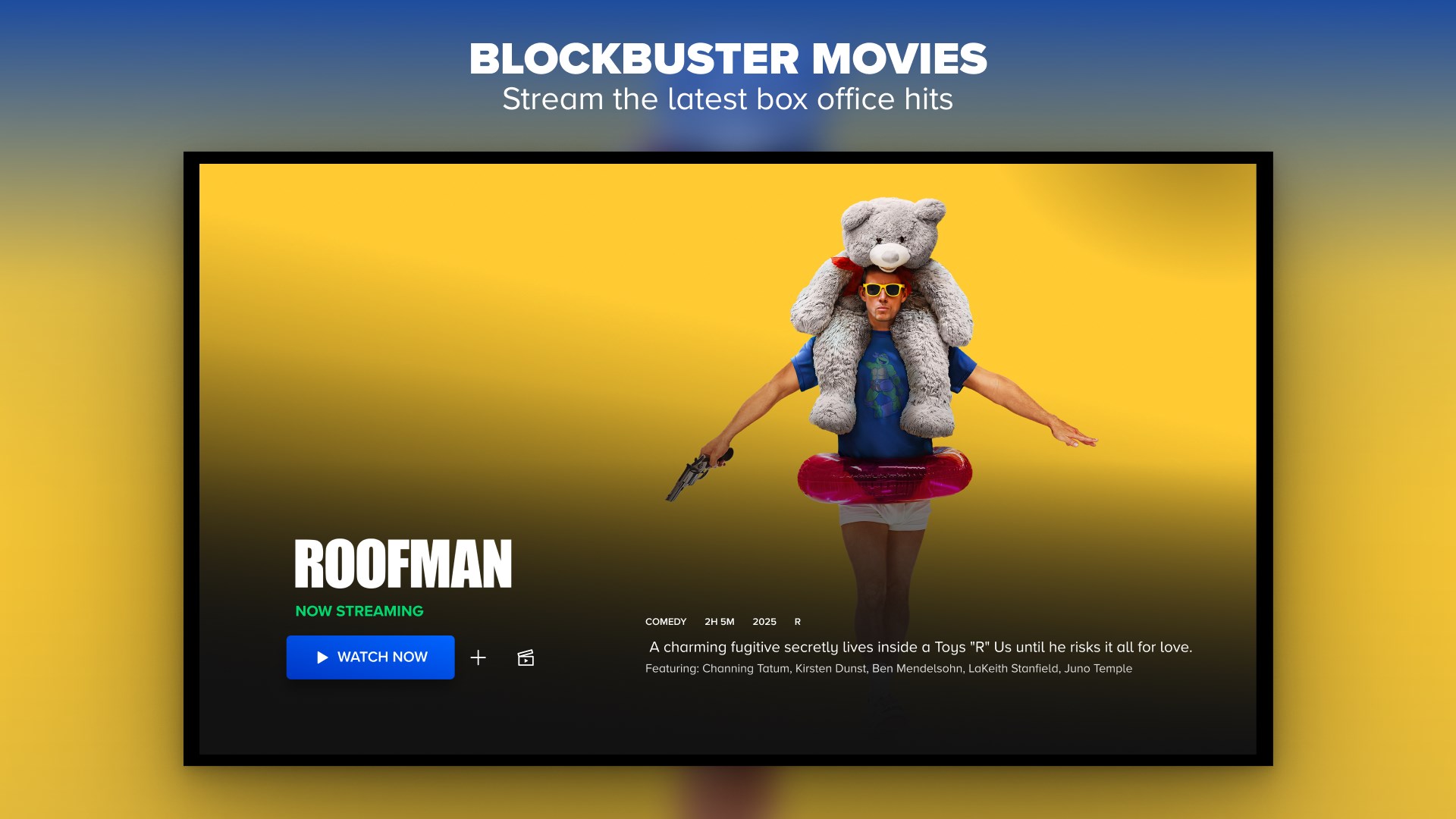
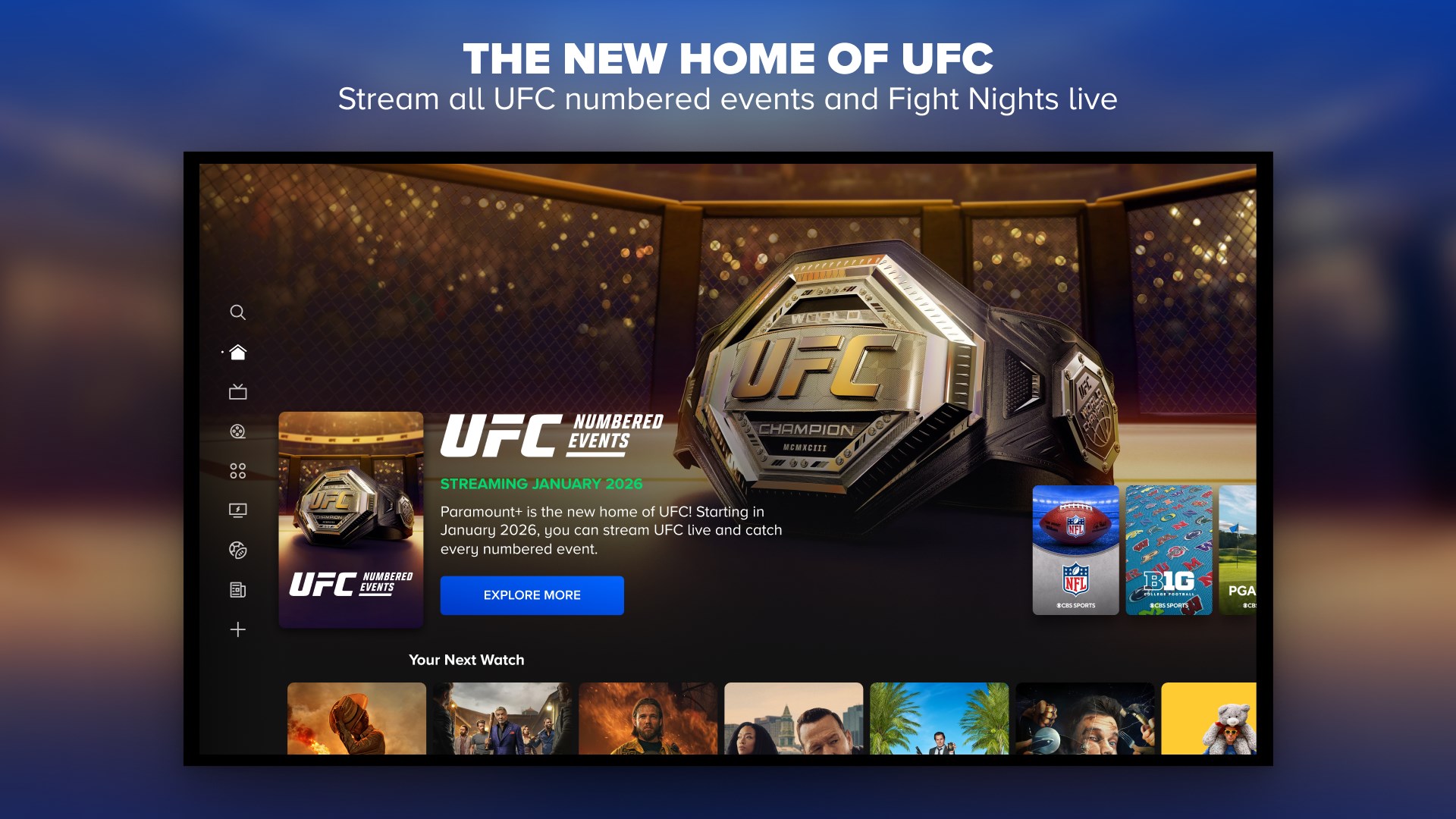
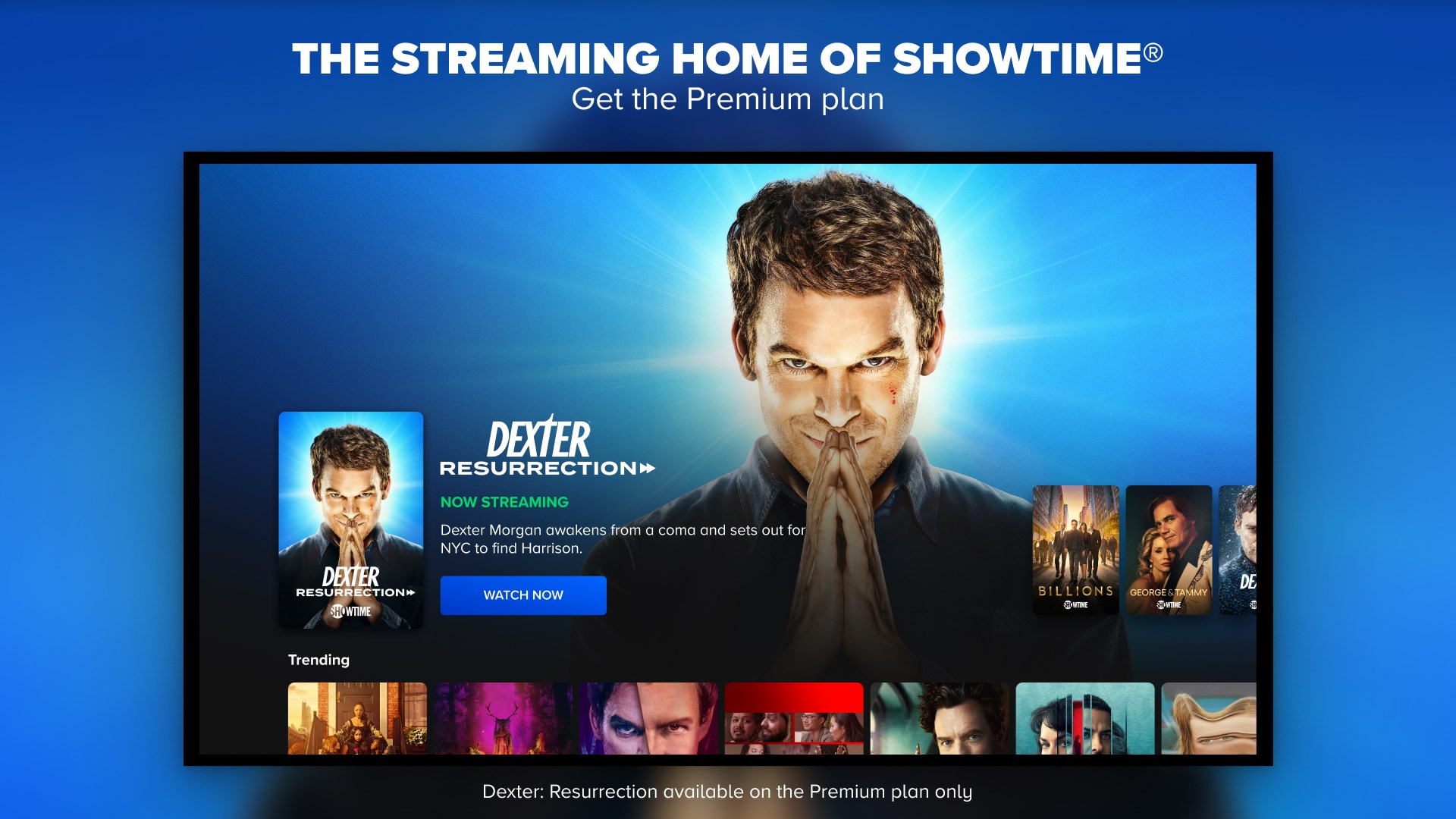
- Robust Content Library: Access to a diverse array of movies, original series, and live TV broadcasts, including sports and news.
- User Personalization & Content Discovery: An intelligent content recommendation system that tailors suggestions based on your viewing habits, helping you discover new favorites effortlessly.
- Offline Viewing: Ability to download select titles for viewing without an internet connection, perfect for travel or limited connectivity scenarios.
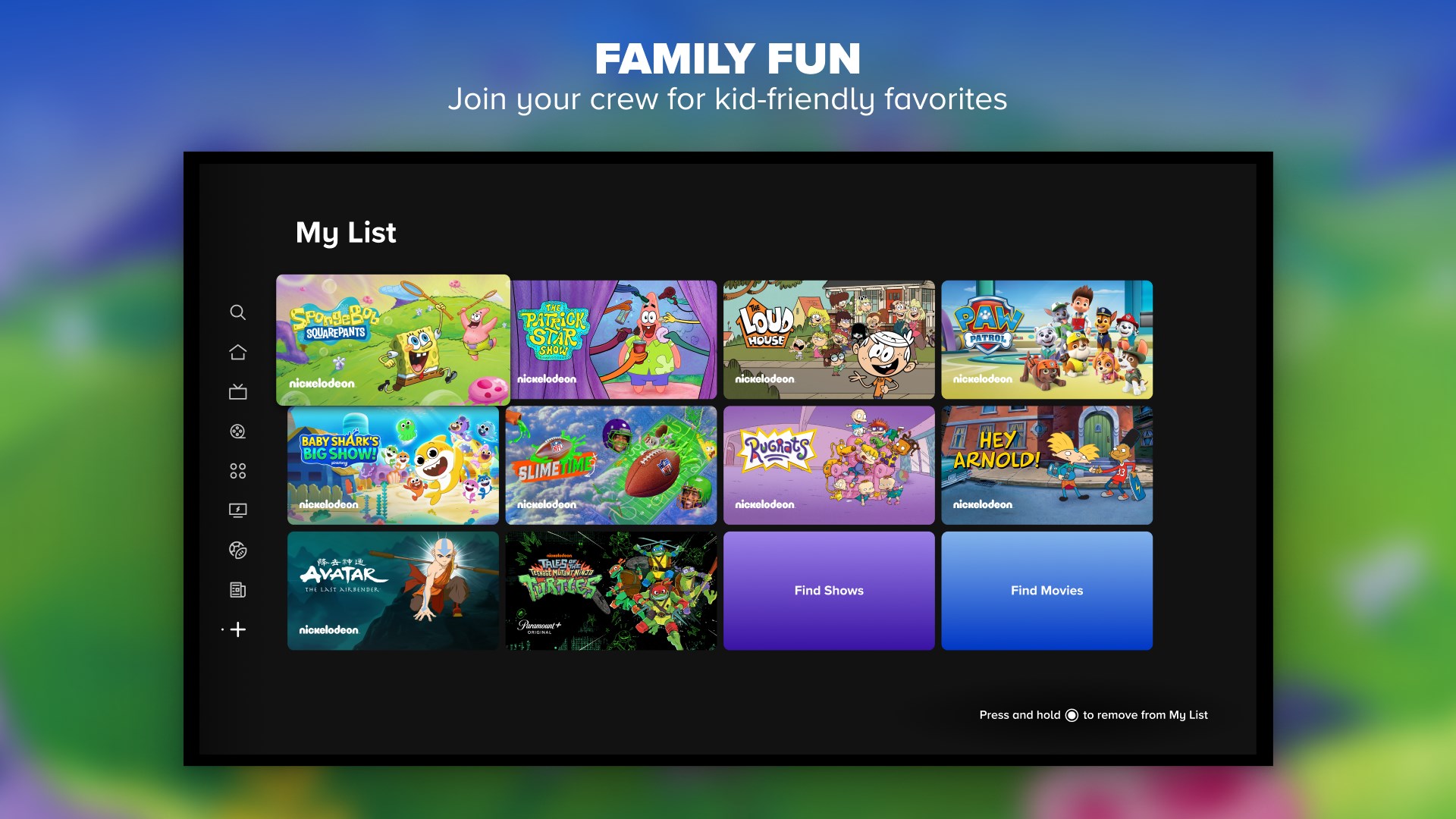
- Multiple Profiles & Parental Controls: Supports multi-user profiles with customizable access, making it suitable for family use.
The focus on personalized content discovery and offline capabilities sets Paramount+ apart in the crowded streaming landscape.
Engaging Review: A Desktop Portal to Endless Entertainment
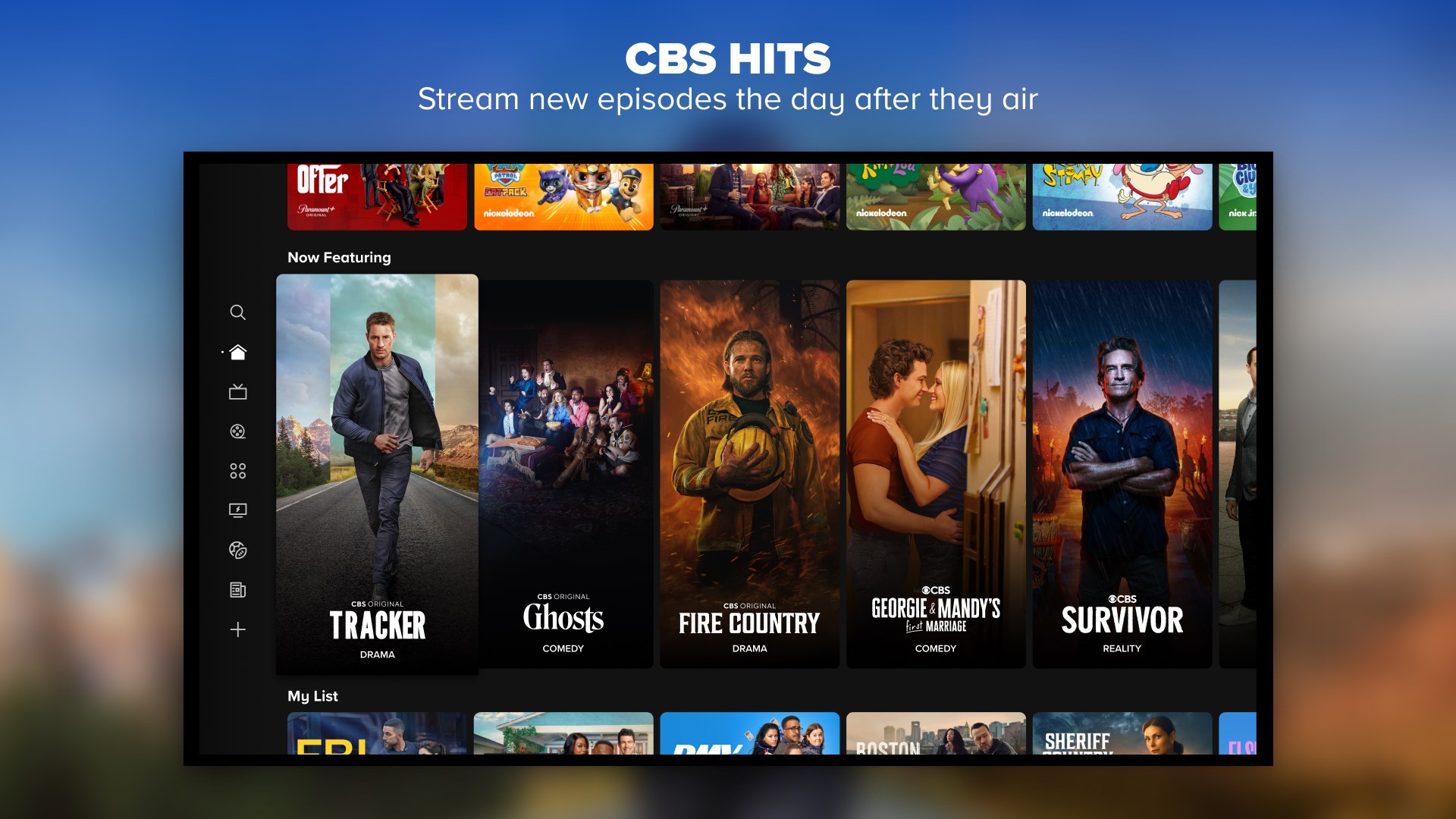
Imagine curling up at your desk after a long day, craving a quick escape—a suspenseful episode or a blockbuster movie. Paramount+ for Windows transforms your PC into a portal for immersive entertainment, combining ease of use with powerful features. Its interface is clean and intuitive, welcoming both tech-savvy users and newcomers alike. Navigating through genres or searching for your favorite show feels like flipping through a well-organized media bookshelf—smooth, snappy, and frustration-free.
Content Discovery & Personalization
One of Paramount+'s standout features is its smart content discovery algorithm. Unlike some competitors that throw a nebulous sea of recommendations at you, Paramount+ tailors suggestions based on your viewing history and preferences. It's akin to having a seasoned librarian who knows exactly which titles will ignite your interest next. This personalized approach not only enhances user engagement but also keeps the recommendations relevant, reducing the tedious scroll through endless options.
Interface & User Experience
The application's visual design feels like a cozy, well-lit lounge—simple yet inviting. The interface adapts seamlessly to different screen sizes and supports smooth navigation, even on lower-end hardware. Operations such as searching, browsing, and switching profiles are fluid, with minimal loading times. Its learning curve is gentle; even a first-time user will find themselves browsing effortlessly within minutes. Streaming quality is consistent, and buffering is seldom an issue, thanks to optimized content delivery.
What Sets Paramount+ Apart?
Compared to other entertainment apps like Netflix or Hulu, Paramount+ distinguishes itself with its integrated live TV and sports streaming, offering a more comprehensive viewing experience. Its recommendation system emphasizes relevance, making it feel less like a generic content carousel and more like a curated entertainment guide. This focus on personalized discovery creates a sense of intimacy and anticipation, as if the app understands your tastes better than you thought.
Final Thoughts and Recommendations
Overall, Paramount+ for Windows is a solid choice for those seeking a versatile, user-friendly streaming app that combines extensive content with personalized recommendations. Its standout features—especially content discovery tailored to your viewing habits and offline downloads—make it a valuable addition to any entertainment toolkit. I recommend it to users who value curated suggestions and the flexibility to watch anywhere, anytime. For casual viewers and dedicated binge-watchers alike, it's a reliable, enjoyable companion for daily entertainment needs.
Pros
- High-Quality Content Selection
- User-Friendly Interface
- Offline Download Support
- Multi-Device Compatibility
- Regular Content Updates
Cons
- Limited Content Region Availability
- Occasional Streaming Buffering
- Navigation Could Be Smoother
- Limited 4K Content
- Inconsistent Subtitles Quality











