

- Name Onopoly- Business Rento Board Game
- Category Card & board
- Developer Card Guru Game Studios
- Available on PC
- OS Windows 10 version 10240.0 or higher
- DirectX Version 10
- languages English (United States)
Introducing Onopoly: The Digital Business Monopoly Experience for Windows
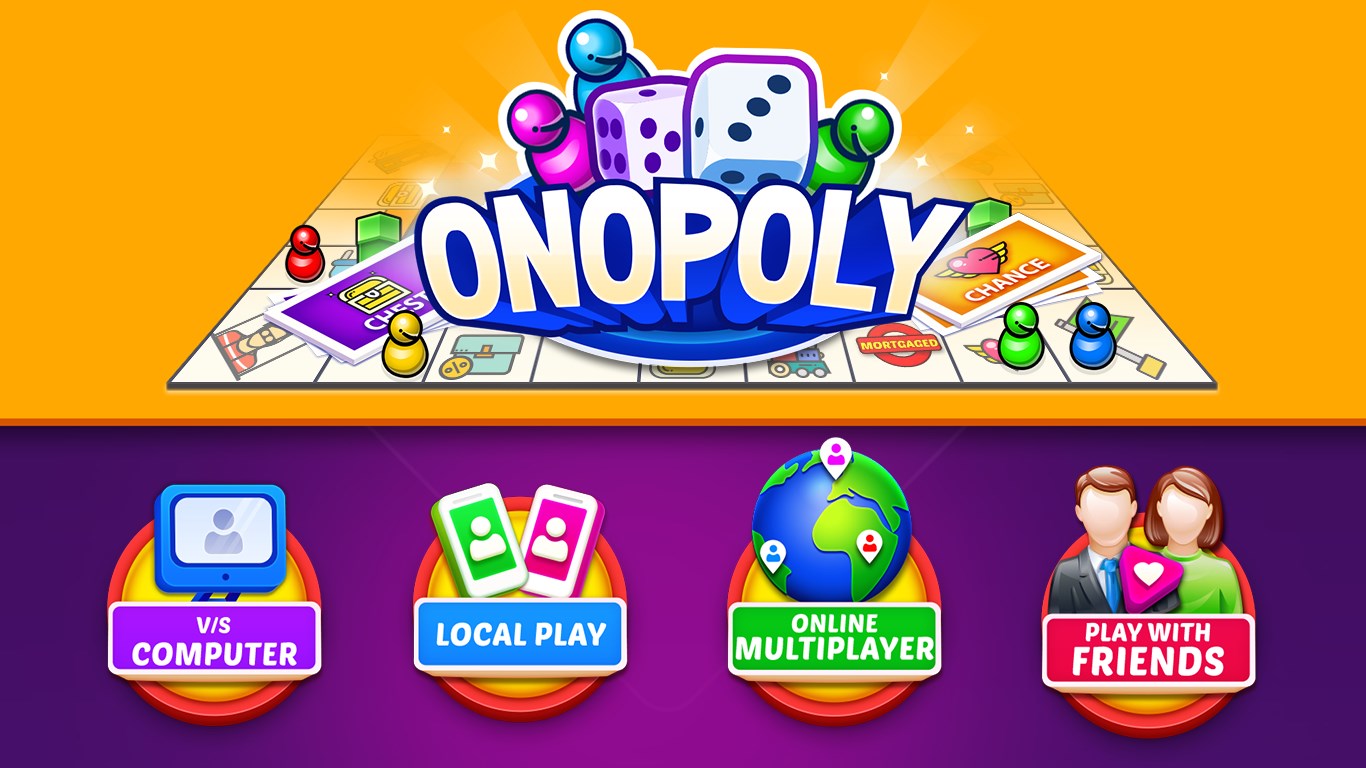
Onopoly by Card Guru Game Studios offers enthusiasts a modern twist on the classic business-themed board game, bringing strategic entrepreneurship battles right onto your Windows device. Whether you're a seasoned Monopoly veteran or new to virtual board games, Onopoly aims to combine familiar gameplay with digital innovation.
Who's Behind the Game? Meet the Creators
Developed and published by Card Guru Game Studios, a team dedicated to crafting engaging digital board game experiences. Their focus is to merge traditional gameplay with seamless digital presentation, offering players an accessible yet immersive gaming environment.
Key Features That Make Onopoly Shine
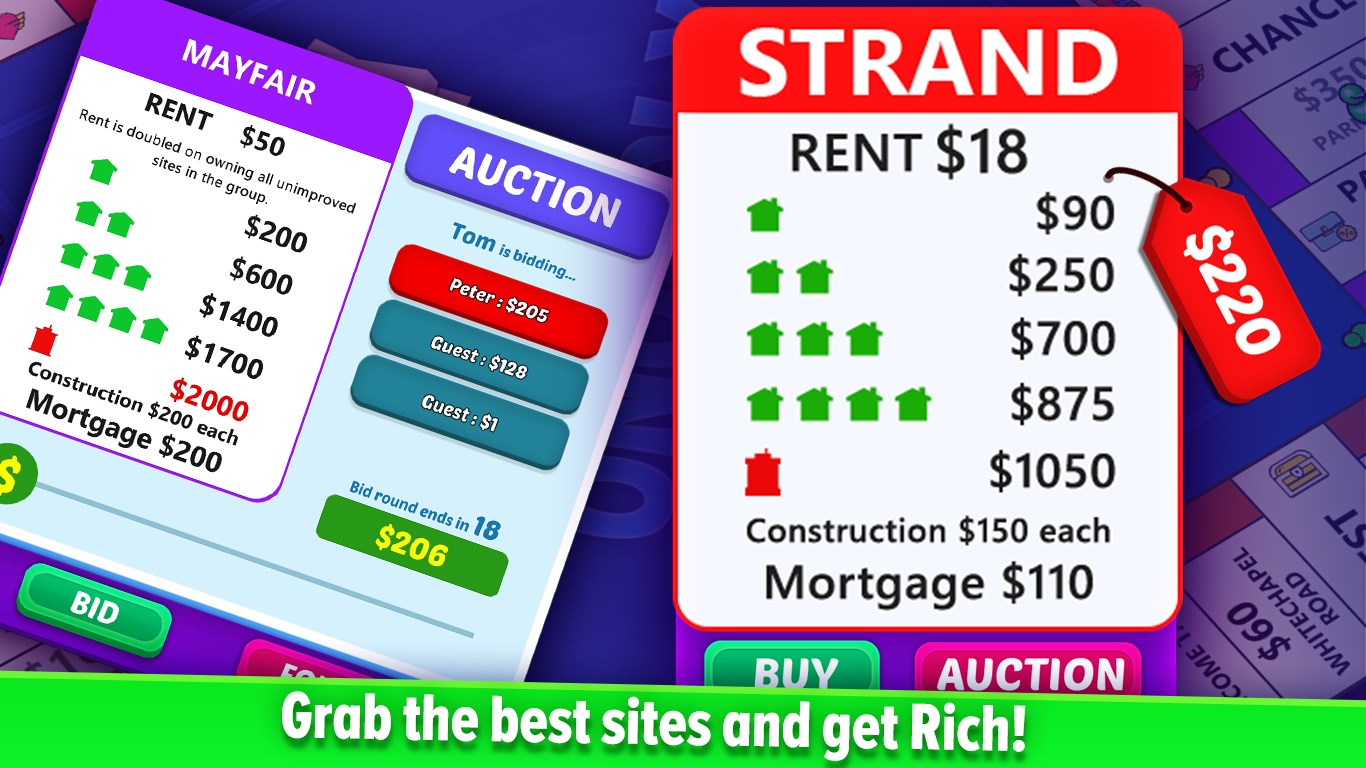
- Dynamic Business Simulation: The game emphasizes business strategy, allowing players to invest, develop properties, and manage finances with a competitive twist.
- Intuitive Multiplayer Mode: Connect and compete with friends or global players seamlessly, fostering a lively community atmosphere.
- Customizable Game Settings: Tailor game rules, properties, and difficulty levels to suit your preferences, making each session unique.
- Engaging Visuals and Sound: Bright, clear graphics paired with subtle sound effects create an inviting environment without overwhelming the senses.
Immersive Gameplay and User Experience
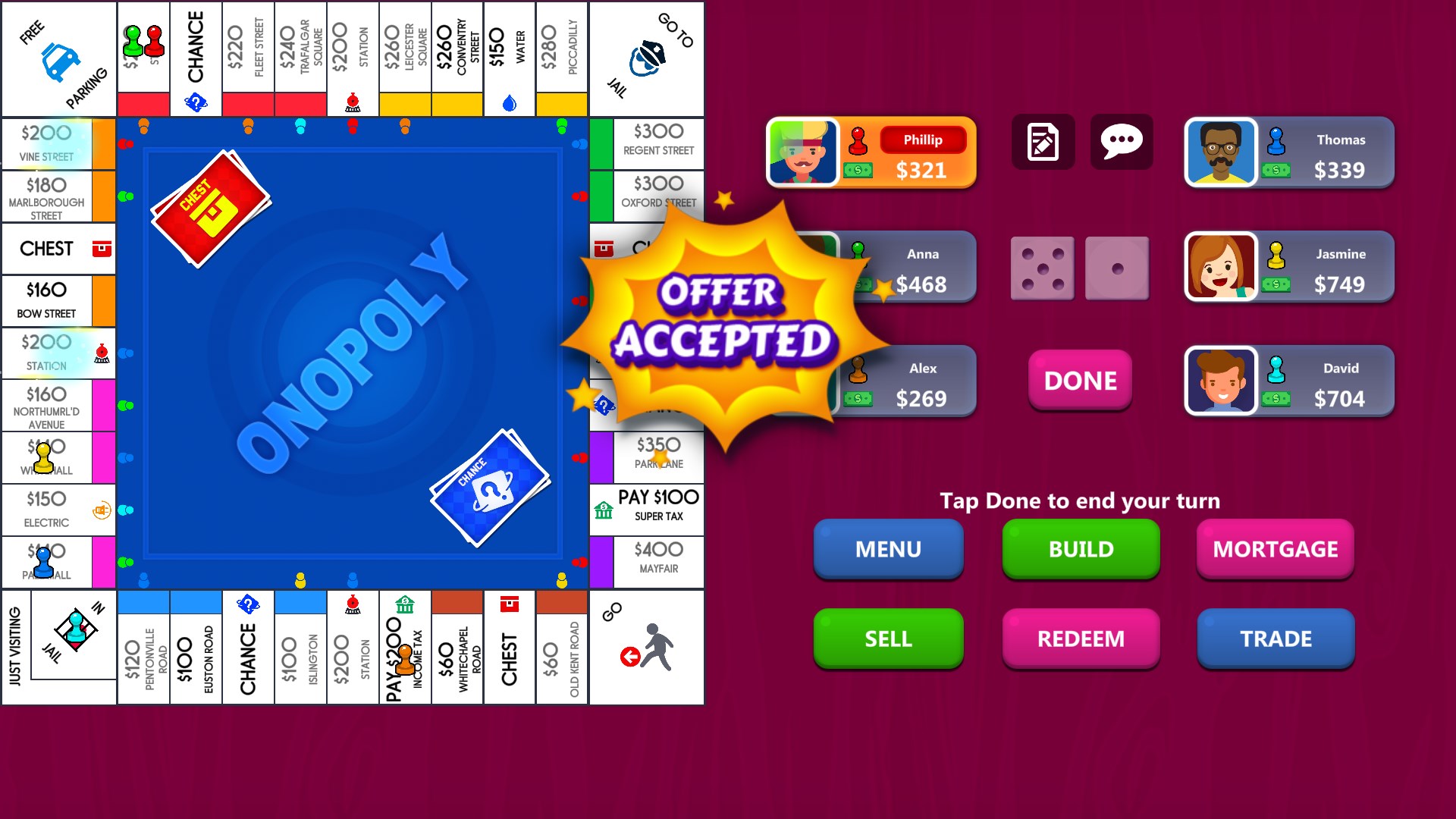
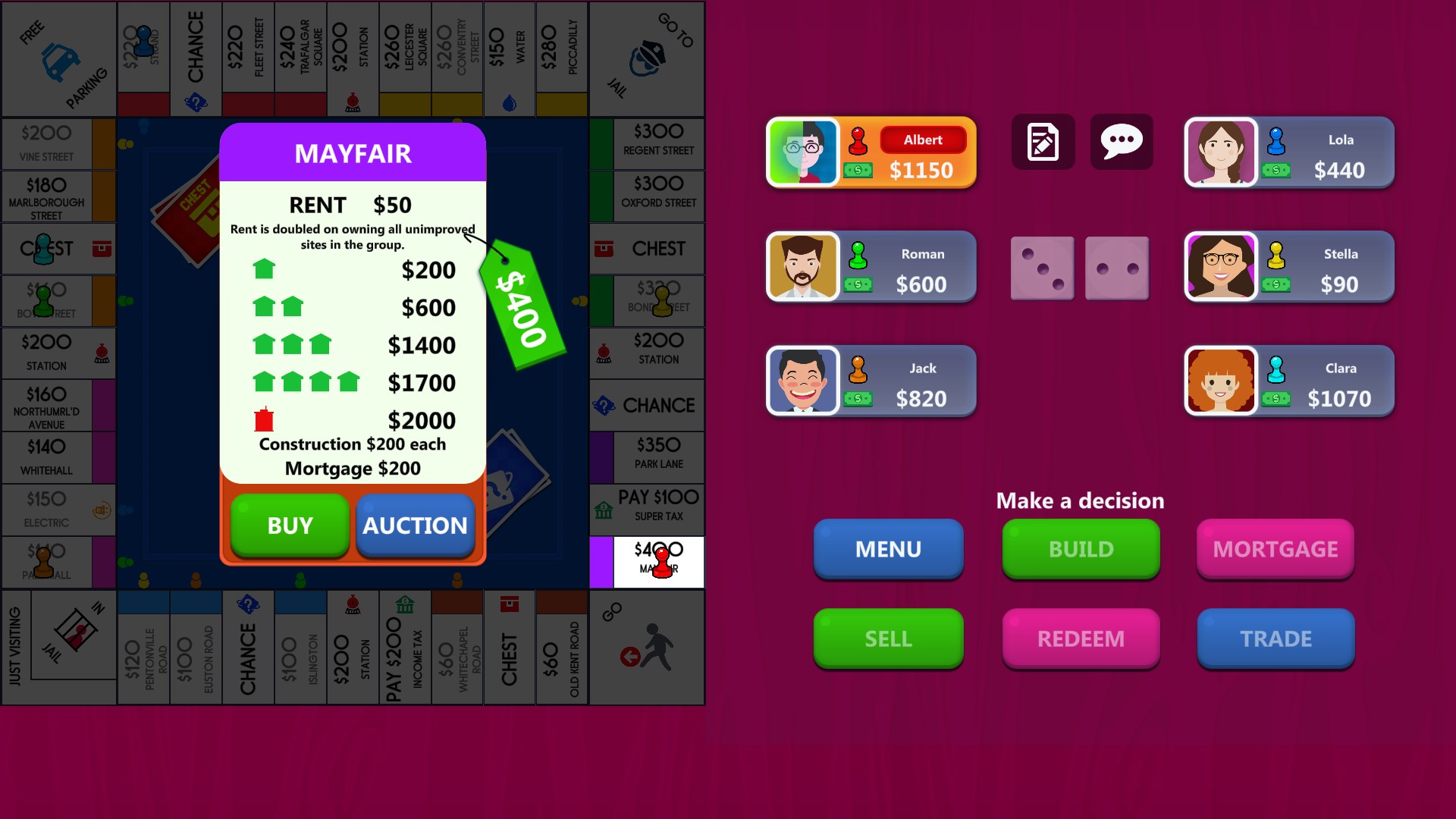
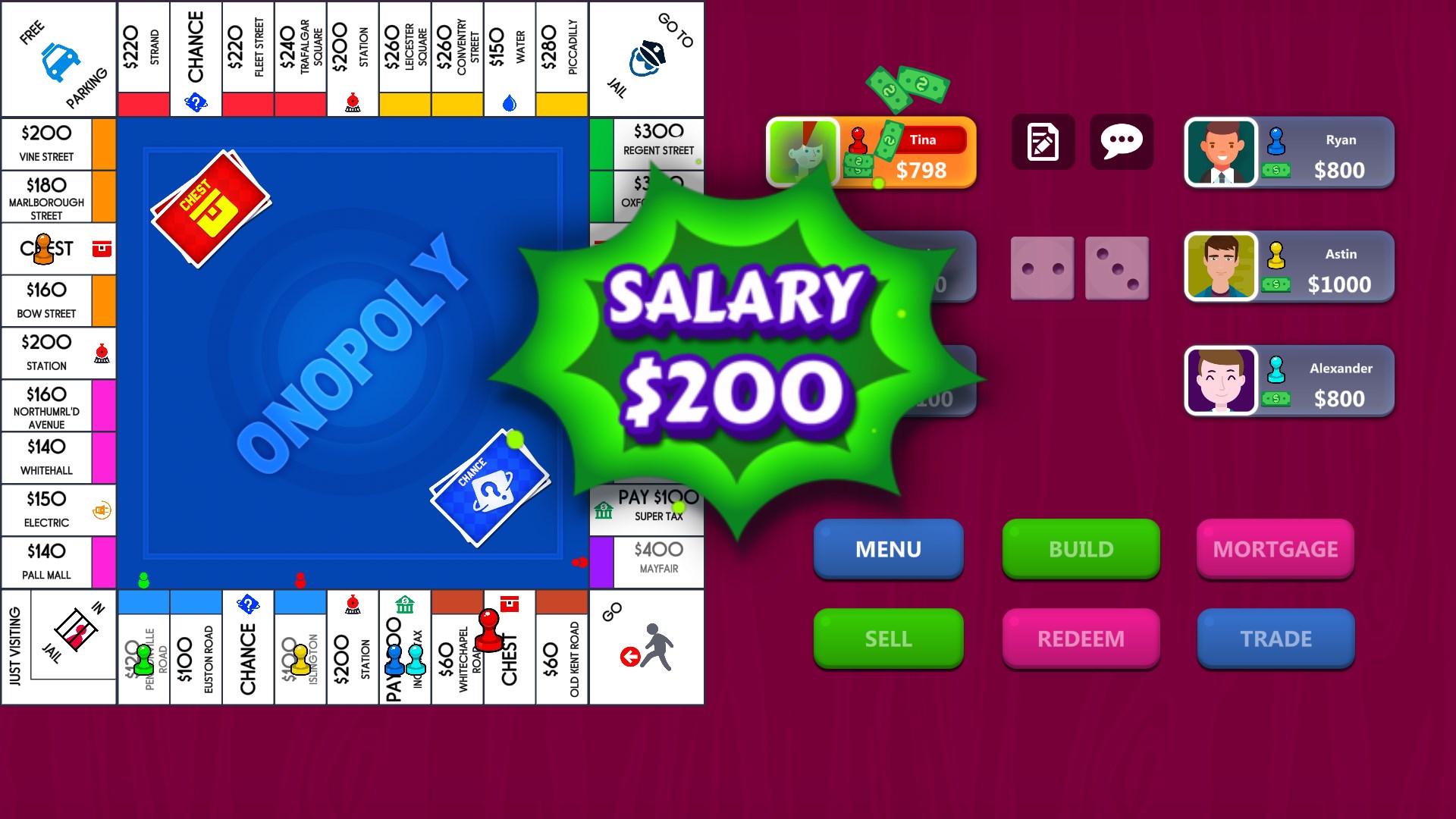
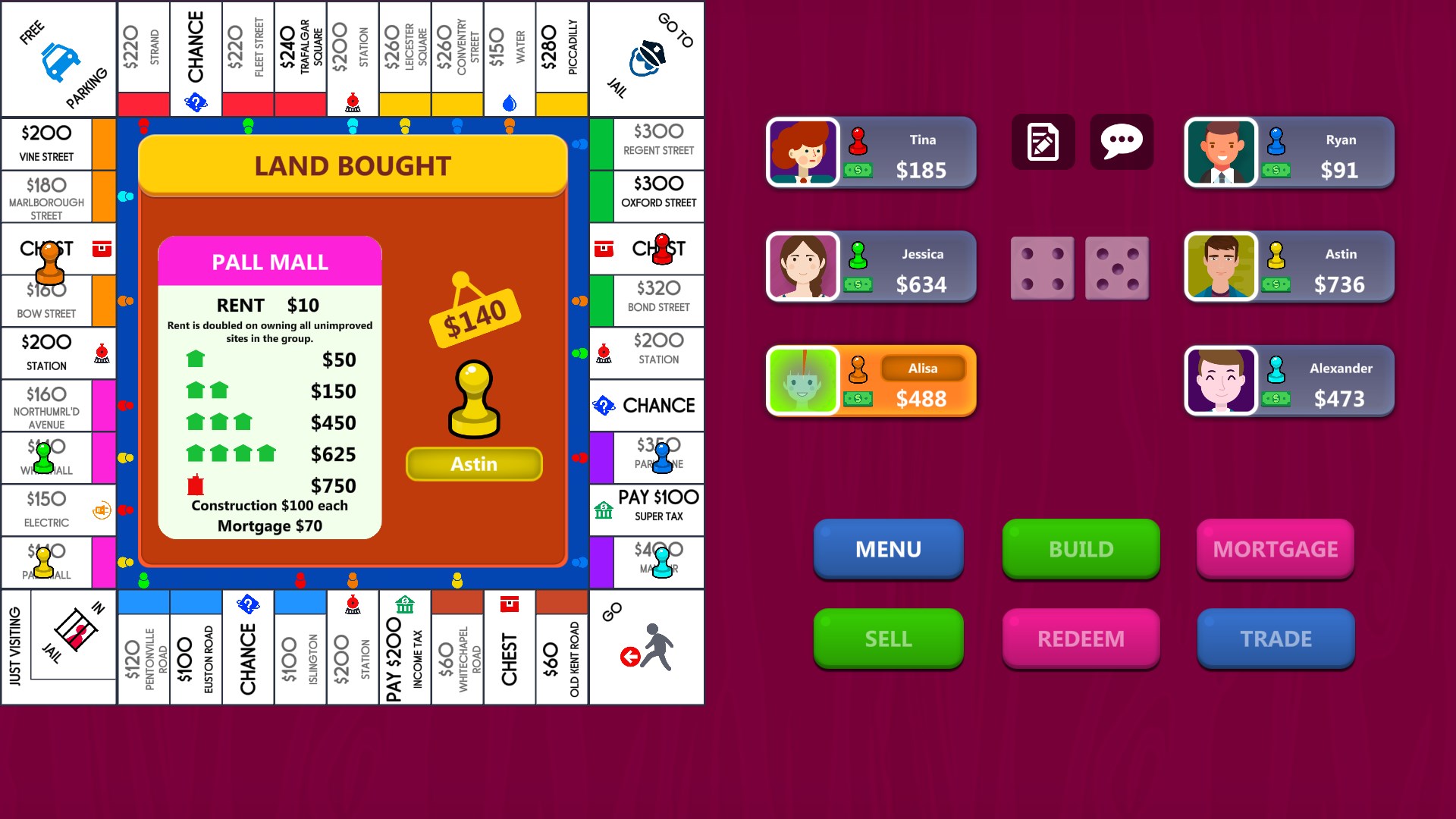
From the moment you launch Onopoly, you're greeted with a sleek, organized interface that feels like stepping into a well-appointed game room. The design balances clarity with style, ensuring that essential information—like assets, cash flow, and player positions—is front and center, much like a well-orchestrated command center. Navigating through menus and game options is remarkably smooth, with minimal lag—an essential factor when you're deep into strategic planning or tense negotiations.
Core Functionality Deep Dive
Artwork & Interface Design
Onopoly's visual layout is reminiscent of a polished table setup, where each property and game element is rendered in vivid detail. The color schemes and icons are straightforward, reducing clutter and helping players quickly grasp the game state. This clarity is especially helpful for new players learning the mechanics, yet it doesn't compromise the aesthetic appeal for veterans who appreciate a refined look.
Gameplay Mechanics & Learning Curve
The game strikes a balance between accessibility and depth. Even newcomers can learn the rules through a well-designed tutorial, while experienced players will enjoy the strategic layers added by custom options. The interface guides users intuitively through buying, trading, and managing assets, making the learning curve gentle but rewarding.
Differentiation & Unique Selling Points
Unlike traditional board games or other digital counterparts, Onopoly's standout feature is its Business Rento aspect, which simulates real-world economic decision-making. It introduces elements like market fluctuations and investment strategies, setting it apart from more straightforward Monopoly clones. Moreover, its multiplayer mode is highly responsive, enabling dynamic interactions that mimic real-world negotiations, thus fostering a more social gaming experience.
Final Thoughts & Recommendations
Onopoly offers a compelling package for fans of board games and business simulations alike. Its standout features—particularly the nuanced business mechanics and customizable gameplay—make it a noteworthy addition to digital board game collections. The interface is polished, gameplay smooth, and the learning curve manageable, making it accessible yet deep enough to keep you engaged.
We recommend Onopoly to players looking for a strategic, competitive, and visually pleasant gaming experience. Casual players will find it approachable, while strategists will appreciate the depth and customization options. As a well-made digital adaptation of a beloved classic, it is worth exploring for anyone interested in turning a simple game of property acquisition into a full-fledged business venture.
Pros
- Engaging gameplay with a familiar business theme
- Beautiful and clear graphics design
- Multiplayer mode supports online play
- Offers tutorial and guided instructions
- Regular updates and bug fixes from the developer
Cons
- Limited game modes and customization options
- Occasional connectivity issues during multiplayer matches
- In-app purchases can be intrusive
- Graphics customization options are limited
- Tutorials could be more comprehensive for complete beginners











