

- Name Official Police Scanner Radio
- Category Entertainment
- Developer Police Scanner Radio
- Available on PC, Mobile, Surface Hub, HoloLens
- OS Windows 10 version 10586.0 or higher
- languages English (United States)
Official Police Scanner Radio for Windows: A Robust Tool for Scanning Public Radio Feeds
Official Police Scanner Radio for Windows is a dedicated application designed to bring live police, fire, EMS, and other public safety radio feeds directly to your desktop, offering enthusiasts and professionals a seamless way to stay connected with real-time monitoring. With its clean interface and broad coverage, it aims to serve a diverse range of users—from hobbyists to emergency response enthusiasts.
About the Developer and Core Features
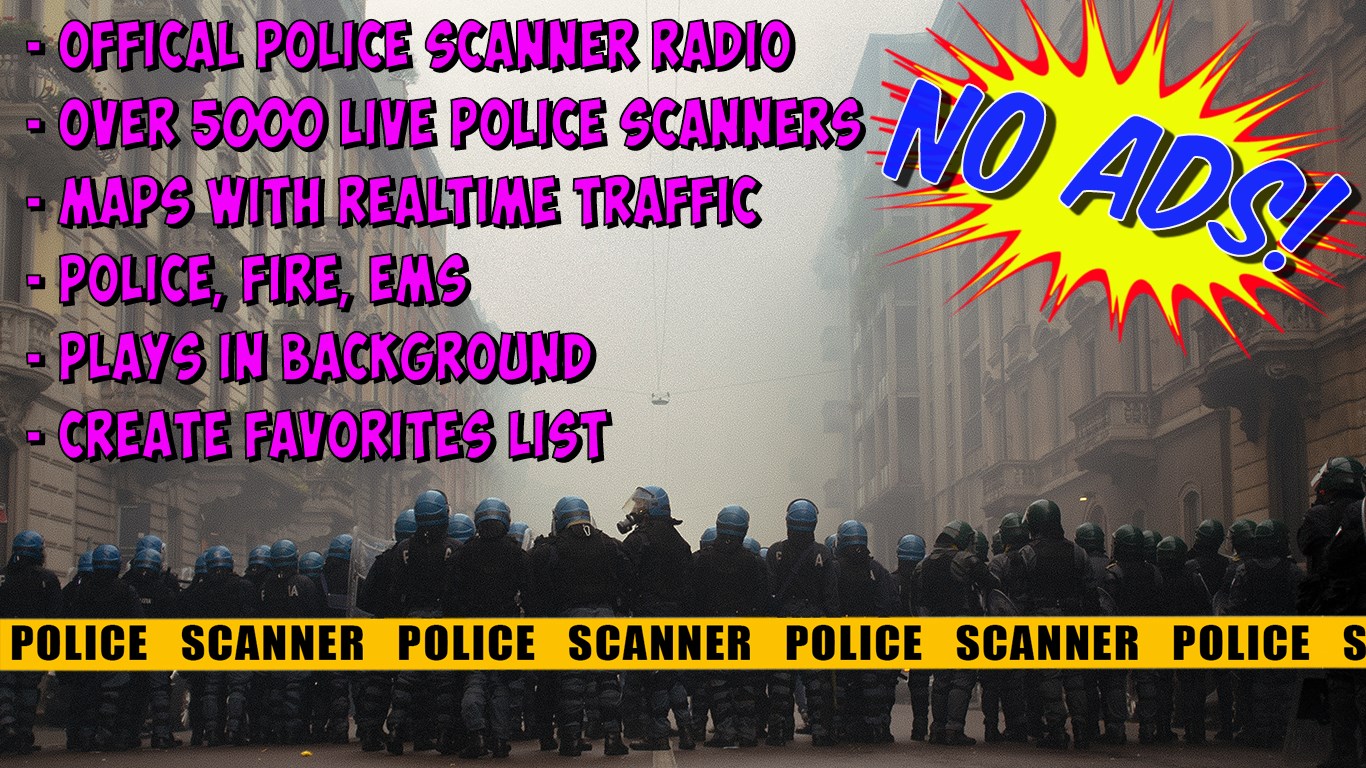
Developed by Police Scanner Radio, a team specialized in creating radio streaming applications, this app combines technical simplicity with a broad network connection. Its main highlights include access to thousands of live radio feeds worldwide, customizable scanner lists, and seamless playback features designed for a smooth listening experience. The app also offers a user-friendly interface, making it accessible for both seasoned scanner enthusiasts and newcomers.
Engaging and Dynamic Radio Feeds at Your Fingertips
Imagine having a window into the world of emergency responders and law enforcement right on your desktop—this is exactly what Official Police Scanner Radio delivers. Its real charm lies in providing instant access to live feeds, which makes you feel like you're sitting next to a police dispatch center. Whether you're tracking local events or just curious about how public safety agencies coordinate their efforts, this app turns your Windows device into a portable scanner station.
Two Core Functionalities That Make it Stand Out
Extensive Coverage & Customization
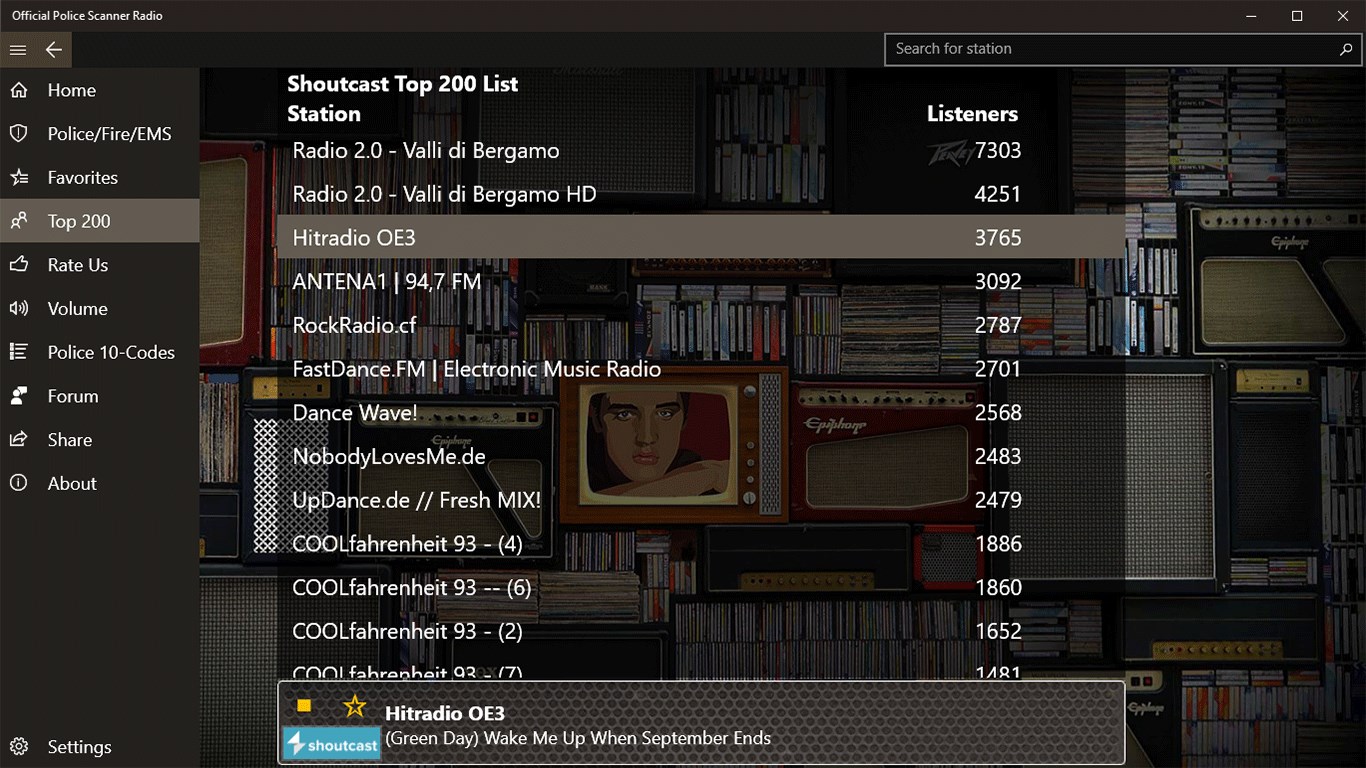
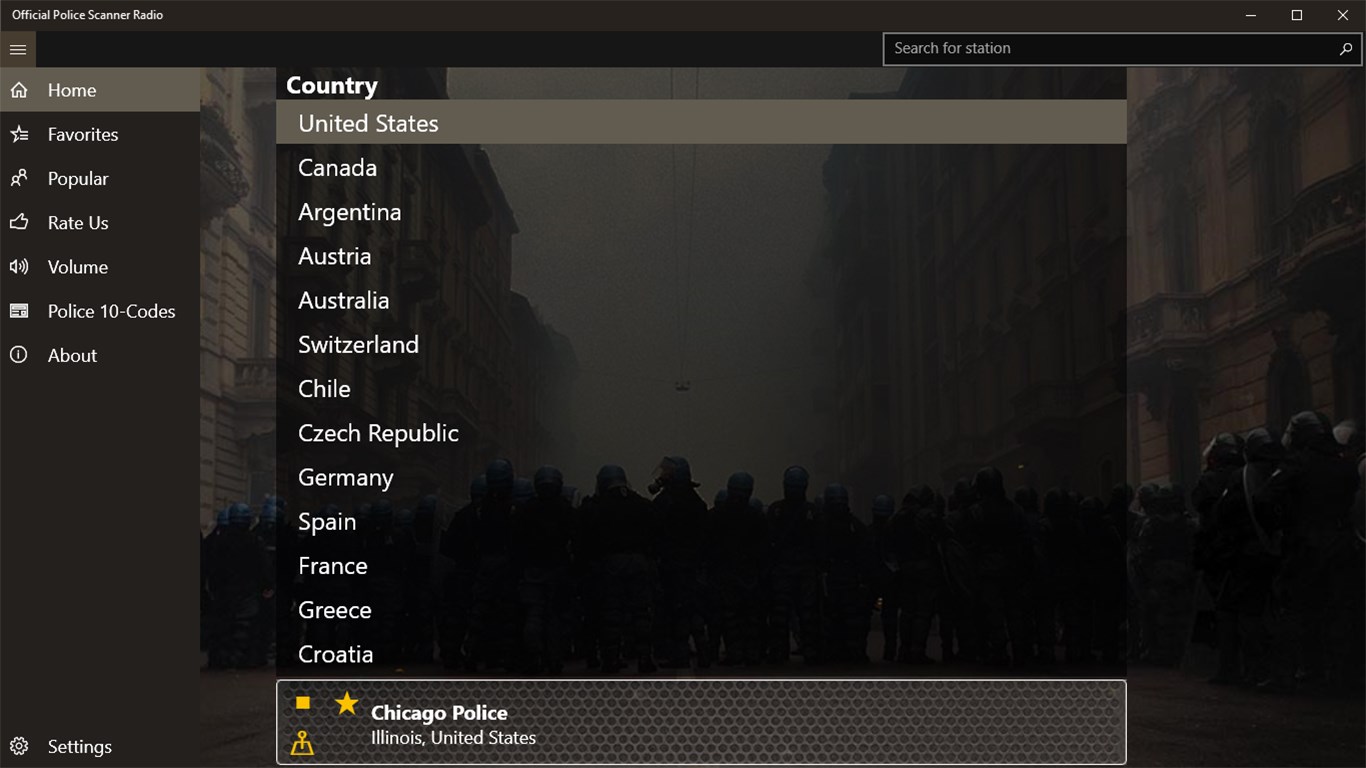
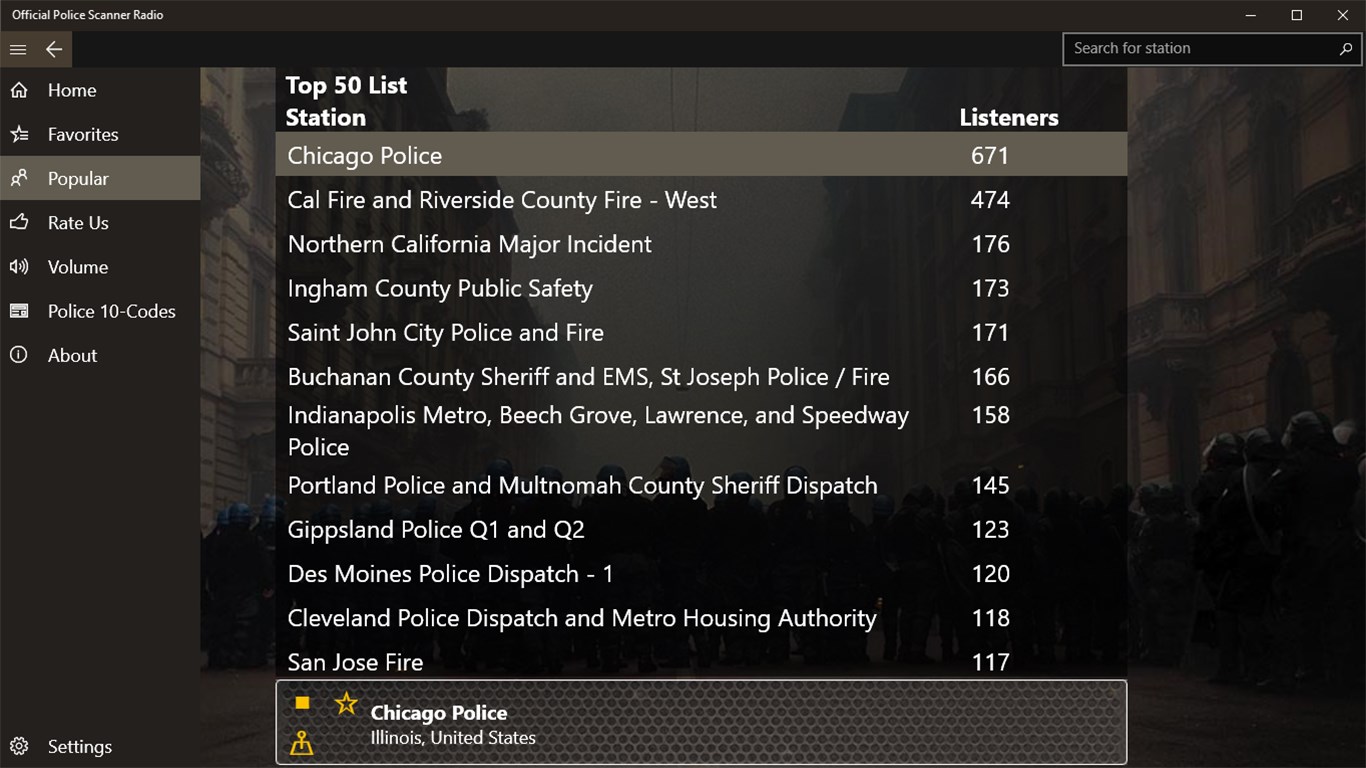
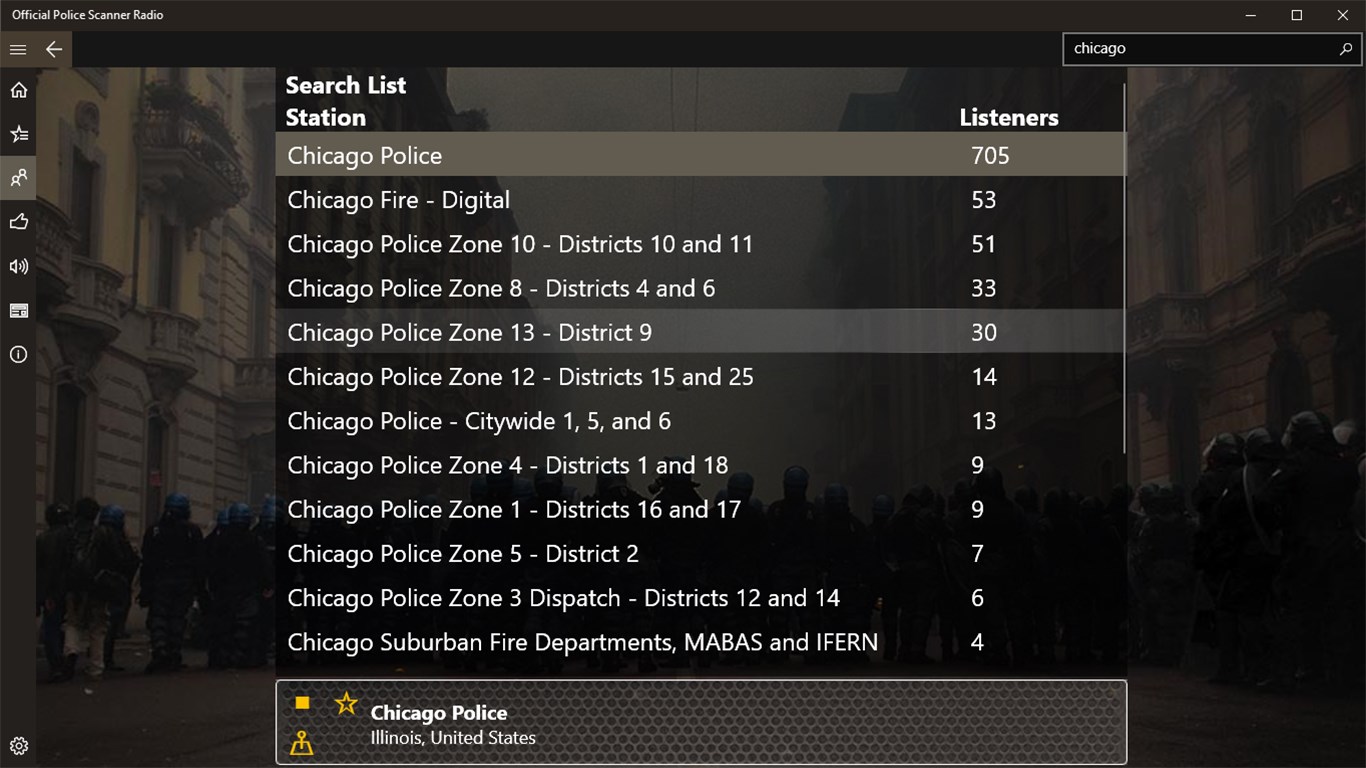
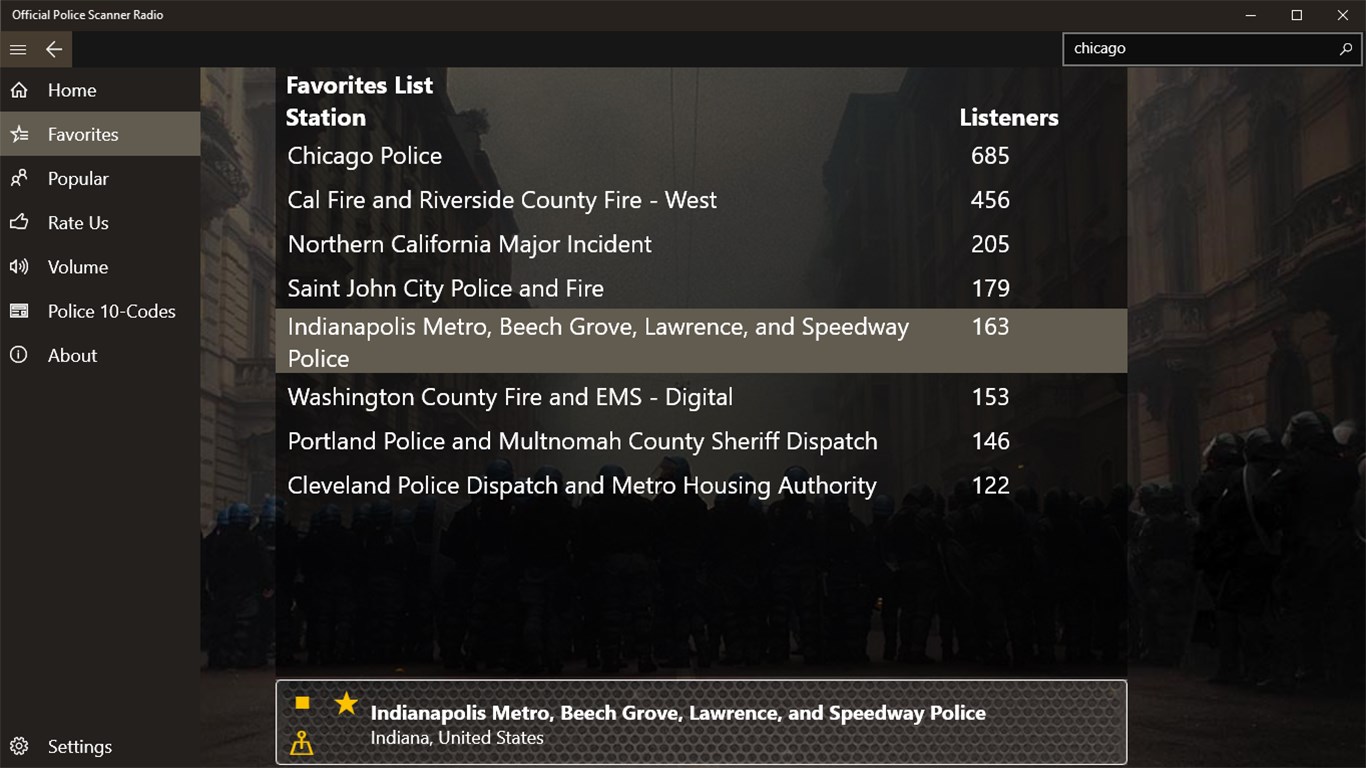
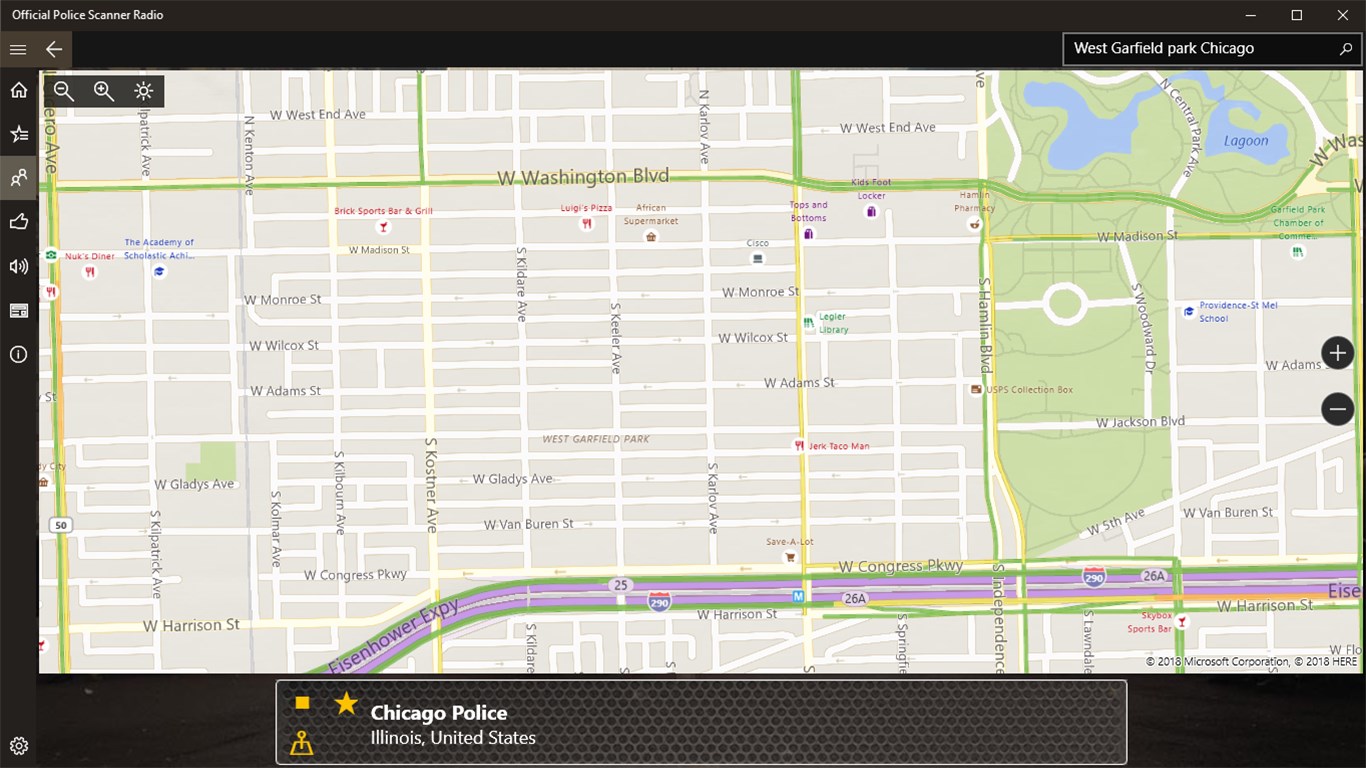
The app offers access to an expansive database of thousands of radio feeds globally, allowing users to browse by location or category. What sets it apart from similar applications is its intuitive filtering and favorite designation, which help you personalize your experience. Instead of sifting through endless streams, you can quickly tune into feeds that match your interests—be it police activity, fire dispatches, or air traffic. This personalized approach makes the listening experience more relevant and engaging.
High-Quality Streaming & User-Friendly Interface
One of the app's most notable features is its stability and clarity of sound. Designed with user experience in mind, the interface is simple yet efficient, with large, clear buttons and minimal clutter. Navigation feels natural, with swift transitions between channels and easy pausing or resuming streams. The learning curve is gentle—making it accessible even to those with limited technical skills—yet it packs enough depth for dedicated scanner fans.
Enhanced User Experience & Differentiation
The interface design emphasizes clarity, using a clean layout and easy-to-read fonts that minimize distraction. Operation flows smoothly, with low latency and minimal buffering, ensuring that listeners remain engaged without frustration. Compared to many entertainment apps, which often focus on content discovery algorithms, this app's standout feature is its emphasis on real-time data and user-driven feed selection. Its personalized feed management ensures that users receive the most relevant streams, rather than random or overly broad recommendations—a hallmark that sets it apart from typical entertainment apps that rely heavily on algorithmic suggestions.
Recommendation and Usage Tips
Overall, Official Police Scanner Radio for Windows offers a reliable and detailed live radio streaming experience tailored for enthusiasts and professionals alike. I would recommend it to anyone interested in public safety communications, amateur radio monitoring, or simply curious about real-time radio broadcasts. For casual users, the straightforward interface makes it easy to start listening immediately. Power users might appreciate its extensive customization options and broad coverage.
However, users should keep in mind that availability and quality of feeds can vary depending on location and source. Regular updates from the developer also suggest continuous improvements, making this app a solid choice for those who want dependable live radio streams on their Windows device.
Pros
- Comprehensive Police Scanner Feeds
- User-Friendly Interface
- Real-Time Audio Streaming
- Customizable Favorites
- Additional Features
Cons
- Limited Free Content
- Occasional Audio Drops
- Regional Coverage Variability
- Battery Usage
- Limited Customization Options











