
- Name Neutro IPTV Player (Pro)
- Category Entertainment
- Developer Neutro IPTV Player
- Available on PC
- OS Windows 10 version 17763.0 or higher
- Keyboard Integrated Keyboard
- Mouse Integrated Mouse
- languages English (United States)
Neutro IPTV Player (Pro) for Windows: Your Gateway to Seamless Streaming
Neutro IPTV Player (Pro) for Windows is a sophisticated media application designed to deliver a smooth and customizable IPTV experience, combining ease of use with thoughtful features. Whether you're a seasoned streamer or just starting your digital entertainment journey, this app aims to make content access both simple and enjoyable.
Developed by a Passionate IPTV Enthusiasts
Created by the dedicated team at Neutro IPTV Player, this application reflects their commitment to providing reliable and feature-rich streaming solutions. Their focus on user-centric design and robust functionality ensures that viewers get a dependable platform for their entertainment needs.
Standout Features that Elevate Your Viewing Experience
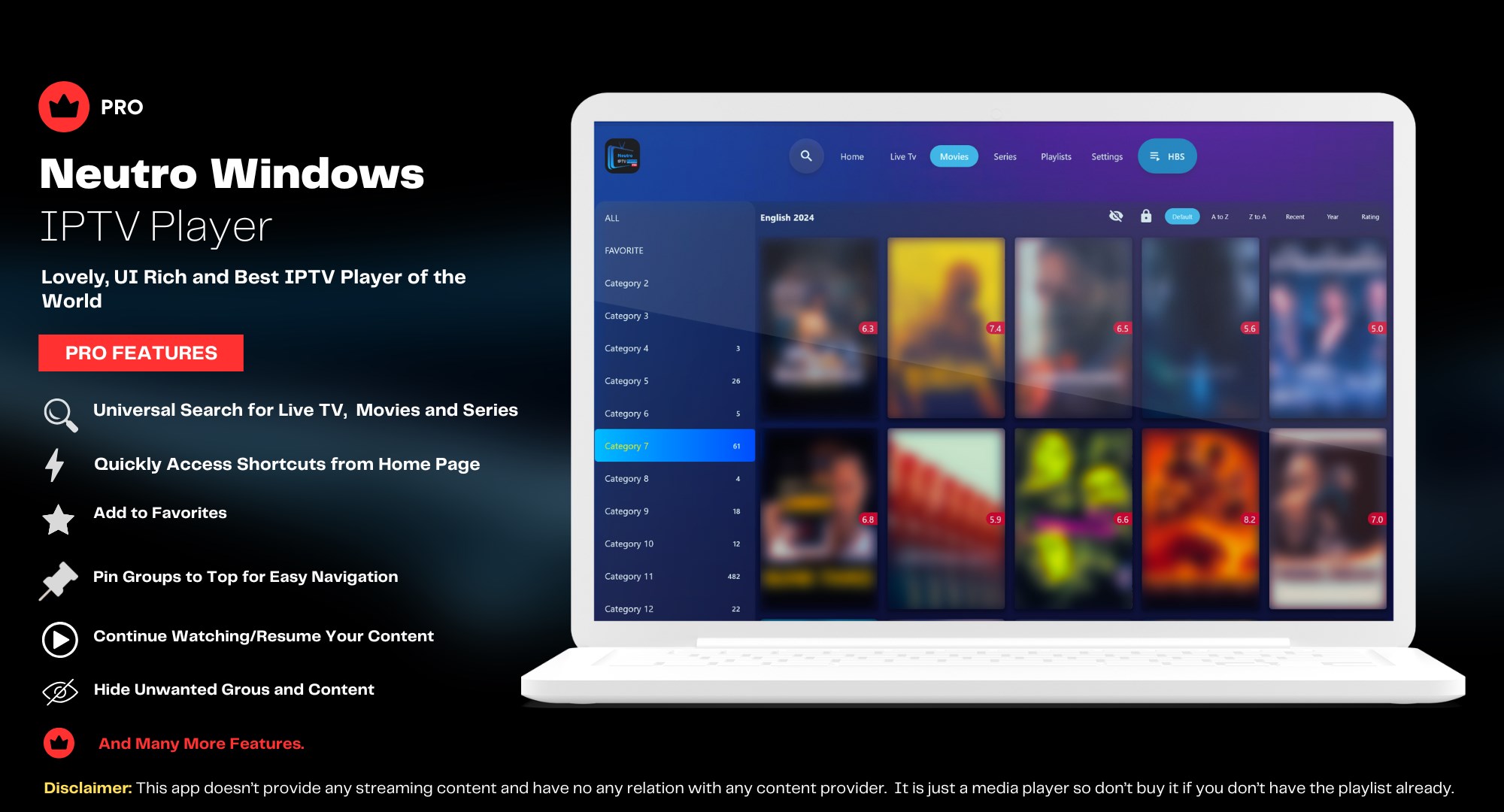
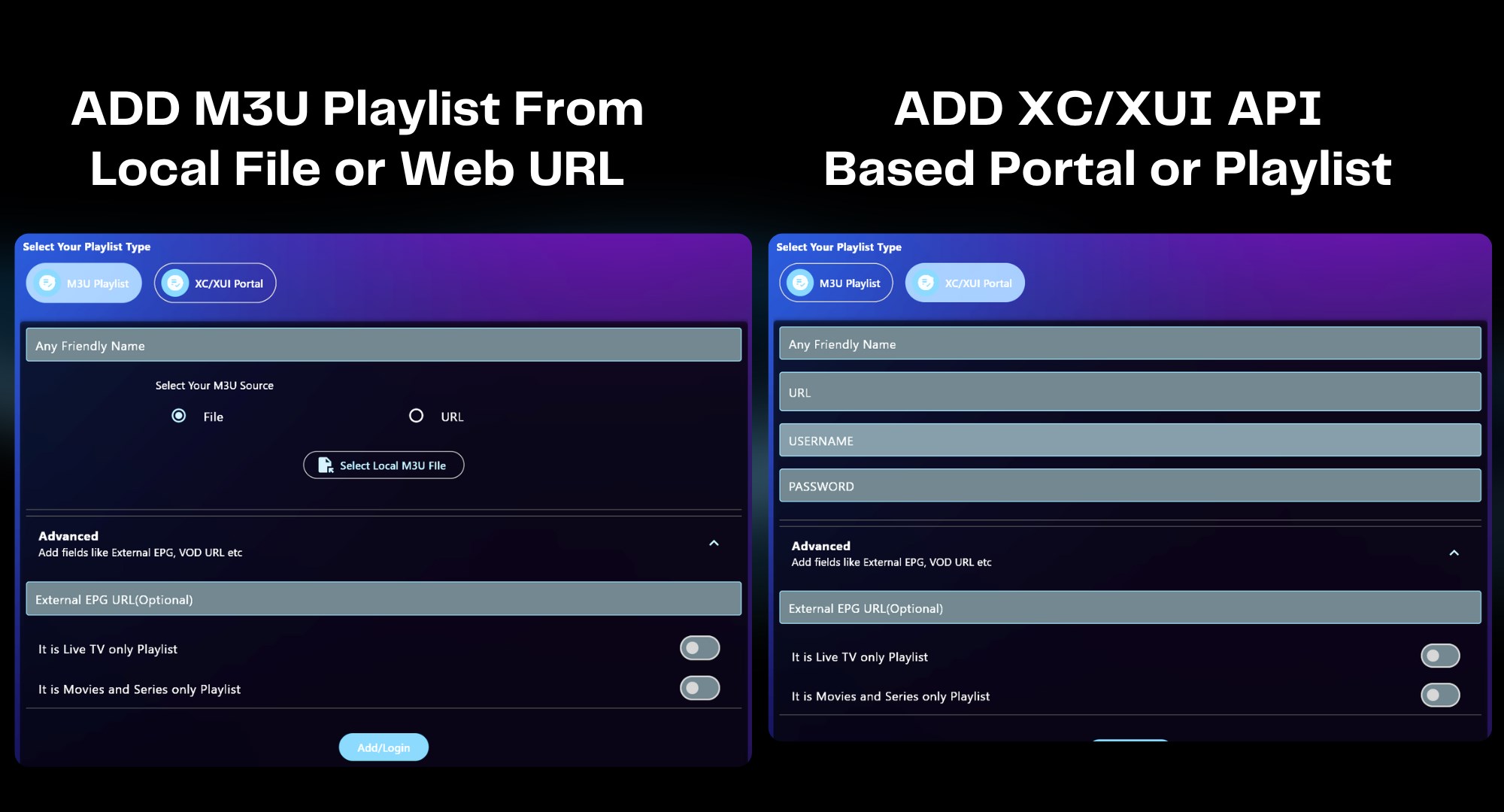
- Custom Playlist Management: Effortlessly organize and import your favorite channels with a user-friendly playlist system, allowing quick access to personalized content.
- Innovative Content Discovery: Unique algorithms analyze your viewing habits to suggest relevant channels and streams, reducing the frustration of endless searching.
- High-Quality Playback: Supports multiple stream sources and adaptive video quality, ensuring a smooth experience even on inconsistent internet connections.
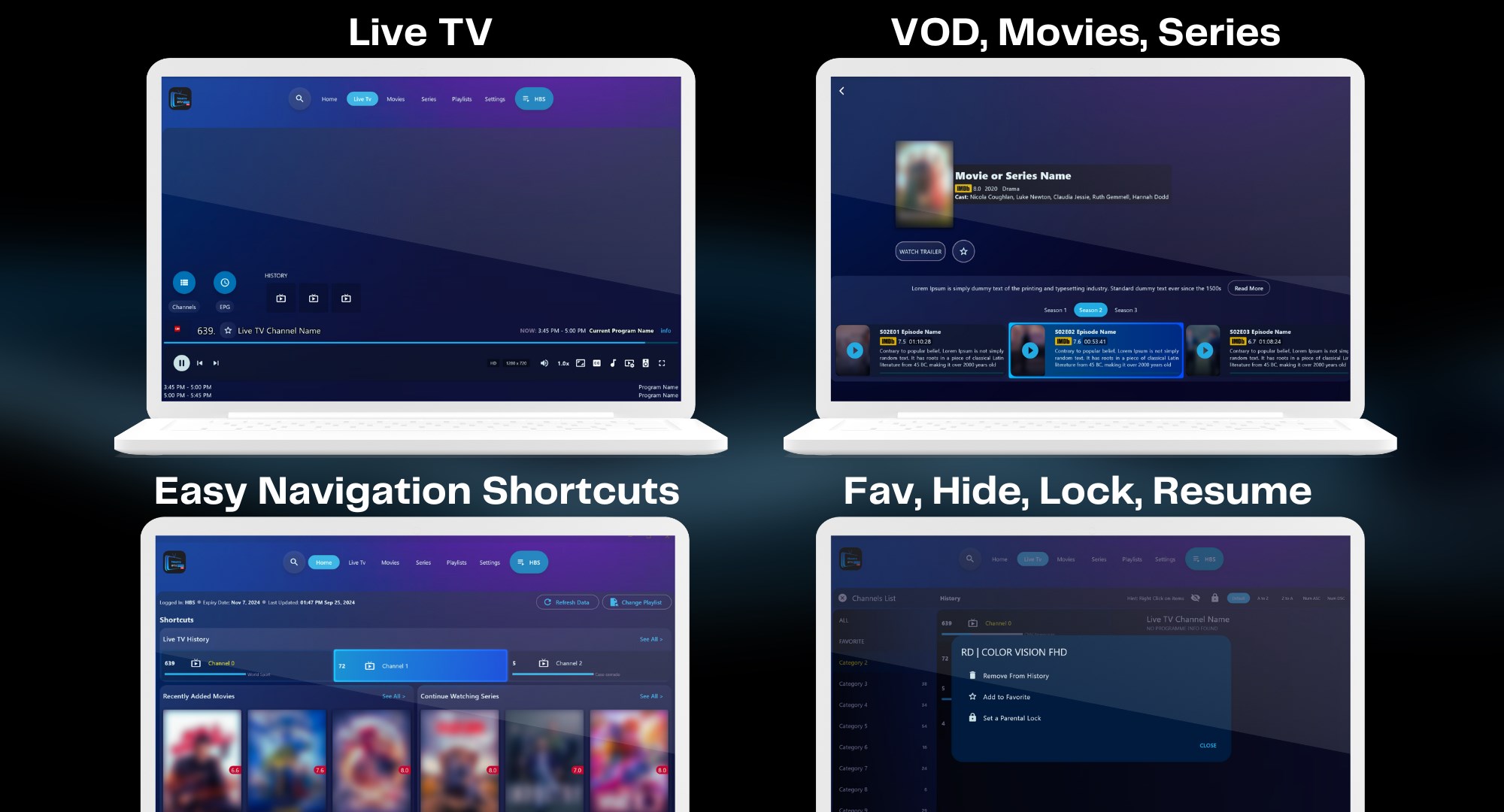
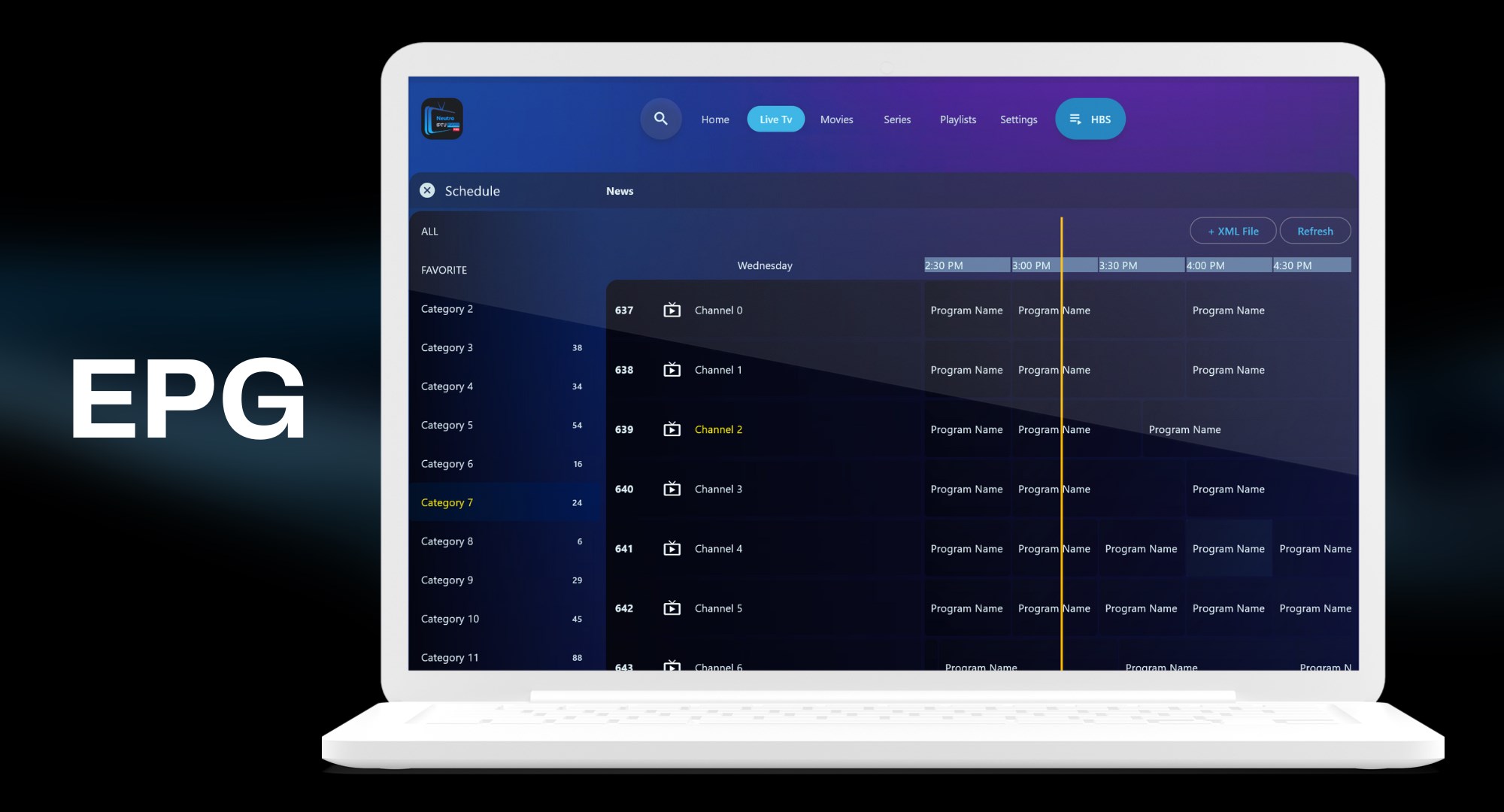
- Comprehensive User Interface: Designed with simplicity in mind, the interface allows both newcomers and tech-savvy users to navigate with ease.
Immersive and Intuitive User Experience
Jumping into Neutro IPTV Player feels like entering a sleek media lounge; everything appears well-organized, with a clean layout that guides your eyes naturally. The app's interface strikes a balance between simplicity and functionality, making channel browsing and playlist management straightforward. Transitioning between menus is fluid, with minimal lag, indicating a well-optimized application. Even users unfamiliar with IPTV players will find the learning curve gentle—think of it as a friendly companion who understands your viewing habits and adapts accordingly.
Core Functionality: The Heartbeat of the App
Personalized Content Discovery Algorithms
What makes Neutro IPTV Player stand out from its competitors is its ability to analyze your viewing patterns and suggest content tailored to your preferences. Unlike traditional IPTV apps that present a static list of channels, this app acts like a thoughtful friend who knows your taste, proactively guiding you to new streams you might love. This personalized recommendation system minimizes the endless scrolling frustration, making content discovery an enjoyable part of your routine rather than a chore.
Robust Playlist and Stream Management
Managing multiple playlists, whether they're imported from external sources or created within the app, is a breeze. The interface allows quick editing, categorization, and organization, turning what could be a tangled mess into a curated media library. Additionally, the app supports high-definition streams with adaptive quality adjustments, ensuring smooth playback on a range of connection speeds. This flexibility is particularly vital for users who want reliable viewing without technological headaches.
Final Verdict: Worth a Try for Enthusiasts Who Value Personalization
Overall, Neutro IPTV Player (Pro) for Windows is a compelling choice for those seeking a balance between user-friendly navigation and advanced content discovery features. Its standout personalized recommendations provide a tailored streaming experience seldom matched by competitors. While it may require a bit of initial setup—like importing playlists—the payoff is a smoother, more relevant viewing journey. For viewers who enjoy exploring new content without the hassle of manual searches, this app comes highly recommended. It's like having a personal IPTV concierge—friendly, attentive, and always ready with new suggestions.
Pros
- User-friendly interface
- Wide compatibility
- High-quality streaming
- Customizable interface
- Additional features
Cons
- Limited sports channel variety
- occasional buffering issues
- Lack of Chromecast or AirPlay support
- Limited trial or free content
- Occasional app crashes











