

- Name Netflix
- Category Entertainment
- Available on PC, Xbox console
- OS Windows 10 version 19041.0 or higher
- languages English (United States)
Netflix for Windows: Bringing Your Favorite Shows to Your Desktop
Netflix for Windows offers a seamless way to enjoy streaming entertainment directly from your PC, transforming your workspace or living room into a personal theater. Whether you're a binge-watcher or a casual viewer, this app aims to deliver high-quality content with convenience and ease.
About the App: Essential Info at a Glance
Positioned as a comprehensive streaming companion for Windows users, Netflix for Windows bridges the gap between mobile and desktop entertainment. Developed by Netflix, Inc., a world leader in digital streaming, the app boasts a clean interface optimized for Windows 10 and 11. Its main features include high-definition video playback, offline downloads for on-the-go viewing, and personalized content recommendations. This app primarily targets users who prefer watching on a larger screen, whether at home, in the office, or during travel, offering an accessible platform for all ages and tastes.
Vivid Streaming Experience: Ease and Elegance
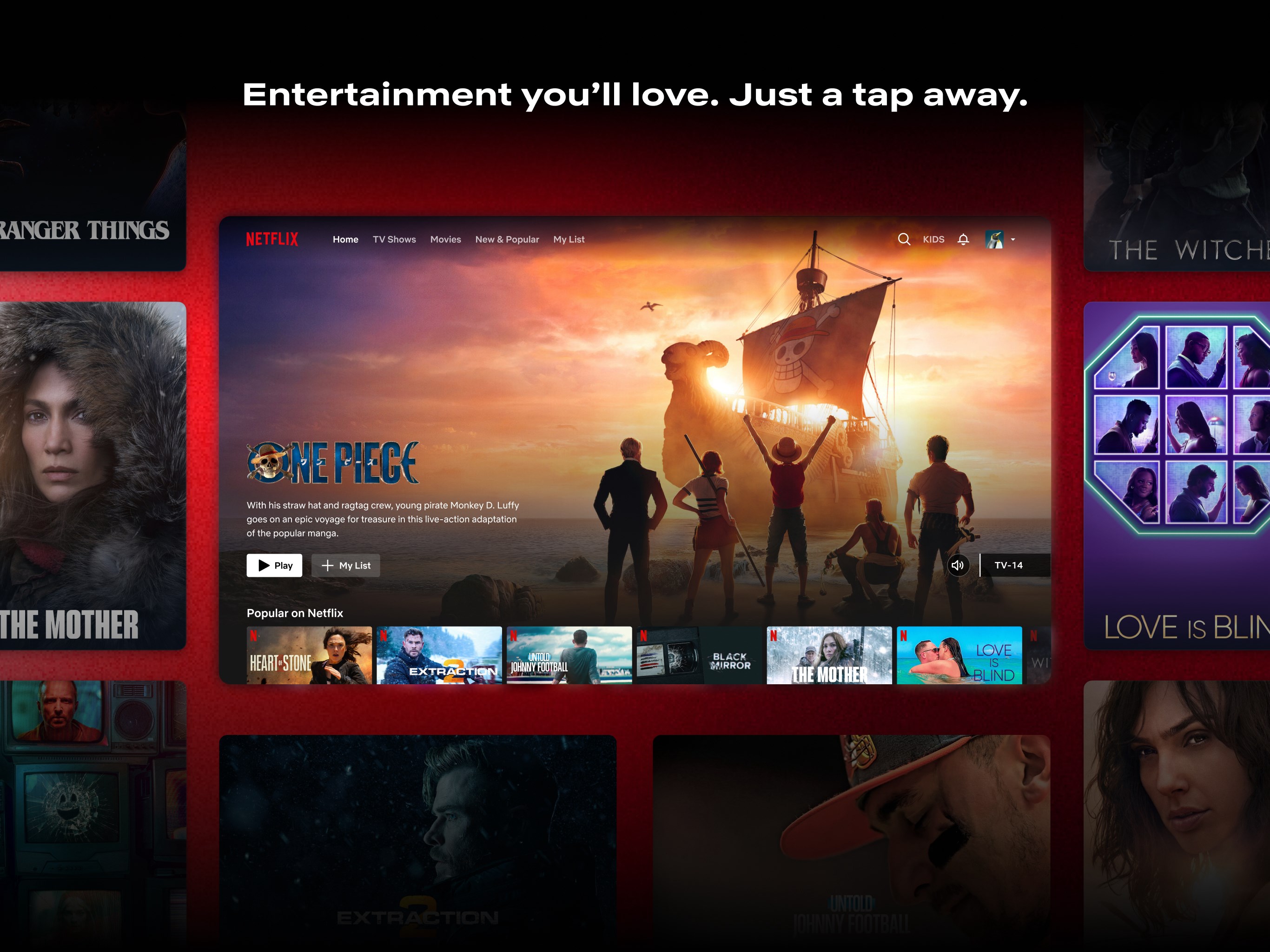
Stepping into Netflix for Windows feels like entering a sleek, familiar living room — everything is intuitively laid out. The interface design impresses with its dark, minimalistic aesthetic, making it easy to navigate without straining your eyes during those late-night streaming sessions. The home screen showcases your favorite genres, recent viewing history, and curated recommendations, all just a click away. Navigating through categories or searching for titles is fluid, thanks to smart menu transitions and responsive controls. The app operates smoothly without noticeable lag, whether you're browsing through high-definition content or downloading shows for offline viewing. Learning curves are minimal; most users will be up and streaming within minutes, appreciating the straightforward layout and logical flow.
Core Features that Make a Difference
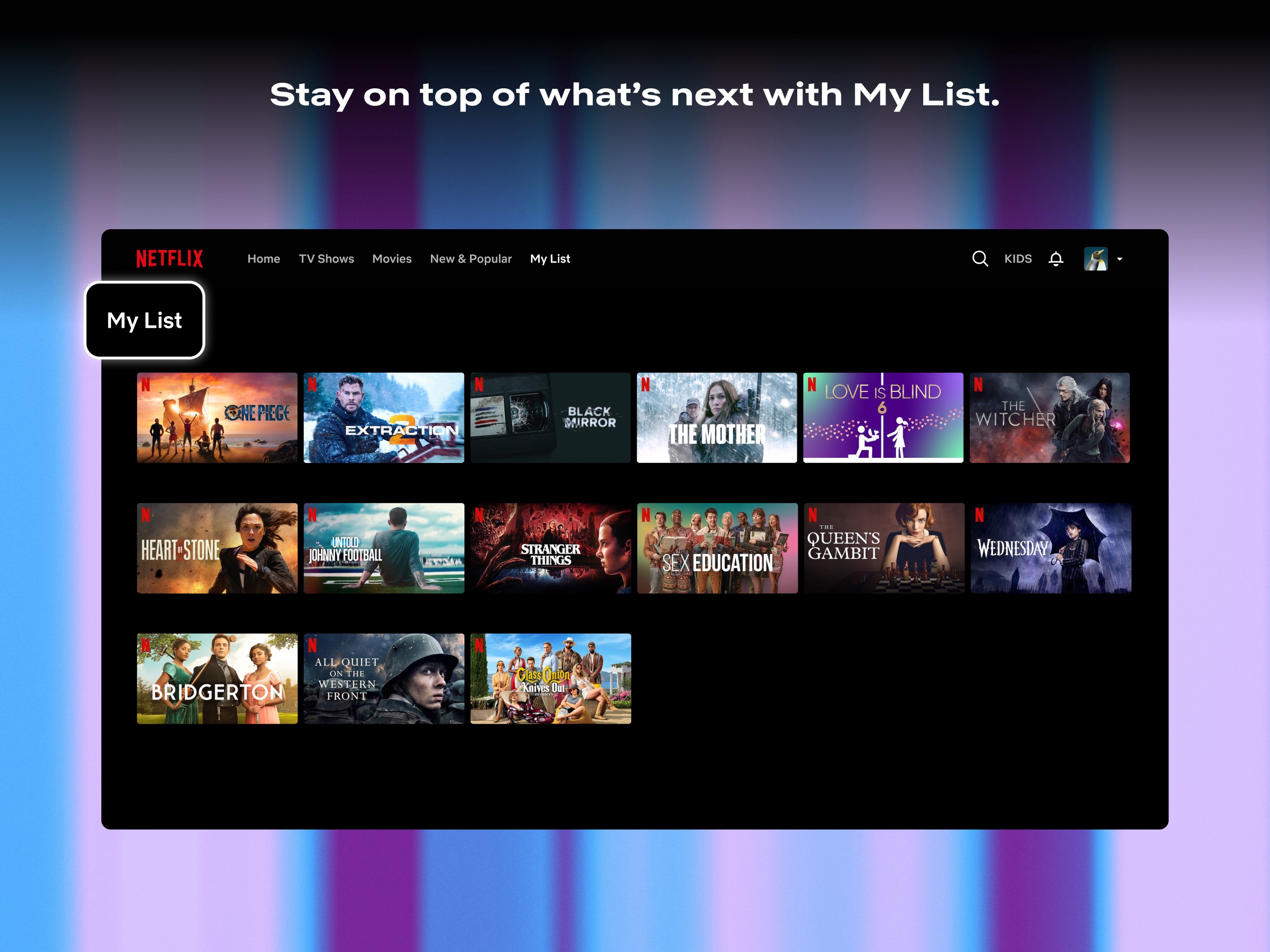
The standout feature of Netflix for Windows lies in its sophisticated content discovery algorithm. Unlike generic platforms, Netflix's recommendation system analyzes viewing habits with nuanced precision, offering tailored suggestions that truly match your tastes. When your favorite actor appears in a new series or a trending genre emerges, the app promptly updates its recommendations, making content discovery feel like a personalized treasure hunt rather than a random shuffle.
Another notable aspect is the offline mode, enabling users to download episodes and movies directly onto their device. This feature turns your Windows device into a portable entertainment hub, perfect for commutes or areas with limited internet access. It's like packing a mini cinema in your bag, ready to entertain whenever you desire.
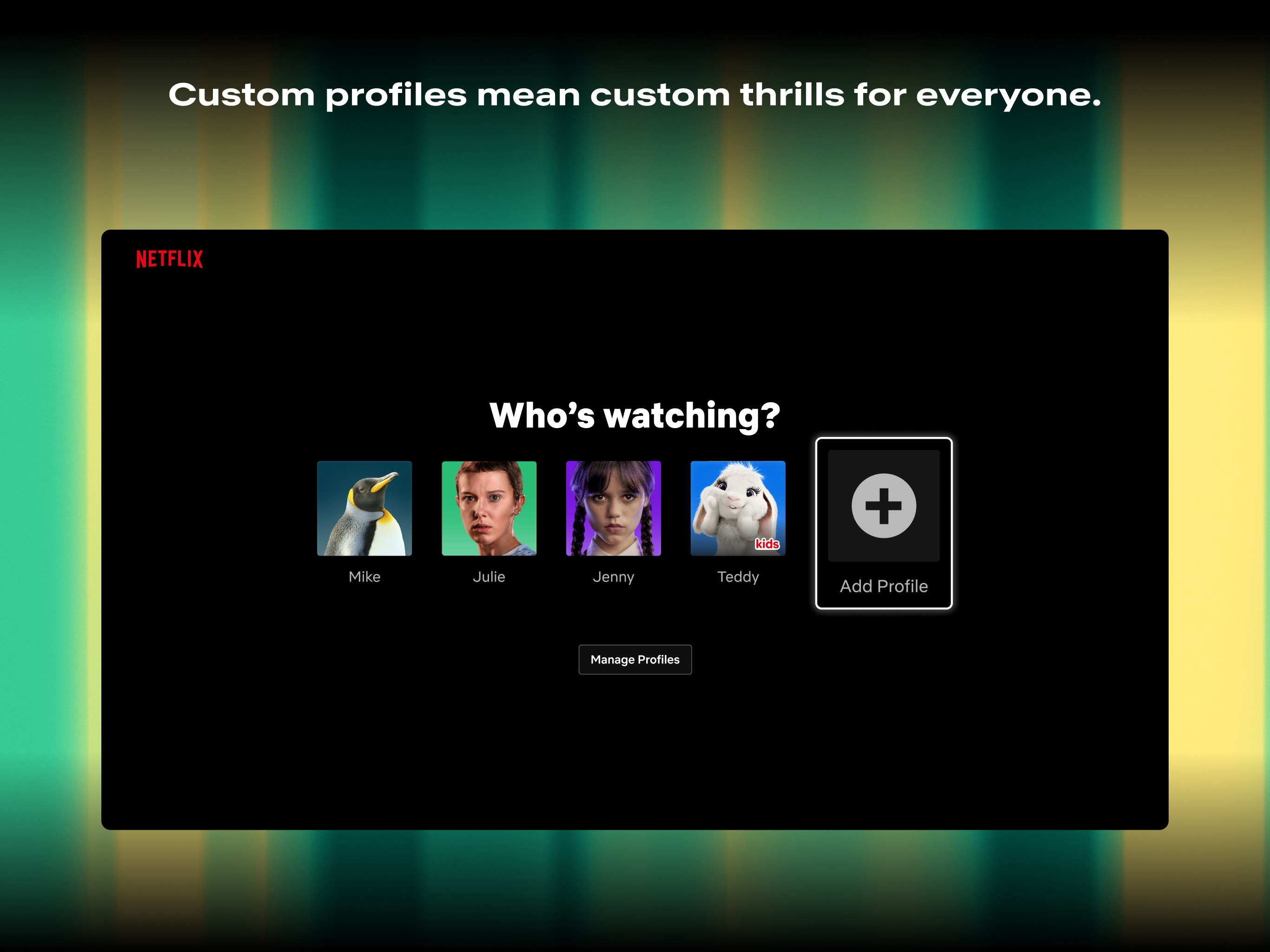
Additionally, Netflix for Windows supports multiple profiles and parental controls, making it suitable for households. Whether it's sharing your device with family members or curating safe spaces for children, these features enhance user control and privacy, adding to the app's versatility.
Beyond Ordinary: Unique Selling Points
The application's real differentiator stems from its nuanced content algorithms and personalized relevance. While many streaming services rely on generic recommendations, Netflix's system delves deeper, incorporating viewing patterns, ratings, and even time-of-day preferences. This results in a playback experience where content feels handpicked — almost as if a personal assistant is suggesting what you'd enjoy most tonight. This personalized touch makes it stand out, transforming the app from a passive tool into a proactive entertainment partner.
Recommendations and Usage Tips
I would recommend this app confidently for dedicated Netflix enthusiasts and casual viewers who appreciate watching on their desktop. The high responsiveness and personalization make it particularly suitable for those who prefer a tailored experience without fuss. However, for users seeking a multi-platform sync or advanced customization, other apps or integrated platforms might supplement the experience.
Overall, Netflix for Windows is a reliable, user-friendly application that elevates desktop streaming. Its core strengths — intelligent content discovery and offline capabilities — make it a compelling choice for anyone seeking quality entertainment on their PC. If you enjoy personalized recommendations that truly reflect your viewing habits, I'd say it's worth installing and exploring further.
Pros
- Extensive Content Library
- User-Friendly Interface
- Multiple Profile Support
- Offline Viewing Options
- High-Quality Streaming
Cons
- Limited Device Compatibility
- Occasional Buffering Bugs
- Inconsistent Content Updates
- Subscription Pricing Complexity
- Algorithmic Recommendations Occasionally Irrelevant











