

- Name Nahimic
- Category Entertainment
- Developer SteelSeries France
- Available on PC
- OS Windows 10 version 16299.0 or higher
- Mouse Integrated Mouse
- Memory 300 MB
- Keyboard Not specified
- languages Chinese (Simplified), Chinese (Traditional), English (United States), French, German, Italian, Japanese, Korean , Polish , Portuguese (Brazil), Portuguese (Portugal), Russian, Spanish (Spain)
Unleashing Immersive Audio: An In-Depth Look at Nahimic for Windows
Nahimic for Windows stands as a dedicated audio enhancement tool designed to elevate your gaming and multimedia experience through sophisticated sound processing. Offering more than just basic equalization, it aims to transform your standard audio setup into a dynamic, immersive soundscape tailored to your preferences.
Developed by SteelSeries France, Published by A-Volute
Created by SteelSeries France, a renowned name in gaming peripherals, Nahimic is managed and published by A-Volute, emphasizing a focus on delivering high-quality audio solutions that cater to gamers and multimedia enthusiasts alike.
Key Features That Stand Out
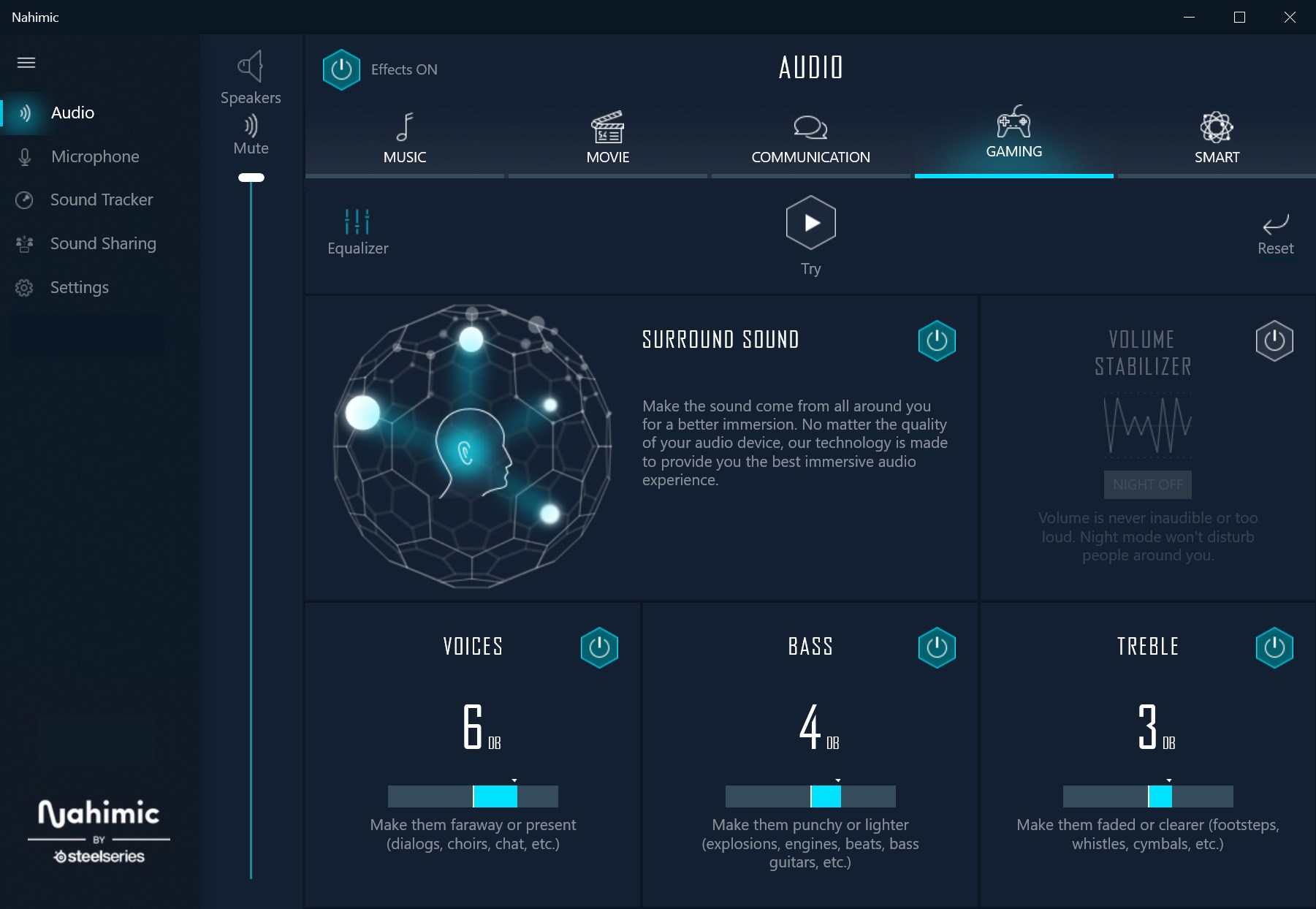
- 3D Spatial Sound: Provides a rich, three-dimensional audio environment, making your gaming and media sessions more engaging, as if the sound is surrounding you from all directions.
- Personalized Sound Profiles: Allows users to customize and save multiple audio profiles tailored to different game types or multimedia activities.
- Noise Suppression and Voice Clarity: Enhances voice communication clarity and reduces background noise, perfect for team-based gaming or remote collaborations.
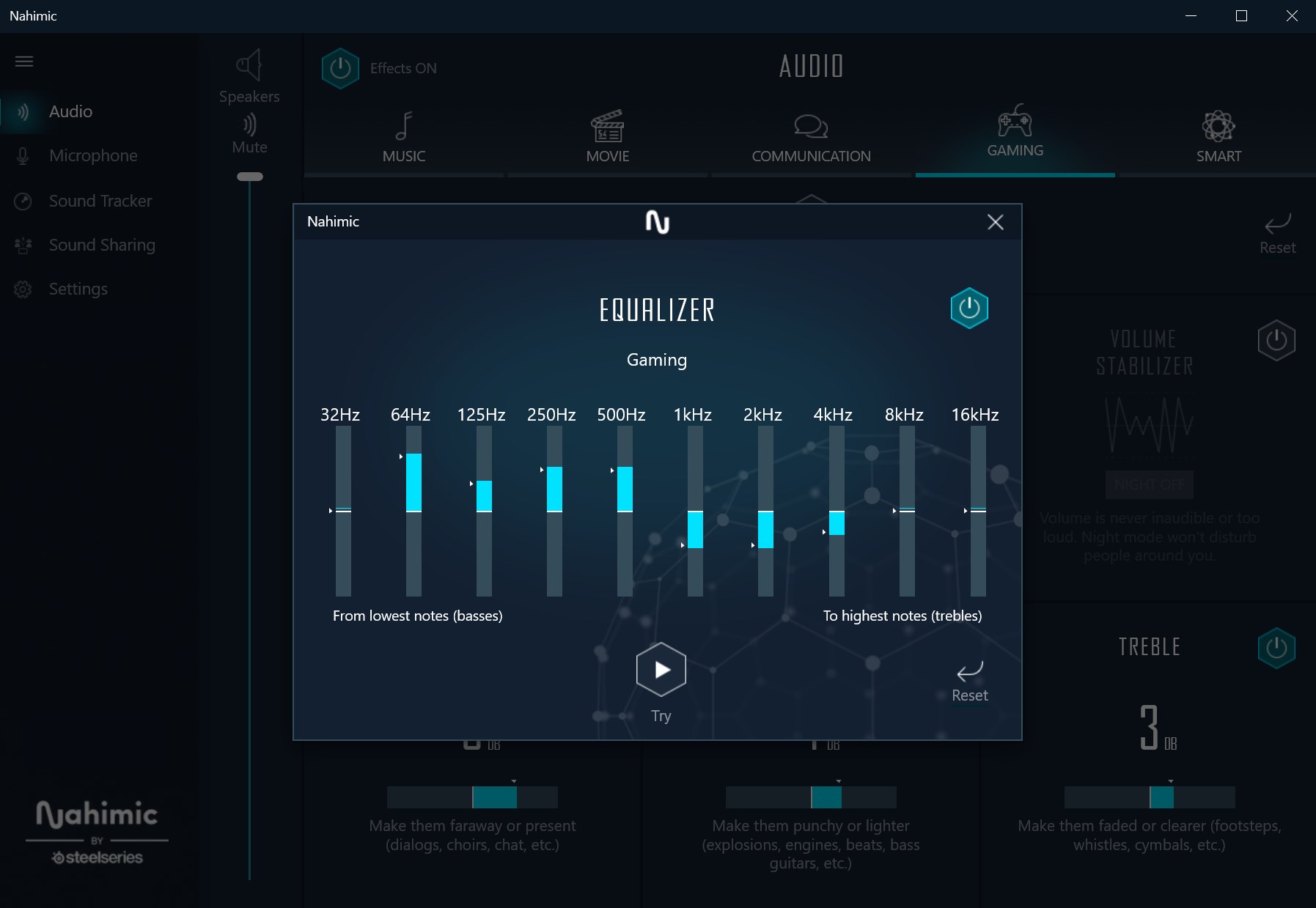
- Intuitive Audio Tuning: Offers adjustable parameters for bass, treble, and other sound aspects, enabling users to fine-tune their experience with ease.
Engaging the User: First Impressions and Overall Experience
Imagine sinking into your chair, opening Nahimic, and feeling like you've just entered a whole new dimension of sound. The interface sparkles with a sleek, clean design—nothing overwhelming, just an easy-to-navigate portal into audio mastery. It's akin to discovering a hidden control room where you hold the power to craft your personal auditory universe. The app launches quickly, responding smoothly to commands, making the experience feel seamless rather than cumbersome. Whether you're a casual user or an audiophile, the learning curve feels like turning a knob to a more satisfying sound—intuitive and rewarding.
Core Functionality Deep Dive
Immersive 3D Spatial Sound
The standout feature of Nahimic is undoubtedly its 3D spatial sound. Think of it as fitting your ears with digital surround tech; every gunshot, footsteps, or environmental ambience feels layered and precise, enhancing immersion. This isn't just cool—it's practical, helping gamers pinpoint enemies or enjoy more lifelike media experiences. The calibration process is straightforward, with presets that can be toggled or customized to suit your environment.
Personalized Audio Profiles and Customization
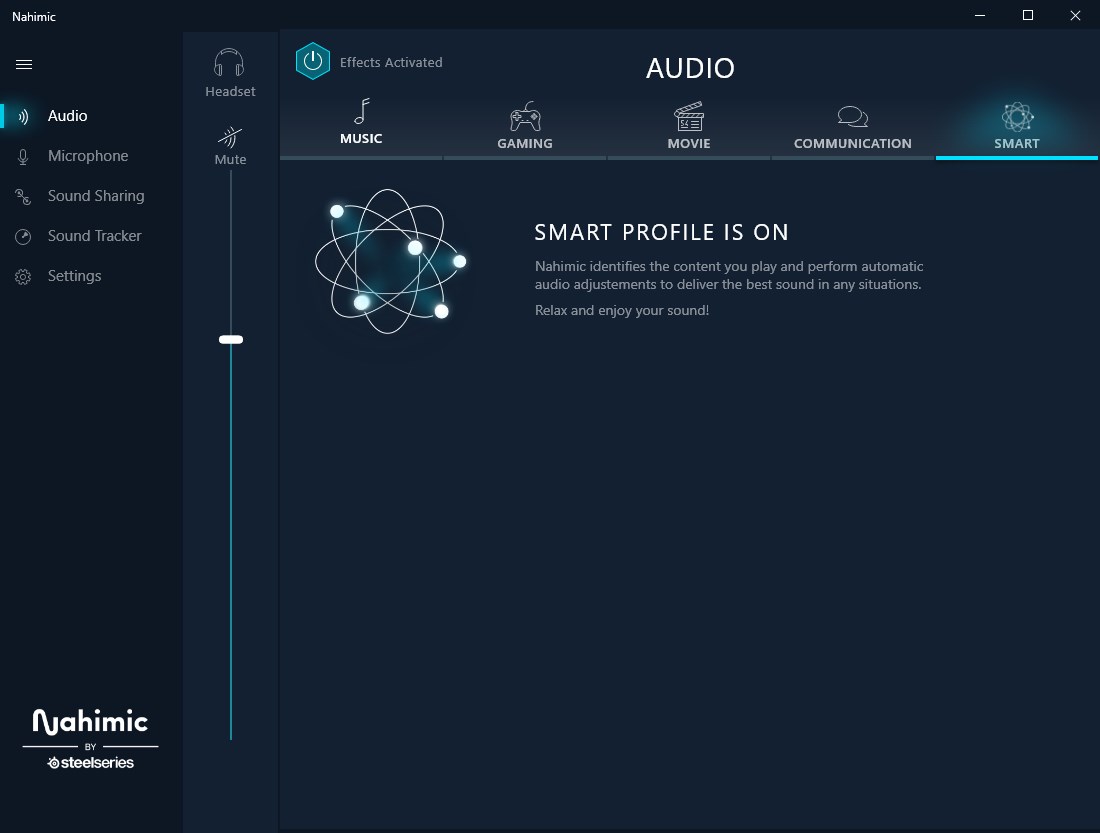
Customization is key with Nahimic. Beyond just volume tweaks, you can craft multiple profiles—say, one optimized for FPS games, another for watching movies, and a third for casual listening. These profiles store your preferred equalization settings, spatial preferences, and noise suppression levels. Switching between them is as easy as clicking a button, making it adaptable to your changing activities. This personalized approach makes Nahimic more than just a static plugin—it's your personal sound engineer.
Noise Suppression and Communication Clarity
Clear voice communication can be a game-changer in multiplayer settings. Nahimic's noise suppression ensures that your voice comes through crisp and clear, even in noisy environments, while background sounds are minimized. Voice enhancement algorithms intelligently differentiate speech from ambient noise, creating a more seamless conversation experience. This feature is particularly valuable during long gaming sessions or remote meetings, where audio clarity matters.
User Experience and Differentiators
The design of Nahimic for Windows feels like consulting a friendly expert—approachable yet powerful. The interface is uncluttered, with a logical structure that allows new users to get started quickly. Responsiveness is smooth; adjustments happen in real-time, which is crucial when fine-tuning your settings during a game. Compared to other audio-enhancement apps, Nahimic's biggest advantage lies in its sophisticated spatial sound and highly customizable profiles, setting it apart in providing a genuinely immersive and tailored audio experience.
Final Recommendations and Usage Advice
If you're seeking a tool that can amplify your audio with immersive 3D effects, personalized profiles, and clear voice communication, Nahimic for Windows is a compelling choice. It is especially suitable for gamers, streamers, and multimedia enthusiasts who value detailed sound customization without sacrificing user-friendliness. For best results, invest some time in configuring your preferred profiles and experimenting with spatial settings to truly personalize your audio environment. As a friend and tech enthusiast, I'd say give Nahimic a try—you might find it transforms the way you experience sound, making every game or movie feel a little more alive.
Pros
- Excellent sound customization options
- User-friendly interface
- High compatibility with various devices
- Advanced microphone enhancements
- Regular updates and improvements
Cons
- Occasional audio lag
- Limited customization options in free version
- High CPU usage on older systems
- Inconsistent microphone noise suppression
- Interface lacks detailed tutorials











