
- Name n-Track Studio
- Category Music
- Developer n-Track S.r.l.
- Available on PC
- OS Windows 10 version 0.0 or higher
- languages English, French, German, Indonesian, Italian, Japanese, Portuguese, Spanish, Turkish, Russian
Introducing n-Track Studio for Windows: A Versatile Digital Audio Workstation Tailored for Creators
n-Track Studio for Windows is a comprehensive digital audio workstation (DAW) designed to empower musicians, producers, and sound enthusiasts with an intuitive yet feature-rich platform for creating, editing, and mixing music projects. Its versatility and user-friendly interface make it a noteworthy contender in the crowded DAW market.
Developed by n-Track S.r.l.: Crafting Innovative Music Solutions
Created by n-Track S.r.l., an experienced Italian software developer specializing in music production tools, n-Track Studio for Windows reflects their commitment to delivering powerful yet accessible audio engineering software. Their focus on seamless workflow and detailed feature sets caters to both novices and seasoned professionals.
Key Features That Make a Difference
- Multi-Track Recording & Mixing: Supports unlimited tracks, offering flexibility to record and layer multiple instruments or vocals effortlessly.
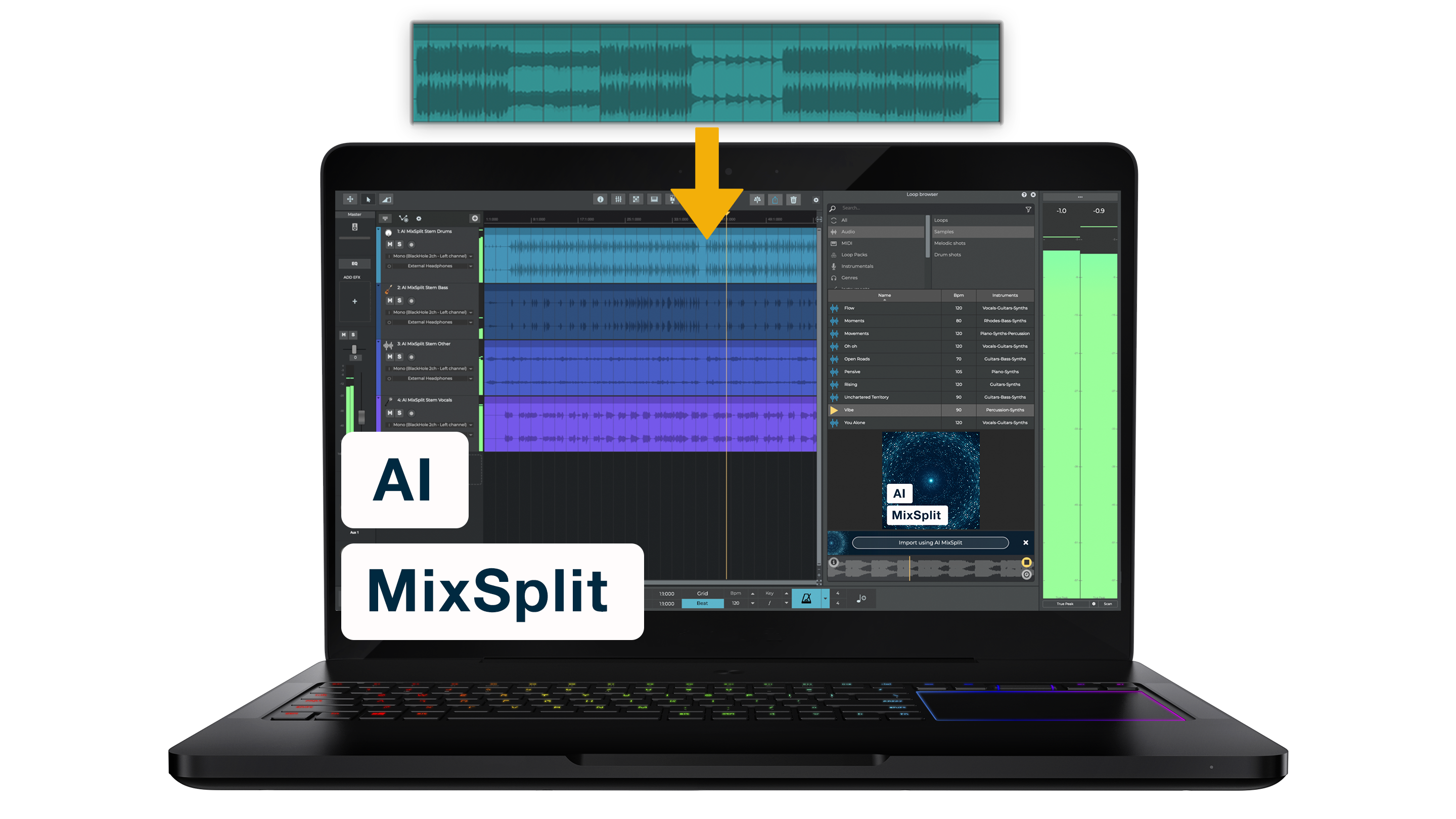
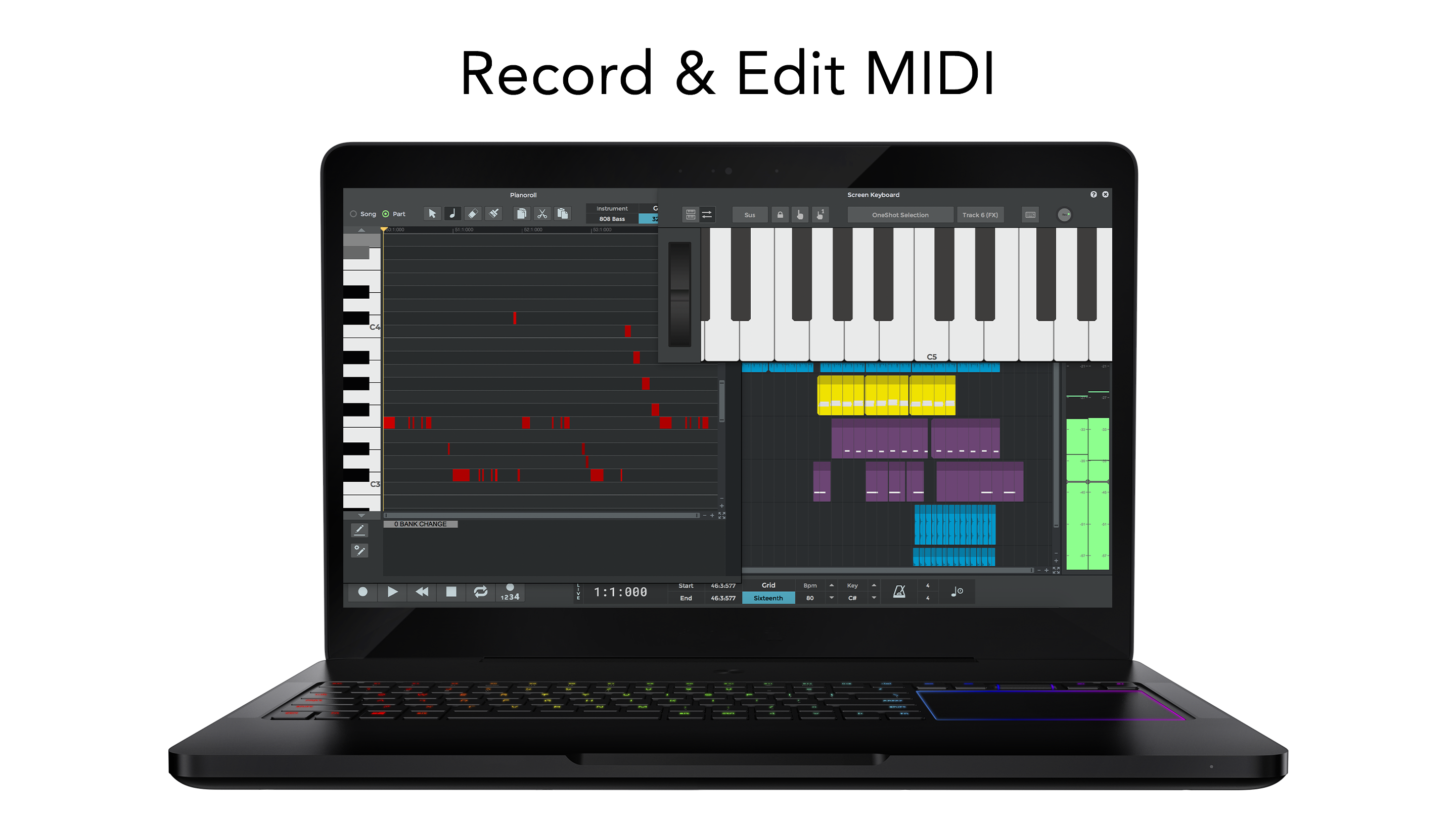
- Advanced MIDI & Instrument Support: Robust MIDI editing, virtual instruments, and onboard effects enable detailed sound shaping.
- Intuitive Interface with Real-Time Monitoring: User-friendly layout coupled with real-time audio feedback facilitates an efficient production process.
- Rhythm Pattern Assessment & Latency Tolerance: Unique tools for evaluating timing accuracy and managing input latency, ensuring tight performances.
Engaging and User-Friendly Interface
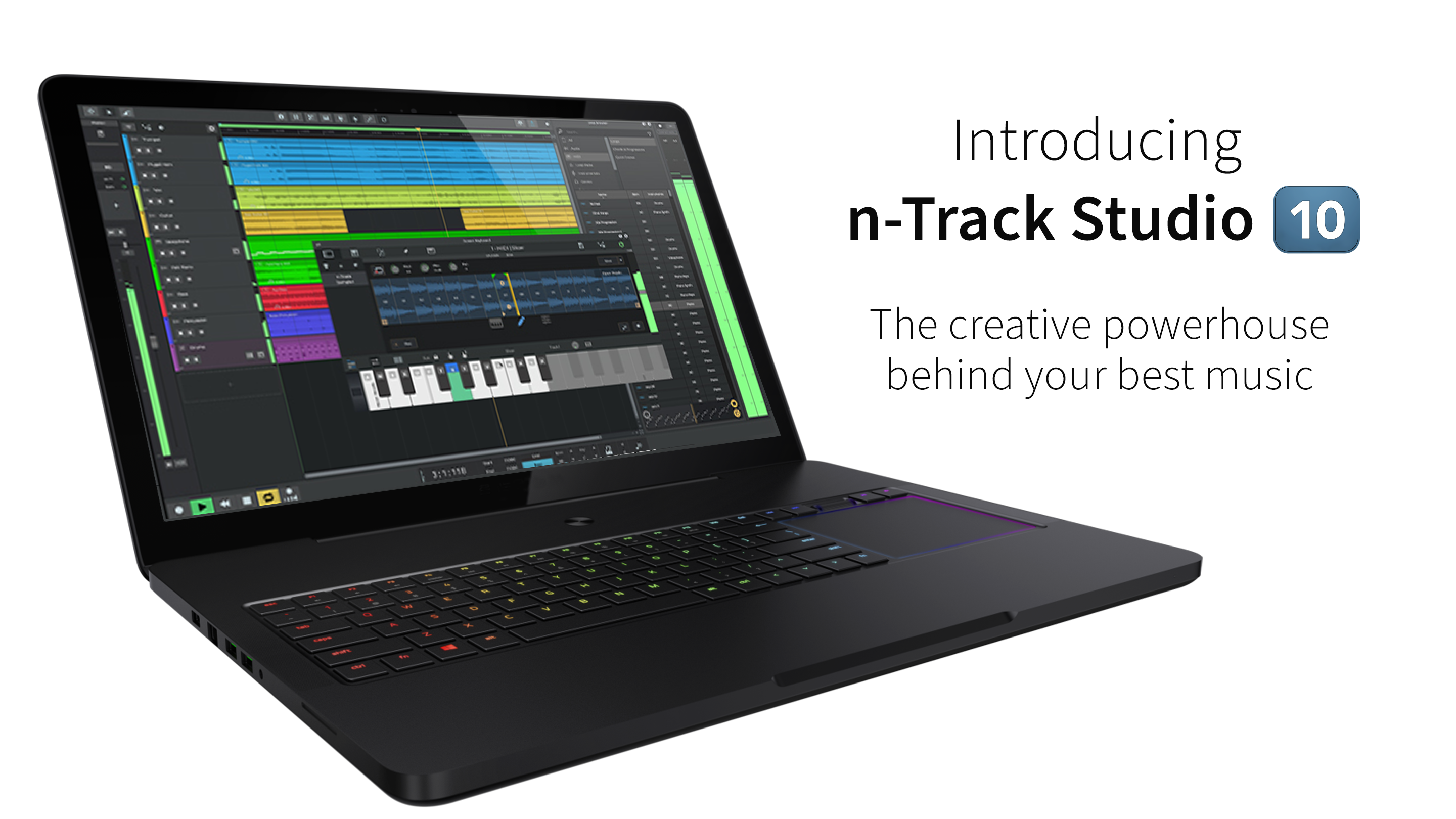
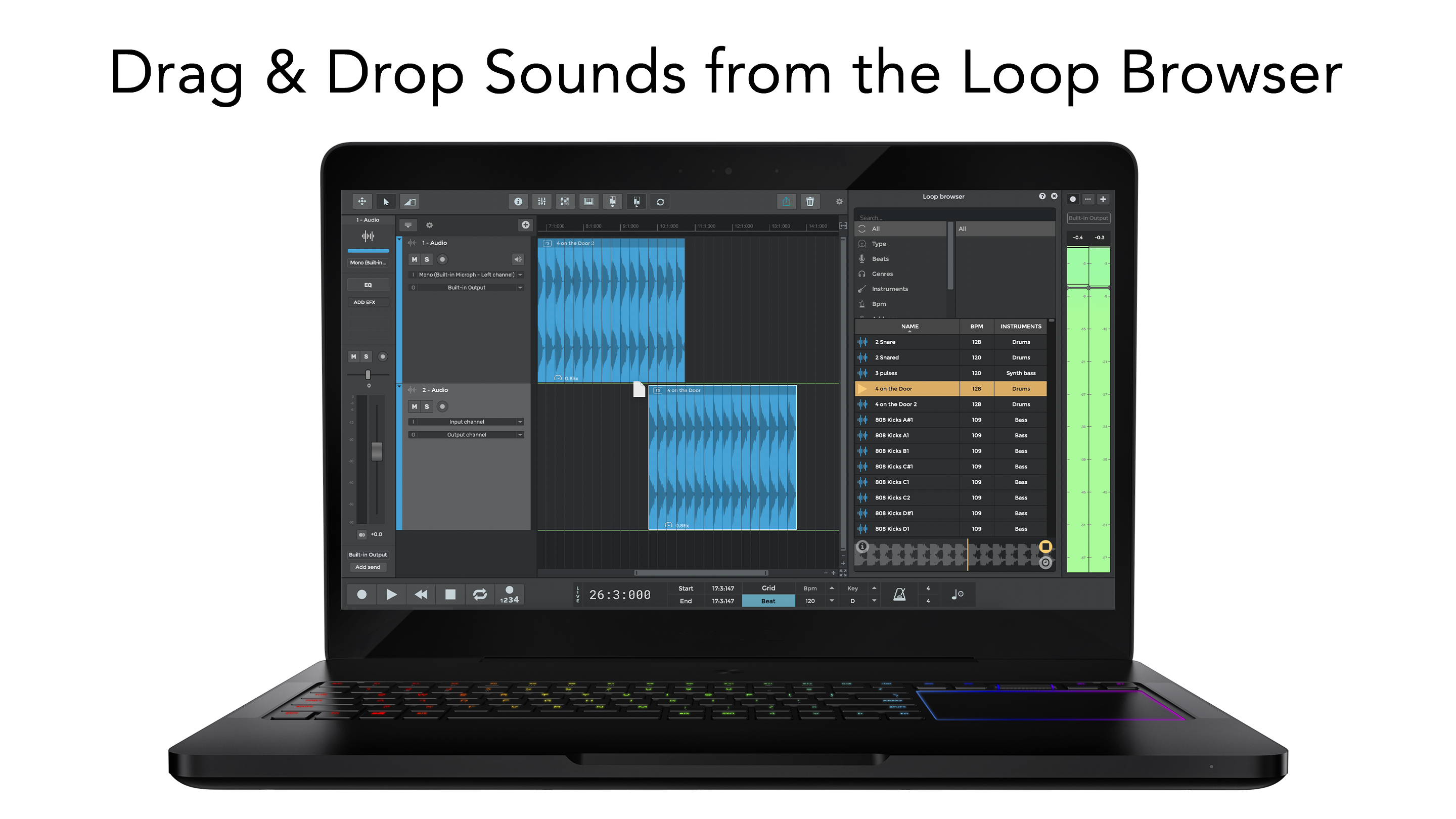
From the moment you launch n-Track Studio, you're greeted with a sleek, organized workspace that makes browsing through tracks and instruments feel natural—like opening a well-organized workshop. The drag-and-drop functionality simplifies adding new effects or instruments, and the customizable layout adapts smoothly to different working styles. Navigating through menus and controls feels responsive, fostering a sense of confidence as you lay down your musical ideas.
Learning curve-wise, it strikes a good balance—comprehensive enough for detailed editing yet accessible to beginners. A helpful onboarding tutorial walks new users through fundamental functions, while experienced users appreciate the depth of features that can be tapped into for complex arrangements.
Core Functionality: From Recording to Mixing
Layering and Multi-Track Recording
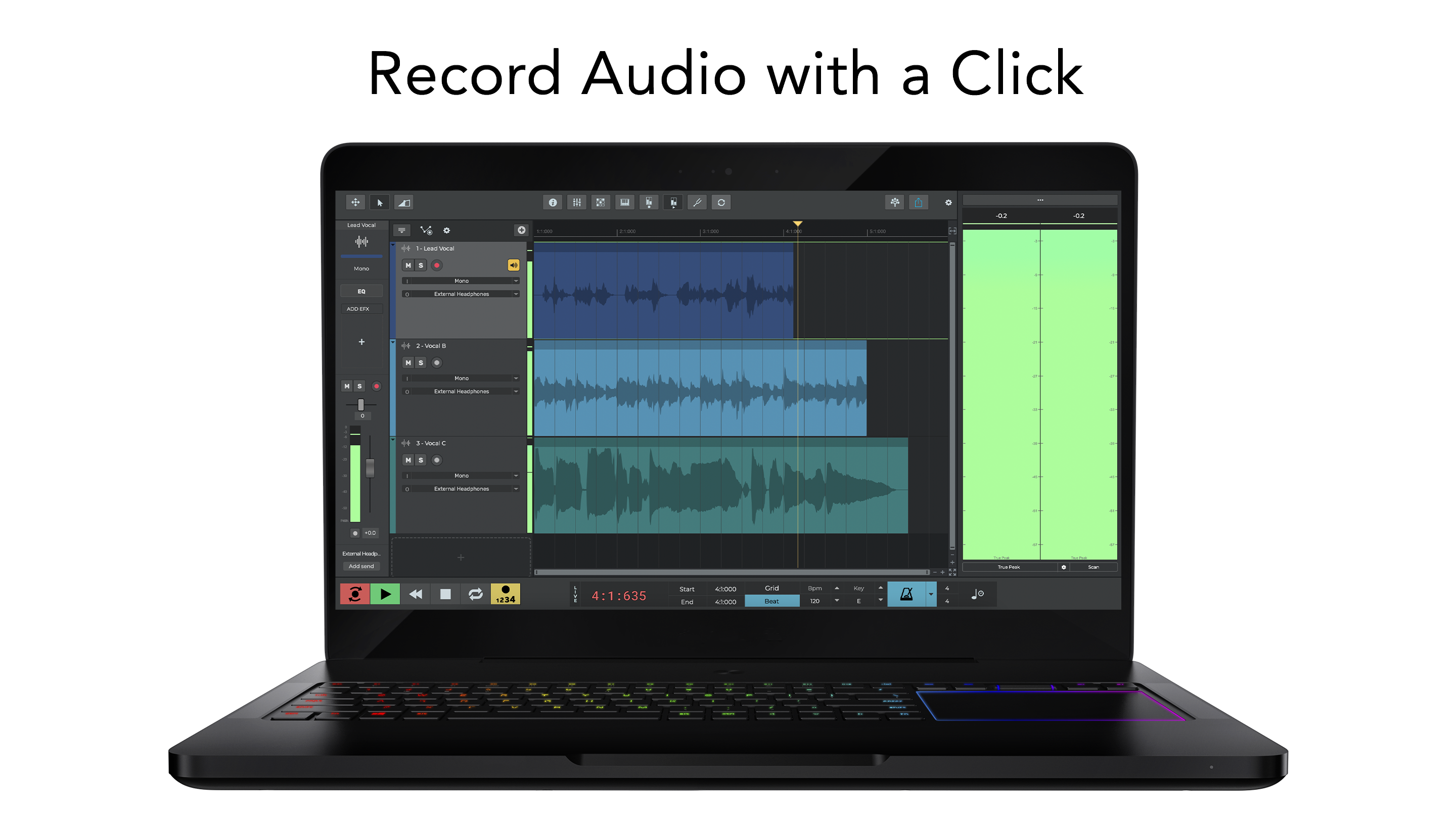
The stand-out feature of n-Track Studio is its support for unlimited multi-track recording, making it akin to an virtual analog studio where each instrument or vocal layer is a separate track waiting to be sculpted. The interface for recording is straightforward, allowing musicians to quickly capture performances and then refine them with editing tools. This seamless workflow is particularly appealing because it reduces the frustration often associated with complex DAWs, especially for newcomers.
Precision Rhythm and Latency Management
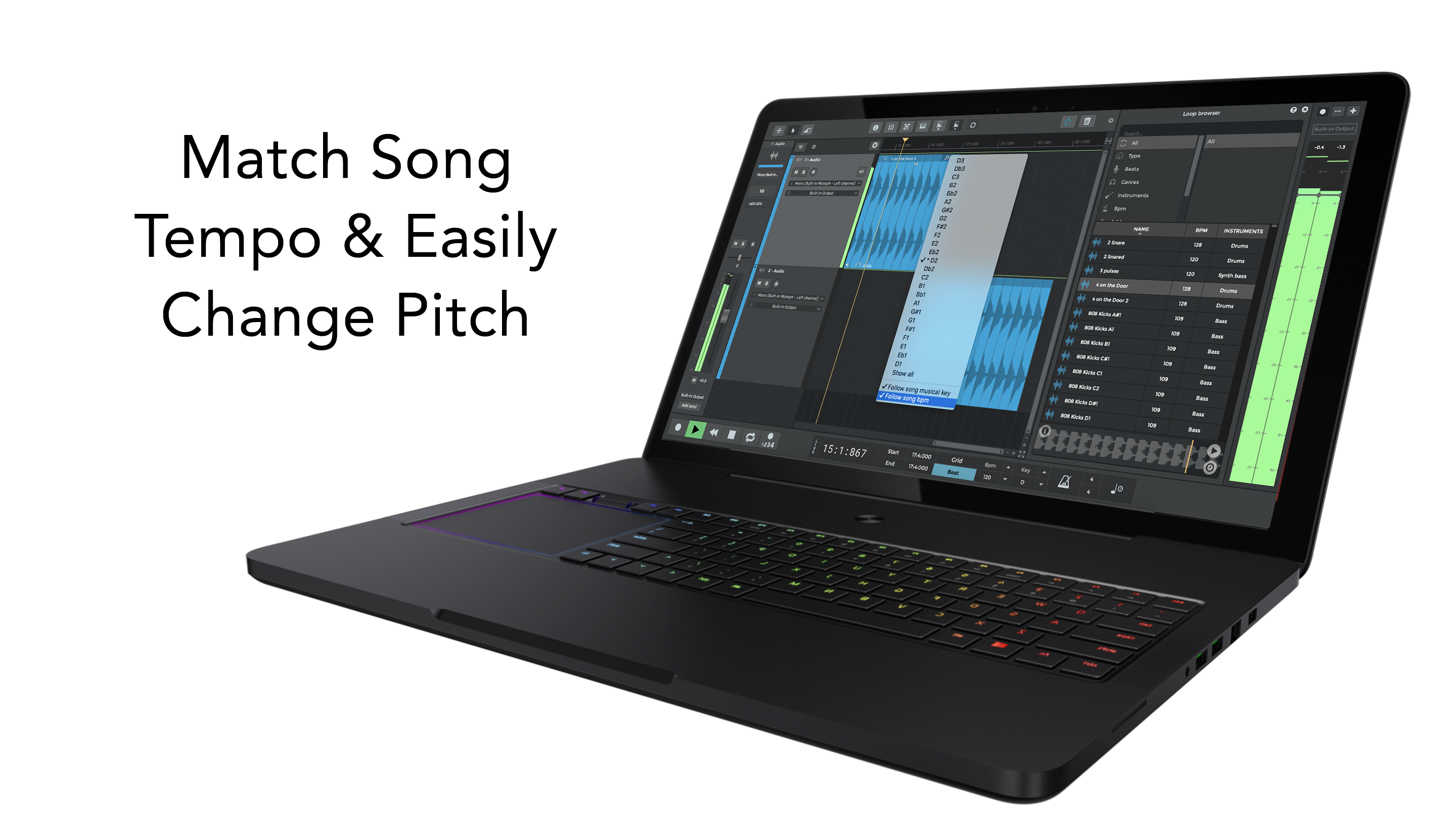
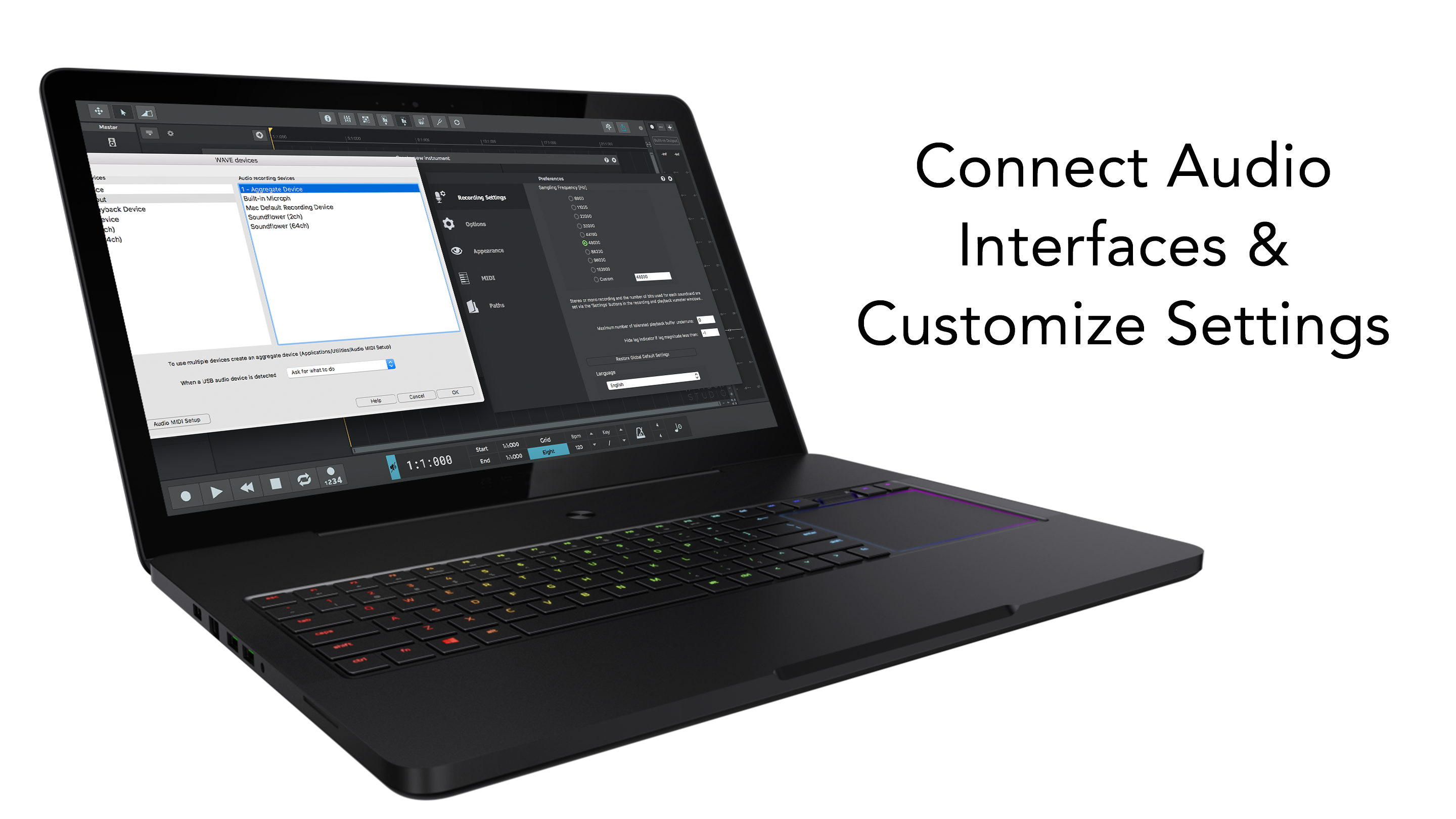
One of the application's highlights lies in its assessment tools that evaluate rhythm pattern accuracy and latency tolerance. Imagine performing live while the software quietly checks whether your timing stays in sync with the tempo—a helpful feature for musicians aiming for tight performances. Furthermore, the app's inherent support for assessing input latency means you can fine-tune your setup to achieve near-zero delay, critical for studio-quality recordings and real-time monitoring.
MIDI and Virtual Instruments
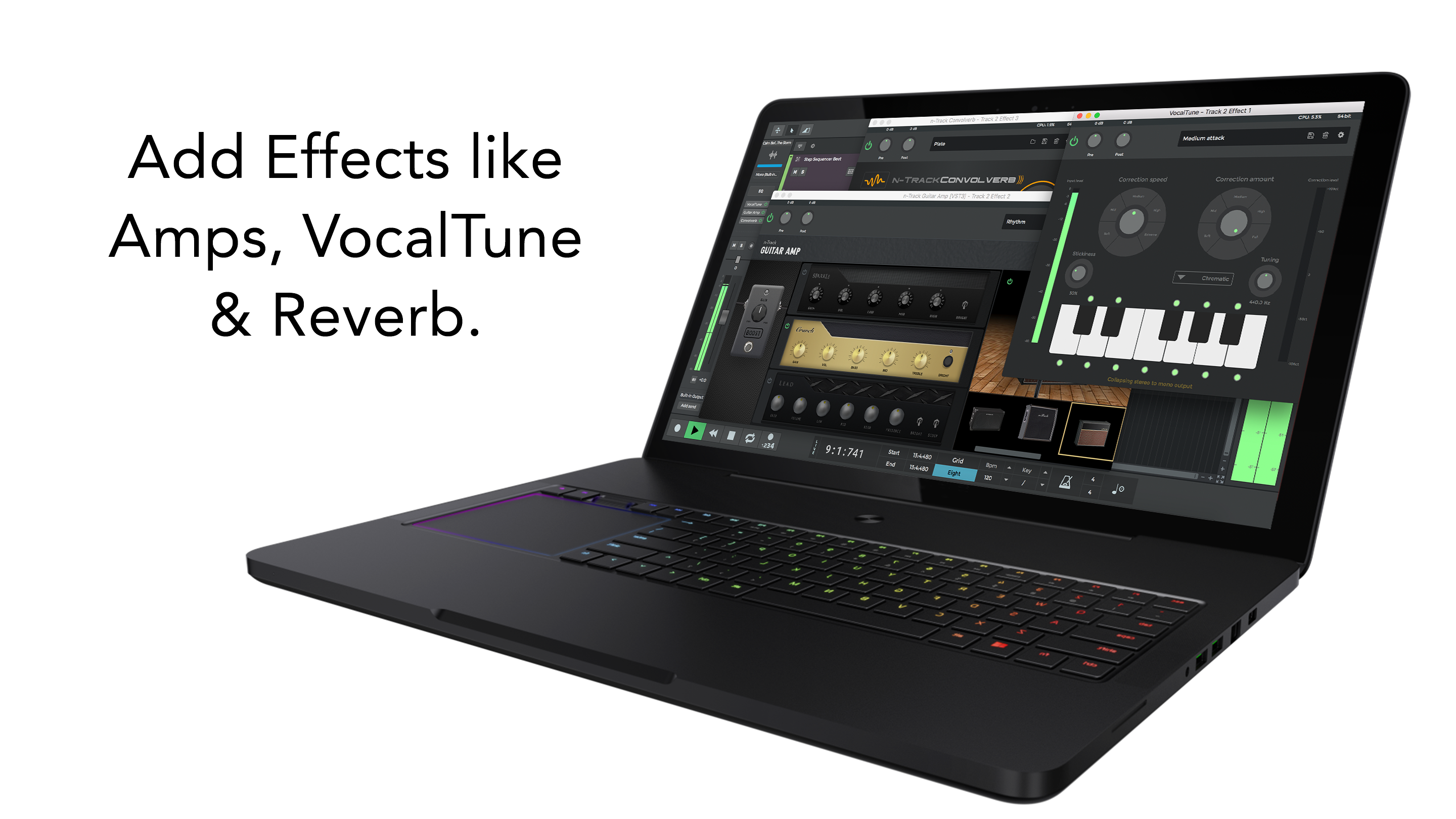
The MIDI capabilities are robust, offering detailed editing, intuitive mapping, and a vast library of virtual instruments. For producers who love experimenting with synths or orchestral sounds, n-Track Studio opens a world of sonic possibilities. Its flexible routing and effect stacking make it stand out from simpler DAWs by supporting more elaborate arrangements while maintaining ease of use.
Comparison with Competitors: What Sets n-Track Apart?
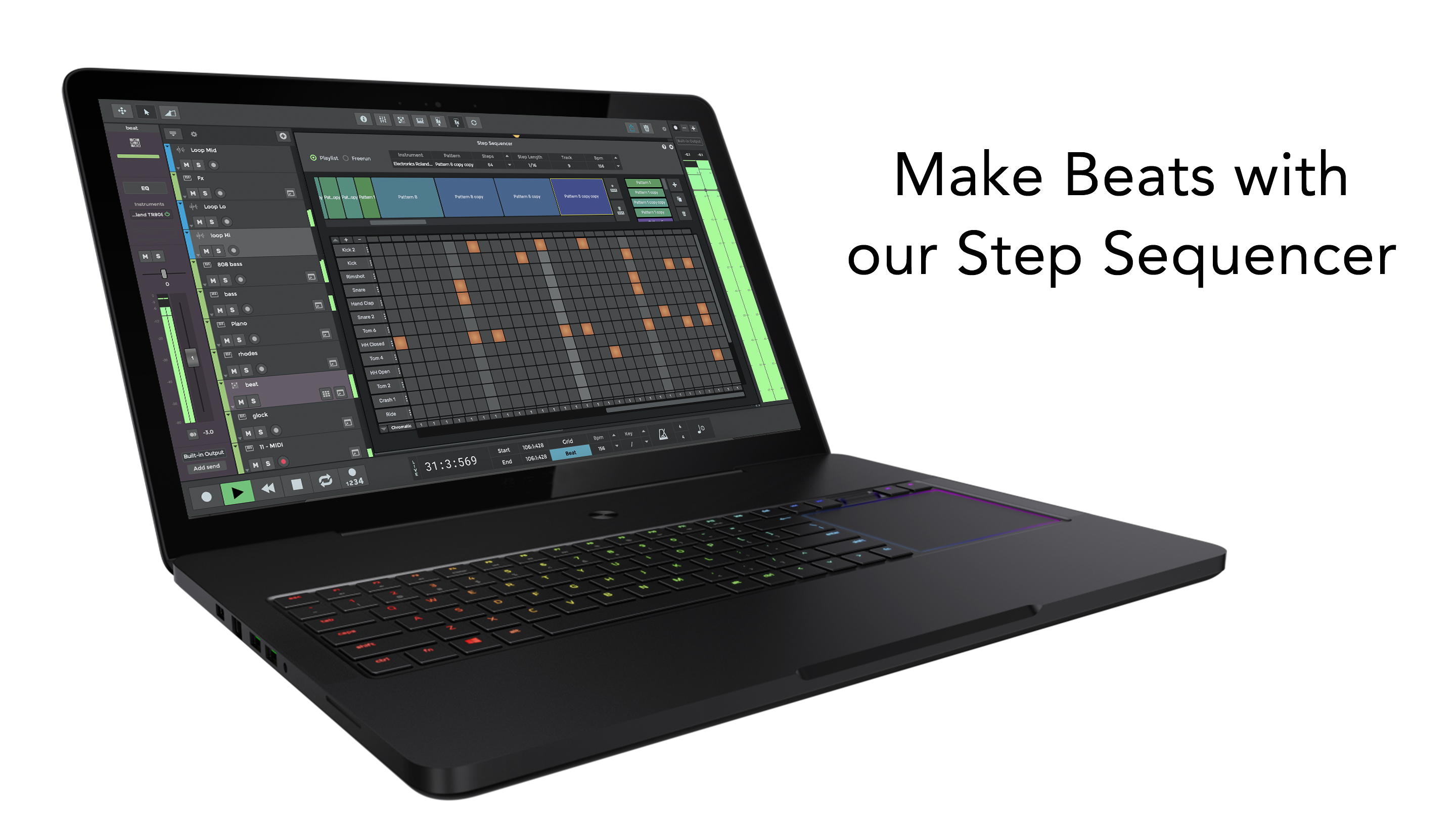
Unlike many music apps primarily focused on either simple recording or complex production workflows, n-Track Studio strikes a balance—particularly with its unique rhythm and latency assessment features. These tools help users ensure their performances are rhythmically precise, a factor often overlooked in similar applications. The ability to evaluate rhythm pattern variety means artists can experiment with different groove styles, knowing they can fine-tune the timing accuracy post-recording. Moreover, its input latency tolerance assessment provides a practical edge, especially when integrating external hardware or monitoring through MIDI instruments, making it a reliable choice for serious creators aiming for studio-grade quality.
Final Verdict: A Practical and Creative DAW
Overall, n-Track Studio for Windows is a thoughtfully designed application that caters to a wide spectrum of users—from beginners embarking on their music production journey to experienced professionals seeking reliable tools. Its standout capabilities, especially those related to rhythm precision and latency management, offer notable advantages for ensuring performance accuracy and sound quality. While it may not boast the ultra-professional features of high-end DAWs like Cubase or Ableton Live, it provides a compelling balance of ease of use and depth of functionality.
Based on its features, user experience, and unique strengths, I would recommend n-Track Studio as a versatile and dependable option for home studios, rehearsal recordings, or on-the-go music creation. Whether you're laying down ideas, fine-tuning performances, or drafting full arrangements, this software proves to be a friendly yet powerful partner—worthy of a spot on your digital audio toolbox.
Pros
- Intuitive User Interface
- Rich Instrument Library
- Multi-Track Recording
- Advanced Editing Tools
- Integration with Other Software
Cons
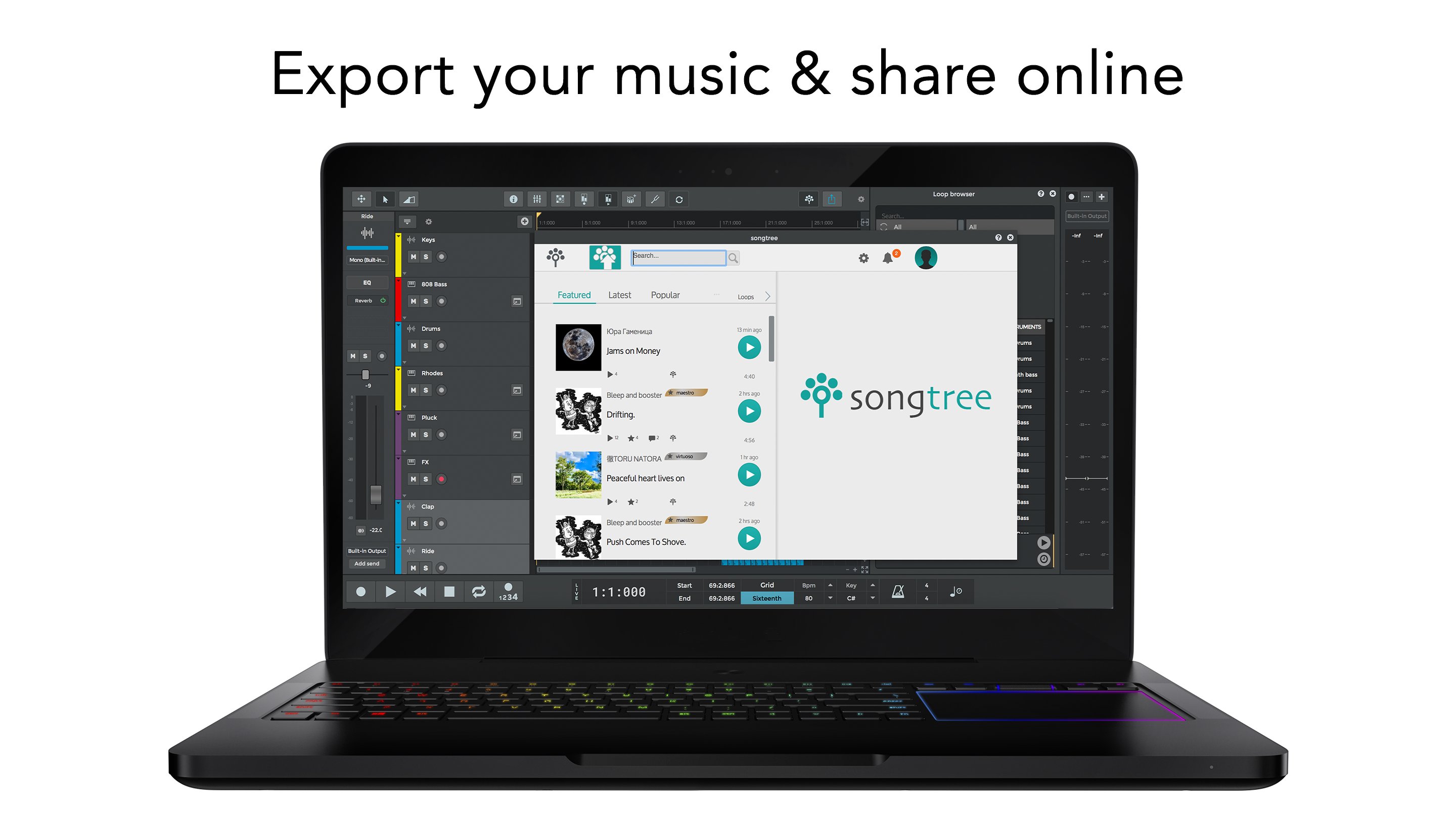
- Limited Export Options
- Occasional Stability Issues
- Learning Curve for Advanced Features
- Limited Free Version Functionality
- Occasional Audio Latency











