

- Name Music Maker Jam
- Category Music
- Available on PC, Mobile, Surface Hub, HoloLens
- OS Windows 10 version 14393.0 or higher
- languages Chinese (Simplified), Chinese (Traditional), English, French, German, Italian, Japanese, Korean, Portuguese, Russian, Spanish
Unleashing Creativity with Music Maker Jam for Windows
Imagine having a versatile music studio right at your fingertips—whether you're an aspiring producer or a hobbyist looking to craft your next hit, Music Maker Jam offers an accessible yet powerful platform to explore your musical ideas. With its user-friendly interface and rich feature set, this application promises fun, intuitive music creation.
Developed by Loudly GmbH: A Focused Team for Innovative Music Tools
Music Maker Jam is crafted by Loudly GmbH, a company dedicated to providing creative tools for musicians and beatmakers worldwide. Known for their focus on empowering users with accessible yet robust music production solutions, Loudly GmbH consistently aims to make music creation approachable for all skill levels.
Key Features That Make Music Maker Jam Stand Out
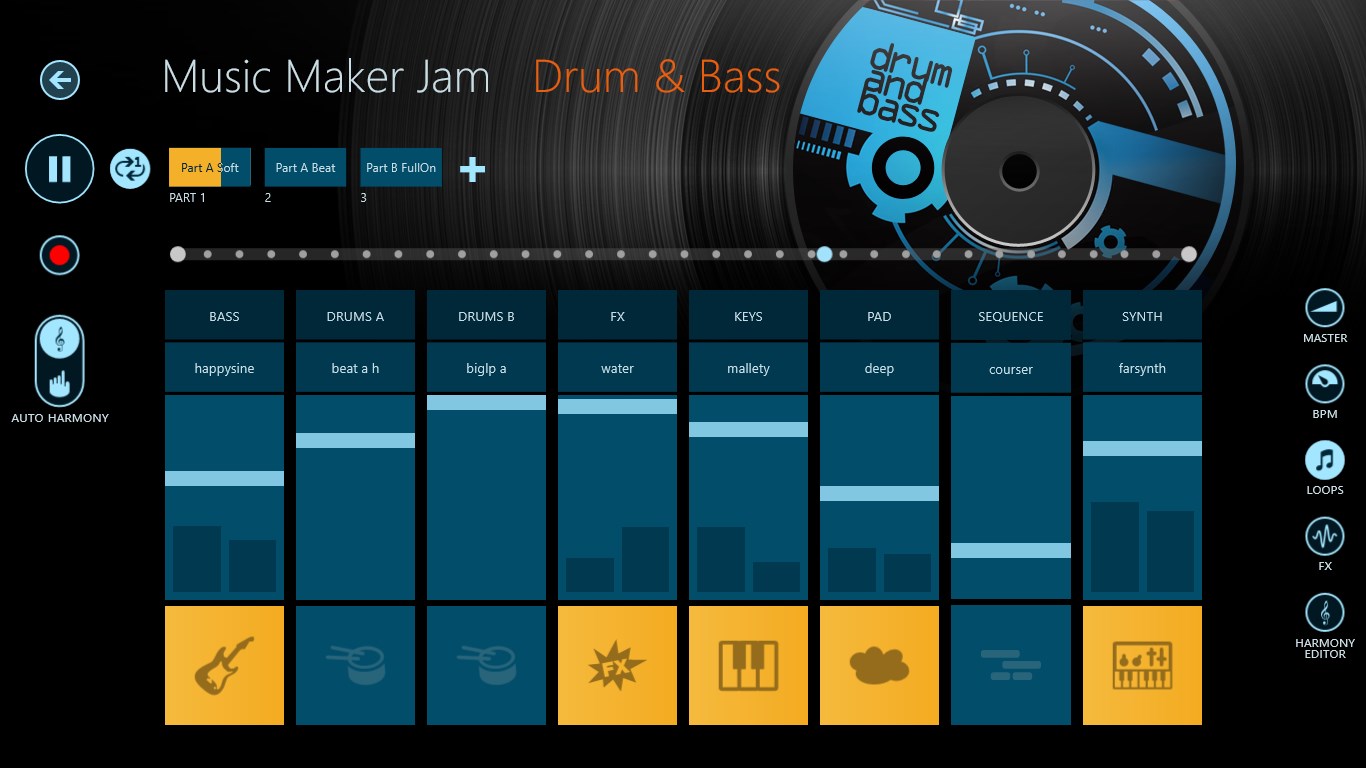
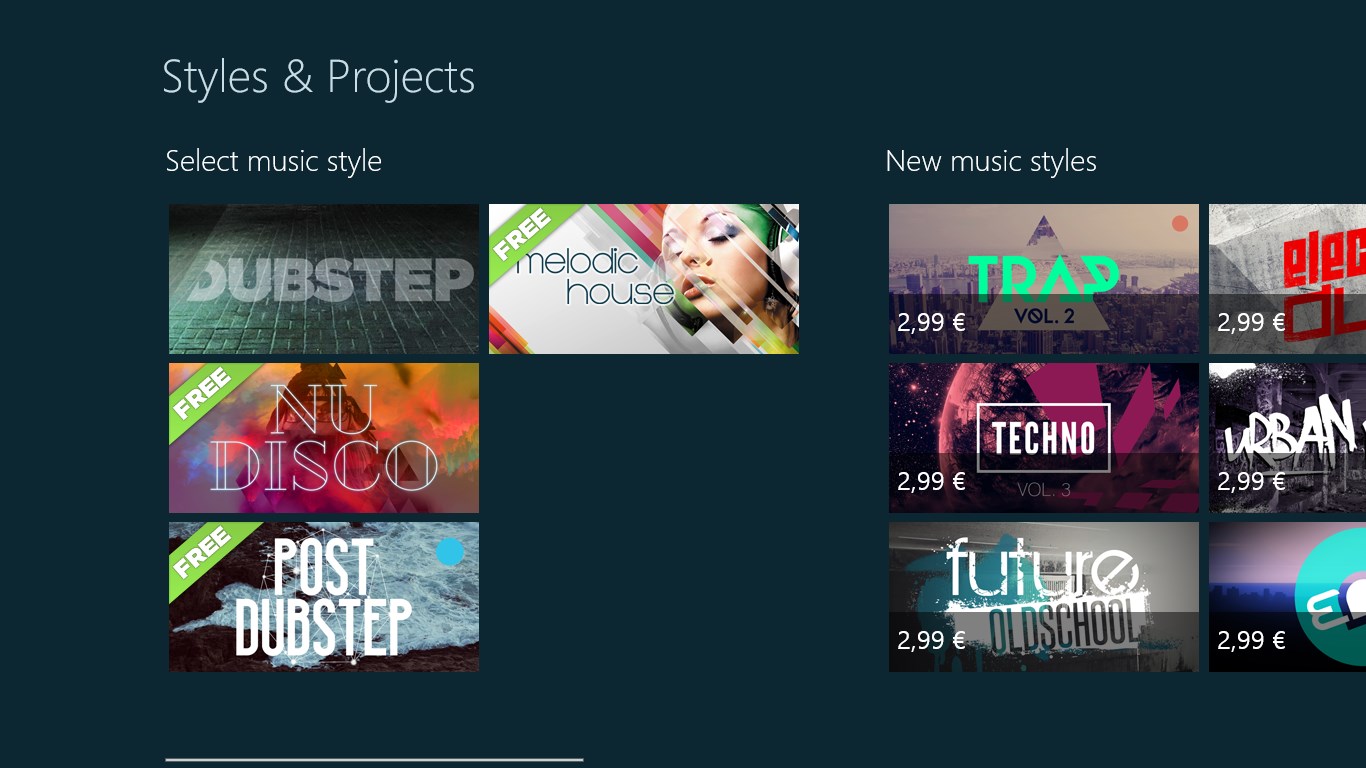
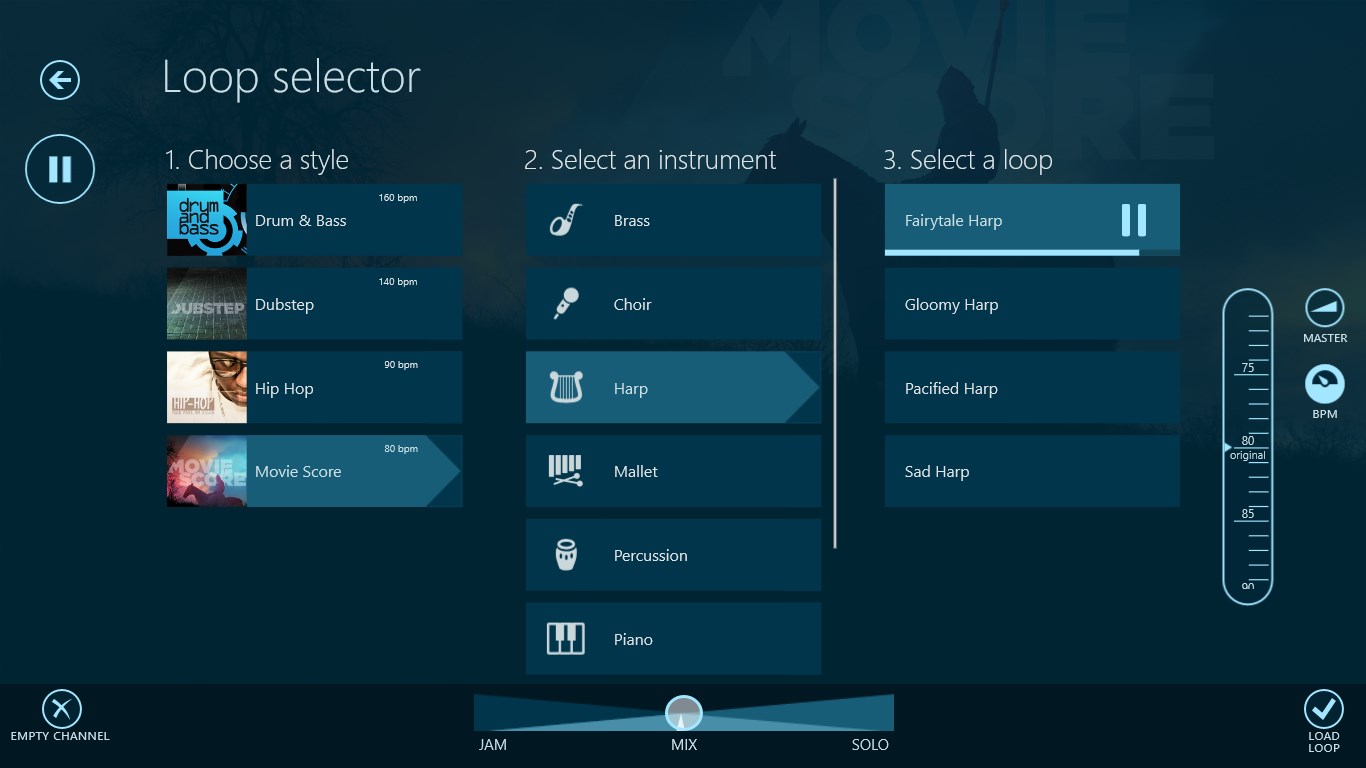
- Pre-Loaded Music Packs and Customizable Loops: Dive into a vast library of genres with high-quality loops and samples, allowing rapid track assembly or radical remixing.
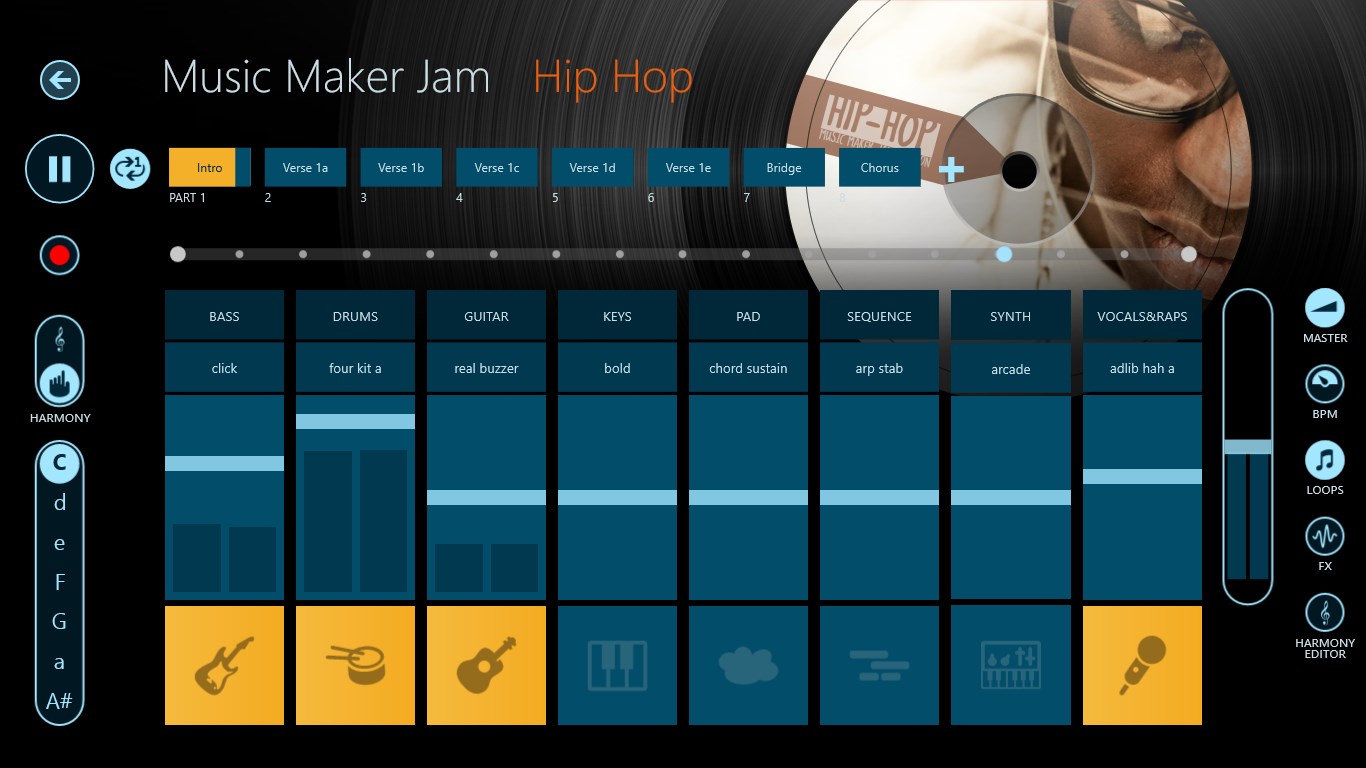
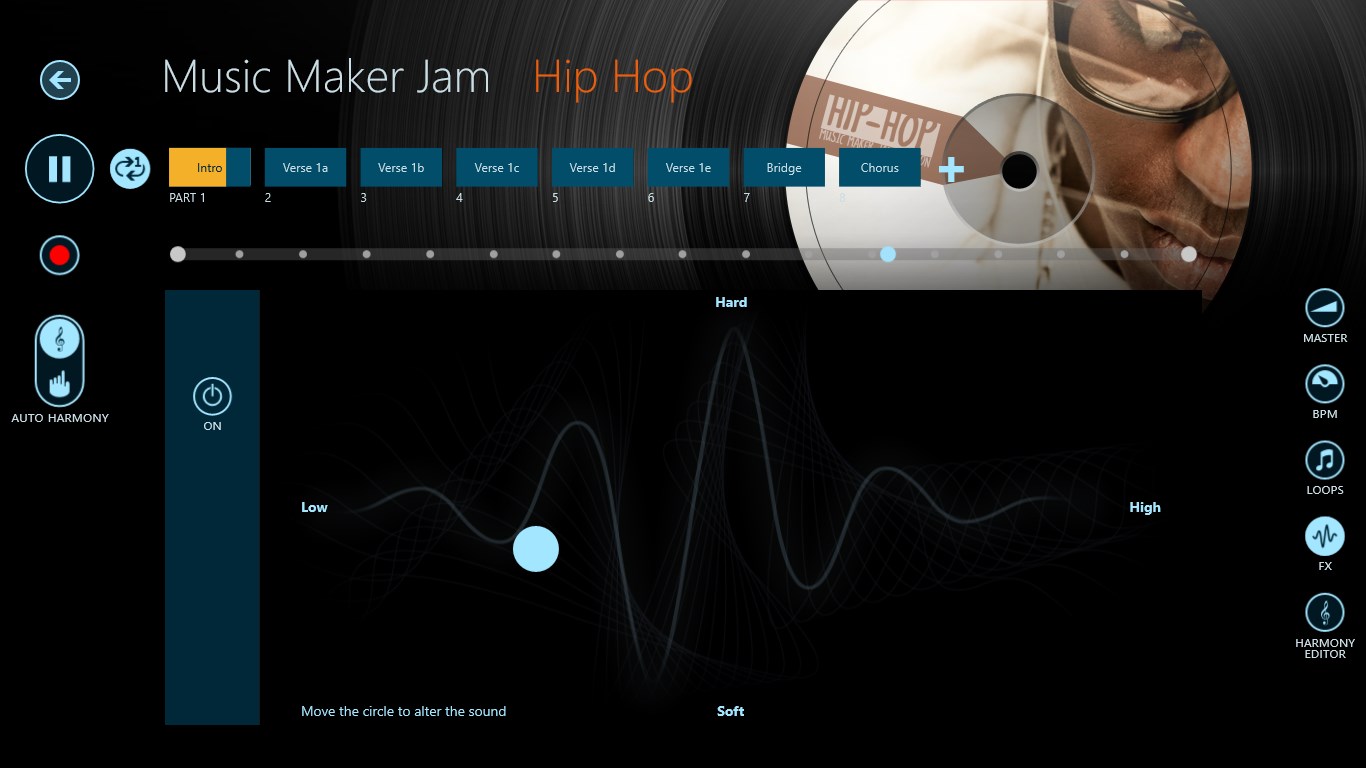
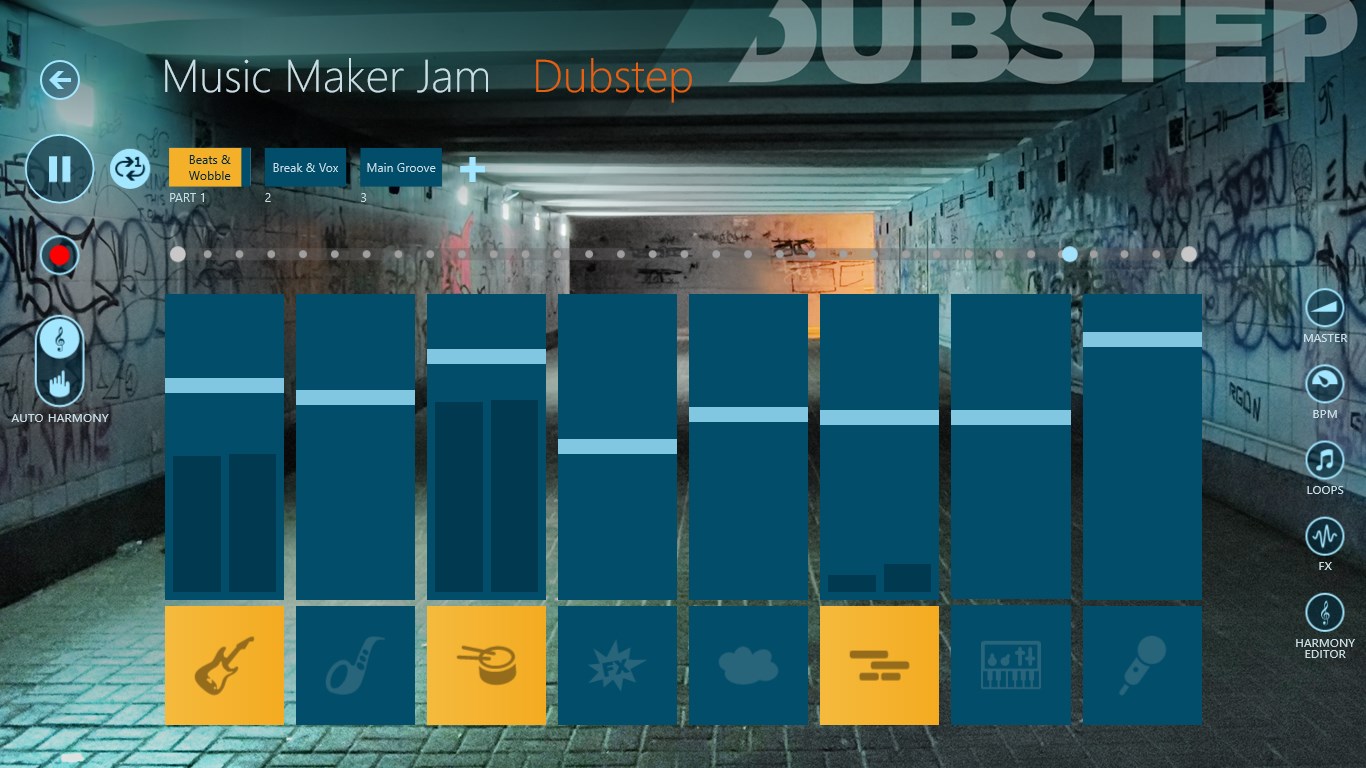
- Built-in Mixer and Effects: Adjust volume, panning, and add effects like reverb or delay to shape your sound—turning simple loops into polished tracks.
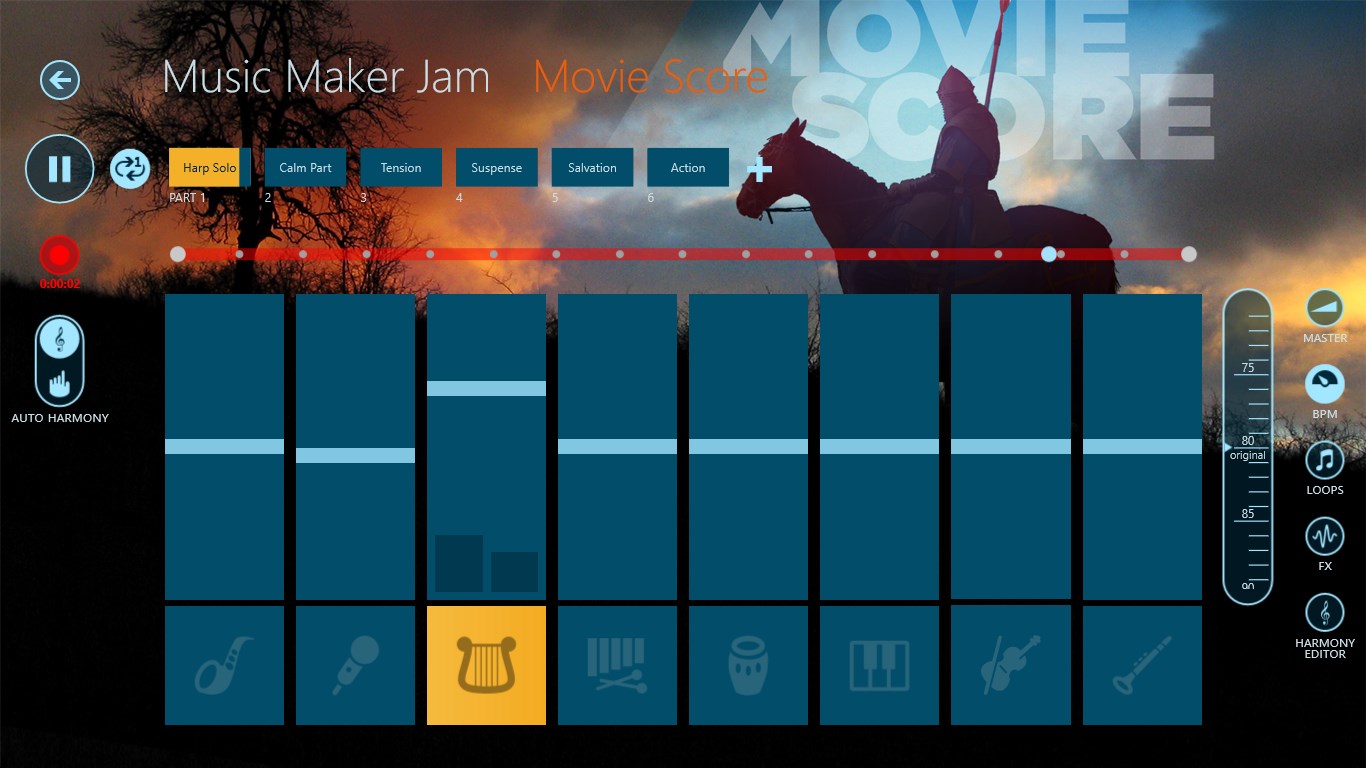
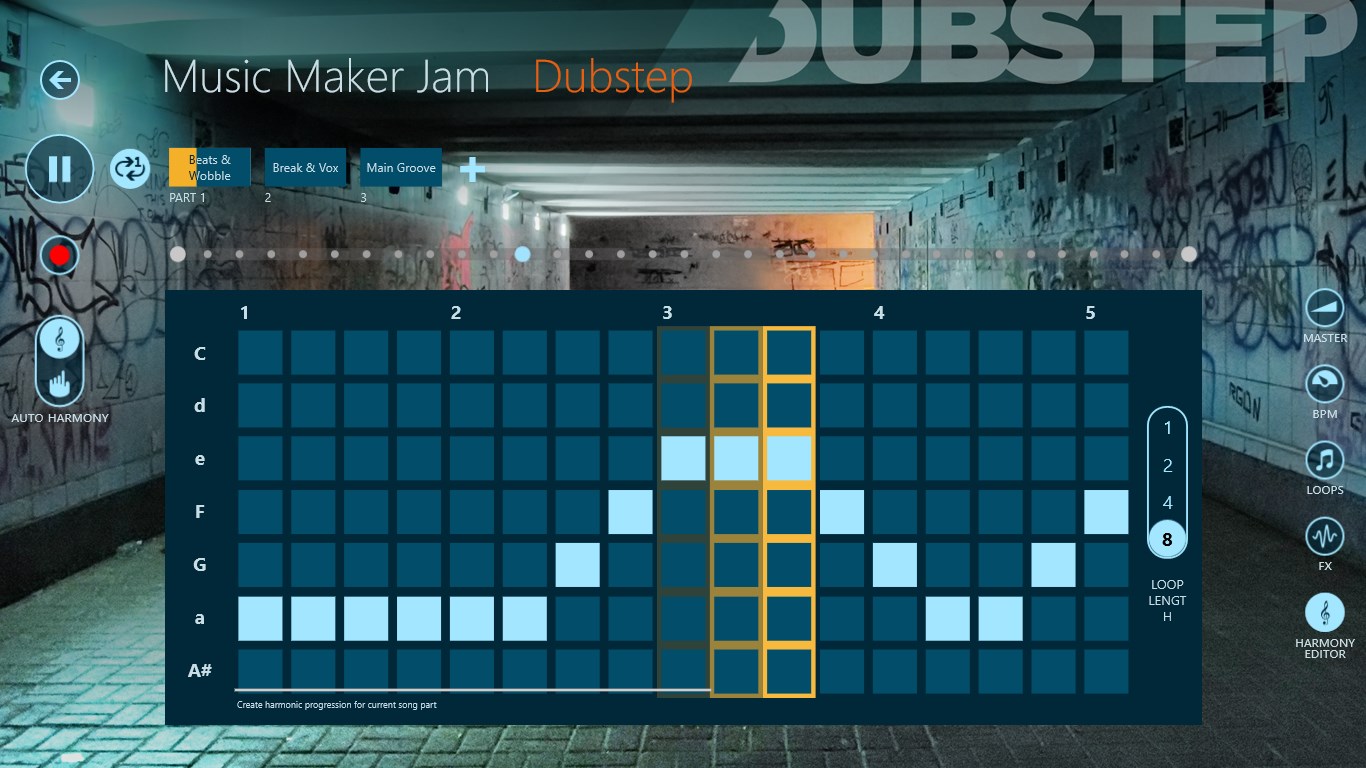
- Real-Time Rhythm and Pattern Control: Use intuitive tools to tweak rhythm patterns and adjust playback in real time, ensuring your music hits the beat just right.
- Cross-Genre Flexibility: From EDM to chillout, the diverse genre packs and flexible interface support varied musical styles, catering to different tastes and creativity levels.
Engaging and Intuitive User Experience
Starting Music Maker Jam feels akin to opening a well-curated music box—immediately inviting, colorful, and full of possibilities. The interface is clean, with neatly organized tabs and toggle controls that resemble a compact digital studio, making navigation intuitive even for newcomers. Transitioning from browsing loops to arranging your beat is seamless, with minimal lag, ensuring your creative flow isn't broken. The learning curve is gentle; a quick walkthrough suffices for beginners, while experienced users can quickly locate advanced features to fine-tune their productions.
Unique Strengths: Rhythm Pattern Flexibility and Latency Tolerance
What truly sets Music Maker Jam apart from other music apps are its nuanced rhythm control and tolerance for input latency. Unlike simpler loop-based apps, this platform allows you to manipulate rhythm patterns dynamically, enabling you to craft complex, groove-rich beats that evolve in real time. This feature is particularly beneficial for live performance or improvisational jams. Additionally, the app's input latency management ensures that when you tap dance across the pads or tweak your sliders, your adjustments are reflected instantly, making the experience smooth and responsive. These thoughtful details provide an advantage for users seeking more control and precision, effectively bridging the gap between casual creation and semi-professional production.
Final Thoughts: A Solid Choice for Diverse Musical Exploration
All considered, Music Maker Jam for Windows offers a compelling mix of simplicity and depth. Its approachable design invites newcomers to explore music creation without feeling overwhelmed, while its advanced features cater to more seasoned users seeking control and flexibility. The standout rhythm pattern customization and input latency features make it particularly suited for those interested in live remixing or rhythm experimentation. For anyone wanting an adaptable, enjoyable, and reliable music app, I'd recommend giving this a try—especially if you prize responsive controls and genre diversity in your digital studio.
Pros
- Intuitive interface
- Wide variety of genres and sounds
- Customizable sound packs
- Export options
- Regular updates
Cons
- Limited advanced editing tools
- Occasional lag during loading
- Free version restrictions
- Limited collaboration features
- Learning curve for beginners











