

- Name Music Editor - Mix and Edit
- Category Music
- Developer Hopify
- Available on PC, Mobile, Surface Hub, HoloLens
- OS Windows 10 version 19041.0 or higher
- languages English (United States)
Introducing Music Editor - Mix and Edit: Your Lightweight Companion for Music Editing on Windows
Music Editor - Mix and Edit for Windows, developed by Hopify, is designed to be a straightforward yet capable tool for editing and mixing audio files on the Windows platform. Whether you're an aspiring musician, a content creator, or simply a music enthusiast wanting to finesse your tracks, this app aims to bring professional-level editing features within reach, packaged in an accessible interface.
Core Features That Make a Difference
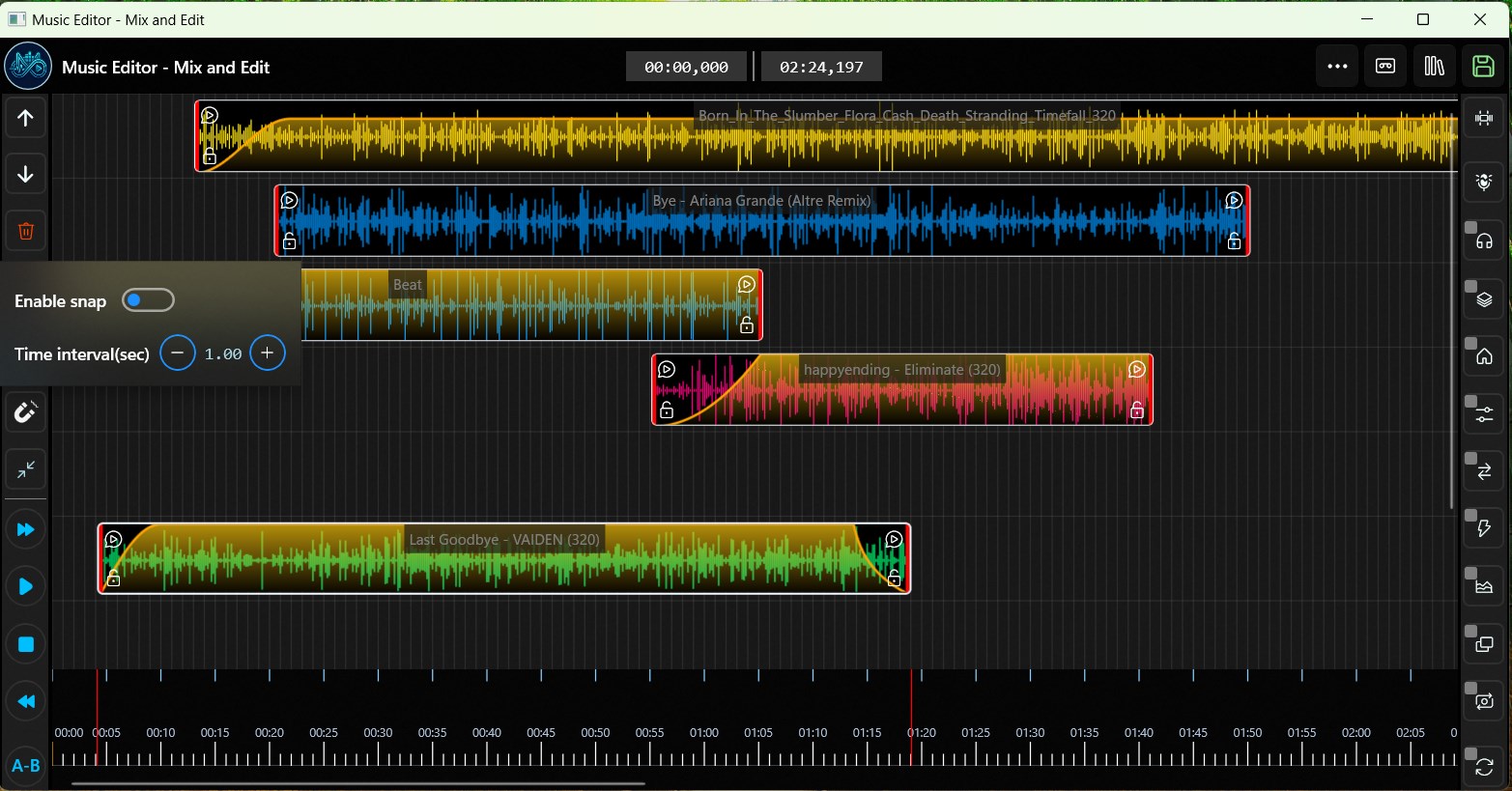
Seamless Multi-Track Mixing
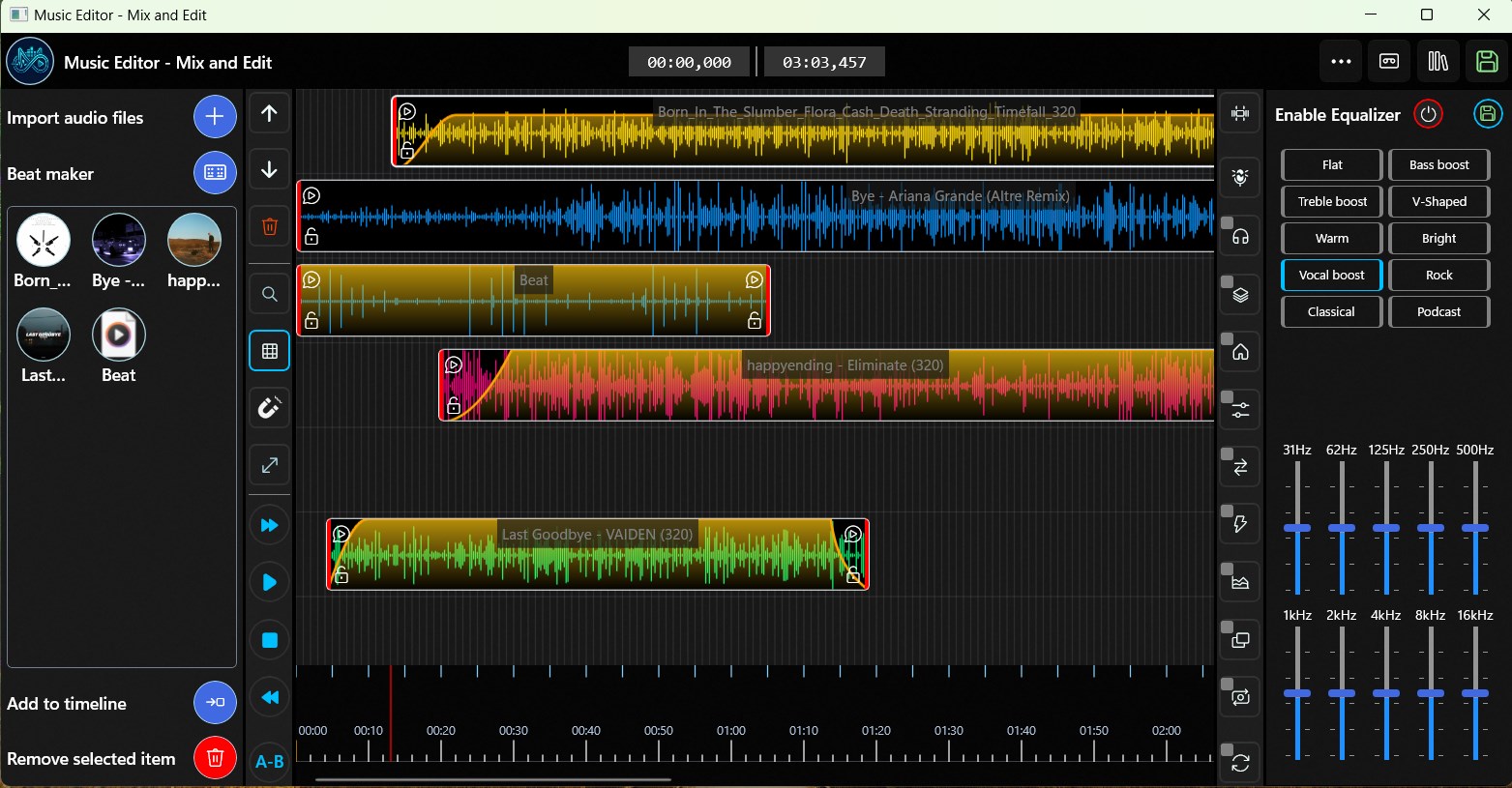
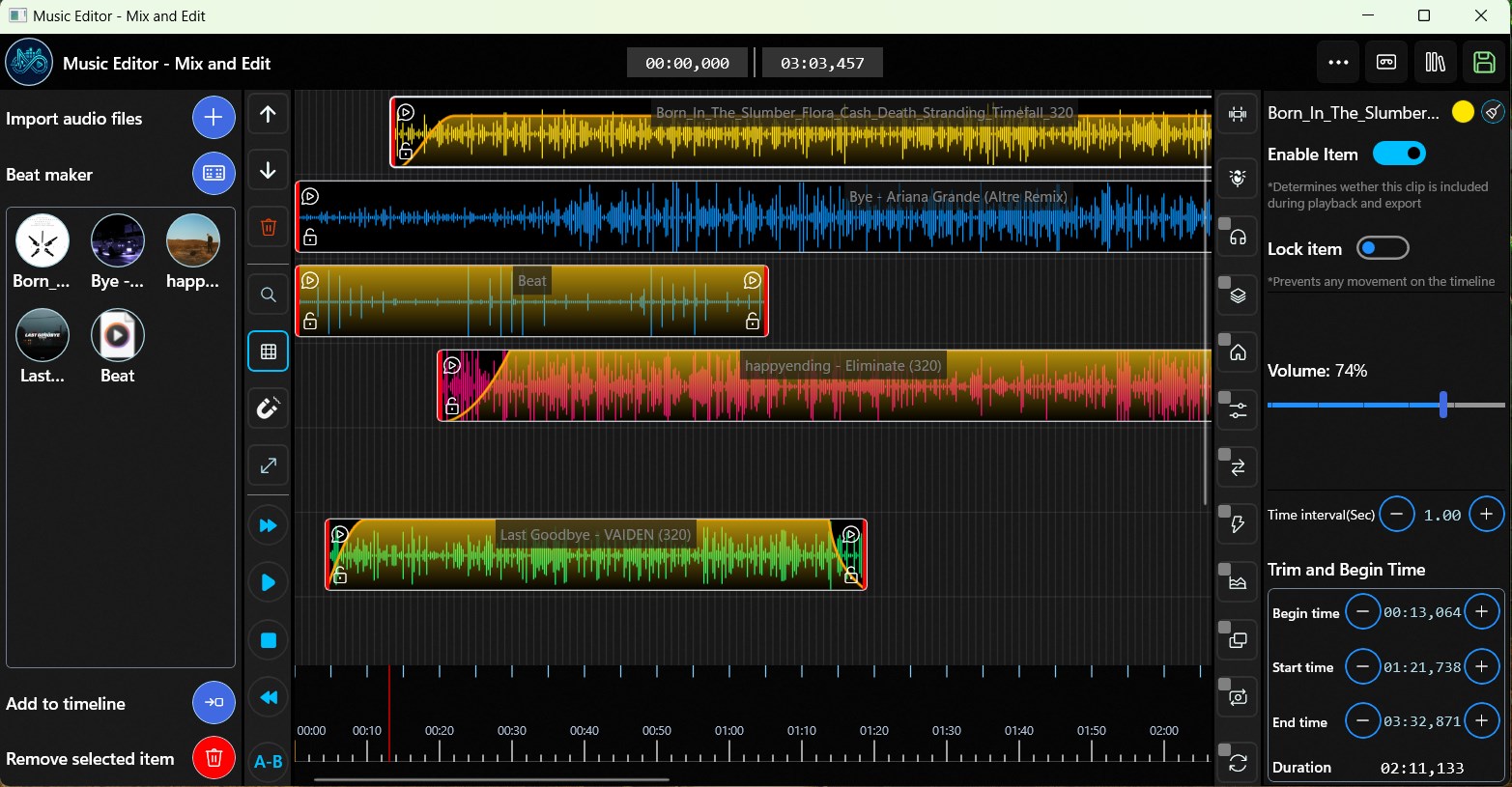
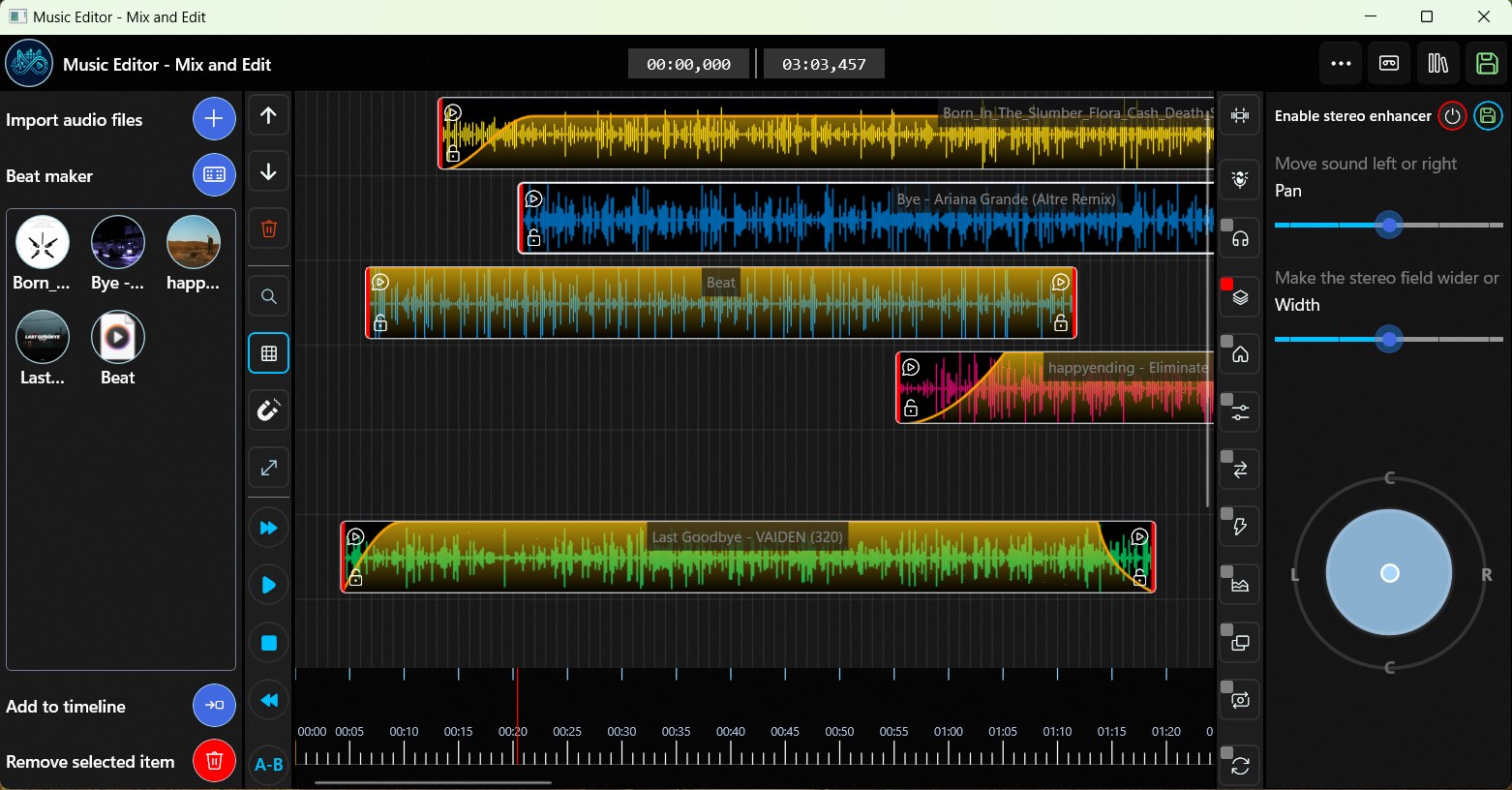
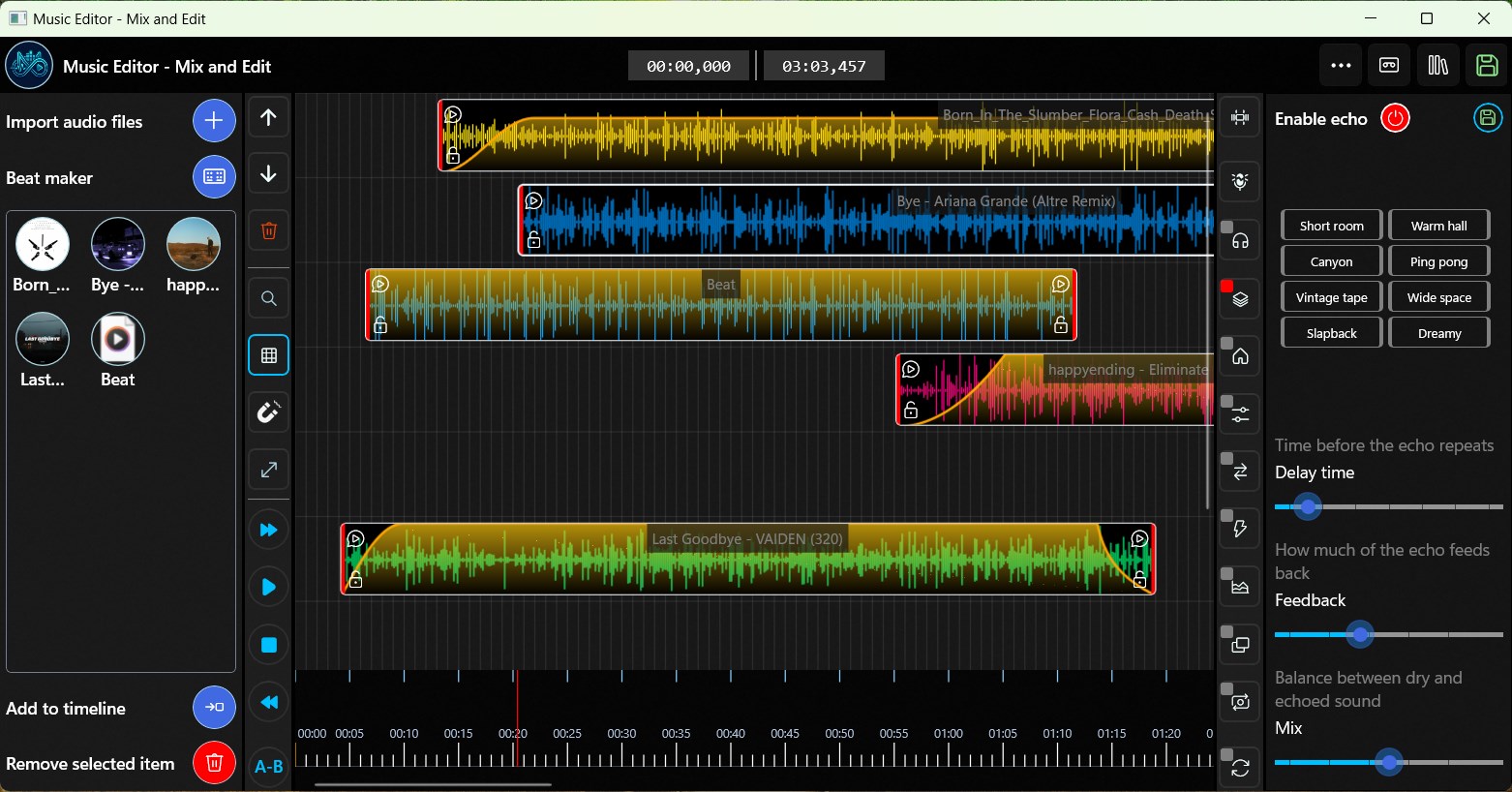
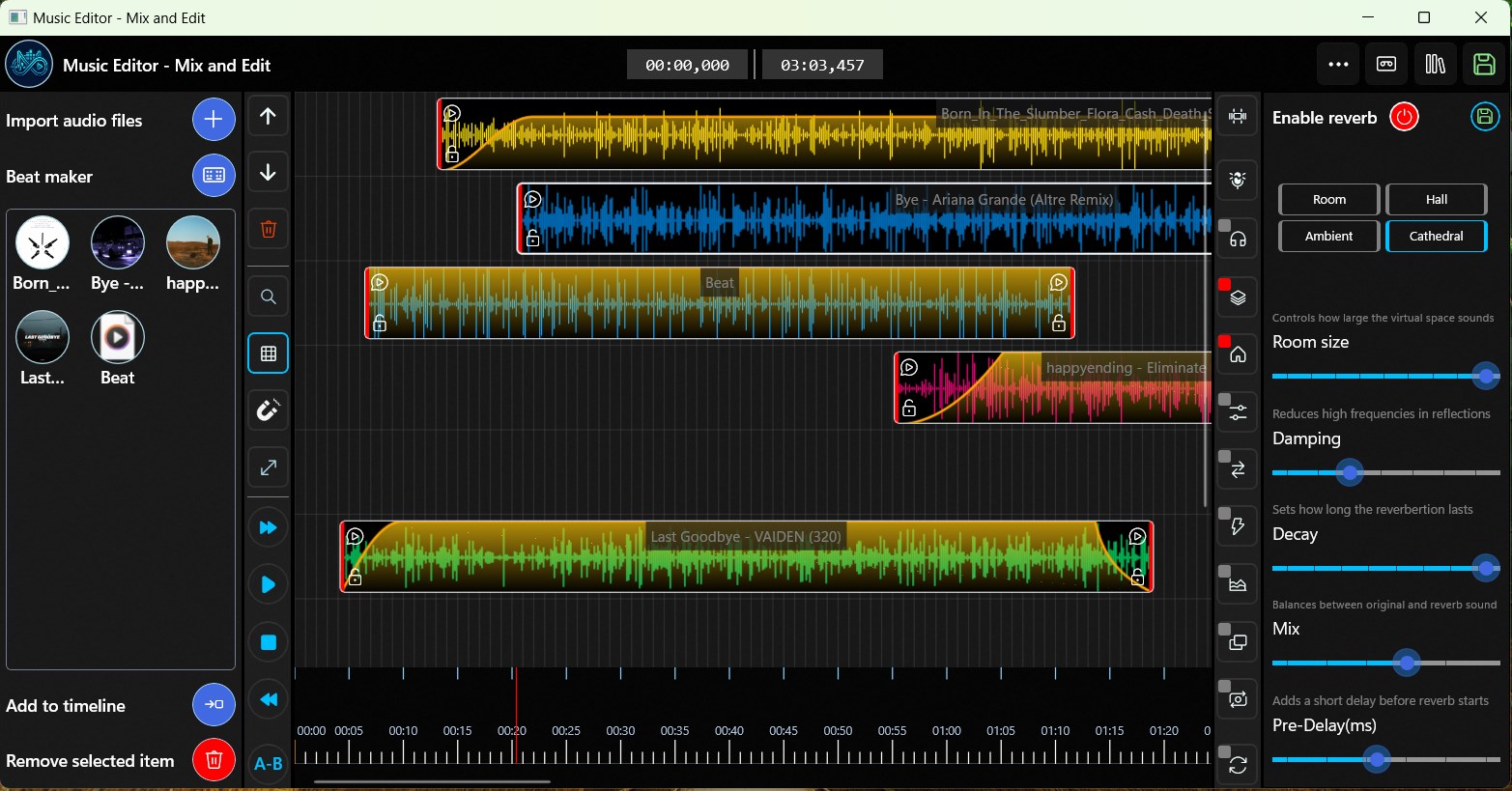
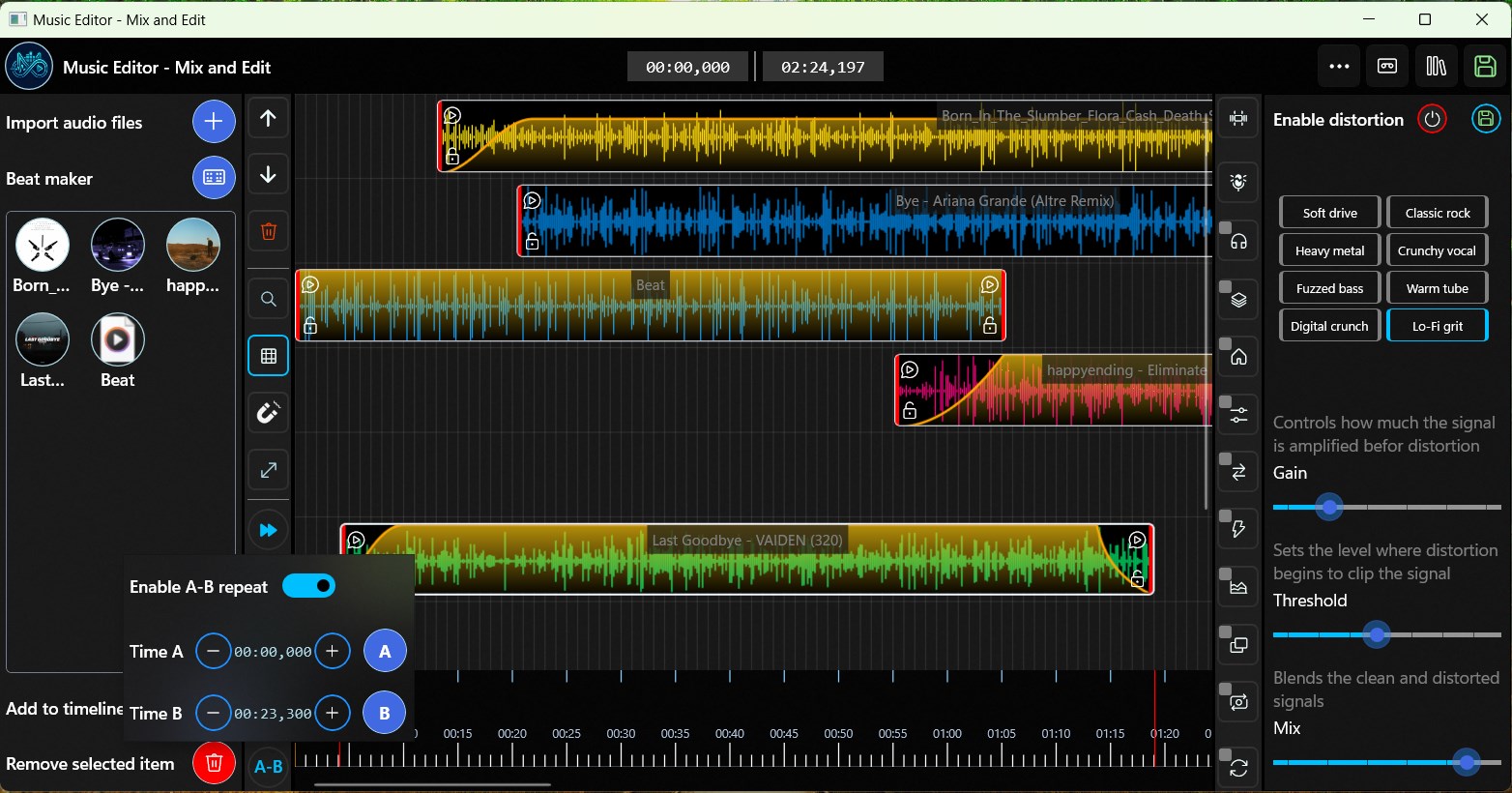
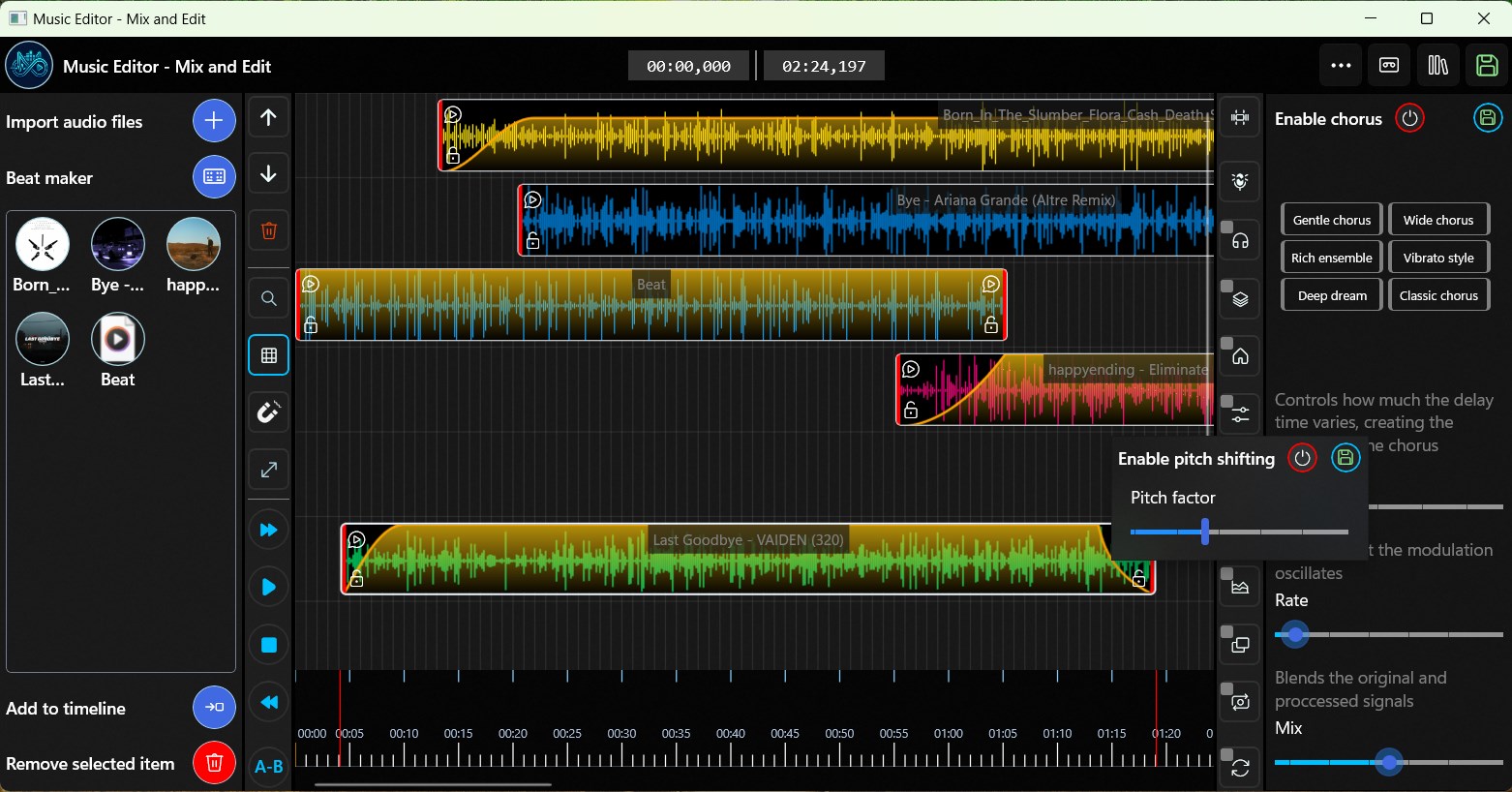
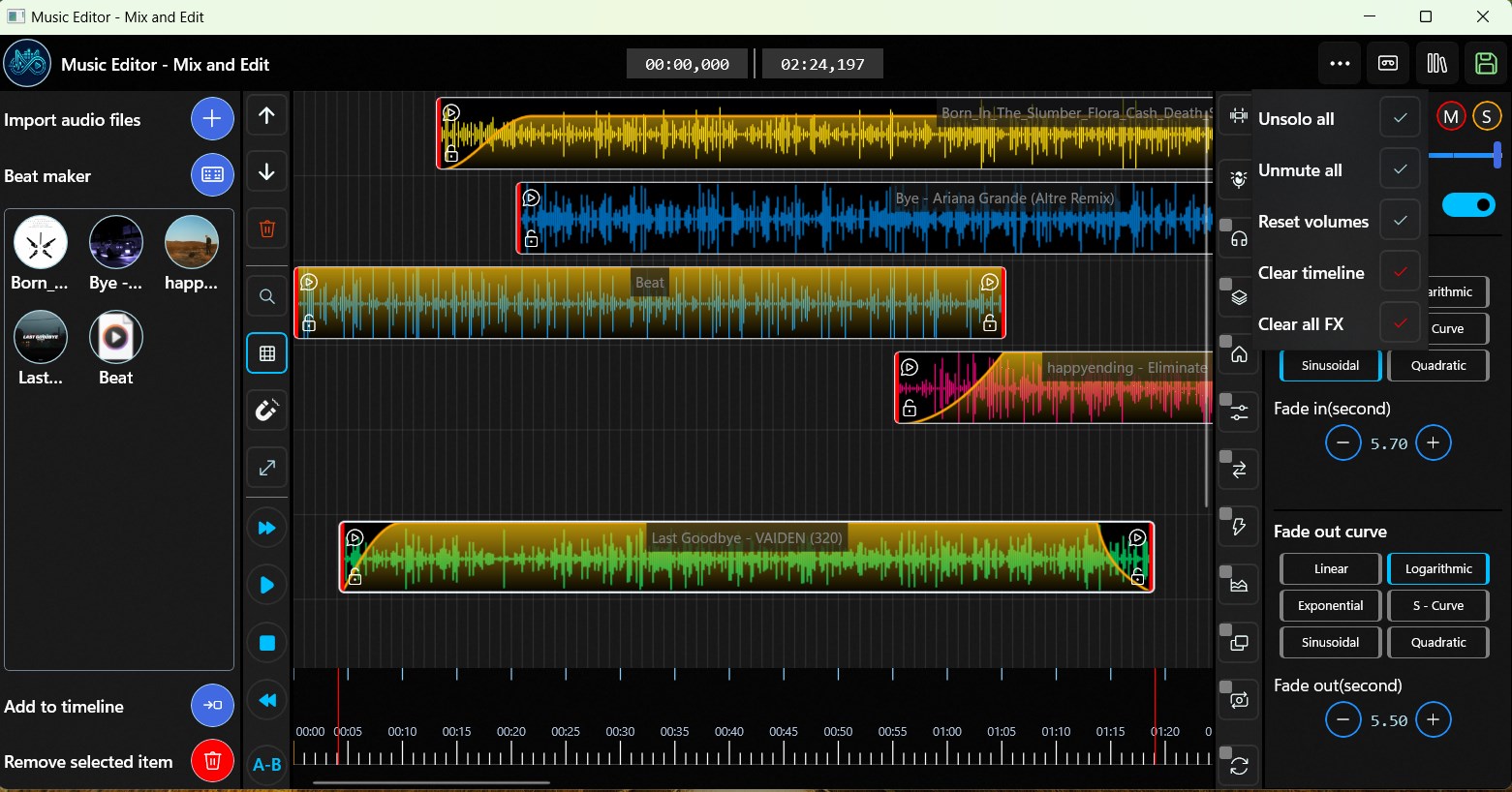
The app allows users to layer multiple audio tracks effortlessly, providing a flexible workspace for creating complex mixes. Its intuitive timeline makes it easy to drag, drop, and rearrange clips, making the process feel almost like assembling a puzzle—accessible even for beginners but powerful enough for detailed editing.
Precise Rhythmic and Pattern Assessment
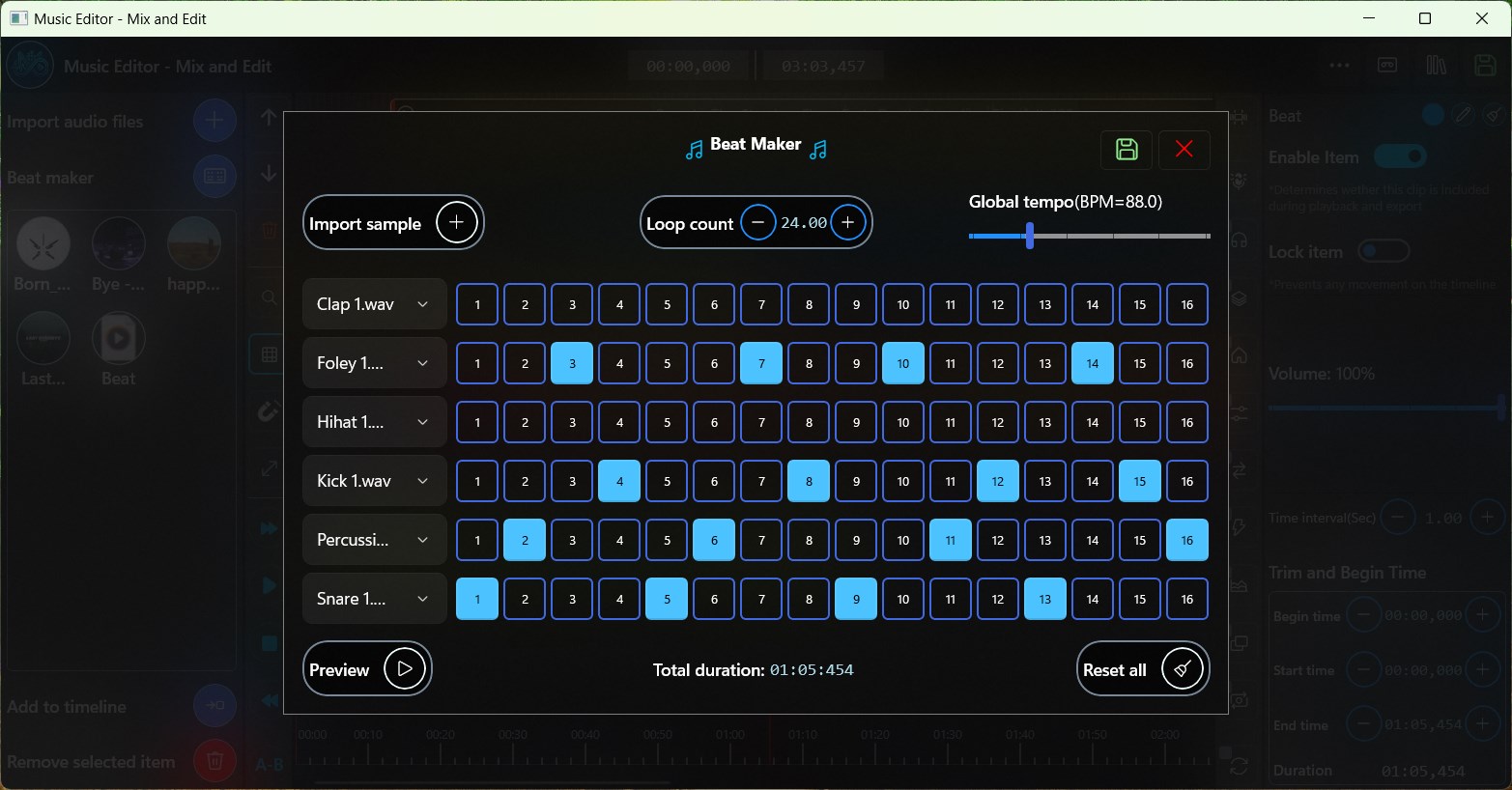
One of the standout features is its ability to evaluate rhythm patterns and tolerance for timing deviations. This helps users fine-tune their tracks, ensuring beats stay tight or creatively drift apart for artistic effect. This feature is particularly useful for musicians working with rhythmic accuracy or producers aiming for a polished, professional sound.
Optimized Latency and Responsiveness
Music Editor shines with its low latency performance, providing real-time feedback during editing and mixing sessions. This immediate responsiveness reduces frustration and helps users focus on creativity instead of technical delays, setting it apart from many similar apps that struggle with input latency.
A Bright, User-Friendly Interface
The design adopts a clean, minimalistic layout reminiscent of a well-organized studio console. Navigating through tracks, applying effects, or adjusting volume levels feels as smooth as sliding a fader in a real recording studio. The interface's clarity makes it accessible for newcomers while offering enough depth for experienced users.
Operation fluency is impressive; the app responds instantly to user commands, making editing feel natural rather than cumbersome. Its learning curve is gentle, with helpful tooltips and a straightforward workflow that ensures users can dive in without lengthy tutorials.
What Sets It Apart?
Compared to other music editing apps, notably those with more complex interfaces or higher price tags, Music Editor offers an admirable balance of ease-of-use and advanced features. Its real-time rhythm pattern analysis, coupled with exceptional input latency tolerance, provides a level of precision and responsiveness that can be hard to find elsewhere. These features make it especially appealing for those who need quick, reliable editing and mixing without sacrificing quality.
Final Thoughts and Recommendations
Music Editor - Mix and Edit is a commendable choice for Windows users seeking a straightforward yet effective audio editing tool. Its key strengths—particularly the intelligent rhythm assessment and low-latency responsiveness—stand out in a crowded market. While it may not replace professional DAWs for intricate projects, it serves as an excellent starter or supplementary app for quick edits, practice, or creative experimentation.
If you're looking for a user-friendly app that adapts well to home setups and hobbyist needs, this app deserves a try. For seasoned professionals requiring more extensive capabilities, it can still be a handy quick-edit tool or a casual companion for brainstorming sound ideas.
Pros
- Intuitive User Interface
- Basic Editing Tools
- Supports Multiple Audio Formats
- Real-Time Preview
- Affordable Pricing Model
Cons
- Limited Advanced Features
- Occasional Crashes on Large Files
- Sparse Tutorial Content
- Basic Effects Only
- Syncing Issues with Exported Files











