

- Name MixPad
- Category Music
- Developer NCH Software
- Available on PC
- OS Windows 10 version 15063.0 or higher
- languages English (United States)
MixPad for Windows: Your Versatile Recording and Mixing Companion
MixPad for Windows, developed by NCH Software, is a comprehensive digital audio workstation designed to cater to both amateur and professional musicians, podcasters, and audio editors seeking an intuitive yet powerful mixing solution. Its robust feature set aims to simplify complex sound editing tasks without sacrificing quality, making it a noteworthy addition to any creative toolkit.
Key Features That Make MixPad Stand Out
At its core, MixPad offers a seamless multitrack recording environment, a suite of professional effects, and flexible exporting options—crafted to enhance your audio production experience. The app's intuitive interface allows users to craft complex audio projects with relative ease, whether they're layering multiple tracks or fine-tuning individual components.
Multitrack Recording and Editing: Crafting Your Audio Canvas
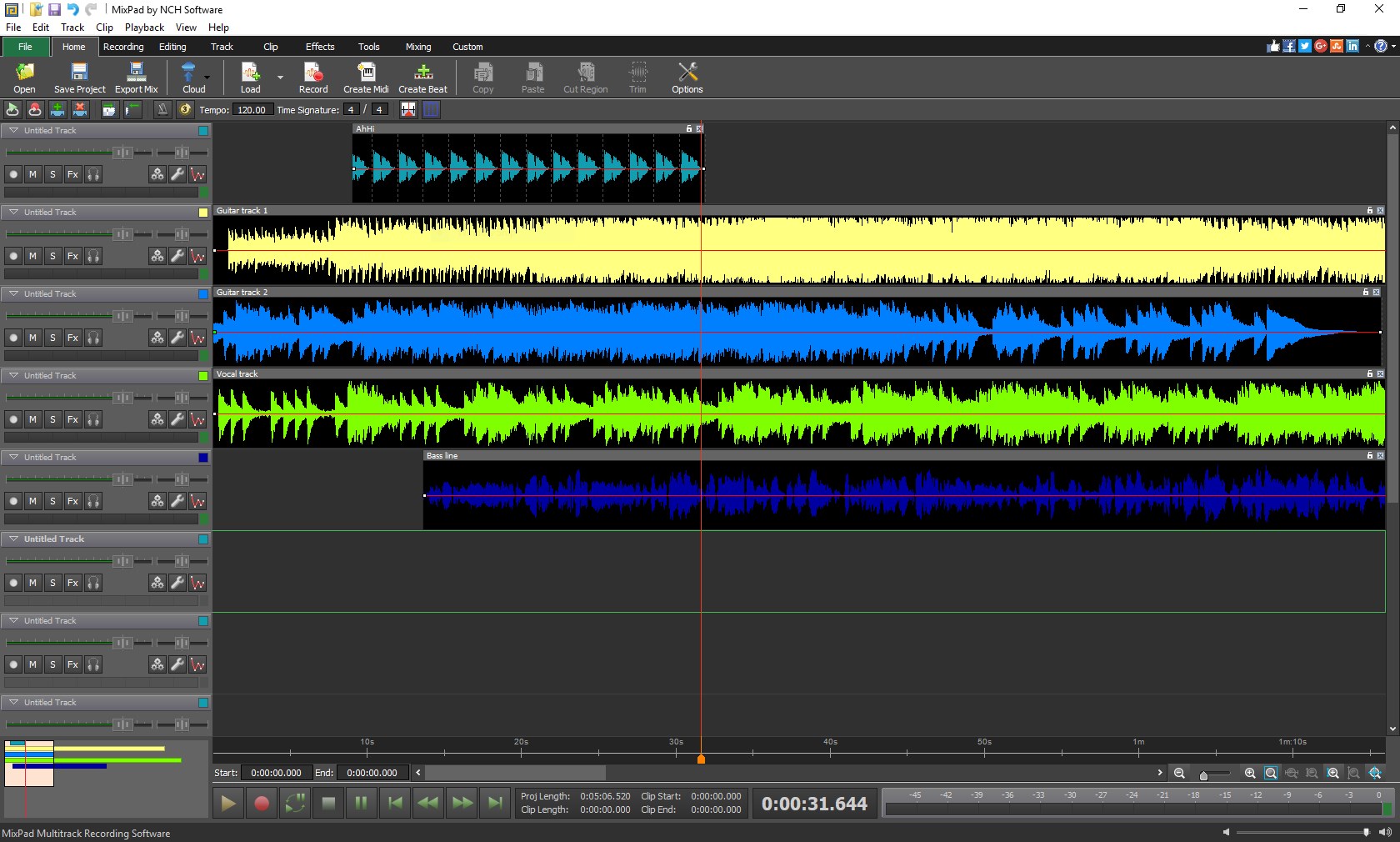
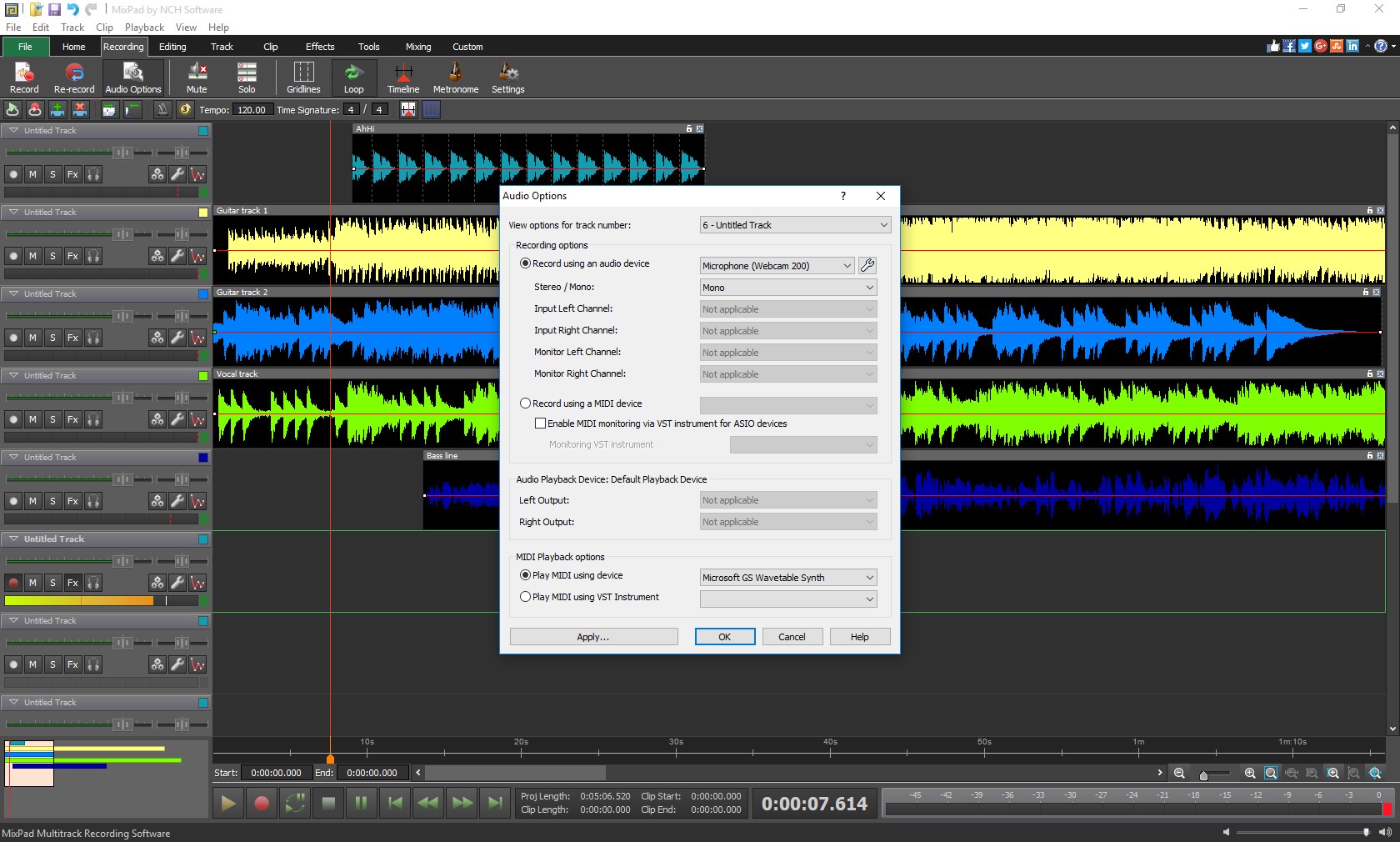
Imagine having a digital studio at your fingertips—MixPad's multitrack recording feature functions just like a physical mixing console but through a sleek, virtual interface. Users can record multiple audio tracks simultaneously or import pre-recorded clips to build layered compositions. The editing environment supports cut, copy, paste, and join functions, providing dynamic control over your projects. For musicians and voice-over artists alike, this aspect turns a standard PC into a professional recording setup. The platform also supports real-time drum, vocal, or instrument recording, streamlining the creation process from initial idea to final mix.
Rich Suite of Effects and Sound Enhancements
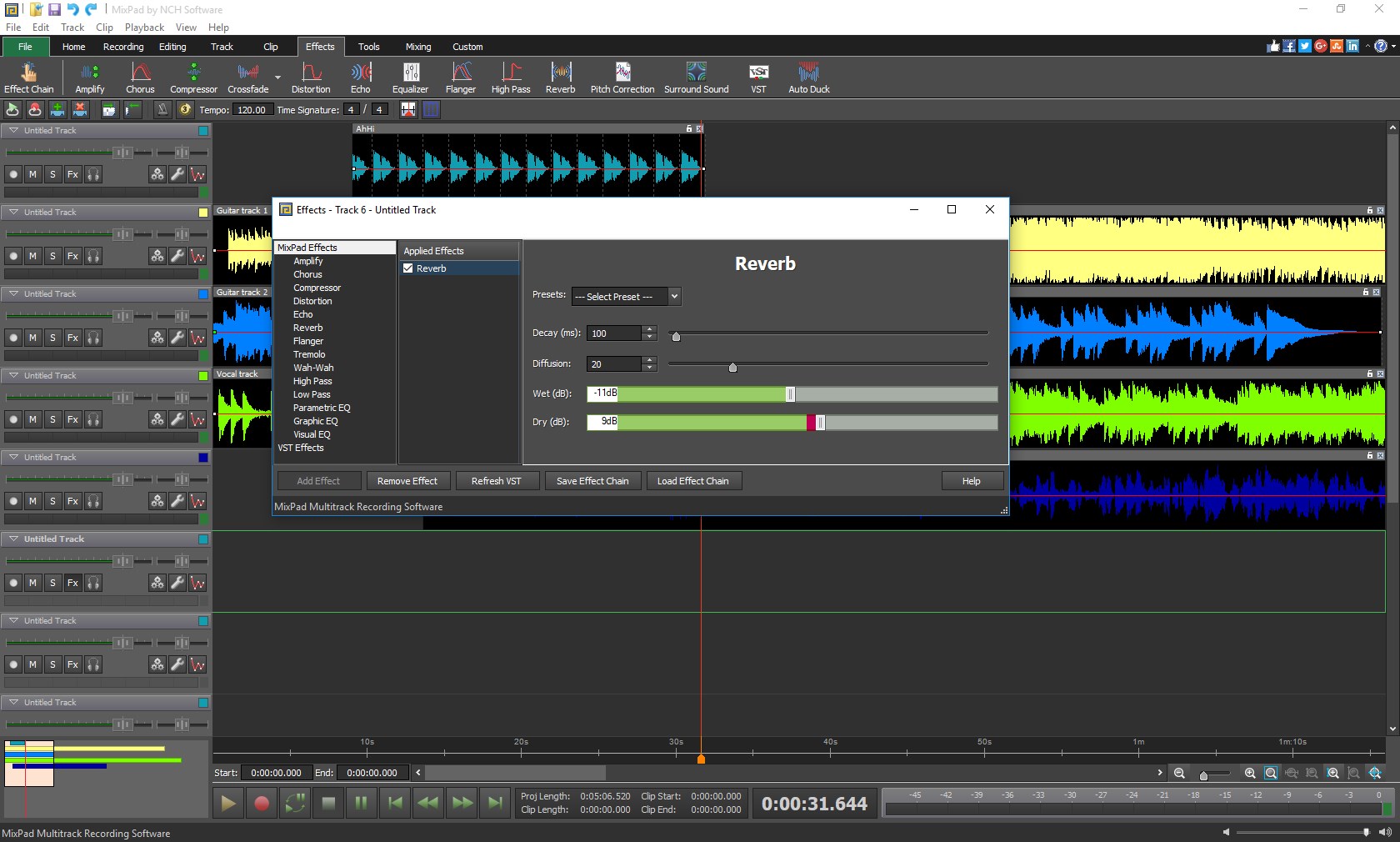
One of the brightest spots of MixPad is its extensive library of effects and sound processing tools. From equalization and compression to reverb and echo, the app offers a broad palette to shape your sound. Whether you're polishing a podcast voice or adding ambience to a music track, the effects can be applied with a few clicks, thanks to an organized and user-friendly interface. The ability to preview changes instantly accelerates the creative workflow, making it feel like holding a professional mixing board right on your desktop.
User Experience: Interface, Performance, and Learning Curve
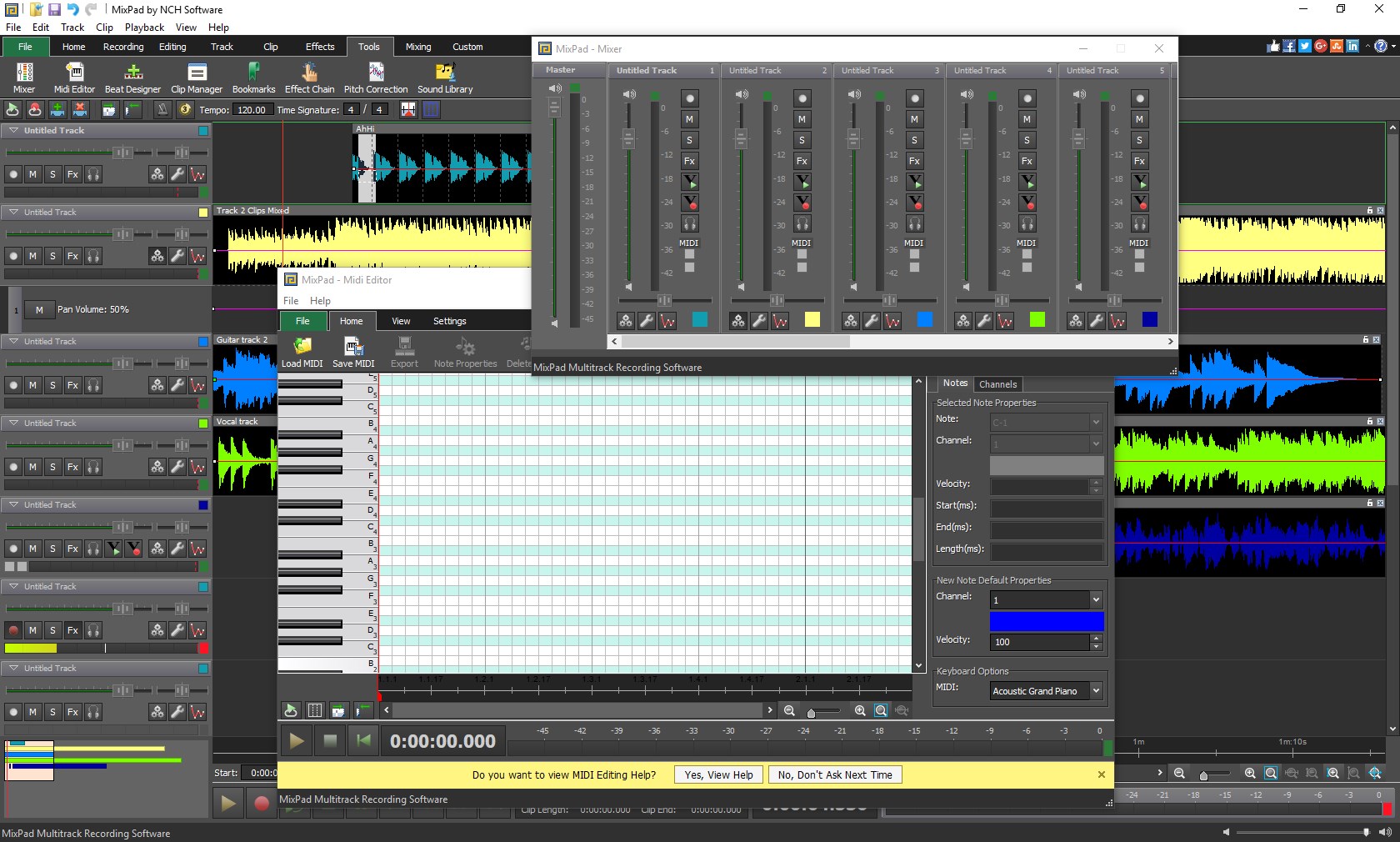
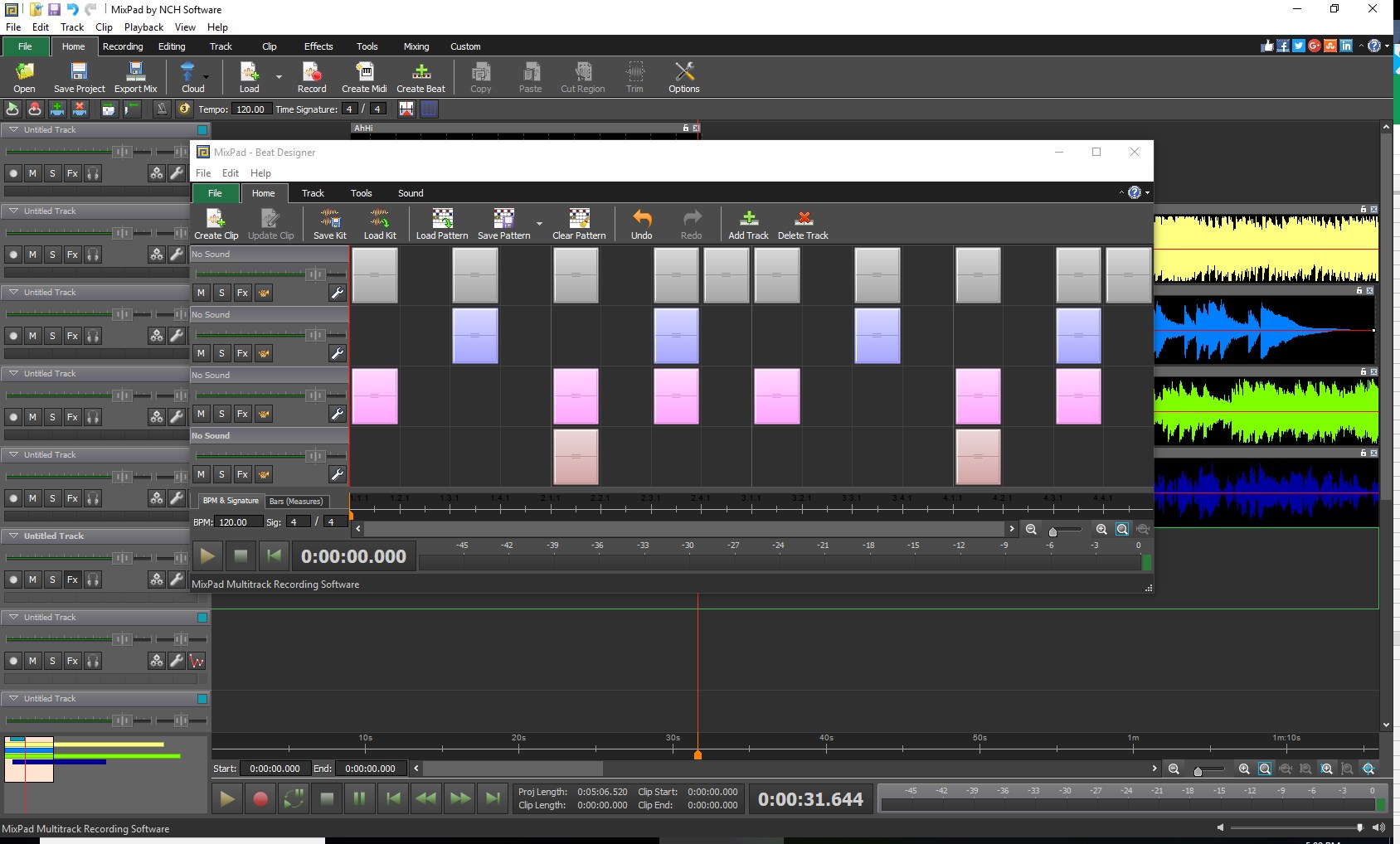
MixPad presents a clean, organized interface that resembles a simplified digital mixer—vibrant but not overwhelming. Navigation is intuitive, with drag-and-drop functionalities and clearly labeled controls, making it accessible to newcomers. Performance-wise, the app remains smooth even when handling complex projects with multiple tracks and effects, thanks to optimized processing algorithms. The learning curve is gentle; users with basic audio knowledge can quickly pick up essential functions, while detailed tutorials and documentation further aid beginners in mastering advanced features. This blend of simplicity and depth makes it suitable for a wide audience.
Unique Strengths: Rhythmic Precision and Pattern Variety
What truly sets MixPad apart from its competitors is its precise rhythm pattern assessment and the variety of groove options it offers. Imagine trying to keep a steady beat on a drum pad; MixPad's rhythmic pattern tool helps assess latency tolerance, ensuring your recordings stay in perfect sync. Its diverse library of rhythm patterns enables creators to experiment with various musical styles effortlessly, from laid-back jazz to energetic EDM beats. This focus on rhythm flexibility not only enhances the musicality but also speeds up the production process, especially for projects where timing accuracy is critical—such as podcasts or live instrument recordings. This makes MixPad particularly attractive for users seeking both precision and creative diversity in their audio projects.
Final Verdict and Usage Recommendations
All things considered, MixPad for Windows emerges as a reliable, user-friendly, and feature-rich audio mixing tool. Its standout capabilities in rhythm pattern assessment and extensive effects library make it ideal for musicians, sound designers, and content creators who value both precision and flexibility. Beginners will appreciate its straightforward interface, while seasoned audio engineers will find enough depth to explore advanced projects.
Given its balance of simplicity and professional-grade features, I would recommend MixPad for casual hobbyists wanting to explore audio creation and semi-professionals aiming for quick yet polished results. For those seeking an affordable, accessible, and capable DAW that doesn't overwhelm with complexity, MixPad stands out as a compelling choice.
Pros
- User-friendly interface
- High-quality audio mixing tools
- Multi-track recording
- Wide format support
- Free for personal use
Cons
- Limited advanced editing features
- Occasional lag during large projects
- Basic effects library
- Export options could improve
- Learning curve for advanced features











