

- Name MediaPlay DVD Player – Play DVDs & More
- Category Entertainment
- Developer RoxyApps
- Available on PC, Mobile, Surface Hub, HoloLens
- OS Windows 10 version 18362.0 or higher
- languages Arabic (Egypt), Chinese (Simplified), Chinese (Traditional, Hong Kong SAR), Czech, Dutch, English (United States), French, German, Hebrew, Hindi, Indonesian, Italian, Japanese, Korean , Persian, Polish , Portuguese (Portugal), Spanish (Spain), Thai, Turkish, Ukrainian
MediaPlay DVD Player: Your Reliable Companion for DVD Playback on Windows
MediaPlay DVD Player, developed by RoxyApps, is a versatile application designed to bring the classic cinema experience right to your Windows device. Offering a seamless way to play DVDs and more, it aims to revitalize your media viewing with a straightforward, user-friendly interface.
Core Features That Stand Out
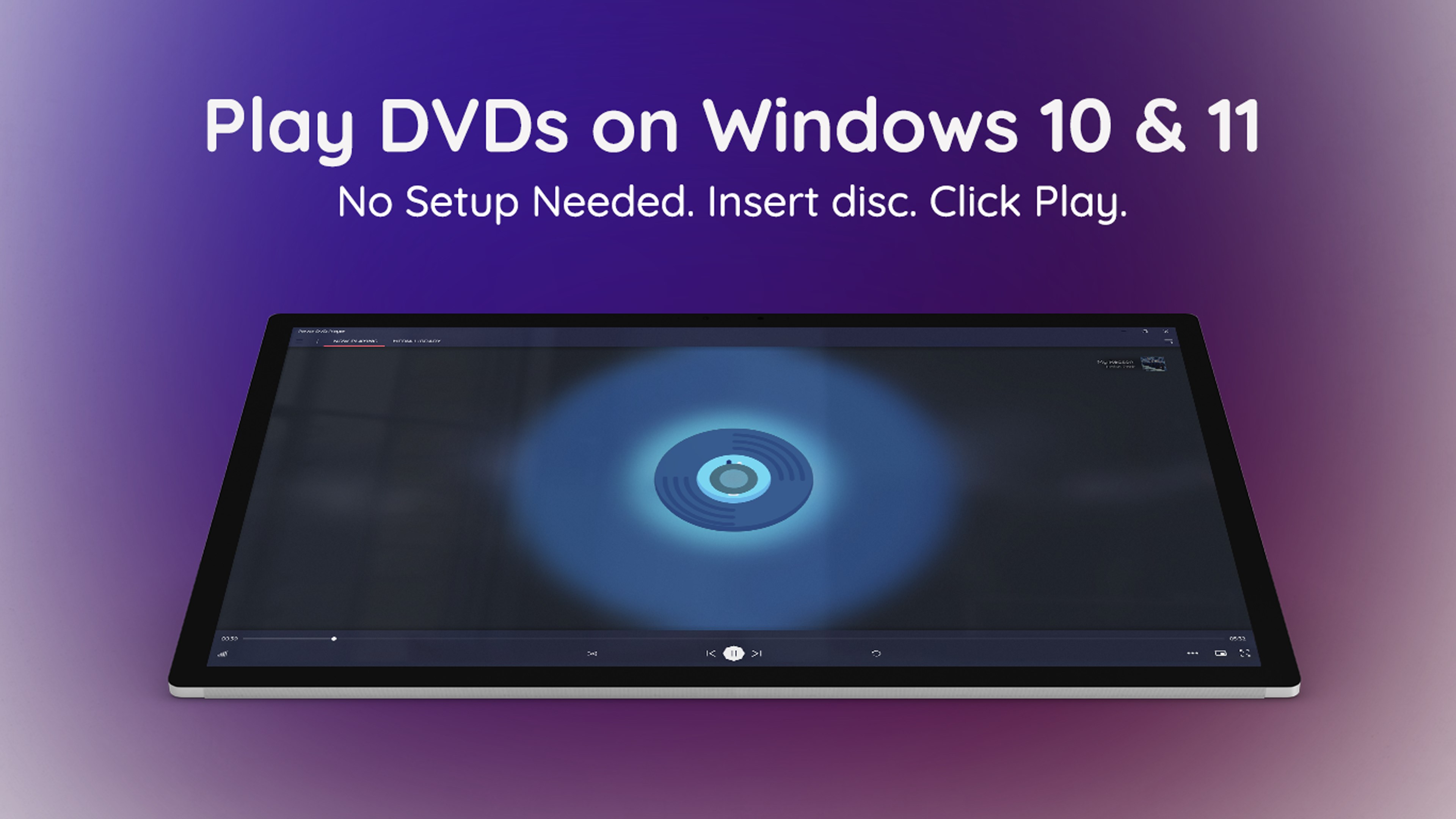
Play DVDs and Media Files with Ease
At its core, MediaPlay excels in supporting a broad spectrum of media formats. Whether you're aiming to watch a DVD, a Blu-ray, or a digital video file, this app acts like a trusted film projectionist—quickly loading and smoothly playing your content without fuss. Its compatibility ensures that users can enjoy their existing media collections without the need for multiple players or conversions.
Intuitive User Interface and Smooth Performance
Imagine opening a media app as opening a well-organized cinema lobby—clean, inviting, without an overwhelming jumble of buttons. MediaPlay's interface is refreshingly straightforward, with clearly labeled controls that make navigation effortless, even for less tech-savvy users. The app runs smoothly, with minimal lag or crashes, making your media experience feel like a personal home theater rather than a jittery tech struggle.
Additional Features: Subtitle Support and Customization
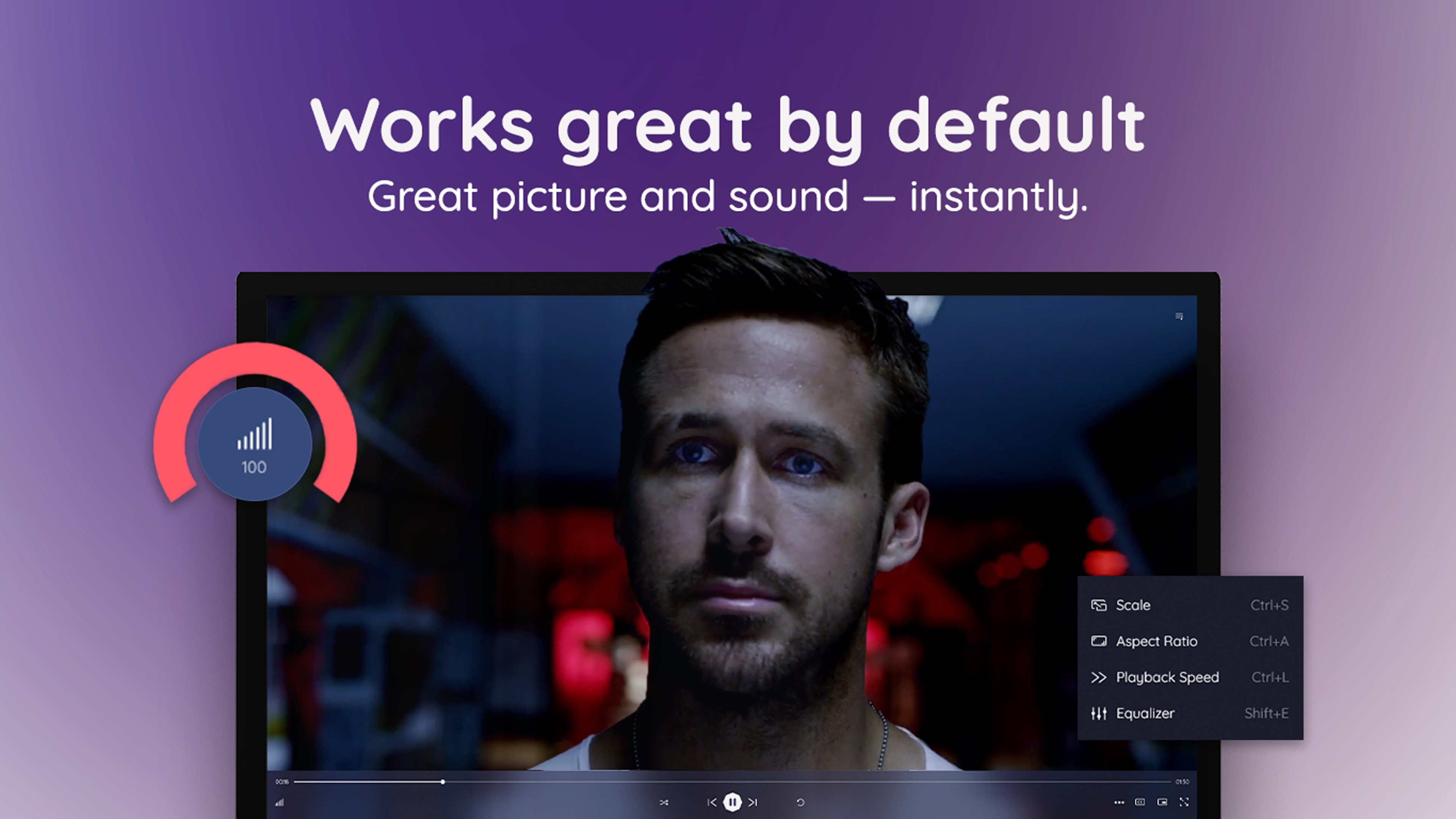
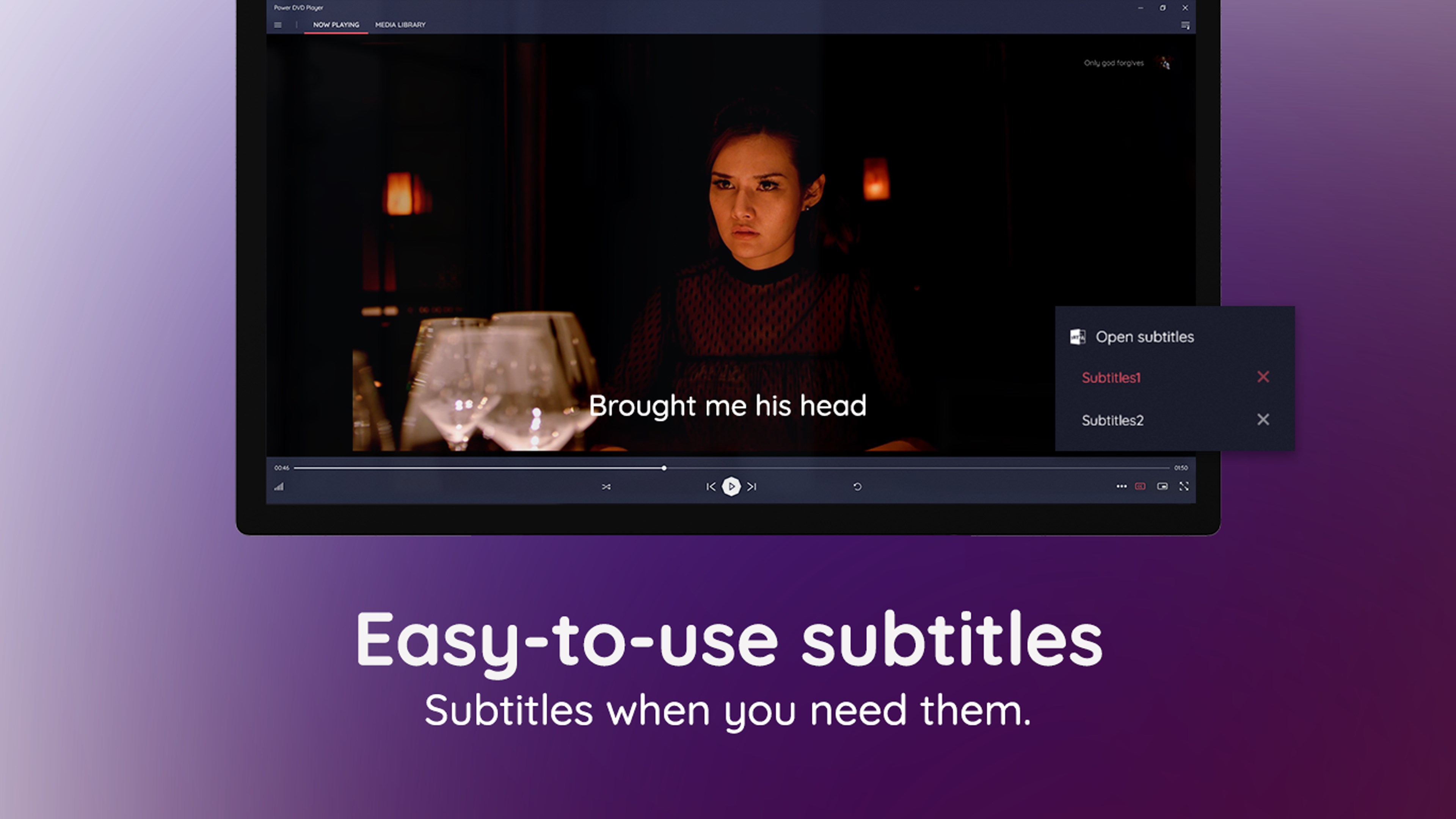
For viewers with specific needs, MediaPlay provides robust subtitle support, enabling easy addition and synchronization of subtitles. Plus, with adjustable playback settings, you can tweak the viewing experience—changing aspect ratios, audio tracks, or skipping chapters—tailoring each viewing session to your preferences. These features elevate MediaPlay above rudimentary players, providing a more personalized media experience.
Design, Usability, and User Experience
From the moment you launch MediaPlay, you'll appreciate its minimalist yet functional interface—akin to a well-designed dashboard waiting to deliver your entertainment. The app responds quickly to commands, ensuring a fluid viewing experience. Its learning curve is gentle, making it accessible to both tech enthusiasts and casual viewers. Whether navigating through menus or adjusting settings, the process feels natural, almost like flipping through a magazine rather than wrestling with complicated software.
Unique Selling Points and Differentiation
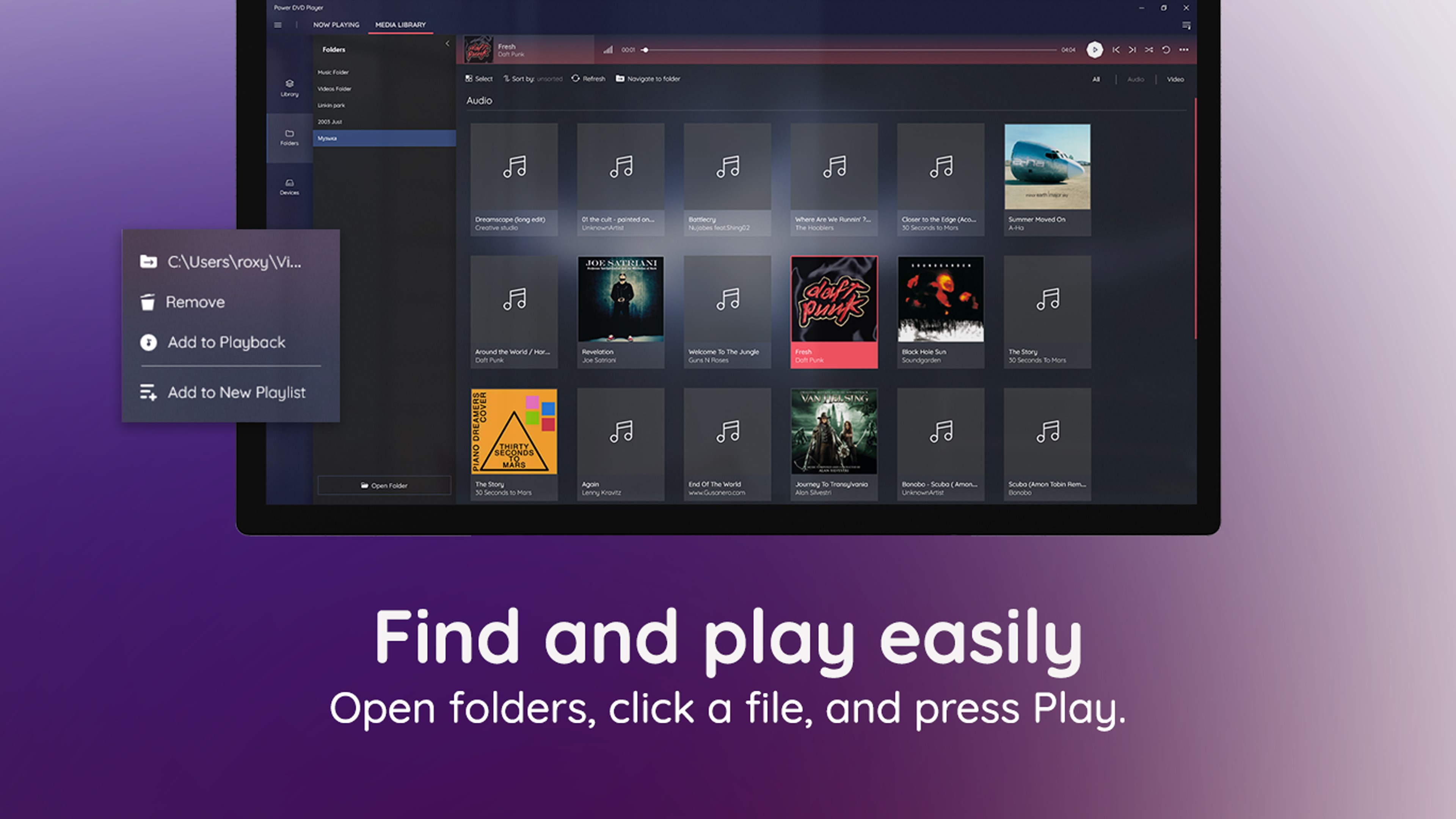
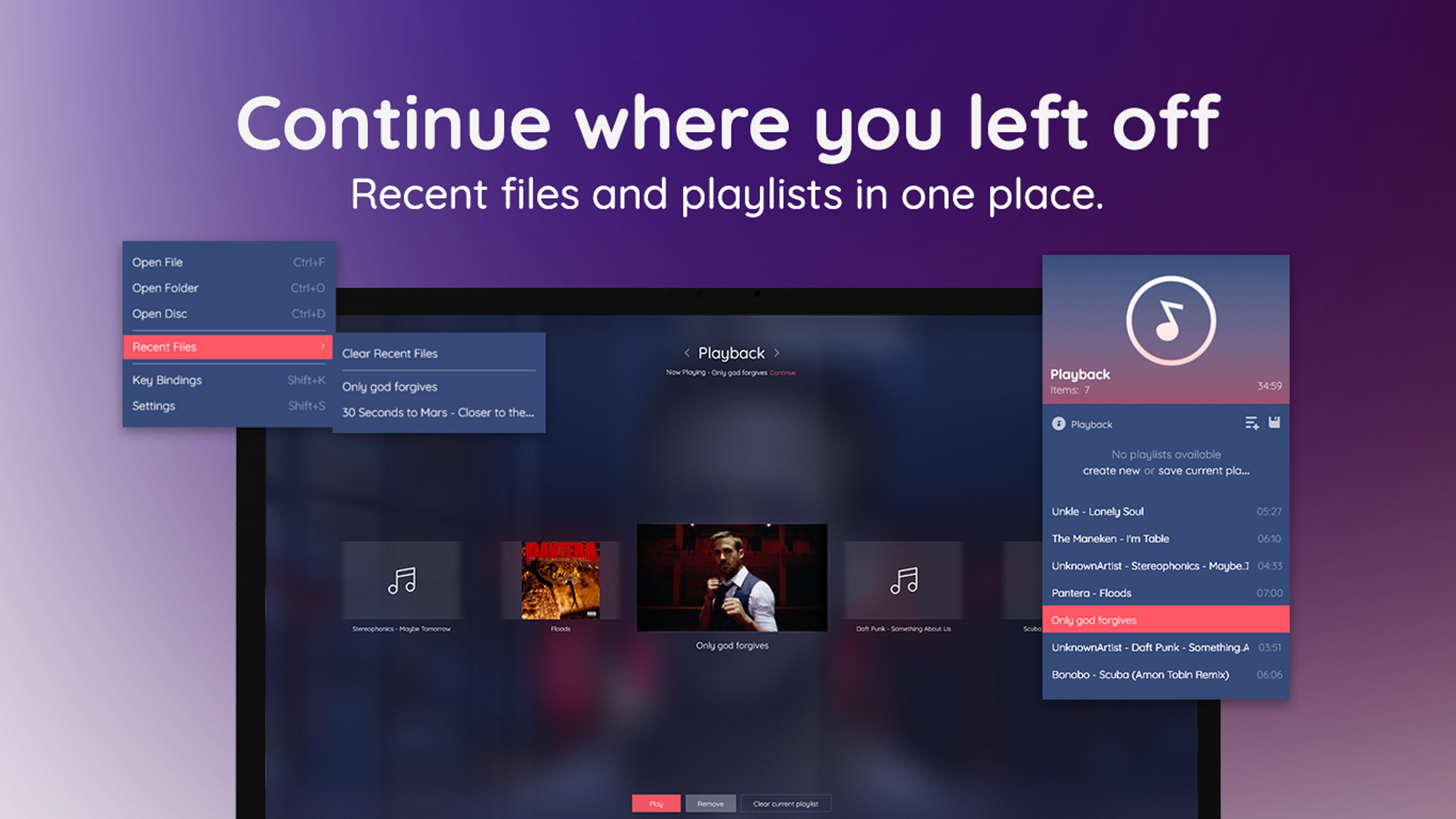
What sets MediaPlay apart from other entertainment applications is its dedicated focus on DVD playback combined with intelligent content management. Unlike many media players that merely support formats, MediaPlay emphasizes reliable playback of physical discs, ensuring your DVDs look their best. Its standout feature is an optimized content discovery system paired with highly relevant personalized recommendations. Think of it as having a savvy film librarian who not only recognizes your old favorites but suggests new titles based on your viewing habits, refining suggestions over time with impressive accuracy.
This tailored recommendation capability, coupled with an intuitive interface, allows users to effortlessly explore their media libraries and discover hidden gems without the clutter of unnecessary features. Its focus on cohesive media playback rather than all-in-one entertainment ubiquity ensures a streamlined, satisfying user journey.
Recommendations and Usage Suggestions
If you're seeking a straightforward, reliable DVD player that doubles as a media hub—especially if you often revisit old films or have large collections—MediaPlay DVD Player is worth considering. Its especially strong performance in supporting physical discs and personalized content suggestions make it stand out. However, users more interested in streaming or 4K content might find some limitations, as the app is primarily optimized for DVD and standard media files.
Overall, I recommend MediaPlay for users who prioritize high-quality DVD playback with minimal fuss and appreciate media management that learns from their habits. Its simplicity, combined with smart features, makes it a solid choice for home media enthusiasts seeking a dependable, user-friendly solution.
Pros
- User-friendly interface
- High compatibility with various DVD formats
- Smooth playback performance
- Built-in media controls and customization options
- Regular updates and support from Microsoft
Cons
- Limited formats beyond DVDs
- Occasional playback issues with scratched DVDs
- Lack of advanced features like Blu-ray support
- No built-in media library organization
- Minor interface sluggishness on older PCs











