- Name Math Kids: Math Games For Kids
- Category Educational
- Developer RV AppStudios LLC
- Available on PC, Mobile, Surface Hub, HoloLens
- OS Windows 10 version 10240.0 or higher
- DirectX Version 10
- languages Afrikaans, Arabic, Bangla, Bulgarian, Catalan, Chinese (Simplified), Chinese (Traditional Chinese), Croatian, Czech, Danish, Dutch, English (United States), Filipino, Finnish, French, German, Greek, Gujarati, Hindi, Hungarian, Italian, Japanese, Kannada, Kiswahili, Korean, Lithuanian, Malay, Malayalam, Marathi, Nepali, Norwegian, Persian/Farsi, Polish, Portuguese, Punjabi, Romanian, Russian, Serbian (Cyrillic), Slovak, Spanish, Swedish, Tamil, Telugu, Thai, Turkish, Ukrainian, Vietnamese
Introducing Math Kids: The Fun and Educational Math Game for Kids on Windows
Math Kids: Math Games For Kids is an engaging educational application designed to make math learning enjoyable for young children. Developed by RV AppStudios LLC, the app combines interactive gameplay with curriculum-aligned exercises to nurture early numeracy skills in a playful environment.
Who's Behind It? A Brief Developer Insight
RV AppStudios LLC, a reputable name in the educational app space, has crafted this colorful, intuitive app to cater to children's learning needs. With experience in producing kid-friendly digital content, the team ensures the app balances educational quality with engaging design.
Top Highlights of Math Kids
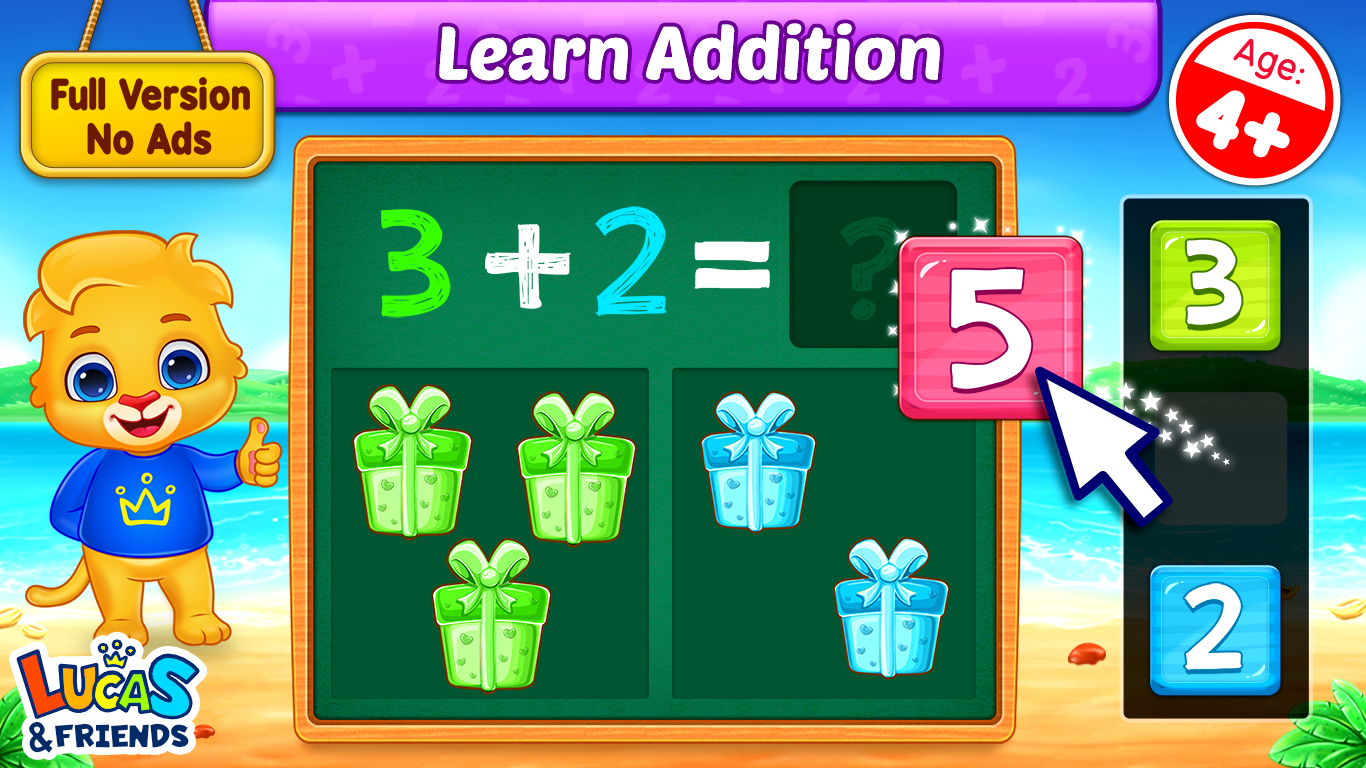
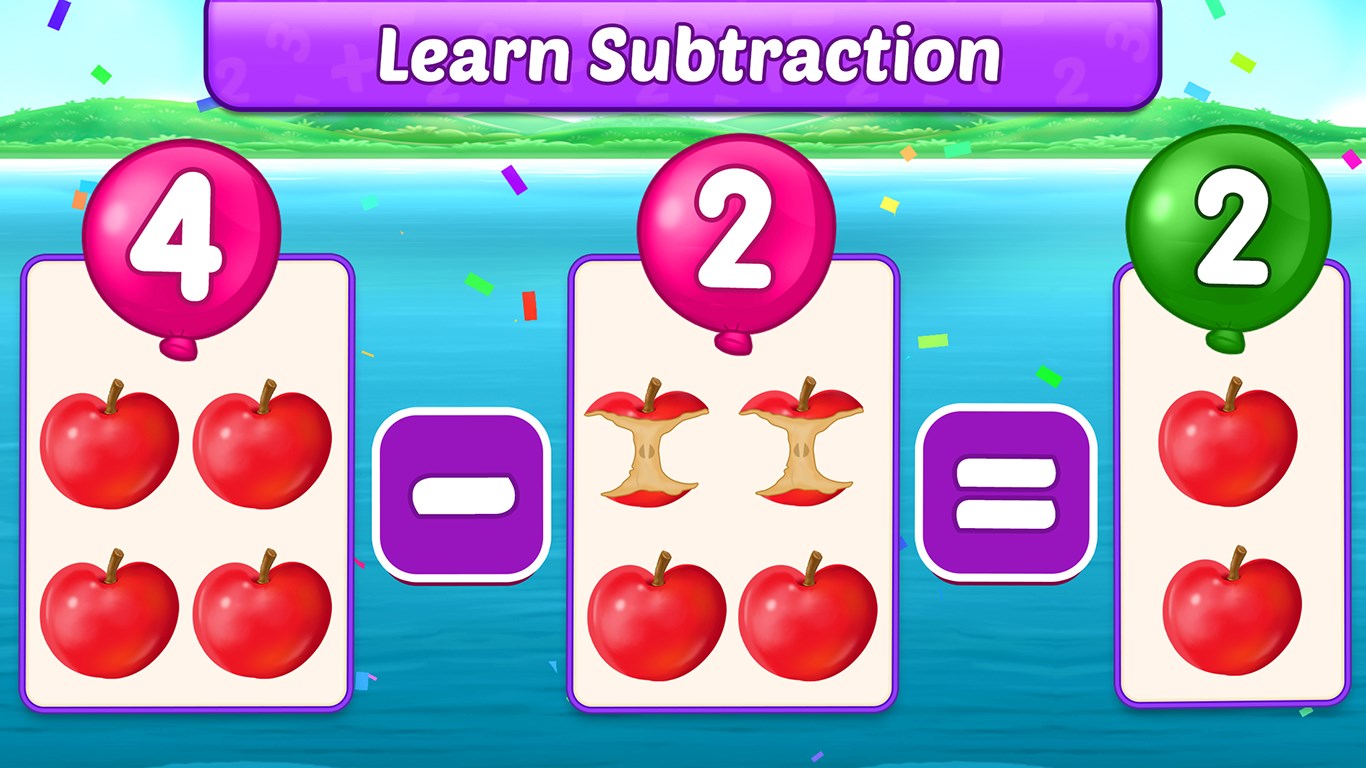
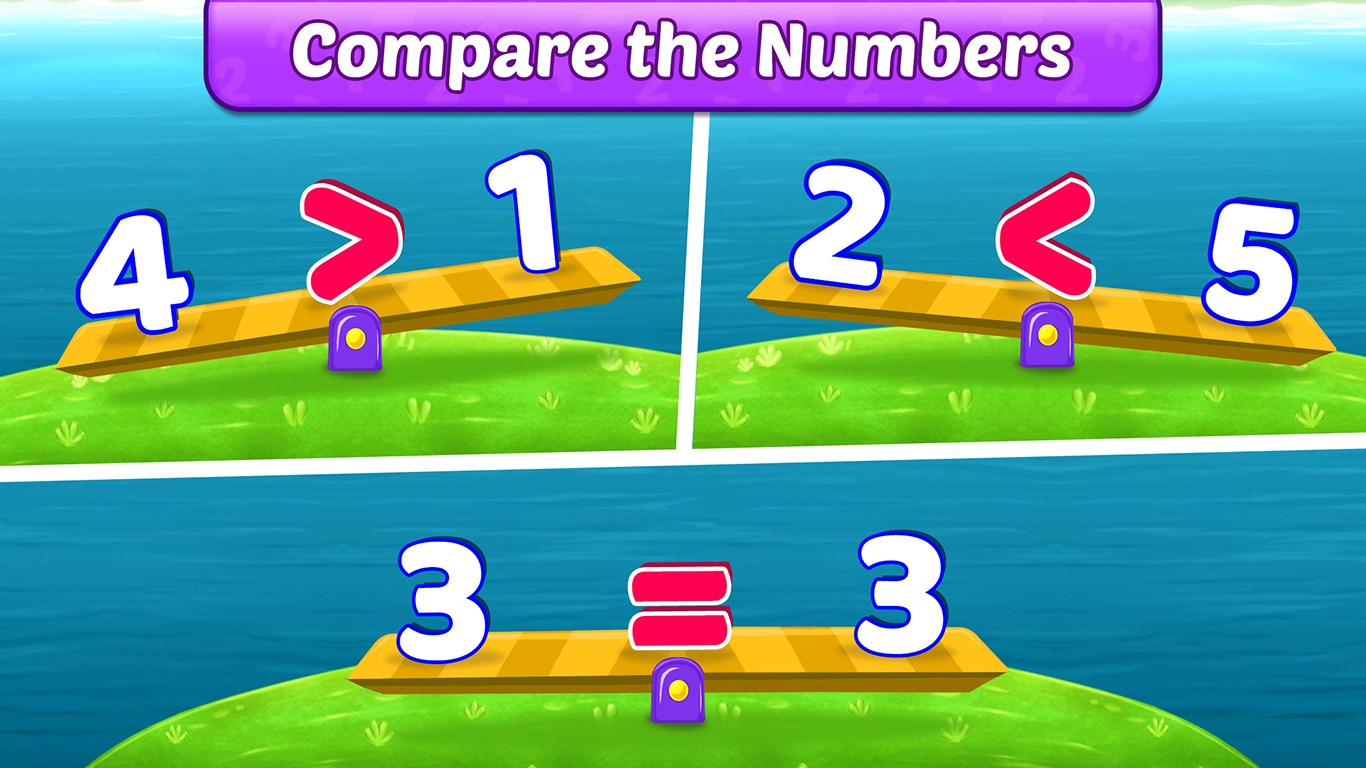
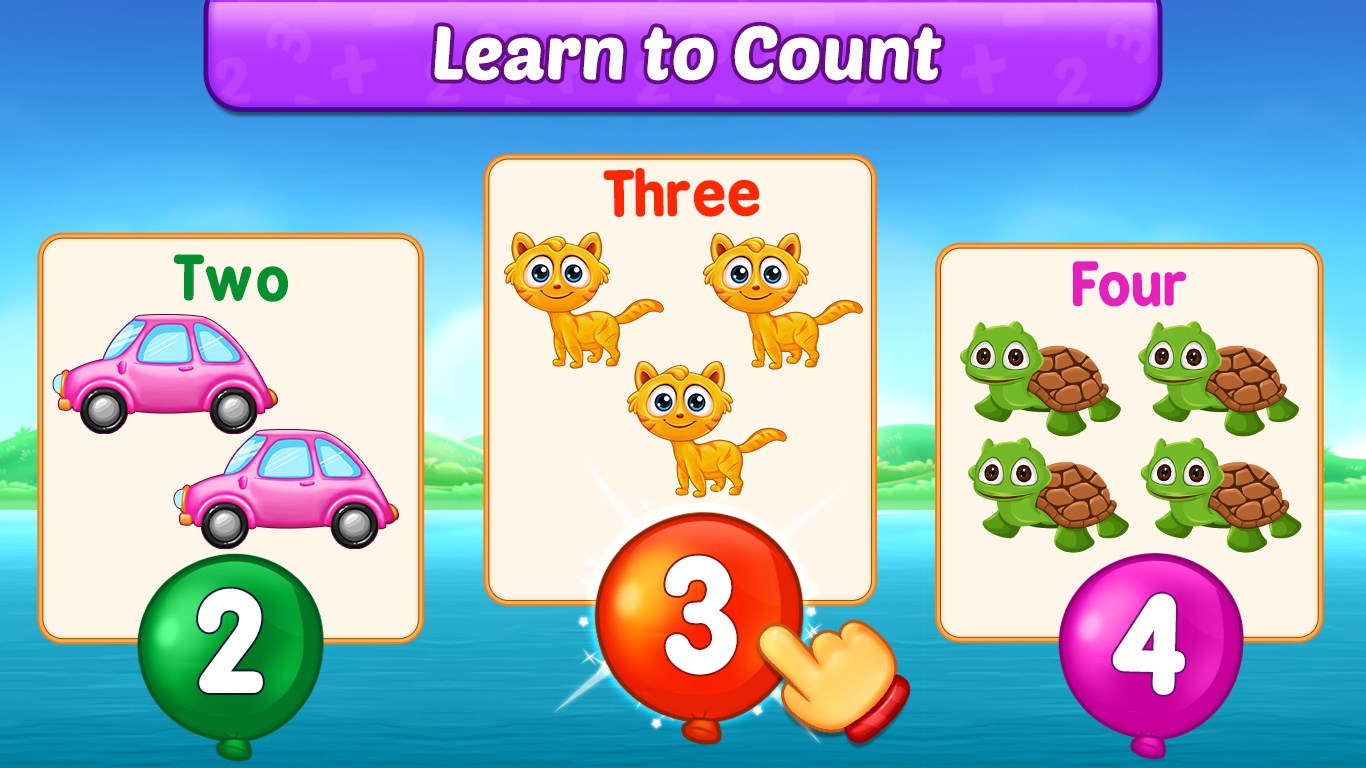
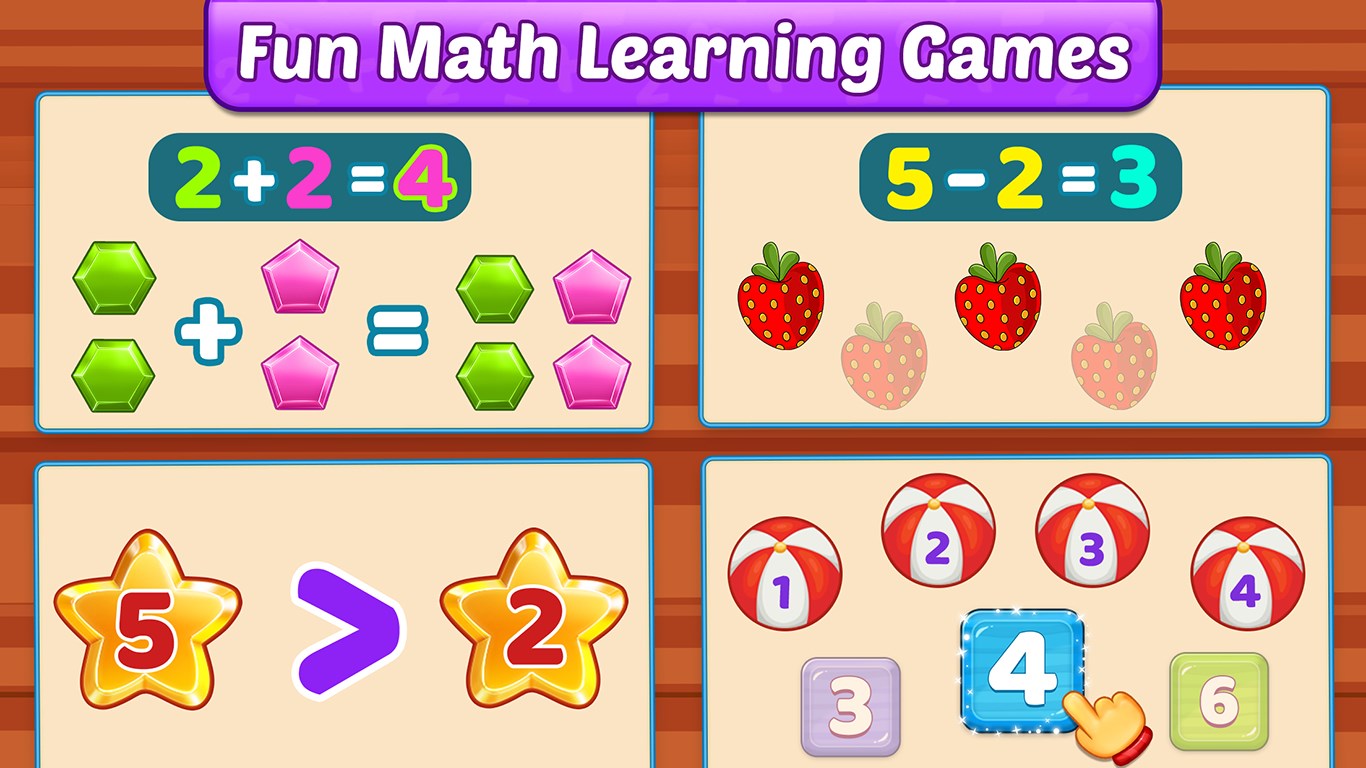
- Interactive Mini-Games: Offers a variety of mini-games targeting addition, subtraction, multiplication, and more, making learning feel like playtime.
- Progress Tracking: Includes metrics and reports that parents and teachers can use to monitor children's progress over time.
- Engaging Visuals & Audio: Bright graphics and cheerful sounds keep children excited and motivated to learn.
- Child-Friendly Interface: Simple navigation tailored for young learners, ensuring easy access without frustration.
What Makes Math Kids Stand Out?
Imagine a colorful, animated classroom where every activity sparks curiosity—this is what Math Kids strives to replicate digitally. Unlike many educational apps that focus solely on rote exercises, Math Kids emphasizes a balanced approach that fosters learning objectives while maintaining high engagement levels, a crucial factor for young learners with short attention spans. The app's standout feature is how it seamlessly integrates gameplay with adaptive learning—its mini-games adapt to the child's skill level, ensuring appropriate challenge and continuous motivation. Moreover, it uniquely measures knowledge retention not just through in-game scores but by tracking progress over time, giving parents and educators a meaningful insight into the child's mastery and areas needing reinforcement.
The User Experience: Seamless, Fun, and Intuitive
The app's interface resembles a vibrant playground—colorful buttons, animated characters, and friendly sounds create an inviting environment. Navigation is straightforward; kids can pick games with a tap, guided by clear icons and simple instructions. The responsiveness is impressive; animations run smoothly without lag, allowing children to focus entirely on the learning activity. The learning curve is gentle—designed explicitly for early learners—making the experience intuitive from the first tap. The app encourages repeated play through rewarding sounds and badges, but without overwhelming or distracting the child from the learning goals.
Differentiating Features: Why Choose Math Kids?
Compared to similar educational apps, Math Kids stands out with its emphasis on measuring knowledge retention through analytics rather than just immediate game scores. This approach ensures that education is not a fleeting activity but one that builds lasting understanding. Its adaptive minigames dynamically adjust difficulty based on the user's performance, providing a personalized learning path. Such tailored engagement keeps children motivated, helping them stay on track while ensuring concepts are genuinely understood—something many other apps overlook.
Final Thoughts and Recommendations
Math Kids: Math Games For Kids is a well-crafted, thoughtfully designed app that offers a balance of fun and learning. Its engaging visuals, intuitive design, and focus on meaningful progress tracking make it a compelling choice for parents and educators seeking a reliable math learning companion for children. I'd recommend this app for kids aged 4-8 who are beginning their math journey or need extra practice with foundational skills. While it's not an overly complex tool, its strengths lie in how effectively it combines engagement with educational value—making math practice something kids look forward to rather than dread. If you're looking for an app that treats your child's learning as a delightful adventure, Math Kids is worth a try.
Pros
- Engaging and colorful interface
- Educational content aligned with early math skills
- User-friendly navigation for kids
- Progress tracking and rewards system
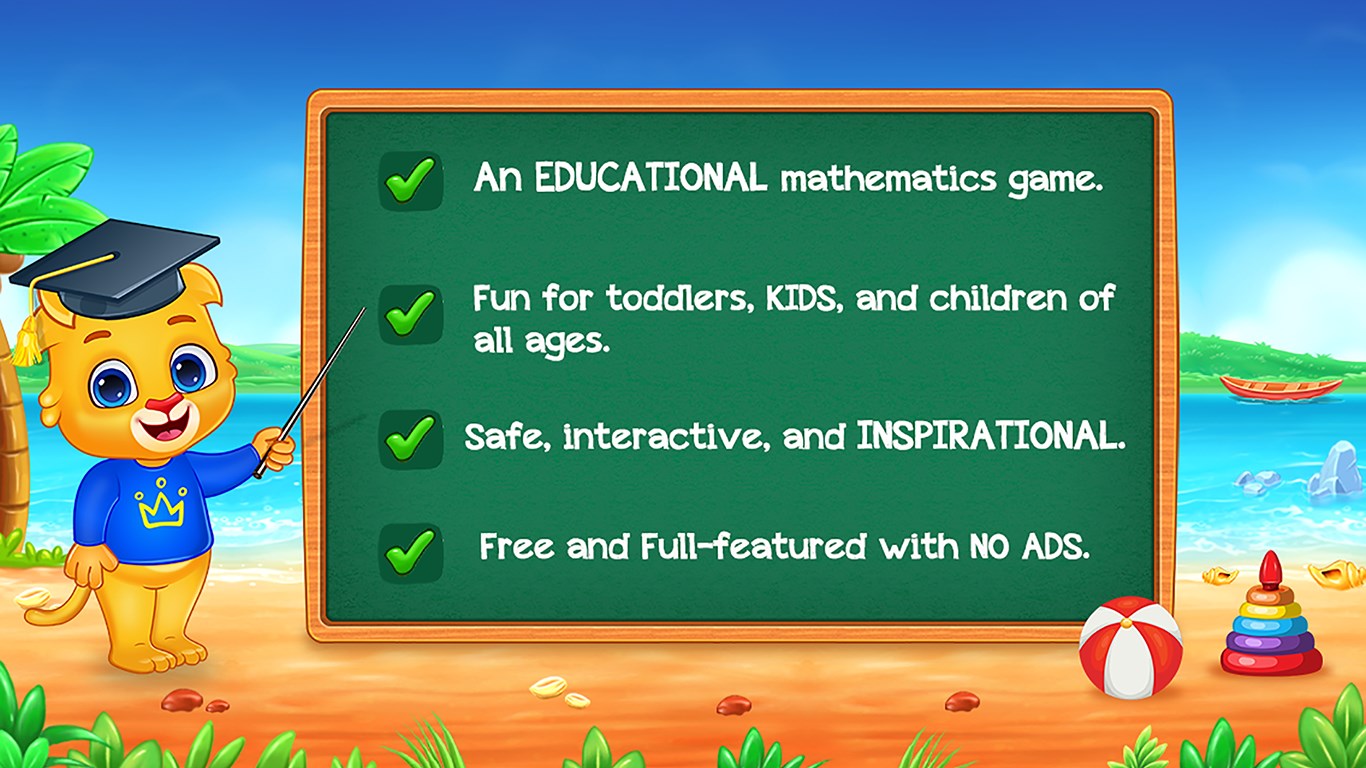
- Offline functionality available
Cons
- Limited content variety
- In-app purchases may be distracting
- Audio instructions are sometimes unclear
- Limited customization options
- Lacks detailed performance analytics